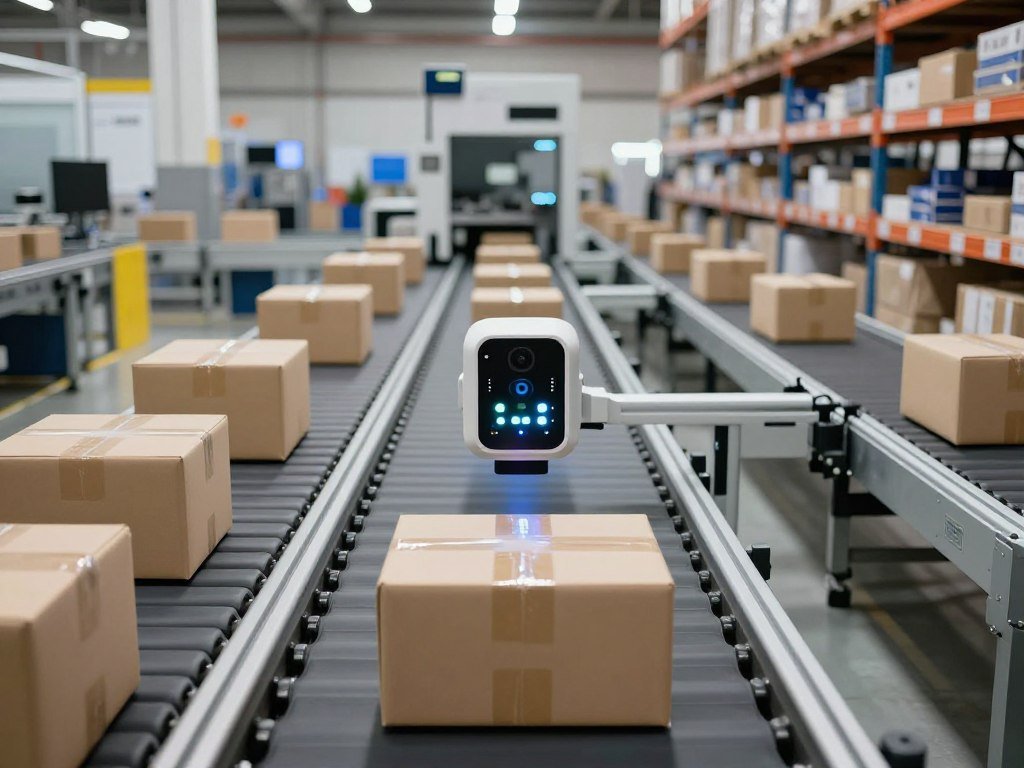
Picture a camera recognizing a package at the moment it reaches a conveyor belt, before a distant server has to respond. Edge AI can help the camera spot the package and prompt a local action. The user gets a quick result, even when a network connection is slow.
That kind of response can help in factories, clinics, stores, vehicles, and homes. These applications use machine learning to find patterns in images, sound, or sensor readings. Some tasks need a fast local answer, while others benefit from the storage and computing resources of a central cloud.
This guide explains where those choices matter, what the main use cases look like, and what teams should test before putting a model to work. Local processing can reduce delays, but it also places more demands on devices and the people who manage them. The useful question is where a decision needs to happen, not simply whether a device has an internet connection.
Key Takeaways
- Edge AI runs a model close to where data is created.
- Cloud training can support local inference on devices.
- Edge computing does not always include AI.
- Local results can arrive quickly, even during network trouble.
- Device limits and ongoing care affect whether a project will work.
What Is Edge AI?
A trained model can inspect a camera image locally and trigger an alert without waiting for a round trip to a remote server. Edge AI combines machine learning with processing near the data source, such as a camera, sensor, or nearby computer. Inference means using a trained model to analyze new inputs and produce a prediction, classification, or action.
That local step can take milliseconds, and it can work with or without an internet connection. Neural networks and deep-learning frameworks are common tools for building these models. Training usually takes place in centralized infrastructure, while inference runs near the data source.
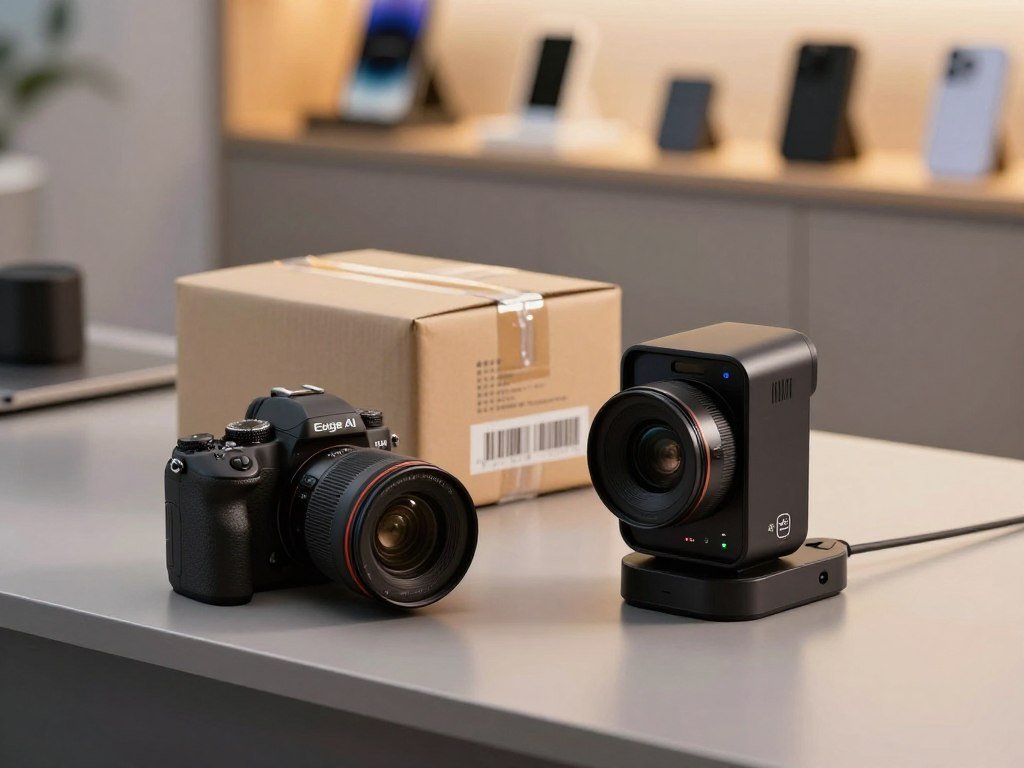
How a trained model reaches a device
During training, a model learns patterns from examples. Teams use training data and computing resources, often in the cloud, to adjust the model until it can perform a task. Cloud training can use large sets of data and powerful servers.
After testing, a team converts the model for the target device and deploys it there. The deployed model can then analyze new data without repeating its training. Edge machine learning describes machine-learning work performed on edge devices.
A typical device follows four stages:
- Collect input from a camera, microphone, or sensor.
- Run local inference on the new data.
- Produce an output, such as a label, alert, or action.
- Send selected data for review or later analysis.
What happens when the device receives new data
A camera might classify an image as a package, a person, or an empty belt. A sound sensor might detect a sharp change in machine noise. The model returns a result based on patterns it learned earlier.
Some systems keep routine results on the device and send unusual cases for review. A team can use those cases to test the model or prepare a later update. The device does not need to send every input for every decision.
Treat a device’s output as a model prediction that needs validation, not as proof that the model is always right.
Even a clear label can be wrong if the input is blurry, unusual, or outside the model’s training examples. A person or another system may need to review results that affect safety, health, or important business decisions.
What Is the Difference Between Edge Computing and Edge AI?
Edge computing is the location of the work; edge AI is an AI model doing some of that work locally. The key difference is whether the local system runs a model that interprets input and makes a prediction. Edge computing can work without AI, while AI can run without edge computing.
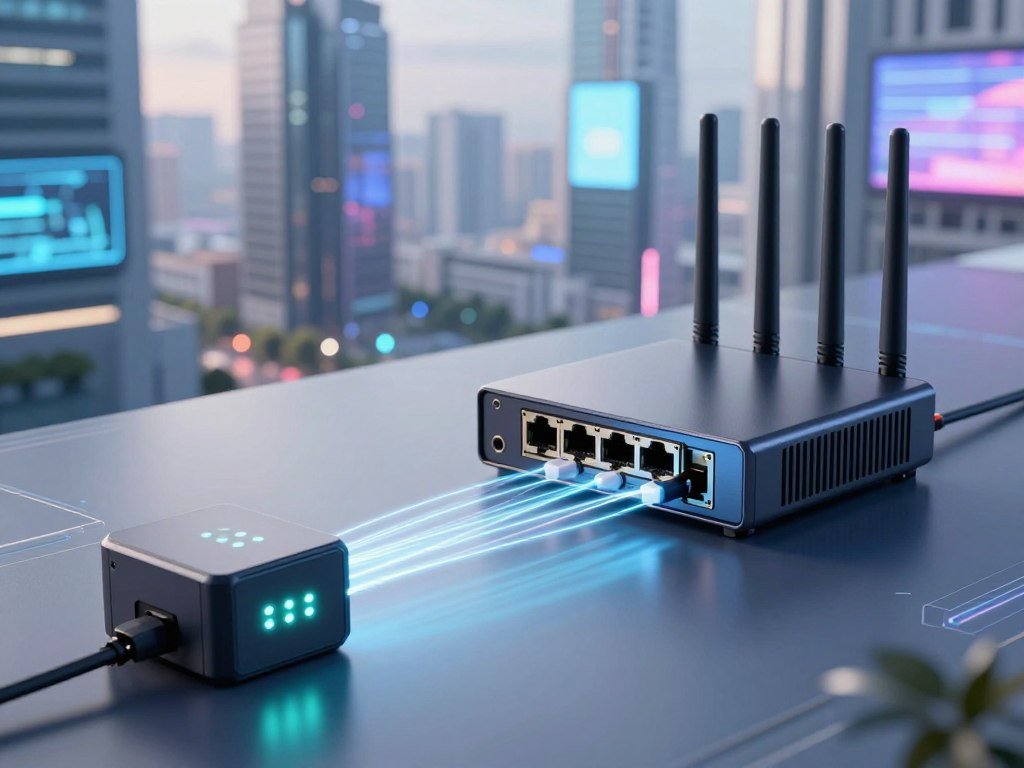
For example, an Internet of Things (IoT) sensor can collect machine readings and send them to a nearby gateway. That setup uses edge computing because some processing happens near the sensor. If a machine-learning model on the gateway flags an unusual reading, that part is edge AI.
A basic edge system might filter readings, store them, or pass them along without using a learned model. It is still edge computing. In a different setup, an AI model might run on a cloud server, where it analyzes data sent from distant devices.
That cloud model uses AI, but it does not perform inference at the edge. The two terms describe different parts of a system: one tells you where computing happens, and the other tells you what kind of work happens there. A project can use both terms accurately if it has local computing and local AI.
Network technology alone does not decide where inference takes place. 5G may improve connectivity and reduce delays in sending data. It does not move a cloud-hosted model onto a device or nearby node.
A 5G-connected camera still relies on remote inference if it sends images to a cloud server for each prediction. The same camera uses edge AI if it runs the model locally, even when it also has a network connection. The network can carry updates or selected results.
Check whether a system makes a local prediction before calling it edge AI, rather than relying on the word “edge” in its description.
How Does Edge AI Compare With Cloud AI?
A factory camera can flag a defect locally while its selected findings are sent to centralized systems for broader analysis. Local inference suits decisions that cannot wait, while cloud AI suits work that benefits from shared data or more computing power. A hybrid design can use each layer for the tasks it handles best.
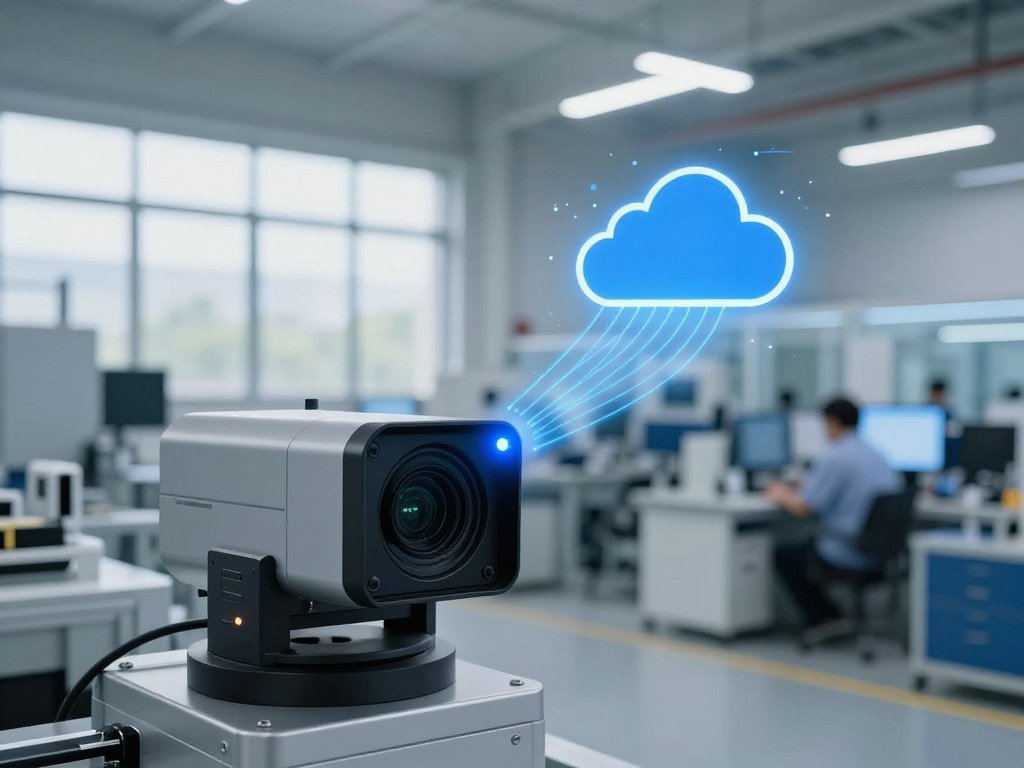
The table shows the main differences. Distributed AI means tasks are shared across connected devices, gateways, and cloud systems rather than handled in one place.
| Approach | Where inference runs | Connection needs | Best fit |
|---|---|---|---|
| Edge AI | Local device or nearby node | Not needed for each result | Fast decisions near the data |
| Cloud AI | Centralized cloud server | Needed to send inputs and receive results | Large workloads and shared data |
| Distributed AI | Tasks spread across connected systems | Needed for coordination between systems | Work split by location or capacity |
Where each approach processes data
Cloud computing puts data and processing in centralized infrastructure. This can offer substantial compute resources, shared storage, and room to scale. A cloud model can also draw on data from many sites.
Edge computing handles some work near the source. A device or nearby server can return a result without sending every input to a distant system. If a network fails, local inference may keep urgent tasks running.
Cloud services are not one single setup. Teams can use managed AI services or rent computing resources to run their own models. The AWS, Azure, and Google Cloud comparison explains how those cloud options differ.
How a hybrid system divides the work
A hybrid system can respond locally to urgent events, then send selected findings to the cloud. Central systems can handle less time-sensitive analysis or tasks that need more compute. This split can keep the local response quick while still letting teams study broader patterns.
Models can be trained centrally and deployed to devices for local inference. Selected data can return for analysis or training. Difficult edge cases may also go to the cloud for more review before a revised model is deployed.
A network connection can still help synchronize records and deliver model updates, even when local inference works offline. Keep a task local when a delayed response would matter, and reserve cloud processing for work that benefits more from centralized scale.
What Benefits Does Edge AI Offer?
A door camera can identify motion and issue an alert locally instead of streaming every frame to a remote server. That quick response can help when a person needs to act right away. Local processing can reduce delay and the amount of data sent over a network.
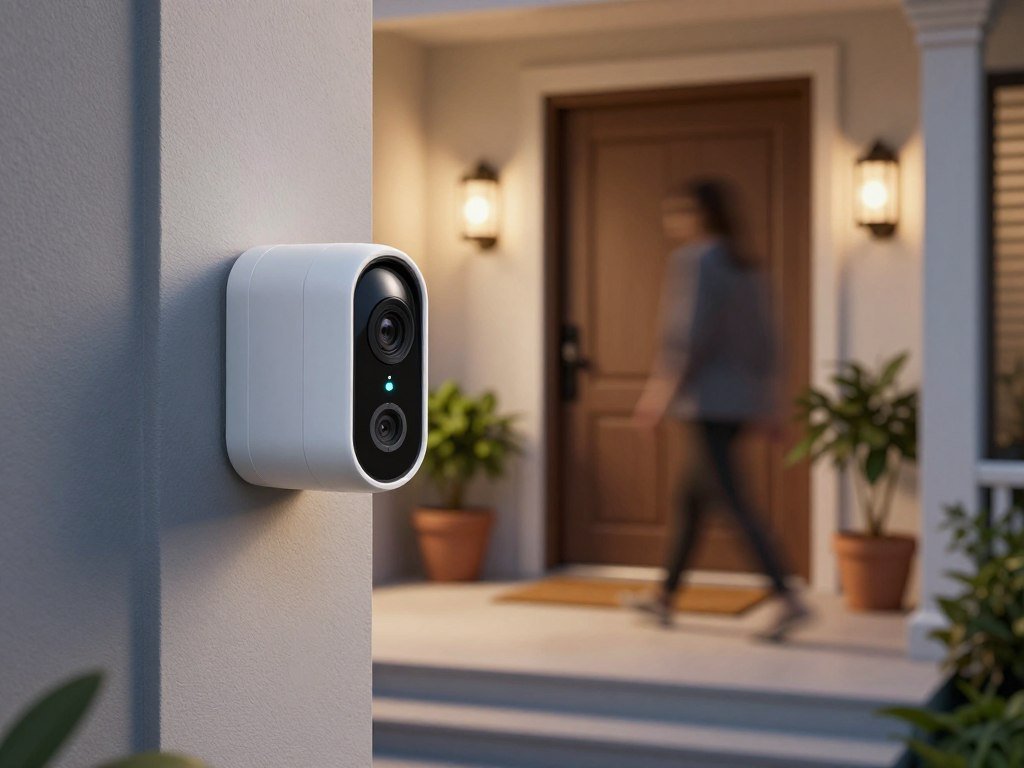
Sending fewer raw video frames can also reduce bandwidth use. A system might keep video on the camera and send only an alert or a short event summary. That can matter at sites with many cameras or limited network capacity.
Faster decisions with less network traffic
Local inference avoids waiting for data to travel to a cloud server and for a result to return. That can help a safety camera flag a blocked walkway or a machine stop after detecting a dangerous condition. The response still depends on the device, model, and task.
Less network traffic can lower the load on a connection. Teams may send only the information needed for reports or later review. A small alert can take far less bandwidth than a continuous stream of raw video.
Local decisions can also continue during network disruptions. A device that already has its model can keep handling its assigned task when it cannot reach a central system. It may still need a connection later for updates or to share records.
Privacy and continuity need deliberate design
Keeping raw data on a device can limit how much sensitive information leaves the site. A clinic, for example, might process a sensor reading locally and send an alert instead of a full data stream. The exact setup should reflect the people and information involved.
Local storage does not automatically make information private or secure. Someone could still access an unprotected device or its stored data. Access controls, encryption, and physical device protection remain important.
Teams should decide who can view data and who can change the model or device settings. They also need a plan for devices that are lost, stolen, or no longer supported. A local system still needs careful management.
Before keeping sensitive information on a device, decide who can access it and how the device will be protected.
Where Is Edge AI Used?
A wearable can check a person’s vital signs locally and flag a change without sending every reading to a distant system. The same pattern applies wherever devices need to interpret nearby data and respond in time. Each use case needs tests that match its own setting and error risks.
Healthcare monitoring and medical imaging
A wearable can track vital signs and alert a patient or care team when readings shift. A clinic or hospital can also analyze data near where staff need to use it. Local analysis may help when a quick alert matters more than sending every reading elsewhere.
Medical imaging systems can use models to help flag patterns for review. A trained clinician remains important, especially when a result may affect care. One patient-monitoring deployment reduced false alarms by 70%, but another clinic may see different results.
For any health task, the team needs to check how the model behaves across the people, devices, and conditions it will meet. False alarms and missed warnings can affect trust and care. The measure should fit the clinical task.
Manufacturing inspection and maintenance
A camera on a production line can inspect circuit boards as they move past. A local model can flag defects before the next step, while sensors on equipment can help detect signs of wear. Predictive maintenance uses those signs to help plan repairs before a machine fails.
One manufacturing visual-inspection deployment detected circuit-board defects with 99.7% accuracy, cut inspection time by 65%, and reduced false positives by 80%. Those figures describe that deployment, not every factory line.
Models can also look for changes in sound, heat, or vibration that may point to a machine problem. NIST’s PHM4SM workcells and test methods focus on checking prognostics and health management in smart manufacturing.
Retail inventory and smart homes
Retail sensors can track shelves and help staff find items that need restocking. One retail inventory deployment reduced stockouts by 40% and improved inventory accuracy by 25%. The result depends on the store, sensors, and way inventory is measured.
At home, a camera can send a local security alert when it detects motion. A voice assistant or thermostat can also respond to a command on a nearby device. Some devices send selected events to a cloud service for remote access or later review.
These systems can have different limits. A camera must separate useful motion from routine activity, while a thermostat must respond to readings in a particular room. Local models need suitable examples of those conditions.
Vehicles, traffic, and public infrastructure
A vehicle can use cameras and other sensors to detect nearby obstacles. Local inference can support a quick response, while traffic systems can use nearby cameras and sensors to adjust signals as conditions change. A network can help connect road systems without making every decision depend on a distant server.
One smart-city traffic-management deployment reduced average peak-hour commute times by 15-20%. That result depends on its roads, traffic patterns, and measurement methods. It does not promise the same change for another city.
Compare any reported result with the task, operating conditions, and error measure that matter in your own setting.
What Hardware and Software Run Edge AI?
A camera may collect the image, an edge processor may run the model, and a gateway may connect that device to broader systems. Each part has a job, from sensing the scene to managing data across devices. Choose hardware for the model and workload you need to run.
An edge device is the local computer that receives data and runs inference. A gateway connects devices to nearby or central systems, while an edge server can handle work for several devices. Deployed models turn input into a prediction or action.
Devices, gateways, and AI accelerators
Some processors include a neural processing unit, or NPU, designed to handle AI tasks. Graphics processing units, or GPUs, can also speed up model work. These AI accelerators help run models, but each device has limits on memory, power, and compute.
Copilot+ PCs require at least 40 trillion operations per second (TOPS) of on-device NPU performance. Intel Panther Lake, AMD Ryzen AI 400, and Qualcomm Snapdragon X2 Elite platforms were described as delivering 50-85 TOPS within 15-watt envelopes. NVIDIA DRIVE Thor and Qualcomm Snapdragon Ride Flex automotive systems were described as offering 1,000-2,000 TOPS.
Those figures describe different device classes and do not show how a specific model will perform. The model, software, and task also affect results. A small sensor does not need the same hardware as a vehicle system.
Software for building and managing models
Edge AI solutions can mean hardware, model tools, a deployment runtime, or fleet management. Compare similar types of tools, not a model toolkit against a device platform. The table lists five options and their stated price details.
| Tool | Main role | Price detail | Useful fit |
|---|---|---|---|
| Edge Impulse | Model workflow | Free Developer plan; custom Enterprise pricing | Building and managing model projects |
| NVIDIA Jetson with JetPack | Hardware and SDK | Developer kits start at $399, one-time | Local development and inference |
| AWS IoT Greengrass | AWS-connected device runtime | $0.16 per active Core device monthly, plus AWS usage | Devices connected to AWS services |
| Intel OpenVINO | Intel model optimization and deployment | Free to use | Running models on Intel hardware |
| Azure IoT Operations | Industrial Kubernetes-enabled data plane | Usage-based per Kubernetes node | Industrial systems using Kubernetes |
Red Hat OpenShift AI has subscription pricing available through Red Hat sales. Latent AI’s Premium plan costs $99 per developer per month. These tools serve different needs, so a price comparison should include the work each one handles.
For local image or video generation, the computer must supply the storage and compute that a hosted tool would provide. Local video-generation options can help explain that tradeoff. The model files may also have their own license terms.
Match compute capacity to the workload
Start with the number of inputs the device must handle and the time each result can take. Then check whether the selected model fits the device’s memory and power limits. Larger hardware can help, but it can also raise system cost and energy use.
A GPU, NPU, or edge server is useful only if it fits the job. A gateway may be enough for several low-volume sensors, while a camera with a demanding vision model may need a stronger processor. Choose the smallest device that meets the measured workload rather than selecting hardware by its advertised peak alone.
What Should You Check Before Deploying Edge AI?
A model that meets its accuracy target on a laptop may still miss its response-time or power target on the device it must use. Real device tests reveal limits that a desktop result can hide. Test the actual model and hardware under conditions the system will face.
Use a five-step check before a launch:
- Define the decision and the error the team can accept.
- Collect data that reflects real users, settings, and inputs.
- Select the actual device and model for the task.
- Test latency, accuracy, power, and memory under real conditions.
- Plan how to monitor devices and update models.
Set latency and accuracy thresholds
Decide how quickly the device must respond and how often it can make a mistake. A typical target for real-time edge applications is p99 latency under 10 milliseconds, measured across at least 1,000 requests on the actual device and model.
p99 latency is the time within which 99% of requests finish. A good average can hide a slow tail, so teams should test the full set of results. The MLPerf Inference rules define benchmark cases and measures such as throughput and tail latency.
Accuracy tests should also reflect the task’s real inputs. Changes in lighting, noise, camera angle, or sensor placement can affect results. A desktop or cloud benchmark cannot confirm how a model behaves on its intended device.
Measure power, memory, and operating cost
Power draw affects battery life, heat, and energy cost. NVIDIA lists the L4 at 72 watts of thermal design power, while Jetson Orin modules range from 15-60 watts by power mode. A Jetson Orin at 30 watts and 100 inferences per second works out to 3.3 inferences per watt.
An NVIDIA L4 at 72 watts and 500 inferences per second works out to 6.9 inferences per watt. These examples use different devices and workloads, so they do not predict a new system’s performance. Test the model you intend to deploy.
At $0.10 per kilowatt-hour, a 30-watt device running continuously for a year costs about $26 in electricity. Jetson Orin module prices range from $500-$2,000, depending on configuration. INT8 quantization typically causes less than 1% accuracy loss on most tasks, while INT4 can cause 2-5% loss and needs careful validation.
Plan model updates and fleet operations
A deployed model can become less useful when the inputs or work process change. Plan how the team will spot changes, test an updated model, and send it to devices. Keep track of which model version runs on each unit.
An Edge AI research paper is most useful when it reports the model, hardware, workload, latency, accuracy, and power conditions. Lab figures are not deployment guarantees. An Edge AI engineer commonly connects model optimization, device selection, inference testing, and fleet operations.
Re-run the full benchmark after changing the model, quantization, power mode, or device configuration.
When Is Edge AI Not the Right Fit?
If an application can wait for a network round trip and needs far more compute than a local device can offer, cloud processing may be simpler. Local inference adds little when speed and local action do not matter. Choose a cloud-first design when the task needs resources a device cannot supply.
Cloud-first processing may also suit work that benefits from centralized data handling. Edge devices can have limited compute, memory, and power. Running a model locally may add hardware and support work without improving the result.
Managing many devices takes steady effort. Teams must patch software, monitor failures, and protect equipment spread across different sites. A single missed update can leave one device behind the rest of the fleet.
Fog computing adds a regional or local layer between devices and the cloud. A Kubernetes-managed cluster can run containerized work across several machines, but it brings added infrastructure and operating needs. Those options can suit workloads that exceed one device’s capacity.
Check these four points before choosing local inference:
- Must the decision happen immediately?
- Can the device run the model?
- Can the team maintain the device fleet?
- Does local processing offer a clear benefit?
Assign a team to device updates and incident response before expanding a distributed deployment.
A small trial can show whether a local system solves a real need before the same design reaches many sites.
Conclusion
Edge AI is a practical choice when a local decision matters more than sending every input elsewhere first. Devices can handle timely inference while cloud services support training and coordination. The right split depends on the decision and where the data needs to go.
Before buying hardware, write down the decision the system must make, the response time it can meet, and the data that must stay local. Those details give you a clear way to compare devices and software. Write those three requirements down before comparing devices or software.
FAQ
What is the difference between edge computing and edge AI?
Edge computing places processing near where data is created, while edge AI runs an AI model there to interpret that data. A gateway that filters sensor readings uses edge computing, even without a model. If a model on that gateway flags an unusual reading, it performs edge AI. The terms describe location and type of work.
What is edge software used for?
Edge software runs or manages local workloads, including model inference, device connections, updates, and monitoring. A runtime runs the model on a device, while a toolkit helps developers build or convert models. A fleet platform can track many devices and manage their software. Check the tool’s role before comparing it with another product.
What is edge AI computing?
Edge AI computing means running AI inference on a nearby device or edge node. The system analyzes local input without relying on a cloud round trip for every result. A camera, industrial computer, or gateway may run the model. The cloud can still help train models, coordinate devices, or study selected data.
What is edge and how does IT work?
The edge is the device or nearby computing layer where data is generated. A sensor or camera collects input, and a local system can process it and send selected results to central systems. The local system may filter or store data, run a model, or both. Here, “IT” means how the system works.
How much does Edge AI cost?
A Jetson developer kit starts at $399 as a one-time purchase, and AWS IoT Greengrass costs $0.16 per active Core device each month, plus related AWS usage. Those prices cover different parts of a deployment. Hardware, software, integration, and ongoing operations can add costs. The needed device and model size affect the overall budget.
How does Edge AI work?
A model is usually trained centrally, then deployed to an edge device for local inference. The device collects new input, runs the model, and produces a result such as a label or alert. Selected or difficult data can return to central systems for review. A team can use that feedback when preparing a tested model update.



