
The right image tool is the one that gets your intended result with the least rework, not simply the model at the top of a leaderboard. The best ai image generation tools 2026 depends on whether your creative projects need realistic photos, readable text, a distinct style, or careful editing. Your budget and workflow matter, too.
An Elo score is a rating based on pairwise human-preference votes that estimates a model’s relative performance on a leaderboard. Our core picks are ChatGPT for versatile everyday work, Nano Banana for photorealistic work, and Midjourney for art direction. Match the tool to the job you need done.
Key Takeaways
- Start with ChatGPT for conversational creation and revisions.
- Try Nano Banana for realistic scenes and product images.
- Choose Midjourney when visual style matters most.
- Check free access, privacy, and licensing before using outputs.
- Compare tools with prompts from your real workflow.
- Try your leading choice on one real project before building it into a regular workflow.
Best AI Image Generation Tools 2026: Quick Picks by Use Case
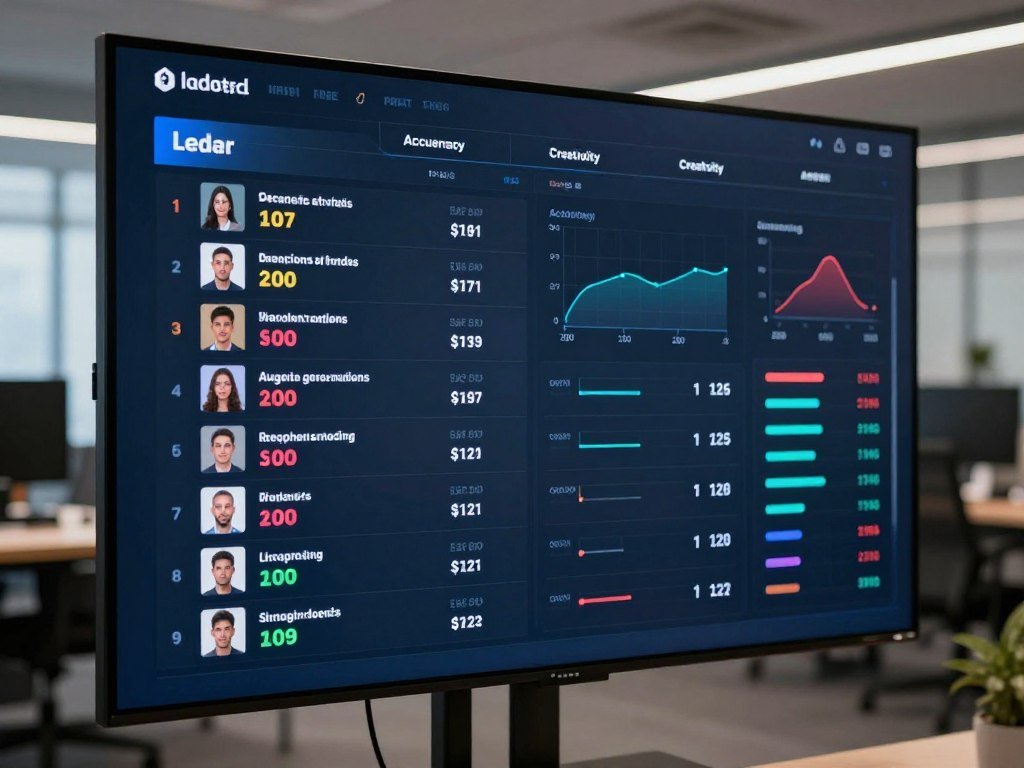
GPT Image 2.5 Sunburst (max) sits at the top of the October 2026 text-to-image leaderboard, but a high overall score is only a starting point for choosing a tool. The leaderboard measures broad preference, not success on every kind of image.
Artificial Analysis ranks image generators using Elo scores from pairwise preference votes. The table gives a quick view of the leading models and their sample counts.
| Model | October 2026 Elo | Samples | Listed rank range |
|---|---|---|---|
| GPT Image 2.5 Sunburst (max) | 1222 | 13,014 | First |
| GPT Image 2.5 Flare (max) | 1207 | 12,364 | Second |
| GPT Image 2 (high) | 1186 | 12,835 | Third-to-fourth |
| Nano Banana 2.1 | 1176 | 6,210 | Third-to-sixth |
| Grok Imagine Image 2.0 | 1166 | 7,481 | Fourth-to-sixth |
The October 2026 list also places Nano Banana 2, or Gemini 3.1 Flash Image, seventh-to-eighth at 1140 Elo. Muse Image ranks eighth-to-twelfth at 1127, while GPT Image 1.5 (high) ranks eighth-to-fourteenth at 1123.
Nano Banana Pro, or Gemini 3 Pro Image, sits eleventh-to-fourteenth at 1118. Ideogram 4.0 (Quality) ranks twenty-fourth-to-thirty-ninth at 1026. These models serve different needs, even when their leaderboard positions differ.
Treat close leaderboard scores as a shortlist, then judge the finalists on the kind of image you actually need.
For a best overall everyday option, start with ChatGPT. Nano Banana suits realistic photos, Midjourney supports artistic style, Ideogram fits text-heavy design, and FLUX offers open control.
The Artificial Analysis leaderboard lists models, samples, and preference ratings. Its results help narrow choices, but your prompt and intended use still matter.
Treat close leaderboard scores as a shortlist, then judge the finalists on the kind of image you actually need.
What Do AI Image Generator Rankings Measure?
A leaderboard Elo score is a relative preference rating, not a promise that every image from that model will outperform every competitor. It estimates how often people prefer one model’s result in the tested comparisons.
In a pairwise vote, a person compares images made for the same prompt and chooses the one they prefer. The platform combines those votes into a rating, then lists sample counts to show how many comparisons informed each result.
This data describes comparative preference on an evaluated task. It does not guarantee prompt adherence, suitability for commercial use, or quality for every image you need.
Different tests may use different prompts, models, settings, and evaluation criteria. A model can rank well overall and still miss a small label, a product detail, or the lighting in your brief.
Use three checks before relying on a ranking:
- Confirm the exact model version being tested.
- Check which task and prompts the comparison measures.
- Test the tool with a prompt from your own work.
A closer look at AI image generator comparisons can help you weigh models, access, and workflows alongside scores. Check the model version and test task before treating a rank as evidence for your own workflow.
Is GPT Image 2 the Best Overall Choice?
For a versatile everyday image workflow, start with ChatGPT if you want to describe a result and refine it through conversation. That back-and-forth makes it a straightforward choice for accessible prompting and iterative changes.
ChatGPT is a strong general-purpose starting point, not a universal winner. You can ask for a new layout, different colors, or a change to one subject without rebuilding the whole prompt.

This conversational workflow can help when a first image has the right idea but misses a detail. You can describe the change in plain language and review the new output.
GPT Image 2 is a distinct model name from GPT Image 2.5 Sunburst (max) and GPT Image 2.5 Flare (max). Do not treat those labels as interchangeable when comparing results.
DALL-E 3 is an older, separate name, not the current top pick in this comparison. For most everyday image creation, ChatGPT offers an easy place to start and refine.
Use a second pass to correct composition or small details before deciding that the first generation is the model’s limit.
Is Nano Banana Best for Realistic Photos?
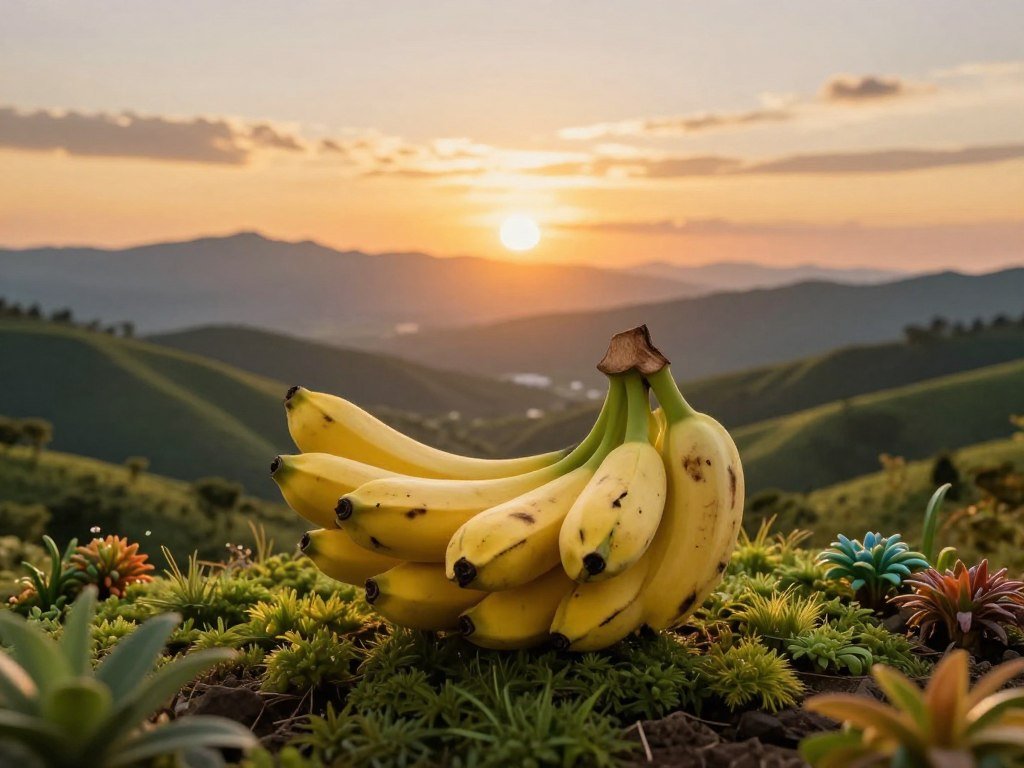
If your priority is a realistic photo or a scene with convincing environmental depth, put Nano Banana on your shortlist. It is a strong candidate for product photography, portraits, and lifelike settings.
Gemini showed a particular strength in atmospheric environments and landscapes in a 30-prompt comparison with GPT Image 2. That makes it a useful pick when distance, weather, and scene depth shape the image.
Nano Banana is available through Google Gemini’s image-generation workflow. Nano Banana 2 and Nano Banana Pro are separate model names, so check which one you are using.
For the best image of a product, compare how each tool handles its materials, edges, and reflections. A metal bottle needs different detail from a soft fabric bag.
Portrait work also calls for close attention to skin tones and lighting. A smooth face may look polished at a glance but feel artificial when viewed larger.
Try the same product, portrait, or landscape prompt in your top options. Check small details such as reflections, skin texture, and product edges at the size you plan to use.
When Is Midjourney the Better Pick for Artistic Style?
Choose Midjourney when visual mood and art direction matter more than exact placement of every requested detail. Its strength is visual style, which can help you explore atmospheric, cinematic, editorial, and concept-art ideas.
Midjourney works well when choosing among variations is part of your process. One generation can provide four image options, giving you different compositions and visual treatments to consider.
A first result may capture the mood but miss a requested color or placement. Style appeal should not be mistaken for precise prompt adherence, especially when the brief has strict layout rules.
You can use Midjourney through its web interface or a Discord workflow. It can also animate images, adding a video option to an art-led process.
For a poster concept, for example, you might value an unexpected composition more than exact spacing. For a product ad with fixed brand colors, that same freedom may mean extra revisions.
Compare the full set of generated options before settling on the strongest composition.
ChatGPT or Gemini: Which Handles Text and Layouts Better?
For legible wording and labeled UI layouts, GPT Image 2 was the more reliable choice in this 30-prompt comparison. Gemini did better on environmental and landscape realism.
The comparison tested photorealism, text in images, UI mockups and wireframes, product photography, and stylized creative output. The best model depends on whether your image needs accurate lettering or convincing scene depth.
Readable text and labeled UI mockups
Logos, posters, and UI mockups need accurate words because a misspelled label can make the design unusable. In this comparison, GPT Image 2 handled readable text and labeled UI mockups more reliably.
Long Gemini text prompts had letter transpositions or phantom characters around 30-40% of the time in that comparison. Proofread every rendered word before you use a logo, poster, or screen design.
Commercial photography versus landscape realism
Polished product photography and portraits need clear subjects, controlled light, and convincing surfaces. Gemini’s stronger result appeared in environments and landscapes where atmospheric depth mattered more.
| Task | Better result in the comparison | Practical use |
|---|---|---|
| Readable text and UI mockups | GPT Image 2 | Posters, labels, and screen layouts |
| Polished commercial photography and portraits | GPT Image 2 comparison strength | Product ads and portraits |
| Environmental and landscape realism | Gemini | Outdoor scenes with atmospheric depth |
A task-based comparison of image generators can help you match a model to a specific brief. Inspect every word in a text-heavy graphic before using it in a client or public-facing design.
Which Tools Fit Graphic Design and Brand Work?
If the finished asset needs a layout as well as a generated visual, compare the editing workspace as carefully as the model. A ready-to-edit layout can matter more than a small difference in raw image quality.
That is especially true when you need an image placed into a post, presentation, thumbnail, or business card. A tool that keeps generation and design together can save extra export steps.
Canva for ready-to-edit layouts
Canva puts image tools inside a design workflow with layouts for social posts, presentations, and ads. You can place generated images into a design without switching applications.
In a same-prompt test, Canva handled thumbnail and business-card layouts as intended. That result matters when you need a usable canvas, not only a standalone image.
Recraft for design-led assets
Recraft offers a canvas-style workspace for image generation and editing. It also includes mockups and a way to turn images into videos.
Think about the asset’s next step: a mockup, a social post, or a short video may shape your tool choice. Recraft can suit a design-led workflow, while Canva can help finish common layouts.
For brand work, a layout tool can reduce the distance between a generated image and a finished file. Choose the workspace that lets you finish the asset without adding avoidable export and layout steps.
Is Adobe Firefly a Good Choice for Commercial Work?
Firefly is worth considering when commercial-use clarity and an Adobe-centered production workflow are important. Adobe permits commercial use of outputs from its own Firefly models.
Adobe says its own Firefly models are trained on licensed and public-domain content. Partner models inside Firefly have different terms, so do not assume one policy covers every model in the app.
For a client job or campaign asset, identify which model made the image. Then review the terms that apply to that specific model and intended use.
Training on licensed and public-domain content does not remove every legal or brand review need. A team may still need to check trademarks, likenesses, and client requirements.
Keep the model name with the asset record so your team can track how an image was made. Confirm the selected model’s terms for the specific project before delivering an image to a client.
When Do FLUX and Stable Diffusion Make Sense?
If you want more control over where a model runs, open-weight tools such as FLUX.2 [klein] 4B and Stable Diffusion are worth comparing with hosted apps. Open weights mean model parameters are released for users to run or adapt under a stated license.
FLUX.2 [klein] 4B has open weights under the Apache 2.0 license. Black Forest Labs lists roughly 13 GB of VRAM for its reference setup, which is a hardware need to consider.
Open weights and local control
Local or custom workflows can give you more control over where generation runs and how you adapt a model. Stable Diffusion can run locally or through third-party interfaces.
The Apache 2.0 license sets terms for use, changes, and distribution. Open weights do not bypass safety rules or guarantee unrestricted use.
Hosted tools and consumer licenses
Hosted apps are easier to start using because the provider manages the model and computing setup. Local use gives you more technical control, but it takes hardware and setup time.
Microsoft Designer’s consumer license is for personal, non-commercial use. No single generator should be treated as unrestricted for every prompt, use, or jurisdiction.
Consider these three trade-offs before choosing:
- Hardware: local models need enough memory and computing power.
- Setup effort: local installs take more work than hosted apps.
- License review: terms can differ by model and deployment.
Readers seeking greater technical control can investigate open-weight local models while still following applicable rules. Check the license for the exact model and deployment you plan to use, not just the name of the platform.
What Should You Use for AI Photo Editing?
For removing or replacing an object in a photo, use an editor with targeted selection rather than starting a new text-to-image generation. Editing changes a selected area of an existing image; generation creates a new image from a written prompt.
In an October 12, 2026 test of five AI photo editors, Adobe Firefly removed a pergola from a garden photo while leaving two people unchanged by eye. The downloaded WebP measured 1122 x 1402 pixels and showed no visible watermark.
That result offers a useful example of a targeted edit, not a promise for every photo. Faces, shadows, and nearby edges can shift even when the selected object disappears cleanly.
Editing-focused tools also use different credit systems. AIEnhance.io’s listed plans start at $9 per month for 300 credits, while its top listed plan costs $99 per month for 5,000 credits.
Check these details before paying:
- How many credits does one edit use?
- What export dimensions and file formats are available?
- Does the edited area leave the rest of the photo intact?
Compare the output against your original at full size, not just in a small preview. Inspect the surrounding pixels at full size to catch edits that subtly alter a face, edge, or shadow.
Which AI Image Generators Can You Use for Free?
Gemini and ChatGPT are straightforward free starting points, while Ideogram and Leonardo AI add credit-based access with different privacy considerations. Gemini offers free image creation and editing, while ChatGPT makes conversational generation easy.
Free limits and account access affect how much you can create. The table compares the core rules and privacy details for four common options.
Free access and usage limits
| Tool | Free access | Usage limit or credit rule | Privacy or watermark detail |
|---|---|---|---|
| ChatGPT | Limited image creation | A notice appears when the limit is reached | No specific free-plan privacy or watermark detail listed |
| Google Gemini | Free image creation and editing | Usage limits depend on the account | Edited images include visible and invisible SynthID watermarks |
| Ideogram | Credit-based free access | Uses credits | Images are public by default unless private generation is available and selected |
| Leonardo AI | Free plan | 150 tokens per day | Free creations are public |
Gemini is a practical free option for image creation and editing, while ChatGPT is an easy choice for conversational generation. Their limits and account access affect how much you can make.
Watermarks, credits, and privacy
Free access can work well for occasional tests, but caps and credits may slow a larger project. Public-by-default outputs may not suit private client work.
Gemini edited images include a visible watermark and an invisible SynthID watermark, including on the free plan. A watermark can affect whether an image is ready for a public post or client file.
For more choices and access details, see this free AI image generator comparison. Before entering private material, check whether the tool makes free creations public or adds a visible watermark.
How Much Do AI Image Generation Tools Cost?
Among the listed plans, Pixlr Plus starts at $1.99 per month when billed yearly, while image-generator subscriptions in the comparison begin at $4.99 per month. Plan value depends on credits, image volume, and bundled design or editing tools.
These U.S. prices show what each named plan includes. A low monthly cost may suit occasional use, while a larger allowance can matter for frequent projects.
| Plan | Listed price | Included access or allowance |
|---|---|---|
| Google AI Plus | $4.99 per month | Access to Nano Banana; 2x free usage for Gemini image editing |
| ChatGPT Go | Starts at $8 per month | Paid ChatGPT access |
| Midjourney | Starts at $10 per month | Approximately 200 images per month, with commercial usage rights |
| Adobe Firefly Standard | $9.99 per month | 2,000 credits |
| Canva Pro | $144 per year | One person |
Google AI Pro costs $19.99 per month and provides four times the free Gemini image-editing use plus 5 TB. That plan may appeal if storage and editing both fit your regular workflow.
Photoshop alone costs $22.99 per month on an annual plan billed monthly. It includes 25 generative credits per month, which may suit occasional edits more than heavy generation.
Pixlr Plus costs $1.99 per month when billed yearly. Adobe Firefly Standard’s 2,000 credits give you another concrete point of comparison when estimating monthly output.
Subscription credits, image volume, and bundled software change a plan’s value. Compare the included credits and the tools you already pay for before adding another recurring subscription.
Which AI Image Tools Work on iPhone and iPad?
Leonardo.Ai is a concrete iPhone and iPad option if your device meets its listed operating-system requirements. The iOS app supports iPhone with iOS 16.0 or later and iPad with iPadOS 16.0 or later.
The U.S. App Store listing gives the app a size of 114.1 MB and an age rating of 18+. It offers image generation with Google Nano Banana, Seedream, FLUX, and Leonardo models.
App availability does not guarantee that every model or feature appears on every account. Your access can depend on the model and account settings in the app.
Mobile generation is handy for quick concepts and edits, while a larger screen can make detailed review easier. If you plan to download an image, check its export options before placing it into a print file.
For high-resolution work, file dimensions and format affect how well an image fits the project. Confirm the downloaded file’s dimensions and format before relying on it for a print or high-resolution project.
Which Tool Fits Your Image-Making Use Case?
Start with the job the image must do, then choose the model and editing workflow that match it. One tool may suit product photos, while another better fits a poster or custom workflow.
Here are practical first picks for common creative projects. Use them as starting points, then compare the outputs against your own brief.
Product photos and marketing assets
Try ChatGPT for general product visuals and iterative marketing work. Gemini or Nano Banana can suit realistic scenes, while Canva helps move an image into a thumbnail, presentation, or ad layout.
Illustration, brand design, and custom workflows
Midjourney fits atmosphere and concept art, while Ideogram can help with text-heavy posters. Recraft suits structured brand assets, and FLUX or Stable Diffusion can suit work needing more technical control.
- Product images: start with ChatGPT or Nano Banana.
- Thumbnails: try Canva for generation and layout.
- Text-heavy posters: test Ideogram.
- Concept art: start with Midjourney.
- Local customization: compare FLUX and Stable Diffusion.
Meta AI is another option if you want image and video generation in one consumer ecosystem. That access does not mean it wins an image-quality test for your particular brief.
A useful shortlist should reflect the asset’s final use, not only the first image. Run a small batch of real project prompts through your top two picks before standardizing on one.
How Can You Compare Image Generators Fairly?
A fair comparison starts with the same prompt, the same intended output, and the same standard for judging success. Use identical instructions across shortlisted tools and keep settings as similar as possible.
Judge prompt adherence, usable output, speed, editing options, and the number of retries needed. A single striking image cannot show how a generator handles the rest of your work.
One hands-on comparison used five prompt categories: a logo, product image, YouTube thumbnail, business card, and restaurant advertisement poster. Those jobs test different needs, from small lettering to a full layout.
A controlled photorealistic running-camel prompt shows why task choice matters. ChatGPT and Gemini both scored 10/10, while Microsoft Image Creator scored 6/10 and Grok scored 4/10.
A tested ranking of image generators can help you build a shortlist, but your own tasks should drive the final choice.
- Use one shared prompt for each tool.
- Keep image size and other settings alike.
- Rate whether the result follows the brief.
- Record speed, editing options, and retries.
A model’s result depends on the prompt and task, so one impressive sample is not a fair test.
Save the prompt and settings so you can tell a model improvement from a change in your instructions.
How Can You Get More Reliable Results from a Prompt?
A clear prompt that prioritizes the subject and composition is easier to refine than a long list of competing details. State the main image goal first, then add only the details that shape the result.
Name the subject, composition, style, lighting, background, and any exact text in a clear order. This gives the model a stronger guide than scattered instructions with equal weight.
Change one or two details per revision instead of rewriting the whole prompt. That makes it easier to see which change improved the image and which detail still needs work.
In the GPT Image 2 versus Gemini comparison, longer Gemini text prompts had letter transpositions or phantom characters around 30-40% of the time. Treat exact lettering as something to proofread, not something to trust without review.
Use these four steps when building or revising a prompt:
- State the main subject and layout.
- Specify visual style and lighting.
- Request only the text the image needs.
- Refine the weakest element after generation.
ChatGPT and Gemini support iterative workflows, while Canva and Midjourney offer ways to work with revisions or multiple output options. Keep each revision focused so the change you want stays clear.
Exact words need a final human check, even when the rest of an image looks finished.
If exact words matter, inspect every character in the final image and correct errors before publishing.
Conclusion
The strongest first choice for general use is ChatGPT, while the right specialist depends on whether you need realism, style, readable text, commercial workflow clarity, or technical control. Choose for the work you actually need to finish.
Nano Banana, Midjourney, Ideogram, Firefly, and FLUX each fit different priorities. Test the same three project prompts in two shortlisted tools and compare which results need the least repair.
That small trial gives you a useful view of quality and workflow fit before you commit. Test two shortlisted tools on your next real project before committing to a paid plan.
FAQ
What AI has the best image generation right now?
GPT Image 2.5 Sunburst (max) leads the October 2026 Artificial Analysis text-to-image leaderboard. That ranking reflects pairwise human preferences across tested comparisons, not a promise for every prompt. A different model may fit your task better, such as Nano Banana for realistic scenes or Ideogram for graphics with text. Test the kind of image you plan to make before choosing.
What is the best AI photo editor in 2026?
Adobe Firefly is a strong choice for targeted photo edits in an Adobe workflow. In an October 12, 2026 test, Firefly removed a pergola while leaving two people unchanged by eye. The downloaded WebP measured 1122 x 1402 pixels and had no visible watermark. Check the export format, dimensions, and areas around an edit before using the result.
Which AI tool is the best in 2026?
For image generation, ChatGPT is a versatile starting point for conversational creation and revisions. Nano Banana can suit realistic photos, while Midjourney fits art direction. Ideogram can help with text-heavy design, and FLUX can suit people who want more technical control. Your best choice depends on the image and the workflow you need, so compare a few real prompts.
Which AI tool is better than ChatGPT?
Nano Banana can be a better fit for realistic scenes, Midjourney for art direction, and Ideogram for text-heavy graphics. ChatGPT remains a practical general-purpose option, especially when you want to refine images through conversation. The better tool depends on the job, not a single overall label. Compare the same prompt across tools, then judge accuracy, useful details, and editing effort.
Is ChatGPT still the best AI?
For image generation, ChatGPT is a strong general-purpose option, but it is not best for every task. Gemini can fit realistic landscapes, Midjourney can suit artistic style, Ideogram can help with text-heavy designs, and FLUX can offer more technical control. ChatGPT’s conversational editing is useful when you want to adjust a result in plain language. Pick based on your work and test the output.



