A useful iPhone 17 budget starts with the model and storage you want, then checks whether a carrier offer changes the amount due. The connectivity discount is a reduction reflected in the advertised price when you activate with an eligible carrier at purchase. This guide separates the full retail price from promotional monthly payments, which come with conditions.
Your purchase decision may come down to upfront spending or meeting a carrier’s offer rules over time. Storage, carrier activation, financing, and trade-in credit can all change the amount you pay. A monthly figure can look appealing, but the plan, term, and required activation matter too.
Key Takeaways
- Compare retail prices for the storage you need.
- Check carrier terms before relying on a monthly offer.
- Trade-in credit depends on the old device’s condition and details.
- Plan for sales tax and any charging accessories you need.
- Compare full device cost separately from your wireless plan.
Compare the full retail price with the conditions attached to any monthly offer before deciding what fits your budget.
How Much Does the iPhone 17 Cost by Storage?
The U.S. iPhone 17 starts at $929 for 256GB, and its 512GB version costs $1,129. Those prices are in U.S. dollars and apply to the listed storage configurations. The 256GB device is the lower-cost option.
Choosing 512GB adds $200 over the 256GB configuration. Color does not change the listed price, so your storage choice sets the price difference before checkout adjustments. The iPhone 17 256GB price in the USA is $929, while the iPhone 17 512GB price in the USA is $1,129.
Choose capacity for the files you plan to keep on your phone, not for a number that simply sounds safer.
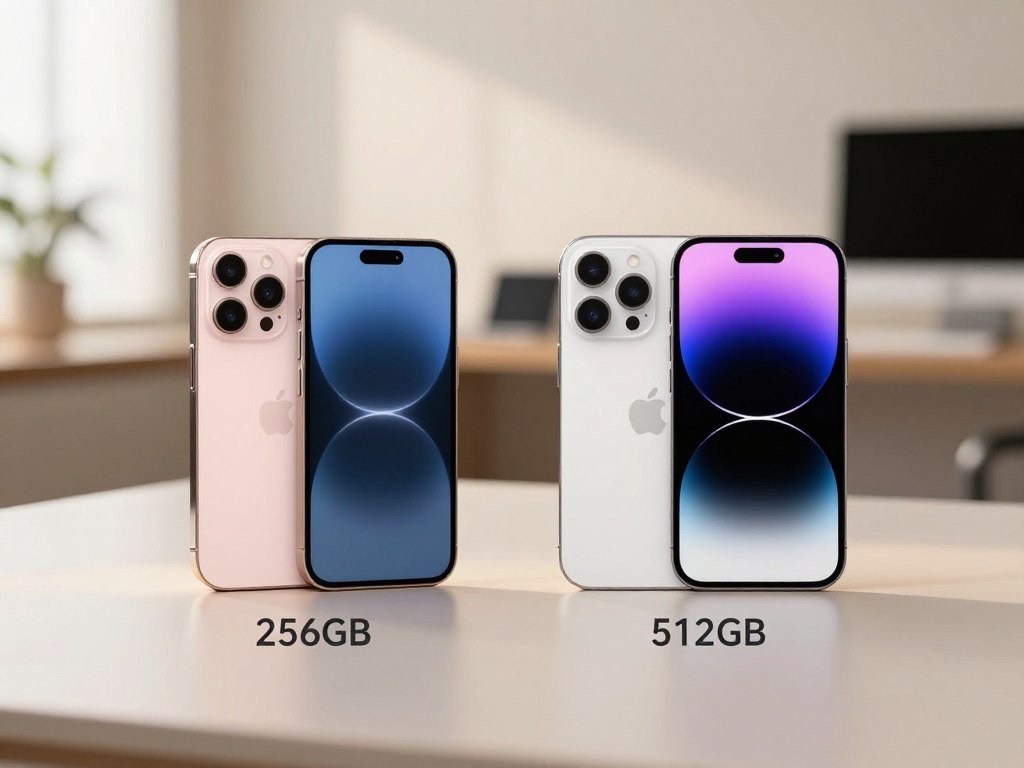
Your photo library, video clips, and apps all take up room over time. A buyer who backs up older files may have different needs from someone who keeps every recording on the device. More storage costs more, so the extra space is useful only if you expect to fill it.
These are listed retail amounts, not monthly installment payments. Carrier offers can change what appears on an eligible checkout, but they do not change the storage difference itself. Choose 256GB if it meets your storage needs, since the 512GB configuration costs $200 more.
Which iPhone 17 Model Fits Your Budget?
The iPhone 17e is the lowest starting-price choice, while the Air and Pro models suit buyers prioritizing a thinner design or more advanced cameras. The 17e starts at $699, and the iPhone Air starts at $1,099. What you value most helps narrow the lineup.
Each model targets a different mix of price, display, and camera system features. A higher price can bring a design or tool you use often, but a premium model is not automatically a better buy for every person.
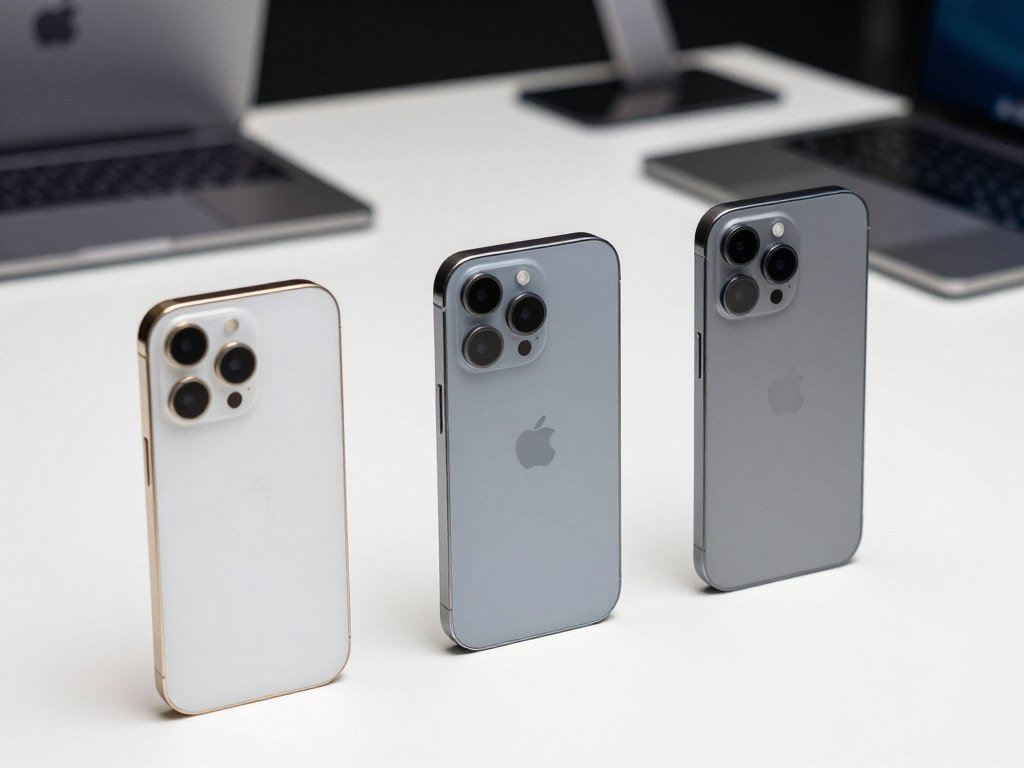
The 17e, iPhone 17, and iPhone Air
The 17e is the value-focused starting point for buyers who want a capable device at the lineup’s lowest entry price. The standard model sits above it, while the thin Air costs more and offers a larger display. If you mostly browse, message, and take everyday photos, the lower-cost tier may cover your routine.
The Air is aimed at buyers who care about a thinner design and a larger screen. Consider how the phone feels in your hand, not only its price. You can also compare practical camera differences in this iPhone camera guide by budget.
iPhone 17 Pro and Pro Max
Pro models make more sense when camera flexibility matters to your work or hobbies. Their camera system gives you more options for framing and zoom than a buyer may need for casual snapshots. A larger display on Pro Max can also suit people who watch video or edit photos on their phone.
AT&T’s listed retail price for the iPhone 17 Pro is $1,099.99, with its offer terms detailed in the carrier section. A Pro purchase costs more, so look at the camera tools you would use instead of paying for a label. Pay for a Pro model only if its camera options or larger-screen choice matter to how you use your phone.
How Much Does the iPhone 17 Cost Unlocked?
An unlocked iPhone 17 is priced by storage, and buying directly from Apple generally leaves you free to use a compatible carrier after activation. There is no separate unlocked model price; the amount follows the configuration you choose. Unlocked describes network access, not a different device.
Apple-purchased iPhones are generally unlocked after activation. By contrast, an iPhone financed through AT&T, T-Mobile, or Verizon remains carrier-locked until you pay it off. This can matter if you expect to move your number or service before the installment agreement ends.
The storage prices already listed give you the retail amount to compare. A wireless plan and coverage are separate from the phone’s price, even when the carrier places both on one bill. Ask what the installment payment covers and how long the agreement lasts.
Carrier financing can spread spending across monthly bills, but it may limit your choice of network during that period. Paying the device balance in full removes that specific payment obligation. Before financing, check whether the carrier lock matters if you expect to switch networks before paying off the device.
What Can Change the Price at Checkout?
The advertised connectivity discount is conditional, not an automatic reduction for every iPhone 17 buyer. For eligible models, $30 is reflected in advertised pricing when you activate with AT&T, T-Mobile, or Verizon at purchase. The discount does not apply to every purchase path.
It is not available if you connect to a carrier later or use a prepaid carrier plan. That distinction can change what you see before tax, so choose the activation route with care.
| Purchase path | Connectivity discount | Condition |
|---|---|---|
| Activate at purchase with AT&T, T-Mobile, or Verizon | $30 reflected for eligible models | Activate at purchase |
| Connect to a carrier later | Not available | Activate after receiving phone |
| Use a prepaid carrier plan | Not available | Prepaid plan |
Sales tax can also change the checkout total based on your location. The tax amount is not the same for every buyer, so the phone’s listed price may not match the final payment screen. Keep the device price and tax separate when setting your budget.
Check that the carrier named in the offer matches the service you plan to use. Confirm your activation choice before checkout, since choosing “connect later” or a prepaid plan removes eligibility for this discount.
What Does the iPhone 17 Cost at AT&T?
AT&T lists the standard iPhone 17 at $929.99 retail, while monthly figures depend on storage and offer conditions. The displayed installment payment is a device charge, not the full wireless bill. The listed retail price answers how much the iPhone 17 costs at AT&T before any separate service charges.
The 256GB installment display is $25.84 per month, and 512GB is $31.39 per month. Both use 36-month, 0% APR installment terms. These monthly amounts spread the device price across the stated term.

| Device or storage | Displayed monthly amount | Payment term | Offer condition |
|---|---|---|---|
| iPhone 17, 256GB | $25.84 per month | 36 months, 0% APR | AT&T installment pricing |
| iPhone 17, 512GB | $31.39 per month | 36 months, 0% APR | AT&T installment pricing |
| iPhone 17 Pro | $14.99 per month after credits | 36 months | New line and eligible plan |
The Pro offer is different from the standard model’s installment display. AT&T lists the iPhone 17 Pro at $14.99 per month for 36 months after credits when you add a new line and have an eligible plan. Tax on the full price is due at sale.
That after-credit figure depends on meeting the offer’s requirements throughout the deal. The retail price remains a useful comparison point when an advertised payment appears much lower. Compare the retail amount with the full installment conditions, rather than treating the Pro’s after-credit payment as its retail price.
What Does the iPhone 17 Pro Max Cost at Verizon?
Verizon lists the iPhone 17 Pro Max at $1,199.99 retail, a quote for the Pro Max rather than the standard iPhone 17. Its displayed installment starts at $33.33 per month for 36 months at 0% APR. Those figures apply to the Pro Max.
The Verizon Pro Max quote is not the standard model’s direct Verizon price. The standard iPhone 17 price with Verizon activation through Apple follows the storage prices already given. Keep the model name in view when you compare retailers.
A monthly installment divides a device charge over a set period. The amount displayed at checkout can depend on the model, storage, and account-specific offer. A plan charge is separate from the phone’s installment, even if the carrier bill shows both.
Check the exact model and configuration on the carrier screen before comparing a quote with another seller. This helps avoid matching the Pro Max price against a standard device or a different storage level. Match the model name and storage configuration on the checkout screen before comparing a Verizon quote with another retailer’s price.
How Does an iPhone 17 Trade-In Change Your Cost?
A trade-in can lower the amount you pay, but the final credit depends on the exact device and its condition. Apple’s offer can vary by the old phone’s year and configuration too. Not every device qualifies for credit.
A trade-in estimate is not a guaranteed final value. Damage, condition, and the device details can affect how much credit you receive. Check whether the phone is eligible before counting its value toward your budget.
What Determines a Trade-In Offer
A phone in better condition may receive a different offer from one with damage. Its year and configuration also matter, so two phones with the same name can have different values. A device that does not meet the program’s rules may receive no credit.
Before sending an old phone, take clear photos of its condition and keep the estimate details. This gives you a record of the device before it leaves your hands. Back up anything you want to keep before erasing it.
Sending an Online Trade-In
For an online trade-in, Apple needs to receive the old device within 14 days of your new device arriving to help ensure its estimated value. Use the shipping steps included with the trade-in and allow time for delivery. Keep the package tracking details until the trade-in is processed.
- Confirm eligibility and estimated credit.
- Back up and erase the old device.
- Document its condition before shipping.
- Send it so it arrives within 14 days of receiving the new device.
For an online trade-in, make sure the old device arrives within 14 days of receiving the new one to help protect its estimated value.
How Should You Compare Monthly Payments and Full Price?
A low monthly device payment can look cheaper than the full price until you account for its term, eligibility rules, and add-ons. The installment payment covers the phone, while your wireless plan is a separate bill item. Compare both charges before judging the offer.
Monthly cost alone does not show the full device commitment. A longer term spreads payments over more bills, while offer credits may depend on keeping a qualifying plan. Optional features can add recurring charges as well.
AT&T’s optional Next Up Anytime feature costs $10 per month. It allows a maximum of three upgrades in a 12-month period, and early-upgrade offers become available after one-third of the phone is paid off. That recurring cost belongs in your comparison only if you want the feature.
Use these checks to compare an offer with the retail price:
- Retail price for the exact model and storage.
- Installment term and APR.
- Required plan or new line.
- Optional recurring features.
Keep the plan charge separate from the device charge when you estimate your monthly bill. Add optional monthly features to your comparison only if you would actually use them.
How Much Storage Do You Need?
Choose storage around how much media and how many apps you keep on the device, not simply the largest option available. 256GB can be enough for ordinary app use and a moderate photo library when you move or back up older files.
The iPhone 17 offers 256GB and 512GB. The iPhone 17 Pro adds a 1TB option, while the Pro Max also offers 2TB. Higher capacity is useful when you keep more local files, but it adds cost.
When 256GB Is Enough
A buyer who uses common apps and takes regular photos may be comfortable with 256GB. Backing up older photos and removing files you no longer need keeps space available. It also helps to check how much storage your current phone uses.
Apps, downloads, and saved video all add up. Your habits matter more than a storage number on a product page. If you rarely keep long recordings, extra room may sit unused.
When to Consider More Storage
Frequent high-resolution photos and video can fill storage faster, especially when you keep every file on the phone. Large apps and downloaded media also take room. More capacity may suit you if you prefer local access without regular file cleanup.
Available options are 256GB and 512GB for iPhone 17, 256GB, 512GB, and 1TB for iPhone 17 Pro, and 256GB, 512GB, 1TB, and 2TB for iPhone 17 Pro Max. If you regularly record video and keep it on your phone, leave more headroom than a buyer who routinely backs up older files.
What Do the iPhone 17 Models Offer for Everyday Use?
Screen size is one of the clearest everyday differences, ranging from 6.1 inches on 17e to 6.9 inches on Pro Max. Each model uses a Super Retina XDR display. A larger screen can make video and reading feel roomier, while a smaller one can be easier to hold.
The iPhone 17 and 17e list the A19 chip; Air lists the A19 Pro chip. That names the chip in each device without promising a result for every task. Screen size and your usual apps are practical points to weigh.
Screen Size and Viewing
| Model | Display diagonal | Display type |
|---|---|---|
| iPhone 17e | 6.1 inches | Super Retina XDR |
| iPhone 17 | 6.3 inches | Super Retina XDR |
| iPhone Air | 6.5 inches | Super Retina XDR |
| iPhone 17 Pro | 6.3 inches | Super Retina XDR |
| iPhone 17 Pro Max | 6.9 inches | Super Retina XDR |
Compact viewing may suit you if you want a phone that feels easier to manage in one hand. A wider screen gives video and pages more room, though the larger size may feel less handy in a pocket. Try to picture your daily use, not just a movie screen.
Processing for Everyday Tasks
The listed A19 chip appears in the 17e and standard model, while the Air lists A19 Pro. Those names can help you compare model specifications without assuming one task will feel faster. The display and physical size may have a more obvious effect on your routine.
Handle or view the size you are considering if a larger display might make one-handed use less comfortable.
What Can the iPhone 17 Camera System Do?
The iPhone 17’s 18MP Center Stage front camera is built for more than ordinary selfies, including video calls and Dual Capture. Center Stage helps frame you in photos and calls, while Dual Capture records front and rear video at once.
Front-camera video supports Dolby Vision up to 4K at 60 fps. Slow motion reaches 1080p at 120 fps, while Dual Capture records up to 4K Dolby Vision at 30 fps. The maximum resolution and frame rate depend on the mode.
The fusion camera system includes tools for photos and video that can help with everyday scenes. Center Stage front framing can keep you centered as you move during a call. For practical tips on focus and framing, Consumer Reports’ phone photography advice covers subject focus, exposure lock, and composition.
- Video calls with flexible framing.
- Centered group selfies.
- Front-and-rear clips in Dual Capture.
- Slow-motion clips at supported settings.
You can use the feature set for casual clips or planned recordings, but settings matter. Check whether the mode you want favors resolution or frame rate before recording something important. See this comparison of iPhone camera picks for different budgets for more on camera needs.
Check the recording resolution and frame rate you need before assuming a high-frame-rate mode supports every resolution.
How Long Does the iPhone 17 Battery Last for Video?
The iPhone 17 is rated for up to 30 hours of video playback, or up to 27 hours when streaming. The iPhone 17 Pro reaches up to 33 hours of video playback and up to 30 hours of streamed video playback. Streaming has a separate figure from local playback.
Compare like with like: local video playback and streamed video playback are different measures. The iPhone 17 Pro has the higher listed estimate in both categories. These figures can help you compare the two models on a similar task.
“Up to” describes a maximum estimate, not a promise that every person will get the same runtime. Brightness, app use, calls, and network activity can change how long a charge lasts. Watching downloaded video also differs from streaming it over a connection.
Use the playback figures as one part of your device choice, not as a guarantee for a full day of mixed use. A person who streams often may find the streamed-video figure more relevant than local playback. Treat playback estimates as a comparison point, since your mix of streaming, calls, and screen use changes real-world battery life.
Does the U.S. iPhone 17 Use a Physical SIM Card?
U.S. iPhone 17 models activate with eSIM and do not have a physical SIM tray. An eSIM is a digital SIM built into the device, used with a supported wireless plan and carrier. Wi-Fi is needed for eSIM setup.
You cannot insert a physical SIM card into a U.S. model. Set up the eSIM through the carrier’s activation process instead. Carrier support matters before you move an existing number.
Activating with eSIM
At purchase, you can follow the on-screen steps to activate with a supported carrier. If you connect later, use Wi-Fi during setup after receiving the phone. A plan must support eSIM for the activation to work.
Ask your carrier about the steps for moving your number from a physical SIM. This is especially useful if the old phone is still active and you need to keep service during the change.
Using More Than One Number
The iPhone 17 supports two active eSIMs and can store eight or more eSIMs. Two active lines can help you manage personal and work numbers on one device. Confirm that both carriers support the plans you want to use.
| Situation | How activation works | Practical check |
|---|---|---|
| Authorize carrier activation at purchase | Follow on-screen eSIM setup | Confirm carrier support |
| Connect later | Activate after receiving phone | Use Wi-Fi for setup |
| Use two numbers | Keep two eSIMs active | Verify both plans with carriers |
Confirm that your carrier supports eSIM before ordering, especially if you are moving a number from a physical SIM.
What Extra Costs Should You Budget For?
The phone includes a USB-C Charge Cable, but a power adapter is a separate purchase. The included cable is 1 meter long, and the adapter is sold separately. Check your charging gear before you add anything to the cart.
A 40W-or-higher adapter supports up to 50% charge in 20 minutes. Qi2 wireless charging supports up to 25W. The speed and charging method you want can guide which accessories you need.
You may already own a compatible USB-C adapter, so a second one may not be needed. If you prefer wireless charging, check that the charger supports Qi2. A charging cable comes with the phone, but its presence does not mean an adapter is in the box.
- Check whether you already own a compatible USB-C adapter.
- Decide whether you need the separately sold 40W-or-higher adapter.
- Check for Qi2 support if you want wireless charging.
If you are also budgeting for protection, compare case fit with your exact iPhone 17 model. An older case may not fit a new device, so review this case buying guide with model compatibility in mind. Check the charging accessories you already own before adding another adapter to your order.
Where Should You Buy an iPhone 17?
Buying directly from Apple suits someone who values one-on-one setup help, while a carrier can make sense when its coverage and plan fit. Apple offers free online Personal Setup sessions with a Specialist. The best fit depends on the help and service you want.
AT&T, T-Mobile, and Verizon offer 5G service, but coverage depends on your location and carrier. Compare service where you live, work, and travel. A plan should match how you use the phone, not just its advertised offer.
Buying Directly from Apple
Apple’s free online Personal Setup sessions let you meet with a Specialist for help with data transfer and device setup. This can be useful if you are moving from an older phone or want help learning the settings. The session is online, so you can get help without going to a store.
Think about whether guided setup would make the change easier. Some buyers prefer to handle the transfer themselves, while others value a person who can walk through the steps.
Buying Through a Carrier
A carrier store may suit you when you want to discuss its plan and service in person. Check coverage in the places where you use your phone most, then make sure the plan fits your needs. The carrier’s offer should make sense alongside its activation rules.
- Local carrier coverage.
- Activation and plan requirements.
- Whether setup assistance is useful.
Confirm the final device and plan details in the cart before paying. Choose the seller whose setup process and network meet your needs, then verify the final terms in the checkout cart.
Compare the seller’s setup help and network fit before you weigh a conditional offer.
Conclusion
Start with the storage and features you will actually use, then choose the purchase route that fits your carrier needs. The least expensive configuration that meets those needs may be a better choice than paying for space or tools you rarely use.
Carrier savings can help when their requirements work with your plan and activation choice. Treat the retail price and monthly offers as different ways to pay, and include the full terms in your budget.
Select your preferred model and storage, confirm the complete checkout terms, and place the order only when the total works for your budget.
FAQ
What’s the cheapest iPhone to buy now?
The iPhone 17e is the lowest starting-price option among the models discussed, starting at $699. It may suit you if you want the least expensive entry into this lineup. Compare its features with your daily needs before choosing it. A lower starting price does not mean every buyer should choose the same model or storage.
Does Apple still sell old iPhones?
Apple’s direct lineup changes over time, so older models may no longer appear as current options on its store. Other retailers can still sell older iPhones, sometimes as new, refurbished, or used devices. Check the seller’s condition label, warranty, and return terms. Also confirm the exact model and storage before comparing an older phone with a current one.
What colors are available for the iPhone 17 Pro Max?
Color choices are specific to each model, so the standard iPhone 17 colors do not confirm which shades the Pro Max offers. Use the iPhone 17 Pro Max color selector during checkout to see the choices for that device. Color does not tell you the storage or offer terms, so review those separately before placing the order.
Where is the best place to buy an iPhone?
Apple is a good fit if you value free online Personal Setup, while a carrier may suit you when its coverage and plan meet your needs. Compare the service where you use your phone most, then read any offer conditions. A low monthly device charge may require a certain plan or activation choice, so look at the full terms.
Will Apple pay me for my old iPhone?
Apple may offer trade-in credit, but the amount depends on the phone’s condition, year, and configuration, and some devices do not qualify. For an online trade-in, the old phone should arrive within 14 days of receiving your new device to help ensure its estimated value. Back up and erase your phone before sending it, and keep a record of its condition.



