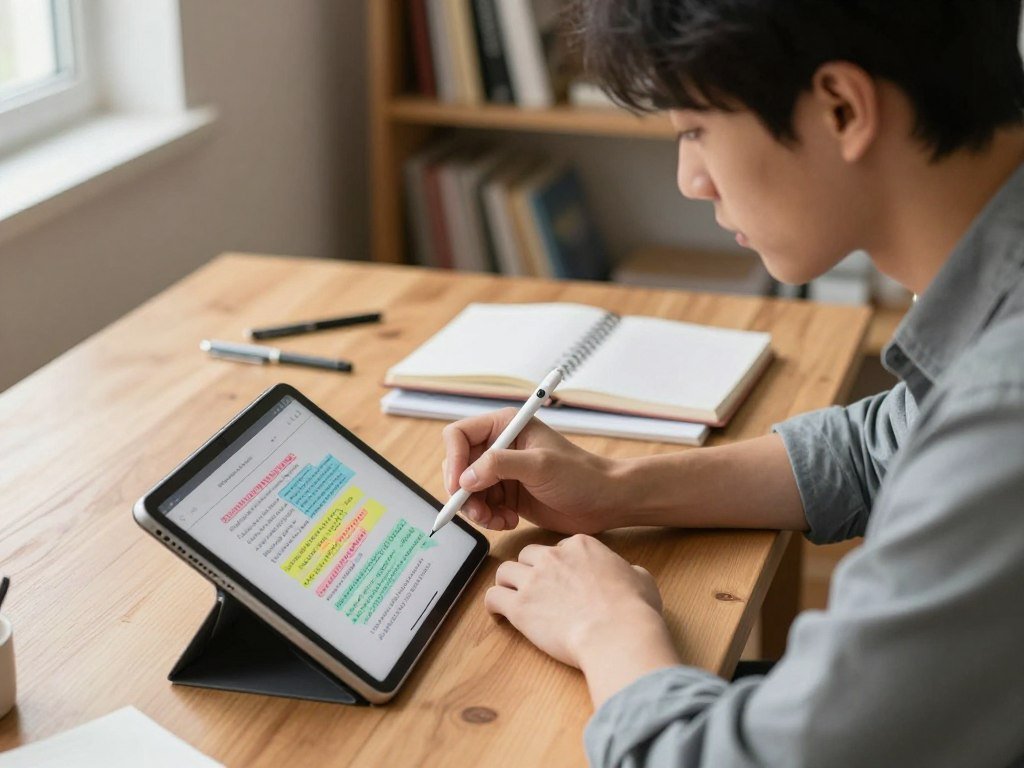
A student marking up lecture slides needs a different setup from someone capturing a quick reminder between classes. The best iPad note-taking apps help students study smarter by matching the way they handle lectures, PDFs, handwriting, and daily tasks.
Goodnotes is the strongest all-around fit for handwritten class notes. Notability suits audio-linked lectures, Apple Notes covers simple free capture, and OneNote works well across devices. Research-focused and collaborative options also serve students with specific needs.
The right app can make course content easier to find and review, but a long feature list does not guarantee a good fit. Your devices, class habits, and preferred way to learn matter more.
The best starting point is the app that fits the way you already learn and the devices you actually use.
Key Takeaways
- Choose Goodnotes for handwritten notes and PDF study.
- Choose Notability when replaying lecture audio matters most.
- Apple Notes and OneNote offer free starting points.
- Research tools can help organize long readings.
- Test an app with one class before moving all your notes.
What should students prioritize in an iPad note-taking app?
Start with the moment you most need an app to help: capturing a fast lecture, finding a formula later, or marking up a PDF. Your main task should guide which note-taking app features matter most.
Check five basics: Apple Pencil support, organization, multi-device access, export and sharing, and productivity tools. A student who mostly types may value quick text capture and keyboard support more than pen customization.
Choose tools around the work you repeat each week, not features you may never use.
Handwriting and lecture capture
Handwriting can help you work through a diagram, formula, or lecture idea as it unfolds. Typed notes suit fast capture when a lecturer moves quickly or you need clean text.
Apple Pencil support matters if you plan to write on slides or draw by hand. If you need to revisit spoken details, look for an app that records audio alongside your notes.
Those are different needs: writing helps shape your thinking, while audio can recover a detail you missed. Active recall is a study method in which you retrieve information from memory rather than rereading it.
Organization, search and access
Folders, tags, and clear titles help you sort notes by course, week, or project. Search can save time when you need a formula or keyword buried in a page.
Multi-device access matters when you study on an iPad but type on a laptop. Check whether notes sync, whether you can export them, and how sharing works with classmates.
A study app for active recall can sit beside your notes, but avoid building a system that takes more time to maintain than your classes.
Before comparing feature lists, decide whether your notes must be available on a non-Apple device.
Which of the Best iPad Note Taking Apps Fits Your Workflow?
For most students who write by hand and work with PDFs, start with Goodnotes. Notability is the better match when replaying lecture audio matters most.
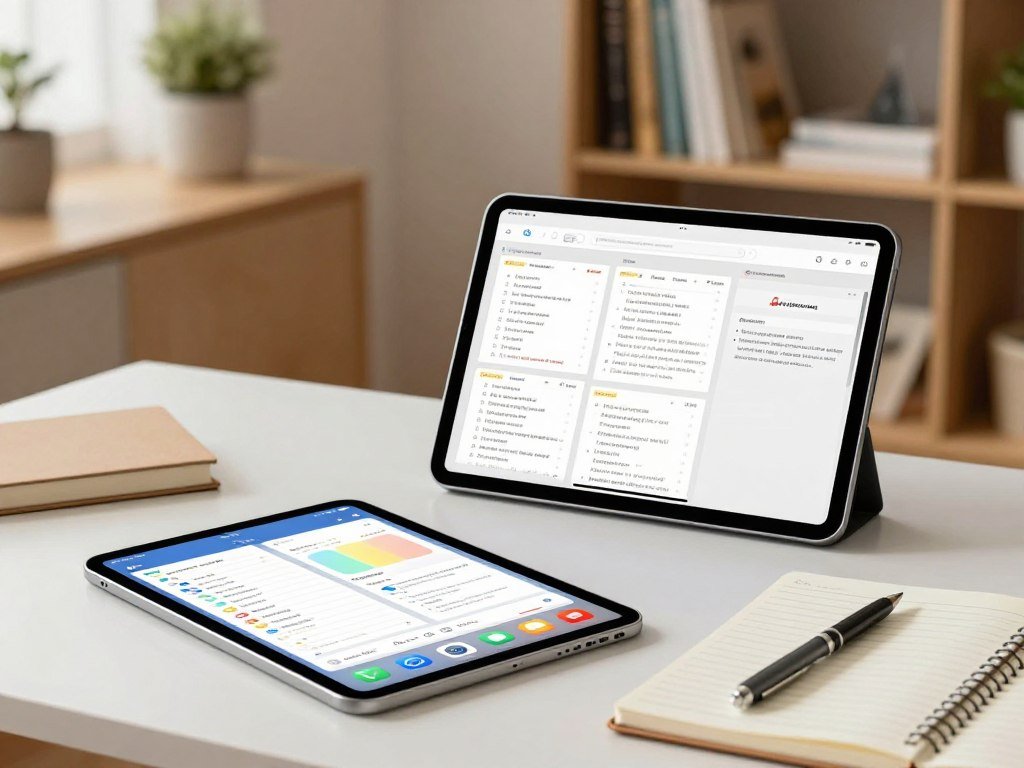
The best note-taking app for students on iPad is Goodnotes for flexible handwriting and PDF study. The table gives you a quick shortlist, not a scorecard.
| App | Strongest student fit | Distinctive feature | Platform reach |
|---|---|---|---|
| Goodnotes | Handwritten notes and PDFs | Custom notebooks and markup | iPad, iPhone, Mac, Windows, Android, web |
| Notability | Lectures and meetings | Audio synced to notes | iPad, iPhone, Mac, web |
| Apple Notes | Quick everyday notes | Smart Folders and built-in availability | iPhone, iPad, Mac, Windows through iCloud.com |
| OneNote | Windows and mixed-device use | Notebook, section, page structure | Windows, Mac, iOS, Android, web |
Goodnotes offers the broadest fit when you write by hand, mark up slides, and want notes arranged like notebooks. Notability can suit students better when recorded audio needs to stay tied to written points.
Notability’s U.S. App Store listing showed 458K ratings when accessed. A rating count reflects how many people rated an app, not its quality or fit for your classes.
Apple Notes is a light option for everyday capture, while OneNote makes sense if you move between different device types. The best choice depends on the work you need to do most.
Treat the table as a shortlist, then match the final choice to your lecture routine.
Is Goodnotes the best all-around choice for handwriting?
Goodnotes makes the most sense when a student wants one place for handwritten class notes, marked-up PDFs, and diagrams. For Apple Pencil work, it gives you a notebook-style space with flexible page tools.
Goodnotes is the best note-taking app for iPad with Apple Pencil when flexible handwriting and PDFs are your priority. It also suits a stylus-focused student who wants notebook-style organization.
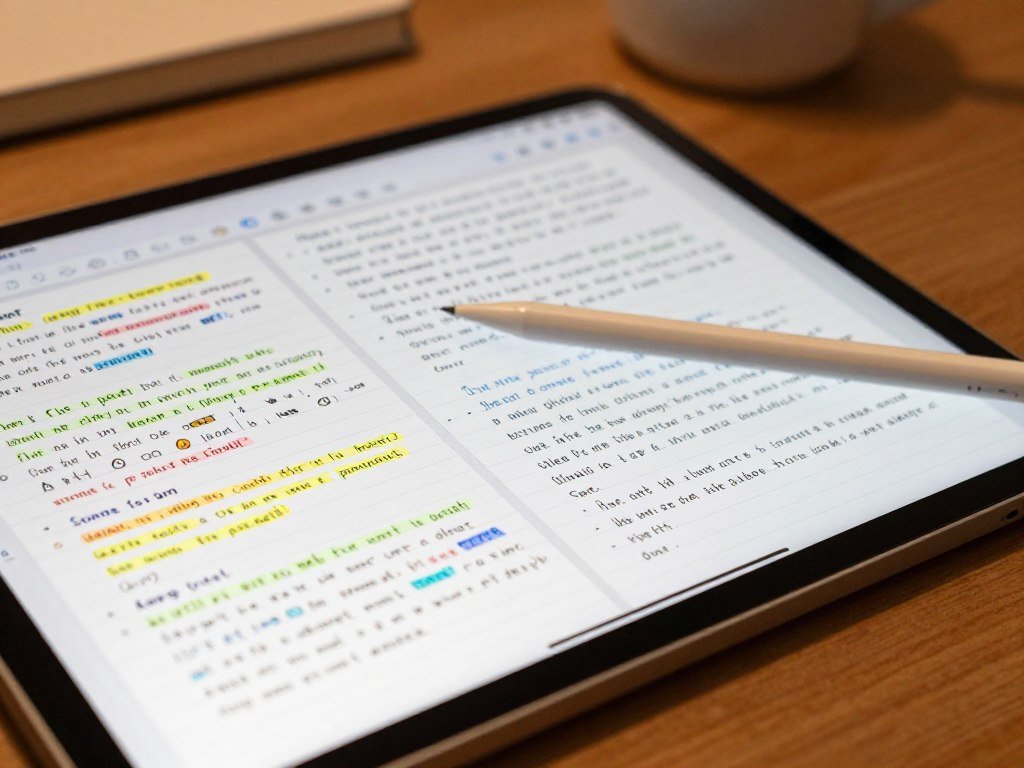
Import lecture slides, write in the margins, and keep the marked-up file near your class notes. Search can find handwriting across notebooks, so a handwritten term does not have to stay buried on one page.
What the paid plans add
Goodnotes Essential costs $11.99 per year and adds unlimited files, unlimited audio recording, all note-taking tools, limited AI features, and Google Calendar integration.
Goodnotes Pro costs $35.99 per year and adds Drive integration, private link sharing, real-time collaboration, syncing across devices, and AI capabilities to Essential. Those additions help people who share work, but every student does not need them.
Goodnotes runs on iPad, iPhone, Mac, Windows, Android, and the web as of 2026. Handwriting spellcheck and Math AI give students extra support when notes include equations or spelling needs.
Where Goodnotes fits best
Use notebooks for courses, then add folders when subjects need more structure. The whiteboard gives you an open space for diagrams and brainstorming when a lined page feels too tight.
Goodnotes suits a student who likes handwritten notes but still wants to search and sort them. If you mainly type short reminders, its notebook tools may be more than you need.
Choose Essential for its expanded note-taking tools, and consider Pro only if its sharing and syncing additions fit your routine.
Why do students choose Notability for lectures?
Notability stands out when a student wants to write during a lecture and replay the audio attached to a specific point later. That link can make review more useful than replaying a full recording.
Notability connects audio to the moments when you write. Tap a handwritten point to return to the matching part of the lecture.
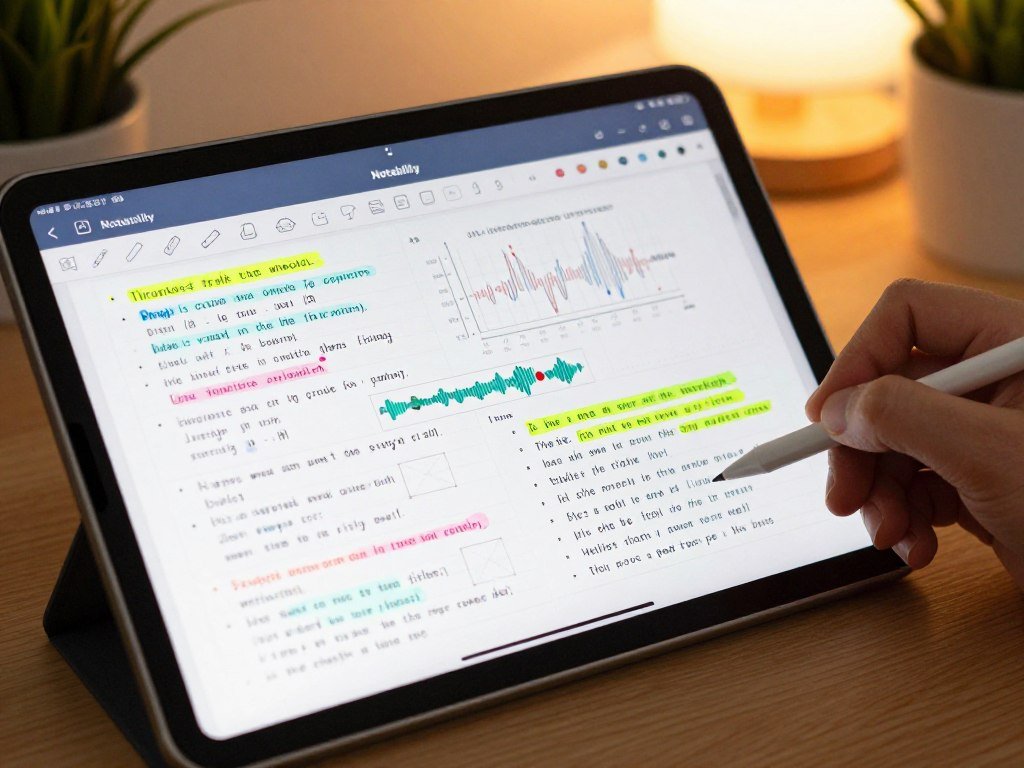
Audio that follows the notes
Audio playback can help when you missed a definition or want to hear how a lecturer explained a complex idea. Notability can also provide live transcripts and real-time summaries.
Those tools can make a long class easier to review, but they work best when you record regularly and keep notes clear. Recording alone will not sort a course into useful study points.
Study tools and device access
Notability includes quizzes and flashcards for review. You can switch between notes or view and edit two notes side by side, which helps when comparing class notes with a reading.
Notability is available on iPad, iPhone, Mac, and the web. Its free use comes with a one-time Classic plan that requires no subscription, while its upgraded subscription adds unlimited note-taking, AI productivity and study tools, handwriting recognition, math conversion, auto-backup, and iCloud sync.
Students who often compare a lecture outline with a worksheet may find the side-by-side view useful. Still, the app’s extra tools matter only if they fit your regular study routine.
Pick it over a simpler notebook app only if you expect to use the audio or study tools regularly.
When is Apple Notes enough for class?
Apple Notes is enough for students who mainly need to jot down ideas, tag them, and find them again. Its built-in setup keeps basic note capture close at hand.
Apple Notes is free and comes preinstalled on iPhone, iPad, and Mac. It supports Apple Pencil writing, Scribble, PDF and scan markup, plus audio recording and transcription on supported iPads.
Search can find handwriting, scans, images, PDFs, and attachments. Handwritten text search works in supported languages, so a note can stay handwritten without becoming hard to locate.
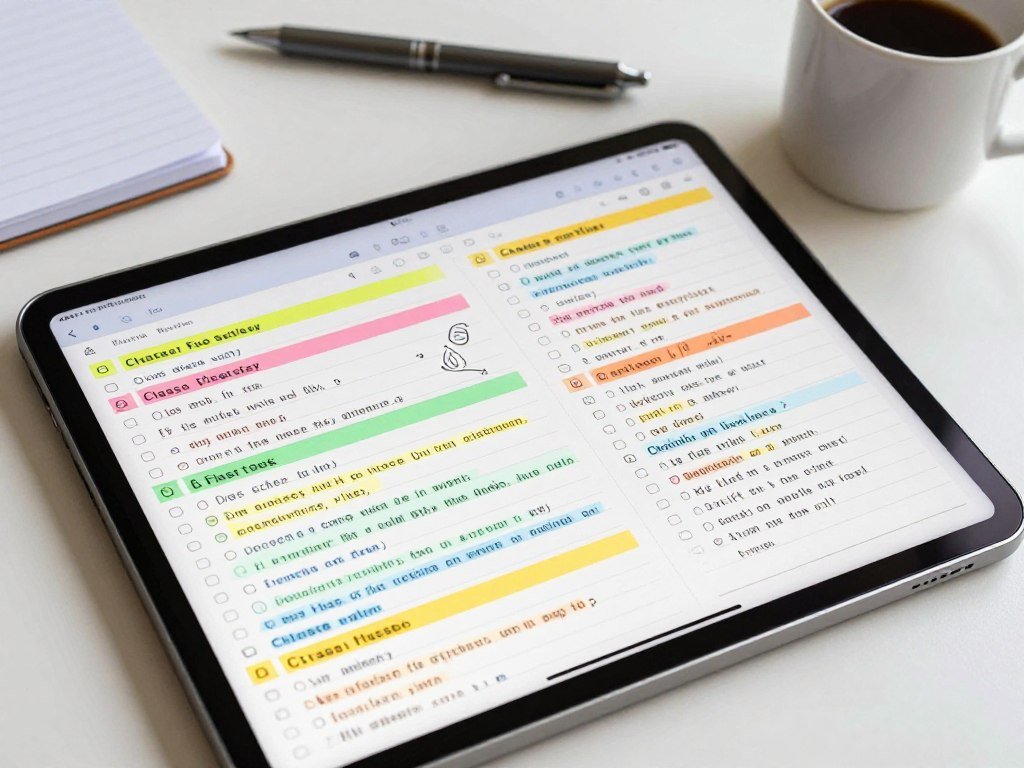
Hashtags and Smart Folders help group class notes without moving them into separate folders. Quick Notes can capture a thought, while checklists keep small tasks beside the material they relate to.
PDF markup can take extra steps compared with apps built around annotating course files. Test a real reading before using it as your main space for slide-heavy classes.
- Tag class notes with the same course label each time.
- Make one note for each lecture.
- Use Smart Folders to gather tagged material.
Apple Intelligence features in Notes, including Image Wand, require an Apple Intelligence-enabled iPad mini with A17 Pro or later, or an iPad with M1 or later running iPadOS 27 or later.
If a class revolves around frequent PDF markup, test that workflow before moving an entire course into Notes.
Is OneNote the best fit across devices?
OneNote is the clearest choice when a student needs the same notebook system on an iPad and a Windows or Android device. Cross-platform access is its main advantage.
OneNote is free and runs on Windows, Mac, iOS, Android, and the web. Its notebook-section-page structure gives course material a clear home.
OneNote can hold typed notes, handwriting, audio recordings, screenshots, and files. It can also search text inside images using optical character recognition, or OCR.
| App | Platform coverage | Organization model | Best fit |
|---|---|---|---|
| OneNote | Windows, Mac, iOS, Android, web | Notebooks, sections, pages | Switching between iPad and Windows or Android |
| Goodnotes | iPad, iPhone, Mac, Windows, Android, web | Notebooks and folders | Handwriting and PDF annotation |
| Apple Notes | iPhone, iPad, Mac, iCloud.com on Windows | Folders and Smart Folders | Simple capture for Apple users |
| Notability | iPad, iPhone, Mac, web | Subjects and folders | Audio-linked notes |
OneNote is designed for cross-platform note storage and access, while Goodnotes centers on iPad handwriting and PDF annotation. That difference matters if most of your work happens on an iPad.
For a wider view of note-taking apps across devices, think about the devices you use outside school, too. A single notebook system can help when class and personal notes share a laptop.
A student who rarely leaves Apple devices may prefer a simpler or more handwriting-focused workspace.
How does MarginNote turn reading into study material?
MarginNote is a strong fit for turning dense course PDFs into a connected map and review cards. Its Study mode links reading with the ideas you need to recall later.
MarginNote can connect document highlights and excerpts to a mind map. That makes it useful when a reading has many related claims or terms.
From PDF highlights to a mind map
As you read, highlight a passage and add an excerpt to a mind map. You can connect that passage with a topic or argument, keeping the reading’s structure visible.
This approach can help with research when a chapter has several linked themes. Students who want an open-ended canvas may find the structured Study mode less flexible.
Turning map nodes into review
Review mode can make flashcards from mind-map nodes. You can then study the ideas in the same app instead of copying them into another tool.
MarginNote has a free reader-only version. Pro costs $12.99 one time, and Max costs $51.99 one time; the app is available for iPad, iPhone, and Mac.
The reader-only version lets you check whether the document view works for your class. A student who already prefers plain notes may not need a map for every reading.
- Highlight a claim that supports the chapter’s main idea.
- Connect the excerpt to a topic node.
- Turn useful nodes into flashcards for review.
Try the reader-only version first if you want to see whether its structured study method matches how you learn.
What makes LiquidText useful for research PDFs?
LiquidText is most useful when a class requires comparing long PDFs rather than collecting short standalone notes. The workspace puts excerpts beside their source documents.
You can view and compare up to three documents at once. That can help when a paper refers to several readings or studies.
Pulling excerpts into a workspace
LiquidText places document pages beside a workspace where you can pull out excerpts. Group or connect excerpt cards to map how evidence relates to your question.
Because the excerpts stay tied to their documents, you can return to the surrounding text when a quote needs more context. This is useful when a sentence alone does not explain an author’s claim.
Comparing documents and keeping context
Source links let you move from a note back to the original passage. You can review highlights and compare up to three documents in one view.
LiquidText is available for iPad, Mac, and Windows. It has a free plan, while Pro lists at $79.99 one time per platform or $9.99 per month.
A crowded workspace can make excerpts harder to relocate unless you use clear groups and labels. Start with a few named groups rather than pulling every marked sentence onto one page.
Keep each excerpt visibly connected to its source so a useful quote does not lose its context.
Does Noteshelf suit visual planners and creators?
Noteshelf is worth considering when page design and notebook appearance are part of how you stay motivated. Its notebook style supports visual planning more than free-form drawing.
Noteshelf offers customizable pens, page templates, and notebook covers. Imported PDFs can be searched, which may help when a planner includes class readings.
Students who like color-coded pages can choose pens and templates to suit each course. Covers can also make a planner or notebook easier to spot in a busy library.
Free aesthetic note-taking apps for iPad include Concepts, a free customizable canvas with options for its background, grid, and page size. Noteshelf follows a more notebook-like workflow, and its free version allows three notebooks.
Concepts suits a student who wants to shape the canvas, while Noteshelf suits someone who prefers pages and covers. Neither is a universal winner for aesthetic notes; the work style matters.
Noteshelf’s listed Apple-platform plans cost $7.99 per week, $9.99 per month, or $29.99 per year. Those prices make the free notebook limit worth checking before you plan a full term around it.
Check the free notebook limit before building a semester of planners around Noteshelf.
Should you choose MyScript Notes for handwriting conversion?
MyScript Notes is the specialist choice for students who want handwritten ideas to become editable text without switching apps. Conversion is its focus, especially for notes that mix writing and typing.
MyScript Notes can convert handwriting to text and calculate math equations. It was formerly called Nebo and runs on iPad, iPhone, Mac, Windows, and Android.
A live preview lets you see text conversion as you write. You can also mix typed text and handwriting in one document, which works well for a written explanation with typed headings.
Gestures help you edit writing without changing tools for each small fix. Math conversion can turn a written equation into a form the app can calculate.
Listed payment choices are $1.99 per month, $7.99 per year, or $24.99 one time. A one-time purchase is a single payment, unlike a subscription that renews by period.
Students who mainly want highly styled templates or deep folder structures may find this workflow less suitable. It favors writing and conversion over decorative page design.
Test your own handwriting on a short class note before choosing conversion as the deciding feature.
Can CollaNote help a study group work together?
CollaNote is most useful when several students need to contribute to the same note at the same time. Live editing makes it a practical shared space for group work.
Multiple people can write, draw, and annotate one note in real time. CollaNote has a free version and a $13.90 one-time Premium option.
It runs on iPad, iPhone, and Mac. PDFs and slides can be imported and marked up, while a scanner helps bring paper handouts into the workspace.
The toolbar includes about 25 pens and brushes for writing or sketching. A broad tool set can help a group draw a diagram, but collaboration is the main reason to consider the app.
- Divide up reading notes, with each student taking one part.
- Annotate one shared lecture document during a group review.
- Sketch a group explanation of a difficult topic.
A 2025 study of 425 students in a Chinese college English program linked collaborative learning with peer support, which was linked with student engagement. The study on peer support and group learning does not test CollaNote itself.
Agree on a shared folder and naming convention before a group fills the app with duplicate drafts.
What can you use for free without a subscription?
Apple Notes and OneNote are the easiest free starting points, while Goodnotes Free is best treated as a limited trial of a fuller notebook workflow. Start free if your current classes do not need paid tools.
Free note-taking apps for iPad without a subscription include Apple Notes and OneNote. Notability also offers a one-time Classic plan, while Goodnotes Free sets clear caps.
Free apps for everyday notes and device access
Apple Notes and OneNote can handle everyday capture without a subscription. Apple Notes suits students in Apple’s device family, and OneNote works across Windows, Mac, iOS, Android, and the web.
Apple Notes includes 5 GB of iCloud storage shared with photos, device backups, files, and other iCloud data. That space can fill for reasons beyond class notes.
Notability’s Classic option is a one-time purchase, not a subscription. It can suit a student who wants its workflow without taking on a recurring plan.
Free handwriting tools and their limits
Goodnotes Free allows up to three notebooks, three text documents, three whiteboards, and three folders. Imports are limited to 5 MB, and audio recording is limited to 20 minutes.
It also includes up to five Q&A requests and five Quiz Generator uses per month. Templates, digital stationery, cross-platform syncing, cloud-storage integration, link sharing, and real-time collaboration are not included.
Use the table to match an entry-level option with what you need during a normal week.
| App | Free or one-time route | Meaningful limit | Best free-use case |
|---|---|---|---|
| Goodnotes Free | $0 | Three notebooks, 5 MB imports | Handwriting and PDF trial use |
| Apple Notes | Free | 5 GB iCloud shared with other data | Simple notes on Apple devices |
| OneNote | Free | Windows, Mac, iOS, Android, web | Cross-platform access |
| Notability | Free use plus one-time Classic | Classic has no subscription requirement | Audio-linked notes and study tools |
Compare the free limits against one real course before paying to remove them.
How can Apple Pencil make iPad notes quicker?
A student can capture a thought or a screen without first navigating through a notebook list. Quick actions help you save a detail before a lecture moves on.
Apple Pencil can write in iPad text fields when Scribble is enabled in Settings. That lets you enter text without switching to the on-screen keyboard.
Capture a thought without opening a notebook
Try these three actions before class so you know where they lead:
- Swipe up from the bottom-right corner to open Quick Note.
- Swipe up from the bottom-left corner to take a screenshot.
- Write in a text field with Scribble enabled in Settings.
Write, convert and review
Scribble converts handwriting to typed text as you write in supported languages. In Notes, search can find handwritten words, while supported iPad models can refine handwriting in real time and keep your style.
Freeform offers a separate shared canvas for diagrams and brainstorming with another person over FaceTime. It can help a pair sketch an idea, but it does not replace a structured class notebook.
Use handwriting when a formula or drawing is faster than typed words. Then review your notes later and turn the key idea into a question you can answer from memory.
Try each gesture once before class so it does not interrupt a lecture when you need it.
How should students compare Goodnotes and Notability?
Goodnotes wins for students who organize large handwritten libraries, while Notability wins for students who routinely replay lecture audio. The weekly task should decide between them.
Goodnotes is the better fit for handwriting search, deep organization, and whiteboard work. Notability is stronger when audio needs to stay synced to written notes.
Organization and handwriting
Both apps earned 4.8 out of 5 stars in an August 2026 comparison, but a tied rating cannot show which app fits your classes.
| Dimension | Goodnotes | Notability | Student implication |
|---|---|---|---|
| Organization | Notebooks, folders, subfolders | Subjects and dividers | Choose Goodnotes for deeper hierarchy |
| Folder depth | Unlimited nested folders | Up to six levels | Match the library’s complexity |
| Handwriting conversion | Included | Paid upgrade | Check whether conversion matters |
| Whiteboard | Infinite canvas | No infinite-canvas whiteboard | Choose Goodnotes for mind maps |
Goodnotes handwriting search works across notebooks, while Notability search works within notes. That difference matters if you remember a term but not which class page contains it.
Goodnotes also supports handwriting-to-text conversion as part of its feature set. Notability makes the conversion available through a paid upgrade.
Audio and study workflow
Notability’s main edge is audio synchronized to written notes. Goodnotes offers a whiteboard for open diagrams, while Notability centers more on lecture capture and review.
Students who rarely record lectures may get more value from Goodnotes’ organization. A student who revisits recordings each week may prefer Notability’s linked playback.
Choose the app you will use for a real weekly task, not the one with the higher-sounding feature count.
Choose by the feature you will use every week, not by a tied star rating.
What should you test before settling on one app?
Test the exact tasks you plan to repeat during a semester before moving all your class material into an app. A small trial can reveal problems that a feature list will miss.
Check note access, PDF import, export, and reopening on a second device. Those tasks tell you whether your course files can move with you.
Use one sample lecture rather than importing a full course. Test the same tools you expect to use in class and during review.
- Create one sample note, then close and reopen it.
- Import a lecture PDF and check its pages.
- Export or share a note in a format you can use.
- Confirm how you access notes on a second device.
Apple Notes has no native Windows or Android app, though Windows users can access notes through iCloud.com. Notability runs on iPad, iPhone, Mac, and the web.
One App Store reviewer reported frequent crashes in a recent Mac release and trouble dragging notes between folders. That is one user’s experience, not an app-wide test result, so try your own devices.
A ratings count tells you how many ratings appeared on an app listing, not whether the app suits your needs.
Notability’s U.S. App Store listing showed 458K ratings when accessed, but that count cannot predict your experience with a Mac or iPad.
Keep a backup of important course material until you have confirmed that your chosen app can reopen and export it reliably.
Conclusion
For most students who want handwritten notes and PDF markup in one place, Goodnotes is the clearest first app to try. Notability suits students who want audio linked to lecture notes.
Start with the app that fits your main class task, then create one note for an upcoming class. Check how writing, review, and file access feel before you bring in more material.
One class is enough to show whether the app helps you study or adds extra steps. Start with one class, then keep the app that makes review easier.
FAQ
What is the best iPad notes app?
Goodnotes is the strongest all-around choice for handwritten notes and PDFs. It suits students who mark up slides, organize notebooks, and review written class material. Choose Notability when audio-linked lecture review is your main need. Apple Notes works for simple capture, while OneNote makes more sense when your notes must travel across device types.
Is Goodnotes or Notability better?
Goodnotes is better for deep organization and handwriting search across notebooks. Notability is better when you want audio synchronized to the points you write during a lecture. Both can support handwritten study, so base your choice on the task you repeat most. A student who rarely records classes may prefer Goodnotes’ folder structure.
Is Goodnotes for iPad free?
Goodnotes Free costs $0, with limits of three notebooks, 5 MB imports, and 20 minutes of audio recording. It also limits some AI tools and excludes features such as templates and cross-platform syncing. That can be enough to test a course workflow, but a larger library may outgrow the free tier quickly.
What is the most used notes app?
Apple Notes is the built-in notes app on iPhone, iPad, and Mac, but that does not prove it has the most users. Its default place on Apple devices makes it easy to start using for quick class reminders. Students may also use other apps based on handwriting, cross-platform access, or lecture recording needs.
Is OneNote or GoodNotes better?
OneNote is the stronger choice when you regularly switch among Windows, Android, and Apple devices. Goodnotes is a better fit for iPad handwriting and PDF annotation. OneNote’s notebook, section, and page structure can help keep mixed course material in one system. Choose Goodnotes if handwritten pages are the heart of your study routine.
What are the downsides of using GoodNotes?
Goodnotes Free limits notebooks, import size, and audio recording, and it excludes templates and cross-platform syncing. Those limits can interrupt a student who wants to store a full course or move notes between devices. The paid features may also be unnecessary if you mainly type short reminders or use a basic notes app.
Does anyone still use OneNote?
OneNote remains available on Windows, Mac, iOS, Android, and the web. That broad reach makes it useful for students who take notes on an iPad but review them on another device. Its notebook-section-page system can hold typed text, handwriting, recordings, screenshots, and files in one place.
Which free note-taking apps work with Apple Pencil?
Apple Notes and OneNote are free starting points that work with Apple Pencil on iPad. Goodnotes also has a free tier, though it limits notebooks, imports, and recording time. Notability offers free use, with a one-time Classic plan available. Test writing, saving, and opening a note before choosing one for a full course.



