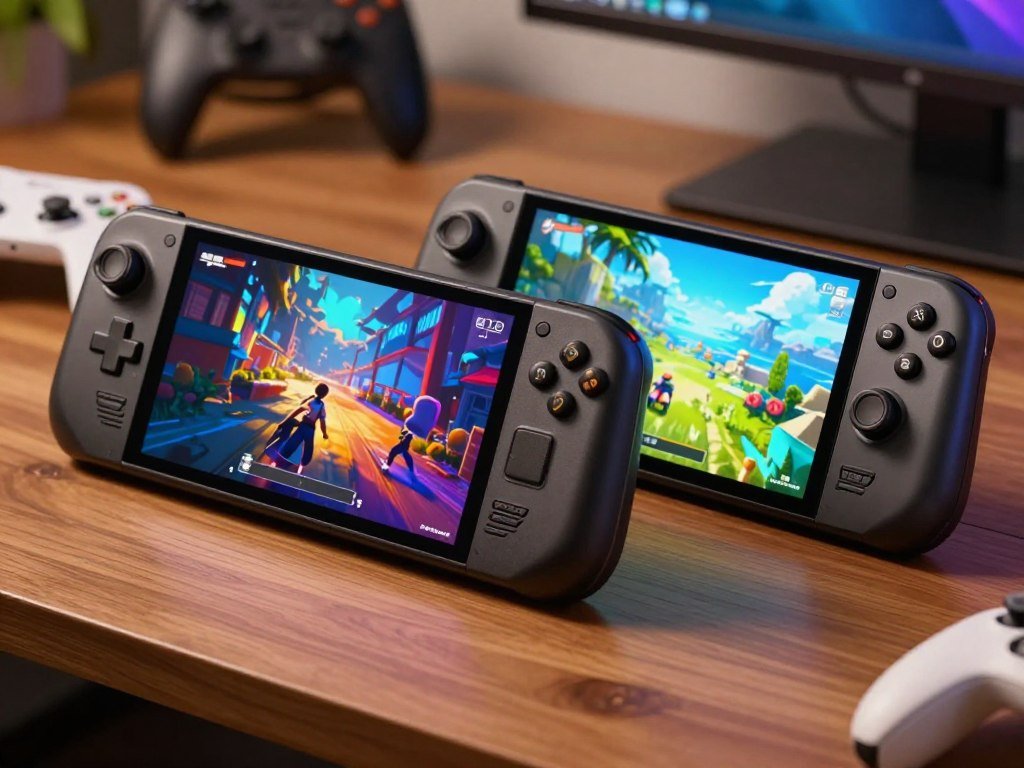
The best choice depends less on a game’s frame rate than on how and where you plan to play. When comparing the Steam Deck OLED and LCD, your choice may depend on whether you are buying new, looking at a used model, or thinking about an upgrade. The handheld gives you the same core game library, but the play experience and cost differ.
This comparison covers the screen, battery life, gaming performance, storage, and 2026 availability. You can use those details to judge which tradeoffs fit your habits, rather than paying more for features you may rarely use. The budget-first choice can still be a good one when you find a suitable pre-owned unit.
A buyer who values a better handheld experience should weigh the OLED’s upgrades against its 2026 price before deciding.
Key Takeaways
- The Steam Deck OLED is the default pick when buying new.
- The Steam Deck LCD may suit a budget-first buyer who finds a good pre-owned unit.
- The OLED screen offers stronger contrast and a higher refresh rate.
- Battery life depends on the game and your settings.
- Both models run the same compatible Steam library.
- Valve discontinued new LCD production in December 2025.
Steam Deck OLED vs LCD: Which One Should You Choose?
For most people buying a Steam Deck new, the OLED is the simpler recommendation. Choose the OLED as the default new model because it improves everyday handheld use without changing the games you can play. The older LCD remains a reasonable budget choice when a suitable used unit costs less.
The best fit for a first-time buyer
The OLED pairs a more vivid screen with longer rated battery life, which matters when you play away from a desk. You also get newer wireless support and a lighter handheld. Those upgrades make it easier to enjoy the device as a portable gaming system, even though the core game hardware remains close to the LCD.
The Steam Deck OLED is the straightforward choice if you want a new device and expect to play mostly in your hands. You do not need to match every feature to a specific game. The screen and longer play range affect many sessions, while small performance gains vary by title.
When a pre-owned LCD makes sense
A pre-owned Steam Deck LCD can make sense if keeping the purchase price low matters more than screen quality and battery endurance. You give up the newer panel and shorter charging-free sessions, but still get access to the same compatible Steam library. A refurbished or used handheld can also be an option when new OLED stock is hard to find; see these Steam Deck availability alternatives.
Before you buy a used deck, look for signs of wear and ask what the sale includes. Check the controls, screen, charging port, and battery behavior in person when possible. A low price is less appealing if the handheld needs repair soon.
- Buying new: choose the OLED for the more polished portable experience.
- Prioritizing the screen for handheld play: choose the OLED.
- Prioritizing the lowest possible purchase price: consider a pre-owned LCD.
Buy a pre-owned LCD only when its condition is clear and the lower cost is worth its older screen and shorter runtime.
If a lower purchase price outweighs screen quality and endurance, consider a pre-owned LCD only after checking its condition.
How different are the OLED and LCD screens?
The OLED’s biggest visible advantage is its contrast, with a larger panel and faster refresh rate adding to the improvement. The OLED panel creates deeper blacks and smoother motion, while the LCD still shares the same resolution. Refresh rate means how many times per second a display can update its image.
OLED contrast, HDR, and brightness
OLED pixels make their own light and can switch off fully, creating true black areas. The LCD uses a backlight, so dark parts of a scene may look less deep. That contrast can make night scenes and bright colors stand out during handheld play.
The OLED supports HDR, which can show a wider range of bright and dark detail in compatible content. Its peak brightness reaches 1,000 nits. The LCD is listed at 400 nits of peak brightness, and it does not offer the same HDR display support.
A larger screen with a higher refresh rate
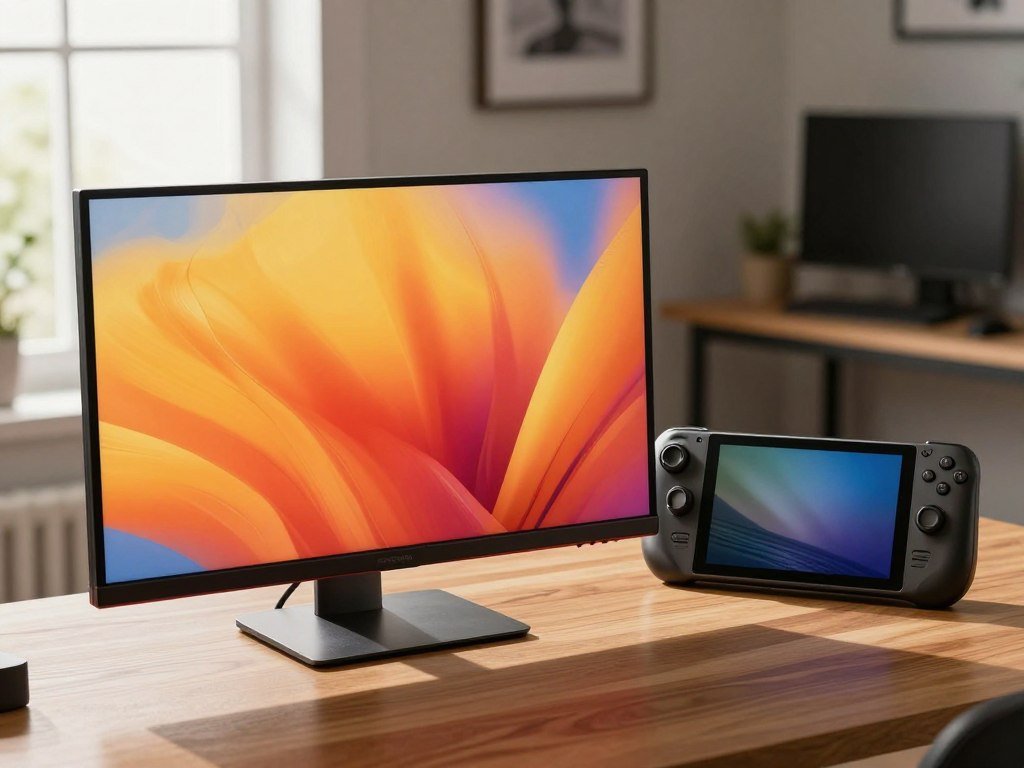
The Steam Deck OLED has a 7.4-inch, 1280 x 800 display with a refresh rate up to 90Hz. The Steam Deck LCD has a 7-inch, 1280 x 800 display with a refresh rate up to 60Hz. Valve lists both models’ display details on its Steam Deck OLED specifications page.
| Feature | Steam Deck OLED | Steam Deck LCD |
|---|---|---|
| Display and size | HDR OLED, 7.4 inches | Optically bonded LCD, 7 inches |
| Resolution and refresh rate | 1280 x 800, up to 90Hz | 1280 x 800, up to 60Hz |
| Peak brightness | 1,000 nits | 400 nits |
The shared resolution means the larger OLED screen does not add pixels. Its refresh rate can update the image more often, but 90Hz does not mean demanding games will automatically run at 90 frames per second. Game speed depends on the title and its settings.
For a buyer who mainly plays dark or colorful games on the handheld screen, the OLED panel is the most noticeable upgrade.
How much longer does the OLED battery last?
The OLED is rated for 3-12 hours of play, compared with 2-8 hours for the LCD, but the game you run has a major effect on where you land in those ranges. Valve rates the OLED for 30-50% more battery life, not a fixed number of extra hours in every game. Demanding games and higher settings use more power.
Rated playtime and battery capacity
The OLED has a 50Whr battery, while the LCD has a 40Whr battery. Valve’s rated playtime ranges describe varied gameplay, not a promise that one game will last for the full top end. A lighter game may run longer than a demanding 3D title.
The larger capacity can help when you play away from an outlet for longer stretches. Your own runtime also shifts with game demands and settings. If you lower demanding settings, you may extend playtime; more demanding content can shorten it.
Charging speed and cable length
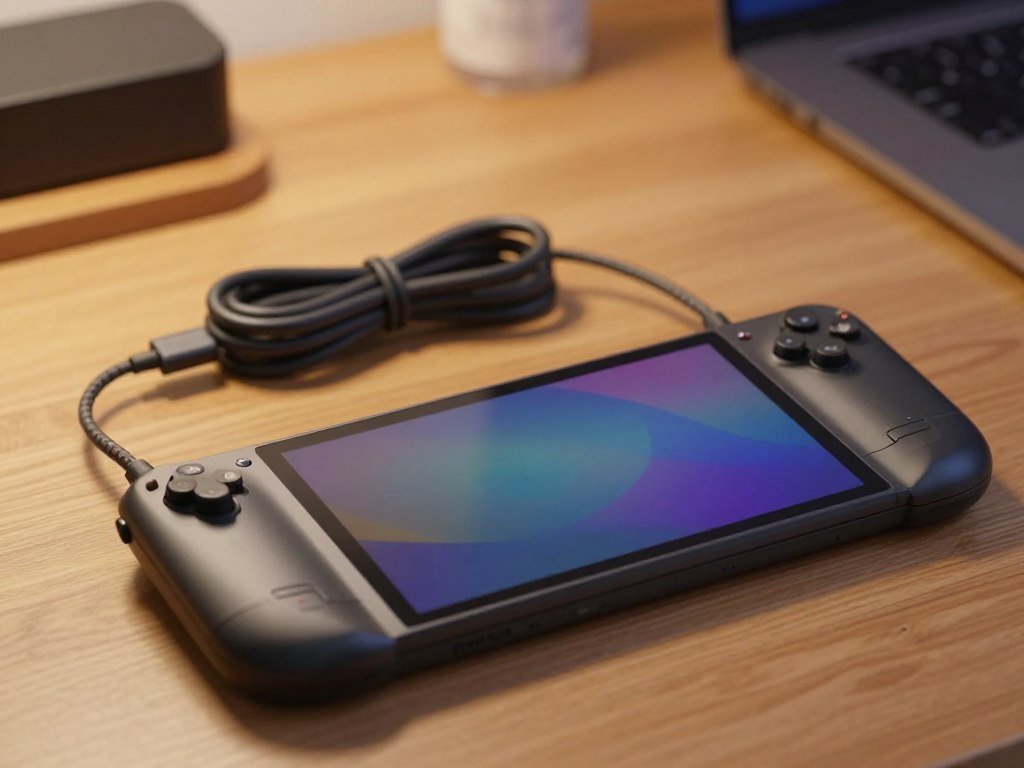
The OLED can charge from 20% to 80% in as little as 45 minutes. Both models include a 45W power supply, though the OLED’s cable is 2.5 meters long and the LCD’s is 1.5 meters long. That extra reach can make it easier to play while plugged in near a wall outlet.
The OLED also resumes from sleep roughly 30% faster than the LCD. That can make short breaks feel simpler: press the power button and return to your game sooner. Neither faster wake-up nor a larger battery removes the need to plan around a long day away from power.
For travel, compare the rated range with your own game and settings rather than assuming either model will last for a full day.
Does the OLED run games faster?
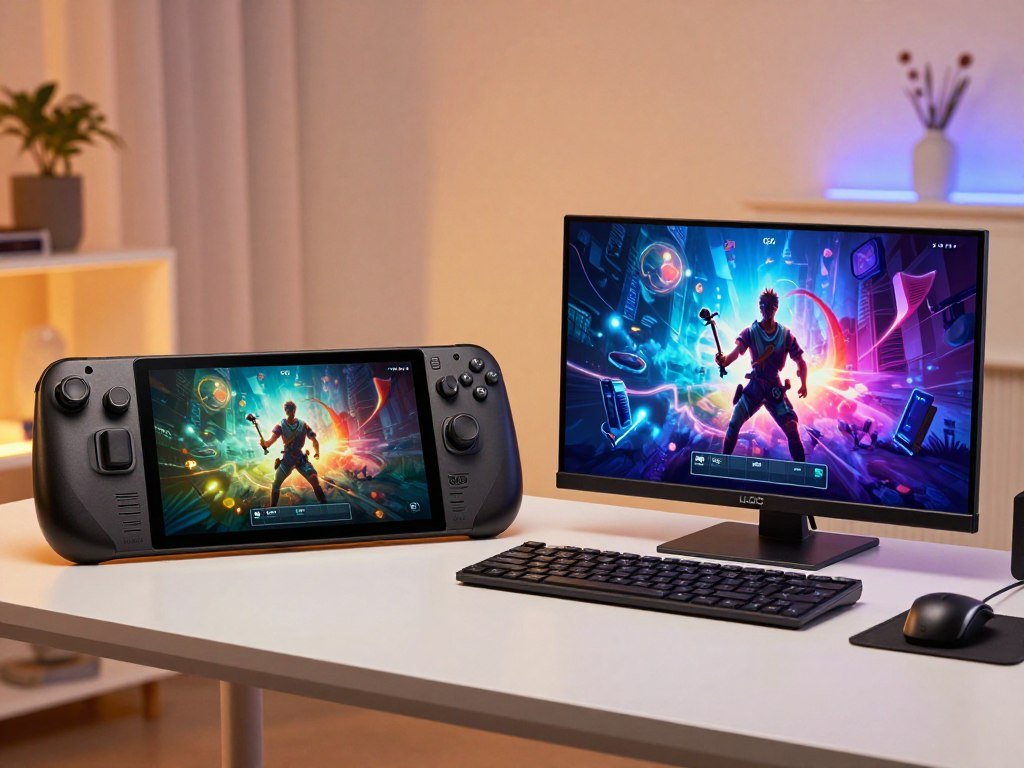
The OLED is usually a small performance step, not a reason to expect a new class of game to run well. Both models share the same Zen 2 CPU and RDNA 2 GPU architecture, so the newer chip process and faster memory do not create a major generational jump.
Shared core hardware and faster memory
The OLED uses a 6 nm APU, while the LCD uses a 7 nm APU. Both have 16GB of LPDDR5 memory, but the OLED memory runs at 6400 MT/s compared with 5500 MT/s on the LCD. Those changes can help in some tests, but they do not replace a new CPU or GPU design.
Both handhelds target Steam Deck Verified games. That label helps you find games that work well on the device, though it does not mean every game reaches the same frame rate. Players comparing low-demand titles can also browse games suited to modest PC hardware.
What like-for-like benchmark results show
In a 720p test of Red Dead Redemption 2, the OLED averaged 53FPS and the LCD averaged 49.7FPS. The test used Vulkan and the upper-end Favor Performance preset. That worked out to a 7% average-frame-rate increase for the OLED in that test.
| Test | Steam Deck OLED | Steam Deck LCD |
|---|---|---|
| Red Dead Redemption 2 at 720p | 53FPS, Vulkan, Favor Performance | 49.7FPS, Vulkan, Favor Performance |
| Dying Light 2 Stay Human at 720p | 45.8FPS, Low, FSR Quality | About 6% lower than OLED |
| LPDDR5 memory speed | 6400 MT/s | 5500 MT/s |
In Dying Light 2 Stay Human, the OLED averaged 45.8FPS on Low with FSR Quality. That was about 6% more than the LCD. Both devices ran at 1280×720 for these like-for-like gaming comparisons.
These benchmark figures describe specific games, settings, and test conditions. They cannot promise the same result in every title, since game demands and settings vary. For more context on the original model’s game tests, see PCMag’s Steam Deck review.
Choose the OLED for its overall experience, not on the assumption that it will transform demanding games.
What changes in weight and connectivity?
The OLED is about 5% lighter, while both models keep the same outer dimensions. Both measure 298 x 117 x 49mm, so the larger OLED screen does not make the handheld larger. The lighter weight may feel useful when you hold the device for a long session.
The OLED supports Wi-Fi 6E and Bluetooth 5.3. The LCD supports Wi-Fi 5 and Bluetooth 5.0. Wi-Fi 6E can use a compatible 6GHz network, but it will not add that band to a router that lacks 6GHz support.
Bluetooth 5.3 can support wireless accessories that need the newer standard. Your accessory still needs to support the features you want, and older gear will not gain new functions just by pairing with the OLED. The two versions also share the same broad shape, so comfort depends on how the grips fit your hands.
The OLED has refined controls and cooling as secondary design changes. These updates are part of the newer revision, but they do not change the handheld’s overall size. Try the grip in person if you plan to play for long stretches.
- Check whether your router supports 6GHz.
- Confirm your accessories’ Bluetooth needs.
- Try the grip before a long session.
Valve lists the wireless and physical details on its Steam Deck tech specs page. The Wi-Fi 6E improvement matters only when your home network and connection support it.
What does each Steam Deck cost in 2026?
A new Steam Deck OLED costs $789 for 512GB or $949 for 1TB in 2026. Valve raised both OLED prices on May 27, 2026, so the storage tier has a large effect on the upfront cost. The Steam Deck LCD is no longer sold as a new production model.
Current OLED prices
The 512GB OLED costs $789, and the 1TB version costs $949. The price difference buys more built-in storage and the 1TB model’s etched anti-glare glass. If those extras do not matter to you, the lower storage tier costs less.
What happened to the LCD model
Valve discontinued the Steam Deck LCD on December 19, 2025. Remaining new units had sold through by mid-February 2026, so a buyer looking for an LCD is more likely to find a pre-owned or refurbished unit than steady new stock.
| Model | 2026 new-unit price | Availability |
|---|---|---|
| Steam Deck OLED 512GB | $789 | Current OLED model |
| Steam Deck OLED 1TB | $949 | Current OLED model |
| Steam Deck LCD | No new-unit price | Discontinued; remaining units sold through by mid-February 2026 |
A discontinued LCD may still appear pre-owned or refurbished. Its condition, included items, and seller terms can differ, so compare those details with the cost of a new OLED. This guide to Steam Deck availability also covers options when new stock is limited.
In October 2026, Valve engineer Pierre-Loup Griffais said rising RAM and DRAM prices had “not really” changed Valve’s plans for a next-generation Steam Deck. That comment gives context about planning, not a release date or a promise of a finished product.
Check the current availability and final price before committing, since a discontinued model is not the same as a reliably available new one.
Which storage option fits your library?
Choose between the OLED storage tiers based on both library size and whether etched anti-glare glass matters to you. The 1TB model adds etched anti-glare glass, while the 512GB OLED has the same underlying panel without that premium glass. Both OLED versions share the same display size and resolution.
Choosing between 512GB and 1TB
The 512GB model can suit you if you keep a smaller set of games installed or remove titles after finishing them. The 1TB option gives a larger internal library and adds a premium carrying case, an exclusive startup movie, and a virtual keyboard theme. Those extras matter only if you value them.
Expanding storage on either model
The Steam Deck LCD came in 64GB, 256GB, and 512GB configurations. Both models include a microSD card slot and a user-upgradeable M.2 2230 NVMe storage slot. A microSD card is the simple route for adding space without opening the handheld.
Choose among these storage routes:
- Choose the 512GB OLED for less built-in space and the standard glass.
- Choose the 1TB OLED for more space and etched anti-glare glass.
- Expand compatible storage with a microSD card or M.2 2230 NVMe drive.
A microSD card can hold games you do not need on the internal drive, which may help keep your main library installed. Replacing the internal drive gives you another option, but requires opening the device and handling its parts with care.
Use the microSD card slot as the simple expansion route, and replace the internal drive only if you are comfortable opening the handheld.
Which model suits your gaming habits?
Your playing habits matter more than a small benchmark gap when you decide between these models. The OLED fits frequent handheld play best, while the LCD can suit a buyer who values a lower-cost pre-owned device. Both run the same compatible Steam library.
Use your usual play style to narrow the choice:
- Choose OLED for frequent handheld play and a premium screen.
- Choose OLED for travel when longer rated runtime matters.
- Choose LCD if you are budget-first and comfortable with pre-owned gear.
- Choose either model if you mostly play docked and want the same core library.
A game’s demands and your settings affect how long either battery lasts. A short session near an outlet may make runtime less important than it is on a long trip. That difference can change which feature deserves your money.
Game storage can also shape your choice, but it does not always require the higher-capacity model. A microSD card can help if your main concern is having more games installed. You can keep less-played titles there and use internal space for the games you open most often.
The same Steam library does not mean every title runs at the same speed on both devices. Still, the small gap in many comparisons should not outweigh comfort, screen preference, or how often you play away from a desk.
If you mostly play docked, the LCD’s screen and endurance tradeoffs may matter less than its purchase price.
Should LCD owners upgrade to OLED?
An LCD owner should upgrade only when the OLED’s screen and endurance would improve their actual routine. Upgrade when better visuals, longer play away from an outlet, or lower weight would make you play handheld more often. Otherwise, your current device may still be the right fit.
The OLED is a revision of the existing Steam Deck, with a different display, battery, wireless support, and 6 nm APU. Its performance gains are modest, so a new model is less compelling if your main goal is to play games that already run well on your LCD.
Keeping the LCD makes sense when it meets your needs, especially if you mostly play docked or only play short sessions. You can keep using the same compatible library rather than paying for improvements that may not change your routine. A worn or damaged unit is a separate issue from wanting a newer screen.
In October 2026, Valve engineer Pierre-Loup Griffais said rising RAM and DRAM prices had “not really” changed Valve’s plans for a next-generation Steam Deck. That statement is context, not a release date or confirmation of a finished product. It is not a reason by itself to wait or upgrade now.
Keep the LCD if it already fits your play habits, and make the upgrade only when a specific OLED advantage is worth the expense to you.
Think about the last few times you played away from a desk. If a better screen or longer sessions would have changed those moments, the upgrade has a clear purpose.
Conclusion
Pick the OLED for the better all-around handheld experience, or the LCD when your budget matters more than the screen and endurance. For a new buyer who plans to play in handheld mode, the OLED is the stronger fit. A budget-first buyer can still choose a suitable pre-owned LCD.
Performance alone is not a strong reason to switch, since both models run the same compatible Steam library. Focus on the features that change your own play: screen quality, time away from an outlet, and the price you can accept.
Before buying, check the model’s storage capacity and whether the listed condition matches what you are willing to accept.
FAQ
How much does the Steam Deck OLED weigh?
The Steam Deck OLED weighs approximately 640g, about 5% less than the LCD model. That difference may feel helpful when you hold the handheld for longer sessions. Both models have the same outer dimensions, so the OLED does not take up more space in a bag. Your comfort still depends on how the grips fit your hands.
Is Steam Deck 2 coming soon?
There is no announced release date for a next-generation Steam Deck. In October 2026, Valve engineer Pierre-Loup Griffais said rising RAM and DRAM prices had “not really” changed Valve’s plans. That comment does not confirm a finished product or say when one might launch, so it is not a firm reason to delay a purchase.
What are the key differences between OLED and LCD displays?
The OLED display is 7.4 inches, supports HDR, and has a refresh rate up to 90Hz. The LCD is 7 inches and reaches up to 60Hz, while both displays use 1280 x 800 resolution. OLED pixels can switch off for true blacks, while the LCD uses a backlight. A 90Hz display does not guarantee that every game runs at 90 frames per second.
Can both Steam Deck models use the same microSD card?
Yes, both Steam Deck models have a microSD card slot, so a compatible card can expand either one. You can use the card to store games without replacing the internal drive. The card does not change the handheld’s core performance, and your game library still needs to fit within its available storage space.
Do the Steam Deck OLED and LCD play the same games?
Yes, both models run the same compatible Steam library. Their core gaming hardware is closely matched, though frame rates can vary slightly between versions and titles. A game’s settings and demands also affect performance. The OLED revision is most useful for its handheld experience, rather than access to a separate set of games.



