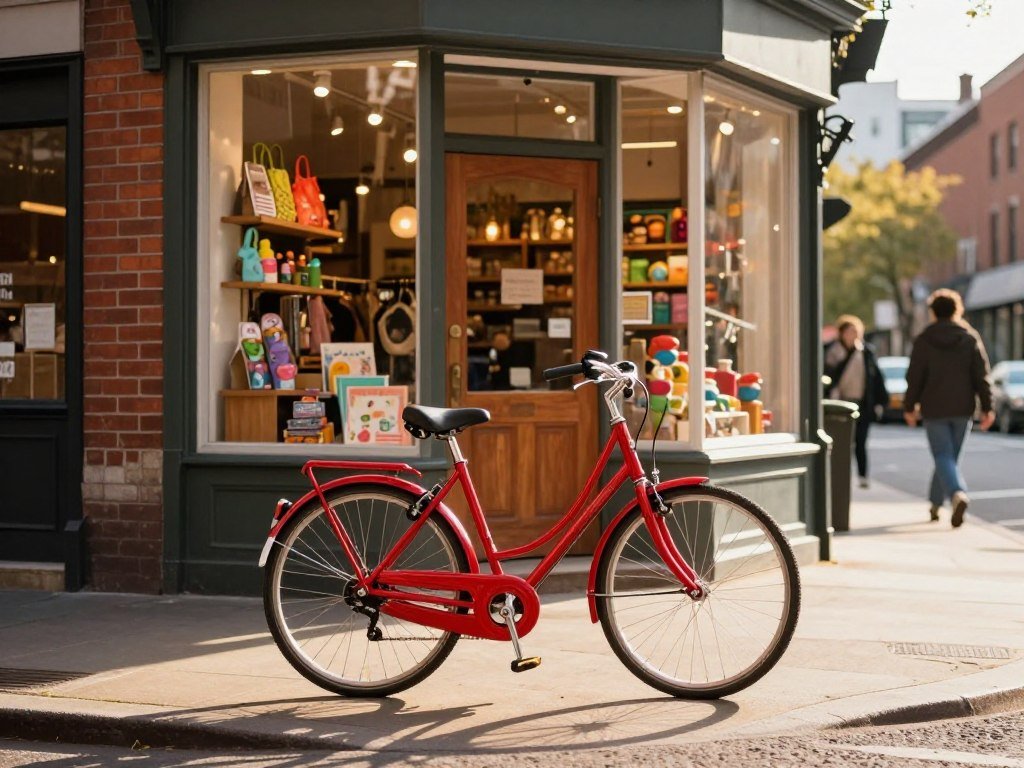
You type “a red bicycle outside a corner store at dusk,” and a moment later you have a new picture to inspect. The image model responds to your text by using visual patterns it learned during training. The result is new, even if it looks familiar.
It does not search for a finished picture and paste it into your result. Instead, the model learns relationships between words and visual features from training data. Latent space is a compressed numerical representation that preserves useful visual structure while using fewer values than a full-resolution image.
Some models create an image by refining noise, while others predict image chunks in sequence. Both methods use learned patterns to turn a prompt into a visual result. Your prompt guides the model, but it does not control every detail.
This beginner’s guide explains the basic ideas behind that process, so you can make sense of what the model does with your words. Think of the output as a fresh prediction shaped by learned patterns, not a collage assembled from a search.
Key Takeaways
- An image model learns links between text and visual patterns.
- A prompt guides what the model creates, but may leave details open.
- Diffusion models refine noise; other models predict image chunks.
- Reference pictures can guide edits and help preserve visual context.
- Think about consent, privacy, and copyright before sharing images.
How Does AI Image Generation Work?
An image model learns visual and language patterns from examples, then uses those patterns to make a new output that fits an instruction. It generates a picture rather than finding a finished one. That is a form of artificial intelligence.
During training, image-text pairs connect descriptions with visual features. Repeated examples teach associations among objects, styles, settings, and composition. A model may learn how a “striped umbrella” differs from a “striped shirt.”
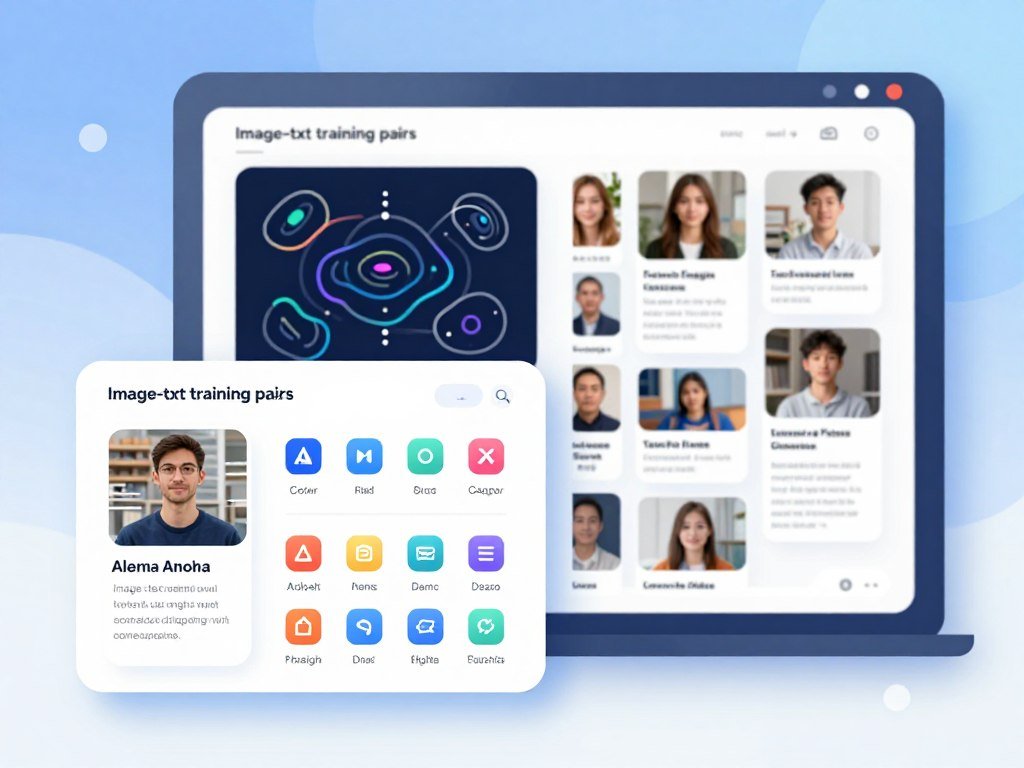
These examples do not work like a folder of pictures for the model to retrieve. Instead, they help the model learn patterns that can shape a new image. The training process builds links between language and visual concepts.
The characteristics of generative AI include learning patterns from examples and producing new outputs based on an input. For image creation, the input may be text, a reference picture, or both. The output reflects learned patterns, not a simple copy of one training example.
People sometimes ask whether generative AI is really AI. It is a type of artificial intelligence because it learns from data and uses what it learned to make predictions. Its result can be useful or flawed, since learning patterns does not mean understanding the world as a person does.
The question “How generative AI systems work” has a basic answer: examples train a model, and an input guides its output. Page Laubheimer’s byline does not change this mechanism. Generative AI systems learn patterns and produce outputs, rather than retrieve and stitch complete images.
Image generators often train on large collections of image-text pairs. The pair gives the model a visual example and language that describes it. Image-text pairs help the model connect prompt terms with visual concepts.
Generative AI has become widely used, though those figures do not measure image tools alone. By early 2026, generative AI had reached 28.3% population adoption in the United States. U.S. consumers received an estimated $172 billion in annual value from generative AI by then.
The broader picture also includes organizations and schools. By 2025, 88% of organizations had adopted AI, and four in five university students used generative AI. The 2026 Stanford AI Index reports these broad trends.
Generative AI learns patterns and makes new outputs, rather than retrieving and stitching together complete images.
The adoption figures describe generative AI broadly, so do not treat them as counts of people using image generators.
How Prompts Shape the Result
“A yellow kayak on a quiet lake at sunrise, wide view” gives the model a subject, setting, and composition to work with. Specific words can narrow the choices the model makes. Learned patterns fill in details that the prompt leaves open.
How prompt text becomes visual guidance
A text encoder turns prompt text into numerical representations called embeddings. The model uses these values as guidance while creating the image. Prompt information can influence generated regions or successive image chunks.
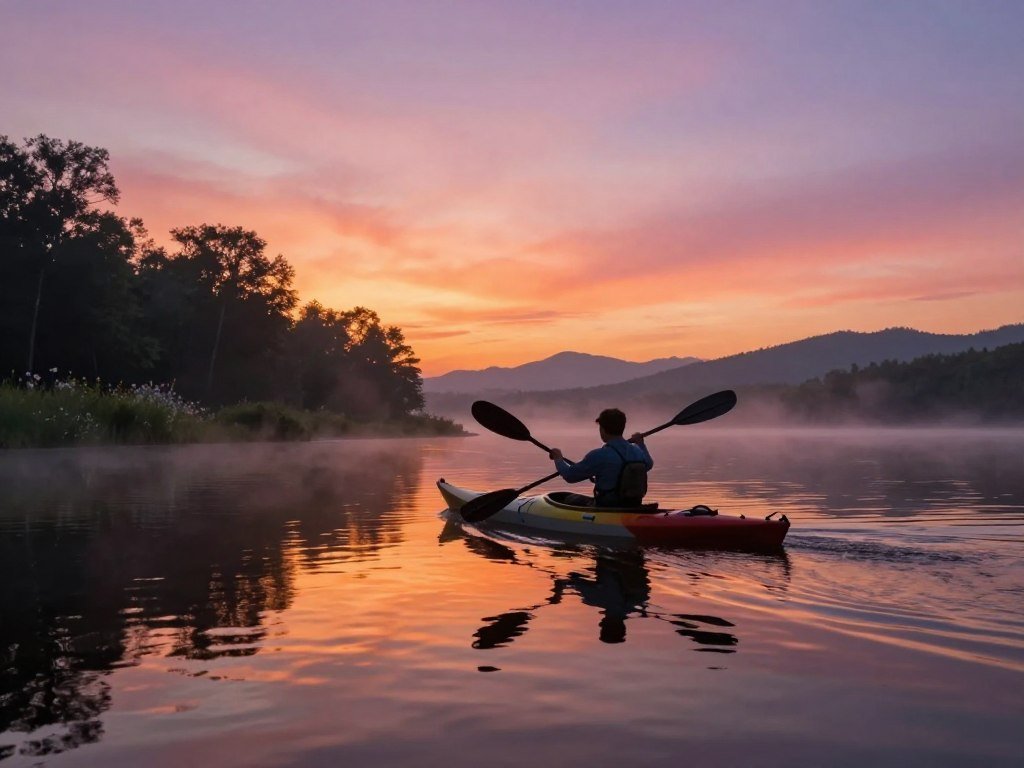
Attention helps the model connect words with parts of the result. For example, “yellow” should describe the kayak, not the lake. The model may still get that link wrong, especially when a prompt contains many details.
How does GAI work at this level? Text guides generation throughout the process, while learned patterns supply details the prompt does not name. A prompt works best when it makes the important choices clear.
Five useful ingredients can give the model a clearer target:
- Subject: the main person, place, or object.
- Action: what the subject is doing.
- Setting: where or when the scene takes place.
- Composition: the view, framing, or subject placement.
- Style: the visual look, such as watercolor or a clean diagram.
A prompt does not need all five parts every time. For a simple product image, the subject and background may matter most. For a story scene, action and setting can shape the result more strongly.
Research on tested transformer-based diffusion models found that word-level representations could often guide images as well as fuller text embeddings. The prompt-embedding study tested specific models and prompts, so its findings do not cover every image model.
Why reference images and seeds change the result
Text-to-image generation starts with a written prompt. Editing starts with an existing picture that gives the model context about what to preserve or change. You might keep a room’s layout while changing its wall color.
A reference image can carry details that are hard to describe in words, such as a particular pose or arrangement. It does not guarantee that every feature will stay unchanged. The tool’s editing controls affect how much of the original picture remains.
A seed initializes the randomness used by some image models. When a tool supports seed control, the same seed and settings can help reproduce a result. Seed control is optional, and some tools do not show users a seed setting.
If a detail matters, name it in the prompt instead of expecting the model to infer it reliably.
Diffusion and Autoregressive Models: Two Ways to Generate Images
A diffusion model starts generation with noise, while an autoregressive model builds an image chunk by chunk. These are different architectures, and not every image model uses the same approach. Each turns learned patterns into a visual result in a different way.
Diffusion repeatedly denoises a random starting point, while autoregressive models predict the next image chunk. Those patterns help explain why the same prompt can produce different results across models.
Diffusion refines an image from noise
During training, a diffusion model gradually adds random noise to training images. It learns how to reverse that process and recover the original visual structure. At generation time, it starts with random noise and repeatedly denoises it into an image.
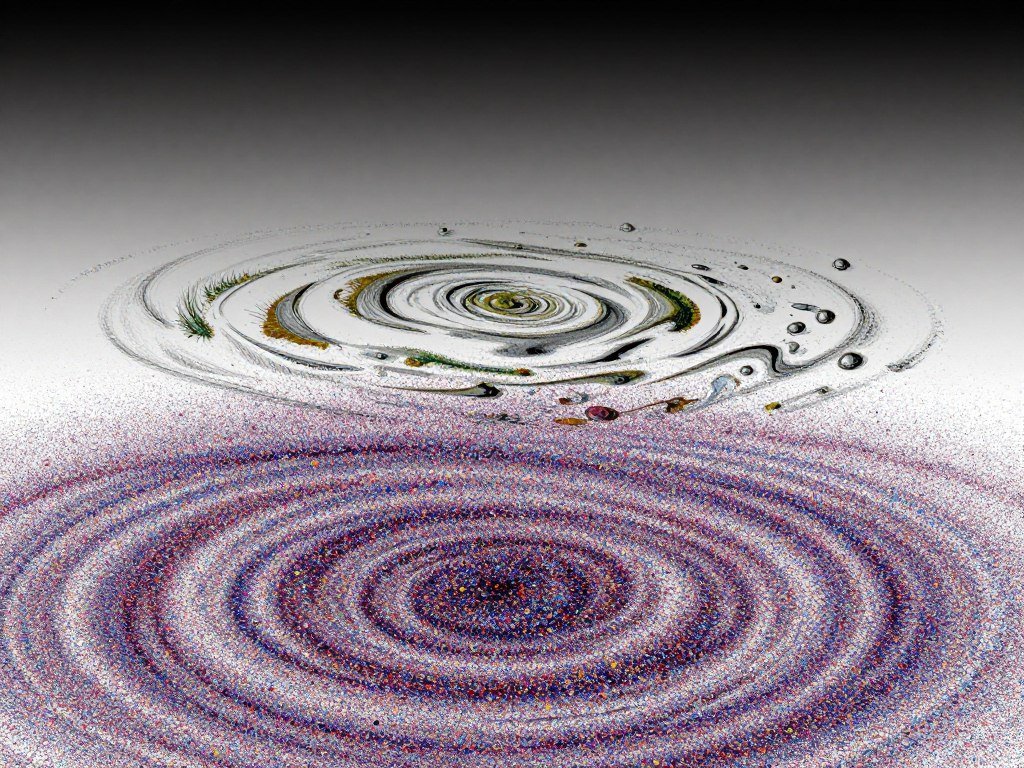
The starting noise can vary, so the same prompt may lead to different pictures. The model makes many small changes as it moves from noise toward a clearer image. Diffusion training teaches the model to reverse the noise process.
Some diffusion models work in latent space rather than directly processing every pixel in a full-resolution image. This compressed representation uses fewer values while retaining useful visual structure. Latent diffusion can make image generation more efficient and cost-effective.
The survey of text-to-image diffusion models describes how models learn to add noise and then reverse it. It also discusses latent approaches, which work with compressed representations rather than full-resolution images.
Autoregressive models predict image chunks in sequence
An autoregressive model predicts image chunks in order. Each new chunk depends on chunks the model has already generated. This makes the process more like building an image piece by piece than refining a noisy whole.
The chunks are visual units, not necessarily neat squares a person can recognize. The model predicts a sequence, using earlier parts to guide what comes next. A change near the start of that sequence can affect later predictions.
| Architecture | Generation pattern | Distinguishing feature |
|---|---|---|
| Diffusion | Repeatedly denoises random noise | Updates the image through successive refinement |
| Autoregressive | Predicts image chunks in order | Each next chunk uses earlier chunks |
| GAN | Generator competes with discriminator | Training uses feedback between two networks |
| VAE | Encoder compresses; decoder reconstructs | Generation uses a latent representation |
GAN means generative adversarial network. Its generator makes images while a discriminator judges them during training. A variational autoencoder, or VAE, compresses information and then reconstructs it through a decoder.
Neural style transfer is a separate technique. It combines content cues from one image with style cues from another, such as keeping a portrait’s subject while borrowing a painted look.
The useful beginner’s distinction is whether the model refines a noisy whole or predicts the next visual chunk.
Which Image-Generation Tools Fit Different Needs?
Someone making a designed graphic has different priorities from someone exploring artistic images or editing a photo. The best fit depends on the task and how you want to use the tool. No single generator needs to suit every creator.
Choose a tool by its stated use and access options, not by a universal ranking. Some image generators work through a chat interface, while others use a web app or fit into design software.
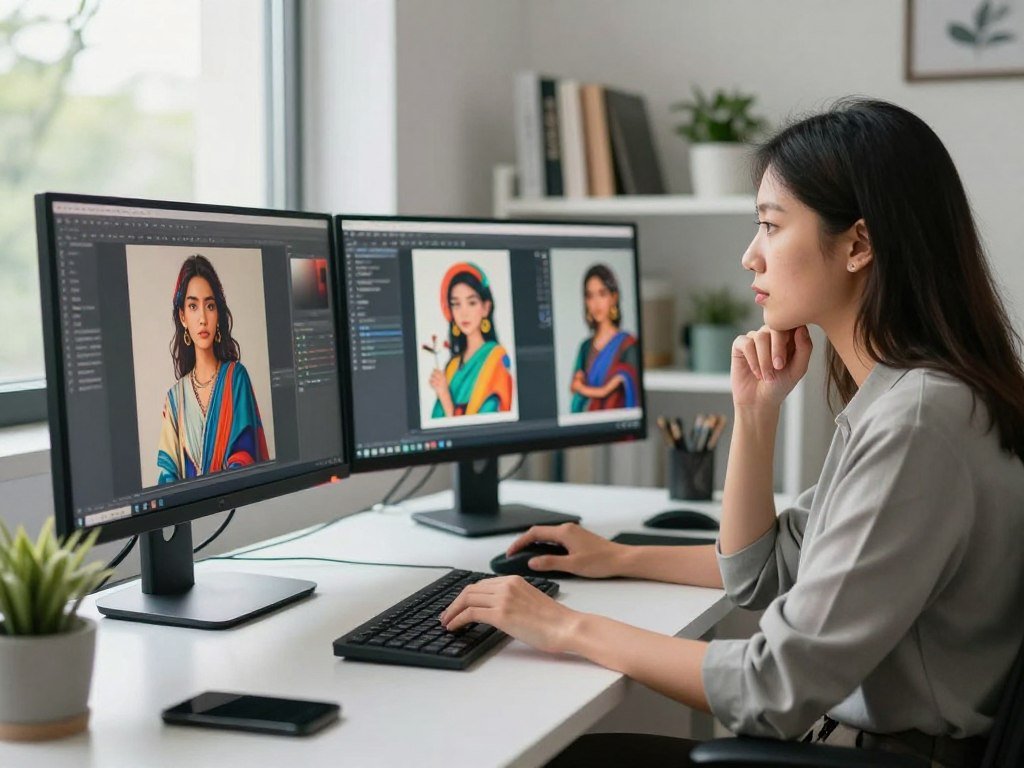
ChatGPT is positioned for ease of use and overall image quality. You can access it through ChatGPT or an API. Google’s Nano Banana is positioned for Google users and works through Google Gemini and an API.
Midjourney is positioned for artistic results, with access through a web app and Discord. Adobe Firefly is designed to bring AI-generated images into photos. It is available through the Firefly website, Photoshop, Express, and other Adobe tools.
Recraft is positioned for graphic design. Muse Image is described as “available everywhere.” That wording gives a position, not a specific list of apps or access methods.
| Tool | Best fit described here | Access |
|---|---|---|
| ChatGPT | Ease of use and overall image quality | ChatGPT and API |
| Nano Banana | Google users | Google Gemini and API |
| Midjourney | Artistic results | Web app and Discord |
| Adobe Firefly | Integrating generated images into photos | Firefly website, Photoshop, Express, and other Adobe tools |
| Recraft | Graphic design | Not specified |
For a wider look at image generators by task, compare the options that match your kind of work. A tool’s fit can depend on whether you need a new picture, an edit, or a graphic with a clear layout.
If free access matters, compare free AI image generator options before choosing. Check what each tool lets you create and download, and review its use terms before sharing a result.
Creators who combine images with writing may also want to compare AI tools for content creators. Some workflows use writing, image editing, and design tools together rather than relying on one app.
Choose by the job you need done and the workflow you already use, not by a claim that one tool suits everyone.
Copyright, Privacy, and Responsible Use
In the United States, typing a prompt alone generally does not make an AI-created image copyrightable. Human authorship matters when copyright protection applies. Image models also raise privacy and safety concerns when they depict real people.
Prompting alone does not make AI-generated elements copyrightable under U.S. law. Human-authored parts of an AI-assisted work may qualify when the person’s contribution meets the authorship threshold.
What U.S. copyright protects in AI-assisted work
An image created solely by AI generally does not receive U.S. copyright protection, even when a person supplied the text prompt. A person may still own copyright in human-authored parts of a larger work, if those parts meet the required level of authorship.
Typing a detailed prompt does not, by itself, make the generated image a human-authored work. U.S. copyright guidance distinguishes AI-made material from human contributions that meet the authorship threshold.
Whether training an AI model on copyrighted works counts as fair use remains contested in the United States. That question is not settled law. Copyright rules for an image and legal questions about training data are related, but they are not the same issue.
Protecting people in generated images
Images of identifiable people can harm them when created or shared without their knowledge or consent. This risk is especially serious for children. In February 2026, 61 data protection authorities issued a joint statement about AI-generated images and videos of people made without consent.
The statement calls for stronger safeguards for children and ways to remove harmful personal imagery. It also calls for safeguards against misuse and clear information about system functions and risks. A removal process should be easy to find and use.
NIST’s Generative AI Profile names four main risk-management considerations:
- Governance
- Content provenance
- Pre-deployment testing
- Incident disclosure
Governance sets roles and rules for responsible use. Content provenance records where content came from or how it changed. Testing checks risks before release, while incident disclosure helps people respond when something goes wrong.
Systems that create images of identifiable people need safeguards against misuse, clear risk information, and accessible ways to remove harmful personal imagery.
Before sharing a realistic image of an identifiable person, check consent and consider whether the image could cause harm.
Conclusion
A generated picture is a prediction shaped by learned visual patterns and the instructions you provide. The image model follows your prompt, then fills gaps with patterns it learned from examples. That is why a clear instruction can guide the result, yet leave room for surprise.
You can learn a lot from one small test. Start with a clear subject, composition, and style, then make a second version with one change. Compare the two images and notice what the model changed along with your edit.
Start with one clear prompt, then change a single detail and compare what the model produces.
FAQ
Can you explain what generative AI is and how it works?
Generative AI learns patterns from examples and uses an input to create new content. For images, the model learns links between text and visual features, then uses a prompt to guide a new result. It does not need to retrieve and paste a complete picture. Its output is a prediction based on what it learned.
What is AI’s biggest weakness?
Image models can miss unusual combinations, exact spatial relationships, and details that a prompt leaves unclear. A model may understand “red cup” and “blue plate” yet place the colors on the wrong objects. It can also add familiar details that were never requested. Name important features clearly, then inspect the result before using it.
What are the 5 rules of AI?
There is no universal five-rule code for AI. NIST’s Generative AI Profile names four primary risk-management considerations: governance, content provenance, pre-deployment testing, and incident disclosure. These help teams set responsibilities, track content, test systems before release, and share information about incidents. Other groups may use different principles or rules for specific uses.
What is an AI image?
An AI image is a visual output that an AI model creates or edits from text, an existing image, or both. A person might describe a scene, upload a picture for changes, or combine those inputs. The result can look like a photograph, painting, diagram, or other visual form, depending on the model and instructions.
Is it safe to generate AI pictures?
Safety depends on what an image shows and how you use it. Take particular care with identifiable people, consent, and children. A realistic image can mislead viewers or harm someone if it depicts them in a false or private scene. Avoid sharing sensitive personal details with a tool, and review its privacy and use settings.
What to not ask an AI?
Avoid sharing sensitive personal information, and do not request harmful images that depict people without consent. There is no single universal list for every AI tool, since features and rules differ. Requests involving children or a real person’s private life need special care. Consider the likely impact before creating or sharing an image.