
The total you pay for an iPhone 17 depends on its storage and how you activate it, so check both the listed price and the checkout terms. The listed price is only a starting point; taxes, carrier activation, and purchase terms can change the amount due. A bill of materials (BOM) estimates a device’s component cost, not its retail price or full manufacturing cost.
This guide helps you compare configurations, purchase routes, and rates before you order. You can use those details to decide which setup fits your needs and budget.
Key Takeaways
- Storage and activation choice affect the amount you pay.
- Taxes and some carrier fees can raise checkout cost.
- Check your selected configuration in the order summary.
- Confirm service terms before accepting a carrier offer.
- Choose a capacity that leaves room for future files.
- Treat the amount due at checkout, including tax and any required activation, as your real budget.
How Much Is an iPhone 17 in the United States?
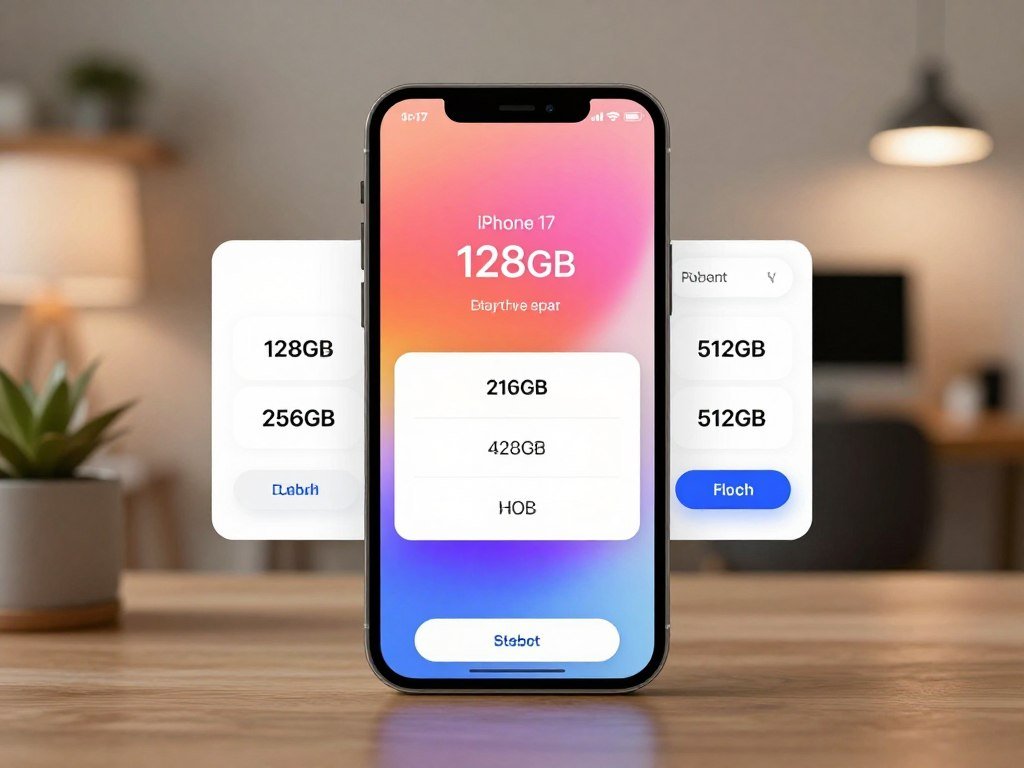
The iPhone 17 is listed at $929 for 256GB or $1,129 for 512GB in the United States in 2026. The lower advertised figure reflects a conditional carrier offer, not an across-the-board price.
The $899 advertised price includes a $30 connectivity discount that requires eligible carrier activation. Taxes are extra, and the discount applies only when you activate with AT&T, T-Mobile, or Verizon.
| Configuration | Listed price | Condition |
|---|---|---|
| 256GB | $929 | Listed 2026 price |
| 512GB | $1,129 | Listed 2026 price |
| 256GB | $899 | Advertised price with eligible carrier activation and $30 connectivity discount |
The $899 figure is not the standard cash price: it depends on eligible activation with AT&T, T-Mobile, or Verizon.
The iPhone 17 256GB price in the USA is $929 before tax at the listed 2026 price. The 512GB storage option costs more, so compare the capacity with what you plan to keep on the phone.
The connectivity discount is not available if you connect to a carrier later or use a prepaid plan. These storage options give you a clear starting point, but checkout may also include taxes or required charges.
Compare the price shown for your activation choice with the final checkout total, not just the headline figure.
What Changes When You Buy Through AT&T or Choose Unlocked?
A carrier’s low monthly figure can depend on staying on a qualifying plan for the full installment term. Bill credits can lower what you pay over time, but they do not make a promotional amount an unconditional cash price.
AT&T promotional credits require an eligible plan, a qualifying trade-in, and a 36-month installment agreement. Tax is due on the phone’s full retail price at sale, and AT&T lists a $35 activation fee.
The iPhone 17 price at AT&T depends on the plan and trade-in requirements. Check what happens to unpaid installments or credits if you cancel service before the term ends.
Buying directly from Apple usually means the phone is unlocked. A phone financed through AT&T, T-Mobile, or Verizon can remain locked to that carrier until you pay it off.
Use these four checkout checks to compare a carrier offer with an unlocked phone:
- Full retail price, before any monthly credits.
- Plan eligibility and trade-in terms for bill credits.
- Installment length and the effect of canceling service.
- Sales tax and any activation fees due at purchase.
Carrier activation can affect the network choices available while a phone remains locked. Read the service agreement, not just the monthly payment shown beside the device.
If you want flexibility to switch carriers, confirm the phone’s unlock status and financing terms before you pay.
Which Storage Size Fits Your Photos, Apps, and Videos?
Choose storage by estimating what you keep on the phone, especially large videos and downloaded media. 256GB suits many everyday users, while 512GB gives heavy media users more room. Your habits matter more than a general rule.
Is 256GB enough for everyday use?
256GB can work well if you use common apps, stream shows, and store photos in the cloud. Streaming uses less local space than saving full videos and albums for offline use.
The operating system and required services take about 12GB to 24GB in a standard configuration. That means the free space you see after setup is lower than the capacity printed on the box.
Apple Intelligence on-device models use about 7GB when enabled. The amount of available data space can change as you add apps, downloads, and recordings.
When does 512GB make sense?
Choose 512GB if you keep a large offline video library or record high-resolution video often. It also helps if you prefer keeping a lot of media on the phone instead of clearing files regularly.
Think about your habits over a full year, not just what is on your current device. A few long trips with downloaded shows can use far more room than daily streaming.
Leave breathing room for future recordings instead of choosing a capacity that is nearly full on day one.
What Colors Can You Order, and What Should You Check?
The listed color choices are Mist Blue, Lavender, Black, White and Sage. Color availability can differ by configuration and retailer, so the online choices may not all appear together.
Check the order summary for the exact color, storage, and carrier connection choice you selected. The configuration shown there should match what you intended to buy.
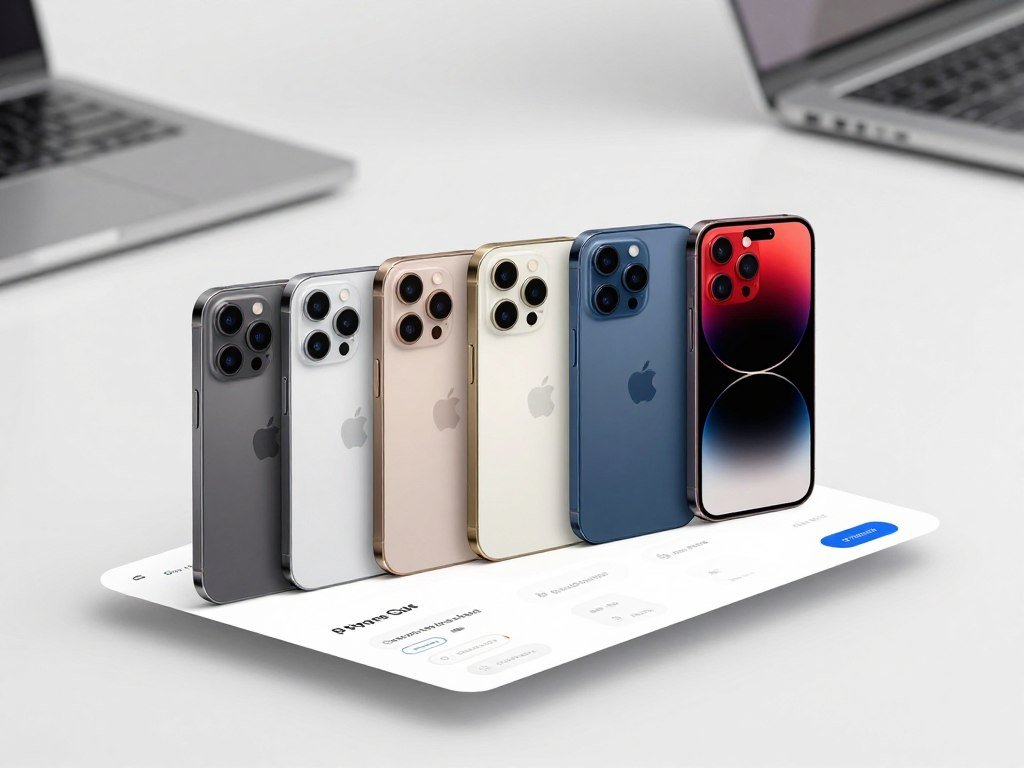
Use this short checklist before submitting an order:
- Mist Blue: confirm the selected color in the summary.
- Lavender: check the storage size beside the color.
- Black: review the carrier connection choice.
- White: make sure the order summary shows the intended finish.
- Sage: compare the selected configuration with your cart.
A color swatch can look different on a bright screen than in a store. If shade matters to you, view the phone in person before ordering online.
Retailers may show different color and configuration combinations at a given time. Availability can change, so avoid assuming that every color comes with every storage choice.
Before submitting an order, make sure the color and storage shown in the summary match your selections.
Is the iPhone 17 Durable Enough for Daily Use?
The iPhone 17 combines Ceramic Shield 2 on the front and back with an IP68 water-resistance rating. The rating covers controlled conditions, not every real-world accident.
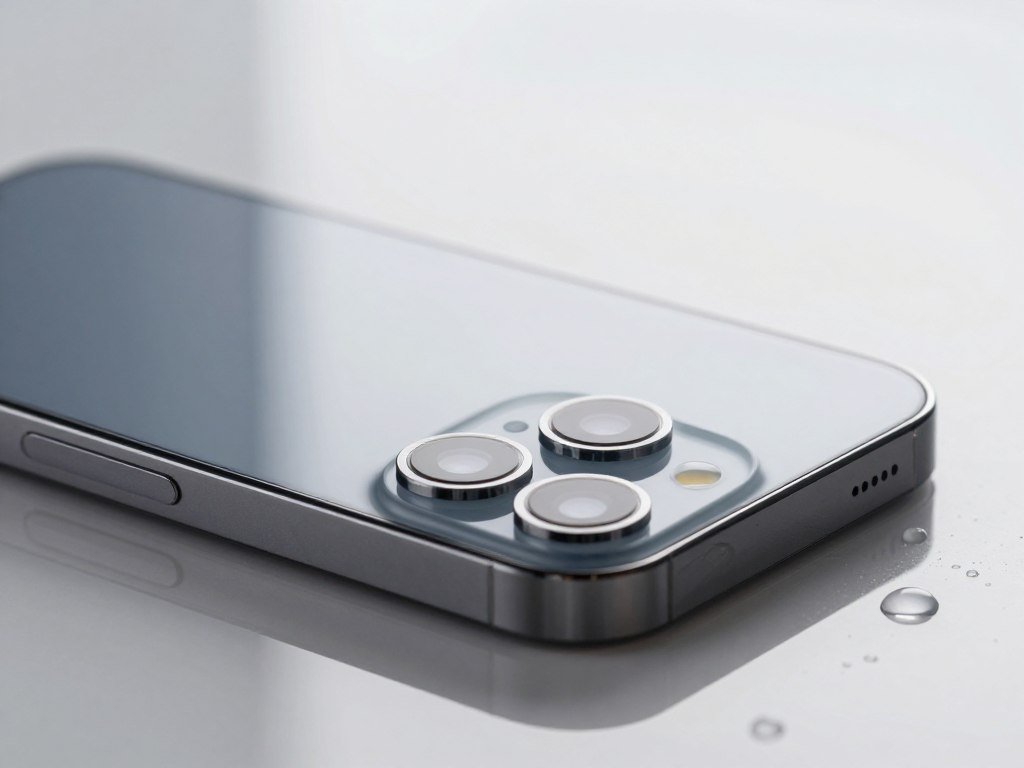
Apple describes the front as three times more scratch-resistant than the previous generation. That comparison measures a difference from an older model, but it does not promise that the screen cannot scratch.
The IP68 rating is based on IEC 60529 testing. It covers a maximum depth of 6 meters for up to 30 minutes under controlled conditions.
Water resistance can decline with wear, and damage may affect a phone’s protection. An IP rating is a measured resistance level, not a reason to deliberately submerge the device.
Everyday durability also depends on where you carry the phone. Keys, grit, and hard drops can still mark or break a device despite its protective materials.
If you want help comparing ruggedness and accessibility features, see this guide to phones for older adults. It can help you weigh phone handling alongside daily wear.
Use a protective case if drops are a realistic part of your daily routine, since a scratch rating is not a guarantee against damage.
How Does the Super Retina XDR Display Look and Feel?
The iPhone 17 has a Super Retina XDR display with ProMotion for smoother scrolling and a brighter outdoor picture. ProMotion can refresh the screen up to 120Hz.
That faster refresh rate can make page movement and supported animations look smoother. The change is easiest to notice when you scroll quickly or move between screens.
The peak outdoor brightness reaches 3,000 nits. This is a useful figure for bright conditions, though your viewing experience also depends on glare and the content on screen.
Apple markets the display as 6.3 inches, while its diagonal measures 6.27 inches within a standard rectangle. Rounded corners explain the difference between the measured rectangle and the visible shape.
The retina XDR display is designed for text, photos, and video, so look at the screen with the kind of content you use most. A bright demo screen may not match your usual settings.
Brightness is only one part of comfort. The screen size and the way you hold the phone can matter more during long reading sessions.
If you can, view the screen in person at your usual brightness before deciding whether it is the right size.
What Can the iPhone 17 Camera System Capture?
The iPhone 17 pairs a 48MP Fusion Main camera with a 48MP Fusion Ultra Wide camera. The Dual Fusion camera setup gives you standard and wider views.
How do the Dual Fusion rear cameras differ?
The Fusion Main camera suits everyday scenes and portraits. The Fusion Ultra Wide camera fits more of a landscape, a group, or a close interior into the frame.
The camera system also supports macro photography for close subjects. Portraits offer focus and depth control, letting you adjust the look after taking a shot.
These tools help with different framing needs, but an ultra wide view can change how objects look near the frame’s edges. Step back when you want a more natural view of people.
What does Center Stage add to the front camera?
The 18MP Center Stage front camera can adjust framing for selfies and video calls. It can help keep people in view when the frame includes more than one person.
Dual Capture records with the front and rear cameras at once. That can be useful when you want to show both a scene and your reaction to it.
Dolby Vision video recording supports up to 4K at 60 frames per second. This is a recording capability, not a promise that every setting or app uses that limit.
For more help comparing camera choices across models, read this iPhone camera comparison. The best camera fit depends on the photos and clips you take most.
For frequent video recording, check available storage before choosing a configuration.
How Long Does the Battery Last, and How Fast Can It Charge?
Apple rates iPhone 17 video playback at up to 30 hours, but your actual runtime depends on how you use it. The playback figure is a maximum under stated test conditions, not a daily guarantee.
Three common factors shape real-world battery life:
- Network conditions: weak or changing coverage can use more power.
- Screen brightness: brighter settings can drain the battery faster.
- Usage patterns: games, video, and background tasks affect runtime.
Apple’s fast-charge test reaches up to 50% in 20 minutes under specified conditions. Results depend on the adapter, cable, settings, and environment, so that time is not fixed for every charge.
Independent tests can differ because reviewers use different workloads. BGR’s battery test roundup notes varied results across web browsing, Wi-Fi, and video tests.
A power adapter’s output and the cable both matter when charging. Your battery level, phone temperature, and active use can also change the time needed.
If you regularly finish the day near empty, plan to carry a compatible charging option.
How Do eSIM, Carrier Activation, and 5G Work?
The U.S. iPhone 17 uses eSIM instead of a physical SIM card, so activation depends on carrier support. eSIM is a digital SIM that needs a supported carrier and wireless service plan.
What happens when you activate with eSIM?
Unlike a physical SIM card, an eSIM is stored and set up digitally. The U.S. model has no physical SIM tray, and Wi-Fi is needed for eSIM setup.
You can store multiple eSIMs and use two phone numbers at once. Your carrier still needs to support the service and plan you choose.
Can you connect to a carrier later?
You can choose to activate later, though some offers may require carrier preparation at checkout. The exact setup steps depend on the carrier and service plan.
AT&T, T-Mobile, and Verizon offer 5G service. Coverage, plan terms, and your location affect whether your phone can connect to 5G.
What should travelers check before using a different network?
International roaming depends on carrier support, local coverage, and your plan terms. Wi-Fi 7 support can help with compatible wireless networks, but it does not replace cellular service.
| Purchase route | Activation choice | What to verify |
|---|---|---|
| Buy unlocked from Apple | Activate with a supported carrier | Plan support and eSIM setup |
| Buy with carrier financing | Activate through the carrier | Offer terms and service requirements |
| Connect to a carrier later | Set up eSIM after purchase | Wi-Fi access and carrier support |
Confirm roaming rates and eSIM support with your carrier before traveling.
What Comes in the Box, and What Might You Need to Add?
The box includes a USB-C cable and documentation, but not a charging block. The included 1-meter USB-C charge cable connects to a separate USB-C charging block.
Check these four items before adding accessories:
- USB-C cable: a 1-meter charge cable comes in the box.
- Charging block: buy one separately if you need it.
- Existing USB-C charger: check its port and output first.
- Case fit: match the case to the phone’s dimensions.
The phone measures 5.89 by 2.81 by 0.31 inches and weighs 6.24 ounces. Those measurements can help you check whether an older case fits the shape and button layout.
Do not assume that any charger with a USB-C port is a good match. Check its output and condition before relying on it for daily charging.
A case can add bulk, so consider how the phone feels in your hand once protected. A close fit also helps keep the buttons and ports easy to reach.
Check your existing charger and case before adding accessories to the order.
Should You Get the iPhone 17 or the iPhone 16?
Choose the iPhone 17 if its features solve a problem you actually have; keep the iPhone 16 if it still does the job. A newer model is not an automatic reason to replace a working phone.
The two phones belong to different generations in Apple’s numbered iPhone lineup. The newer model makes more sense when you want its specific features and are buying now.
Compare the actual checkout prices, including tax and any offer conditions. Then consider battery condition, storage pressure, and the features you use each week.
If your current phone still handles calls, photos, apps, and daily tasks, keeping it can protect your budget. Replacing it may be hard to justify if the added cost creates financial strain.
Battery health can affect how long a phone lasts between charges, while storage limits can interrupt everyday use. Those practical issues matter more than the model number on the case.
Consumer Reports’ cell phone buying guide covers battery testing and phone replacement factors. That broader advice can help you compare an upgrade with continued use.
Upgrade only when the practical improvement is worth the amount you will pay after tax.
Which iPhone Model Is the Best Buy for Your Needs in 2026?
For most shoppers who want a straightforward all-rounder, start by comparing the standard iPhone 17 with the less expensive iPhone 17e. The right fit depends on the features you value as well as the starting price.
The iPhone 17 price appears in the earlier comparison, giving you a baseline for the standard model. A lower starting price can suit a tighter budget, while higher tiers may offer features you will use often.
| Model | Listed starting price | Best fit |
|---|---|---|
| iPhone 17e | $699 | Budget-focused buyers |
| iPhone Air | $1,099 | Thin, light design |
| iPhone 18 Pro | $1,199 | Pro performance and camera features |
| iPhone Duo | $1,999 | Shoppers who want a foldable design |
When is the iPhone 17e the better-value choice?
The iPhone 17e is the lower-cost starting point for shoppers who want an Apple phone without paying for features they may not use. Compare its camera, display, and Apple Intelligence support with your daily needs.
The standard iPhone 17 is a balanced pick if its feature mix fits your routine. If you are choosing a phone for an older family member, this senior-friendly phone guide compares accessibility and ease of use.
When do the iPhone Air or iPhone 18 Pro make sense?
The iPhone Air suits shoppers who put a thin, light design first. The iPhone 18 Pro fits buyers who want Pro performance and camera tools for frequent photos or video.
The iPhone Duo offers a foldable design at a higher starting price. Pay extra for a higher-tier model only when its specific design or camera advantages matter to you.
What Do the iPhone 17 Pro and Pro Max Cost?
AT&T’s 2026 full retail price for the 256GB iPhone 17 Pro Max is $1,199.99 before tax. That figure applies to AT&T’s 256GB Pro Max, not every retailer or the iPhone 17 Pro.
The iPhone 17 Pro Max, introduced in 2025, comes in 256GB, 512GB, 1TB, and 2TB configurations. The iPhone 17 Pro price depends on its current configuration and retailer.
Use the storage table to match capacity with how you keep photos, apps, and video. Confirm the current full-retail total for the exact model before checkout.
| iPhone 17 Pro Max storage | Typical fit | Check before ordering |
|---|---|---|
| 256GB | Everyday apps and photos | Confirm the selected configuration’s price |
| 512GB | More saved photos and video | Confirm the selected configuration’s price |
| 1TB | Large media libraries and frequent recording | Confirm the selected configuration’s price |
| 2TB | Very large local media collections | Confirm the selected configuration’s price |
Higher storage can help if you keep large files on the phone, but it does not guarantee better photos by itself. Your choice should reflect how much you store locally.
The Pro and Pro Max are separate models, so do not apply one model’s retail amount to the other. Retailer offers can also change the total shown at checkout.
Check the exact Pro or Pro Max capacity and full-retail price on the order summary before committing.
How Much Does It Cost to Make an iPhone 17 Pro Max?
A public estimate of the iPhone 17 Pro Max’s build cost is expressed as component shares, not a complete manufacturing total. The camera system accounts for more than 27% of its bill of materials, while the A19 Pro processor accounts for about 15%.
A bill of materials (BOM) estimates the cost of a device’s components. It is different from the retail price and from the full cost of making and selling a finished phone.
The camera subsystem takes a notable share because it includes several parts that work together. Those parts support image capture, processing, and the camera features built into the phone.
The A19 Pro processor also represents a notable component share. It handles core computing tasks and supports the phone’s system features.
The Pro Max BOM is about 3% higher than the Samsung Galaxy S25 Ultra BOM. This comparison covers component estimates, not every expense behind either finished device.
Component cost does not include every cost of developing, assembling, shipping, marketing, or selling a phone. Those steps involve expenses beyond the parts inside the device.
Do not treat a BOM estimate as the amount Apple pays for every finished phone.
Is the iPhone 17 Still a Smart Buy Now That iPhone 18 Pro Is Available?
iPhone 18 Pro is no longer an upcoming release: it became available on September 18, 2026. Apple announced iPhone 18 Pro and iPhone 18 Pro Max on September 9, with preorders starting September 12.
The iPhone 17 remains a sensible buy when its features and final price suit you better than a Pro model. Use these three checks before you decide:
- Do you need Pro-tier features for the way you use a phone?
- Does your chosen iPhone 17 configuration fit your budget?
- Would a trade-in or carrier offer change the total through conditions?
The iPhone 18 Pro’s availability means you can compare it with the iPhone 17 now, rather than waiting for a future release. Its Pro features may matter to people who take many photos or videos.
A promotion can make a headline price look lower while adding plan or trade-in rules. Compare the amount due and the full terms, especially if a credit comes over time.
Choose the iPhone 17 when its feature set and final checkout price fit you better than moving to a Pro model.
Buy the iPhone 17 when its feature set and final price make more sense for you than moving to a Pro model.
Conclusion
The right iPhone 17 purchase is the configuration that fits both your everyday use and your real checkout budget. Storage and connectivity terms shape the final amount, so compare the selected capacity with how you use your phone.
The standard model suits shoppers who want its feature mix without moving to a Pro tier. Online offers may change the total through activation rules, trade-ins, or taxes.
Before ordering, compare the final price, storage choice and activation terms in the checkout summary.
FAQ
What is the cost of an iPhone 17?
In the United States, the 2026 listed prices are $929 for 256GB and $1,129 for 512GB. The advertised $899 price reflects a $30 connectivity discount and requires eligible carrier activation with AT&T, T-Mobile, or Verizon. Taxes are extra. The discount does not apply if you connect later or use a prepaid plan, so check your activation choice before checkout.
How much does making an iPhone 17 cost?
There is no complete manufacturing total in the component estimate. A BOM estimates parts, not the full cost of development, assembly, shipping, marketing, or sale. For the iPhone 17 Pro Max, the camera subsystem accounts for more than 27% of BOM cost, while the A19 Pro processor accounts for about 15%. Those shares do not state the total cost of a finished phone.
Is the iPhone 17 worth it to buy?
The iPhone 17 is a good fit if you want its display, camera, and durability features at the standard-model tier. Whether it is worth buying depends on how much those features improve your daily use. Compare the final checkout total with the phone you already own, including its battery condition and storage space. A working phone may not need replacing just because a newer model is available.
Which iPhone is the best to buy in 2026?
For most shoppers seeking an all-rounder, compare the standard iPhone 17 first. The iPhone 17e has a lower listed starting price, while the iPhone Air suits buyers who favor a thin design. Choose a Pro model when its camera or performance features matter to you. Your budget, preferred controls, and accessibility needs should shape the choice as much as the model name.
Should I get the iPhone 17 or 16?
Choose the iPhone 17 when its features solve a real need, and keep the iPhone 16 if it still works well. Compare actual checkout prices, battery condition, storage pressure, and the features you use. The 17 is a clearer choice when you are buying now and want its specific upgrades. Keeping the 16 makes sense when replacing it would add cost without a practical improvement.
How long do iPhones typically last?
A practical rule of thumb is about 5 to 7 years of use. Battery condition, software support, and repair needs affect how long a phone remains useful. A phone may still work after its battery life declines, and a repair can extend its use. Check the phone’s current condition and support status before deciding that age alone means it is time to replace it.
Is there an iPhone 18 coming out soon?
iPhone 18 Pro and iPhone 18 Pro Max are already released. Apple announced both models on September 9, 2026, opened preorders on September 12, and began availability on September 18. That means they are not a future release you need to wait for. Compare their features and current price with the iPhone 17 before choosing a model.



