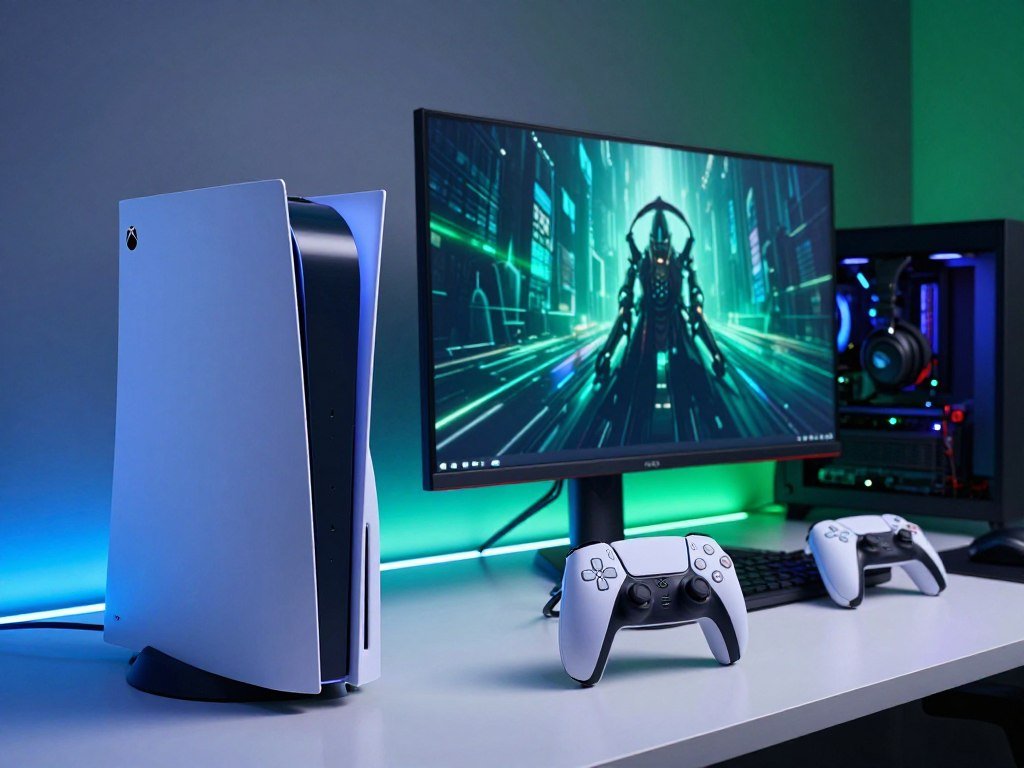
A console choice is easier when you start with the games and features you actually use, rather than the biggest number on a spec sheet. Your budget, favorite games, image-quality goals, and need for physical media all shape the best fit. Your current gaming setup matters, too.
This comparison focuses on how each console fits real U.S. shopping choices. It will help you weigh the price against features you will use, including the games and services tied to each platform. A console that suits your habits can be a better value than one with a stronger spec sheet.
The short recommendation is simple: prioritize the PS5 Pro for its higher graphics ceiling and PlayStation ecosystem, and the Xbox Series X for a lower entry price and an included disc drive.
Key Takeaways
- Choose the PS5 Pro if image quality and PlayStation games lead your list.
- Choose Xbox Series X if a lower entry price and included disc drive matter more.
- Your existing digital library can outweigh a hardware advantage.
- Check game support, display features, storage, and space before you buy.
- Compare the full setup you want, including any add-on drive or subscription.
PS5 Pro vs Xbox Series X: Which One Should You Choose?
If image quality and PlayStation Studios games matter most, choose the PS5 Pro; if an included disc drive and a lower upfront price matter more, choose the Xbox Series X. The PS5 Pro is the graphics-focused choice, while the Xbox Series X suits buyers who value its broader Xbox ecosystem.
For raw graphics, the PS5 Pro has the higher ceiling and supports dedicated enhanced features in compatible games. Physical discs and Xbox backward compatibility give Xbox Series X a practical edge for many existing owners. Xbox Game Pass also connects console, PC, and cloud play.
Let the games and features you will use every week decide a close call, not a spec-sheet number alone.
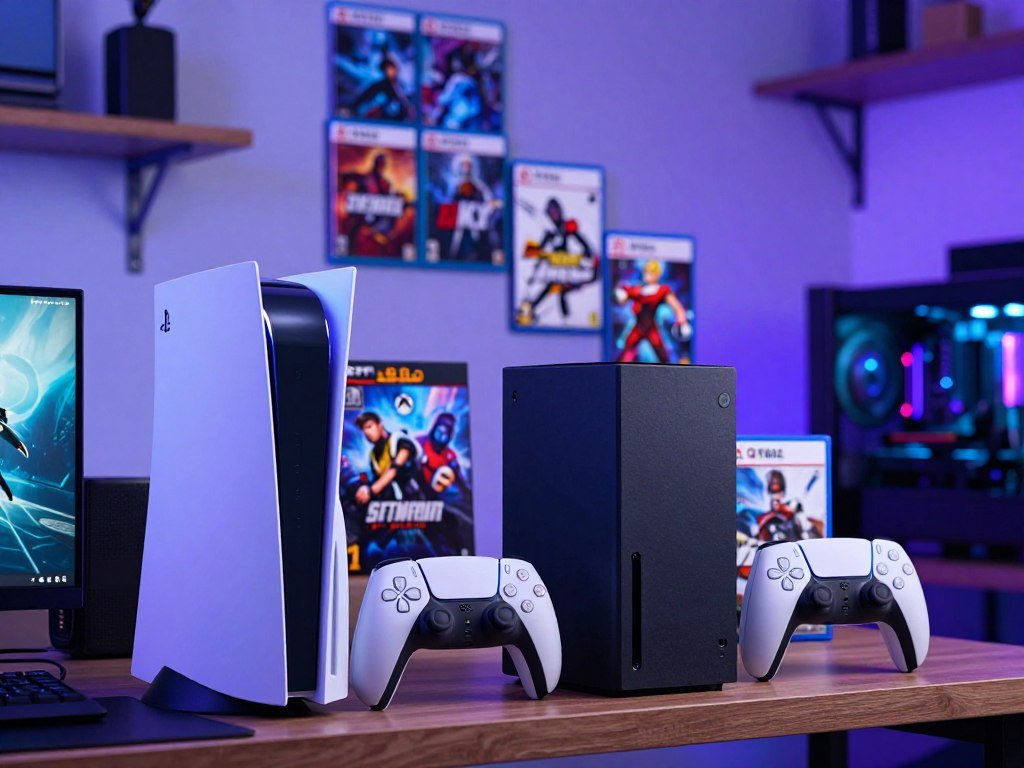
PlayStation Studios titles and the Xbox Game Pass ecosystem are distinct parts of each platform’s appeal. Your preference for one brand’s games can matter more than a graphics difference you might notice only in some releases.
Consider the rest of your setup before buying. A digital library tied to your current account may make switching costly, while a physical collection may favor the console that reads those discs without an add-on.
The PS5 Pro is a better fit if you want its image upgrades and PlayStation games. Xbox Series X is a better fit if you want discs, older Xbox games, or the Xbox ecosystem. Let your current game library and the features you will use every week break a close call.
What Do the PS5 Pro and Xbox Series X Cost in the U.S.?
As of October 2026, the PS5 Pro costs $899.99 and the Xbox Series X costs $799.99 in the United States. The PS5 Pro is sold without a disc drive, so physical-media buyers pay extra for that setup.
Current console prices
The Xbox Series X price shown is for the model with a disc drive. The Xbox Series X All-Digital Edition is listed at $749.99 in 2026, making it the lowest listed console price here.
These prices reflect increases that took effect during 2026. The PS5 Pro increase began April 2, while the Xbox Series X increase began August 1. If a listing is far above those prices, check the seller and included items before paying.
For an example of how seller and stock details can affect a purchase, read about PS5 Pro used and marketplace prices. A high resale listing is not the same as the standard new-console price.
What changes when you want a disc drive?
| Configuration | U.S. console price | Disc-drive setup |
|---|---|---|
| PS5 Pro | $899.99 | Digital-only |
| PS5 Pro with detachable drive | $899.99 plus roughly $119.99 | Disc-capable |
| Xbox Series X | $799.99 | 4K Ultra HD Blu-ray drive included |
| Xbox Series X All-Digital Edition | $749.99 | Digital-only |
The detachable disc drive is an added cost, not part of the PS5 Pro price. Compare the exact configuration you would use, because the PS5 Pro’s separate drive adds roughly $119.99 to a disc-focused setup.
How Do the PS5 Pro and Xbox Series X Specs Compare?
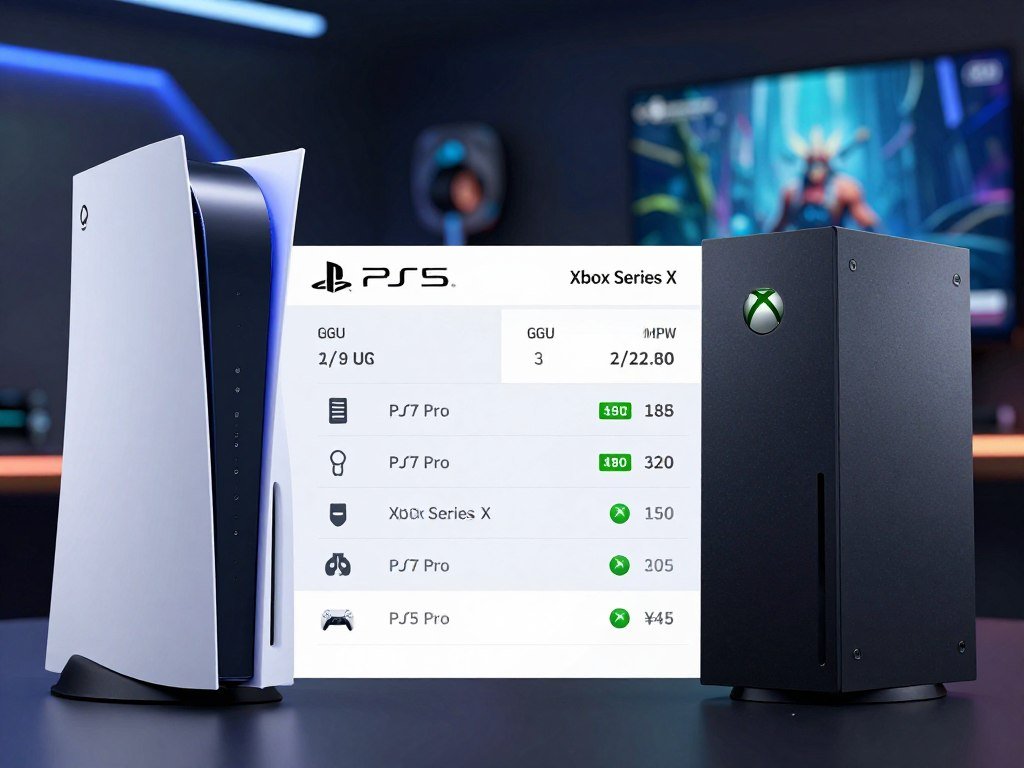
The PS5 Pro has the larger GPU on paper, while both consoles use AMD Zen 2 CPUs. A teraflop is a measure of peak floating-point computing throughput, useful for comparing theoretical GPU capacity but not a direct prediction of game frame rates.
The PS5 Pro’s 16.7 teraflops exceed the Xbox Series X’s 12.155 teraflops, but that gap does not promise matching frame-rate gains. CPU speed, memory, and each game’s design also shape performance.
| Specification | PS5 Pro | Xbox Series X |
|---|---|---|
| GPU | 60 compute units, 16.7 teraflops | 52 compute units, 12.155 teraflops |
| CPU | Zen 2, eight-core, sixteen-thread, up to 3.5GHz | Zen 2, eight-core, 3.8GHz or 3.66GHz with SMT |
| Memory capacity | 16GB GDDR6 plus 2GB DDR5 system memory | 16GB GDDR6 |
| Memory bandwidth | 576GB/s | 10GB at 560GB/s plus 6GB at 336GB/s |
The PS5 Pro has 60 compute units and 18GB of memory across its graphics and system pools. The Xbox Series X GPU has 52 compute units, with memory split into two bandwidth groups.
Clock speeds need context, too. The Xbox Series X CPU reaches 3.8GHz, or 3.66GHz with SMT, while the PS5 Pro CPU runs up to 3.5GHz. These figures describe different parts of each system, not a simple overall ranking.
Both systems use custom hardware built for console games. Peak GPU compute helps explain the PS5 Pro’s theoretical ceiling, but developers choose how to spend that capacity. Use the spec sheet to understand each console’s ceiling, not to predict how every individual game will run.
Which Console Has Better Graphics and Ray Tracing?
For raw graphics capability, the PS5 Pro is the more powerful console, especially when a game uses its improved ray-tracing hardware. Ray tracing renders effects such as reflections and lighting with more detailed scene calculations.
The PS5 Pro’s ray-tracing hardware processes intersection tests two to three times faster than the base PS5. That can make advanced lighting effects more practical in games designed to use them.
What the GPU difference can do
The Xbox Series X uses a custom AMD Radeon RDNA 2 GPU with 52 compute units, clocked at 1.825GHz and rated at 12.155 teraflops. The PS5 Pro has a higher graphics ceiling, but those raw figures do not explain every game result.
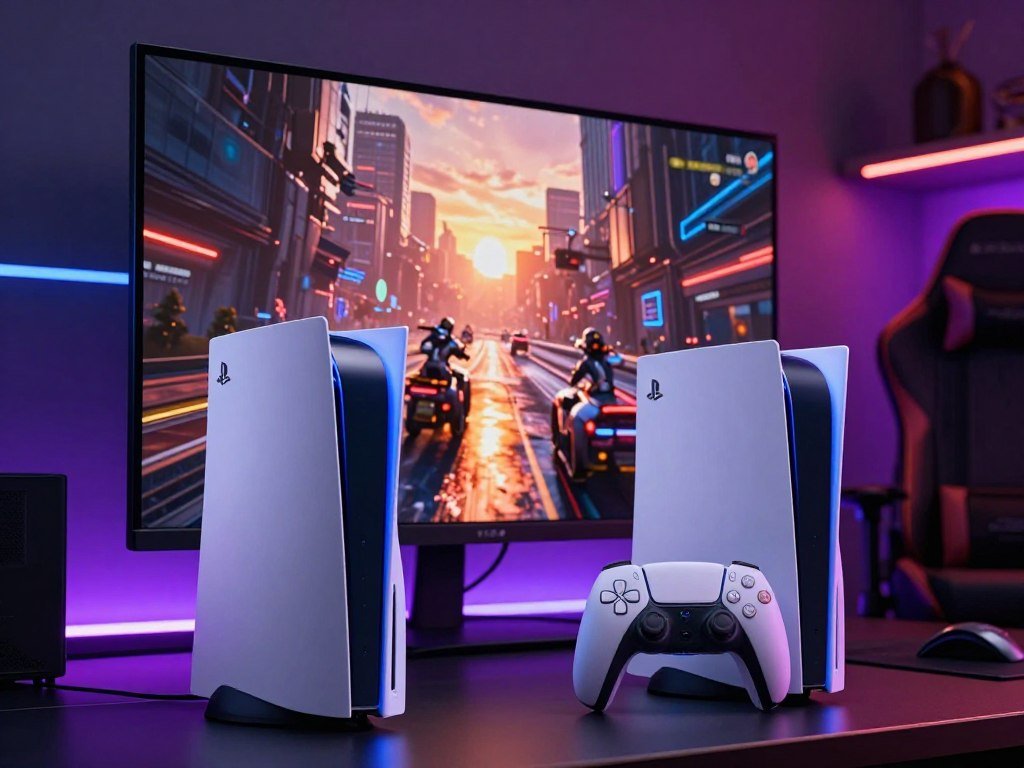
A developer can use extra power for sharper detail, steadier frame rates, or richer lighting. A game may favor one goal over another, so two consoles can show different trade-offs even when they target similar output.
Why game optimization still matters
Game optimization means tuning a title for the hardware it runs on. Rendering choices, software updates, and developer priorities can change how well a game uses each console’s GPU.
That is why the Xbox Series X can perform better in an individual port despite the PS5 Pro’s higher theoretical graphics capacity. The phrase “console better” needs a game and a setting attached to it: one version may look sharper, while another may hold its chosen frame rate more steadily.
For a general comparison, the PS5 Pro has more graphics power and more capable ray tracing. For a specific game, judge its actual image quality and frame-rate behavior, not by teraflops alone.
How Do PSSR and FSR Affect Image Quality?
PSSR gives the PS5 Pro a dedicated AI-driven upscaling path, while Xbox Series X games use FSR when developers choose to implement it. Upscaling builds a higher-resolution image from a lower internal render resolution, helping games balance detail and performance.
Each game needs compatible support to use PS5 Pro-specific enhancements. PlayStation Spectral Super Resolution (PSSR) uses dedicated machine-learning silicon, while FidelityFX Super Resolution (FSR) is Microsoft console game upscaling implemented by developers.
More than 100 games had dedicated PS5 Pro Enhanced support as of 2026. The “PS5 Pro Enhanced” label signals support, but it does not mean every game uses the same settings or produces the same image.
- Upscaling reconstructs a higher-resolution image from a lower internal render.
- A game patch sets which Pro features and image options are available.
- The same feature label does not guarantee identical image quality across titles.
The PlayStation Spectral Super approach is built for the PS5 Pro, while FSR can appear on Xbox Series X when a game’s developer adds it. Super resolution can help a title reach its chosen balance, though it cannot erase every visual trade-off.
Look at the actual game support, not just the feature name. Check whether the games you actually play have PS5 Pro Enhanced support before paying extra for that feature.
What Do Real Game Results Show?
Pragmata is a strong PS5 Pro result: its 2026 version ran at a locked 60fps with ray tracing and higher image quality than the base PS5 and Xbox Series X versions. That specific result shows how the Pro can pair a smooth target with stronger visuals.
The reported PS5 Pro version held 60fps while presenting ray tracing and higher image quality. For players, that combination means the game did not need to trade away its smooth target to improve its image in this test.
| Version | Reported frame-rate behavior | Reported graphics result |
|---|---|---|
| PS5 Pro | Locked 60fps | Ray tracing and higher image quality |
| Base PS5 | No frame-rate number stated | Lower image quality than PS5 Pro |
| Xbox Series X | No frame-rate number stated | Lower image quality than PS5 Pro |
Testing results can depend on the game version and settings being compared. RenderIndex’s Pragmata performance entry reports that PS5 Pro patch 1.21 raised internal resolution from 864p to 1080p.
That patch detail is useful context, but it does not make one title a stand-in for every port. Developers can choose different image and frame-rate targets for each console, and updates can change those choices.
Players comparing versions should focus on the result that matters most to them, such as image clarity or a stable frame-rate target. Treat that result as evidence of the Pro’s potential in a supported game, not as a guarantee for every release.
How Do the Game Libraries and Ecosystems Differ?
Choose around the games you expect to play, because a console’s headline graphics advantage matters less if your must-have titles are elsewhere. PlayStation’s draw includes Spider-Man, God of War, and Ghost of Yotei.
Check your own game list before treating either platform’s catalog as a reason to switch. Xbox Game Pass Ultimate offers access to a library across console, PC, and cloud, and Microsoft first-party games are not limited to Xbox hardware.
PlayStation Studios games and Game Pass are different ecosystem strengths. One may matter more if you want particular PlayStation titles; the other may suit you if you play across Xbox, PC, and cloud.
- Write down the must-play games you want first.
- Check which platform your friends use for online play.
- List digital purchases tied to your current account.
- Compare a subscription library with games you would buy individually.
A broad catalog does not guarantee that every game you want is included. Subscription lineups can change, and a title’s presence on one platform does not confirm its availability on another.
Game timing can matter as much as the catalog. A game may arrive on one system first or have different features across versions, so check release details for the exact title you care about.
The games you already own can also shape value. Digital purchases are tied to an account and platform, so switching consoles may leave some of your library behind. Verify each must-play game’s platform availability and release timing before you commit to an ecosystem.
Do You Need a Disc Drive?
The Xbox Series X is ready for 4K Ultra HD Blu-ray discs out of the box, while the PS5 Pro needs a separate drive. Physical media matters most if you already own game discs or prefer buying games in that format.
The PS5 Pro is digital-only as sold, and its detachable disc drive costs roughly $119.99 extra. That added amount is on top of the console, so the listed base price does not describe a disc-ready setup.
Xbox Series X includes its drive, which reads 4K Ultra HD Blu-ray discs. You can use it for supported physical games and Blu-ray media without adding a separate accessory.
For the PS5 Pro, the optional detachable disc drive adds a step and a cost. Buyers who want a disc-focused setup should compare the full configuration rather than the console alone.
Physical discs can be useful if you have a collection or simply prefer owning games on disc. The value of that collection depends on the titles and how you use them, so do not assume every disc will suit your next console.
A digital-only setup may be fine if you buy games online and do not use Blu-ray media. If you own a physical game collection, count the optional PS5 Pro drive as part of your decision.
How Much Storage Do You Get, and How Can You Expand It?
The PS5 Pro starts with 2TB of storage and accepts a compatible M.2 SSD, while Xbox Series X storage depends on the model and expands through a dedicated card. A 4TB M.2 drive is within Sony’s stated capacity range, not inherently excessive.
Adding an M.2 SSD to a PS5 Pro
A compatible PS5 M.2 NVMe drive must be a PCIe Gen4 x4 NVMe SSD with capacity from 250GB to 8TB. Sony recommends sequential read speed of 5,500MB/s or faster.
| Storage detail | PS5 Pro | Xbox Series X |
|---|---|---|
| Included storage | 2TB | 1TB or 2TB by model |
| Expansion type | Compatible M.2 PCIe Gen4 x4 NVMe SSD | Seagate or Western Digital/SanDisk PCIe 4.0 expansion card |
| Maximum stated expansion capacity | 8TB M.2 drive capacity | Expansion card up to 4TB |
| Game use | Store and launch PS5 games, PS4 games, and media apps | Expansion cards add Xbox storage |
Sony allows a drive and heat-dissipation structure up to 25mm wide and 11.25mm thick. The M.2 SSD also needs effective heat control, such as a heatsink and heat-transfer sheet.
Expanding Xbox Series X storage
Xbox Series X uses a Seagate or Western Digital/SanDisk PCIe 4.0 expansion card, with cards up to 4TB. This dedicated card differs from the PS5 Pro’s standard M.2 installation path.
A 4TB drive can suit a large installed library, while a smaller drive may fit a few current favorites. An SSD adds space for games and apps, but it does not promise a blanket speed boost over the internal drive.
Sony warns that M.2 game performance may not exactly match the internal SSD, even when sequential read speed exceeds 5,500MB/s. Before buying an M.2 drive, check both its dimensions and its heatsink, not only its quoted read speed.
Which Console Is Better for Backward Compatibility?
Xbox Series X is the stronger choice for a player who wants access to older Xbox generations. It plays all Xbox One games and select Xbox 360 and original Xbox games.
Kinect-required Xbox games are excluded from that support. The PS5 Pro supports PS4 games, but that does not mean it plays PS1, PS2, or PS3 discs.
Xbox backward compatibility can help if your older library includes supported titles. A game’s age alone does not confirm that it works, so check the exact title before relying on it.
- Confirm the specific older game appears on the compatibility list.
- Check whether your older disc or digital purchase works on that model.
- Consider whether the game library is tied to the account you will keep using.
Disc and digital ownership may work differently depending on the console model and game. A digital purchase linked to an account may be easier to carry forward than a disc that the new system cannot read.
For PS5 owners, PS4 support gives access to a large part of the prior generation’s library. It does not provide general support for older PlayStation discs, so do not assume a PS4 feature applies to every legacy format.
Xbox Series X is the clearer pick if your reason for upgrading is to keep playing supported Xbox One, Xbox 360, or original Xbox titles. Look up the exact legacy game and format you own, since backward compatibility is not identical across every title.
Which Console Fits Your Space and Setup?
Measure the shelf and account for cable access before deciding where either console will live. The Xbox Series X measures 15.1 × 15.1 × 30.1cm, or 5.9 × 5.9 × 11.9 inches.
The Xbox Series X weighs 9.8 pounds, or 4.4kg, so plan for its full height and weight. The PS5 Pro has a different shape, so check its own dimensions before choosing a shelf.
Xbox Series X size and weight
The Series X is a tall, compact tower with a square footprint. Its listed dimensions help you check a shelf, but they do not account for the space needed around cables and vents.
Ports and wireless connections
Xbox Series X has three USB 3.2 Gen 1×1 ports, Gigabit Ethernet, and Wi-Fi 802.11ac. Those connections cover common wired network and accessory needs.
Compare the ports with the equipment you already use, such as a wired network cable or USB accessories. A port that sits behind a console is less useful if the shelf blocks access.
The same fit check applies to both consoles. A console can fit within a shelf’s listed dimensions yet still be awkward if cables, ventilation, or port access are blocked.
Leave room to reach the connections you use and keep the console’s vents clear. Keep the console’s vents and rear connections clear rather than treating its listed dimensions as the only fit check.
What TV Do You Need for PS5 Pro or Xbox Series X?
A 4K TV with a 120Hz refresh rate, HDMI 2.1, and VRR is the most useful target for high-frame-rate console gaming. A suitable 120Hz display is needed to use 120fps on PS5 or PS5 Pro.
Variable refresh rate (VRR) can reduce screen tearing by matching the display’s refresh timing more closely to a game’s output. Xbox Series X supports HDMI 2.1 VRR and low-latency modes.
Xbox Series X supports 720p, 1080p, 1440p, and 4K output. A TV’s highest refresh rate does not force a game to run at that speed; each title needs a matching frame-rate mode.
These 2026 TVs offer examples of gaming features, not endorsements. A 165Hz panel does not mean either console outputs games at 165fps.
| TV model | Resolution | Native refresh rate | HDMI 2.1 port detail |
|---|---|---|---|
| Samsung S95H OLED | 4K | 165Hz | Four ports |
| LG C6 OLED 2026 | 4K | 165Hz | Four ports |
| Hisense U7SG | 4K | 165Hz | Bandwidth on all four inputs |
| TCL QM6K | 4K | 144Hz | No port count stated |
When you compare a TV for PS5, look for its native refresh rate, HDMI 2.1 support, and VRR on the input you plan to use. A monitor can also suit a desk setup; see these PS5 monitor options for more display details.
A display cannot create a frame-rate mode a game does not offer. Check the TV’s native refresh rate and the exact HDMI input you will use, rather than relying on a model’s broad gaming label.
How Do Game Pass and PlayStation Plus Compare?
Compare the subscription catalogs against the games you would actually play, not just the number of titles listed. Game Pass Ultimate costs $22.99 per month in the 2026 comparison and includes access across console, PC, and cloud.
New Call of Duty releases no longer join Game Pass Ultimate on day one; they arrive roughly a year after launch. Most other Xbox first-party releases have day-one access, though catalog membership can change.
PlayStation Plus Premium costs $19.99 per month or $159.99 for an annual subscription. Sony’s biggest first-party exclusives generally do not arrive on the service at launch.
The plans differ in more than price. Game Pass Ultimate spans console, PC, and cloud, while PlayStation Plus Premium is a Sony subscription option with its own catalog and terms.
A game in a subscription catalog may leave later, so a membership does not mean permanent ownership. Compare the games you plan to play during the months you expect to subscribe.
If you buy only a few games each year, a recurring fee may not fit your budget. Add the plan’s recurring charge to your own budget before treating either subscription as part of a console’s value.
Who Should Buy the PS5 Pro, and Who Should Choose Xbox Series X?
Pick the PS5 Pro if you will use its graphics upgrades and PlayStation games; pick Xbox Series X if the included drive and Xbox library matter more. The PS5 Pro is the performance-focused pick, not automatically the best value for every household.
Xbox Series X suits buyers who value its included disc drive and older Xbox games more than the PS5 Pro’s higher graphics ceiling. Your game purchases and regular habits should guide the choice.
Choose PS5 Pro for graphics and PlayStation games
The PS5 Pro fits players who want its graphics-focused upgrades and care about PlayStation Studios games. It makes more sense when you expect to play supported titles that use its Pro features.
Choose Xbox Series X for price, discs, and older games
Xbox Series X is the more practical match if you want a lower upfront cost, physical media ready to use, or supported games from older Xbox generations. Xbox Game Pass is another platform consideration.
- How much do graphics upgrades and Pro-enhanced games matter to you?
- Which digital purchases are tied to your PlayStation or Xbox account?
- Do you need a disc drive for your games or movie collection?
- Are you willing to pay for a subscription each month or year?
The answer can change if you already own a large digital library. Replacing a platform’s purchases may cost more than the benefit of switching hardware, especially when your favorite titles are tied to one account.
Choose for the way you play now, not for a feature you might rarely use. Give your existing digital library the deciding vote when the two hardware packages otherwise feel evenly matched.
What Should You Check Before You Decide?
Before ordering, make sure the console, game library, TV, and available space all fit the way you actually play. A compatible M.2 SSD can store and launch PS5 and PS4 games and media apps.
A suitable 120Hz display is needed to use 120fps on PS5 or PS5 Pro. Xbox Series X supports 4K output and HDMI 2.1 VRR, so match your display choice to the features you want.
- Confirm the games and account library you need.
- Decide whether physical discs matter to you.
- Check that your TV supports the refresh rate and VRR features you want.
- Assess whether the included storage suits your installed library.
- Confirm you can place the console with clear ventilation and cable access.
Storage needs depend on how many games you keep installed at once. If you often switch between large titles, extra storage can save time spent removing and reinstalling games.
Check how the display connects to the console, too. A TV may have several HDMI inputs, but the features you want can depend on the specific port you use.
A console that cannot fit safely or connect to your display is the wrong choice, even if its game list looks ideal.
Keep the product configuration in view while comparing options, especially when an accessory changes what the console can do. Confirm the exact model and included accessories on the configuration you plan to purchase.
Conclusion
Choose the PS5 Pro for the stronger graphics-focused PlayStation setup, or Xbox Series X for its included disc drive and Xbox library. The PS5 Pro makes sense when you will use its image upgrades, while Xbox Series X suits buyers who value lower entry cost and legacy Xbox games.
Before you choose, write down three games you most want to play. Check that each works on your preferred console, then confirm the format and features you need. Check your three must-play games on the exact console configuration you intend to buy.
FAQ
Is PS5 better graphics than Xbox X?
The PS5 Pro has the higher graphics ceiling and more capable ray tracing, but Xbox Series X can perform better in an individual game. The result depends on how the developer builds and tunes each version. If you mostly play one or two titles, compare those specific versions rather than treating the general hardware ranking as a promise about every game.
Who is the king of consoles?
No single console is the best fit for every buyer. The PS5 Pro leads for graphics-focused PlayStation gaming, while Xbox Series X suits buyers who value its included disc drive and older Xbox library. Your existing games, account purchases, and friends’ platforms can matter more to your daily play than a small hardware advantage.
Is a PS5 worth it in 2026?
The PS5 Pro is worth considering if you will use its graphics upgrades and want PlayStation games. It costs $899.99 in the United States, compared with $799.99 for Xbox Series X as of October 2026. Think about the full setup you need, including storage, games, and a detachable drive if you want physical media.
What can PS5 do that Xbox can’t?
The PS5 platform offers PlayStation Studios games, and the PS5 Pro adds PSSR for compatible games. PlayStation controllers also include features such as adaptive triggers, which can change resistance during play. Those features are not a guarantee that every game stays exclusive forever, so base your choice on titles and features you expect to use.
Why do people prefer PS5 over Xbox?
Common reasons include PlayStation Studios games, the DualSense controller’s adaptive triggers and touchpad, and the PS5 Pro’s graphics-focused upgrades. These features can make the platform a better fit if you already enjoy PlayStation games or want its enhanced image options. Xbox Series X may still suit you better if you value its disc drive or older Xbox library.
Is 4TB overkill for PS5?
No, 4TB is not inherently overkill for a PS5 game library. Sony’s compatible M.2 SSD capacity range extends to 8TB, so a 4TB drive can suit someone who keeps many large games installed. If you usually play a few titles at a time, a smaller drive may meet your needs without adding unused capacity.
Should I get a 1 TB or 2TB SSD for my PS5?
The PS5 Pro already includes 2TB, so choose an added M.2 SSD based on how many large games and apps you want installed at once. A 1TB drive can work for a smaller active library, while 2TB gives more room for frequent game switching. Check that the drive meets Sony’s compatibility and heat-dissipation requirements.
What type of TV is best for a PS5?
A 4K TV with native 120Hz refresh, HDMI 2.1, and VRR is a strong match for PS5 gaming. The refresh rate helps with games that offer 120fps modes, while VRR can reduce screen tearing. Check the specific HDMI port for the features you want, since not every input on a TV must support the same functions.



