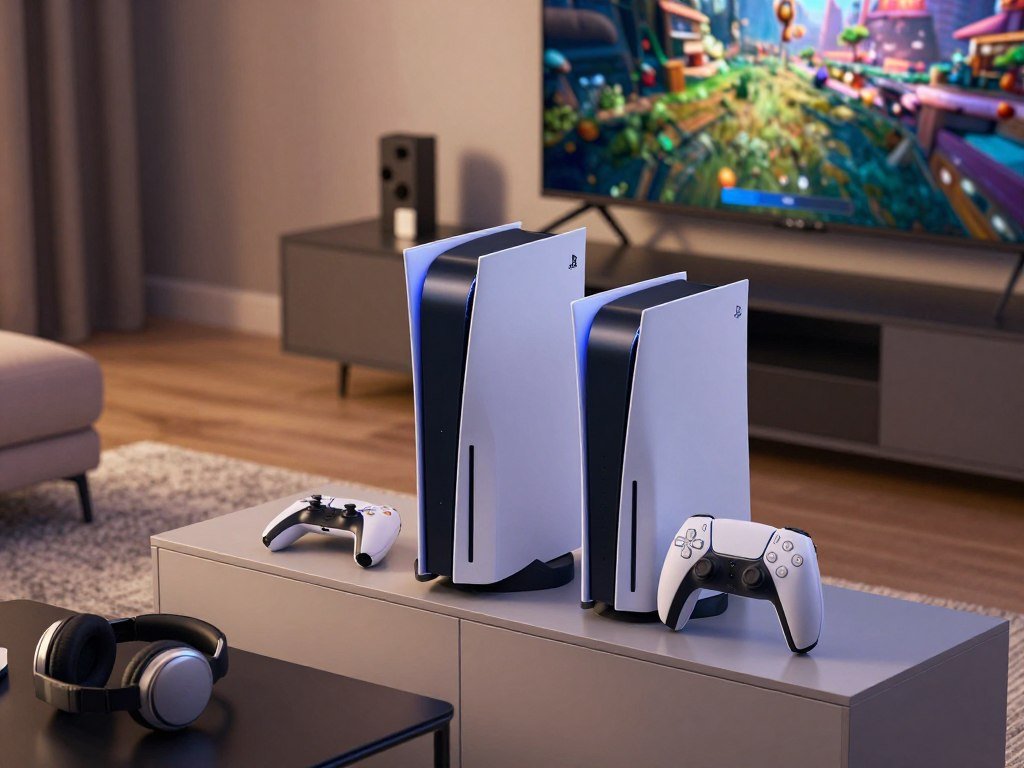
The PS5 Pro’s main appeal is better graphics in supported games, while the PS5 remains the sensible choice if value matters more than visual upgrades. The PS5 Pro launched on November 7, 2024, and the current standard model for US buyers is the PS5 Slim. Your choice depends on your display, games, budget, and use of discs.
PSSR means PlayStation Spectral Super Resolution, an AI-based upscaling feature that rebuilds a higher-resolution image from a game rendered at a lower internal resolution. This comparison focuses on what those features mean during play, not just what the spec sheet says. A first-time buyer may weigh the options differently from someone planning an upgrade.
Key Takeaways
- Choose the PS5 Pro for enhanced graphics and performance in supported games.
- Choose the PS5 Slim when you want the standard PlayStation experience for less.
- The PS5 Slim disc edition includes a built-in disc drive.
- The PS5 Slim Digital Edition and PS5 Pro are digital-first consoles.
- Your display and the games you play should decide whether the extra graphics capability matters to you.
Which PS5 model fits your gaming priorities?
If you want the strongest graphics in supported games, choose the PS5 Pro; if you want the same broad PlayStation game library for less, choose a PS5 Slim. The Pro suits players who put image quality first, while the standard models offer a better fit for tighter budgets.
The Pro does not offer a separate game library. It enhances some games you can also play on a standard PS5. Your choice comes down to the value you place on those upgrades and whether you use physical discs.
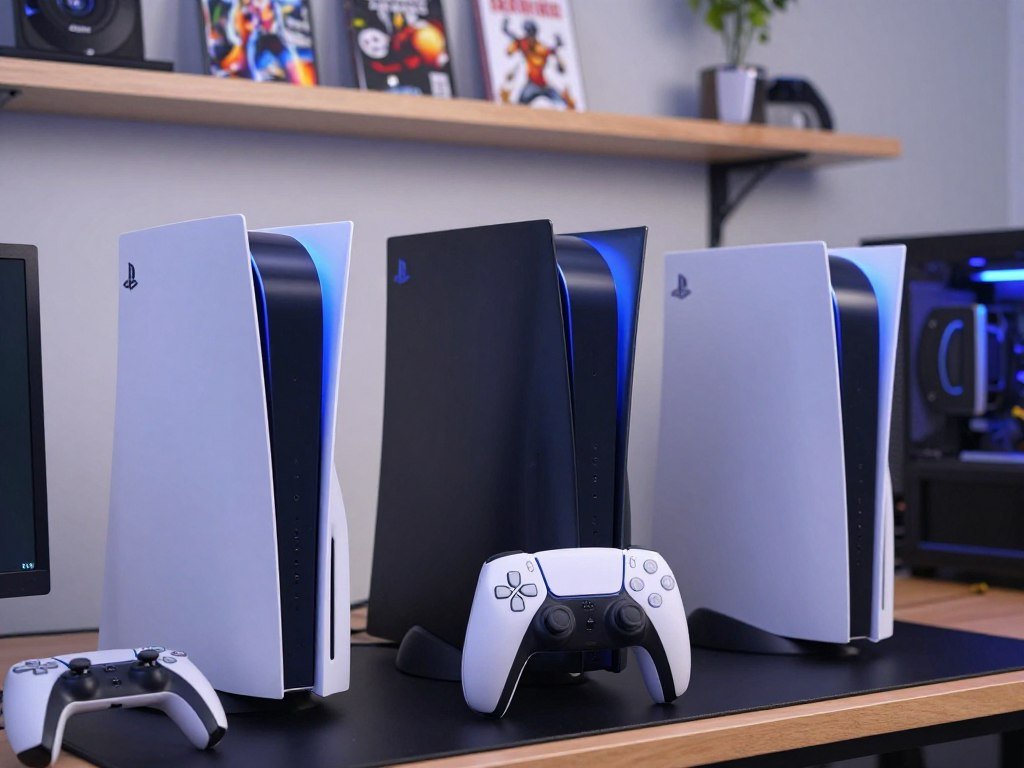
- For enhanced visuals in supported games, pick the PS5 Pro.
- For the least costly standard model and digital game purchases, pick the PS5 Slim Digital Edition.
- For physical games, used discs, or movie discs, pick the PS5 Slim disc edition.
Choose the model that fits your play habits, not the one with the largest spec sheet.
The PS5 digital edition is a good fit if you already buy games online and do not need a built-in drive. A disc model gives you another way to buy games and play supported disc-based media.
Think about the games you return to, rather than a long list of features you may rarely use. Your display also matters: extra graphics detail is easier to value when your screen can show it.
PS5 vs PS5 Pro Specs: How Do the Core Numbers Compare?
The core specs show that the Pro’s biggest hardware changes center on graphics and storage, not memory capacity. The side-by-side numbers make the difference between the PS5 Slim and PS5 Pro clear.
Both consoles have 16GB of GDDR6 memory, while the Pro has a larger built-in SSD. The GPU compute rating also rises on the higher-performance model.
| Specification | PS5 Slim | PS5 Pro |
|---|---|---|
| GPU compute rating | 10.28 TFLOPS | 16.7 TFLOPS |
| GDDR6 capacity | 16GB | 16GB |
| Built-in SSD | 1TB | 2TB |
The 16.7 TFLOPS figure is higher than the standard model’s 10.28, but it does not predict an exact improvement in every game. Graphics modes, game design, and optimization shape what you see.
The PS5 Slim’s 1TB SSD and the Pro’s 2TB SSD both store games and other console data. A larger drive can hold more installed content before you need to manage storage.
These ps5 vs ps5 pro specs offer a useful baseline for the PS5 Pro vs PS5 comparison. The table also shows why ps5 ps5 pro searches often focus on graphics and storage first.
The Pro’s stronger GPU compute rating and bigger SSD stand out, while GDDR6 memory capacity stays the same. 16.7 TFLOPS versus 10.28 TFLOPS is a hardware rating, not a promise of a matching visual gain.
Treat the table as a starting point, since a larger GPU rating does not translate into the same visible gain in every game.
What does the GPU upgrade change in real games?
Sony’s headline graphics gain is up to 45% faster rendering, but that figure describes potential performance in supported gameplay rather than a guaranteed frame-rate increase in every title. The up to figure matters: a game’s design can limit how much of that gain you notice.
The Pro has 67% more GPU compute units and 28% faster memory than the standard PS5. Those changes can help render game scenes faster and support more demanding graphics features.
Compute units, bandwidth, and rendering
Compute units are parts of the GPU that handle graphics work. More units let the machine process more tasks at once when a game can use them.
Memory bandwidth measures how quickly data moves between memory and the graphics processor. The standard PS5 has 448 GB/s of bandwidth, while the Pro has 576 GB/s.
That extra bandwidth helps feed the Pro’s graphics hardware with data. The combined gains can support sharper images, steadier frame rates, or more visual effects, depending on the game.
Faster ray tracing can make light, reflections, and shadows look more lifelike. It also takes extra processing, so the game must balance those effects against resolution and speed.
Why console TFLOPS do not equal a PC GPU
No single PC graphics card is an exact match for a console GPU. Architecture, power limits, and game optimization all affect what each machine can do.
TFLOPS measure a type of computing capacity, but the figure leaves out many parts of real game performance. A PC GPU’s memory, software, cooling, and game settings also matter.
A console game is built for fixed hardware, which can help developers tune performance. A PC game must work across a wider range of parts and settings.
For a practical comparison, use the same game and similar graphics modes on both consoles. If you are comparing a PC build for a specific game, look at full performance tests rather than a TFLOPS match.
Readers asking what GPU is as powerful as a PS5 will not find one exact answer in a single rating. Compare the same game and settings on both systems instead of using a TFLOPS number as a stand-in for a full PC GPU ranking.
For more context on how hardware can limit frame rates in a large open-world game, read this GTA 6 performance report.
How do the PS5 and PS5 Pro CPUs and memory compare?
The Pro keeps the same basic CPU design as the standard PS5, so the largest performance improvements come from graphics rather than a processor overhaul. Its small clock increase can help in some cases, but it is not a new CPU generation.
Both consoles use an 8-core, 16-thread AMD Zen 2 CPU. The standard PS5 runs at up to 3.5 GHz, while the Pro can reach up to 3.85 GHz in high-frequency mode.
The shared Zen 2 processor
A CPU handles tasks such as game rules, character behavior, and world simulation. Those jobs can set a frame-rate limit even when the GPU has room to do more.
The higher clock can help the Pro process some CPU tasks faster. It does not change the core design, so it cannot remove every limit tied to game logic or simulation.
That difference matters in games with busy scenes, many active characters, or complex systems. A game may still stay near the standard PS5’s frame rate if its CPU workload is the main constraint.
Memory capacity versus memory speed
Memory capacity is the amount of data a console can hold ready for use. Both systems have 16GB of GDDR6 memory, so the Pro does not add more capacity.
Memory speed describes how quickly data can move. The Pro’s faster memory and higher bandwidth help supply its graphics hardware, even though total capacity is unchanged.
That distinction helps explain why matching capacity does not mean matching graphics performance. The same amount of memory can still move data at different rates.
Clock speed is only one part of the PS5 vs PS5 Pro CPU comparison. If a game is limited by CPU-heavy simulation, more graphics power alone may not deliver a dramatic frame-rate jump.
What does PSSR do to PS5 Pro graphics?
PSSR is the Pro’s image-reconstruction feature, designed to produce sharper output without requiring every frame to be rendered at its final resolution. PSSR means PlayStation Spectral Super Resolution, an AI-based upscaling feature that reconstructs a higher-resolution image from a game rendered at a lower internal resolution.
Upscaling lets a game render below its output resolution, then rebuilds image detail for the screen. That can help balance clarity and performance, though the result depends on the game.
How PSSR reconstructs the image
A game can draw a frame at a lower internal resolution than the final image shown on your TV. PSSR analyzes that image and reconstructs it at a higher resolution.
This approach can reduce the amount of work needed to create each frame. The saved graphics power may help a game keep a higher frame rate or add other visual effects.
Upscaling is different from simply stretching a small image to fill the screen. The feature uses image analysis to rebuild detail, though it cannot recover every detail perfectly.
Why the results can vary by game
Developers choose how to use PSSR in each title. A game’s image quality, motion, and scene detail can affect how the result looks from one moment to another.
The Enhanced PSSR Image Quality setting works only in supported titles. Final Fantasy VII Rebirth, Alan Wake 2, and Cyberpunk 2077 are examples of games with support.
The feature may look more helpful in a scene with fine edges or distant objects than in a simple, low-detail scene. Your display and viewing distance also affect how easy it is to spot small image changes.
PSSR is one of the Pro’s key features, but support for the feature does not mean every game uses it in the same way. A title may use a different rendering method or offer no dedicated Pro image mode.
Check a specific game’s implementation before assuming PSSR will improve every scene in the same way.
PS5 Pro vs PS5 Graphics: What Changes in Supported Games?
The clearest Pro improvements are game-specific: some titles combine sharper output with a 60fps target, while others add a higher-frame-rate option. The mode each game offers determines what you notice during play.
These results apply to specific Pro modes, not every PS5 game. A mode can favor image detail, frame rate, or a mix of both.
| Game or games | Pro-specific mode | Stated result |
|---|---|---|
| The Last of Us Part I Remastered and Part II Remastered | Pro mode with PSSR | 1440p render upscaled to 4K, 60fps target |
| Final Fantasy VII Rebirth | Enhanced mode | 60fps target, resolution on par with graphics mode |
| Stellar Blade | High-frame-rate option | 80fps target, requires a 120Hz display |
| Horizon Forbidden West | Enhanced 60fps mode | Regular PS5 Quality-level or better visuals at 60fps |
| Ratchet & Clank: Rift Apart and Marvel’s Spider-Man 2 | Performance Pro mode | 4K visuals and ray tracing at a 60fps target |
Sharper 4K reconstruction at a 60fps target
The Last of Us Part I Remastered and The Last of Us Part II Remastered render at 1440p in their Pro-specific modes. PSSR upscales their images to 4K, with a 60fps target.
Final Fantasy VII Rebirth’s Enhanced mode also targets 60fps. Its resolution is on par with the game’s graphics mode, giving players a different balance than the standard options.
Horizon Forbidden West can match or surpass the standard PS5 Quality mode’s visuals while targeting 60fps. The useful change is the combination of detailed graphics and smoother motion.
Higher frame-rate and ray-tracing examples
Stellar Blade has a high-frame-rate option with an 80fps target. That mode requires a 120Hz display, and the game must support the mode for your console to use it.
Ratchet & Clank: Rift Apart and Marvel’s Spider-Man 2 use Performance Pro modes to combine 4K visuals and ray tracing with a 60fps target. Those effects can be demanding, so their combination is notable.
The PS5 Pro vs PS5 graphics difference can be modest in one game and more obvious in another. A stated target is not the same as a guarantee that every scene holds that rate.
Check the mode available in the particular game you play, since its Pro enhancement determines the practical benefit.
How broad is the PS5 Pro-enhanced games library?
More than 100 PS5 titles have Pro enhancements, but the presence of an enhancement does not mean every game gets the same kind of upgrade. Check support for the games you already play, since the benefit differs by title.
Some enhancements focus on image quality, while others aim for steadier performance or a mix of both. The number of supported games gives you a rough sense of breadth, not a promise about your own library.
What Pro enhancements typically change
A Pro enhancement may let a game show more detail, use stronger graphics effects, or hold a smoother frame rate. Some modes combine those gains, while others ask you to choose between different settings.
Developers decide which parts of a game to improve. One title may use extra power for sharper output, while another may focus on frame-rate stability.
That means the label alone does not tell you exactly what will change. Look for details about the mode, such as its image quality or performance target.
For a buyer who plays a few favorite games most often, support for those titles matters more than the overall count. A long list is less useful if it leaves out the games you care about.
What to expect from games without a dedicated mode
A game without a dedicated Pro mode does not automatically gain a new visual setting. The console does not create a custom graphics mode for every title on its own.
Some games may still benefit from general system features, but that is different from receiving a developer-made Pro enhancement. The exact effect depends on the game and its support.
Make a short list of the games you play most and check whether each has a Pro enhancement. Include titles you plan to start soon, not only games already installed.
The Pro’s enhanced library can grow in value as more relevant titles appear, but a count alone cannot show how useful those changes are to you. Your favorite games should guide the decision.
Let your own regular-play list, rather than the headline count alone, determine how useful the enhanced library will be.
What display do you need to see the Pro’s advantages?
A 4K TV is the clearest match for the Pro’s PSSR-enhanced 4K output, while higher frame rates depend on the game and display support. Compatible games can reach 60fps or up to 120fps with ray tracing and PSSR-enhanced 4K output on a 4K TV.
A 120Hz display can show higher frame rates when a game supports them. The feature is not universal; a console and screen cannot add a mode the game does not offer.
- Check whether your TV or monitor supports 4K resolution.
- Check for 120Hz support if you want higher frame rates.
- Confirm that the game supports the mode you want to use.
- Consider whether sharper image detail matters to you on your screen.
The HDMI connection matters when you use a monitor or TV with several inputs. Check that the specific port supports the resolution and refresh rate you plan to use.
A 4K screen is not required to play on the PS5 Pro. It is the best match for the console’s 4K output, while a lower-resolution screen can still show supported games.
For help choosing a screen, this PS5 monitor guide covers 4K, 1440p, refresh rates, and HDMI support. RTINGS’ PS5 TV testing guide compares gaming screens using dedicated color-measurement tools and real-world sources.
Check both your display’s supported refresh rate and the game’s available modes before paying extra for a feature you may not use.
How much does the PS5 Pro cost compared with the PS5?
The PS5 Pro’s US recommended price is $899.99, making it $250 more than the PS5 and $300 more than the PS5 Digital Edition. These current recommended prices took effect April 2, 2026.
The PS5 Digital Edition does not include a built-in optical drive. The listed price difference compares console models, not the cost of accessories.
| Model | US recommended price effective April 2, 2026 | Difference from PS5 Pro |
|---|---|---|
| PS5 Pro | $899.99 | Reference model |
| PS5 | $649.99 | $250 less |
| PS5 Digital Edition | $599.99 | $300 less |
The standard disc PS5 costs less than the Pro, but it includes a drive. The Digital Edition has the lowest recommended price among these three models, with no built-in optical drive.
A price increase changes how much value you get for the same graphics features. Compare what the extra money means for your household budget, especially if you already own a working PS5.
Prices can also differ between the recommended price and a retailer’s offer. A PS5 Pro price report compares a pre-owned listing with Sony’s recommended price.
Compare the recommended prices against your own budget, then account separately for any physical-media accessories you need.
Does the PS5 Pro include a disc drive?
The PS5 Pro does not include a disc drive, so physical-media buyers need to plan for a separate accessory. It is digital by default, unlike the PS5 Slim disc edition.
The detachable Ultra HD Blu-ray drive costs $79.99, and first-time pairing requires an internet connection. The vertical stand costs $29.99.
- PS5 Pro: digital by default, with an optional detachable disc drive.
- PS5 Slim disc edition: a disc drive is included.
- PS5 Slim Digital Edition: digital by default, with an optional detachable disc drive.
The add-on drive supports physical games and Ultra HD Blu-ray discs. You need an internet connection when pairing it with the console for the first time.
Physical-game collectors and buyers of used discs should factor in drive availability and setup before choosing a digital-first model. Used games can be a useful part of a buying budget, so losing access to discs may change how you shop.
The optional drive is a separate purchase, and the stand is also sold separately for the Pro. Those accessories are not included in the console’s recommended price.
If you rely on discs, compare the out-of-box drive setup before committing to a digital-only console.
Does Wi-Fi 7 make a difference on PS5 Pro?
Wi-Fi 7 is a Pro feature, but it only helps if your router and home network can take advantage of it. The router matters because the console needs a compatible router to use Wi-Fi 7 features.
The PS5 Slim supports Wi-Fi 6E, while the PS5 Pro supports Wi-Fi 7. Actual online performance depends on your network environment, not just the console’s Wi-Fi generation.
Wi-Fi 7 is most useful when your router supports it and your home network is the connection bottleneck. A newer wireless standard cannot fix every issue between your console and an online game.
Other devices, router placement, and your internet service can affect the connection. A console on Ethernet does not rely on Wi-Fi, so this feature may not change your setup.
Wi-Fi 7 is a hardware feature, not a promise of faster downloads or smoother play in every home. The speed you notice depends on the full network path and the services you use.
For more background on PlayStation wireless devices, this PlayStation Wi-Fi filing report explains what wireless certification can and cannot confirm.
Check your router’s Wi-Fi generation before treating the wireless upgrade as a reason to buy.
How do the PS5 Pro and PS5 Slim compare in size?
The PS5 Pro weighs less than the Slim disc edition but is deeper than the Slim Digital Edition. Measure the full space available before choosing a model.
The dimensions below use height × width × depth for the Slim models. The Pro measurement order is shown as supplied.
| Model | Dimensions | Weight |
|---|---|---|
| PS5 Pro | 388 mm × 89 mm × 216 mm | 3.1 kg (6.8 lbs) |
| PS5 Slim disc edition | 358 mm high × 216 mm wide × 96 mm deep | 3.2 kg (7.0 lbs) |
| PS5 Slim Digital Edition | 358 mm high × 216 mm wide × 80 mm deep | 2.6 kg (5.7 lbs) |
The Slim Digital Edition is the lightest model in this comparison. The Pro is slightly lighter than the Slim disc edition, but it is deeper than the digital Slim.
Console size can affect more than shelf space. Leave room for cables and airflow, and check the path through a cabinet opening if the console will sit inside furniture.
The Slim disc edition and digital edition share the same listed height and width, but the disc model is deeper. That difference can matter on a narrow shelf.
Measure the shelf or entertainment cabinet in all three dimensions before choosing a model.
Do the PS5 and PS5 Pro play the same games?
The PS5 Pro plays PS5 games rather than replacing the standard console with a separate game library. It also plays over 8,500 PS4 games, with a small number of compatibility exceptions.
The Pro does not create an exclusive PS5 game library unavailable to the standard PS5. Its extra benefit is support for Pro enhancements and Game Boost in some titles.
PS5 and PS4 game compatibility
The Pro runs PS5 games and supports a large range of PS4 games. A small number of PS4 titles are exceptions, so older games may need a specific compatibility check.
That backward compatibility helps if you are moving from an older console and want to keep playing a PS4 collection. The Pro is still part of the PS5 family, not a separate platform.
Pro-enhanced titles are PS5 games with added features for the higher-performance model. Their enhancements do not make them unavailable on a standard PS5.
What Game Boost can change
Game Boost can improve performance in some compatible PS4 and PS5 games. The change depends on the game, and it does not promise a visible improvement in every title.
Game Boost differs from a dedicated Pro mode made for a specific game. It may help a compatible title run better without adding a new graphics menu or mode.
- Confirm that the game is compatible with the console.
- Look for a dedicated Pro enhancement for that title.
- Check whether a Game Boost improvement applies.
Compatibility is especially useful for players with older favorites, but it is not a guarantee that every PS4 release works. Confirm compatibility for a specific older PS4 title if it is essential to your decision.
Is the PS5 Pro worth upgrading to?
The PS5 Pro is worth upgrading to when its visual and performance improvements matter in games you play often enough to justify the current premium. It launched at $699.99 and now has a US recommended price of $899.99, so judge the upgrade by today’s outlay.
The strongest case is a compatible 4K display and regular play of enhanced titles. If your favorite games have little Pro support, the gain may feel small.
When the Pro is a good upgrade
An owner with a 4K display and a regular list of Pro-enhanced games is more likely to notice the improvements. The console makes more sense when sharper images or higher performance matter during your usual play.
The upgrade can also suit someone who wants more graphics headroom and plans to keep playing supported titles. You are paying for changes in games, not access to a separate library.
When to keep your current PS5
Keep your current PS5 if its image quality and frame rate already satisfy you. The same choice makes sense if your usual games lack meaningful Pro support or you play on a display that hides the gains.
- Consider the Pro if you have a compatible 4K display and often play enhanced games.
- Keep your PS5 if you like its current performance or mostly play titles without meaningful Pro support.
- Compare the current cost with your gaming budget before deciding.
The launch price is not the right figure for a purchase today. The current recommended price is the amount to weigh against the improvements you expect to use.
If your current PS5 already gives you the image quality and frame rate you want, keeping it is a reasonable choice.
Should you buy a PS5 or wait for PS6?
If you want a PlayStation now, choose the current model that fits your budget and display rather than making the decision around an unannounced successor. The PS5 Slim disc edition, PS5 Slim Digital Edition, and PS5 Pro are the current models in this comparison.
Buy a current console if you want to play now and its features and price fit. Wait only if you are comfortable delaying your purchase until Sony provides concrete successor information.
There is no need to guess a PS6 release date or its performance. A future model’s features will matter once Sony shares confirmed details, not before.
If you already have games waiting or want to join friends on PS5, a current model lets you start playing. If you are content to wait, you can hold your budget until clearer information arrives.
Set a firm budget and decide whether you would rather play now or wait before comparing the three current models again.
Conclusion
Choose the PS5 Pro for supported-game visual upgrades, or the PS5 Slim when the lower-cost standard experience is enough. The Pro’s extra graphics features matter most when your regular games support them and your display can show the difference.
The standard model remains a strong choice if you are happy with the way your current games look and run. A built-in disc drive may also matter more to you than added graphics power.
Check Pro support for the games you play most, then confirm your display and disc needs. Check your most-played games and display, then choose the model that fits your budget.
FAQ
What is the big difference between PS5 and PS5 Pro?
The PS5 Pro has a stronger graphics pipeline, PSSR, and a larger SSD, while both consoles use the same basic CPU design. PSSR can rebuild a higher-resolution image from a lower-resolution render, but each game uses the feature in its own way. Both systems play PS5 games, so the Pro’s value comes from its supported visual and performance upgrades.
Is it worth upgrading PS5 to PS5 Pro?
It makes the most sense if you have a compatible 4K display and regularly play games with Pro enhancements. Those games can make better use of the Pro’s graphics hardware and image tools. Keeping your PS5 is sensible if its current image quality and frame rate satisfy you, or if the games you play do not gain much from the upgrade.
Which is worth it, PS5 or PS5 Pro?
The PS5 Slim is the better value for most players who want the standard PlayStation experience. Choose the PS5 Pro if supported visual upgrades and higher-performance modes matter enough to justify its higher cost. Your display, game library, and disc habits can change which model feels like the better buy.
Does PS5 Pro play every PS5 game?
Yes, the PS5 Pro plays PS5 games, and it also supports over 8,500 PS4 games. A small number of PS4 titles are compatibility exceptions, so check a specific older game if you rely on it. The Pro does not have a separate PS5 library, and its enhancements apply only to supported titles.
Does PS5 Pro come with a disc drive?
No, the PS5 Pro is digital-only out of the box. Its detachable Ultra HD Blu-ray drive is a separate accessory, and first-time pairing requires an internet connection. The PS5 Slim disc edition includes a drive, while the PS5 Slim Digital Edition can also use the detachable drive.
Do I need a 4K TV for PS5 Pro?
No, you can use the PS5 Pro without a 4K TV. Compatible games can use PSSR-enhanced 4K output on a 4K screen, while higher frame rates depend on both the game and display support. A 120Hz display is needed for compatible modes above 60fps, but not every game offers those modes.



