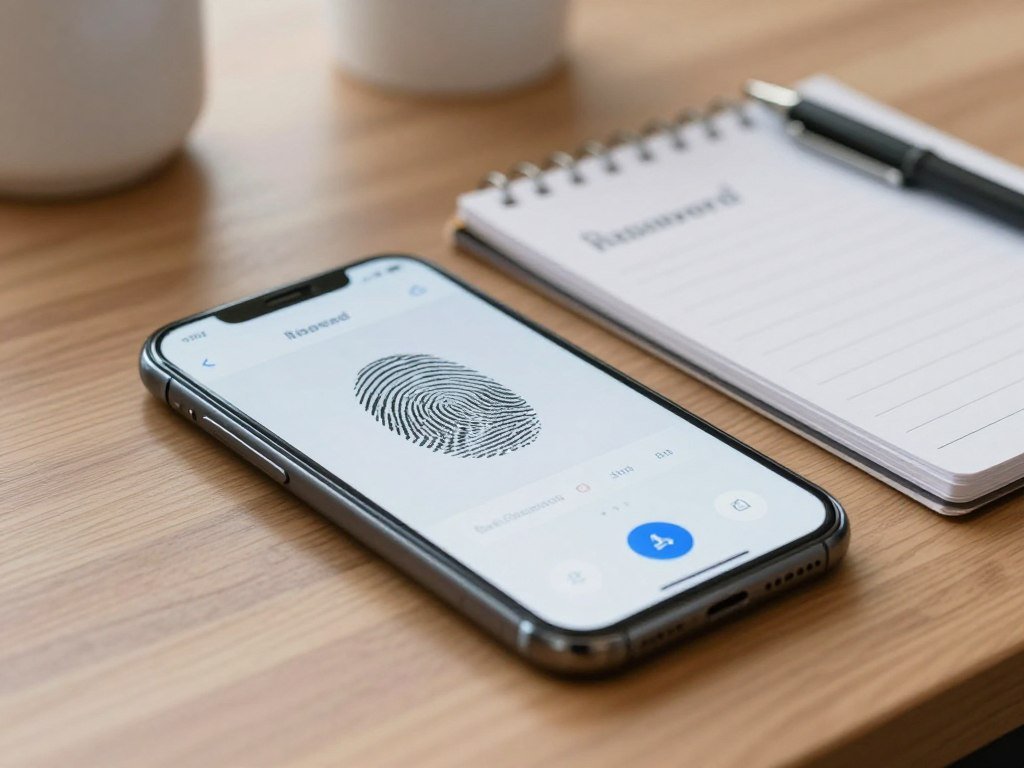
A quick fingerprint scan can make biometric authentication feel simpler than typing a password, but the security depends on what the device does with that scan. Many people face password fatigue from remembering sign-ins for email, banking, shopping, and work. A fast scan can ease that strain, yet speed alone does not prove that a login protects your account security or online privacy.
Biometrics can help confirm who is using a device or service. The details matter: a system may keep a reference on your phone, or send information elsewhere. You also need a way to sign in when a scan fails, or when you replace a device. This guide explains the basic choices and the tradeoffs, so you can judge whether a biometric sign-in fits your needs. Treat a biometric as one part of an access decision, not as a guarantee that every login is safe.
Key Takeaways
- Biometrics compare a live trait with an enrolled reference.
- A scan can support phone, app, or building access.
- A biometric check is not automatically multi-factor authentication.
- Passkeys can pair local biometric approval with a protected credential.
- Keep a passcode, password, or other recovery method available.
What Is Biometric Authentication?
Biometric authentication verifies a person’s claimed identity by comparing a captured trait with a previously enrolled reference. It uses something you are, one of three common authentication factors, alongside something you know and something you have. A fingerprint or face scan can help you open a phone, sign in to an app, or enter a secure building.
A biometric is an identity factor, not automatically a complete multi-factor system. Whether the login uses one factor or several depends on the design. For example, a device may use a local face check to approve a separate credential without sending your face data to the service.
A biometric check can approve a credential without becoming the credential itself.
A biometric template is an encrypted mathematical representation of selected features from a fingerprint, face, voice, or other trait, used for comparison without serving as a raw image or recording. The template supports a match, but it is not the original face photo or voice recording.
Standards such as FIDO2 and WebAuthn support passwordless authentication. In some systems, they let a biometric approve a credential stored on your device. Other authentication methods may rely on a password, a security key, or a code. The Department of Homeland Security’s biometrics overview describes automated recognition based on biological or behavioral characteristics. Whether a biometric is the only check or part of a layered login depends on how the system is designed.
How Does Biometric Authentication Work?
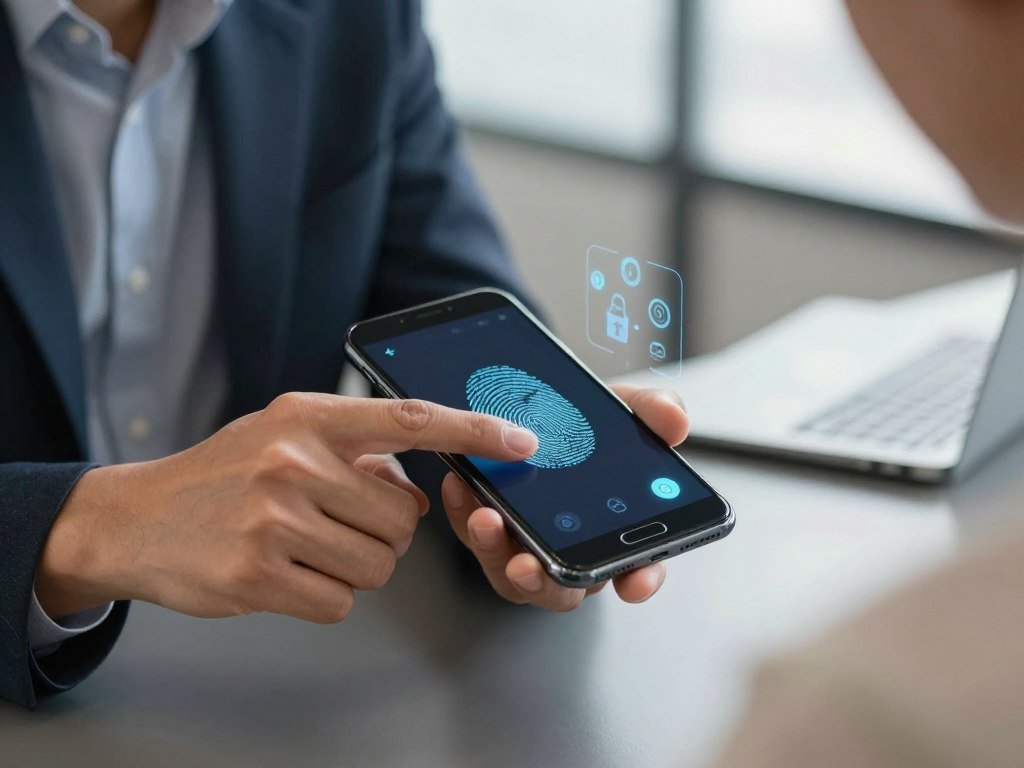
A sensor first captures a fresh fingerprint, face, or voice sample, then software turns selected features into a comparison template. A typical biometric authentication workflow has four stages, ending with an access decision. Cybersecurity systems use that decision to verify access to an account or device.
The system compares samples by similarity, not by requiring two identical scans. Matching algorithms use a threshold to decide whether a live sample is close enough to the enrolled reference. A loose threshold can raise false-acceptance risk, while a strict one can reject a legitimate user.
- Capture: a sensor records a fresh sample, such as a fingerprint scan.
- Create a template: software extracts selected features from the sample.
- Compare: the system checks the live sample against the enrolled reference.
- Decide: the system grants or denies access based on the match.
These steps explain how biometrics are used in cybersecurity: a system checks whether the person at the device matches the enrolled user. It can also test for signs of a live person. Liveness checks may help detect a photo or recording presented to a camera or microphone.
Matching is not a perfect yes-or-no measure of identity. A low threshold may let an impostor through, while a high threshold may keep the real user out. The system’s access rules should account for both outcomes, including a secure way to retry or switch methods.
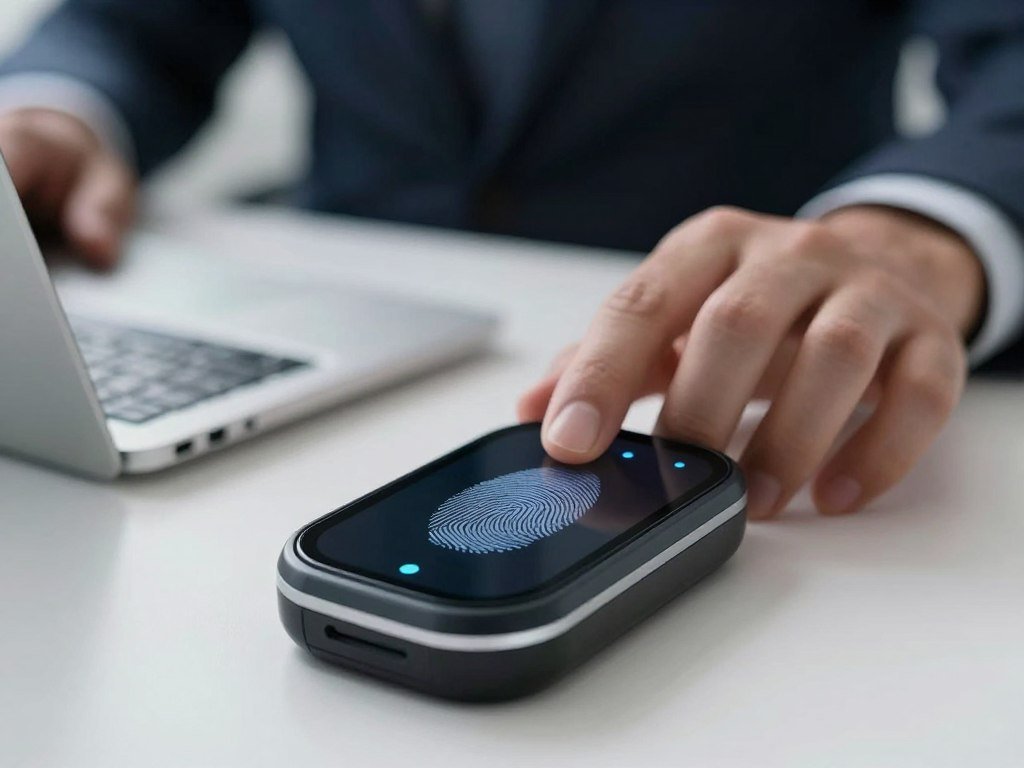
A failed match should lead to a safe fallback method rather than an endless loop of repeated scans.
What Are the Main Types of Biometric Authentication?
Fingerprint, face, iris, hand, and voice recognition are five familiar biometric methods, though not all measure the same kind of trait. The physical-trait category is physical biometrics; behavioral biometrics measure actions or interaction patterns. Each type fits different devices and settings.
Physical biometrics measure body traits, while behavioral biometrics measure patterns of action. Fingerprint recognition reads features on a finger. Facial recognition compares features of the face, iris recognition checks the colored ring around the pupil, and hand recognition measures features such as hand shape or palm patterns.
Physical Biometrics Measure Body Traits
These traits can be captured by a sensor built into a phone or by equipment at an entry point. Fingerprints are common for phone access, while face recognition can work with a front-facing camera and added sensors. Iris and hand recognition are used in settings with the right scanning equipment.
A 2026 review of mobile-banking studies identifies fingerprints, face, iris, hand, and voice as biometric identifiers. The review’s list of mobile-banking biometric identifiers includes all five. A familiar trait does not mean every device has the hardware or software to read it.
Behavioral Biometrics Track Interaction Patterns
Behavioral biometrics track how you act rather than a body feature alone. Examples include voice patterns, typing rhythm, and gait, or the way a person walks. A service may observe these patterns over time to help assess whether a user’s behavior fits an enrolled profile.
Voice recognition can involve physical and behavioral signals. The voice has body-linked characteristics, while speech rhythm and other patterns reflect how someone speaks. The system’s design determines which signals it measures and how it uses them.
Multimodal Systems Combine More Than One Trait
Multimodal systems combine distinct biometric traits, such as a fingerprint and a face check. A second trait can add another check if one sample is unclear. It does not make a system foolproof, since sensors, matching rules, and user conditions still matter.
| Method | Trait measured | Category | Common context |
|---|---|---|---|
| Fingerprint | Ridge patterns on a finger | Physical | Phone access |
| Facial recognition | Face features | Physical | Device sign-in |
| Iris | Patterns in the iris | Physical | Identity checks |
| Hand recognition | Hand shape or palm patterns | Physical | Entry systems |
| Voice recognition | Voice features and patterns | Physical or behavioral | Phone or app access |
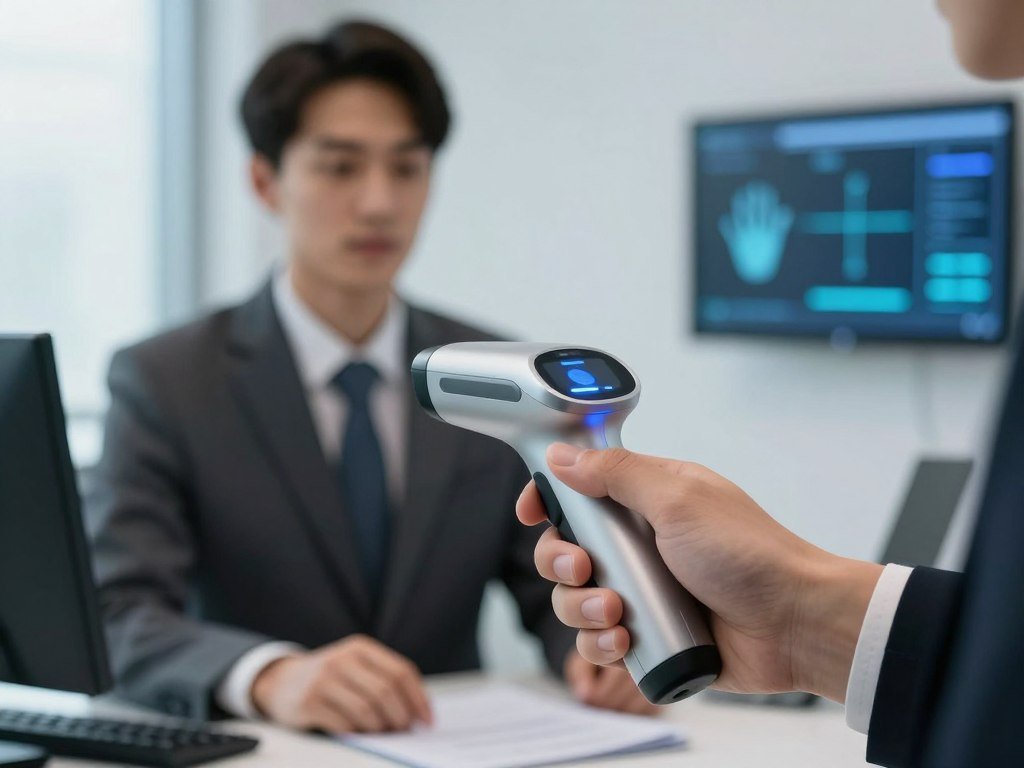
Choose a method for the setting and the people using it, not just because it is familiar.
What Is the Difference Between Biometric Authentication and Identification?
Unlocking your own phone is verification, while searching a database to learn whose print was found is identification. Biometric verification is a 1:1 match against a template tied to a claimed identity. Biometric identification is a 1:N search across many templates when the person has not first claimed an identity.
A phone unlock is a 1:1 check because the phone compares a sample with the enrolled reference for its owner. An account sign-in works the same way when you claim a specific account. In both cases, the system asks whether the sample matches that claimed identity.
| Use | Match | Identity claim | Example |
|---|---|---|---|
| Device unlock | 1:1 | Yes | Phone owner |
| Account sign-in | 1:1 | Yes | Claimed account holder |
| Unknown-person search | 1:N | No | Law-enforcement database search |
A law-enforcement fingerprint database search is identification because the search looks across many stored references to find a possible identity. That broad search raises different privacy questions from a local check on your own phone. The purpose and size of the database matter to the impact on people.
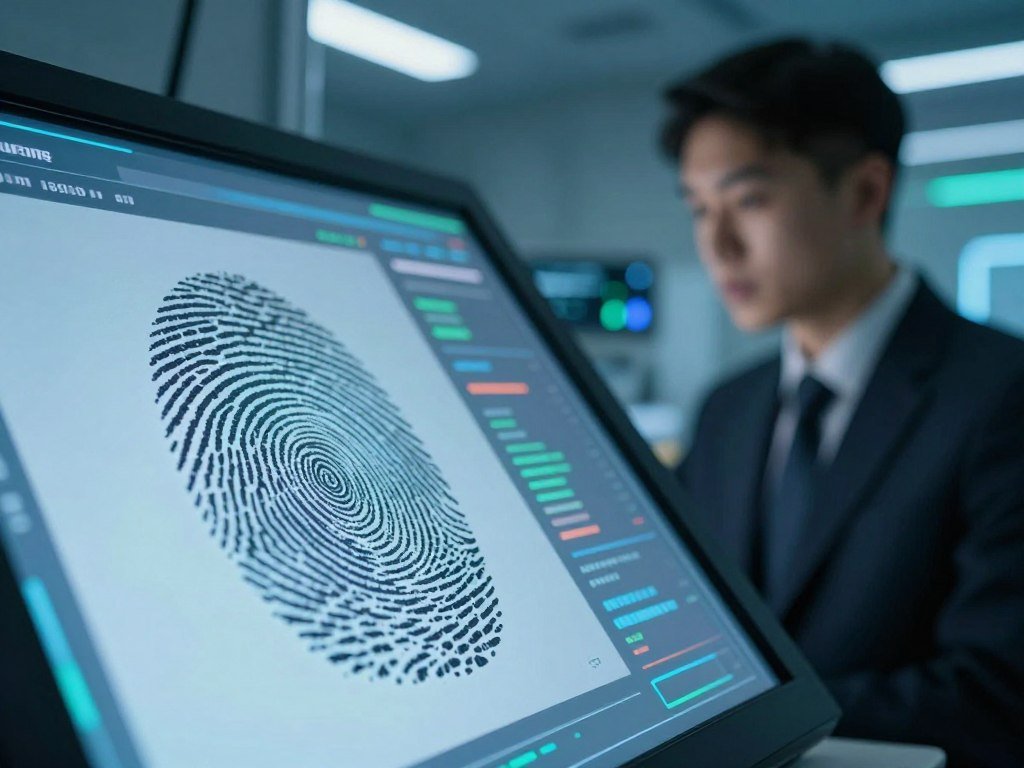
Check whether a system is confirming a claimed account or searching for a person before judging what the biometric check means.
What Are the Benefits of Biometrics?
A fingerprint or face scan can make routine sign-in quicker because the user does not have to type a password each time. Biometrics can improve the user experience by reducing manual steps at supported devices. Their value comes from convenience and how they fit into the wider login design.
A biometric can contribute the “something you are” factor, but it can also work with other factors. Authentication commonly uses three categories: something you know, something you have, and something you are. Organizations may combine them to protect access, rather than relying on a single check.
- Type a password less often at each access point.
- Use a quick gesture on a supported device.
- Use a factor tied to the user, not a shared secret.
- Combine the biometric with other authentication factors.
Fewer manual entry steps can help when you check an app several times a day. A quick scan may also reduce the need to type a password in a public place, where someone could see your screen or keys. Still, a scan should not leave you without another way to sign in.
That fallback matters when your finger is injured, a camera fails, or the device needs a passcode. A biometric is tied to the user, but that does not mean it cannot be copied or stolen. The strongest convenience benefit is a simpler routine login that still leaves users a reliable way to recover access.
What Are the Disadvantages and Privacy Risks?
A biometric login can fail in either direction: it may reject the real user or accept a match that should not pass. False acceptance lets an unintended person through, while false rejection blocks the enrolled user. These technical failures sit alongside broader privacy concerns.
A compromised biometric trait can be hard to replace. A wet or injured finger can make a fingerprint scan fail, and poor lighting can affect some face checks. A person may also need another method because of disability, access needs, or a sensor that does not work well for them.
Spoofing and Failed Recognition
Spoofing means trying to fool a system with a false sample, such as a photo or recording. Liveness checks can help, but their strength varies by system. A loose match threshold can raise false-acceptance risk, while strict settings can create more false rejections.
Privacy concerns include surveillance and the collection of biometric data beyond the reason a person first gave it. A local device check can reduce some risks compared with a central database, which may be exposed to wider access or later use. NIST’s testimony on biometric privacy discusses ways to assess these risks.
Biometric Data Can Be Hard to Replace
You can change a password after a leak, but you cannot replace your face or fingerprint in the same way. A 2026 review describes biometric traits as difficult to replace if compromised. That makes clear rules for access, storage, and deletion important.
Cancelable biometrics transform a representation so it can be revoked and reissued without changing the underlying trait. This is a data-protection approach, not a way to change someone’s actual fingerprint or face. It may help limit harm from a compromised template, but it cannot remove every privacy risk.
Before enrolling, check whether the service lets you delete the stored template and use another sign-in method.
Are Biometrics Safer Than Passwords?
For a typical online account, a passkey unlocked with a local fingerprint or face check is a stronger phishing defense than a password alone. A passkey is a device-bound cryptographic credential. A biometric-only check does not automatically provide the same protection.
A passkey can use a biometric locally without sending the raw scan to a website. FIDO2 is the open standard behind passkeys, and WebAuthn enables web-based use of FIDO2 credentials. The biometric approves the credential on your device; the website receives the sign-in result.
| Method | What the user presents | Main security consideration | What it does not solve |
|---|---|---|---|
| Password | Memorized secret | Can be phished or reused | Does not prove who typed it |
| Biometric-only sign-in | Fingerprint or face sample | Depends on the system’s checks | Does not automatically block phishing |
| Passkey unlocked by a biometric | Device-bound credential approved locally | Resists many phishing attempts | Does not remove device or recovery risks |
An “example of a biometric password” is not literally a password. A fingerprint or face scan is a biometric input. A biometric login app may use that scan to unlock a credential, while a biometric password manager may use it to open a vault.
The passwords stored inside a password manager remain passwords unless the service uses another credential. A biometric screen can make access faster, but it does not tell you by itself what protects the account online. Check the login method the service uses behind the screen.
Confirm that the service is using a passkey or another protected credential, not just adding a biometric screen before a password.
How Do Biometrics Work on Phones and Banking Apps?
On iPhone, Face ID is a device-unlock check with a passcode fallback, not a promise that every face scan is infallible. Apple states that the chance a random person could unlock an iPhone or iPad Pro with one enrolled appearance is less than 1 in 1,000,000. The chance is higher for identical twins, similar-looking siblings, and children under 13.
Face ID requires a passcode after five unsuccessful face-match attempts. Mobile devices typically use a built-in sensor, rather than sending a raw face or fingerprint to the app. The app may receive approval from the device without receiving the enrolled trait.
Face ID on iPhone and iPad Pro
Apple’s Face ID check uses face data to unlock the device or approve supported actions. It is a device feature, not a guarantee that every service handles biometric information in the same way. Apple’s stated Face ID match rate and limits include the twin, sibling, and age exceptions.
Face ID returns to a passcode after five failed face matches. This gives you another route into the device when the scan does not work. A passcode can also be needed for reasons beyond failed scans, depending on device conditions and settings.
Biometric Sign-On in a Banking App
Wells Fargo biometric sign-on lets customers use a registered face or fingerprint instead of a username and password in its app. Customers can still use a username and password when biometric sign-on is enabled. Select devices support facial sign-on.
Wells Fargo warns that anyone with a biometric registered on a shared device can sign in to the customer’s account when fingerprint sign-on is enabled. It recommends that customers with an identical twin use a username and password. A used-iPhone checklist that tests Face ID can help when you are checking a pre-owned phone before buying it.
Do not enable a bank’s biometric sign-on on a shared device unless every registered biometric belongs to someone you trust with the account.
Which U.S. Laws Protect Biometric Data?
Illinois, Texas, and Washington each have state laws addressing biometric data, while Texas’s 2026 AI law adds a separate rule about biometric capture and AI training. State rules differ based on where and how data is collected. These examples are not a complete list of every law that may apply.
Organizations need to check the rules that fit their location and use of biometric identifiers. Illinois has the Biometric Information Privacy Act, or BIPA. Texas has the Capture or Use of Biometric Identifier Act, and Washington has a state law addressing biometric identifiers.
| State | Law | Focus |
|---|---|---|
| Illinois | Biometric Information Privacy Act (BIPA) | Collection and handling of biometric identifiers |
| Texas | Capture or Use of Biometric Identifier Act | Biometric identifiers |
| Washington | State biometric-identifier law | Collection and use of biometric identifiers |
Texas’s Responsible Artificial Intelligence Governance Act took effect on January 1, 2026. It is separate from Texas’s biometric-identifier statute. The AI law clarifies when consent to biometric capture is considered given and provides limited exceptions for biometric data used to train AI models.
The Texas AI law’s consent rules and model-training exceptions apply to specific situations. A business should map its data collection and use before deciding which requirements fit. State laws can also change, so a checklist is a starting point, not a legal opinion.
- Identify the state rules that apply.
- Explain what biometric data you collect and how you use it.
- Get any consent the law requires.
- Set clear retention and deletion practices.
Organizations should check current state requirements with qualified counsel before collecting or using biometric identifiers.
How Can You Use Biometric Authentication Safely?
Start by enrolling a fingerprint or face only on a device you control and can unlock with a separate passcode. Keep another way in for times when a sensor fails or your device asks for a passcode. Apple says its Face ID data stays on the device, is encrypted, is protected by the Secure Enclave, and is not backed up to iCloud.
On Apple devices, supported apps receive only the result of Face ID authentication, not the enrolled face data. That is a product-specific design, not a rule for every biometric system. Other devices and services may handle biometric data differently.
- Enroll only on a device you control.
- Keep a passcode or password fallback.
- Review which apps can use the sign-in.
- Reset or disable enrollment when access needs change.
Face ID requires a device passcode during setup. Apple says the system uses depth information and anti-spoofing neural networks, since printed and 2D digital photos lack that depth information. These features describe Face ID, not all face-recognition systems.
Face ID can require a passcode after the device has gone more than 48 hours without being unlocked or after a remote lock command. It also asks for the passcode if the passcode has not unlocked the device in the last six and a half days and Face ID has not unlocked it in the last four hours. Resetting Face ID deletes its enrolled data from the device.
Review the device’s biometric enrollment and fallback settings whenever you share, replace, or give away the device.
Conclusion
Biometrics are most useful when they simplify access without becoming the only way back into an account. A scan can make routine sign-in easier, but its safety depends on the system’s design and the fallback it offers. A passkey unlocked locally can add phishing resistance without sending your biometric to a website.
Before enrolling, check the device’s privacy settings and confirm that you can still sign in with a passcode, password, or another supported method. Keep that fallback current, especially when you change devices or update account access.
FAQ
What is enable biometric authentication?
Enabling biometric authentication means turning on the feature in your device or app settings, enrolling a trait, and keeping a fallback. You may scan a finger or face during setup, then use that trait for supported sign-ins. Keep a passcode or another sign-in method available in case the sensor fails, your trait changes, or the device asks for extra proof.
Can hackers access your biometrics?
Yes, attackers may try to spoof a sensor or steal a biometric template. Local storage, encryption, liveness checks, and transformed templates that can be revoked may reduce risk, but they cannot make every system invulnerable. Check where the service keeps biometric data and whether it offers another sign-in method. A stolen trait is harder to replace than a password.
Why are people against biometrics?
People may oppose biometrics because of privacy, surveillance, consent, unequal error rates, accessibility, or the difficulty of replacing a compromised trait. A system may also collect data for a different purpose than users expect. Some people cannot use a particular sensor reliably. Clear limits on collection, access, and deletion can help address these concerns, but do not erase them.
Which is safer, password or biometrics?
A local biometric unlocking a passkey is generally more phishing-resistant than a password alone. The biometric approves a device-bound credential, rather than acting as the online credential itself. A biometric check by itself is not automatically a passkey and does not automatically stop phishing. For an account, check whether the service uses a passkey or only places a biometric screen before a password.
What are the dangers of biometrics?
Biometric dangers include spoofing, false matches, failed recognition, privacy risks, and the permanence of a compromised trait. Poor lighting or an injured finger can block a legitimate user, while a weak system may accept the wrong sample. A central database may also face wider exposure than a local device check. Keep a fallback and learn how the service handles stored templates.



