
A message that looks familiar can still be designed to steal your login or payment details. It may use a brand you trust, a familiar name, or details from social media to seem real.
That matters because sharing personal information with the wrong person can put your accounts and money at risk. A polished message can still be a trap, so good grammar alone cannot prove it is safe.
This guide helps you assess email, text, phone, and website messages before you respond. You will learn what to check and how to act if a message feels wrong.
Key Takeaways
- Pause when an unexpected message asks you to act.
- Check the sender and request through a trusted channel.
- Use unique passwords and MFA to protect accounts.
- Report suspicious messages through the right service.
- Act quickly if you shared a password or payment details.
People receive messages on many platforms, and a familiar logo or name can be copied. Pause before acting on any unexpected message that asks you to share personal information.
What Is Phishing and How Can You Recognize It? In Plain English
The FBI IC3 received 191,561 phishing/spoofing complaints in 2025, making it the most-reported crime type in its complaint count. That count reflects complaints, not a verified tally of every incident.
The 2025 IC3 annual report recorded $215,843,126 in reported phishing and spoofing losses. The figures show why an unexpected request deserves your attention.

What a phishing attempt tries to make you do
Phishing is social engineering: deception or pressure used to manipulate someone into taking an unsafe action. It is more than spam, which can be unwanted without being a phishing attack.
Phishing attacks use deceptive messages to get you to click a harmful link, open an attachment, or share information. A phishing email may ask for your login, financial details, or access to an account.
In plain terms, phishing emails try to prompt an unsafe action, such as sharing credentials or opening a harmful link. Some links lead to pages that steal login details; some attachments can harm a device.
Stop when an unexpected message asks for your password or payment details. Verify the request through a trusted route before you act.
Why the complaint numbers matter
Across all crime types, the FBI IC3 recorded 1,008,597 complaints and $20.877 billion in reported losses in 2025. The average reported loss was $20,699 per complaint.
Those totals cover many kinds of reported crime, not just phishing. Reports do not mean every complaint has been confirmed, but the scale shows that online fraud can have serious costs.
Someone who contacts you about a payment may sound certain or familiar. Treat an unexpected request for a password or payment as a reason to stop and verify, not as proof that the sender is genuine.
Which channels and types do phishing attacks use?
A fake package text and a tailored payment request from a supposed executive use different channels, but both can be phishing. Phishing can arrive by email, text, social-media direct message, or phone call.
An email text alert, a phone call, and a message on social media can each carry a false claim. The channel changes, but the sender may still try to get information or money.

Targeted messages aimed at individuals and executives
Spear phishing targets a specific person with a tailored message. A whaling attack aimed at executives targets high-value people, such as business leaders.
Business email compromise is targeted fraud that often misuses business email or impersonates someone involved in a payment. In 2025, the FBI IC3 recorded 24,768 complaints and $3,046,598,558 in reported losses for this crime type.
Texts, calls, and other delivery channels
Smishing is phishing through SMS text messages. Vishing is phishing through phone calls, which may use an impersonated voice or a false account concern.
Social-media phishing can arrive in a direct message that pretends to come from a friend, brand, or support team. Check the channel and the claim, not just the name shown on screen.
| Delivery channel | Common term | Example situation |
|---|---|---|
| Phishing email | Fake account alert | |
| SMS text | Smishing | False delivery text |
| Phone call | Vishing | Impersonated account call |
| Social-media direct message | Social-media phishing | Fraudulent direct message |
A personal detail can make a message feel convincing, but public posts and stolen data can reveal details about you. A personal detail in a message does not prove that the sender is who they claim to be.
What are the warning signs of a phishing attempt?
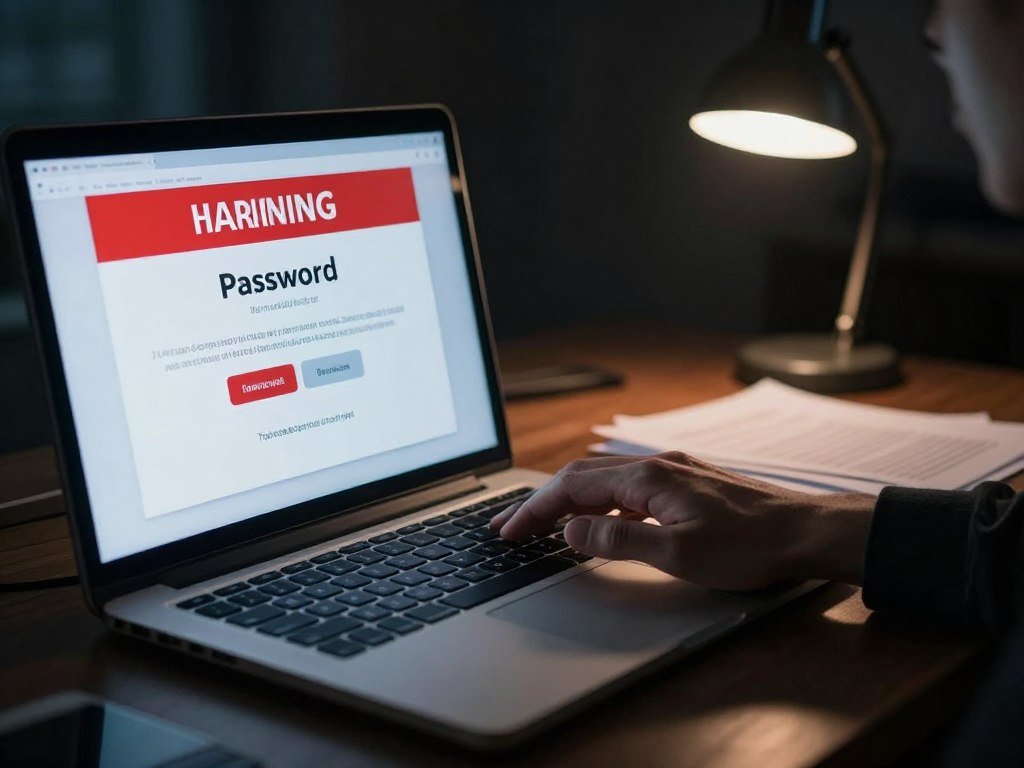
A fake password-expiration email can look routine until its link leads to a page asking for your login. Check the sender, request, and link destination independently before acting.
A phishing website may copy a familiar sign-in page, then collect your credentials. Even polished spelling and grammar cannot prove a message is safe, since AI can help create convincing text.
Pressure, emotion, and unexpected requests
Phishing attempts often push fear, excitement, or urgency to make you act fast. Requests for passwords, financial details, or social security numbers deserve extra care.
Use these five signs to review a message before you interact:
- Urgent language that demands quick action.
- An unexpected request for personal or financial information.
- An odd sender address with misspelled or extra characters.
- A shortened link or a link that does not match its stated destination.
- An unexpected attachment you did not ask to receive.
Sender details, links, and attachments
To identify phishing emails, inspect the sender address and the destination behind a link. Do not trust a display name alone; it may hide a different email address.
Phishing email examples include fake account warnings and invoices with new payment details. A message may imitate a familiar service with a false password-expiration warning or notice about suspicious account activity.
Polished AI-generated writing can still contain false claims, so smooth wording is not a safety check. There is no single standard four-P framework you need to memorize; focus on signs you can observe.
A vendor-payment email that asks you to skip normal approval or change bank details needs extra care. A message asking you to bypass normal payment approval deserves independent verification, even when the sender seems familiar.
How can you avoid phishing before you click?
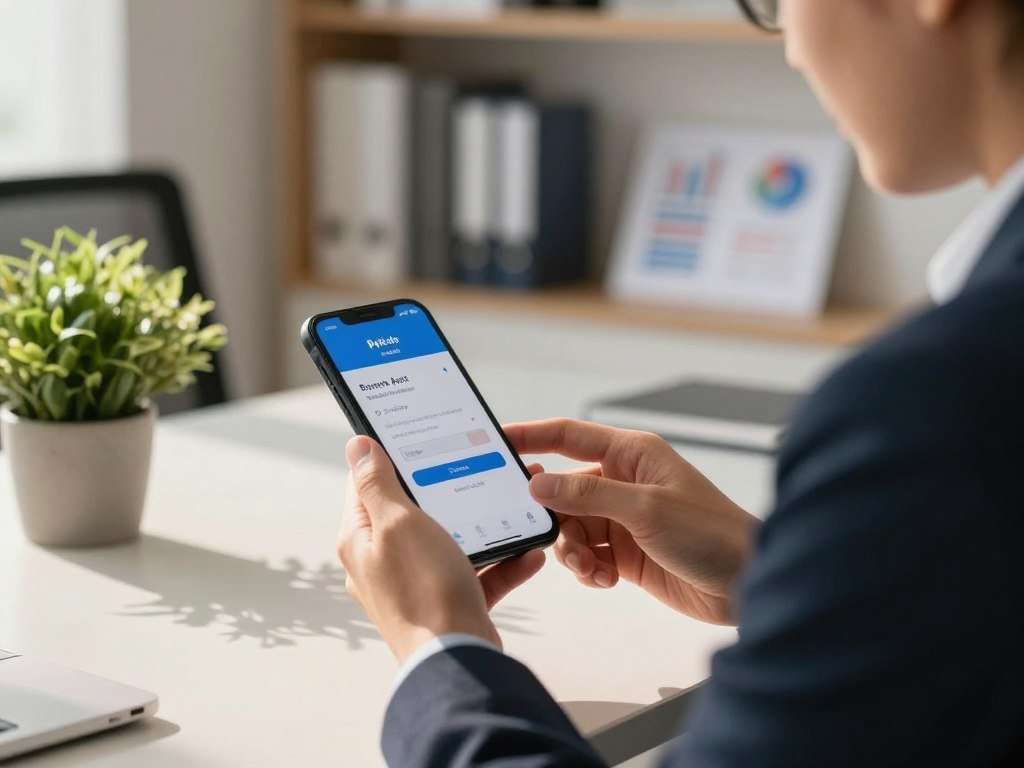
If a bank alert feels urgent, open the bank’s app or type its known website address instead of following the message link. Verify the request through contact details you already trust.
Call a person or company using a saved number or contact information from its known website. Do not rely on the phone number or link inside the message itself.
Verify the sender through a separate channel
Pause before replying, paying, or sharing details. A separate check can help you tell a real request from an impersonation, especially when a message asks for a payment change.
A phishing email test is an authorized simulation used for awareness training. It is not a reason to click a real suspicious email or share real account details.
CISA’s phishing guidance advises people to verify suspicious messages through a known contact method. These ways protect your account without using the message’s own contact details.
Add protection to your accounts
Use unique passwords so one stolen password cannot unlock several accounts. Turn on multifactor authentication (MFA), which asks for another proof of identity beyond your password.
NIST says applications at Authentication Assurance Level 2 must offer a phishing-resistant option. At Level 3, phishing-resistant authentication with a non-exportable key is required.
Keep your phone, computer, browser, and security software updated. A VPN can protect some network traffic, but it cannot stop a phishing message or protect a stolen password; see what a VPN does and does not protect.
Never share an MFA code in response to an unexpected message or call.
How do you report phishing and spam?
Report a suspicious message through the channel that fits it, and delete it after reporting. Use a fraud report for suspected scams and spam tools for unwanted messages.
You can report suspected fraud to the FTC even if you lost no money. The right route depends on whether you received an email, text, or scam request.
Choose one of these four reporting routes:
- Use the email service or social platform’s report-phishing tool.
- Forward spam texts to 7726 (SPAM).
- Forward spam emails to reportphishing@apwg.org.
- Report suspected fraud at ReportFraud.ftc.gov.
The FTC accepts reports about suspected fraud, scams, or bad business practices. A report can help show patterns, though the FTC does not resolve individual cases.
ReportFraud.ftc.gov does not accept forwarded spam texts or emails. Paste the message contents into the Comments field instead of forwarding them there.
Do not click links, open attachments, or use unsubscribe links in a suspected phishing message. Report it, then delete it from your inbox.
A report can still help even when you did not lose money.
What should you do after clicking a phishing link?
If you clicked a suspicious link, close the page and do not enter any more information. Your next steps depend on what you shared or opened.
Simply opening an email is generally not enough to compromise an account. Opening an attachment can be risky, so respond based on what happened.
If you entered a password or payment details
Change an entered password through the real service, then change it anywhere else you reused it. Review active sessions and sign out of any you do not recognize.
If you entered bank or credit card details, call the bank or card issuer using a trusted number. Use the number on your card or statement, not one in the message.
If you opened a file or used a work device
Update your security software, run a scan, and delete anything the scan flags. Tell your IT or security team if the message involved a work account or device.
Opening an email alone is generally not enough to compromise an account. An attachment can carry a real risk.
| What happened | First action | Follow-up |
|---|---|---|
| Password entered | Change it through the real service | Change reused passwords; sign out unknown sessions |
| Bank or card details entered | Call the issuer using a trusted number | Ask the issuer what steps to take |
| Suspicious file opened | Update security software and scan | Delete files flagged by the scan |
| Work account or device involved | Notify IT or security | Follow the team’s response steps |
Use IdentityTheft.gov if the incident involves identity theft and you need a recovery plan.
Conclusion
The safest response to an unexpected request is to pause and verify it independently. Urgency is a reason to slow down, not a reason to trust a link or phone number in the message.
People can protect their accounts by checking a request through a known route before sharing details or sending money. A brief pause can prevent a rushed choice from turning into a larger problem.
Choose one trusted contact method for your bank or another essential account and save it now. Save a trusted contact method for your bank or other essential accounts before an urgent message arrives.
FAQ
What does a phishing email do?
A phishing email tries to prompt an unsafe action, such as opening a harmful link or attachment or sharing login or financial information. A criminal may use a fake account notice, invoice, or delivery alert to make the request seem normal. The email’s real goal is to gain access, money, or data, not simply to send unwanted mail.
How do I report a phishing attempt?
Use your email service’s or platform’s report tool, and report suspected fraud at ReportFraud.ftc.gov. You can submit a fraud report even if you lost no money. For spam texts, forward the message to 7726, and forward spam email to reportphishing@apwg.org. The FTC site does not accept forwarded texts or emails.
What does "phish" mean?
“Phish” means using a deceptive lure to trick someone into revealing information or taking an action that benefits a criminal. The lure may look like a routine account alert or a request from someone you know. The word reflects the attempt to get someone to take the bait, not a particular message format.
What are the differences between malware and phishing?
Phishing is a deceptive method, while malware is harmful software. A phishing message may try to steal your password directly or deliver malware through a link or attachment. Malware can also reach a device in other ways, so the terms describe different parts of a security threat: the trick and the harmful software.
What are the four types of phishing?
Four common forms are bulk email phishing, spear phishing, smishing, and vishing. Bulk email phishing sends similar lures to many people, while spear phishing targets a specific person. Smishing uses text messages, and vishing uses phone calls. This is a useful group of examples, not a universal list of exactly four types.
What are 7 signs of phishing?
Seven signs include urgent pressure, requests for sensitive information, a sender mismatch, suspicious links, unexpected attachments, unusual payment requests, and a message that does not fit the situation. One sign alone may not prove fraud. Check the request through a trusted route when something feels out of place, especially before sending money or account details.
What are the four P’s of phishing?
There is no universally established four-P framework for spotting phishing. You do not need to memorize a fixed set of labels. Instead, look for clear signs, such as pressure, strange sender details, requests for sensitive information, or links that lead somewhere unexpected. Then verify the sender and request independently before acting.
What is the biggest red flag for a phishing email?
Urgent pressure to click, pay, or share sensitive information before verifying the request is a major warning sign. A message may claim an account will close or a payment is overdue to rush you. Stop and check the claim through the company’s known app, website, or phone number before taking action.



