
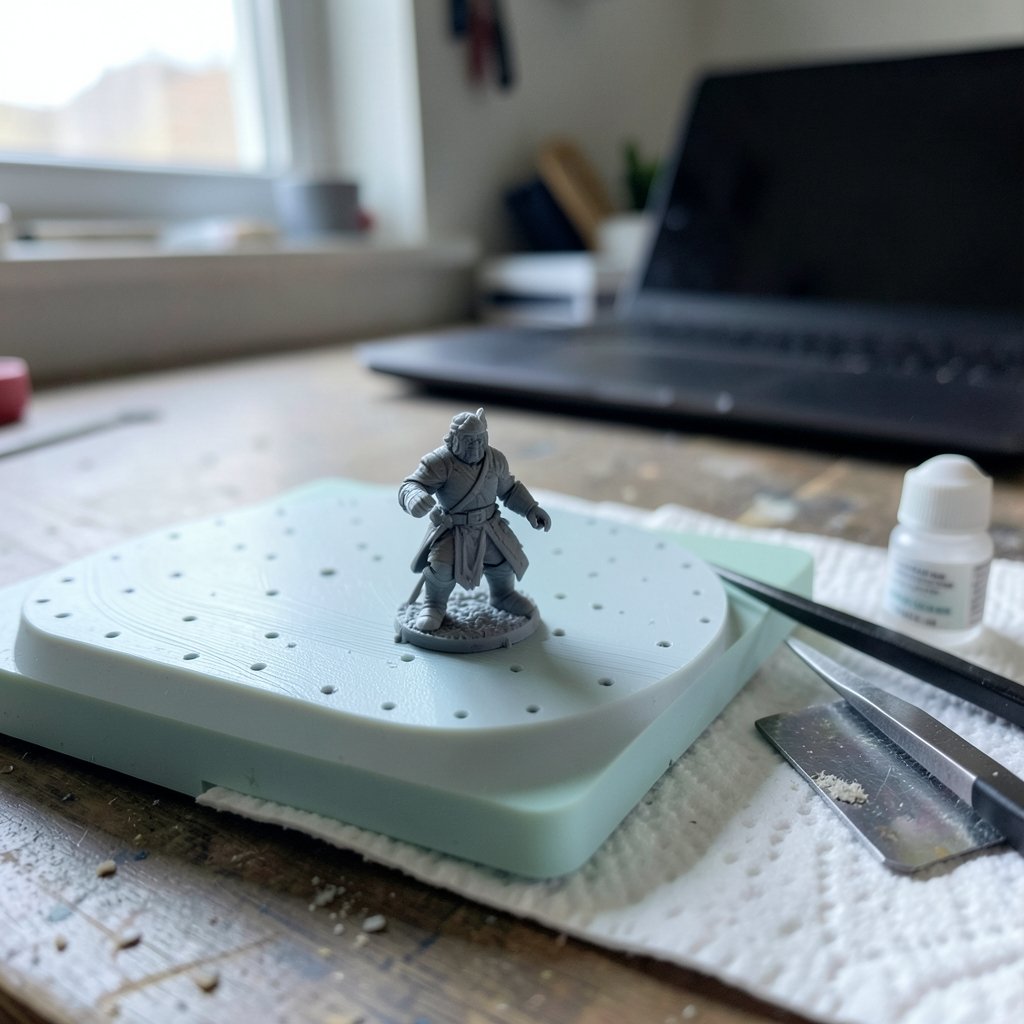
What if you could describe a prop, a character, or a printable figurine in a sentence and hold a usable 3D file minutes later? That promise is why so many creators are hunting for the best AI 3D model generators in 2027. The catch is that “generated a model” and “generated a model you can actually use” are two very different things.
This guide focuses on what separates a demo from a deliverable. It covers the tools worth watching, the file formats that matter, and the practical habits that save hours of cleanup. Treat any 2027 ranking as a dated snapshot, because this category moves fast and licensing terms change often.
What “Game Ready” and “Print Ready” Actually Mean
Before comparing tools, it helps to agree on the bar. A model is game ready when it has clean topology (ideally quad-based or well-retopologized), sensible UV maps, a poly count that fits your budget, and export in an interchange format like FBX or glTF. The glTF specification maintained by the Khronos Group is the standard reference for that interchange format, and it is worth reading once so you know what a proper export should contain.
A model is print ready when it is watertight, manifold, and free of non-manifold edges, flipped normals, or paper-thin walls. Print workflows lean on STL and 3MF; the 3MF Consortium publishes the 3MF spec, which is a better format than STL for anything with color or multiple materials.
Here is the honest part: most AI generators output raw triangle meshes. That is fine for a background prop. It is rarely fine for a hero character or a print that needs supports. Plan on a retopo or repair pass no matter which tool you pick.
How This List Was Evaluated

No single tool wins everywhere. The evaluation here weighs five things:
| Criterion | Why It Matters |
|---|---|
| Export formats | STL/3MF for printing; FBX/glTF/USD for engines |
| Topology quality | Determines how much cleanup you do |
| Watertight output | The make-or-break test for 3D printing |
| Texture and UV handling | Saves hours in look-dev |
| License and ownership | Governs whether you can sell the result |
Two rules apply throughout. First, test the vendor’s claims on your own model, not their demo reel. Second, read the actual terms of service for asset ownership, because that clause is the most common source of expensive mistakes in “best of” roundups.
The 10 Best AI 3D Model Generators in 2027
1. The Text-to-3D All-Rounder
The strongest general-purpose tools in 2027 take a text prompt and return a textured mesh with an export menu. They are the fastest way to block out a scene or generate variant props. Their weakness is topology: output tends to be dense triangle soup. Use them for background assets, kitbash parts, and mood boards, then retopologize anything that needs animation.
2. The Image-to-3D Specialist
Feed it one or more photos or concept sketches, and it reconstructs a mesh. This is the workflow of choice when you already have a drawing and want a starting point. Multi-view input dramatically improves results, so shoot or render three to five angles if the tool supports it.
3. The Print-First Generator
A smaller group of tools tunes output for watertight, manifold meshes with print-friendly walls. These are the ones to test for figurines, terrain tiles, and functional parts. Always run a repair check in your slicer before committing to a long print. If you are building game assets alongside printable ones, the same discipline applies as in an AI pixel art generator for game assets workflow: generate fast, then verify before you ship.
4. The Engine-Native Assistant
Some generators live inside the game engine as a plugin, exporting directly into your project with materials intact. That removes the import headache and is a real time saver for level prototyping. Check whether the plugin writes proper UVs or just bakes textures onto a blob.
5. The Character and Rigging Tool
Humanoid generation has improved, but auto-rigging remains the hard part. Tools that output a skeleton with sensible weights are worth a premium for indie teams. Still, expect to fix joint deformation by hand on anything that will be seen up close.
6. The Scan-and-Clean Pipeline
Photogrammetry-style generators combine multi-image reconstruction with AI cleanup. They excel at real-world objects and props. The trade-off is file size and messy topology, so budget time for decimation.
7. The CAD-Adjacent Generator
Tools aimed at hard-surface and mechanical parts lean toward parametric or CAD-friendly output. They are the right pick for brackets, enclosures, and printable mechanical pieces where dimensional accuracy beats artistic flair. This is where print-ready output is most reliable.
8. The Texture-First Generator
Some tools focus less on geometry and more on generating PBR textures and materials for an existing mesh. Pair one of these with a simpler mesh generator and you get better-looking results than either alone.
9. The Open-Source Option
Open models and self-hosted pipelines appeal to teams that need control over licensing and data. They demand more setup and GPU time, but they avoid vendor lock-in. If you run a local pipeline, the same performance tuning habits apply as in this guide to enable game mode in Windows 11 for smoother play.
10. The Batch and Variant Engine
The last category generates many variations of one asset quickly, which is ideal for populating large worlds. It is less about one perfect model and more about volume. Watch your poly budget closely, because variation engines love to overshoot.
Export Formats: The Practical Cheat Sheet
Choosing the right format prevents most import failures. Use this as a quick reference:
| Purpose | Best Format | Notes |
|---|---|---|
| 3D printing | 3MF, then STL | 3MF keeps units, color, and materials |
| Game engines | glTF, FBX, USD | glTF is the modern interchange standard |
| Web and AR | glTF | Compact and widely supported |
| Archival | USD | Rich scene data, heavier files |
A common mistake is exporting a print model as STL when 3MF would preserve scale and color. Another is assuming a glTF export means the model is game ready. It only means the file opened.
Workflow Tips That Actually Save Time
The gap between frustration and flow usually comes down to process, not the tool. These habits work across every generator on the list.
- Prompt for shape, not detail. Describe silhouette, proportion, and function. Let textures come later.
- Generate three variants, not one. Compare topology before committing.
- Run a repair pass immediately. Check for holes, flipped normals, and non-manifold edges before anything else.
- Retopologize before rigging. Never rig raw generated geometry.
- Keep a poly budget per asset class. Write it down and stick to it.
- Verify licensing per asset. Save a copy of the terms you agreed to.
If your pipeline involves capturing or streaming the results, the same sequencing lessons from Bluestacks vs GameLoop vs MuMu OBS streaming workflows apply: fix the bottleneck first, then optimize the rest.
Common Mistakes to Avoid
The most frequent error is trusting the demo. Vendor showcases are curated, lit beautifully, and rarely show the wireframe. Always inspect topology in wireframe view before you judge a tool.
The second mistake is skipping the license review. Ownership of generated assets varies widely, and some terms restrict commercial use. Read the clause yourself rather than relying on a summary.
The third is ignoring scale and units. A model that looks right can be ten times too large in your engine or too small to print. Set units at export.
Finally, many creators treat generation as the finish line. It is the starting line. The real work is cleanup, and tools that reduce cleanup are worth more than tools that generate faster.
Conclusion
The best AI 3D model generators in 2027 are not the ones with the flashiest demos. They are the ones that hand you a file you can actually use: clean enough to retopologize, watertight enough to print, and licensed clearly enough to sell. Pick two or three tools from different categories, test them on a real asset from your own project, and let the results decide. The category will keep changing, so build a workflow you can swap tools into rather than betting everything on one vendor.
Frequently Asked Questions
Are AI 3D model generators good enough for professional game development?
They are good enough for prototyping, background props, and concept blocking. For hero assets and animated characters, expect a retopology and cleanup pass. Treat generated meshes as a starting point, not a finished deliverable.
Can AI-generated models be 3D printed directly?
Sometimes, but not reliably. Many generators output meshes with holes or non-manifold edges that fail in a slicer. Run a repair check and verify watertightness before printing anything that takes hours.
What file format should I export for games?
Use glTF for most modern engines and web projects, or FBX if your pipeline requires it. USD is a strong choice for complex scenes. Always confirm the export includes UVs and materials.
Do I own the models I generate?
It depends entirely on the tool’s terms of service. Some grant full ownership, others restrict commercial use or require attribution. Read the actual terms and save a copy, because these clauses change.
How much cleanup should I expect after generation?
Plan on a repair pass for every model, plus retopology for anything animated. Simple props may need only minutes of cleanup. Characters can take hours.
Will AI replace 3D artists?
No. It changes the job. Artists spend less time on blocking and more on direction, cleanup, and polish. The judgment about what looks good and works technically still belongs to a person.
Where to Start Tomorrow
If you only take one action from this guide, make it a controlled test. Pick a single asset from your current project—a crate, a character bust, a printable bracket—and run it through two tools from different categories. Time the full loop: prompt, generate, repair, retopologize, export, import. That number tells you more than any feature list.
Track three metrics per tool: minutes to a usable mesh, cleanup passes required, and export failures. After a week you will have a shortlist grounded in your own pipeline rather than a roundup. Revisit it quarterly, because this category ships updates fast and last quarter’s winner can fall behind.
Two habits keep that shortlist honest. Keep a small library of test assets—one organic, one hard-surface, one print-bound—and rerun them whenever a tool updates. And log every license you accept, with a date and a screenshot, so a future commercial release never stalls on an ownership question.
The tools will keep improving. Your workflow is the durable asset. Build it around verification, keep your poly budgets written down, and treat every generated mesh as raw material. Do that, and 2027’s generators become a genuine multiplier instead of a demo reel you can’t ship.
That shortlist should live in your project docs, not your head. Add a one-line verdict per tool—usable, needs cleanup, or reject—so teammates inherit your findings instead of repeating tests. Pair it with a naming convention for generated files, and archive the prompt alongside the mesh; regenerating a close variant later is far easier when the original input survives. Finally, schedule a monthly review of your export failures and repair logs. Patterns surface quickly: one tool may consistently drop UVs, another may overshoot poly budgets. Fixing those at the workflow level, once, saves hours across every asset that follows.



