
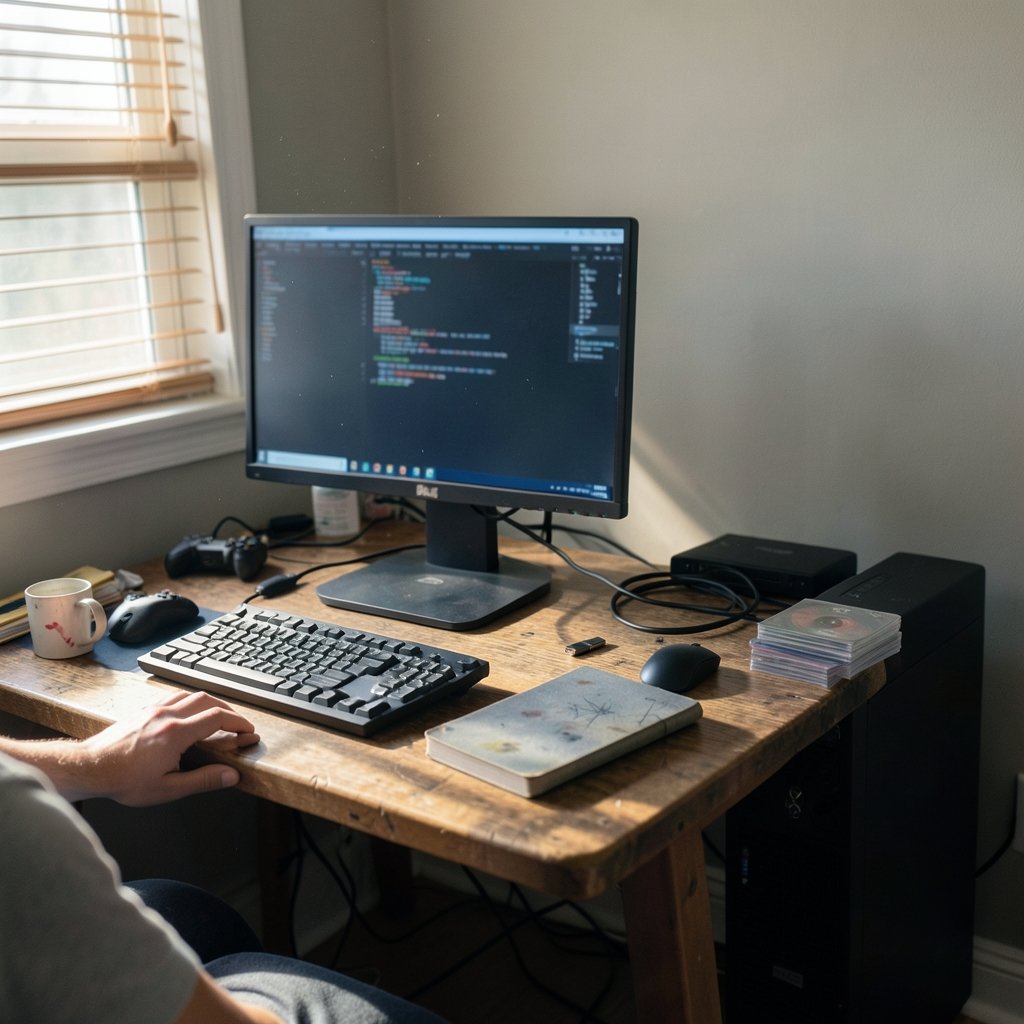
What if the console you sold years ago could come back to life on the PC you already own? That is the promise behind RPCS3, Cemu, and Xenia, three open-source emulators that each target a different console generation. In 2026, all three are mature enough that the real question is no longer “do they work?” but “which one deserves your time, your storage, and your weekend?” (RPCS3)
The answer depends less on the emulators themselves than on what you want to play. Still, the differences matter, and picking the wrong one for your hardware leads to stutter, crashes, and hours lost to settings menus. Here is a practical, hands-on breakdown of how the three compare now.
What Each Emulator Actually Emulates
Before comparing performance, get the basics straight. These projects are not interchangeable, and no amount of tinkering changes what they run.
| Emulator | Target console | Platforms | First released | License model |
|---|---|---|---|---|
| RPCS3 | PlayStation 3 | Windows, Linux, macOS | 2011 | Open source |
| Cemu | Wii U | Windows, Linux | 2015 (open-sourced 2022) | Open source since 2022 |
| Xenia | Xbox 360 | Windows | Around 2013–2014 | Open source |
The PlayStation 3 is the hardest of the three to emulate. Its Cell processor split work across a main core and seven synergistic processing units, and replicating that architecture in software is a brute-force computing problem. RPCS3 has been chipping away at it since 2011, which is why it carries the longest track record and the largest compatibility database of the group.
The Wii U is a gentler target. Cemu arrived in 2015 as a closed-source project and only opened its code in 2022, a move that widened contributor access and made community forks and fixes far easier. The Xbox 360 sits somewhere in between, and Xenia’s Windows-only focus reflects how tightly its graphics work is tied to DirectX-era rendering.
One shared trait deserves emphasis: none of these emulators ship copyrighted firmware or games. Users supply their own dumps, and that legal line is what keeps the projects alive. For a sense of how aggressively the software world is changing around gaming economics, the debate over the Apple SCOTUS 27 percent App Store fee case shows how platform rules keep reshaping what players can access.
Performance and Hardware: Where the Real Differences Live
Hardware is where these three diverge most sharply, and where most beginners waste time.
RPCS3 Is a CPU Monster
RPCS3 leans hard on the processor, especially during SPU emulation. A fast GPU helps, but a weak CPU will bottleneck you no matter what graphics card sits in the case. Practical guidance that holds up in 2026:
- Prioritize single-core speed and core count over GPU tier.
- Expect the first few minutes of gameplay to compile shaders, which causes stutter that fades over time.
- Enable the emulator’s built-in performance overlays before tweaking anything else.
The most common mistake is copying someone else’s settings from a forum without matching their CPU. Configuration is hardware-specific. A config that smooths one machine can cripple another.
Cemu Is the Friendliest to Modest PCs
Cemu is comparatively light. Its rendering pipeline was built with Vulkan and OpenGL backends, and it generally rewards mid-range hardware. If your rig struggles with RPCS3, Cemu is the safer bet. The catch is that Cemu’s development pace has slowed since its major early-2020s milestones, so do not expect rapid-fire compatibility breakthroughs. Check the official release pages for dated changelogs rather than trusting secondhand claims about “the latest update.” (Cemu official website)
Xenia Is Sensitive to Drivers
Xenia runs on Windows and depends heavily on graphics drivers. AMD and Nvidia cards behave differently, and a driver update can fix or break a game overnight. Two habits pay off:
- Keep a known-good driver version archived before updating.
- Test one game after each update instead of your whole library.
If you are weighing a broader hardware upgrade, the best phones of 2026 roundup is a useful reminder that mobile chips are catching up fast, though none of these emulators run well on phones yet.
Compatibility: The Number That Matters Most
Compatibility lists are the single most useful tool in this hobby, and also the most misunderstood. RPCS3 maintains an official compatibility database that has tracked tested titles for years. By the mid-2020s, a large majority of tested games carried a playable rating, though “playable” always means “playable on capable hardware,” not “playable on yours.”
That distinction trips up newcomers constantly. A game marked playable may still drop frames in crowded scenes or need a specific patch. The honest approach is to look up your exact game, read the notes, and check the date on the report. Old entries often describe problems that have since been fixed, and new entries sometimes describe regressions.
Cemu’s library is smaller because the Wii U’s catalog was smaller. That cuts both ways: fewer games to test, but also fewer surprises, and the standout titles tend to run well. Xenia’s compatibility picture is the most uneven of the three, with some games running beautifully and others refusing to boot.
A practical tip that saves hours: build a short list of five games you actually want to play, verify each against the official compatibility page, and only then start configuring. Chasing compatibility percentages as a scoreboard is a trap. The percentage tells you about the project’s health, not about your evening.
The Legal and Ethical Layer Nobody Skips
All three projects sit in contested-adjacent territory. They emulate proprietary hardware but distribute no firmware and no games. That is the line that has kept them running for over a decade.
What users should know in practice:
- Dumping your own games is the norm the community expects, and it is the only defensible path.
- Downloading ROMs from random sites is both a legal risk and a security risk; those files are a favorite delivery vehicle for malware.
- Emulator developers generally avoid shipping anything that would invite a takedown, which is why setup requires you to supply firmware yourself.
The corporate side of gaming has grown more turbulent, and platform owners are making harder calls about hardware and software. The Xbox layoffs that cut 3,200 jobs and led to studios being sold illustrate how preservation matters more when official support disappears. Emulation is, functionally, a preservation project.
Setup Realities: What Actually Works
Every guide promises a clean install. Here is what the process really looks like.
RPCS3 Setup
- Download the emulator from the official site and install the PlayStation 3 firmware you dumped yourself.
- Run the automatic game detection, then open the per-game configuration panel.
- Start with default settings, test, and change one variable at a time.
- Enable shader caching and let the first session stutter.
The biggest beginner error is stacking every “performance boost” toggle at once. You lose the ability to tell which change helped.
Cemu Setup
- Install Cemu and point it at your game directory.
- Choose Vulkan unless your GPU misbehaves, then fall back to OpenGL.
- Enable graphic packs selectively; they are easy to over-apply.
Cemu’s graphic packs are its secret weapon. Community-made packs add widescreen support, higher resolutions, and frame-rate fixes. The mistake is enabling all of them. Each pack adds overhead, and some conflict.
Xenia Setup
- Use a stable build first, and only try experimental branches if a specific game demands it.
- Update your GPU driver, then test a single title.
- Keep separate folders for stable and experimental builds so you can roll back.
Xenia rewards patience more than any of the three. Its branch naming and build status shift over time, so verify current naming on the official project pages rather than following a 2023 tutorial.
Community, Governance, and Momentum
Longevity is a real factor. RPCS3 has the largest contributor base and the most institutional memory, which shows in how quickly regressions get caught. Cemu’s 2022 open-sourcing widened its contributor pool, though its release cadence has cooled. Xenia’s community is smaller and more experimental in spirit.
This matters to users because momentum predicts fixes. A bug reported against an active project gets patched; the same bug against a quiet one lingers. Before committing to any emulator, check the date of the most recent release. A changelog from six months ago tells you more than a forum thread from six years ago.
The wider gaming-hardware landscape keeps shifting too. Valve’s handheld has been hard to find at times, which pushed many players toward Steam Deck out-of-stock alternatives, and those devices are increasingly viable emulation boxes. Meanwhile, speculation about a Nintendo Switch 2 Lite with a rumored Samsung 8LPU+ chip reminds us that new consoles keep resetting the emulation frontier. If you are curious how game development tools themselves compare, the breakdown of Roblox Studio vs Unity vs Godot is a good companion read.
Which One Should You Use?
The honest answer is: more than one, but not all at once.
| Your situation | Best starting point | Why |
|---|---|---|
| Strong CPU, want PS3 exclusives | RPCS3 | Deepest compatibility, most active development |
| Mid-range PC, want smooth results | Cemu | Lighter load, strong graphic packs |
| Windows gamer chasing 360 titles | Xenia | Only real option, driver-sensitive |
| Total beginner | Cemu | Simplest setup, fewest failure modes |
A sensible order for most people: start with Cemu to learn the rhythm of emulator configuration, move to RPCS3 once you are comfortable with per-game settings, and treat Xenia as a specialist tool for specific titles.
Three practical rules that hold up regardless of choice:
- Test before you tune. Run a game at defaults, note the frame rate, then change one thing.
- Keep notes. A simple text file listing game, settings, and result saves future you from repeating experiments.
- Respect the hardware. Emulation is not magic; it is translation, and translation costs performance.
Conclusion
RPCS3, Cemu, and Xenia are not competitors so much as specialists serving different console generations. RPCS3 wins on ambition and compatibility depth, Cemu wins on accessibility and efficiency, and Xenia wins on being the only serious path to Xbox 360 software on PC. In 2026, all three are usable, all three demand patience, and all three reward the user who reads the official documentation instead of a random forum post.
The winning strategy is unglamorous: match the emulator to the games you actually own, verify compatibility before configuring, change one setting at a time, and keep dated notes. Do that, and the console you thought was gone stays playable for years.
FAQ
Is RPCS3 legal to use?
Yes, the emulator itself is legal. It ships no copyrighted firmware or games. Legality depends on how you obtain the games and firmware you run on it. Dumping your own discs is the widely accepted path; downloading ROMs from unofficial sites is not.
Does Cemu still get updates in 2026?

Cemu remains open source and receives updates, but its release cadence has slowed compared with its early-2020s peak. Check the official release pages for dated changelogs rather than relying on old tutorials or forum claims about the current version.
Why does RPCS3 stutter at first?
RPCS3 compiles shaders as you play, and that compilation causes brief stutter. The effect fades as the cache fills. Enabling shader caching and playing through a level once usually resolves it. Persistent stutter points to a CPU bottleneck instead.
Can Xenia run on Linux or macOS?
No. Xenia is Windows-focused, and its graphics work is tied closely to Windows rendering paths. Linux users generally rely on compatibility layers, but results vary widely and are not officially supported.
Which emulator is easiest for beginners?
Cemu. Its setup is simpler, its hardware demands are lighter, and its graphic packs are well documented. RPCS3 is the next step once you understand per-game configuration, and Xenia is best treated as a specialist tool.
Do I need a high-end GPU for these emulators?
Not as much as you need a capable CPU, especially for RPCS3. A fast processor with strong single-core performance matters more than a top-tier graphics card. Xenia is the exception, since it is unusually sensitive to graphics drivers.



