
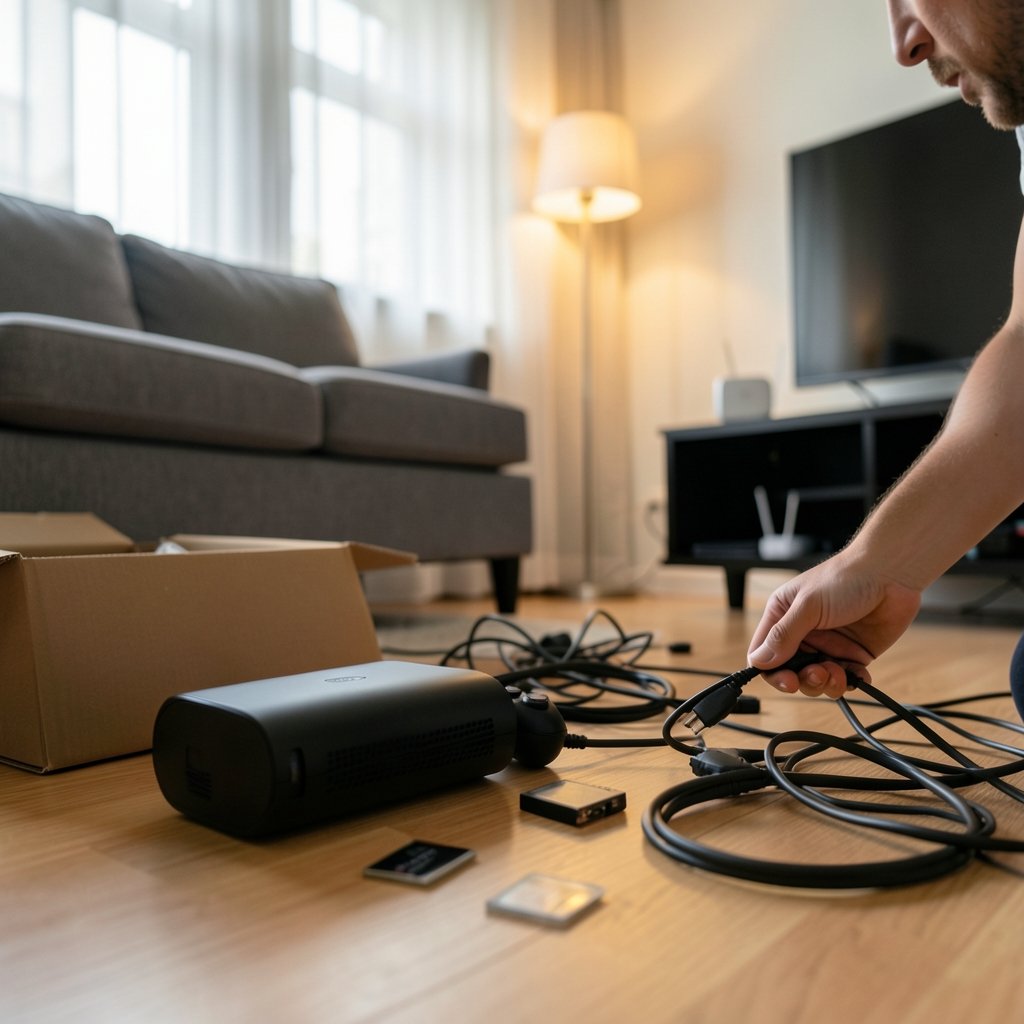
What actually happens when you plug each box into your TV and try to play a game? That is the question most comparisons skip. People argue about teraflops and frame rates, but the setup experience is what determines whether a device fits your living room or ends up collecting dust. Valve’s revived Steam Machine and Microsoft’s Xbox Series X both promise big-screen gaming, yet they ask very different things of you before the first game loads.
This guide walks through the setup reality of each platform in 2026: what’s in the box, what happens on first boot, how accounts and updates work, where the friction lives, and who each machine actually suits. It stays honest about what is confirmed and what is still unclear, because the new Steam Machine’s full retail details have not been nailed down publicly. Where the picture is fuzzy, that gets flagged rather than filled in with guesses.
What each machine actually is
The Xbox Series X is a closed games console. It launched on November 10, 2020, at $499, and it runs a fixed Microsoft operating system. You buy games through the Microsoft Store, and the hardware does one job: play games and run streaming apps. There is no general-purpose desktop underneath.
The new Steam Machine, announced by Valve in November 2025 alongside a new Steam Controller and the Steam Frame headset, is something different. Valve describes it as a living-room PC running SteamOS. SteamOS is built on Arch Linux, and it uses Proton, a compatibility layer derived from Wine, to run many Windows games. That means the Steam Machine is a computer wearing console clothes. It boots into a console-style interface, but the machinery beneath is a PC.
That single structural difference drives almost every setup difference below. One device is designed to hide its computer-ness. The other is a computer that tries hard to feel like a console.
The unboxing and first boot
Setting up the Series X is close to a ritual at this point. You connect the power and HDMI, turn it on, and the console walks you through a short sequence: pick a language, connect to Wi-Fi, sign in with a Microsoft account (or create one), apply any system update, and you are on the dashboard. The controller pairs itself. Most people are playing within fifteen to twenty minutes, and a chunk of that is download time for the day-one patch.
The Steam Machine’s first boot follows a similar shape but with more visible machinery. You sign in with a Steam account, connect to the network, and let SteamOS update itself. Because the system is Linux-based, you may also encounter a desktop environment if you choose to leave the console-style interface. For a pure couch setup, you can ignore that layer entirely. But it exists, and it signals the difference in philosophy: the Steam Machine gives you the keys to the whole system, and with those keys comes responsibility.
One practical tip that saves headaches on either machine: do the first setup on a wired connection if you can. Both platforms push large updates on day one, and a stable Ethernet link turns a frustrating evening into a quick one.
Accounts, stores, and where your games live
Here is where the two paths diverge sharply.
| Setup factor | Xbox Series X | Steam Machine (2026) |
|---|---|---|
| Primary account | Microsoft account | Steam account |
| Game store | Microsoft Store | Steam store |
| Backward compatibility | Curated catalog of older Xbox titles | Your existing Steam library, compatibility varies |
| Operating system | Closed console OS | SteamOS (Arch Linux-based) |
| Desktop access | None | Yes, a full Linux desktop |
| Typical first-boot time | 15–20 minutes | 20–40 minutes, depending on updates |
The Xbox approach is tidy. One account, one store, one library that Microsoft controls end to end. If you already own digital Xbox games, they appear. If you subscribe to Game Pass, the catalog is waiting.
The Steam approach is broader but messier. If you have spent a decade building a Steam library, the appeal is enormous: those games may simply show up. But “may” is the operative word. Proton compatibility varies by title, and the best-known gap is anti-cheat software. Some competitive multiplayer games simply will not run, and no amount of setup effort fixes that. Before buying, check the compatibility status of the specific games you care about most. That single step prevents the most common disappointment.
The compatibility question, honestly
It is tempting to quote a compatibility percentage here. Resist that temptation, including when you read it elsewhere. Proton’s compatibility rate changes constantly as Valve and the community ship fixes, and any number you see without a dated, current source should be treated as a rumor. The reliable move is to check the specific titles you play rather than trust a headline figure.
What is fair to say is structural: the Series X runs every game sold for it, because Microsoft certifies them. The Steam Machine runs a large and growing share of the Steam catalog, but not all of it, and the exceptions cluster around anti-cheat and some newer releases. For single-player libraries, the experience is generally smooth. For competitive shooters with kernel-level anti-cheat, check first.
If you are weighing the hardware more broadly, a closer look at the Steam machine vs xbox series x breakdown helps frame the spec conversation alongside the setup one.
Performance expectations and the 4K question
The Series X has a known quantity on its side. It supports 4K output at up to 120Hz over HDMI 2.1, and Quick Resume lets you jump between several suspended games almost instantly. Those features have been stable for years, and every game is tuned for the exact hardware.
The Steam Machine’s performance profile depends on final retail specifications, which have not been confirmed in a way worth quoting. What can be said is that a SteamOS device benefits from per-game settings: you can lower shadows, cap frame rates, or enable upscaling to hit a target. That flexibility is a genuine advantage for tinkerers and a genuine burden for anyone who wants to press one button and play.
A practical habit for new Steam Machine owners: start with the game’s default preset, play for ten minutes, and only then adjust. Most people over-tune before they have seen how the game actually runs, and end up with a worse-looking image than the defaults would have given them.
Setup friction: where each machine bites
Every device has a failure mode. Knowing them in advance is half the battle.
Xbox Series X friction points:
- A Microsoft account is effectively mandatory, and the sign-in flow can be slow on first boot.
- Storage fills fast with modern game sizes, so an expansion card is often a near-term purchase.
- Online play requires a subscription tier, which is a recurring setup cost people forget to budget for.
Steam Machine friction points:
- Anti-cheat incompatibility can block specific games with no workaround.
- The Linux desktop is there whether you want it or not, and it occasionally surfaces during troubleshooting.
- Per-game tinkering is sometimes required, especially for older or unusually configured titles.
- Pricing and availability details remain the biggest open question, so budget planning is harder than with a fixed-price console.
Notice the pattern. The console’s friction is about money and accounts. The PC’s friction is about time and knowledge. Neither list is disqualifying, but they suit different personalities.
Price, value, and the timing question
The Series X has a settled price story, though it shifts with promotions and bundles. Checking the current Xbox series x price 2026 picture before you buy is worthwhile, because console pricing moves with sales cycles in ways PC hardware does not.
The Steam Machine’s price is the elephant in the room. Valve has not given the public a confirmed figure that can be quoted responsibly here, and anyone stating one with confidence should be asked for a primary source. What you can do is plan in ranges: budget for the machine itself, plus a controller if you do not already own one, plus potentially more storage. If you already own a large Steam library, the effective value is much higher than the sticker price suggests, because your games carry over.
There is also a timing angle. If you are waiting for a specific launch window, tracking the Steam machine release date 2026 updates is more useful than relying on forum chatter, which tends to recycle the same unverified dates.
Who each setup suits
After all the comparison, the decision usually comes down to self-knowledge.
Choose the Xbox Series X if:
- You want to be playing within twenty minutes of unboxing.
- You play competitive multiplayer games where anti-cheat matters.
- You prefer a curated store and a predictable library.
- You value Quick Resume and a polished console interface.
Choose the Steam Machine if:
- You already own a substantial Steam library.
- You are comfortable adjusting settings and occasionally troubleshooting.
- You like the idea of a PC that also lives under the TV.
- You are willing to verify compatibility for your specific games before buying.
There is a third path worth mentioning for the handheld-curious: if you are weighing portability, the conversation around Steam deck out of stock alternatives 2026 overlaps heavily with the SteamOS ecosystem, and the setup logic is nearly identical. (Steam Deck on Steam)
Common mistakes to avoid
A few traps catch almost everyone during setup, regardless of which box they chose.
- Skipping the compatibility check. On the Steam side, confirm your top five games run before you commit. This is the single highest-value five minutes you will spend.
- Setting up over Wi-Fi when Ethernet is available. Both platforms download enormous day-one updates. Wired is faster and less prone to stalling.
- Ignoring storage headroom. Modern games are large. Leave at least a quarter of your drive free, or plan an expansion from the start.
- Over-tinkering before playing. On the Steam Machine, defaults are usually fine. Adjust only after you have seen a real problem.
- Forgetting the subscription math. On Xbox, online play has a recurring cost that belongs in your budget from day one.
- Assuming a console account transfers. Your Microsoft and Steam accounts are separate worlds. Neither machine will import the other’s library.
Conclusion
The Steam Machine versus Xbox Series X setup question does not have a single winner, because the two devices are solving different problems. The Series X is a appliance: plug it in, sign in, play, and stop thinking about it. The Steam Machine is a computer in a console’s clothing: more flexible, more powerful in the right hands, and more demanding of your attention.
In 2026, the honest advice is to match the machine to your temperament. If you want zero friction and a guaranteed library, the Xbox Series X remains the safer setup. If you have a Steam library worth preserving and you do not mind the occasional settings menu, the Steam Machine offers something no console can: your existing PC games, on your couch, on your terms. Verify compatibility, budget for the unknowns, and set it up wired. Do those three things and either machine will serve you well.
Frequently Asked Questions
Is the Steam Machine harder to set up than the Xbox Series X?
Generally, yes, though not dramatically. The Xbox Series X walks you through a guided first-boot sequence and lands you on a dashboard in about fifteen to twenty minutes. The Steam Machine follows a similar flow but adds Linux-based updates and the option of a desktop environment, which stretches setup to roughly twenty to forty minutes. Neither is difficult; the Steam Machine simply asks more of you.
Can the Steam Machine play every game in my Steam library?
No. SteamOS uses Proton to run Windows games, and compatibility varies by title. The most common blockers are anti-cheat systems in competitive multiplayer games. Before buying, check the status of the specific games you play most, since compatibility data changes frequently and any blanket percentage you see online should be treated with caution.
Does the Xbox Series X require a Microsoft account?
In practice, yes. The setup flow expects you to sign in with a Microsoft account or create one, and the console’s store, subscriptions, and cloud features are tied to it. There is no meaningful way to use the console as a general-purpose device without one.
Which machine is better for 4K gaming on a TV?
The Xbox Series X has a settled answer: it supports 4K output at up to 120Hz over HDMI 2.1, and every game is tuned for its fixed hardware. The Steam Machine’s final performance profile depends on retail specifications that have not been confirmed publicly in a quotable way, so treat confident 4K claims about it skeptically until official details land.
Do I need to know Linux to use a Steam Machine?
No, but it helps to be comfortable with settings menus. The console-style interface hides the Linux layer for normal play. The desktop is available if you want it, and it occasionally appears during troubleshooting, so a willingness to poke around is more useful than deep technical knowledge.
How much does each setup really cost in 2026?
The Xbox Series X has a known price that shifts with promotions and bundles, plus recurring costs for online play and storage expansion. The Steam Machine’s price has not been confirmed in a way that can be quoted responsibly, so budget in ranges and account for a controller and extra storage. If you already own a large Steam library, the effective value is considerably higher.



