

Quick Answer: How does dropbox alternatives work?
Dropbox alternatives work by pairing a small sync agent on each device with a cloud (or self-hosted) storage backend that tracks file versions and pushes only changed data blocks between machines. You can run that model on someone else’s servers, on your own hardware, or on top of a storage provider you already pay for. (Steam deck out of stock alternatives 2026) (Dropbox)
The differences matter: self-hosted tools like Nextcloud and Seafile keep the server in your control, while rclone and Mountain Duck mount or copy data into third-party object stores and inherit those providers’ limits. Before committing, compare storage tiers and price, sync protocol behavior, conflict handling, sharing and permission controls, encryption options, platform support, and how much administrative work you are willing to take on.
A question worth asking before you migrate
Have you ever watched a file upload bar crawl to 100% and wondered what the software is actually doing behind that little spinning icon? That curiosity pays off the moment you consider leaving Dropbox. Most people compare alternatives by glancing at storage numbers and monthly prices, then get surprised later by sync conflicts, missing version history, or a server they have to patch themselves.
The mechanics underneath are what decide whether a switch feels invisible or infuriating. This guide walks through how the sync model works, where the main families of alternatives diverge, and which practical details deserve your attention before you move a single folder.
The core engine: how any Dropbox-style sync actually works
Every serious file sync service, Dropbox included, runs on the same basic loop. A background client watches designated folders for changes. When a file changes, the client splits it into chunks, hashes each chunk, and compares those hashes against a server-side index. Only the chunks that differ get uploaded. That is why editing one slide in a 200 MB presentation syncs in seconds instead of re-uploading the whole deck.
On the other end, other devices either poll the server or receive a notification, then pull the deltas they are missing. The server keeps metadata: file versions, timestamps, permissions, and folder membership. Dropbox’s engineering team has documented this delta-sync philosophy publicly over the years, and it is the same principle every competitor copies in some form.
Two consequences follow. First, sync quality depends heavily on the server-side index; raw bandwidth alone does not determine it. Second, when two devices edit the same file while offline, the service almost never merges them. It keeps both copies and flags one as a conflict, and the exact naming convention varies by vendor. Anyone who has stared at a folder full of “conflicted copy” files knows this is the least glamorous and most important part of the design.
Three families of alternatives, three different trade-offs
The phrase “Dropbox alternative” covers tools that behave very differently once you look past the marketing pages. Most fall into one of three groups.
Self-hosted sync servers
Products in this family, such as Nextcloud, ownCloud, and Seafile, run the sync server and the storage on hardware you control. The desktop client talks to your server using the vendor’s own protocol, not Dropbox’s. You get full custody of the data and often granular user management, but you also become the person responsible for backups, upgrades, and uptime. Nextcloud’s documentation is a good reality check on what administration actually involves.
This model suits organizations with compliance requirements or existing server capacity. For an individual with a single laptop, it is usually more machinery than the job requires.
Cloud-object-backed tools
Tools like rclone and Mountain Duck do not run storage at all. They mount or copy data into object stores and drives you already have, such as Amazon S3 buckets or a Google Drive account. Behavior and limits are inherited from the backing provider, so throughput caps, API rate limits, and sharing rules come from whoever holds the data.
The appeal is flexibility and often lower cost at scale. The catch is that these tools are closer to plumbing than to a polished consumer product. The rclone documentation makes the scope clear: it is a command-line powerhouse, not a friendly folder with a green checkmark.
Hosted competitors with their own infrastructure
The third group looks and feels most like Dropbox: hosted services with their own sync engines, web apps, and mobile clients. They compete on storage tiers, sharing features, and integrations. Functionally they are the closest drop-in replacements, which is exactly why the practical differences tend to show up in edge cases rather than in the demo.
What actually differs between them
Strip away the interfaces and the real distinctions are narrow but consequential. The table below maps the main axes.
| Factor | Self-hosted (Nextcloud, Seafile) | Object-backed (rclone, Mountain Duck) | Hosted competitors |
|---|---|---|---|
| Who runs storage | You | Third-party provider | The vendor |
| Setup effort | High | Medium to high | Low |
| Ongoing admin | Patches, backups, uptime | Config and API keys | Minimal |
| Sharing model | Server-side accounts and links | Provider’s permissions | Vendor’s link and folder sharing |
| Cost pattern | Hardware plus your time | Storage plus egress fees | Subscription tiers |
| Conflict handling | Vendor-specific | Provider-dependent | Vendor-specific |
Notice that protocol lock-in runs through every row. Dropbox’s sync protocol and its selective-sync features are proprietary, so no alternative interoperates with it at the protocol level. Migration happens through file export or third-party bridges, never through a shared sync engine. That single structural fact explains why switching always involves a one-time bulk transfer.
Practical tips for a migration that does not end in tears
People who move successfully tend to follow a similar sequence, and people who move painfully tend to skip steps.
- Audit before you copy. Count total size, identify the largest folders, and check how many files are shared with other people. Shared links break silently if you forget them.
- Test with a small folder first. Sync a few hundred megabytes, edit the same file on two devices, and watch how conflicts are named. This one experiment tells you more than any feature comparison.
- Preserve version history expectations. Some tools keep versions for 30 days, some forever, some not at all on free tiers. If you rely on restoring an old draft, confirm this before switching.
- Check selective sync. If your laptop has a small drive, on-demand file access is not a luxury. Verify how the alternative handles files that are online-only.
- Run both systems in parallel for a week. Keep Dropbox active while the new tool proves itself. Redundancy during migration is boring and effective.
The most common mistake is treating a sync tool as a backup. Sync deletes propagate. If a ransomware process encrypts a folder, a syncing client will happily push the encrypted versions everywhere. A separate, versioned backup remains necessary regardless of which service you pick. The same logic applies to any connected software you rely on; understanding what malware does and how it works is a useful companion to any storage decision.
Where the network layer quietly matters
Sync performance is often blamed on the software when the real culprit is the network path. Large first-time uploads are sensitive to upload bandwidth, latency, and how many parallel connections a client opens. Corporate networks that inspect traffic can throttle or block sync clients entirely, and VPNs sometimes break the notification channel that tells a device new data has arrived.
If a migration stalls, check the basics before blaming the new tool: upload speed on the actual connection, firewall rules, and whether the client is using a relay server instead of a direct connection. Peer-to-peer tools such as Syncthing depend heavily on this layer, since they connect devices directly when they can. A quick refresher on what an IP address is and how it works helps explain why two machines on the same network sometimes refuse to find each other.
The AI-era wrinkle: more files, more sync pressure
Something changed in the last couple of years. Teams now generate images, transcripts, and datasets at a pace that would have seemed absurd a decade ago. A single AI image pipeline can produce thousands of files in an afternoon, and every one of them wants to sync. (Leonardo ai alternatives for image generation) (FTC)
That has two effects on how alternatives get chosen. First, raw file counts matter more than total gigabytes, because sync indexes and version histories choke on millions of small files. Second, teams increasingly run generation on their own hardware, which changes the storage question. Understanding how AI image generation works at a technical level makes it obvious why output folders balloon so quickly, and why an edge AI setup that processes data locally can reduce what ever needs to sync at all. (Best midjourney alternatives for ai art)
The broader labor picture is shifting too. Studies have tracked how AI tools reshape workloads rather than simply removing them, and file infrastructure follows the same pattern: more automation means more artifacts to store, share, and version. Anyone planning a storage migration should assume their file volume will grow, not shrink.
Security questions you should ask every vendor
Encryption gets marketed heavily and explained poorly. The question that matters is where encryption keys live. If the vendor holds the keys, the provider can technically read your files and will hand them over under legal process. If you hold the keys, you also hold the responsibility for losing them.
Self-hosted tools put the question in your hands entirely, which is both the promise and the burden. Hosted services vary widely, and feature sets shift over time, so verify current behavior on the vendor’s own documentation rather than trusting a comparison article, this one included.
Access control deserves equal scrutiny. Shared links with no expiry, folders shared with entire domains, and stale accounts with lingering permissions are the three most common ways data leaks out of any sync platform. Whichever tool you choose, spend an hour auditing who can see what before you migrate.
Conclusion
Dropbox alternatives work on the same fundamental engine as Dropbox itself: a client that watches folders, hashes changed blocks, and syncs only the differences against a server-side index. What separates the options is not the mechanism but the ownership model. Self-hosted tools hand you the server and the responsibility. Object-backed tools hand you plumbing and inherit someone else’s limits. Hosted competitors hand you convenience and keep the infrastructure.
The winning move is unglamorous. Test with a real folder, watch how conflicts are named, confirm version history and selective sync, keep a separate backup, and run the old system in parallel until the new one earns your trust. Do that, and the migration becomes a chore rather than a crisis.
Frequently asked questions
Can Dropbox alternatives sync directly with Dropbox?
No. Dropbox’s sync protocol is proprietary, so other tools cannot exchange live deltas with it. Migration happens through file export, downloads, or third-party bridge services that copy data between accounts rather than syncing at the protocol level.
Do self-hosted alternatives require technical skills?
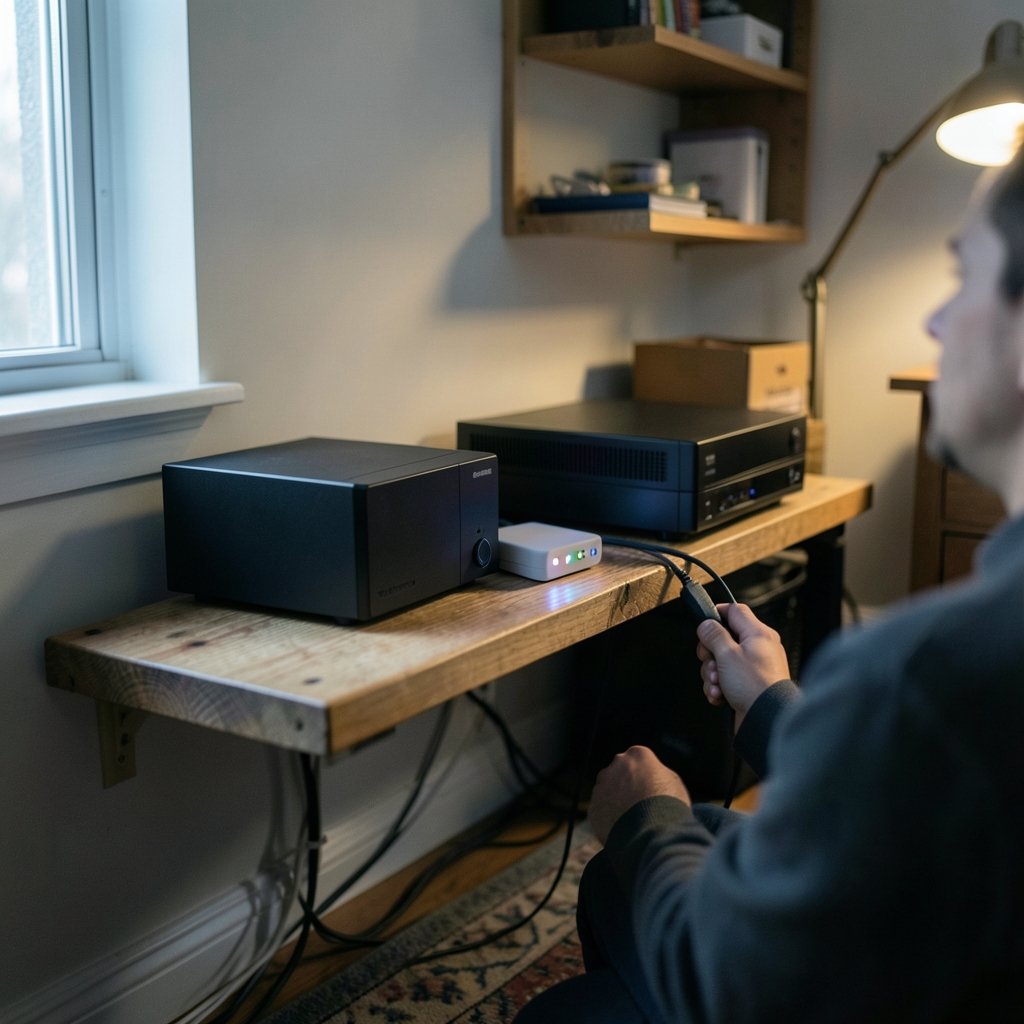
They require more than a hosted service does. Expect to handle installation, updates, backups, and user accounts. Managed hosting options reduce the burden, but someone still needs to own the server. For a single user, hosted tools are usually the better fit.
What happens when two devices edit the same file offline?
The service keeps both versions and marks one as a conflict, typically by adding a device name or timestamp to the filename. No mainstream tool silently merges documents. The naming convention differs by vendor, so test it early.
Is a sync tool the same as a backup?
No, and treating it as one is a common and costly mistake. Sync propagates deletions and encryption alike. A proper backup keeps separate, versioned copies that a sync client cannot overwrite.
How much does switching actually cost?
The subscription price is only part of it. Add migration time, retraining, and any hardware for self-hosting. Object-backed tools add storage and egress fees from the provider. A realistic comparison covers all three categories, with the monthly line item as one of them.
Which alternative is easiest to try without commitment?
Free tiers of hosted competitors, since they require no setup beyond an account. Self-hosted tools can be tested on a spare machine or a low-cost virtual server, but budget a weekend for the first attempt. Start with a small folder either way.



