
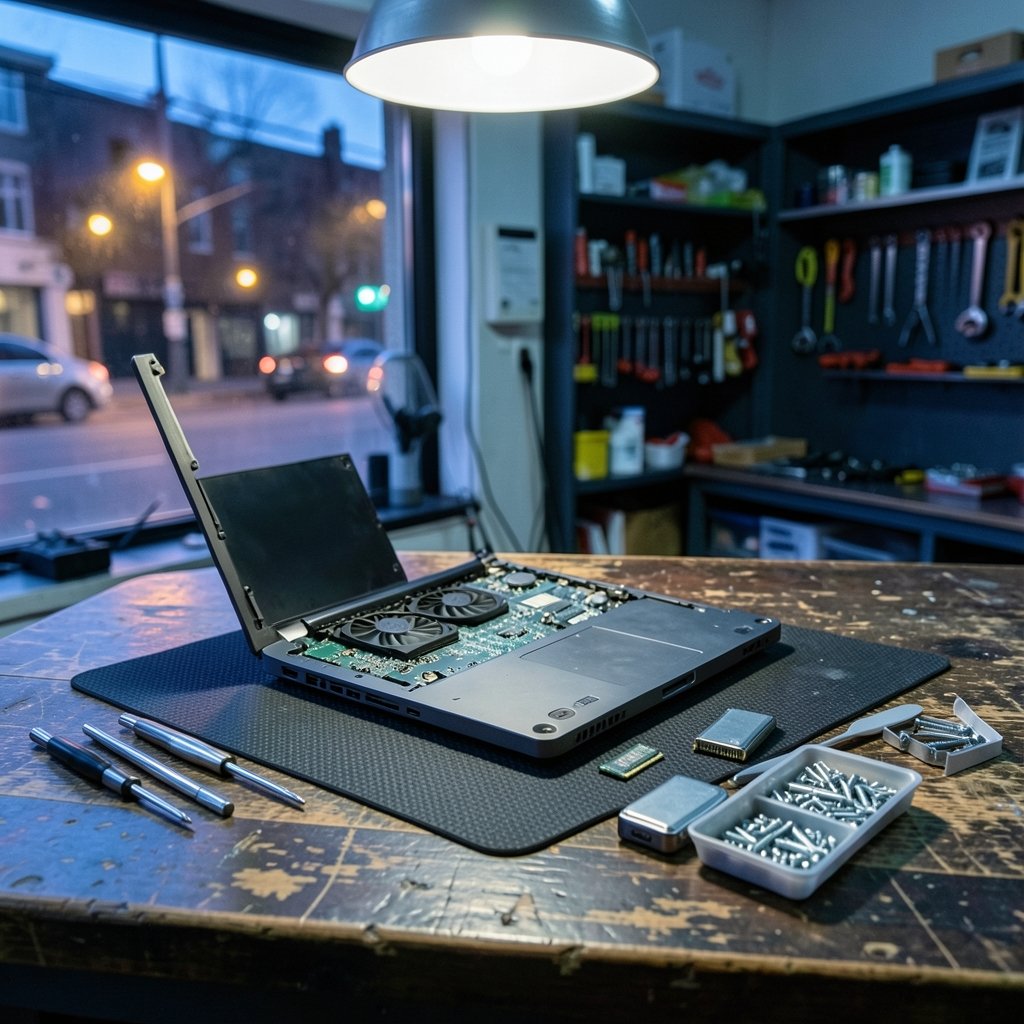
Here is a number worth sitting with: laptops are among the most repaired devices in the world, yet a huge share of budget buyers replace theirs within three years. The culprit is rarely a broken screen. It is usually 8GB of memory and a 128GB drive that felt fine on day one and unbearable by month eighteen. That single insight should shape every buying decision in 2026.
The budget laptop market has also gotten stranger. Component costs climbed, trade policy shifted, and the line between “cheap” and “cheap and good” moved. This guide walks through what actually matters, where the money goes, and which trade-offs are worth accepting.
Why 2026 Is a Tricky Year for Budget Laptop Buyers
Two forces are pushing prices around right now. First, tariffs on imported electronics have added friction to the supply chain, and the effects show up most clearly at the low end, where margins are thinnest. If you want the background, this breakdown of Trump semiconductor tariffs and their effect on laptops and servers explains how duties ripple into retail pricing.
Second, memory and storage pricing has been volatile as manufacturers shift capacity toward data-center products. That means the same $600 laptop may ship with 8GB of RAM in one quarter and 16GB in the next, depending on what the brand negotiated. (Laptop)
The practical takeaway: buy on specs, not on brand loyalty, and buy when a configuration is unusually generous for the price. A mid-tier machine with 16GB of RAM and a 512GB SSD will outlast a fancier name with half the memory every single time.
The Specs That Actually Matter (and the Ones That Don’t)

Budget shoppers are often sold on the wrong numbers. Here is the honest ranking.
| Spec | Why it matters | Minimum for 2026 | Skip if possible |
|---|---|---|---|
| RAM | Determines how many browser tabs and apps survive | 16GB | 8GB soldered RAM |
| Storage | Apps and OS updates keep growing | 512GB SSD | 128GB eMMC |
| Display | You look at it constantly | 1920×1080 IPS | 1366×768 TN panel |
| Battery | Real-world unplugged time | 9+ hours rated | “Up to” claims with no test detail |
| Processor | Matters, but less than RAM | Modern 6-core or better | Old dual-core chips |
| Ports | Determines daily friction | 2x USB-C, 1x USB-A, HDMI | Single-port designs |
Notice what is missing: raw clock speed, benchmark scores, and the number of marketing stickers. A fast chip throttled by a weak cooling system performs worse than a modest chip with headroom. That is why measured thermal testing matters more than a spec sheet.
The 16GB RAM rule
If there is one rule to follow, it is this: do not buy a Windows laptop with 8GB of soldered RAM in 2026. Operating systems, browsers, and video calls have all gotten hungrier. When RAM is soldered, you cannot fix it later. When it is socketed, an upgrade costs far less than a new machine.
The display trap
Budget laptops often hide a 1366×768 panel behind glossy marketing photos. Text looks fuzzy, and side-by-side windows become cramped. A 1920×1080 IPS display is the floor for comfortable work. If a listing does not state the resolution and panel type, assume the worst.
How Much Laptop You Get at Each Price
Prices shift constantly, but the bands below reflect what buyers should reasonably expect to find.
| Budget | What you should get | Realistic compromises |
|---|---|---|
| Under $400 | Chromebook or entry Windows, 8GB RAM, 128GB storage | Weak display, plastic chassis, limited lifespan |
| $400–$600 | 8–16GB RAM, 256–512GB SSD, decent 1080p screen | Modest processor, average speakers |
| $600–$800 | 16GB RAM, 512GB SSD, solid battery, metal lid | Integrated graphics only |
| $800–$1,000 | 16GB RAM, fast SSD, excellent screen, long battery | Few, if you choose carefully |
For a deeper walkthrough of the lower bands, this guide to the best budget laptops under 1000 covers specific configurations and where the value sits. And if you are comparing across the whole market rather than a single price band, the broader roundup of the best laptops of 2026 for every budget puts budget picks next to premium ones so you can see exactly what extra money buys. (Best Budget Laptops)
Chromebook, Windows, or Mac: Choosing the Right Platform
The operating system decision matters more than most shoppers expect, because it determines which apps you can run at all.
Chromebooks win on price, security updates, and boot speed. They are excellent for web-based work, students, and shared household machines. They fall apart the moment you need desktop-class software, heavy spreadsheets, or offline video editing.
Windows laptops offer the widest range of hardware and software. The catch is that cheap Windows machines are where corners get cut hardest, so the floor for a good experience sits higher, usually around $550 to $650.
Macs rarely qualify as budget purchases new, but refurbished and previous-generation models can land in range. The trade-off is limited repairability and upgradeability.
One more consideration: check the support timeline. Windows 10 reached end of support on October 14, 2025, according to Microsoft’s official lifecycle documentation, which means used and refurbished machines running it need a plan for upgrading or extending security updates. Buying a machine that is already out of support is a false economy.
Practical Tips That Save Money and Regret
These are the habits that separate satisfied budget buyers from frustrated ones.
- Set a hard ceiling and shop the top of it. A $650 laptop beats a $450 laptop plus a $200 replacement two years later.
- Check the RAM configuration before anything else. Soldered versus socketed changes the entire ownership math.
- Read the return window as well as the review score. Budget models vary by configuration, and a bad panel lottery unit is common.
- Buy refurbished from the manufacturer, not a marketplace reseller. Manufacturer-refurbished units usually carry a real warranty.
- Wait for back-to-school and holiday windows. The same configuration frequently drops $100 to $150 during promotional periods.
- Confirm the charger and port situation. A laptop with only USB-C ports may need a dongle that adds $40 to your real cost.
Common mistakes to avoid
The most frequent error is buying on processor branding alone. A “latest generation” chip paired with 8GB of RAM and a 128GB eMMC drive will feel slower in daily use than an older chip with 16GB and a real SSD.
The second most common mistake is ignoring the keyboard and trackpad. You interact with them more than any other component, and budget chassis frequently have mushy keys and jumpy trackpads. If you can, type on the machine before buying, or buy from a retailer with a generous return policy.
The third is trusting “up to” battery claims. Manufacturers test under favorable conditions. Independent lab testing is the only reliable comparison, which is why published test methodologies from outlets like Consumer Reports are worth seeking out before you commit.
Where to Find Reliable Reviews
Budget laptops attract a lot of affiliate-driven coverage, and it shows. The most useful sources publish their testing methods and report measured results rather than repeating spec sheets.
Look for reviews that include sustained performance testing, screen brightness measurements in nits, and battery rundown tests with a stated procedure. Notebookcheck is known for detailed measured benchmarks and thermal data, while Wirecutter publishes its testing methodology alongside recommendations. Cross-checking two independent sources catches most bad picks.
Also worth noting: repairability and longevity are becoming formalized. The European Union’s ecodesign and energy labelling rules for computers, published on EUR-Lex, push manufacturers toward documented repairability and update commitments. Even if you are not shopping in Europe, those standards tend to influence global product design over time.
Should You Buy Now or Wait?
Timing advice depends on your urgency. If a machine is failing, buy now and buy carefully. If you can wait, the promotional calendar offers real savings.
The strongest discount windows tend to be back-to-school season and the November shopping period. Outside those windows, price drops are smaller and less predictable. One useful habit: track a specific configuration for two to three weeks before buying. If the price moves down twice, you are likely in a promotional cycle and should buy. If it never moves, the model is probably priced at its floor.
There is also a strategic argument for buying slightly above your budget during a sale. A $700 machine discounted to $620 delivers far more usable life than a $500 machine at full price, and the gap in daily experience is large.
Conclusion
The best budget laptop in 2026 is not the cheapest one you can find. It is the one with 16GB of RAM, a 512GB SSD, a 1080p IPS display, and a support window that stretches well into the future. Everything else, from brand name to processor generation, is secondary to those four fundamentals.
Shop the top of your budget rather than the bottom. Verify the memory configuration before you click buy. Read at least two independent reviews that publish their testing methods. And treat the return window as part of the product, because budget hardware varies more than premium hardware does.
Do those things and a $600 laptop can comfortably serve four to five years. Skip them, and you will be shopping again in eighteen months, which is the most expensive outcome of all.
FAQ
What is the minimum RAM I should buy in a budget laptop in 2026?
Sixteen gigabytes is the practical minimum for a Windows machine. Eight gigabytes is workable only on a Chromebook or a very light-use machine, and only if the memory is upgradeable later. Soldered 8GB RAM is the single most common reason budget laptops feel obsolete quickly.
Is a Chromebook a real alternative to a budget Windows laptop?
Yes, for the right user. Chromebooks excel at web browsing, document work, video calls, and student tasks, and they typically cost less while receiving long security update support. They are a poor fit if you need desktop software, heavy spreadsheets, or offline creative tools.
How much should I expect to spend for a laptop that lasts four years?
Plan on $600 to $800. That range reliably delivers 16GB of RAM, a 512GB SSD, a 1080p IPS screen, and a battery that survives a full workday. Below $500, you are usually accepting a compromise that shortens usable life.
Are refurbished budget laptops a good idea?
Manufacturer-refurbished units can be excellent value, especially when they carry a real warranty and a clean battery. Avoid marketplace resellers with vague condition grades. Always confirm the battery health, the warranty length, and the return window before buying.
Do tariffs actually affect budget laptop prices?
They can, particularly at the low end where margins are thin. Tariffs on imported electronics have added cost pressure across the category, and budget models absorb that pressure more visibly than premium ones. Checking prices across several retailers is the simplest way to spot the effect.
When is the best time of year to buy a budget laptop?
Back-to-school season and the November promotional period consistently produce the deepest discounts. Outside those windows, track a specific configuration for two to three weeks. Two price drops in that span usually signal a promotional cycle worth acting on.
One final safeguard: register the device and note the serial number as soon as it arrives. Budget models are frequent targets for configuration swaps and retail mix-ups, and a registered serial makes warranty claims and returns far smoother. Keep the original packaging for at least the return window, and run a quick stress test in the first week — a long video call, a large file transfer, and a full battery rundown — to surface panel defects or thermal throttling while you can still send it back. Small habits like these cost nothing and routinely save buyers from the most expensive outcome: discovering a flaw after the return window has closed. Choose carefully, verify everything, and your budget laptop will quietly earn its keep for years.



