

Quick Answer: How do i set up bluetooth headphones for the best performance?
Getting the best performance from Bluetooth headphones comes down to pairing them correctly, then matching settings on both the headphones and the source device so they agree on codec, volume handling, and connection behavior. The biggest gains usually come from choosing the right audio codec, keeping the wireless path clear of interference, and updating firmware on both ends. (Bluetooth)
A wired connection or a dedicated low-latency dongle can outperform Bluetooth when absolute reliability matters, while standard Bluetooth prioritizes convenience and battery life over raw fidelity. These are genuinely different trade-offs rather than settings toggles.
Before adjusting anything, check the codec support on both devices, the Bluetooth version, the distance and obstacles between phone and headphones, the firmware version, and whether multipoint pairing is active. (Learn About Bluetooth)
Few sounds are as satisfying as a pair of headphones clicking into place and delivering crisp, full audio without a single stutter. Yet a surprising number of listeners never get there. The hardware is often fine; the setup is what’s holding things back. Bluetooth audio is a chain of negotiated agreements between two devices, and when one link in that chain is weak, the whole experience suffers. The good news is that almost every improvement is free and takes only a few minutes.
Why Bluetooth Setup Matters More Than You Think
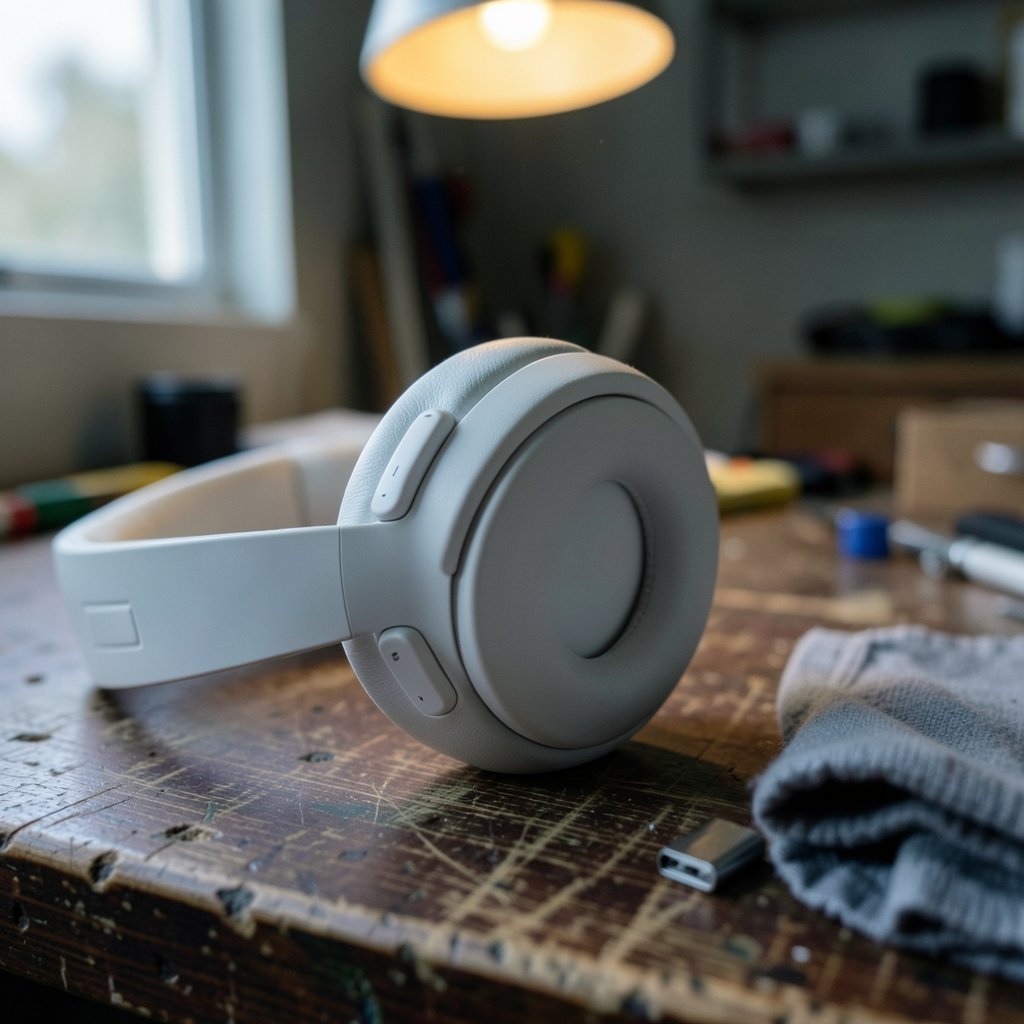
Bluetooth audio isn’t a single technology. It’s a stack of decisions made the moment headphones connect: which codec gets used, how much compression is applied, how the volume is synced, and how aggressively the connection holds on when interference appears. Two people with identical headphones and identical phones can have wildly different experiences based on these invisible negotiations.
The most common misconception is that a higher Bluetooth version number automatically means better sound. It doesn’t. Newer versions mainly improve power efficiency, range, and connection stability. Audio quality depends far more on the codec and how well each device implements it. That distinction alone explains why a premium pair of headphones can sound mediocre on one phone and excellent on another.
Start With a Clean Pairing
Before tweaking anything advanced, it’s worth resetting the relationship between your devices. Old pairing records can carry stale settings and cause reconnection quirks.
- Remove the headphones from your device’s Bluetooth list entirely (forget or unpair the device).
- Put the headphones into pairing mode following the manufacturer’s instructions, which usually means holding the power button until an indicator flashes.
- Re-pair from scratch, keeping the headphones within arm’s reach during the process.
- Test playback immediately, then check whether the correct codec engaged.
That last step matters. Many phones default to the safest, most compatible codec rather than the best-sounding one. If your headphones support a higher-quality codec and your phone does too, you may need to enable it manually in developer options or the headphone maker’s companion app.
Match the Codec to Both Devices
Codecs are the compression algorithms that squeeze audio through the Bluetooth pipe. Both ends must support the same one for it to be used, which is why matching matters more than chasing specs.
| Codec | Typical Availability | Best For |
|---|---|---|
| SBC | Universal baseline | Compatibility when nothing else works |
| AAC | Common on Apple devices and many Android phones | General listening, especially on iOS |
| aptX family | Many Android phones and premium headphones | Android users wanting lower latency |
| LDAC | Select Sony and high-end Android gear | High-resolution streaming on supported phones |
| LHDC | Some Android flagships | High-quality audio on compatible hardware |
The practical rule: confirm what your phone supports, confirm what your headphones support, and pick the highest-quality overlap. On Android, developer options usually reveal the active codec and let you switch it. On iPhones, AAC is the standard and generally the right choice. If you’re shopping for new gear and want to compare what different phones offer, a roundup of the best phones 2026 can help you see which models support which codecs before you commit.
Reduce Interference and Keep the Path Clear
Bluetooth lives in the crowded 2.4 GHz band alongside Wi-Fi, USB 3.0 ports, and even microwave ovens. Congestion shows up as dropouts, crackling, or sudden quality dips.
Simple fixes that actually work in practice include keeping the phone and headphones in line of sight, moving away from routers and USB hubs, and using a USB extension cable to relocate a Bluetooth dongle away from a laptop’s chassis. Distance and physical obstacles reduce effective bandwidth, so a wall between phone and headphones can quietly degrade the stream even when the connection never fully drops.
Update Firmware on Both Ends
Firmware updates fix connection bugs, improve codec stability, and sometimes add features outright. Headphone makers typically distribute these through their companion apps, and phones receive Bluetooth improvements through system updates. It’s one of the least glamorous steps and one of the most effective. Check both the headphones and the source device before assuming a problem is hardware-related.
Tune the Settings Most People Ignore
Several operating-system settings quietly shape the listening experience.
Absolute volume is a common culprit. When it’s enabled, the phone and headphones share a single volume scale; disabling it gives independent control and often fixes volume that jumps or feels capped. Menus vary by OS version, so verify against current official documentation rather than an old forum post.
Latency or gaming modes trade audio quality for lower delay. They’re great for videos and games and unnecessary for music, so switch them on only when needed.
Multipoint connections let headphones stay linked to two devices at once, which is convenient but can cause reconnection quirks or performance dips. Disabling unused pairings often smooths things out.
If you’re assembling a listening setup from scratch and want to know which models reward careful configuration, a guide to the best headphones for music listening is a sensible starting point.
Know When Wired or a Dongle Wins
Bluetooth is a convenience technology. When reliability is non-negotiable, such as competitive gaming or critical monitoring, a wired connection or a dedicated low-latency transmitter removes the wireless variable entirely. Vendor-quoted latency figures are often best-case and rarely independently tested, so treat them as directional rather than exact.
The same logic applies to accessories. A proper stand keeps gear stable and reduces cable strain during long sessions; performers who move around benefit from a best keyboard stand for stage performance that keeps everything secure. And if you’re building an affordable secondary setup for travel or a second desk, budget-friendly options like these best budget headphones can still sound excellent once the codec and settings are dialed in.
Common Mistakes That Undermine Performance
A few habits reliably sabotage Bluetooth audio, and each is easy to fix.
- Assuming Bluetooth version equals sound quality. It doesn’t; codec and implementation matter more.
- Leaving the default codec in place. Many phones never switch to the better option without a nudge.
- Ignoring firmware for months. Updates fix exactly the kinds of bugs people blame on hardware.
- Pairing to too many devices. Old pairings create reconnection confusion.
- Testing in a crowded wireless environment. Judge quality away from routers and USB hubs.
- Forgetting the source app. Some streaming apps apply their own processing that masks headphone quality.
A Practical Setup Checklist
Working through these steps in order covers nearly every performance issue:
- Forget and re-pair the headphones cleanly.
- Confirm the active codec on both devices and enable the best shared option.
- Update firmware on headphones and phone.
- Disable absolute volume if volume behavior feels off.
- Turn off latency modes for music, on for video and gaming.
- Trim unused multipoint pairings.
- Reposition the phone or dongle away from interference sources.
- Re-test with a familiar track before changing anything else.
That final step is the one people skip. A known reference track makes it obvious whether a change helped or just sounded different. Small, controlled adjustments beat random tweaking every time.
Getting More From Everyday Devices
Gaming handhelds and emulators introduce their own Bluetooth quirks, and pairing audio correctly is part of the setup. If you’re configuring one, this walkthrough on how to set up PPSSPP in 2026 covers the device-side basics that affect audio routing. Similarly, noise-cancelling models add another layer: ANC changes the sound signature and battery draw, so it’s worth testing with it on and off to find what suits your ears. A comparison of the best noise cancelling headphones under 300 shows how much performance is available without overspending.
For quieter listening at home, a simple analog option like a horse racing board game set makes a pleasant screen-free break, and learning the rules for the backgammon board game is a good excuse to let your ears rest between listening sessions.
Conclusion
Excellent Bluetooth performance rarely comes from buying different hardware. It comes from pairing cleanly, matching codecs on both ends, keeping the wireless path clear, updating firmware, and adjusting the handful of settings that quietly govern volume and latency. None of these steps costs money, and together they close most of the gap between disappointing sound and genuinely impressive wireless audio. Start with the clean re-pair and the codec check, work through the checklist once, and the difference will be obvious on the very first track.
Frequently Asked Questions
Does a higher Bluetooth version improve sound quality?
Not directly. Newer versions mainly improve power efficiency, range, and connection stability. Audio quality depends far more on the codec in use and how well each device implements it, which is why version numbers alone tell you very little about how headphones will sound.
Why do my Bluetooth headphones sound worse than expected?
The usual causes are a low-quality default codec, stale firmware, interference from Wi-Fi or USB 3.0 ports, or an active latency mode. Working through a clean re-pair, a codec check, and a firmware update resolves most cases without any new hardware.
Can I force my phone to use a better codec?
On many Android devices, developer options reveal the active codec and let you switch to a supported alternative. Apple devices generally standardize on AAC. Both the phone and the headphones must support the same codec for the switch to take effect.
How do I reduce dropouts and stuttering?
Keep the phone and headphones in line of sight, move away from routers and USB hubs, and relocate any Bluetooth dongle using a USB extension. Distance and physical obstacles reduce effective bandwidth, so even a single wall can degrade the stream.
Does multipoint pairing hurt performance?
It can. Staying connected to two devices at once is convenient but sometimes causes reconnection quirks or brief performance dips. Disabling unused pairings and trimming the device list usually smooths things out.
Should I use gaming mode all the time?
No. Latency modes trade audio quality for lower delay, which helps with video and games but adds nothing for music. Switch them on only when the content actually needs tighter sync.
One last habit worth adopting: re-check the codec after every major system update or headphone firmware flash, since either can silently reset your preferred settings back to the default. Keep a short note of which codec and options worked best on each device, and you’ll never have to rediscover the ideal configuration from scratch. With a clean pairing, a matched codec, current firmware, and a clear wireless path, Bluetooth headphones can deliver sound that holds up to close listening rather than merely convenient listening.



