

You plug your phone into a USB-C charger, it starts charging, then you add a laptop or earbuds to the second port. The phone chirps, the charging icon disappears, and it starts charging again. Sometimes it stops entirely. Why does a USB-C charger disconnect when a second device is plugged in? (USB-C)
This is one of the most common and least understood annoyances in modern charging. The good news: it is rarely a broken charger. It is almost always a predictable result of how USB Power Delivery negotiates power, and once you understand the mechanics, you can pick hardware and habits that avoid it. This guide explains the root causes, shows what actually works in practice, and covers the mistakes people make when buying multi-port chargers.
The Short Answer: Power Renegotiation, Not a Fault
Every time a device is added to or removed from a multi-port USB-C charger, the charger must rebalance its shared power budget. It does this by renegotiating the power contract on the ports that are already in use.
That renegotiation is not always seamless. Many chargers briefly drop output on the first port while they recalculate, and the connected device interprets that brief drop as a disconnect. A phone or laptop may reset its charging state, flash a notification, or stop charging until it renegotiates again.
The USB Implementers Forum publishes the Power Delivery specifications that define this negotiation. In theory, a well-behaved device should handle a new contract without a full disconnect. In practice, implementations vary widely between chargers and between devices, which is why two people with the same charger can have completely different experiences.
What Is Actually Happening Inside the Charger
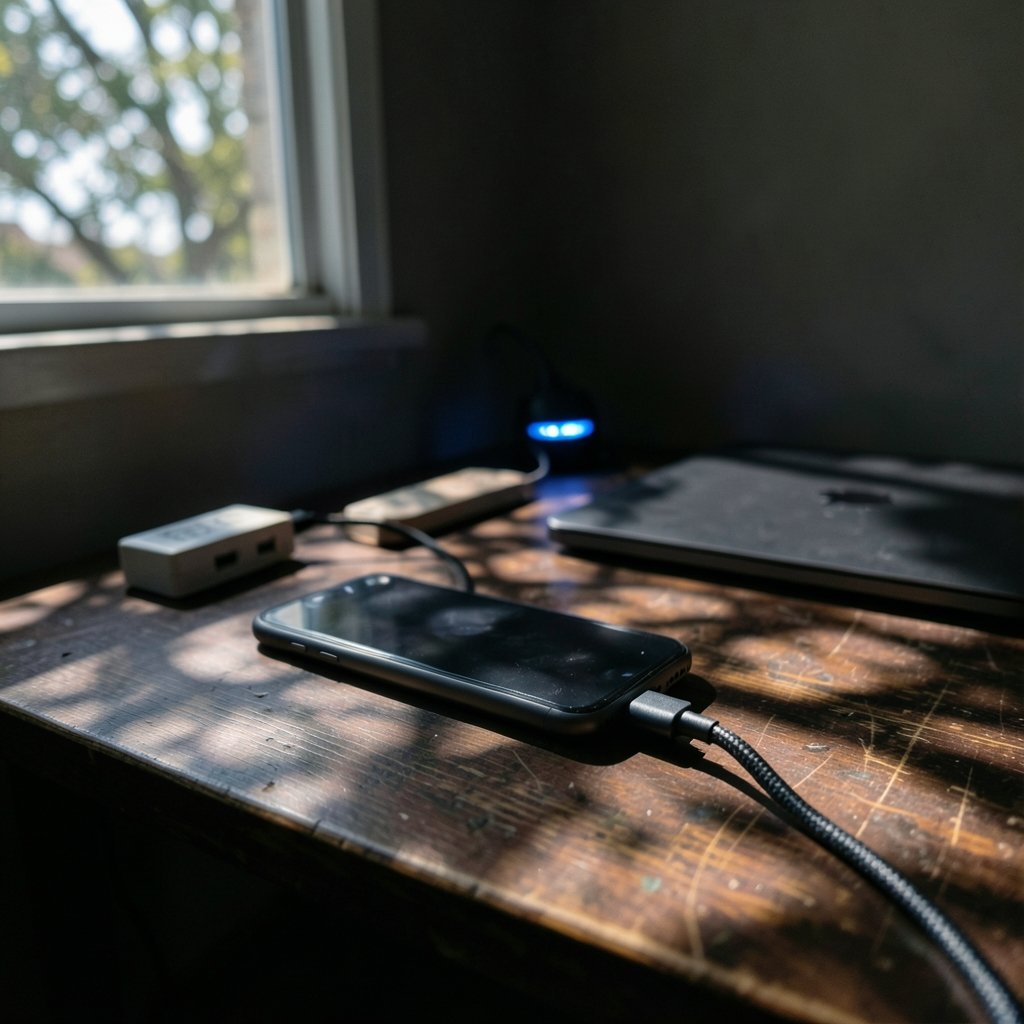
A multi-port charger has a fixed total wattage. A 65W charger with two ports does not deliver 65W to each port, it delivers 65W total, split according to a set of rules baked into its firmware.
When only one device is connected, that device often gets the full budget. When a second device appears, the charger must decide how to divide the pie. Common allocation schemes look like this:
| Charger rating | One device | Two devices | Three devices |
|---|---|---|---|
| 65W, 2 ports | Up to 65W | 45W + 20W | Not applicable |
| 100W, 3 ports | Up to 100W | 65W + 30W | 45W + 30W + 20W |
| 140W, 4 ports | Up to 140W | 100W + 30W | 65W + 45W + 20W |
These numbers are typical rather than universal, but the pattern holds: adding a device almost always reduces what the first port can deliver. If the first device needed more than its new allocation, it may reset, slow down, or stop charging altogether.
Two mechanisms cause the visible disconnect. First, the charger may momentarily cut power on all ports while it reconfigures. Second, the device may reject the new contract and restart the negotiation from scratch. Either way, the user sees a blink, a beep, or a stopped charge.
Why Some Chargers Handle It Gracefully and Others Do Not
Firmware quality is the single biggest differentiator. Some chargers negotiate the new contract while keeping the existing port alive, so the first device never notices. Others take the blunt approach: kill everything, recalculate, restart.
There is also a hardware dimension. Cheap chargers often use a single controller that cannot manage independent regulation per port, so any change forces a global reset. Better designs use separate regulation paths or a more sophisticated controller that can adjust one port without disturbing the others.
A related issue appears in the cables. A cable with a faulty or misprogrammed e-marker chip can cause a failed renegotiation, which makes a disconnect more likely. The USB-IF maintains guidance on cables and chargers through its USB charger and Power Delivery resources. The cable participates in the negotiation; it does not merely act as a passive wire.
The Device Side Matters More Than Most People Realize
People tend to blame the charger, but the device on the other end is half the equation. Some devices handle a brief power interruption gracefully and simply resume charging. Others treat any interruption as a full unplug and reset their charging state, which is why an iPhone might buzz and re-announce charging while a laptop silently continues.
Laptops are usually the most tolerant because they have larger batteries and more sophisticated power management. Phones, earbuds, and smartwatches are more sensitive, partly because their charging circuits are smaller and partly because their firmware assumes a single-device charger.
This is why the same charger can seem fine with a MacBook and unreliable with a phone. It is not random. It is the combination of charger behavior and device tolerance.
If you are troubleshooting a laptop that keeps dropping its charge, it helps to rule out the simple stuff first, like confirming the machine is actually seeing the network and power state you expect. A quick check of your IP address on any device can confirm whether a laptop that seems to be resetting is also losing its network connection, which points to a different problem entirely.
Practical Fixes That Actually Work
The fixes fall into three buckets: change the order, change the hardware, or change the expectations.
Plug in the power-hungry device first
Order matters more than people expect. Plug the laptop in first so it claims the largest allocation, then add the phone. Many chargers allocate based on what is already connected, so the first device tends to keep the bigger share. This is the single easiest habit change and it costs nothing.
Use a charger with a higher total budget
If you routinely charge a laptop and a phone together, buy more headroom than you think you need. A 100W charger splitting into 65W and 30W is far more comfortable than a 65W charger splitting into 45W and 20W. The second device gets enough power that the first device rarely needs to reset.
Separate the high-draw devices
If a laptop and a tablet both need fast charging, a single multi-port charger may never be happy. Two chargers, or a charger plus a dedicated laptop brick, removes the conflict entirely. It is less elegant but far more reliable.
Check the cable
Swap in a known-good USB-C cable and see if the disconnect persists. A cable that fails to negotiate properly can make a good charger look broken. This is a five-minute test that solves a surprising number of cases.
Accept that some disconnects are normal
A brief blink when you add a device is not necessarily a defect. If the device resumes charging within a second or two and reaches full charge, the charger is doing its job. The problem is only real when the charge stops permanently or repeatedly cycles.
Common Mistakes People Make When Buying Multi-Port Chargers
The market is full of chargers that advertise big numbers without explaining how those numbers split. A few traps come up again and again.
Buying on total wattage alone. A 100W charger that gives 100W to one port and 30W total to the rest is not the same as one that shares 100W intelligently. Check the per-port allocation table rather than the headline number.
Assuming all ports are equal. Many chargers have one high-power port and several low-power ones. Plugging a laptop into the wrong port is a common cause of slow or interrupted charging.
Ignoring the fine print on power sharing. Manufacturers often bury the allocation rules in a spec sheet or a footnote. If the rules are not published, assume the worst-case behavior.
Mixing chargers and hubs carelessly. A USB-C hub that also passes power adds another negotiation layer. Hubs are useful, and a good one can make a laptop setup much cleaner, but a low-quality hub can introduce its own disconnects. If you are pairing a laptop with a hub, it is worth reading up on the best USB-C hub for MacBook Air so you understand how pass-through charging behaves before you blame the charger.
Overlooking firmware updates. Some chargers and hubs receive firmware updates that improve power-sharing behavior. It is rare, but it happens, and it is worth checking.
When the Disconnect Is a Symptom of Something Else
Not every disconnect is a power-sharing issue. A few other causes produce the same symptom and are easy to confuse with it.
A failing cable is the most common impostor. So is a dirty or worn port, which can cause intermittent contact that looks exactly like a renegotiation blink. Lint in a phone port is a classic culprit, and it is worth checking before you buy a new charger.
On laptops, a charger that disconnects under load can also point to thermal throttling in the charger itself. A charger running at its maximum output for a long time gets hot, and some designs reduce output to protect themselves. That reduction can look like a disconnect.
Finally, if you are comparing charging setups across devices, it helps to know how the software side behaves. Handheld and console-style devices have their own charging quirks, and a guide like the comparison of EmuDeck 2.7 vs ES-DE 3.5 vs RetroDeck by device is a useful reminder that power behavior often depends on the device and its software, not solely on the brick.
How to Test Whether Your Charger Is the Problem
A simple test sequence narrows down the cause in minutes.
- Plug in the first device alone and confirm it charges at full speed.
- Add the second device and watch the first device closely for a blink, a beep, or a stopped charge.
- If it blinks but resumes, the charger is renegotiating normally. This is expected behavior.
- If it stops permanently, note which port the first device is on and try the other port.
- Swap the cable on the first device and repeat.
- Try the same combination on a different charger. If the problem disappears, the original charger is the cause.
If the problem follows the charger across cables and devices, the charger’s power-sharing logic is the issue. If it follows the cable, replace the cable. If it follows the device, the device’s charging firmware is likely the sensitive part.
Conclusion
A USB-C charger that disconnects when a second device is plugged in is usually doing exactly what it was designed to do: rebalancing a fixed power budget across its ports. The blink is a renegotiation, not a failure. The real problems appear when the charger cuts power too aggressively, when the first device needs more than its new allocation, or when a marginal cable turns a routine negotiation into a failed one.
The practical takeaways are simple. Plug the power-hungry device in first, buy more total wattage than you think you need, keep an eye on per-port allocation when shopping, and test with a known-good cable before replacing anything. And if a brief blink is the only symptom, relax. That is the system working, not breaking.
Frequently Asked Questions
Why does my phone stop charging when I plug in a second device?
The charger is renegotiating its shared power budget. When a second device appears, the charger must divide its total wattage, and the first port’s allocation drops. If the phone needed more than its new share, or if the charger briefly cuts output during reconfiguration, the phone sees a disconnect and resets its charging state.
Is a brief disconnect normal for multi-port USB-C chargers?
Yes, within limits. A short blink or beep when a device is added is common and usually harmless, as long as charging resumes within a second or two. A disconnect that stops charging permanently, or that repeats in a loop, points to a charger or cable problem rather than normal behavior.
Does plugging devices in a certain order help?
Often, yes. Many chargers allocate power based on what is already connected, so the first device tends to keep the larger share. Plugging the laptop or other high-draw device in first, then adding the phone, reduces the chance that the important device gets its allocation cut.
Can a bad cable cause the charger to disconnect?
It can. USB-C cables contain e-marker chips that participate in power negotiation, and a faulty or misprogrammed chip can cause a failed renegotiation. Swapping in a known-good cable is one of the fastest ways to rule this out before blaming the charger.
Do more expensive chargers avoid this problem?
Not automatically, but firmware quality matters a lot. Better chargers tend to renegotiate one port at a time without cutting power to the others, while cheaper designs often reset all ports during any change. Checking the published per-port power allocation is more useful than checking the price.
Should I buy a higher-wattage charger to stop the disconnects?
A higher total wattage gives more headroom, so each device is more likely to get enough power after the split. That reduces the chance of a reset, but it does not eliminate renegotiation blinks entirely. If reliability matters most, separate chargers for high-draw devices remain the safest option.
