
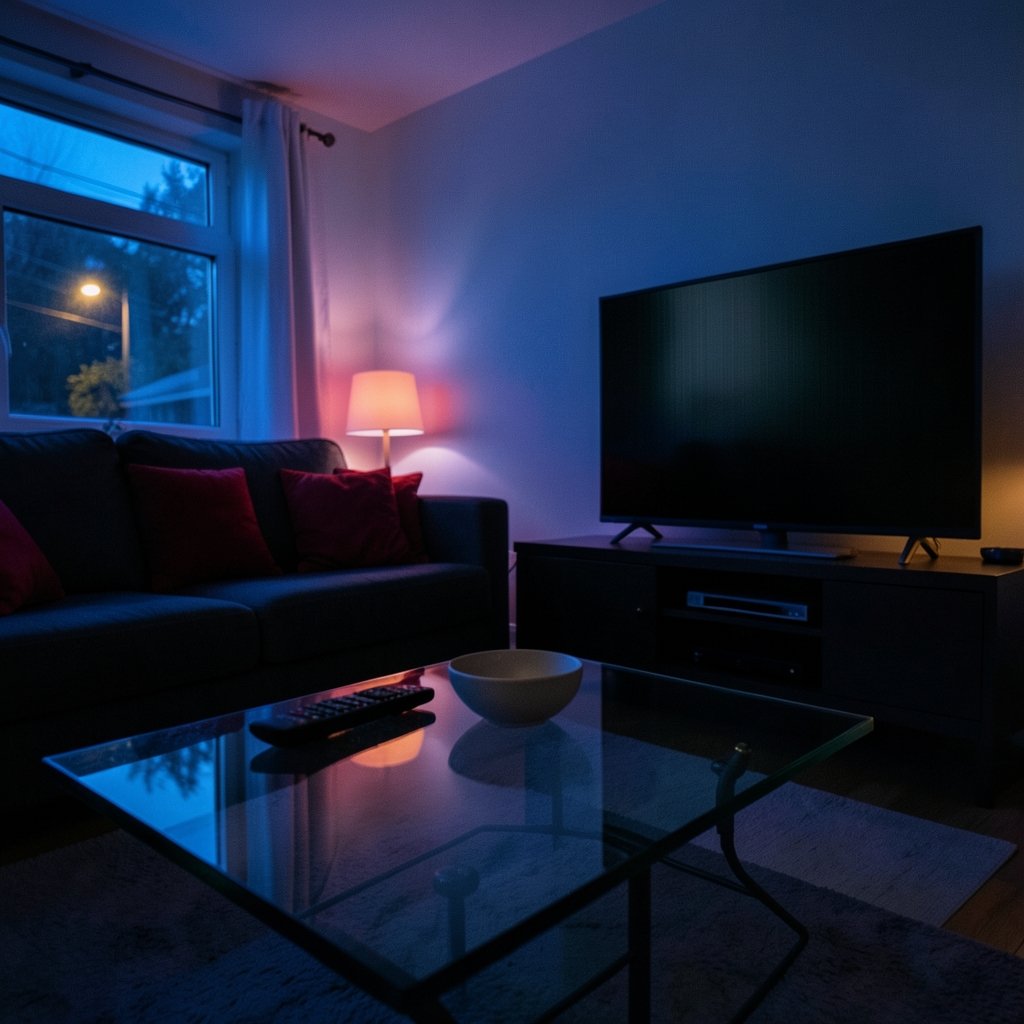
Have you ever been watching a moody movie in a dark room, only to notice the shadows on your OLED screen shimmering, pulsing, or turning into a blocky mess? You are not imagining it. Near-black flicker is one of the most talked-about quirks of OLED displays, and it shows up in phones, laptops, monitors, and TVs alike. This guide breaks down what is actually happening, why it happens, and what you can do about it. (Black Friday Car Deals: Best Offers and Prices for 2026) (OLED)
What Near-Black Flicker Actually Looks Like
Before digging into causes, it helps to name the symptoms. People describe the problem in different ways, which is part of why it confuses buyers. The most common complaints include:
- Visible shimmer in dark gradients, like a fade from black to deep gray
- Banding, where smooth shadows turn into stair-step stripes
- Pulsing or strobing at low brightness levels, especially on phones at night
- Black crush, where near-black detail vanishes into pure black
- Raised blacks, where dark areas look washed out and gray instead of deep
These are not all the same problem. Some come from how the panel drives pixels, some from video compression, and some from the display’s own dimming method. Sorting them apart is the first step to fixing or accepting them.
The Core Reason: How OLED Dims Light

OLED pixels emit their own light. Each subpixel is a tiny organic diode that brightens when current flows through it. In theory, dimming is simple: send less current, get less light. In practice, very low current levels are hard to control precisely, and small variations between pixels become visible.
That is the heart of the issue. At the bottom of the brightness range, the display is working with tiny electrical differences. Any imprecision shows up as flicker, banding, or uneven blacks. LCD panels hide this because a backlight stays on constantly and a separate layer blocks light. OLED has no backlight to fall back on, so every imperfection near black is exposed. (Best thai food near me)
PWM Dimming: The Usual Suspect
Many OLED screens do not dim by lowering current alone. Instead, they use pulse-width modulation (PWM). The pixels switch on and off very fast, and the display controls brightness by changing how long each pixel stays on during a cycle. A long on-time means bright; a very short on-time means dim.
At high brightness, this switching is invisible to most people. At low brightness, the on-time gets extremely short, and the flicker can become noticeable to sensitive viewers. Some people report eye strain, headaches, or a subtle strobing sensation when using a phone in bed at minimum brightness. Others notice nothing at all.
The key point is that PWM frequency and duty cycle vary wildly between devices. A phone that flickers visibly at 5 percent brightness might look perfectly steady at 50 percent. Two phones with the same advertised brightness can behave completely differently in a dark room. This is why personal testing matters more than spec sheets.
Some manufacturers offer DC dimming modes that reduce current instead of switching pixels, which can reduce visible flicker at low brightness. DC dimming often comes with tradeoffs, such as slightly altered color accuracy or reduced maximum brightness, so it is not a universal fix.
Why Near-Black Detail Is So Hard to Render
The gamma curve is the map that tells a display how to translate a digital value into actual light output. Near black, that curve gets steep. A tiny change in signal produces a big relative change in perceived brightness. That is why shadow detail is the hardest part of any display to get right. (Best empanada de ataon near me)
On OLED, the challenge is compounded by pixel-to-pixel variation. Each diode has slightly different efficiency, and the display must compensate. Manufacturers use calibration and compensation circuits to smooth this out, but the correction is never perfect at the very bottom of the range. The result is the familiar mix of faint noise, slight flicker, and occasional banding in dark scenes.
Content makes it worse. Streaming services compress dark scenes heavily because the human eye is supposedly less sensitive to shadow detail. That compression creates blocking and smearing that people often blame on the panel. A good test is to play a high-quality local file with a known dark gradient and compare. If the artifacts persist, the display is involved. If they vanish, the stream was the culprit.
OLED vs LCD Near Black: A Quick Comparison
| Behavior | OLED | LCD |
|---|---|---|
| True black level | Pixels switch off completely | Backlight bleed keeps blacks gray |
| Low-brightness flicker | Can appear with PWM dimming | Less common, but backlight flicker exists |
| Near-black banding | Possible from pixel variation | Possible from panel uniformity |
| Shadow detail | Excellent when calibrated | Often crushed by poor contrast |
| Dark-room viewing | Deep blacks, but flicker-sensitive users may notice strobing | Glow and haze in corners |
The table shows the tradeoff clearly. OLED wins on contrast, but it asks more of the viewer’s tolerance at low brightness. Neither technology is flawless. (OLED Technology Overview)
Who Is Most Likely to Notice It
Not everyone sees near-black flicker, and that is a real source of confusion in forums. Someone insists their new phone is unusable while a friend with the same model shrugs. Sensitivity varies with several factors:
- Individual flicker sensitivity, which is partly genetic and partly learned
- Ambient light, since flicker is far more visible in a dark room
- Viewing distance and screen size, as larger panels fill more of the visual field
- Content type, since dark games and movies trigger it more than bright web pages
- Brightness setting, because the effect usually peaks at the lowest levels
If you are shopping and know you are sensitive, test a device at minimum brightness in a dim room before buying. That single habit prevents most regrets. It is the same practical approach people use when shopping for a car: check the details in person rather than trusting the headline number.
Common Mistakes Buyers and Users Make
A few habits make the problem worse or harder to diagnose. Avoiding them saves time and frustration.
- Judging flicker from a spec sheet alone. PWM frequency is rarely listed, and even when it is, duty cycle and waveform matter just as much.
- Testing at maximum brightness. The issue lives at the bottom of the range, so turn the slider down.
- Blaming the panel for compressed video. Try a clean source before returning a device.
- Ignoring the room. A bright room masks flicker that becomes obvious at night.
- Skipping the return window. If you are sensitive, decide within the retailer’s return period, not weeks later.
Practical Fixes That Actually Work
There is no universal cure, but several adjustments reliably reduce the annoyance.
- Raise the brightness floor. Many phones let you set a minimum brightness or use an extra-dim mode that changes the dimming method. Counterintuitively, slightly higher brightness can reduce perceived flicker.
- Enable DC dimming if offered. Check display settings or developer options. It is not always available, and it may affect color, but it helps some users.
- Use dark-mode-friendly content carefully. Pure black backgrounds are fine, but dark gray gradients are where artifacts show.
- Adjust ambient lighting. A small bias light behind the screen reduces the contrast between the display and the room, which makes flicker less noticeable.
- Calibrate the panel. On monitors and TVs, a proper calibration can lift near-black detail and reduce banding.
- Check firmware updates. Manufacturers sometimes tune low-brightness behavior after launch.
For laptop and monitor users, the same logic applies when comparing gaming handhelds with OLED screens. Anyone weighing a ROG Ally X against a Steam Deck OLED will find that low-brightness behavior is worth checking alongside frame rates and battery life, since dark games are common on both devices.
How Reviewers Should Test Near-Black Performance
Most reviews focus on peak brightness and color coverage, which misses the point. A better test routine includes a few simple steps anyone can repeat:
- Display a full-screen black-to-gray gradient in a dark room at minimum brightness.
- Watch for pulsing, banding, or a visible seam where black becomes gray.
- Play a dark movie scene with fine shadow detail and pause on a frame.
- Compare the same scene at 10 percent and 50 percent brightness.
- Record whether the effect changes with refresh rate, since some panels behave differently at 60Hz versus 120Hz.
This routine takes ten minutes and tells you more than any marketing claim. It is also a fair way to compare devices side by side.
The Role of Panel Technology and Manufacturing
OLED panels differ by generation and by maker. The organic materials, the driving circuitry, and the compensation algorithms all influence low-brightness behavior. Newer panels generally handle near-black better than older ones, but improvements are incremental rather than dramatic.
There is also the matter of how the display handles temporal dithering, a technique that rapidly alternates between two nearby shades to simulate an in-between value. It can smooth banding, but on some panels it introduces a subtle shimmer in dark areas. Whether that shimmer is visible depends on the viewer and the content.
The broader lesson is that OLED is not one thing. A flagship phone panel, a budget laptop panel, and a large TV panel can behave very differently near black. Generalizations help, but specifics decide.
When to Accept It and When to Return It
Some near-black behavior is normal for OLED and will not go away. Faint banding in a compressed stream, slight shimmer at the very lowest brightness, and minor uniformity variation are common. If the effect is subtle and only visible when you go looking for it, it is probably within spec.
Return the device if you see persistent flicker at normal brightness, obvious pulsing during everyday use, or shadow detail that disappears entirely. Those are signs of a panel or firmware problem, not a design tradeoff. Document the issue with a video at the brightness level where it appears, since that makes warranty conversations much easier.
It also helps to keep expectations calibrated. The same way food guides separate a great neighborhood spot from a hyped one, display reviews are most useful when they describe real-world behavior rather than spec-sheet numbers.
Conclusion
OLED near-black flicker is not a myth, a defect in every unit, or a reason to avoid the technology outright. It is the visible result of how OLED dims light, how panels handle tiny electrical differences, and how content and settings interact in dark rooms. PWM dimming is the biggest contributor for flicker-sensitive viewers, while pixel variation and compression drive most banding complaints.
The practical takeaway is simple. Test devices at low brightness in dim light. Use DC dimming where available. Raise the brightness floor slightly. Calibrate monitors and TVs. And give yourself a return window to decide. Do those things and near-black behavior becomes a known quantity rather than a surprise.
Frequently Asked Questions
What causes flicker on OLED screens at low brightness?
Most low-brightness flicker comes from pulse-width modulation, where the display rapidly switches pixels on and off to control brightness. At low levels the on-time becomes very short, and sensitive viewers can perceive the strobing. Pixel variation and content compression can add banding on top of that.
Is OLED near-black flicker harmful to your eyes?
There is no consensus that display flicker causes permanent harm, but some people report eye strain, headaches, and fatigue from prolonged exposure. If you notice discomfort, raise brightness, add bias lighting, or enable DC dimming where available. Anyone with persistent symptoms should consult a medical professional.
Why do some people see flicker and others do not?
Flicker sensitivity varies widely between individuals. It depends on the flicker frequency, the duty cycle, ambient lighting, and personal visual sensitivity. Two people with identical phones can have completely different experiences, which is why hands-on testing beats online opinions.
Does DC dimming fix near-black flicker completely?
DC dimming reduces the flicker caused by PWM switching, but it does not eliminate every near-black artifact. Banding from pixel variation and compression can remain. Some devices also limit DC dimming to certain brightness ranges or accept small color tradeoffs when it is enabled.
Should I return an OLED device because of dark-scene flicker?
Return it if the flicker is obvious at normal brightness, if shadow detail disappears, or if it causes discomfort during everyday use. Subtle shimmer visible only at the lowest brightness in a pitch-dark room is common and usually within normal variation. Document the issue with video before contacting the retailer.
Do newer OLED panels handle near-black better than older ones?
Generally yes, but improvements are gradual. Newer panels tend to have better compensation circuits and refined dimming methods, which can reduce visible artifacts. That said, model-to-model differences matter more than generation labels, so check reviews and test the specific device you plan to buy.



