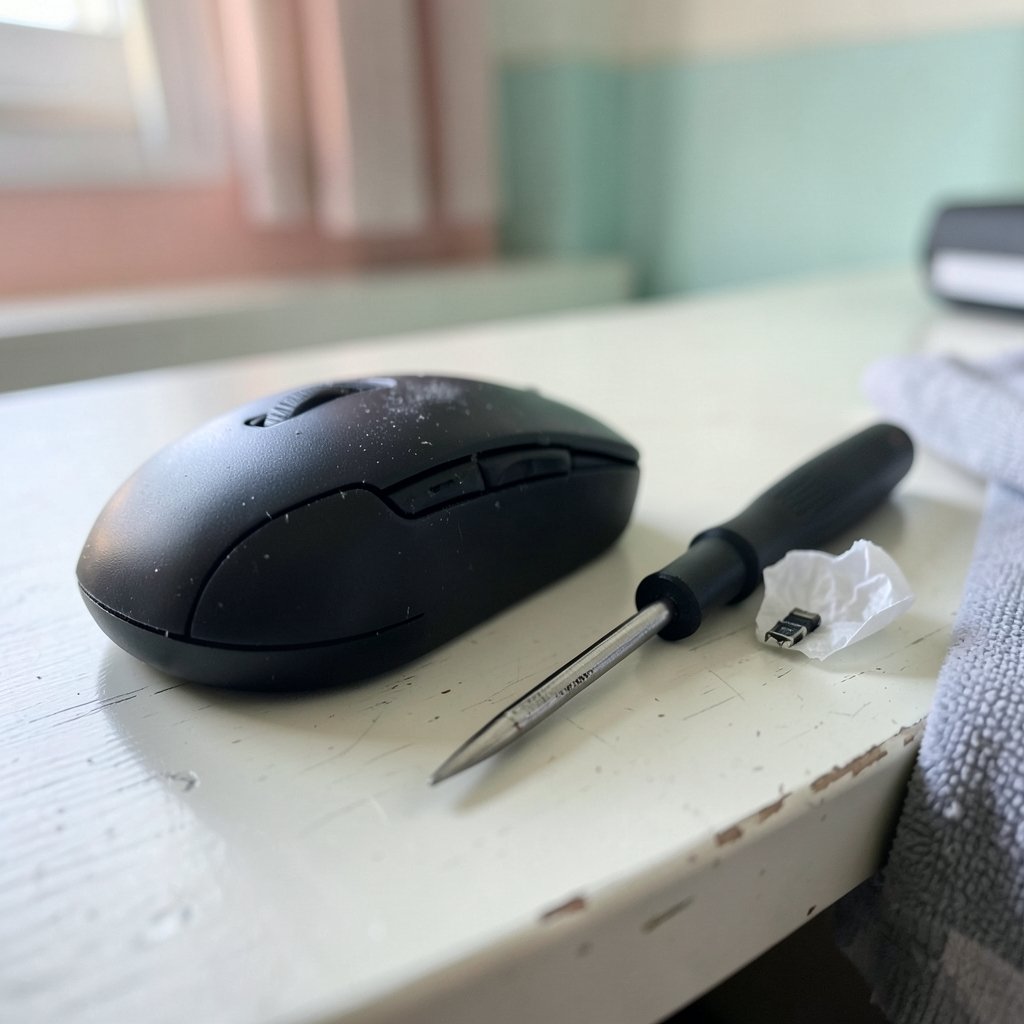
Have you ever selected a file, clicked once, and watched it open by itself? Or typed a single letter and got two? That moment of “wait, did I do that?” is the classic first sign of a mouse that has started double clicking on its own. It is annoying in a spreadsheet, infuriating in a game, and genuinely disruptive if you work with precise tools all day.
Here is the part most guides skip: a mouse that double clicks is rarely a settings problem. In the overwhelming majority of cases, it is a worn mechanical switch inside the left button. That changes what a real fix looks like. This guide walks through how to confirm the fault, what actually causes it, and the realistic options for repairing or masking it, from free diagnostic tools to a five-dollar switch swap. (Mesh Wi-Fi Double NAT Fix: Why It Breaks Your Network and How to Solve It) (Double-click: definition and history)
What “Double Clicking” Actually Means
When people say their mouse is double clicking, they usually mean one of two things. Either a single physical press registers as two clicks in the operating system, or the mouse fires an extra click on its own with no input at all. Both symptoms point to the same root cause: the switch under the button. (Best polling rate for mouse)
A mouse button is not a touch sensor. It is a tiny mechanical switch, usually rated for somewhere between 10 and 50 million presses depending on the model. Each press closes two metal contacts. And when metal contacts close, they do not settle instantly. They chatter against each other for a few milliseconds before making clean contact. Engineers call this contact bounce, and it is a well-documented phenomenon in every mechanical switching system, including mice.
To handle it, mouse firmware applies a debounce window. For a few milliseconds after a press, the controller ignores any further signals from that switch, assuming they are chatter. This works perfectly until the switch wears out. Worn contacts bounce longer and more erratically. Once the bounce lasts past the debounce window, the controller reads the second bounce as a genuine second click. That is your phantom double click.
Step One: Confirm the Fault With a Real Test
Before changing any setting, prove the problem exists. Windows has no built-in diagnostic that reports duplicate clicks. The mouse settings panel only adjusts double-click speed, which does not help you detect a failing switch. You need a tool that timestamps individual click events.
The most widely used free option is MouseTester, an open-source utility that plots click intervals and shows whether one press produces two events. Run it, click the left button slowly and deliberately ten or twenty times, and watch the interval graph. A healthy mouse shows one event per press. A failing one shows pairs of events a few milliseconds apart. That pattern is your diagnosis, and it is worth capturing a screenshot before you contact a manufacturer about a warranty claim.
A second, cruder test works without any software. Open a text editor and click once in the document. If the cursor jumps or a selection appears, the switch is misfiring. If you can reproduce the fault in a plain text field, it is not an application bug.
Step Two: Rule Out the Cheap Explanations First
Occasionally, what looks like a hardware fault is something simpler. Spend five minutes eliminating these before you reach for a screwdriver.
Check the connection and the surface
A wireless mouse with a weak battery or a flaky receiver can drop and repeat input events. Swap the battery or charge it fully, move the receiver to a front USB port, and retest. If the mouse is plugged into a USB hub, try a direct port. Interference from a nearby Wi-Fi router or a metal desk can also cause dropped packets that the system interprets oddly.
Test on a second computer
Plug the mouse into another machine and repeat the click test. If the double clicking follows the mouse, the fault is in the hardware. If it disappears, the problem lives in your original machine’s software stack, and you should look at drivers, background utilities, or a stuck modifier key.
Check for software conflicts
Some remote desktop tools, macro utilities, and accessibility features can generate synthetic clicks. Disable any automation software temporarily. If you are also chasing input lag, the practical troubleshooting steps in this guide to fixing mouse lag on Windows 11 are a useful companion, because lag and duplicate clicks sometimes share a cause in a saturated USB bus or a misbehaving driver. (Microsoft: Human Interface Device (HID) driver overview)
Step Three: Understand the Software Workarounds
If the switch is genuinely worn, software cannot repair it. What software can do is add a longer debounce window at the operating system level, filtering out the duplicate events the firmware missed. This is a mask, not a cure, but it can buy months of usable life.
On Windows, X-Mouse Button Control is the long-standing free utility for this. It lets you assign a delay to button presses so rapid duplicate signals are ignored. The catch is that the delay applies to every legitimate click too, which makes fast-paced gaming feel sluggish. Use it for office work, not for shooters.
On Linux, the input stack exposes debounce settings through libinput, and some users apply a debounce time via udev rules or device quirks. The libinput documentation is the place to start, since the exact configuration depends on your distribution and desktop environment.
| Approach | Fixes the cause? | Cost | Best for |
|---|---|---|---|
| Debounce software | No, masks symptoms | Free | Office work, temporary relief |
| Contact cleaner spray | Sometimes, briefly | Low | Dirty contacts, not worn ones |
| Switch replacement | Yes | Low parts, needs soldering | Out-of-warranty mice worth keeping |
| Full replacement | Yes | Full price | In-warranty or budget mice |
Step Four: The Cleaning Attempt
Before soldering, try the low-effort option. A switch that is dirty rather than worn can sometimes be revived. Electrical contact cleaner, sold in small aerosol cans, can be sprayed into the switch housing through a small gap, followed by a few dozen deliberate presses to work it in. Isopropyl alcohol on a cotton swab works on the surrounding plastic but rarely reaches the contacts themselves.
Be honest about the odds. Cleaning helps when grit or oxidation is the culprit. It does very little when the metal has physically worn thin after years of use. If the double clicking returns within a week, the switch is worn and cleaning was a temporary reprieve.
Step Five: The Permanent Fix, Replacing the Switch
The only true repair is a new microswitch. Standard mice use a small through-hole switch, commonly an Omron or a compatible equivalent, soldered to the button board. The part costs very little. The work requires a soldering iron, a desoldering pump or wick, and a steady hand.
The process, in outline:
- Open the mouse shell. Screws are usually under the rear and front glide pads, so have replacement feet ready.
- Locate the left-button switch on the PCB.
- Desolder the three legs and lift the old switch out.
- Fit the replacement, confirm the orientation matches, and solder it in.
- Reassemble and retest with your diagnostic tool before closing the shell fully.
Two practical warnings. First, this voids the warranty, so check the warranty status before you pick up a soldering iron. Second, switch height and leg spacing vary between models, so order the exact part number rather than a generic “mouse switch.” Community repair forums and teardown videos for your specific model are the best source of part numbers, since manufacturers rarely publish them.
If soldering is not for you, a repair shop can usually do the job for far less than a new premium mouse. That math matters most for expensive ergonomic or gaming models where the shell and sensor are still perfectly good.
Step Six: When Replacement Is the Smarter Move
Repair is not always worth it. If the mouse is under warranty, contact the manufacturer first. Many brands replace double-clicking units without argument because the fault is so common. If the mouse is a budget model, the cost of a switch plus shipping plus your time often exceeds the price of a new one.
There is also a design angle worth knowing. Some manufacturers publish switch ratings and use optical switches, which have no mechanical contacts to bounce and therefore cannot develop this fault in the same way. If you have replaced the same mouse three times for the same reason, switching to an optical-switch model is a reasonable long-term decision.
One more habit that extends switch life: stop pressing harder than necessary. The impulse to slam a button when a click does not register accelerates wear. So does holding the button down for long drag operations, which keeps the contacts closed under spring tension for extended periods.
Mistakes People Make When Troubleshooting
A few traps catch almost everyone at some point.
- Changing the double-click speed setting and calling it fixed. This changes how fast two clicks must be to count as a double click. It does not stop a faulty switch from sending two events.
- Reinstalling drivers repeatedly. Drivers rarely cause duplicate clicks. If the fault follows the mouse to another computer, drivers are irrelevant.
- Blaming the game or the app. Test in a plain text editor first. If the fault appears there, the application is innocent.
- Buying a “gaming” mouse as a guaranteed fix. Higher price does not mean longer switch life. Some premium mice use the same switches as budget models.
- Ignoring the warranty window. Opening the shell is the single most common reason people lose a free replacement.
Conclusion
A mouse that double clicks is almost always telling you something specific: the switch under the button has worn past the point where its firmware can filter the bounce. The fix follows a clear order. Confirm the fault with a diagnostic tool so you have evidence. Rule out batteries, ports, and software. Try a debounce utility if you need a quick reprieve. Clean the switch if you suspect dirt. Replace the switch if you can solder and the mouse is worth keeping. And if it is still under warranty, let the manufacturer handle it before you void anything. Work through those steps in order and you will either have a working mouse again or a clear, evidence-backed reason to buy a new one.
Frequently Asked Questions
Why does my mouse double click by itself?
The left button’s mechanical switch has worn contacts that bounce longer than the firmware’s debounce window allows. The controller reads the extra bounce as a second click. It is a hardware fault, not a settings problem, which is why changing double-click speed never fixes it.
Can software really fix a double-clicking mouse?
Software can mask the symptom by adding a longer debounce delay at the operating system level, ignoring rapid duplicate clicks. It cannot repair worn metal. Expect it to extend usable life for office work while making fast gaming feel sluggish, and treat it as a stopgap rather than a cure.
How do I test whether my mouse is actually double clicking?
Use a free tool that timestamps individual click events and plots the intervals between them. Click slowly and deliberately twenty times. A healthy mouse produces one event per press; a failing one produces pairs a few milliseconds apart. Reproducing the fault in a plain text editor is a good secondary check.
Is it worth replacing the switch instead of the whole mouse?
It depends on the mouse. For an expensive ergonomic or gaming model with a good sensor and intact shell, a switch swap costs very little in parts and extends life by years. For a budget mouse, or one still under warranty, replacement or a warranty claim is usually the smarter move.
How long do mouse switches typically last?
Most mechanical switches are rated between 10 and 50 million presses, but that rating assumes normal force and clean conditions. Heavy-handed clicking, dusty environments, and long drag operations all shorten real-world life. Many users hit the double-click fault well before the rated count.
Can a dirty mouse cause double clicking?
Yes, sometimes. Grit or oxidation on the contacts can cause erratic bouncing that mimics wear. Electrical contact cleaner sprayed into the switch housing, followed by plenty of deliberate presses, can revive a dirty switch. If the fault returns within a week, the contacts are worn rather than dirty.