

What happens when you want the convenience of a debit card without a bank account standing behind it? That question sits at the heart of the Walmart MoneyCard, a reloadable prepaid card that has quietly become one of the most recognizable financial products on Walmart shelves. It looks like a debit card, swipes like a debit card, and even accepts direct deposits, yet it is not a checking account and not a credit card. Understanding that distinction is the key to using it well, avoiding its fees, and knowing when a different product would serve you better. (Gift card scam works victims rarely get their money back) (Stored-value card)
What the Walmart MoneyCard Actually Is
The Walmart MoneyCard is a reloadable prepaid debit card sold at Walmart stores and online. It is issued by Green Dot Bank, a partner Walmart has worked with since the product launched in June 2006. Money loaded onto the card is spent from a stored balance rather than pulled from a linked bank account.
That structure has real consequences. There is no overdraft lending in the traditional sense, so you cannot spend money you do not have. There is also no interest earned on your balance, and no credit history is built by using the card. It is a spending tool, not a borrowing tool and not an investment.
Because it is a prepaid card, it sits in a regulatory middle ground. It is not a bank account in the legal sense, but since the federal prepaid accounts rule took effect, cards like this one have been brought under many of the same consumer protections as bank accounts, including error-resolution procedures and limits on your liability if the card is lost or stolen. That shift matters enormously for anyone weighing whether a prepaid card is “safe enough.” (CFPB: Prepaid cards consumer guide)
Who the Card Is Built For
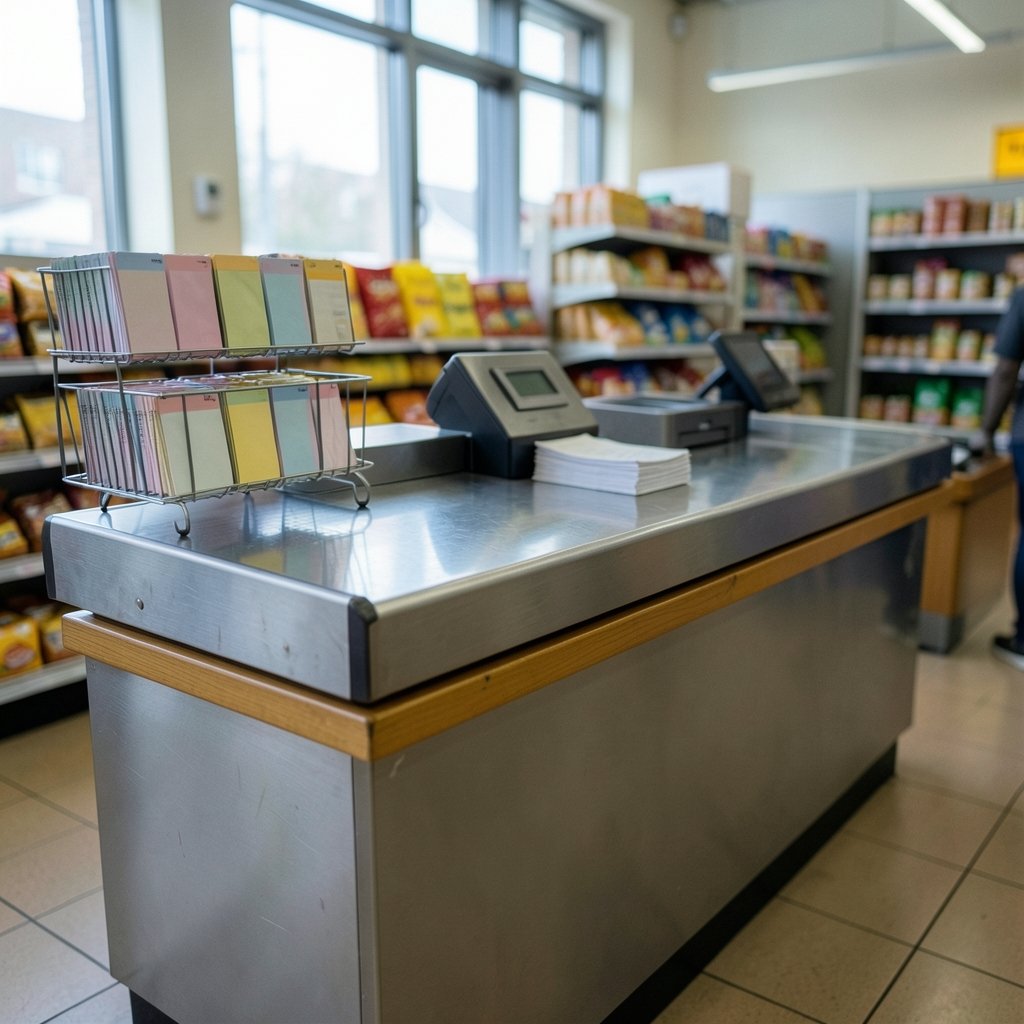
Prepaid cards exist because a large share of American households either cannot open a traditional checking account or choose not to. Common reasons include a damaged banking history, irregular income, a preference for spending only what is on hand, or simply living far from a branch.
The MoneyCard is designed around those realities. Its core features typically include:
- Direct deposit of paychecks or benefits, often with earlier access to funds than a paper check would allow
- Mobile check deposit through the card’s app
- Cash reloads at Walmart registers, which is the feature that distinguishes it most from a generic prepaid card
- Bill pay and transfers within the app
- A companion app for balance checks and transaction alerts
For someone who already shops at Walmart regularly, the reload network is genuinely convenient. For someone who does not, that advantage largely disappears.
The Fee Question Is the Whole Question
Here is where a balanced look matters. Prepaid cards are frequently criticized for fee structures that are hard to compare across products. The MoneyCard has historically carried a monthly fee, reload fees, ATM withdrawal fees, and an inactivity fee for accounts left dormant. Walmart and Green Dot have revised that schedule repeatedly over the years, sometimes reducing or eliminating certain charges and sometimes shifting them.
The practical takeaway is simple and worth repeating: never rely on a fee table from a blog post, a review site, or even an old screenshot. Fee schedules for prepaid products change, and the only authoritative source is the current cardholder agreement that comes with the card or appears in the app. Before signing up, read the fee section line by line and total up what a typical month would cost you based on your actual habits. If you deposit $1,000 a month and withdraw cash twice, the math looks very different than if you reload $50 in cash weekly and check your balance daily.
A useful habit is to compare the all-in monthly cost against a basic no-fee checking account at a credit union. Sometimes the prepaid card wins on convenience. Sometimes it loses badly on cost. The answer depends entirely on your pattern of use.
Is the Money on the Card Safe?
Funds held on the card sit at Green Dot Bank, and the card’s materials state that deposits are FDIC-insured, typically through pass-through insurance that covers the individual cardholder rather than the program as a whole. In plain terms, if the bank failed, your balance would be protected up to the standard insurance limit, subject to the conditions in the agreement.
That is a meaningful protection, but it is not the same as a guarantee against every loss. Fraud, mistaken transfers, and unauthorized use are handled through the card’s dispute process, which is where the federal error-resolution rules come in. The lesson from years of consumer complaints across the prepaid industry is consistent: report problems fast, in writing, and keep records. The longer you wait, the harder recovery becomes.
If you are thinking about how digital money and consumer protection are evolving more broadly, the shift toward central bank digital currencies is worth watching, since it raises many of the same questions about insurance, privacy, and access that prepaid cards already pose in practice. You can read a plain-language overview of how CBDC digital currency works and why central banks are studying it.
Common Mistakes People Make With Prepaid Cards
A few patterns show up again and again among prepaid card users, and most are avoidable with a little foresight.
Treating it like a bank account with overdraft. It is not. If a bill hits and the balance is short, the payment fails, and the failed payment can trigger a returned-payment fee from the merchant or biller. Scheduling automatic payments against a prepaid balance requires buffer.
Ignoring the inactivity fee. Cards left untouched for months can be slowly drained. If you stop using the card, spend the balance down or close it properly.
Skipping the app alerts. Low-balance and transaction alerts are free and are the single best defense against both fraud and accidental shortfalls.
Assuming all reloads are equal. Reloading at a Walmart register is not the same as a bank transfer, and each method may carry a different cost or hold time.
Not verifying where the money actually is. If you ever move funds between cards or storage devices, confirm the capacity and legitimacy of what you are using. The same discipline that applies to testing a suspicious memory card before trusting it with files applies to financial products: verify before you commit.
How It Compares to Alternatives
The clearest way to judge the MoneyCard is against what else is available to someone without a traditional bank account.
| Option | Access to cash | Monthly cost pattern | Builds credit history | Best for |
|---|---|---|---|---|
| Walmart MoneyCard | Walmart registers, ATMs | Monthly fee plus usage fees | No | Frequent Walmart shoppers with direct deposit |
| Basic checking account | Branch and ATM network | Often low or waived | No (unless secured card added) | People who can qualify and keep a balance |
| Cash-only budgeting | None needed | Zero | No | People who prefer physical control |
| Secured credit card | Not a cash tool | Deposit held, interest if carried | Yes | Building credit deliberately |
The comparison makes an important point: the MoneyCard’s real competitor is often not another prepaid card but a low-cost checking account at a credit union or community bank. Many people assume they cannot qualify for one when they actually can, especially with second-chance accounts designed for those with past banking problems.
Practical Setup Tips That Actually Work
If you decide the card fits your situation, a few setup choices make a real difference.
- Set up direct deposit first. It usually unlocks the lowest fee tier and removes reload costs entirely.
- Turn on every alert in the app, including low balance and every transaction.
- Register the card so you have full dispute rights and can manage it online.
- Keep a small buffer so automatic bills do not fail.
- Review the fee schedule quarterly. Terms change, and staying current is free.
- Store the card number separately from the card itself, so a lost card is not also a lost account.
For anyone managing a broader set of devices and accounts, the same principle of layered protection applies to identity and account security, and understanding where the real costs of identity threat detection actually land helps you decide what protection is worth paying for.
Where the Card Fits in a Bigger Financial Picture
Prepaid cards are often described as a stepping stone, and that framing is fair as long as it is honest. A prepaid card can teach budgeting discipline because you cannot spend past the balance. It can receive a paycheck reliably. It can pay bills. What it cannot do is build a credit file, earn interest, or substitute for the protections of a full deposit account in every scenario.
For some households, that is entirely fine. A card that works, costs a predictable amount, and is accepted everywhere is a genuinely useful tool. For others, the fees add up to more than a basic checking account would cost, and the smarter move is to open an account and keep the prepaid card as a backup.
The deciding factor is almost never the card itself. It is the user’s habits, income pattern, and access to alternatives. A person with steady direct deposit and a Walmart nearby will get real value. A person who reloads cash weekly and rarely checks the app will likely pay more than they expect.
Conclusion
The Walmart MoneyCard is neither a trap nor a miracle. It is a reloadable prepaid card issued by Green Dot Bank, built for people who want card convenience without a checking account, and it has carried a shifting mix of fees and features since 2006. Its strengths are real: direct deposit, cash reloads at Walmart registers, app-based controls, and federal protections that now cover prepaid accounts much as they cover bank accounts. Its weaknesses are equally real: monthly and usage fees that reward careful users and punish careless ones, no credit building, and no interest.
The right approach is unglamorous but effective. Read the current cardholder agreement before you sign up. Total the fees against your actual habits. Turn on alerts. Keep a buffer. And check every few months whether a basic checking account would now cost you less. Do that, and the card becomes what it was designed to be: a practical tool, used on purpose.
Frequently Asked Questions
Is the Walmart MoneyCard a real bank account?
No. It is a reloadable prepaid card issued by Green Dot Bank, not a checking account. Your balance is a stored value that you spend down, and the card does not earn interest or build credit history. However, because of federal prepaid account rules, it does carry many of the same consumer protections as a bank account, including error resolution and liability limits for unauthorized use.
Does the Walmart MoneyCard build credit?
No. Using a prepaid card does not report positive payment history to the major credit bureaus, because there is no credit extended to you. If building credit is the goal, a secured credit card or a credit-builder loan is the appropriate tool. Some people use a prepaid card for everyday spending while separately using a secured card to establish a credit file. (Set up your graphics card best performance)
Is the money on the card FDIC insured?
The card’s materials state that funds are held at Green Dot Bank and are FDIC-insured, typically through pass-through insurance covering the individual cardholder. That protects your balance if the bank fails, up to the standard insurance limit and subject to the conditions in the cardholder agreement. It does not protect you from fraud or from your own spending decisions, which is why prompt reporting of unauthorized transactions matters.
What fees should I watch for?
Historically the card has carried a monthly fee, reload fees, ATM withdrawal fees, and an inactivity fee for dormant accounts, and the schedule has been revised multiple times. Because terms change, the only reliable source is the current cardholder agreement. Before signing up, estimate a typical month based on your real habits: how often you reload, how often you withdraw cash, and whether you deposit a paycheck directly.
Can I get my paycheck deposited onto the card?
Yes. Direct deposit is one of the card’s core features and is usually the cheapest way to fund it, since it typically avoids reload fees and may unlock a lower monthly fee tier. Many users also see funds available somewhat earlier than with a paper check. You will need the routing and account numbers provided in the card’s app or welcome materials to set it up with your employer or benefits agency.
What happens if I stop using the card?
An unused balance can be eroded by an inactivity fee if the account sits dormant, depending on the current terms. The clean approach is to spend the balance down to zero or withdraw it, then close the account properly rather than abandoning it. Closing formally also protects you from any future fee changes that might otherwise apply to an open account you have forgotten about.



