
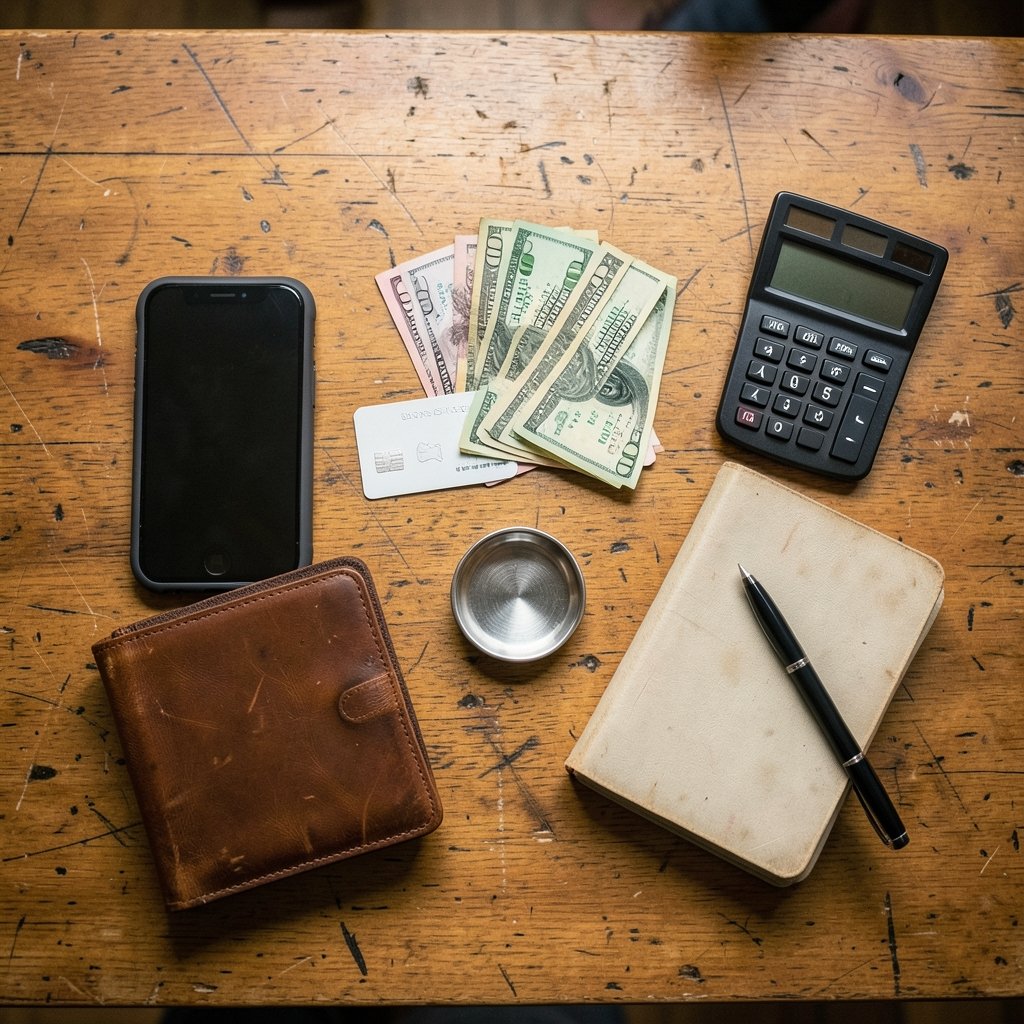
What if the money you want to spend is already sitting in your pocket, but your card still says no? That confusion trips up a lot of new Cash App users. The good news is that the fix is simpler than most people expect, and it starts with one fact that clears up nearly everything else.
The Cash App Card is a Visa debit card tied directly to the Cash App balance. There is no separate card account to top up. Money “on the card” and money “in the app” are the same pool of funds. Once that clicks, funding the card stops feeling like a mystery and starts feeling like a routine. What follows is a practical walkthrough of every realistic way to get money into that balance, plus the mistakes that cost people time and fees. (Gift card scam works victims rarely get their money back)
The One Rule That Explains Everything
Before touching a single button, understand the architecture. Cash App is a financial technology company, not a bank. Banking services for the card and the account come from partner banks, and which institution holds deposits has changed over time. That matters for one practical reason: your balance is protected only through the partner bank’s FDIC insurance, up to $250,000 per depositor under pass-through rules. If safety is part of why you are choosing where to park cash, read up on how deposit insurance works before you move large sums.
For everyday use, though, the rule is simple: fund the balance, and the card works. Skip the balance, and the card declines. Every method below is just a different road to the same destination.
Method 1: Add Cash From a Linked Bank Account

This is the standard route and the one most people should learn first.
- Open the app and tap the Money tab.
- Tap Add Cash.
- Choose your linked bank account.
- Enter the amount and confirm.
Bank transfers through this route have historically been free, though they can take a business day or two to land. The trade-off is speed versus cost. If you need the money instantly, you will likely be pushed toward a debit card load instead.
Common mistake: linking a bank account and assuming the transfer is instant. It usually is not. If a bill is due tonight, start the transfer in the morning, or use a faster method.
Method 2: Instant Load With a Debit Card
Inside the same Add Cash screen, you can choose a linked debit card for an instant load. The money typically appears right away, which is why people reach for it in a pinch.
Here is the catch that surprises people: Cash App has historically charged a fee for instant debit card loads, while bank transfers stayed free. Fee amounts have changed repeatedly over the years, so treat any specific percentage you read online, including in older guides, as unreliable. Check the current fee shown in the app before you confirm. A small convenience fee is fine for an emergency. Paying it every week because you never set up a free route is just leaking money.
Method 3: Direct Deposit (The No-Fee Workhorse)
If you want a card that is always funded without thinking about it, direct deposit is the answer. Cash App shows routing and account numbers inside the app, and you can hand those to an employer or benefits agency.
- Open your profile and find the direct deposit details.
- Copy the routing and account numbers.
- Give them to your payroll department or benefits provider.
- Wait for the first deposit to post, then confirm the amount landed correctly.
Direct deposit is free, and it removes the entire question of how to put money on the card because the money arrives on its own. One practical tip: many employers let you split a paycheck across two accounts. Sending a fixed slice to Cash App and the rest to your main bank keeps spending money separate from bill money without opening another account.
Common mistake: typing the account numbers by hand instead of copying them. One transposed digit can send your paycheck into limbo for a week while payroll reverses it.
Method 4: Load Paper Cash at a Retail Store
Not everyone wants to link a bank account, and that is fine. Cash App has supported cash loads at participating retail stores using a barcode generated in the app. You show the barcode at the register, hand over bills, and the cash lands in your balance.
The details here are the most volatile of anything in this article. Store participation and per-load fees change often and are set by the retailer, not by Cash App. Walmart, Walgreens, CVS, 7-Eleven, and Rite Aid have all appeared on the list at various points, but you should check the in-app store locator on the day you plan to go rather than trusting a blog post. Walk in expecting a small fee per load, and confirm the amount before the clerk rings you up.
Common mistake: generating the barcode hours before you arrive. Barcodes can expire. Generate a fresh one at the counter.
Method 5: Peer-to-Peer Transfers
Money sent to you by another Cash App user lands in the same balance and is free between personal accounts. This is the fastest way to fund a card when a friend owes you for dinner or a roommate is splitting utilities. It is not a strategy for funding a card with your own money, though. Sending money to yourself from another payment app usually incurs a fee on the sending side, so compare costs before making it a habit.
Comparing the Funding Methods
| Method | Speed | Typical Cost | Best For |
|---|---|---|---|
| Linked bank transfer | 1 to 3 business days | Free | Routine top-ups |
| Debit card load | Instant | Fee applies | Emergencies only |
| Direct deposit | Set schedule | Free | Steady funding |
| Retail cash load | Minutes | Retailer fee | No bank account |
| Peer-to-peer | Instant | Free between personal accounts | Splitting costs |
The pattern is hard to miss. Free methods take a little planning. Paid methods buy speed. Pick based on the calendar, not on impulse.
Limits, Verification, and Why Your Add Cash Button Is Grayed Out
Cash App requires identity verification for higher limits, a standard anti-money-laundering practice across the financial industry. If the app asks for your legal name, date of birth, and the last four digits of your Social Security number, provide them accurately. Mismatched details are the number one reason verification stalls.
Daily and weekly add limits vary by verification level and are published inside the app. If you hit a wall, do not assume the app is broken. Check your limits first, then check whether your account is fully verified. The terms of service also restrict certain activities, so read them if you plan to use the account for anything beyond personal spending.
What Actually Works in Practice
A few habits separate people who fund their card smoothly from people who fight with it every month:
- Set up direct deposit first. It eliminates most of the problem permanently.
- Keep one free route and one fast route. A linked bank account for planned top-ups, a debit card for the rare emergency.
- Screenshot the fee before confirming. Fees change. Your memory does not.
- Verify your identity early. Doing it on a calm Tuesday beats doing it at a checkout counter.
- Watch for scams. No legitimate employer, landlord, or love interest will ask you to fund a card or buy gift cards to pay a debt. Once gift card codes are shared, the money is almost always gone, and victims rarely get their money back, as this breakdown of the gift card scam explains.
- Treat the card like cash. A debit card linked to a balance has no chargeback cushion the way a credit card does.
That last point deserves emphasis. When your card is compromised, the thief drains a balance, not a credit line. If you use the card for subscriptions and app purchases, it is worth understanding the fee structures platforms charge, including the ongoing dispute over the 27 percent App Store fee, since those recurring charges hit the same balance. And if you want to cut down on impulse purchases that drain the card, a look at how app blockers work can help you rein in the spending side of the equation.
The Bigger Picture: Fees Everywhere
Funding a card is only half the story. The other half is what happens to the money afterward. Fintech products have become a major channel for fees, and regulators have taken notice. The federal prepaid accounts rule under Regulation E governs how prepaid and debit card providers must disclose fees and handle errors, which is why the fee schedule in your app is worth reading once rather than skimming forever. (Prepaid cards)
Security costs also compound quietly. A stolen balance is a direct loss, but the follow-on work of freezing cards, changing passwords, and watching for identity theft adds up in hours and stress. Understanding where identity theft detection money actually goes helps you decide how much protection is worth paying for. (Identity threat detection really costs where money goes)
None of this means the card is a bad tool. It means the card rewards people who read the fine print and plan their funding a day ahead.
Conclusion
Putting money on a Cash App card comes down to one mental model: fund the balance, and the card follows. Bank transfers and direct deposit get you there for free if you plan ahead. Debit card loads and retail cash runs get you there fast for a price. Peer-to-peer transfers handle the social side of money. The users who struggle are almost always the ones who skipped verification, assumed a transfer was instant, or paid a convenience fee every week out of habit. Pick the free route as your default, keep a fast route for emergencies, and check the app’s current fees whenever something looks different from what a guide told you. The app changes. Your habits do not have to.
How long does it take for money to show up on a Cash App card?
Bank transfers typically take one to three business days. Debit card loads and peer-to-peer transfers usually appear within minutes. Direct deposit follows your employer’s payroll schedule, which is why the first deposit is worth watching closely.
Why is my Add Cash option not working?
The most common causes are incomplete identity verification, hitting a daily or weekly limit, or a linked bank account that has not finished confirming. Check your verification status and limits in the app before assuming something is broken.
Can I add money to the Cash App card at an ATM?
The card supports ATM withdrawals, not deposits. To get cash into the balance, use a linked bank account, a debit card load, direct deposit, or a participating retail store with an in-app barcode.
Does Cash App charge a fee to add money?
It depends on the method. Bank transfers and direct deposit have historically been free. Instant debit card loads and retail cash loads typically carry a fee. Fee amounts change, so confirm the number shown in the app before you tap confirm.
Is the money on my Cash App card FDIC insured?
Deposits are insured through the partner bank that holds them, up to $250,000 per depositor, subject to pass-through insurance rules. Cash App itself is a financial technology company, not a bank, so the protection comes from the banking partner, not the app.
What should I do if money I added never arrives?
Start with the transaction history in the app and confirm the transfer was not reversed for a verification issue. If the money left your bank but never reached the balance, contact support with the date, amount, and any reference number. Keep screenshots from the moment you notice the problem, since they make the support conversation much faster.



