
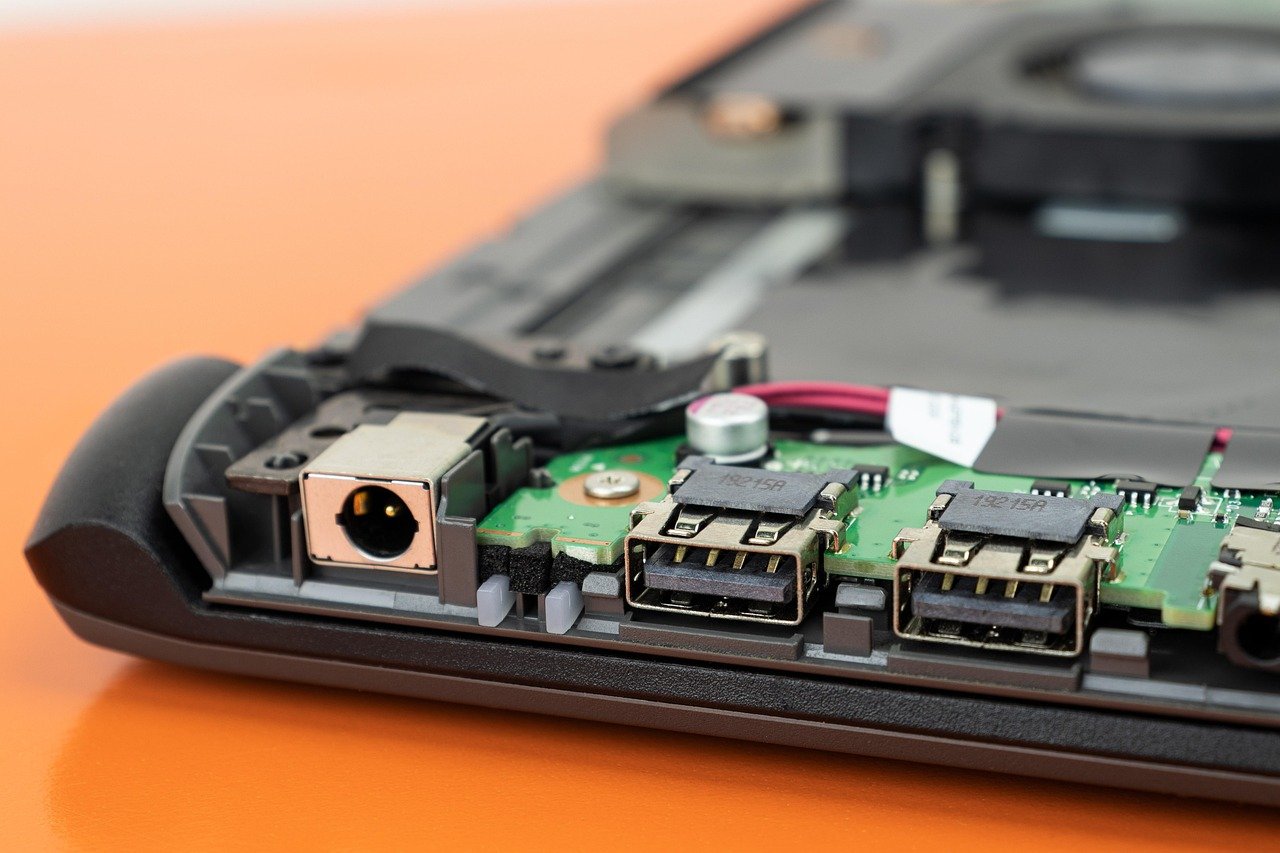
When a laptop starts acting up, the first question is rarely “what’s broken?” It’s usually “will this cost me a fortune?” A flickering screen, a fan that sounds like a jet engine, or a laptop that refuses to charge can all trigger the same panic. The good news: most laptop repairs are more predictable than they feel, and knowing how the process works puts you in control of the outcome and the bill. (Laptop)
This guide walks through the real-world side of laptop repair. It covers what commonly breaks, how to diagnose a fault before you pay anyone, what repairs should cost, how to protect your data, and what your rights are if a warranty claim gets denied.
Start With Diagnosis, Not a Repair Shop
The single biggest mistake people make is handing over a laptop before they know what’s wrong. Shops charge diagnostic fees, and a vague complaint like “it’s slow” invites guesswork.
Before you do anything, back up your files. Then run the built-in hardware diagnostics that most manufacturers ship with their machines. Apple has Apple Diagnostics, Dell has ePSA, Lenovo has its own diagnostic suite, and HP has UEFI-level tests. These tools check memory, storage, battery health, and fans without opening the case. If the diagnostics pass, you are likely dealing with a software problem: a corrupted driver, a failing update, or a bloated startup list.
A second, underused test is booting from external media. If the laptop runs perfectly from a USB drive but stumbles from its internal drive, the fault is almost certainly the drive or the operating system, not the motherboard. That single test can save you a hefty “board replacement” quote.
If the screen shows problems, be specific about the pattern. Vertical lines that appear on the logo screen before Windows loads point to hardware, while lines that appear only inside one app point to software. A guide to the common causes of black lines on a Lenovo laptop screen walks through the tests that separate a loose display cable from a dying panel.
The Failures That Actually Fill Repair Benches
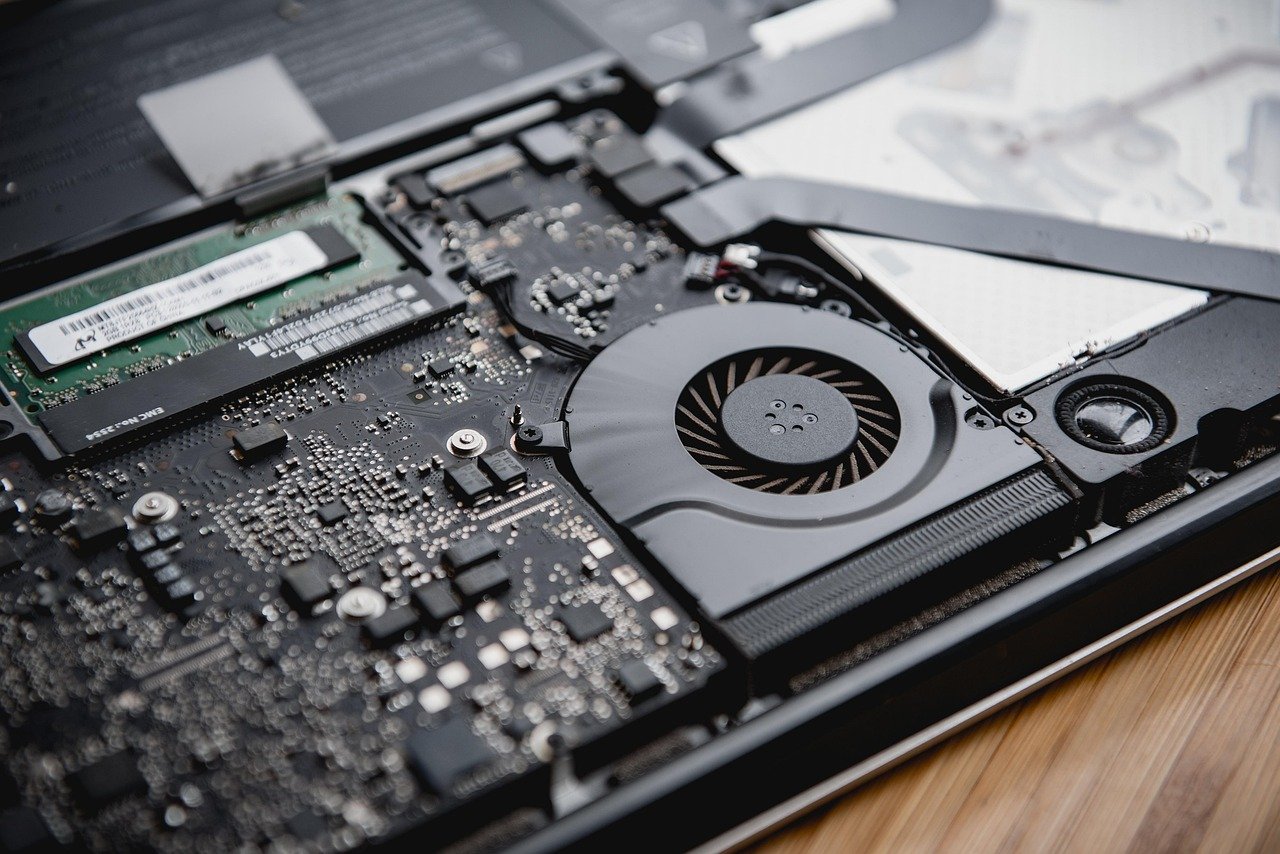
Repair technicians see the same handful of problems over and over. The list is short and fairly consistent across brands.
| Failure | Typical symptom | Usual fix |
|---|---|---|
| Battery wear | Shuts down at 30–40%, swelling | Battery replacement |
| Hinge and chassis wear | Screen wobbles, cracked bezel | Hinge assembly or case repair |
| Keyboard and trackpad | Sticky keys, dead zones | Keyboard or ribbon cable swap |
| Thermal paste breakdown | Loud fan, throttling, hot chassis | Repaste and fan cleaning |
| Storage failure | Slow boots, file errors, no boot | SSD replacement |
| Charging port damage | Won’t charge unless cable is angled | Port or DC jack repair |
Battery degradation is the most common of all. Apple publishes a useful benchmark: MacBook batteries are designed to keep up to 80% of their original capacity at 1,000 complete charge cycles under ideal conditions, though the figure varies by model. That 80% mark is a sensible rule of thumb for any laptop. Once capacity drops below it and runtime becomes annoying, replacement is worth it.
Hinge failure deserves a warning. A stiff or cracked hinge is not cosmetic. If you keep opening a laptop with a failing hinge, the stress transfers to the display cable and the panel, turning a cheap repair into an expensive one. Fix hinges early.
What Laptop Repair Should Cost
Prices vary by country and city, but the structure of a fair quote is consistent. Parts usually dominate the bill, and labor is typically a fixed fee or an hourly rate.
- Battery replacement: usually the cheapest meaningful repair, often a modest flat fee plus the part.
- SSD upgrade or replacement: moderate cost, and often the best performance-per-dollar repair you can buy.
- Keyboard replacement: moderate to high, because on many thin laptops the keyboard is riveted or glued into the palm rest.
- Screen replacement: one of the pricier common repairs, since panels are the single most expensive component after the motherboard.
- Motherboard or liquid damage: the expensive end, and often where a quote approaches the price of a replacement machine.
Here is the practical rule: if a repair quote exceeds roughly half the cost of an equivalent new laptop, ask yourself whether the machine is worth it. For a three-year-old budget model, a motherboard repair rarely makes sense. For a premium machine with a good display and plenty of RAM, a battery and SSD refresh can add years of useful life for far less than a new purchase.
Always ask for an itemized quote: parts, labor, and diagnostics listed separately. A shop that won’t itemize is a shop to avoid.
Data Security Before You Hand Over the Machine
Your laptop is a filing cabinet full of personal information, and repair technicians can see everything on it. Back up your data first, ideally to two places. Then decide how much to remove.
The US Federal Trade Commission advises consumers to back up data and consider removing personal information before handing a device to a repair service. That is sensible advice. You can create a temporary guest account for the technician, sign out of cloud accounts, and remove saved browser passwords. If the machine won’t boot, ask the shop to sign a simple data-handling agreement, or remove the drive yourself if the model allows it.
One more safety note: a swollen battery is a fire risk, not a nuisance. Lithium-ion cells can enter thermal runaway if they are damaged, overcharged, or short-circuited, which is why swollen batteries should never be punctured, bent, or squeezed back into place. Stop using the laptop, keep it away from anything flammable, and have the battery removed by a professional. (Electrical safety)
Warranty Myths That Cost You Money
Two persistent myths push people into bad decisions. The first is that any independent repair voids the warranty. The second is that only original parts are legal.
In the United States, the Magnuson–Moss Warranty Act generally prevents a manufacturer from voiding a warranty simply because you used an independent repair service or non-original parts, unless the manufacturer can show the part caused the defect. In the EU, the Sale of Goods Directive gives consumers a minimum two-year legal guarantee period for goods including laptops, with the seller responsible for conformity. In both systems, the burden is usually on the company to prove your repair caused the failure, not on you to prove it didn’t.
That said, practical caution still matters. If your laptop is under a manufacturer’s warranty and the fault is clearly a defect, use the official channel first. Save your independent repair for out-of-warranty work or for upgrades like RAM and storage, which are usually straightforward.
The wider repair landscape is also shifting. Several US states have passed electronics right-to-repair laws requiring manufacturers to supply parts, tools, and documentation to independent shops and owners, and the EU adopted a right-to-repair directive in 2024 that member states must transpose into national law. France goes further with a repairability index displayed at the point of sale for laptops and other electronics, which makes it easier to buy a machine you can actually fix later.
Software Problems You Can Fix Yourself
Not every fault needs a screwdriver. A surprising share of “broken” laptops are software issues, and fixing them yourself is free.
- Check the clock. If two-factor authentication codes keep failing, the system clock may have drifted. A guide to fixing TOTP clock drift when your 2FA codes fail explains the resync steps.
- Boot into safe mode. If the laptop behaves in safe mode, a driver or startup app is the culprit.
- Run a clean boot. Disable startup items one by one to find the offender.
- Check storage health. Built-in tools report drive wear and bad sectors before total failure.
- Reinstall the operating system as a last resort. It solves most stubborn software faults, but only after you have backed up.
If none of that works, the fault is likely hardware, and it’s time to get a quote.
Choosing a Repair Shop You Can Trust
Finding a good technician is easier when you ask the right questions. Look for clear diagnostic pricing, written quotes, a warranty on the repair itself (30 to 90 days is common), and a shop that will return your old parts on request.
Avoid anyone who diagnoses over the phone without seeing the machine, demands payment before opening the laptop, or pushes a motherboard replacement as the first answer to every problem. Board swaps are profitable and often unnecessary; a good technician tests the cheap possibilities first.
For on-site work like a home office setup, the same rules apply: verify credentials, ask about insurance, and get the scope in writing. A guide to finding garage door repair near me services follows the same vetting logic and is worth a read if you want a template for screening any tradesperson.
Extending the Life of a Repaired Laptop
A repaired laptop lasts longer when you change a few habits. Keep vents clear, use a stand so the fans can breathe, and avoid soft surfaces like beds and cushions that block airflow. A guide to laptop stands that actually fix your posture covers the ergonomic side of the same habit.
Clean the screen properly, too. Harsh cleaners strip the anti-glare coating and create a permanent smudge that looks like damage. Follow a method for cleaning a laptop screen without damaging the coating and you will avoid one of the most common self-inflicted problems.
Finally, if you’re shopping for a replacement rather than a repair, check what the budget end of the market looks like before committing. A look at the Lenovo Xiaoxin 14 SE and Intel Wildcat Lake budget laptops explains what buyers should expect at that price point.
Conclusion
Laptop repair is less mysterious than it looks. Diagnose before you pay, get an itemized quote, back up your data, and know your warranty rights. Most machines fail in predictable ways, and most of those failures are fixable for a fraction of a new laptop’s price. The trick is treating repair as a decision with clear steps rather than an emergency. Do that, and a broken laptop becomes a manageable problem instead of an expensive surprise.
Frequently Asked Questions
How long should a laptop last before it needs repair?
Most laptops run three to five years before a significant repair, and batteries are usually the first component to need replacement. With a battery and SSD refresh, many machines stay useful for six or seven years, especially premium models with serviceable parts.
Is it worth repairing an old laptop?
It depends on the repair cost relative to a replacement. Battery, storage, and keyboard fixes are usually worth it. Screen and motherboard repairs on budget machines often are not, because the quote approaches the price of a new laptop with a fresh warranty.
Does opening my laptop void the warranty?
Not automatically in the US or EU. Under the Magnuson–Moss Warranty Act, a manufacturer generally cannot void a warranty just because you used an independent repair or non-original parts, unless it proves the part caused the fault. In the EU, a two-year legal guarantee applies to goods including laptops.
How do I know if the problem is hardware or software?
Run the manufacturer’s built-in diagnostics and try booting from external media. If the laptop runs fine from a USB drive, the fault is likely software or the internal drive. If diagnostics fail or the machine misbehaves before the operating system loads, suspect hardware.
What should I do with a swollen battery?
Stop using the laptop immediately and do not puncture, bend, or compress the battery. Lithium-ion cells can enter thermal runaway when damaged. Keep the machine away from flammable materials and have a professional remove and replace the battery.
Can I replace a laptop battery or SSD myself?
On many models, yes. Batteries and SSDs are often accessible with basic tools, and manufacturer guides exist for most popular machines. Check the difficulty rating for your exact model first, and avoid glued-in batteries or soldered storage, which are best left to a technician.



