

What if the memory inside your machine quietly decides how long your workday feels? Not the CPU, not the GPU, but the RAM sticks you barely think about after build day. In 2027, DDR5 vs DDR4 stops being a spec-sheet argument and becomes a workflow question. One platform is mature and refined. The other is sliding into legacy status. The gap between them shows up in compile times, render queues, virtual machines, and the strange, small delays that pile up over an eight-hour session.
This is not a benchmark roundup. It is a practical look at how the two memory generations differ in ways that change daily work, what people get wrong when they compare them, and which differences are worth caring about when the machine has to earn its keep. (Keyboard foam mod sound differences actually changes)
Why the 2027 Comparison Looks Different Than 2021
DDR5 arrived when JEDEC published the JESD79-5 standard in July 2020, roughly six years after DDR4’s JESD79-4 landed in September 2014. By 2027, DDR5 has had years of firmware tuning, board revisions, and price settling. DDR4, meanwhile, sits in a sustaining phase. That timeline matters because early DDR5 complaints, mostly about latency and immature memory controllers, described a first-generation platform. A 2027 DDR5 system is not that platform. (DDR5 SDRAM)
The practical consequence: advice written in 2022 about DDR5 being “fast but not worth it” has aged badly. Anyone still repeating it is comparing today’s DDR5 against a memory of what DDR5 used to be.
The Structural Differences That Change Workflows
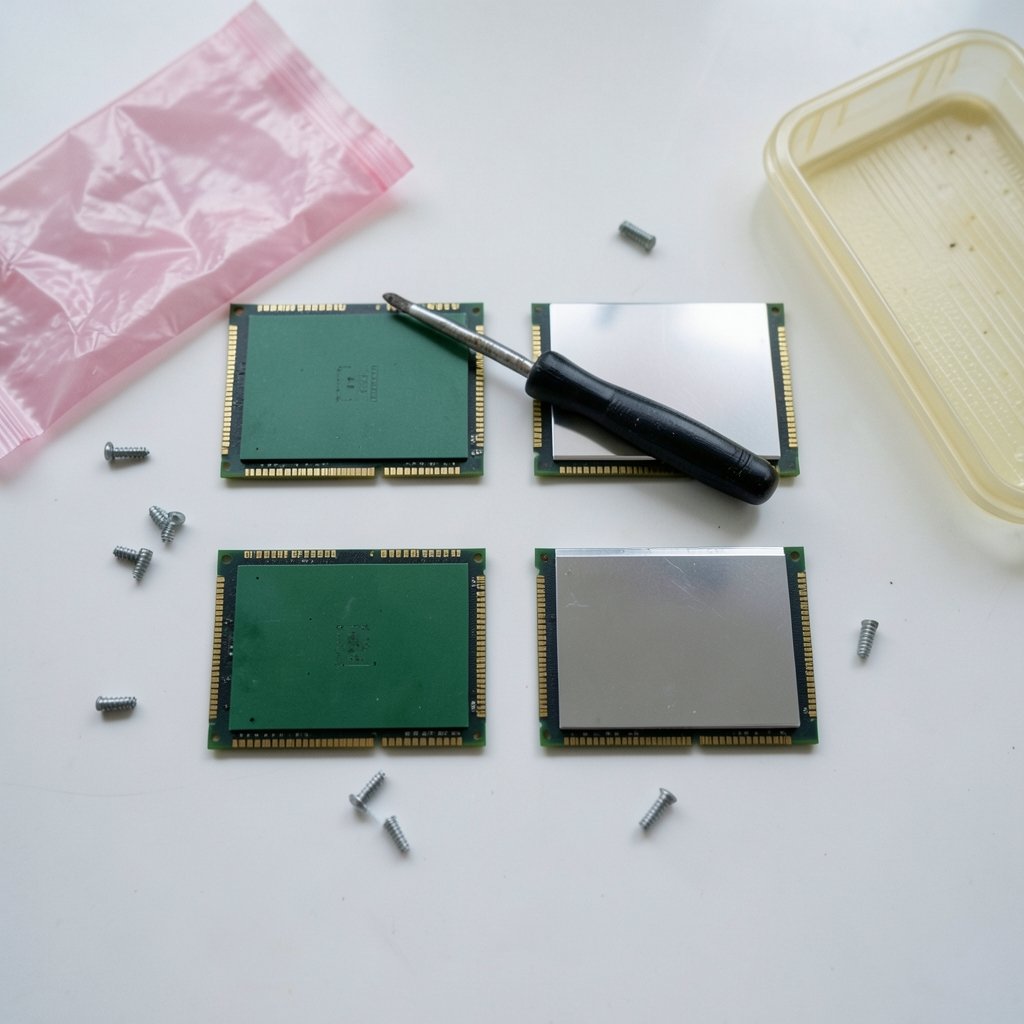
Marketing talks about speed. Workflow talks about how memory behaves under sustained load. Four architectural changes matter most.
Burst length and what a “fair” comparison means
DDR5 doubles the burst length to 16, versus DDR4’s 8. Each memory access moves more data per command. That sounds like a pure win, and in bandwidth-heavy work it mostly is. But it also means a same-clock comparison between the two generations is not apples to apples. Software tuned around DDR4 access patterns may behave differently on DDR5, and synthetic tests that assume one burst equals one cache line fill can mislead.
The honest way to compare is by workload, not by clock speed or a single bandwidth number.
Two 32-bit sub-channels instead of one 64-bit channel
DDR5 splits the traditional 64-bit channel into two independent 32-bit sub-channels, each with its own command and address bus. For real work, this improves granularity and parallelism. It also breaks the old mental model of counting channels. A single DDR5 DIMM already gives you two sub-channels, so “I have four channels” means something different on each platform.
This trips people up constantly. Someone migrating a workload profile from a DDR4 workstation to DDR5 may see different scaling than expected, not because the memory is worse, but because the channel math changed underneath them.
Voltage regulation moved onto the DIMM
DDR5 puts the power management IC on the memory module itself, while DDR4 regulated voltage on the motherboard. It also adds on-module ECC for data. The workflow effect is subtle but real: DIMM-level thermal behavior and failure modes differ, and motherboard VRM design assumptions changed with them.
In practice, this means airflow over the DIMMs matters more than it used to. Builders who carried over old habits, like assuming memory stays cool because the CPU cooler is huge, sometimes find DDR5 modules running warmer than expected in tight cases.
Refresh behavior and sustained throughput
DDR5 introduced same-bank refresh and other refresh-management features, along with higher per-bank density. Refresh is housekeeping the memory does behind the scenes, and it affects sustained throughput more than peak throughput.
This is the difference between a benchmark and a workday. A short burst test shows peak numbers. A three-hour compile, a long simulation, or a giant dataset load lives in the sustained regime, where refresh behavior and row-buffer management quietly shape results. Peak bandwidth charts hide exactly the thing long-running workflows care about.
A Side-by-Side View for Workflow Planning
| Factor | DDR4 | DDR5 |
|---|---|---|
| Standard published | September 2014 (JESD79-4) | July 2020 (JESD79-5) |
| Burst length | 8 | 16 |
| Channel structure | One 64-bit channel | Two 32-bit sub-channels |
| Voltage regulation | On motherboard | On DIMM (PMIC) |
| On-module data ECC | No | Yes |
| Typical JEDEC speed range | Up to about 3200 MT/s | Starts at 4800 MT/s, extended upward over time |
| SPD capability | EEPROM | SPD hub with more configuration and telemetry |
| 2027 status | Mature, legacy-leaning | Mainstream, refined |
| Physical compatibility | Not interchangeable with DDR5 | Not interchangeable with DDR4 |
That last row deserves emphasis. DDR4 and DDR5 differ in keying, notch, and pinout. There is no adapter, no firmware trick, no drop-in path. A move between generations is a platform decision covering CPU, motherboard, and memory together.
What This Means for Specific Workflows
Software development and compiles
Compilation is a mix of many small, latency-sensitive accesses and large streaming reads. DDR5’s sub-channel design helps parallelism, which tends to show up when many cores compile in parallel. The gain is usually modest per build, but it compounds across a day of incremental builds.
The mistake here is expecting a dramatic jump. The realistic benefit is a slightly shorter feedback loop, which matters more than it sounds when you build dozens of times a day.
Virtual machines and containers
Running several VMs stresses memory capacity and channel parallelism more than raw speed. DDR5’s finer granularity helps, but capacity per DIMM matters just as much. A common error is buying fast, small DDR5 modules when the workload needed capacity. More sub-channels do not compensate for running out of RAM and hitting swap.
Media work and large datasets
Streaming workloads, like video scrubbing, large dataset loads, and simulation, benefit most clearly from DDR5’s bandwidth. This is where the generational gap is easiest to feel. If the work is mostly streaming, DDR5 earns its place without much debate.
Diagnostics and fleet management
DDR5’s SPD hub offers finer per-DIMM configuration and telemetry than DDR4’s simpler EEPROM. For anyone managing multiple workstations or servers, that is a quiet quality-of-life improvement: better visibility into what each module is doing and how it is configured.
Common Mistakes When Choosing Between Them
- Comparing clock speeds directly. Burst length and channel structure differ, so equal clocks do not mean equal behavior.
- Counting channels the old way. One DDR5 DIMM is two sub-channels. Recount before assuming scaling.
- Buying speed when capacity was the bottleneck. Fast memory cannot fix swapping.
- Ignoring DIMM thermals. On-module voltage regulation changes the cooling picture.
- Treating it as an upgrade path. It is a platform change, full stop.
- Trusting old advice. DDR5 in 2027 is not DDR5 in 2021.
If a build leans on DDR5 and something misbehaves, the fixes are usually mundane rather than exotic. A practical rundown of common DDR5 RAM problems and fixes that actually work covers the usual suspects, from seating issues to firmware quirks.
Where the Rest of the Stack Fits In
Memory does not work alone. A fast DDR5 platform paired with a storage setup that stalls on syncs will still feel slow. People comparing cloud storage options by use case often discover that the drive, not the RAM, was the real bottleneck in their daily flow. The same logic applies to comparing Google Drive alternatives by use case: the tool matters less than whether it fits how the work actually moves.
For knowledge workers, the memory question often hides behind a bigger one. Someone weighing Obsidian vs Logseq, local-first notes compared by workflow, is really asking whether their machine can hold a large local vault in memory comfortably. That is a RAM capacity question dressed up as a software question. (JEDEC Standards & Documents overview)
And for anyone building an AI-assisted writing routine, the real constraint is usually the workflow design, not the hardware. A guide to a Claude writing workflow that actually works makes the point well: the tool is only as good as the process around it. If a machine runs DDR5, the headroom helps, but it will not design the process for you.
What Actually Works in Practice
The pattern that holds up across real builds is unglamorous. Match memory to the workload’s bottleneck, not to a spec-sheet winner.
- Streaming-heavy work: prioritize DDR5 bandwidth, and do not overthink it.
- Many small parallel tasks: DDR5’s sub-channels help, but capacity and core count often matter more.
- Budget-constrained builds on older platforms: a well-chosen DDR4 kit in a mature platform remains perfectly usable for plenty of work.
- Fleet or multi-machine setups: the DDR5 telemetry advantage is real and worth factoring in.
The other practical rule: test with the actual workload. Run the real compile, the real render, the real dataset load. Synthetic peak numbers tell you what the memory can do for a few seconds. The workflow tells you what it does for eight hours.
Conclusion
The DDR5 vs DDR4 decision in 2027 is less about which standard is faster, because DDR5 clearly is, and more about what kind of machine the work needs. DDR5 brings real structural changes: longer bursts, split sub-channels, on-module power regulation, richer telemetry, and refresh features that shape sustained performance. DDR4 remains a mature, capable platform for plenty of jobs, but it is no longer where new builds should aim.
The people who get this right do three things. They compare by workload instead of clock speed. They check capacity before chasing speed. And they remember that a memory generation is a platform, not a part. Get those three right, and the choice becomes straightforward. Get them wrong, and even the fastest kit will feel like the wrong purchase.
Frequently Asked Questions
Can I put DDR5 in a DDR4 motherboard?
No. The two generations differ in keying, notch, and pinout, so they are not physically or electrically interchangeable. Moving to DDR5 requires a compatible CPU and motherboard as well as new memory.
Is DDR5 actually faster for everyday work?
For streaming-heavy tasks like video work and large dataset loads, the bandwidth advantage is easy to feel. For lighter everyday tasks, the difference is smaller and often hard to notice without measurement. The gap widens as workloads get heavier and more parallel.
Why does DDR5 have two sub-channels instead of one channel?
DDR5 splits the traditional 64-bit channel into two independent 32-bit sub-channels, each with its own command and address bus. This improves access granularity and parallelism, but it also means channel counts are not directly comparable between the two generations.
Does DDR5 run hotter than DDR4?
It can, because voltage regulation moved onto the DIMM itself. That changes the thermal picture, and airflow over the memory modules matters more than it did on DDR4 boards. Good case ventilation usually handles it, but tight builds deserve a second look.
Is DDR4 still worth buying in 2027?
For a budget build on an existing platform, a well-chosen DDR4 kit can still do real work. For a new build meant to last, DDR5 is the sensible target, since DDR4 is in a mature, legacy-leaning phase while DDR5 keeps receiving refinements.
What should I check first when comparing DDR5 and DDR4 for my workflow?
Start with the bottleneck. If the work stalls on capacity, buy capacity. If it streams large data, bandwidth matters most. If it runs many small parallel tasks, look at sub-channel behavior and core count together. Then test with the real workload rather than a synthetic benchmark.



