
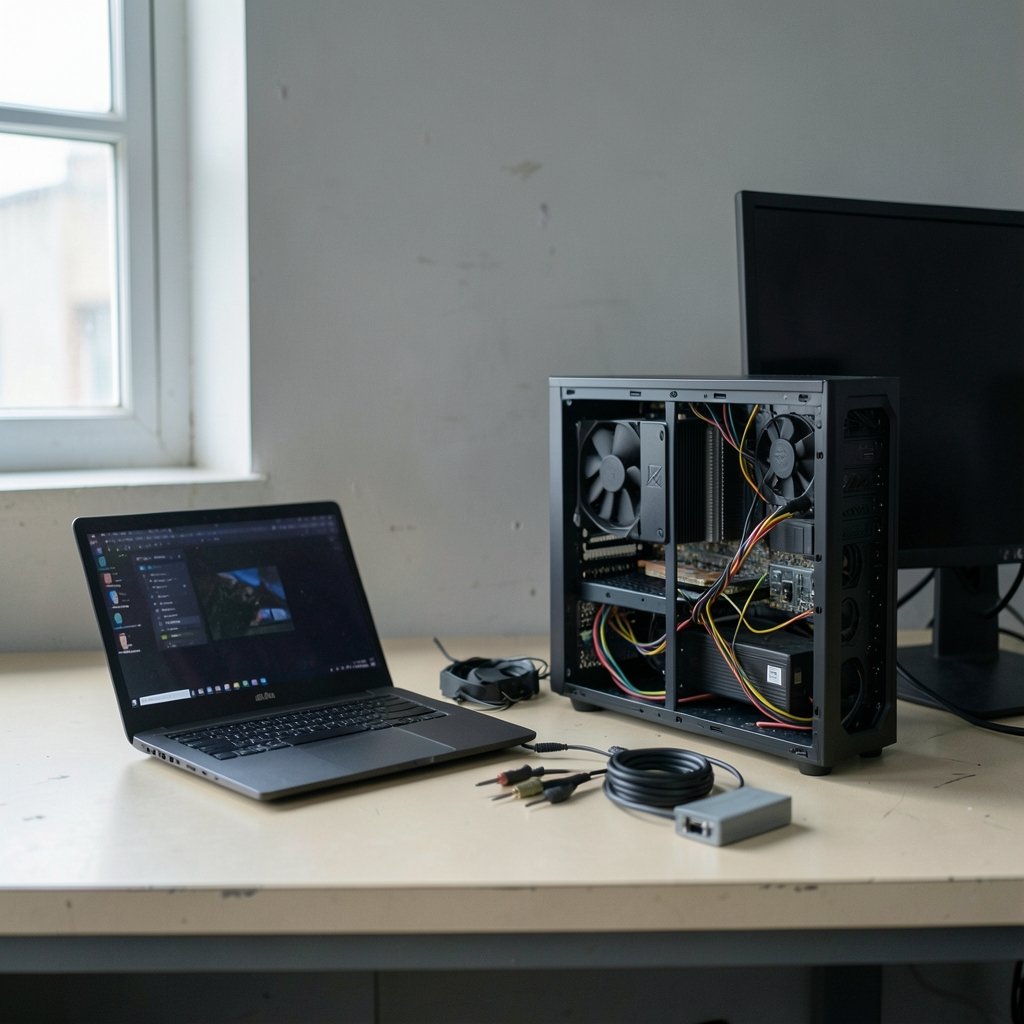
What actually makes a gaming machine feel good on a random Tuesday night, six months after you bought it? Not the launch-day benchmark screenshots. Not the flashy spec sheet. The real answer comes down to how a machine behaves during the ordinary sessions that make up most of your gaming life. That is the lens worth using when you weigh a gaming laptop against a desktop, especially with 2027 hardware on the horizon. (Gaming monitor worth buying beginners everyday use)
This comparison walks through the metrics that predict everyday satisfaction, the hidden specs that separate two machines with identical names, and the practical trade-offs nobody puts on the box.
Why Average FPS Is the Wrong Number to Trust
Average frame rate has ruled gaming marketing for two decades, and it is still the least useful single figure for judging how a game feels. A machine that averages 90 FPS but drops to 40 every few seconds feels worse than one that holds a steady 70.
Reviewers figured this out years ago. Since roughly the mid-2010s, serious testing has shifted toward 1% and 0.1% low frame rates and frame-time plots, because stutter registers in your hands and eyes far more than smooth averages do. Here is the catch: there is no formal standard for how “1% low” is measured, so numbers from different outlets are not directly comparable. Treat them as directional, not absolute.
For everyday evaluation, that means two things:
- Ask whether a review reports lows and frame-time consistency, not just averages.
- Prefer tests that run for 20–30 minutes, because short runs flatter thin laptops that throttle once heat builds.
Variable Refresh Rate Changes the Whole Calculation

Variable refresh rate (VRR) is the feature that quietly reshaped this debate. When a display refreshes in step with the GPU’s output, tearing disappears and dips below the refresh rate feel far less jarring. VESA’s AdaptiveSync standard dates to 2014, and HDMI 2.1 added VRR support in 2017. You can read a full overview of variable refresh rate and how it works if the terminology is new to you.
Why does this matter for laptop versus desktop? Because laptops are the machines most likely to dip below their panel’s refresh rate. A desktop with a strong GPU rarely falls out of a monitor’s VRR window. A laptop running on battery, or thermally limited in a thin chassis, dips constantly. VRR turns those dips from stutter into something close to smooth.
Practical warning: laptop panel VRR support varies wildly by model and is often undocumented. Check the spec sheet for G-Sync, FreeSync, or AdaptiveSync by name. If it is not listed, assume it is absent.
The Spec Sheet Lie: Laptop GPUs Are Not Desktop GPUs
Two machines can both say “RTX [model number]” and perform nothing alike. Mobile chips have used different core counts and much lower power limits since at least the GTX 10-series in 2016, and NVIDIA’s Max-Q branding, introduced in 2017, formalized power-limited designs.
The number that actually predicts performance is total graphics power (TGP). In the RTX 30-series era around 2021, the same laptop GPU model shipped anywhere from roughly 60 W to 150 W, producing enormous performance gaps. Vendors do not always publish TGP, which is why third-party databases such as the Notebookcheck laptop GPU benchmark list became essential reading. It is a secondary source, not a standards body, but it is often the only place the wattage appears.
| What to compare | Desktop | Laptop |
|---|---|---|
| GPU naming | Matches retail card | Same name, different chip |
| Power disclosure | Usually clear | Often hidden (check TGP) |
| Sustained performance | Stable with good cooling | Depends on chassis and fan curve |
| Upgrade path | GPU, PSU, storage replaceable | CPU and GPU soldered |
| Noise under load | Tunable via cooler choice | Fixed by design |
Naming conventions shifted again around 2025, when NVIDIA dropped Max-Q as a suffix in favor of disclosing wattage. By 2027, expect further churn. Always verify against the vendor’s own spec sheet rather than trusting a model name.
Sustained Performance Beats Launch-Day Benchmarks
A laptop’s first ten minutes of gameplay tell you almost nothing. Thin chassis designs can look brilliant in a three-minute benchmark and then lose 15 to 20 percent of their frame rate once the heatsink saturates.
Since roughly 2019–2021, careful reviewers have reported sustained or loop benchmark results for exactly this reason. The methodology still is not standardized, so look for reviewers who state how long they ran the test and at what ambient temperature.
For desktops, sustained performance is mostly a cooling question you control. A tower with adequate airflow holds its clocks indefinitely. A tower with a restrictive case and a stock cooler does not. The difference is that you can fix the desktop with a fan swap, while the laptop is stuck with the thermal design it shipped with.
Ergonomics, Display, and the Everyday Reality
Most gaming sessions are not marathon competitive matches. They are an hour after work, a weekend co-op run, a laptop on the couch. That reality favors different machines at different times.
Desktop monitors routinely offer larger sizes and higher refresh rates for less money, because they are not constrained by a battery and a hinge. Laptop screens are compromises: smaller, often dimmer, sometimes with slower pixel response. If you mostly game at a desk, a desktop plus a good monitor is hard to beat on pure viewing comfort.
Portability flips the equation entirely. A laptop that travels with you gets used more, and a machine that gets used more is worth more. If your sessions happen in different rooms or different cities, the desktop’s advantages shrink fast. Buyers weighing a tight budget should look at options that actually fit a real budget without gutting performance, since everyday enjoyment depends more on consistency than peak numbers.
Heat, Noise, and Power: The Costs You Notice Daily
High-end desktop GPUs from the RTX 40-series era, launched in 2022, draw 300 W or more under load, while laptop GPUs from the same period typically stayed under 175 W. That gap shows up in your room, not just your benchmarks. A powerful desktop heats the space around it and pushes your cooling system harder in summer.
Noise is the more common everyday complaint. Laptop fans under load tend to be louder and higher-pitched than desktop tower fans, simply because small fans must spin faster to move the same air. Desktop noise depends entirely on cooler choice, so a quiet build is achievable with planning. Measured decibel comparisons are not standardized across reviews, so treat noise claims as subjective impressions.
Power draw also affects electricity cost, though for most households the difference is modest compared with the hardware price. The bigger practical issue is outlet and circuit capacity if you run a high-wattage desktop plus a monitor and peripherals in one room.
Upgrade Path and Total Cost of Ownership
Desktop CPUs and GPUs are generally replaceable, and storage and power supplies swap easily. Laptop CPUs and GPUs have been soldered for well over a decade, which means a laptop’s performance ceiling is fixed the day you buy it.
This changes the math over a five-year horizon. A desktop bought in 2027 can take a new GPU in 2030 and stay competitive. A laptop bought in 2027 is a complete replacement in 2030. That does not automatically make desktops cheaper, because laptops bundle a screen, keyboard, battery, and speakers into one price, but it does mean the desktop’s upgrade cost curve is gentler.
For buyers who need portability and want to maximize longevity, picking a machine with headroom matters more than picking the fastest chip. Guides on choosing a gaming laptop that actually keeps its performance focus on cooling and power limits for exactly this reason.
A Practical Evaluation Checklist
Use this sequence before buying either type of machine:
- Find a review that reports 1% lows and frame-time consistency over a sustained run, not a launch-day average.
- Confirm the GPU’s total graphics power from a spec sheet or third-party database, not the model name.
- Check whether the display supports VRR by name, especially on laptops.
- Read the noise and surface-temperature section, ideally with measured figures.
- Estimate your realistic session length and location. Couch, desk, or both?
- Map the upgrade horizon: will you want a new GPU before you want a new everything?
Where Each Machine Wins
| Everyday factor | Winner | Why |
|---|---|---|
| Frame-time consistency | Desktop | Stable clocks, better cooling |
| Portability | Laptop | Obvious, but decisive for many |
| Display quality per dollar | Desktop | Monitors are not battery-constrained |
| Noise under load | Desktop | Large, slow-spinning fans |
| Setup simplicity | Laptop | One box, one cable |
| Long-term value | Desktop | Replaceable GPU and storage |
The 2027 Outlook: Treat Forecasts as Forecasts
No verified information exists yet about 2027 hardware generations, standards, or pricing. Any claim about next-generation GPUs or future VRR standards should be read as a forecast, not a fact. What is safe to assume is that the underlying evaluation principles will hold: power limits will still determine laptop performance, sustained thermals will still separate good designs from bad, and frame-time consistency will still matter more than averages.
If you are shopping in 2027, verify every spec against a dated source at the time of purchase. Model availability and pricing move fast, and vendor naming conventions have already changed once in the last few years.
Conclusion
The honest answer to laptop versus desktop depends less on raw performance and more on how you actually play. If your sessions happen at a desk and you value quiet operation, stable frame times, and a machine you can upgrade in three years, a desktop is the lower-friction choice. If your gaming follows you around and a single cable matters more than a replaceable GPU, a laptop earns its compromises.
Whichever you pick, evaluate it the way you will live with it: sustained frame times, disclosed power limits, VRR support, and noise. Ignore the average FPS headline. Your hands will notice the difference long before a benchmark does.
FAQ
Is a gaming laptop as fast as a desktop with the same GPU name?
No. Laptop GPUs use different chips with lower core counts and much tighter power limits. The same model name can hide a performance gap of 30 percent or more depending on total graphics power. Always check the wattage, not the name.
What is total graphics power and why does it matter?
Total graphics power, or TGP, is the wattage budget a laptop GPU is allowed to draw. It is the single best predictor of laptop gaming performance, and vendors often do not publish it. Third-party databases frequently fill the gap.
Do I need variable refresh rate for everyday gaming?
It helps a great deal, especially on laptops that dip below their panel’s refresh rate. VRR removes tearing and softens the perceived stutter when frame rates fall. Check that the specific model lists G-Sync, FreeSync, or AdaptiveSync support.
How long should a benchmark run to be meaningful?
Long enough for the cooling system to saturate, which usually means 20 to 30 minutes. Short runs flatter thin laptops. Look for reviewers who report sustained or loop results and state their test duration.
Is a desktop cheaper over five years?
Often, yes, because you can replace the GPU and storage instead of the whole machine. But a laptop bundles a screen, keyboard, battery, and speakers into one price, so the comparison depends on what you already own.
What should I check first when comparing two laptops?
The TGP of the GPU and the cooling design. Everything else, including the CPU, matters less for everyday gaming feel than whether the machine can hold its clocks for an hour without getting loud.



