
A useful laptop under $1,000 can be a lightweight daily computer, a business-ready Windows machine, or a gaming system, but no single model is best at all three. Your choice depends on the operating system you need, how often you carry it, and how long you work away from an outlet. Gaming or creative software can also change which features matter most.
The GPU, or graphics processing unit, is the chip that renders a laptop’s visuals and has the biggest effect on gaming frame rates. A model built for office work may handle web research and video calls well, yet struggle with demanding games. We compare the tradeoffs so you can pick for your own work, school, home, or office needs.
Key Takeaways
- Choose an operating system that supports your daily apps and school or work software.
- For easier travel, weigh the laptop and its charger, not just its screen size.
- Check battery life against your longest class or workday away from an outlet.
- Gaming performance depends heavily on the GPU and its rated wattage.
- Compare the exact configuration, since one laptop name can cover different parts.
- Set the budget around the software and everyday tasks you actually need to run.
Best Budget Laptops Under $1,000 at a Glance
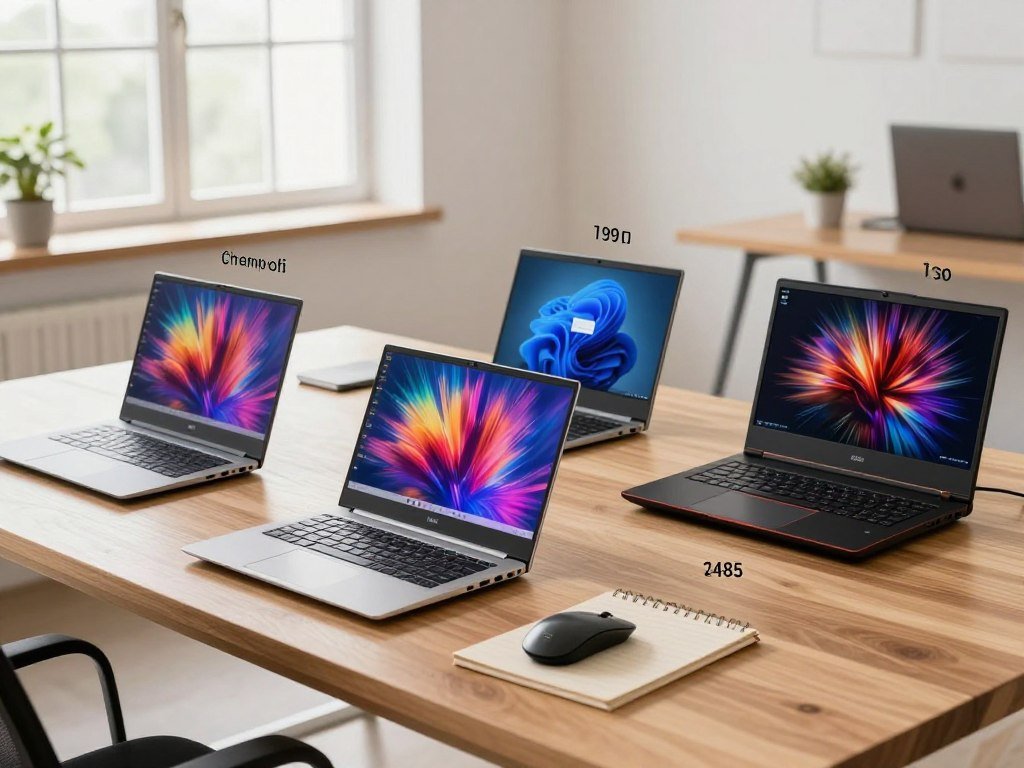
For most everyday Windows users, start with the HP OmniBook 5 14; choose the Zenbook A14 for a lighter OLED option, the ThinkPad for business, or the Aspire 3 to spend less. Those four choices cover distinct needs, while the Apple MacBook Neo and gaming picks have their own detailed sections.
The best budget laptop depends on what you need it to do, not just its listed price. The table gives you a quick starting point before you compare the features that matter for your workload.
| Model | Best-fit category | Listed price |
|---|---|---|
| HP OmniBook 5 14 | Everyday Windows use | $859.99 |
| Asus Zenbook A14 | Portability and OLED display | $799.99 |
| Lenovo ThinkPad E14 Gen 5 | Business and office work | $949.99 |
| Acer Aspire 3 (A315-24P) | Tight budget, basic Windows use | $371.00 |
Match the laptop to your software and daily workload before paying for features you may not use.
Each model suits a different kind of buyer. A low price can make a basic laptop a sensible choice, but it does not mean the machine offers the same screen, speed, or battery life as a more costly option.
The listed price is a useful reference, not a promise that every store or configuration will cost the same. Treat each price as a configuration-specific reference and confirm the exact model number before buying.
Best Windows Laptop for Most People: HP OmniBook 5 14
The HP OmniBook 5 14 is the best all-around Windows choice here if your day centers on productivity, browsing, and media rather than demanding games. Its 14-inch OLED display gives text and video a vivid look, while its thin, lightweight design suits a desk, classroom, or commute.
Its graphics performance is unremarkable, so it is not a gaming strength. For everyday work, the OLED screen and portable build make more sense than paying for a powerful GPU you will not use.
You can use it for a range of familiar daily tasks:
- Writing documents and working with spreadsheets
- Joining video calls for school or work
- Researching topics in a web browser
- Streaming shows and other video
That mix makes the laptop a useful home or office computer for people who value a sharp display and easy carrying. It also works well for students whose courses rely on standard Windows software, writing, and online research.
The screen’s rich color can make streaming more enjoyable than on a basic budget panel. Yet the laptop is not the right pick for users who want smooth performance in demanding games or graphics-heavy creative apps.
Choose a dedicated-GPU model instead if gaming performance is a must-have.
Best MacBook Under $1,000: Apple MacBook Neo
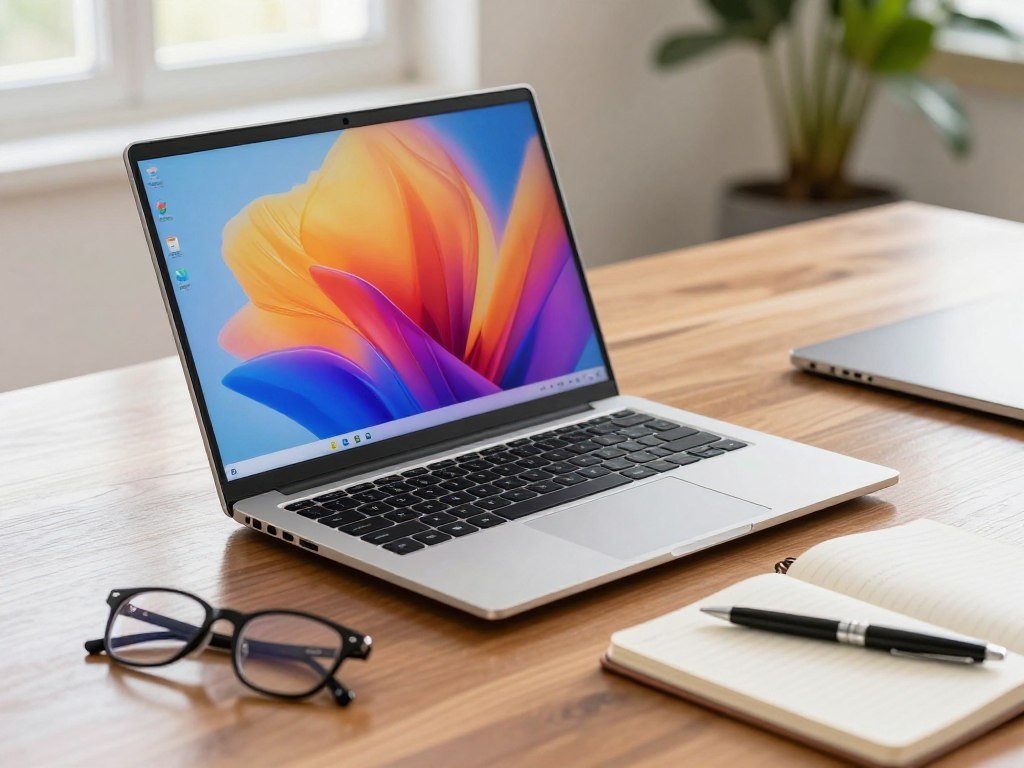
The MacBook Neo is the strongest Mac choice in this price range for shoppers who value a polished aluminum build and a standout display. Its sharp, colorful screen looks better than almost any budget laptop, making everyday macOS use feel more refined.
The MacBook Neo is a separate model, not a MacBook Air. It can offer faster speeds and longer battery life than many similarly priced laptops, though those are relative comparisons, not guarantees for every workload.
Its aluminum construction gives the laptop a solid feel, and the display suits browsing, writing, and watching video. Buyers who want macOS without paying for a higher-priced model may find that combination appealing.
The tradeoffs are easy to name. The laptop has one USB 2.0 port, and its keyboard is not backlit. Those limits may matter if you often connect several accessories or type in dim rooms.
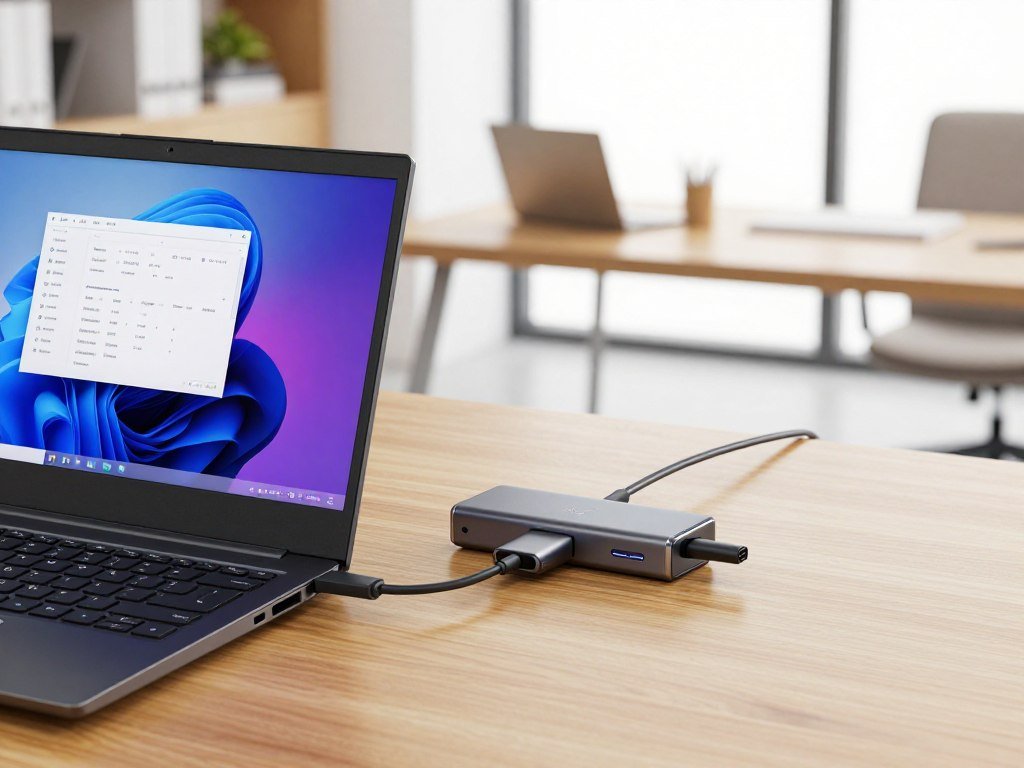
Think about how you use a mouse, storage drive, or other devices before settling on a port arrangement. A hub can add connections, but it also adds another item to carry and use.
Check whether your usual accessories need more than one USB 2.0 port before committing.
Which Budget Laptop Has the Best Battery Life?
The HP OmniBook 5 14 delivered the longest measured runtime among these named options, with more than 34 hours in its battery test. That result stands out, but a test figure is not a promise that your own laptop will last as long.
The HP result was more than 34 hours, while the Asus Zenbook A14 lasted 27 hours in its battery test. The MacBook Neo also has longer battery life than many laptops in its price range, without a specific runtime number here.
Battery life changes with the work you do. Video playback, heavy apps, and frequent video calls can use more power than simple writing or web browsing.
Screen brightness also matters. A bright display can be easier to read outdoors or near a sunny window, but it may shorten time away from an outlet.
Wireless use can affect runtime as well, especially when you stay online for long stretches. These factors mean your real battery life may differ from a lab-style test.
For a full comparison of battery life across laptop types, consider how the test conditions match your own routine. A travel day with video calls and web use can put a different load on a laptop than a quiet day of reading.
For a real commute or class day, weigh tested runtime alongside the weight of the charger you will carry.
Best Business Laptop: Lenovo ThinkPad E14 Gen 5
The ThinkPad E14 Gen 5 is the business pick for buyers who value ports, a familiar work-focused design, and a tested configuration with a three-year warranty. That warranty applied to the tested setup, not necessarily every version sold.
Thunderbolt 4 can connect the laptop to compatible docks and other accessories. That can help at a desk where you want to plug in a monitor, keyboard, and other gear through a dock.
A touch-screen upgrade costs $50. It may help if you like tapping through documents or using touch controls, though many office users will be happy with a standard screen.
The screen needs more color, which can make photos and video look less vivid. Its speakers also sound tinny, so headphones or external speakers may be better for long calls and media.
Those limits matter less if the laptop mainly runs office apps, email, and web tools. The work-focused design and Thunderbolt 4 support may be more useful than a richer screen for that kind of use.
Warranty terms can change with the exact build and seller. Confirm the warranty attached to the exact configuration you are considering.
Cheapest Windows Pick for a Tight Budget
The Acer Aspire 3 (A315-24P) is the straightforward Windows option when keeping the initial spend low matters more than premium features. It is a basic laptop for browsing, documents, and streaming, rather than demanding games or heavy video editing.
A low-cost laptop can be usable without being a well-equipped all-purpose machine. Models under $500 may have dimmer screens, smaller batteries, or keyboards without backlighting.
Those tradeoffs can be fine for short writing tasks or checking email at home. They may feel more limiting if you write for hours, work in bright rooms, or carry the computer between classes all day.
Think about your regular tasks before spending less. Basic browsing and school documents do not call for the same performance as editing large video files or playing modern games.
There is no need to pay for features you will not use. At the same time, a screen that strains your eyes or a battery that runs short can make daily use frustrating.
Inspect the screen and keyboard on the exact configuration before choosing it for daily school or office work.
Best Gaming Laptop Under $1,000 With 16GB RAM
The ASUS TUF Gaming F15 FX507VU-ES53 is the best gaming laptop under $1,000 with 16GB RAM among these listed configurations, thanks to its 140W RTX 4050 and 144Hz display. It leads this group on the rated GPU power limit, a factor that can affect game performance.
The five listed models all meet the price ceiling, but their RTX 4050 GPUs do not all run at the same power. The HP Victus 15-fb3025nr is a strong lower-priced option, while two Lenovo LOQ builds are close alternatives.
| Model | Listed price | GPU and power; memory and storage | Display details |
|---|---|---|---|
| ASUS TUF Gaming F15 FX507VU-ES53 | $968.99, September 2026 | RTX 4050, 140W; 16GB DDR4-3200, 512GB SSD | 15.6-inch 1080p 144Hz IPS, 100% sRGB, G-Sync |
| Lenovo LOQ 15IAX9E | $949.99, September 2026 | RTX 4050, 105W; 16GB DDR5-4800, 512GB NVMe | 15.6-inch 144Hz IPS, 300 nits, 100% sRGB |
| HP Victus 15-fb3025nr | $849.99, September 2026 | RTX 4050, 6GB; 16GB DDR5-5600, 1TB PCIe Gen4 SSD | 15.6-inch 144Hz IPS, 300 nits, 62.5% sRGB |
| Lenovo LOQ 15ARP9 | $969, September 2026 | RTX 4050, 105W; 16GB DDR5, 512GB drive | 15.6-inch 144Hz, 300 nits, 100% sRGB, G-SYNC |
| HP Victus Ryzen 7 7445HS | $949.99 | RTX 4050, power not stated; 16GB, 512GB SSD | 15.6-inch, refresh and color rating not stated |
The ASUS includes a MUX switch, Advanced Optimus, and a 240W adapter. Its 90Wh battery is larger than the Lenovo LOQ 15IAX9E’s 60Wh battery, but the adapter adds weight to a gaming setup.
The LOQ 15IAX9E pairs its GPU with two SODIMM slots, which can make later memory changes easier. The LOQ 15ARP9 uses a Ryzen 5 7235HS processor with four cores and eight threads, plus two M.2 sockets for storage.
HP’s chart rates the Victus 15-fb3025nr GPU at 75W, while PCMag measured it closer to 50W. Its 120W adapter is smaller than the ASUS adapter, but the screen has a lower color rating.
The MSI Katana 15 HX listing costs $1,239.95, so it does not qualify under the $1,000 cap. Its RTX 5050 was said to support smooth 60fps gaming with or without DLSS 4, but the price is above budget.
These options answer which gaming laptop under $1,000 with 16GB RAM deserves attention: the ASUS leads, with the HP and Lenovo models offering different price and screen tradeoffs. Many popular modern games can run at medium to high settings on budget gaming laptops. More demanding games may need lower settings.
Compare the full model number and GPU power limit, not just the RTX 4050 name.
Which Gaming Laptop Specs Matter Most?
For gaming, compare the GPU’s power limit and the screen it has to drive before spending extra on a faster processor. The GPU and display shape the frame rate and image you see, while storage mostly affects how many games you can keep installed.
A matching GPU power limit, screen resolution, refresh rate, and SSD size matter more than a long spec sheet. Check these four details before you compare small differences in processor speed.
GPU wattage and chassis
The same GPU can perform differently across laptops because each design can set a different power limit. Cooling and the laptop chassis also affect how well the GPU can keep running at its rated level.
For gaming at this price, the GPU usually matters more than the CPU. A faster processor can help in some games, but it cannot make a low-power GPU perform like a higher-power version.
Look beyond the GPU name. The rated wattage tells you more about how a laptop may handle graphics-heavy games than the name alone.
Screen resolution and refresh rate
A 1080p or 1200p display is a practical match for a budget gaming GPU. Higher resolutions need more graphics power, which can lower frame rates if the GPU cannot keep up.
Most players will find 144Hz or 165Hz useful. A 240Hz display matters more when competitive games consistently run near 240fps, rather than when the game stays well below that rate.
For a wider look at resolution and refresh tradeoffs, compare gaming display options with the graphics power your laptop can deliver.
Storage space for a game library
A 1TB SSD gives a modern game library more room than a 512GB SSD. A 512GB drive can still work if you regularly remove games you no longer play.
A 512GB SSD affects game, update, and installation space, not frame rates. Players who want long-term use, video editing, creative apps, or virtual machines can also put 32GB of RAM higher on the list when available.
Use this four-item check before choosing a gaming setup:
- GPU wattage
- Display resolution
- Refresh rate
- SSD capacity
Favor a balanced 1080p or 1200p setup over a high-resolution screen that the GPU struggles to drive.
What Should Students Look for in a Budget Laptop?
For most students, a lightweight laptop with enough memory for coursework and a keyboard suited to long writing sessions is a better fit than a bulky gaming machine. Coursework comes first: choose a computer that runs the software your school requires and stays comfortable during long days.
Most schoolwork favors a comfortable keyboard, dependable battery life, and the right operating system. Your daily workload matters more than a gaming label if you mainly write papers, research, and use office apps.
A student laptop for classes, research, and everyday projects
A laptop for classes should be easy to carry between home, campus, and a library. A comfortable keyboard can help during long writing sessions, while dependable battery life matters when outlets are not close by.
Check the software list for your courses before choosing Windows, macOS, or Windows on Arm. Some programs may work only on certain systems, so a laptop that fits your budget can still be a poor fit for class.
For more student laptop buying advice, balance the device’s weight with the apps, storage, and battery life your schoolwork needs.
When coursework includes editing or virtual machines
Video editing and creative apps can use more memory than routine writing or web research. Virtual machines, which let you run another computer system inside your laptop, can also need extra RAM.
Use 16GB of RAM as a practical baseline, and consider 32GB for creative work, virtual machines, or longer ownership. More RAM can help with heavier tasks, but it does not guarantee future performance in every app.
Think about how long you plan to keep the computer. A student who edits video for class or runs several apps at once may benefit more from extra memory than someone who mostly writes and browses.
Check required course software before choosing Windows, macOS, or Windows on Arm.
What Should You Avoid in a Budget Laptop?
The easiest budget-laptop mistake is buying a specification that fits the checkout price but not the software or games you plan to use. Look past the sale tag and check whether the parts suit the work you expect the machine to do.
For gaming, 8GB of RAM is a minimum shopping floor, not the preferred target. When a 16GB model fits your budget, it is a better starting point for modern games and other demanding tasks.
Keep these three common compromises in mind:
- Skip 8GB RAM for gaming when a 16GB option fits your budget.
- Avoid a 256GB SSD for a modern game library.
- Do not overlook a low-quality screen or non-backlit keyboard for long study or work sessions.
Gaming laptops generally need a dedicated graphics card, an Intel Core i5 or i7, or an AMD Ryzen 5 or 7 processor, plus an SSD. Those parts support game performance, but the exact setup still matters.
Some lower-cost laptops use screens that look dim or keyboards that are hard to use in low light. These details may not show up in a short product name, yet they can affect daily comfort.
Windows on Arm compatibility can also matter if your work depends on software that does not run well on that system. Check memory upgrade options before buying a configuration that starts with only 8GB.
What Can a Lower-Cost Gaming Laptop Deliver?
Lower-priced dedicated-graphics laptops can make modern gaming accessible, but their RAM and GPU class may require more compromises. These three HP Victus configurations cost less than the stronger gaming picks, though they do not offer identical performance.
The $649.99 model is the lowest listed price of these three, but its 8GB RAM and RTX 3050 make it a more limited gaming choice. The table compares the listed parts and prices.
| Configuration | Listed price | Memory | Graphics plus storage |
|---|---|---|---|
| HP Victus, Intel Core i5-13420H | $649.99 | 8GB | RTX 3050, 512GB SSD |
| HP Victus, Ryzen 5 7535HS | $866.81 | 8GB DDR5 | Radeon RX 6550M, 512GB SSD |
| HP Victus, Intel Core i5-12450H | $942.51 | 8GB | RTX 3050, 512GB SSD |
The three configurations pair different processors and graphics chips, so their game performance can vary. The price alone does not tell you how well a laptop will handle a particular title.
The lowest-cost option may suit lighter games or someone who plans to upgrade memory. A dedicated graphics card can help with games, but 8GB of RAM may limit how smoothly the whole system handles demanding tasks.
Look at the games you play and whether a memory upgrade is possible. A lower price may be a fair trade if the laptop matches your library and upgrade plans.
Favor the $649.99 configuration only if its 8GB memory and RTX 3050 fit the games and upgrade plans you have.
Conclusion
The best value comes from matching the laptop to your actual workload, not buying the longest specification sheet. Start with your software, then decide which features will make your daily work, classes, or games easier.
Two points matter most: choose a system that fits your apps, and compare the exact configuration rather than trusting a laptop family name. A model line can include versions with different memory, storage, screens, and graphics parts.
Before ordering, read the full model number and check its RAM, SSD capacity, and return terms. Before you order, confirm the exact configuration and make sure its software, memory, and storage meet your needs.
FAQ
What are the best laptops under $1000?
The HP OmniBook 5 14 is the best all-around Windows option, the MacBook Neo is the Mac choice, and the ASUS TUF Gaming F15 FX507VU-ES53 is the gaming pick under the stated cap. Each suits a different workload. Check the exact configuration before you buy, since a model name can cover versions with different parts and features.
How long do gaming laptops last?
A gaming laptop usually offers about three to five years of useful gaming life. Newer games can demand more graphics power, so performance may feel less adequate over time. Upgrade options can extend the laptop’s useful life, especially when you can add RAM or storage. The number of years also depends on which games you play and the settings you expect.
What laptop to stay away from?
For gaming, avoid an 8GB RAM or 256GB SSD configuration when a stronger option fits your budget. Those parts can limit multitasking and game storage. Check whether the laptop lets you upgrade its memory before buying, since some designs make upgrades difficult or impossible. A machine that cannot grow with your needs may cost more to replace later.
Which laptop brand is best in the USA?
No single laptop brand is best for every buyer in the United States. Choose by the specific model, the work you do, the software you need, and the exact configuration offered. A strong business laptop may not suit gaming, while a gaming laptop may be heavy for daily travel. Warranty and return terms also help distinguish similar choices.
Is HP or Lenovo better?
For gaming, compare the exact HP Victus and Lenovo LOQ models rather than choosing by brand. The LOQ models listed here have 105W RTX 4050 GPUs and 100% sRGB displays. HP rates the Victus 15-fb3025nr GPU at 75W, while PCMag measured it closer to 50W; its screen is rated at 62.5% sRGB.
What is the best budget laptop for 2026?
The HP OmniBook 5 14 is the top Windows option under $1,000, while the MacBook Neo is the Mac choice. The ASUS TUF Gaming F15 FX507VU-ES53 is the gaming pick that meets the stated price ceiling. Match your choice to the software you use, since macOS, Windows, and Windows on Arm can differ in app support.
What is the best affordable but high-quality laptop?
The HP OmniBook 5 14 is a strong choice for general Windows use, while the MacBook Neo suits shoppers who want macOS. The ThinkPad E14 Gen 5 fits business buyers who value work-focused features. Compare the screen, keyboard, ports, and exact warranty for the configuration you plan to buy, since each model makes different tradeoffs.
What is a cheap but decent laptop?
The Acer Aspire 3 (A315-24P), listed at $371.00, is a cheap but decent Windows laptop for basic tasks. It can handle browsing, documents, and streaming, but lower-cost laptops may have a dimmer screen, smaller battery, or keyboard without backlighting. Check the screen and keyboard in person if you expect to use the laptop for long school or office sessions.