
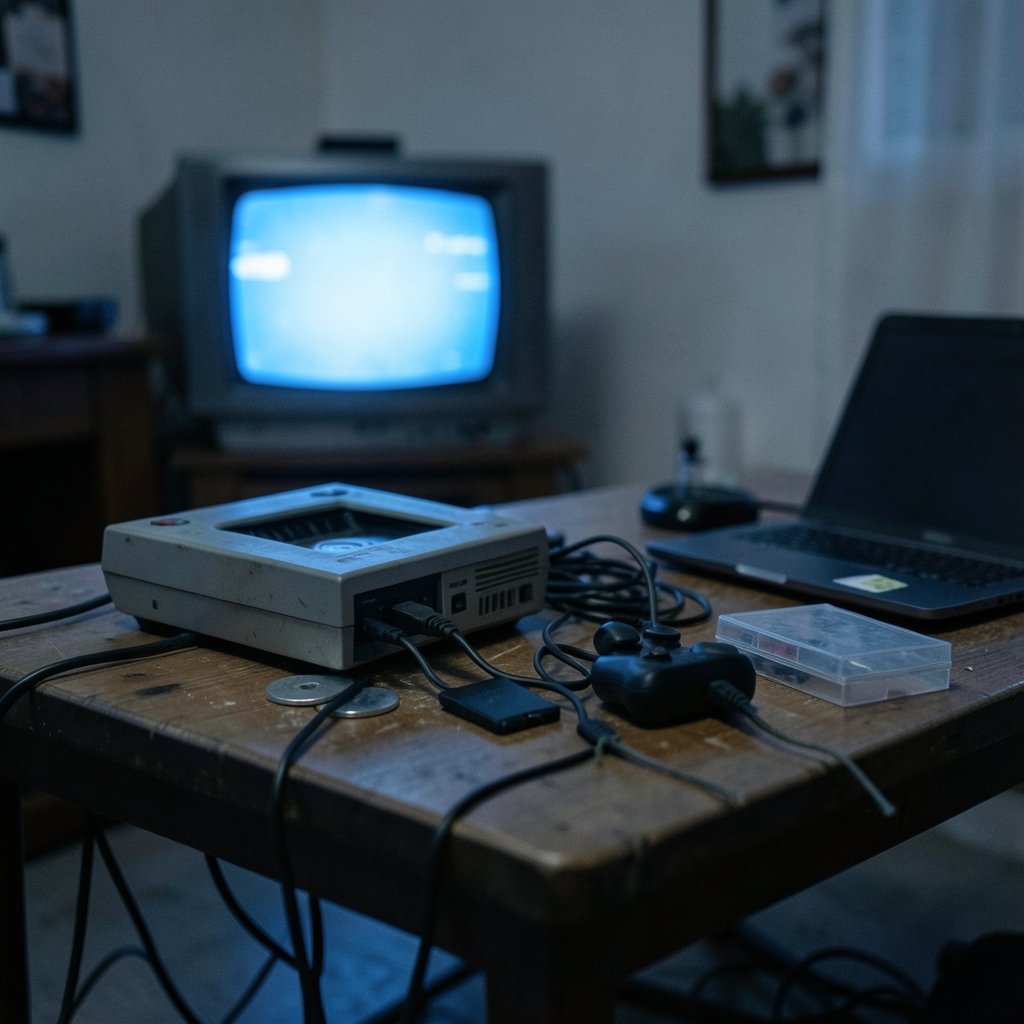
Which PlayStation 1 emulator should you actually install in 2027? It sounds like a simple question, but anyone who has spent an evening wrestling with a stubborn game disc image, a controller that refuses to map, or a memory card that won’t load knows the answer depends on what you’re trying to do. Three names dominate the conversation: DuckStation, ePSXe, and RetroArch. They take very different approaches to the same job, and picking the wrong one for your setup can waste hours.
This comparison looks at the three across the things that matter most in practice: game compatibility, control configuration, and save files. It also flags where the “2027” framing gets slippery, because all three projects keep moving.
The Three Emulators at a Glance
Before diving into details, it helps to understand what each program actually is. They are not quite the same category of software.
DuckStation is a standalone PlayStation 1 emulator built around accuracy and performance, with a graphical interface and a “Big Picture” mode designed for couch play. It is a single, self-contained application with its own menus, settings, and save handling.
ePSXe is the veteran of the group, a long-running PS1 emulator that historically shipped as a Windows binary configured through a plugin system. You chose a GPU plugin, an SPU (sound) plugin, and a CD-ROM plugin, then tuned each one. That plugin model was standard practice in the early 2000s and still shapes how ePSXe feels to set up.
RetroArch is a different animal entirely. It is a frontend, not an emulator. It runs “cores,” which are emulator libraries compiled to a common interface. For PlayStation 1, the common cores are Beetle PSX and PCSX-ReARMed. RetroArch gives you one unified menu, shader support, netplay, and a consistent save-state system across dozens of consoles.
That structural difference explains almost every practical difference below.
Compatibility: What Actually Runs Well
Here is the honest answer that experienced users repeat constantly: no single emulator is universally “most compatible.” Accuracy varies by emulator, by core, and by game. Anyone who claims a definitive ranking without a dated, per-game list is guessing. (Video game console emulator (Wikipedia))
That said, the general shape of the landscape is clear.
DuckStation has earned a reputation for high accuracy combined with strong performance, which is a rare pairing. It handles the vast majority of the PS1 library well and has become the default recommendation for people who want a standalone emulator that just works.
ePSXe’s compatibility story is more complicated. Because it relied on plugins for years, results depended heavily on which plugin versions you paired with which game. Some titles that struggled on early builds ran beautifully with the right plugin combination. Newer ePSXe versions bundle more of this, but the plugin legacy means troubleshooting advice you find online is often version-specific and outdated.
RetroArch’s compatibility depends entirely on the core you choose. Beetle PSX leans toward accuracy, while PCSX-ReARMed leans toward speed, which makes it a favorite on weaker hardware like handhelds and single-board computers. Switching cores is a menu action, so RetroArch can be more or less accurate on the same machine depending on your choice.
Why accuracy is hard to pin down
The PlayStation 1 is a famously quirky console, with unusual hardware behavior that emulators must reproduce precisely. Technical references documenting the original hardware’s behavior exist for developers who want the details, and they explain why “compatible” is a spectrum rather than a yes-or-no. If you enjoy the technical side, the broader idea of how software layers stack and communicate is worth exploring through resources like this explanation of service mesh architecture and the control plane/data plane split — the same separation-of-layers thinking shows up in how emulator frontends and cores relate.
Controls: Mapping a PS1 Pad in 2027
Controller setup is where first-time users get stuck most often, and the three programs handle it very differently.
DuckStation has its own controller configuration interface. You select a controller, bind buttons to the virtual PS1 pad, and save a profile. It supports modern gamepads natively and is generally the least fiddly of the three for a single-controller setup.
ePSXe also has its own configuration screens, tied to its plugin architecture. Mapping is straightforward once you find the right menu, but the layout reflects its older design, and analog stick configuration can be less intuitive.
RetroArch uses a unified abstraction called RetroPad. You map your physical controller once, and RetroArch translates that mapping for every core you run. The upside is enormous: set it up once, and every console benefits. The downside is a learning curve, because there are two layers of mapping — the global controller profile and per-core remapping — and confusing them is the single most common RetroArch mistake.
Practical tips that save time
- Map your controller at the global level in RetroArch first, then only touch per-core settings if a specific game needs it.
- Test with a game that uses both sticks and shoulder buttons before you settle in for a long session.
- Save your controller profile by name. If you ever reinstall, you can reload it instead of remapping.
- On DuckStation, use the Big Picture mode if you play on a TV; the standard interface is built for a mouse.
The most common mistake across all three: mapping buttons while a game is running and assuming the change applies globally. Always confirm whether you edited a per-game, per-core, or global profile.
Save Files: Memory Cards vs Save States
This is the section that causes the most heartbreak, so read it carefully.
There are two kinds of saves in PS1 emulation, and they behave very differently.
Memory card saves are the in-game saves you make through the game’s own save menu. They live in a memory card image file. DuckStation and ePSXe both use raw PS1 memory card images, commonly with `.mcr` or `.mcd` extensions. RetroArch cores typically use `.srm` save RAM files. Because these are all raw card images underneath, memory cards are generally portable between emulators, usually by renaming or converting the file. Exact default extensions and folder conventions vary by version and core, so check current documentation rather than trusting an old forum post.
Save states are snapshots of the entire emulator’s memory at a moment in time. They are fast, convenient, and not portable between DuckStation, ePSXe, and RetroArch cores. A save state made in one emulator will not load in another. This is a practical limitation widely reported by users, not a documented standard.
| Save type | Portable between emulators? | Best used for |
|---|---|---|
| Memory card image (`.mcr`, `.mcd`, `.srm`) | Usually, with renaming or conversion | Long-term progress, sharing saves |
| Save state | No | Quick retries, testing, tricky sections |
The practical rule: treat memory card saves as your real progress and save states as scratch space. Rely on save states alone and you risk losing everything if you switch emulators or a state file corrupts.
A note on BIOS files
All three require a PlayStation BIOS image that you must supply yourself. The emulator projects do not distribute BIOS files, and doing so is not permitted. If you’re setting up a library of games and want to understand how software projects handle configuration and versioning cleanly, the principles behind GitOps and how Git became a control plane offer a useful mental model for keeping settings reproducible.
Setup Effort and Everyday Experience
How much work does each one demand before you can play?
DuckStation is the easiest to get running from scratch. Install, point it at your game, supply the BIOS, map a controller, play. Its defaults are sensible, which matters more than any feature list.
ePSXe sits in the middle. If you follow a current guide, setup is quick. If you follow a decade-old guide, you’ll spend an hour chasing plugin files that no longer apply. The plugin era left a deep archive of outdated advice, and that is ePSXe’s biggest practical liability in 2027.
RetroArch demands the most upfront effort but rewards it if you own multiple consoles’ worth of games. One interface, one controller mapping, one shader setup, one save-state hotkey across everything. For a single-system user, that investment may not pay off. For someone emulating five systems, it almost certainly does.
A quick comparison of who each suits:
| Emulator | Best for | Main trade-off |
|---|---|---|
| DuckStation | Single-system players who want accuracy and low friction | Less unified multi-system tooling |
| ePSXe | Longtime users with existing plugin setups | Outdated advice, plugin legacy |
| RetroArch | Multi-system libraries, handhelds, tinkerers | Steeper learning curve |
The 2027 Question: What We Don’t Know
The headline says 2027, and honesty requires flagging that the year is forward-looking. There is no verified information about 2027-specific releases or changes for any of these three projects. Version numbers, default file extensions, and feature parity change frequently, so any “as of” claim should be tied to a release you have actually checked rather than to a blog post’s memory.
What is safe to say is directional. DuckStation’s trajectory has been toward accuracy plus performance with a polished interface. RetroArch’s trajectory has been toward consolidation and consistency across cores. ePSXe’s trajectory has been slower and more maintenance-oriented, which is natural for a project of its age.
If you’re planning a setup to last, build it around portable memory card saves and a controller profile you’ve exported and backed up. Those two habits survive emulator updates better than anything else. The same principle applies to any long-lived configuration: document what you changed and why, so future-you isn’t reverse-engineering a working setup from scratch. If you like understanding how systems fail and recover, this piece on what a web application firewall blocks and how it works is a good parallel for thinking about layers of defense and configuration.
Conclusion
There is no single winner, and that’s the useful takeaway. DuckStation is the cleanest choice for someone who wants to play PS1 games with minimal fuss and strong accuracy. RetroArch is the right call if you’re building a multi-system library and don’t mind a learning curve in exchange for one unified setup. ePSXe remains capable, but its plugin-era baggage means you must be careful about which guides you trust.
Whichever you pick, the durable advice is the same: keep your real progress in memory card files, treat save states as disposable, export your controller mapping, and verify version-specific details against current documentation instead of old forum threads. Do that, and switching emulators later becomes an afternoon task rather than a fresh start.
Frequently Asked Questions
Can I move my memory card saves between DuckStation, ePSXe, and RetroArch?
Usually yes. All three ultimately use raw PlayStation memory card images, so renaming or converting the file often works. RetroArch cores typically use `.srm` files while DuckStation and ePSXe commonly use `.mcr` or `.mcd`. Check current documentation for your exact version, since defaults change.
Can I transfer save states between emulators?
No. Save states capture the emulator’s internal memory and are specific to that emulator and often that version. A save state from DuckStation will not load in ePSXe or in a RetroArch core. Use memory card saves for anything you want to keep long term.
Which of the three is most compatible with PS1 games?
None is universally most compatible. Accuracy varies by emulator, by core, and by individual game. DuckStation has a strong reputation for accuracy combined with good performance, RetroArch’s compatibility depends on which core you select, and ePSXe’s results historically depended on plugin combinations.
Do I need a BIOS file for all three?
Yes. DuckStation, ePSXe, and RetroArch’s PS1 cores all require a PlayStation BIOS image that you must supply yourself. The projects do not distribute BIOS files. Without one, games generally will not boot.
Why is RetroArch’s controller setup considered harder?
RetroArch uses a unified RetroPad abstraction, so you map your controller once and it applies across cores. That’s powerful but adds a layer: global profiles versus per-core remapping. Most confusion comes from editing the wrong layer and wondering why the change didn’t stick.
Is ePSXe still worth using in 2027?
It can be, especially if you already have a working plugin setup. The main caution is that a huge amount of ePSXe advice online refers to plugin versions that no longer apply, so follow current guides rather than older threads. For new setups, DuckStation or RetroArch are usually smoother starting points.



