
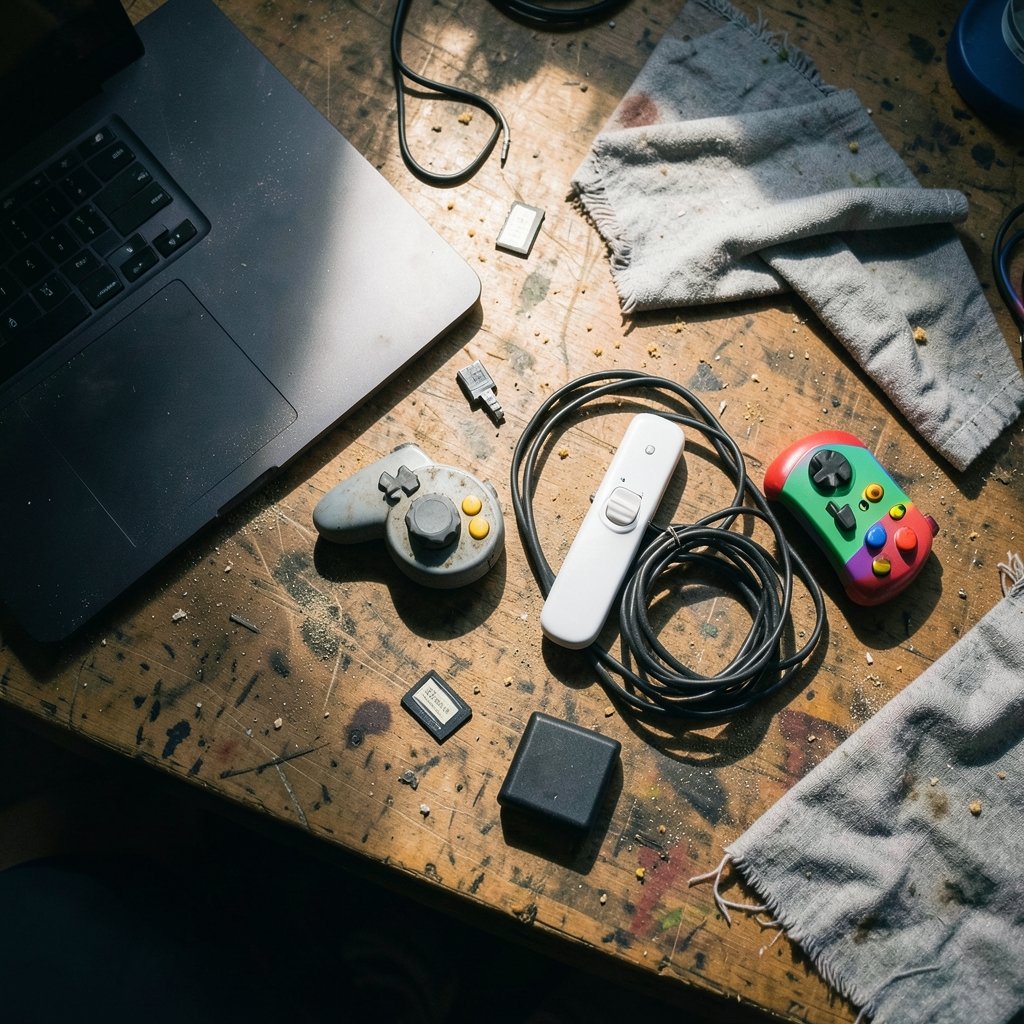
What if the emulator everyone recommends is the wrong one for the game you actually want to play? That happens constantly with Dolphin, PrimeHack, and Slippi. All three run GameCube and Wii code, all three trace back to the same open-source project, and yet they behave differently the moment you load a save file or plug in a controller. Picking the wrong one wastes an evening. Picking the right one is the difference between a stuttering mess and a game that just works.
This guide breaks the three apart by the things that actually bite people: what each one supports, how controls behave, and where your save data lives.
Three projects, one family tree
Dolphin is the general-purpose GameCube and Wii emulator. It runs disc images and homebrew, and it is not a Switch emulator, a point worth repeating because search results blur the two constantly. The project has shipped year-versioned stable releases since 2016, which is why you see build numbers like 2407 rather than a tidy 6.0.
PrimeHack is a fork of Dolphin, not a separate emulator. It adds keyboard-and-mouse aiming and widescreen or VR-oriented tweaks aimed at the Metroid Prime trilogy on GameCube and Wii. Because it follows Dolphin’s codebase, its compatibility and save behavior generally track upstream, but releases can lag behind.
Slippi is a Super Smash Bros. Melee modification bundled with its own Dolphin fork. It adds rollback netcode, replay files, and matchmaking built specifically for Melee. It is not a general-purpose emulator, and treating it like one leads to confusion fast.
| Project | Base | Built for | Best fit |
|---|---|---|---|
| Dolphin | Original | All GameCube and Wii titles | General library, mods, homebrew |
| PrimeHack | Dolphin fork | Metroid Prime trilogy | Mouse-and-keyboard play, widescreen |
| Slippi | Dolphin fork | Super Smash Bros. Melee | Online Melee, replays, practice |
The practical takeaway: install Dolphin first, then add a fork only when a specific game demands it. Running all three side by side is normal, but they should live in separate folders with separate settings.
Compatibility: what each one will and won’t run

Compatibility is per game and per build. Dolphin maintains a community wiki with per-title ratings and required settings, and that wiki is the single most useful reference you have. Forks can drift from upstream ratings, so a game marked playable in Dolphin may behave differently in PrimeHack.
Dolphin
Coverage is broad and mature. Most of the GameCube and Wii library runs well on modest hardware, with a handful of stubborn titles needing specific settings. If a game is not on your radar as a known problem, Dolphin will probably run it. That breadth is exactly why it remains the default choice.
PrimeHack
Compatibility is narrow by design. PrimeHack targets the Prime trilogy, so asking it to run Mario Kart Wii misses the point. Because it is a fork, it inherits Dolphin’s core but not always its newest fixes. Check the project’s release notes before assuming parity with the current Dolphin build. If you only care about Metroid, this is the smoothest path to mouse aiming.
Slippi
Slippi runs Melee and essentially nothing else, and that is a feature. Rollback netcode needs deterministic, tightly controlled emulation, so the fork strips away variables that would break synchronization. A general-purpose emulator with a dozen graphics backends is the wrong tool for competitive netplay.
One trap worth naming: people install Slippi expecting a full emulator, then wonder why their Wii RPG will not boot. It will not. Keep Dolphin installed alongside it.
Controls: gamepad, mouse, and the latency question
Controls are where the three diverge most, and where most setup mistakes happen.
Dolphin supports the official GameCube adapter, many third-party adapters, and a long list of gamepads. It also emulates Wii Remotes through various input methods. The setup is flexible but demands attention: mapping a controller is easy, mapping it correctly for a game that expects specific analog ranges takes patience.
PrimeHack exists for one reason: keyboard and mouse. Aiming in the Prime games with a mouse feels closer to a modern shooter than a GameCube controller ever did. The tradeoff is configuration. Mouse sensitivity, dead zones, and gyro-style aiming all need tuning per game, and the defaults rarely suit anyone on the first launch.
Slippi is tuned for GameCube controllers and low-latency input, because competitive Melee players notice a frame. Keyboard play is possible but uncommon. If you are chasing a serious online scene, use the hardware the scene uses.
Practical tips that save time:
- Map one controller and test it in a single game before touching a second.
- Set dead zones before sensitivity. Fixing drift after tuning sensitivity wastes the tuning.
- Keep a written note of your mappings per fork. Settings do not travel between them.
- Test input latency with a game you know well, not a new one.
If you are also tuning the network side of online play, the same logic applies as with any distributed system: separating the control layer from the data layer keeps problems diagnosable, a principle covered well in this explainer on service mesh architecture and the control plane versus data plane. Emulator forks work the same way. The shared core is the data plane; the fork’s input and netplay layer is the control plane.
Save files: the part nobody explains until it breaks
Save data is the most misunderstood area, and the one most likely to cost you a playthrough.
Dolphin save data comes in several forms. Raw GameCube memory card images (`.raw`, `.gci`) behave like a physical memory card. Wii saves export from the emulated NAND. Then there are save states, the emulator’s snapshot of memory at an instant. Save states are emulator-specific and version-sensitive. Memory card images are the portable format. (Dolphin (emulator)))
That distinction matters across forks. A save state made in one build may not load in another, and forks can lag upstream, so state compatibility is never guaranteed. Memory card images and exported Wii saves are far more forgiving.
Slippi adds a third category. Slippi replays are input-log recordings that replay deterministically, and they are not interchangeable with Dolphin save states or memory card files. Do not try to load a Slippi replay as a save state. It will not work, and the error message will not explain why.
| Format | Made by | Portable across forks? | Use for |
|---|---|---|---|
| Memory card image | Dolphin, PrimeHack | Usually yes | Backups, moving saves |
| Wii save export | Dolphin, PrimeHack | Usually yes | Wii progress |
| Save state | Any Dolphin-based build | No, version-sensitive | Quick retries |
| Slippi replay | Slippi only | Slippi only | Match review, sharing |
A habit that prevents heartbreak: copy your memory card image to a backup folder before every emulator update. It takes seconds and has saved more playthroughs than any troubleshooting thread. The same discipline applies to any tool where configuration is the product, which is why teams that treat their setup as versioned, reviewable code tend to break fewer things, as this guide to how GitOps turned Git into the modern control plane explains. Your emulator config deserves the same treatment.
Common mistakes and what actually works
A few patterns show up again and again in support threads.
Installing all three into one folder. They overwrite each other’s settings and confuse save paths. Use separate directories.
Assuming a fork is current. PrimeHack and Slippi follow Dolphin at their own pace. Check release notes rather than assuming a fix landed.
Trusting save states as backups. They are convenience, not archives. Copy the memory card image instead.
Skipping the compatibility wiki. Most “game won’t boot” reports trace to a setting the wiki already documents.
Chasing settings from old videos. Guides age badly. A configuration that worked two years ago may fight the current build.
Ignoring the network layer for online play. Rollback netcode is only as good as the connection beneath it. If you are troubleshooting a home network for netplay, the same reasoning that applies to how router hardware offloading keeps your CPU out of the packet path is worth understanding, because latency lives in hardware as much as in software.
Which one should you install first?
Start with Dolphin. It covers the widest library, has the deepest documentation, and serves as the base for everything else. Add PrimeHack if the Metroid Prime trilogy with mouse aiming is your goal. Add Slippi if Melee online is the reason you are here. Most people end up with two of the three, and that is fine as long as each lives in its own folder.
One forward-looking note: no verified roadmap ties any of these projects to specific 2027 compatibility promises. Treat any claim about future compatibility as unconfirmed until the projects’ own release notes say otherwise. The fundamentals, portable saves, correct controller mapping, per-game settings, will not change.
Conclusion
Dolphin, PrimeHack, and Slippi are not rivals. They are one project and two focused forks, each solving a different problem. Dolphin runs almost everything. PrimeHack makes Metroid feel like a modern shooter. Slippi makes Melee playable online with the precision the scene demands.
The rules that keep all three working are simple. Keep them in separate folders. Back up memory card images as well as save states. Map controllers one game at a time. Check the compatibility wiki before blaming the emulator. Do those four things and the choice between them stops being stressful and becomes what it should be: a matter of which game you feel like playing tonight.
FAQ
Is PrimeHack a separate emulator from Dolphin?
No. PrimeHack is a fork of Dolphin, meaning it shares the same core code but adds keyboard-and-mouse controls and widescreen or VR tweaks for the Metroid Prime trilogy. Because it tracks Dolphin’s codebase, its compatibility and save behavior generally follow upstream, though its releases can lag behind the main Dolphin builds.
Can Slippi run games other than Super Smash Bros. Melee?
Practically, no. Slippi is a Melee modification bundled with its own Dolphin fork, built around rollback netcode, replays, and matchmaking for that single game. It is not a general-purpose emulator, so keep a standard Dolphin install if you want to play anything else.
Are Dolphin save states compatible between Dolphin, PrimeHack, and Slippi?
Not reliably. Save states are emulator-specific and version-sensitive, so a state created in one build may fail to load in another. Memory card images and exported Wii saves are the portable formats, which is why backing those up is the safer habit.
Can I load a Slippi replay in regular Dolphin?
No. Slippi replays are input-log recordings that replay deterministically, and they are a different format from Dolphin save states and memory card files. They only work within Slippi.
Which emulator is best for playing Metroid Prime with a mouse?
PrimeHack. That is precisely what it was built for. Expect to spend time tuning mouse sensitivity and dead zones per game, since the defaults rarely suit anyone on first launch.
Do I need to reinstall Dolphin if I add PrimeHack or Slippi?
No, but install each into its own folder. Sharing a directory causes settings and save paths to collide, which is one of the most common causes of “my saves disappeared” reports. Separate folders keep each fork’s configuration clean.
That last point bears repeating for anyone planning a 2027 setup: the install order matters less than the folder discipline. Install Dolphin first, confirm one game boots and saves correctly, then add forks one at a time and test each in isolation. If something breaks, you will know exactly which install to blame. Keep your memory card backups in a dated folder outside all three directories, and note the build number alongside each backup. When a fork eventually catches up to a newer Dolphin core, that record tells you which saves are safe to carry forward and which states to abandon.



