
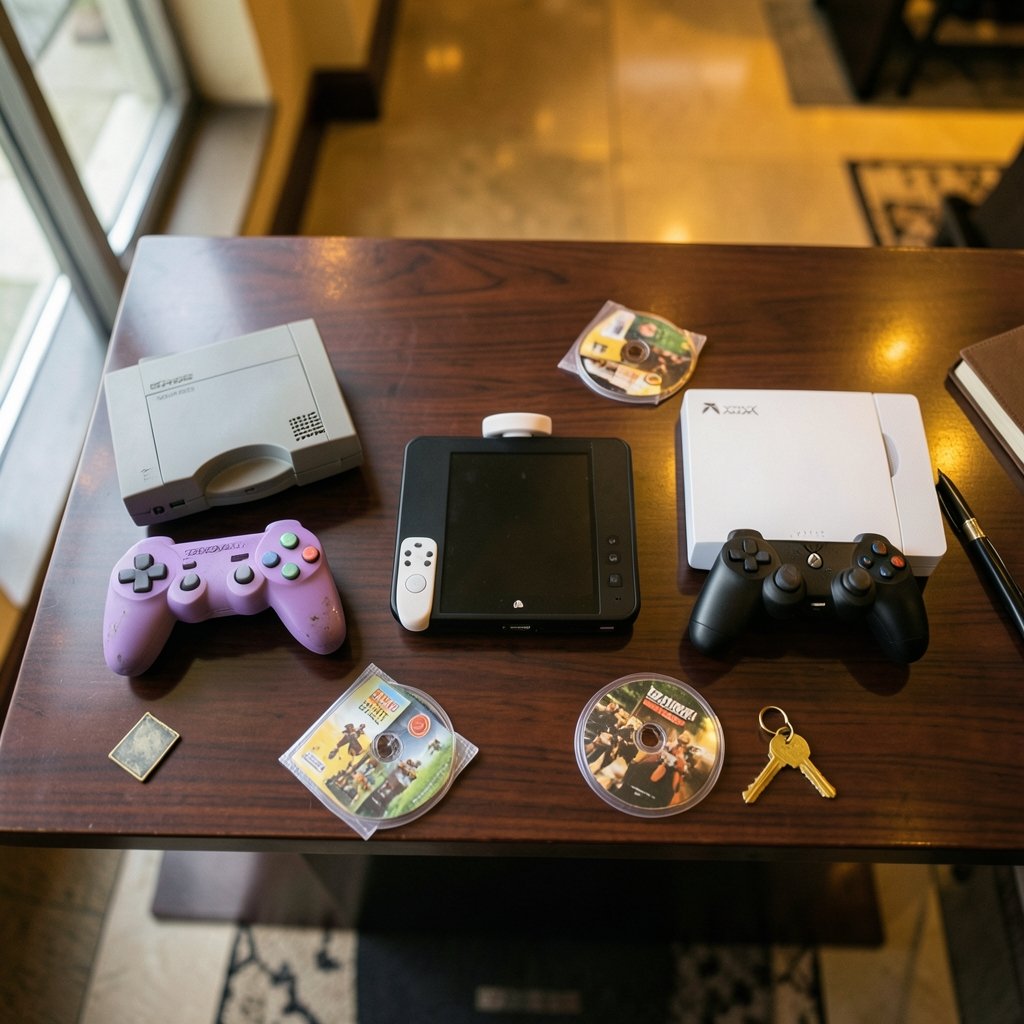
Which emulator should you actually install? That question sounds simple until you realize Dolphin, Cemu, and Xenia don’t emulate the same console at all. They sit on three different generations of Nintendo and Microsoft hardware, and each one has its own quirks, its own compatibility headaches, and its own way of handling your save data. Getting this wrong wastes an evening. Getting it right means you’re playing within minutes.
This guide breaks down all three emulators by what matters in practice: which games run, how the controls behave, where your saves live, and what to expect as 2027 approaches. No hype, no guesswork, just the details that actually affect your setup.
The Basics: Three Emulators, Three Different Consoles
Before comparing anything, it helps to know what each project actually targets. This is the single most common mistake newcomers make, and it’s worth stating plainly.
| Emulator | Console it emulates | Typical platform | Source model |
|---|---|---|---|
| Dolphin | Nintendo GameCube and Wii | Windows, macOS, Linux, Android | Open source |
| Cemu | Nintendo Wii U | Windows (primary) | Went open source in 2022 |
| Xenia | Xbox 360 | Windows | Open source |
Because they target different hardware, “compatibility” means something different in each case. A game that runs perfectly in Dolphin has nothing to do with Cemu’s library. If you’re looking for a broader comparison that includes performance and setup, there’s a useful breakdown of how the rpcs3 vs cemu vs xenia 2026 performance games setup compared, but for now let’s stay focused on compatibility, controls, and saves.
If you want background on how emulation works as a concept, the general overview of video game emulation covers the technical foundations well.
Compatibility: What Actually Runs in 2027

Dolphin: The Most Mature of the Three
Dolphin has been in development for well over a decade, and that shows. Most GameCube titles run without major issues, and a large share of Wii games are playable too. The project maintains a detailed per-game compatibility wiki where users report what works and what breaks, so you can check almost any title before you install anything.
The usual trouble spots are Wii motion controls and games that depend on specific peripherals. Titles that need a real Wii Remote with MotionPlus, or a balance board, or a microphone, tend to be finicky. GameCube games are generally smoother sailing because the hardware was simpler and the controller had fewer moving parts.
One practical tip: don’t assume a game is broken just because it stutters. Dolphin exposes a lot of settings, and a different graphics backend or a toggle or two often fixes frame drops. The community wiki usually documents the exact fix.
Cemu: Strong for Wii U, But a Smaller Library
Cemu emulates the Wii U, which had a relatively short life and a smaller library. That cuts both ways. Fewer games means fewer compatibility problems to solve, but the community compatibility list is less exhaustive than Dolphin’s, so you’ll sometimes have to test things yourself.
Cemu was closed source for years before the developer announced a move to open source in 2022. That shift matters because it opened the door to more contributors and faster bug fixes. Still, verify the current license and release status before you build a workflow around it, because project governance can change.
The Wii U’s defining feature was the GamePad with its second screen. Cemu handles this by letting you display the GamePad view in a separate window or map it to your main display. Games that genuinely used the second screen for inventory or maps work better here than you might expect.
Xenia: Experimental and Honest About It
Xenia emulates the Xbox 360, and it has historically been described as experimental. That’s not a knock; it’s just accurate. Compatibility varies widely by title. Many games boot and are playable, but a meaningful number have graphical glitches, audio problems, or crashes at specific points.
The community maintains a per-title compatibility list, so checking before you commit is essential. If a game you love is listed as broken, no amount of tinkering will reliably fix it. Xenia is the emulator where patience pays off most.
A Quick Compatibility Reality Check
Here’s the honest summary for 2027 planning:
- Dolphin is the safest bet. Most games work.
- Cemu is solid for the Wii U library, but smaller and less documented.
- Xenia is the most unpredictable. Check the list first.
None of these compatibility pictures is frozen. Updates land regularly, and a game that fails today may run fine after the next release. Treat any list as a snapshot, not a permanent verdict.
Controls: Mapping Real Hardware to Your Setup
Controls are where emulators either feel great or feel like a chore. All three support keyboard and mouse plus common gamepads, but the details differ.
Dolphin’s Controller Depth
Dolphin has the most extensive controller configuration of the three. It supports real Wii Remotes over Bluetooth, emulated motion controls, GameCube controller adapters, and standard gamepads. That flexibility is wonderful and slightly overwhelming. New users often get lost in the mapping screens.
The practical advice: start with a standard gamepad profile, then only touch motion settings if a specific game demands them. Most GameCube titles need nothing beyond a basic mapping.
Cemu and the Second Screen Problem
Cemu’s control scheme has to account for the GamePad. You can map the touchscreen to a mouse, use a real controller for the buttons, or display the second screen separately. Games that used the GamePad heavily need a bit of setup, but once configured, it works.
If you’re routing your emulator traffic or remote play through a home network, it’s worth understanding how router hardware offloading keeps your CPU free, since latency matters more for streaming than for local play.
Xenia and Xbox 360 Layouts
Xenia maps Xbox 360 controller layouts to standard XInput pads, which is the smoothest mapping of the three because the source and target are nearly identical. If you own an Xbox-style controller, you’re basically done out of the box.
Save Files: Where Your Progress Actually Lives
This is the section people skip and then regret. Save files are not portable between emulators, and each one stores data in its own format and location.
| Emulator | Save location pattern | Format notes |
|---|---|---|
| Dolphin | User or Documents folder | Own memory-card and save-state formats |
| Cemu | Emulator-specific data folder | Wii U-style save data |
| Xenia | Emulator-specific data folder | Xbox 360-style save data |
The key point: saves generally live under a user or documents folder, not inside the game disc image. That means backing up is easy if you know where to look, and painful if you don’t. Make a habit of copying your save folder before you update an emulator or change settings.
Save states are a separate beast. They capture the exact moment, including memory, and they’re fantastic for tricky sections. But they’re fragile across emulator versions. Don’t rely on save states as your only backup.
One more thing worth knowing: if you’re running emulators on a machine that also handles other workloads, keeping the system tidy helps. A look at how GitOps explained how Git became the control plane for modern infrastructure shows the same principle of versioned, recoverable state that applies to backing up your save folders.
Performance and Setup Habits That Save Time
Compatibility and controls get the attention, but performance habits decide whether you enjoy the session.
First, match the graphics backend to your GPU. Dolphin, Cemu, and Xenia all offer multiple backends, and the “best” one depends on your hardware, not on a forum post from three years ago.
Second, don’t max out resolution on day one. Get the game running at native settings, confirm it’s stable, then scale up. This isolates problems fast.
Third, keep your emulator versions noted. When a game breaks after an update, knowing your previous version is the fastest path to a fix.
If you’re also running network services alongside your emulators, understanding the difference between the control plane and data plane in a service mesh architecture gives you a mental model for why some settings affect stability and others affect speed.
The Legal and Ethical Side
Emulators themselves have generally been treated as lawful in several jurisdictions, but that varies by country. The line that matters is the game images. Obtaining them without owning the games is a copyright issue, full stop. This isn’t legal advice, but it’s the practical reality every emulator user should understand before downloading anything.
What Changes by 2027
Here’s where honesty matters. Nobody can confirm exactly what will change by 2027. Compatibility lists move constantly. Licensing can shift. Platform support, such as whether Xenia or Cemu add Linux or macOS builds, is a moving target.
What you can count on is the structure of the problem. Dolphin will likely remain the most mature. Cemu will likely stay focused on the Wii U. Xenia will likely remain the most experimental. Plan around those tendencies, not around specific version numbers.
If you’re interested in where emulation intersects with broader computing trends, the explainer on how AGI (artificial general intelligence) is explained clearly offers context on how quickly software capabilities can shift, which is a useful frame for planning.
Conclusion
Dolphin, Cemu, and Xenia aren’t competitors in the usual sense. They’re three tools for three different jobs, and the right choice depends entirely on which console’s games you want to play. Dolphin wins on maturity and compatibility. Cemu is your only real option for Wii U titles. Xenia is the gamble, rewarding when it works and frustrating when it doesn’t.
The habits that matter are simple: check compatibility lists before installing, start with basic controller mappings, back up your save folders, and treat save states as a bonus rather than a backup. Do those four things and you’ll spend your time playing instead of troubleshooting.
Frequently Asked Questions
Can Dolphin, Cemu, and Xenia play the same games?
No. Each emulator targets different hardware. Dolphin handles GameCube and Wii games, Cemu handles Wii U games, and Xenia handles Xbox 360 games. A game made for one console won’t run in an emulator built for another. (Video game console emulator (Wikipedia))
Which of the three has the best game compatibility?
Dolphin has the most mature compatibility record, with most GameCube titles running well and a large share of Wii games playable. Cemu is solid for the Wii U library but less documented. Xenia varies widely by title and is best checked against its community list before you commit.
Are save files transferable between these emulators?
Generally no. Each emulator stores saves in its own format and location, usually under a user or documents folder rather than inside the game image. Saves aren’t portable between emulators, so back up your save folder before updating or changing settings.
Do I need special hardware for Wii motion controls in Dolphin?
Not necessarily. Dolphin can emulate motion controls, but some games work much better with a real Wii Remote connected over Bluetooth. Games that depend on MotionPlus or peripherals like a balance board are the usual trouble spots.
Is using these emulators legal?
Emulators themselves have generally been treated as lawful in several jurisdictions, though this varies by country. The bigger issue is game images: obtaining them without owning the games is a copyright problem. Check your local rules before proceeding.
Will compatibility improve by 2027?
Likely yes, but nobody can confirm specifics. Updates land regularly and a game that fails today may run fine after the next release. Treat any compatibility list as a snapshot and verify against current project sources rather than assuming a fixed outcome.



