

What actually separates WinUAE, FS-UAE, and Amiga Forever once you stop reading feature lists and start using them? All three run classic Amiga software, and all three trace their roots back to the same emulation lineage. Yet they feel completely different the moment you sit down to set up a game, mount a hard disk, or hand a working setup to someone else. The gap is not about raw accuracy. It is about workflow: how you get from “I want to play this” to “it is running.”
That distinction matters more than ever in 2027. The Amiga scene is mature, the software is stable, and most people choosing an emulator are not chasing benchmark numbers. They are chasing a setup that fits how they actually use their computer. This guide breaks down the real, practical differences between the three options, including the traps that catch first-time users and the shortcuts that save hours.
The shared foundation behind all three
Before comparing workflows, it helps to understand the family tree. WinUAE is the reference implementation: a Windows-only, closed-source emulator that emulates Amiga hardware at a very detailed level. It has been developed for decades and serves as the base for most other Amiga emulation projects. The broader UAE emulator lineage that WinUAE grew from is documented in detail for anyone curious about how this emulation tradition started. (Emulator)
FS-UAE takes WinUAE’s core and wraps it in a cross-platform shell. It runs on Windows, macOS, and Linux, and adds a launcher with a game database and automatic configuration. Amiga Forever is a commercial package that bundles licensed Kickstart and Workbench files alongside player software and emulation components.
Here is the first workflow fault line: WinUAE and FS-UAE ship without Amiga ROMs. You must supply your own Kickstart files. Amiga Forever includes licensed ROMs and OS files, which changes everything about the first hour of use. (Obsidian vs logseq local first notes compared by workflow)
Setup workflow: from download to first boot
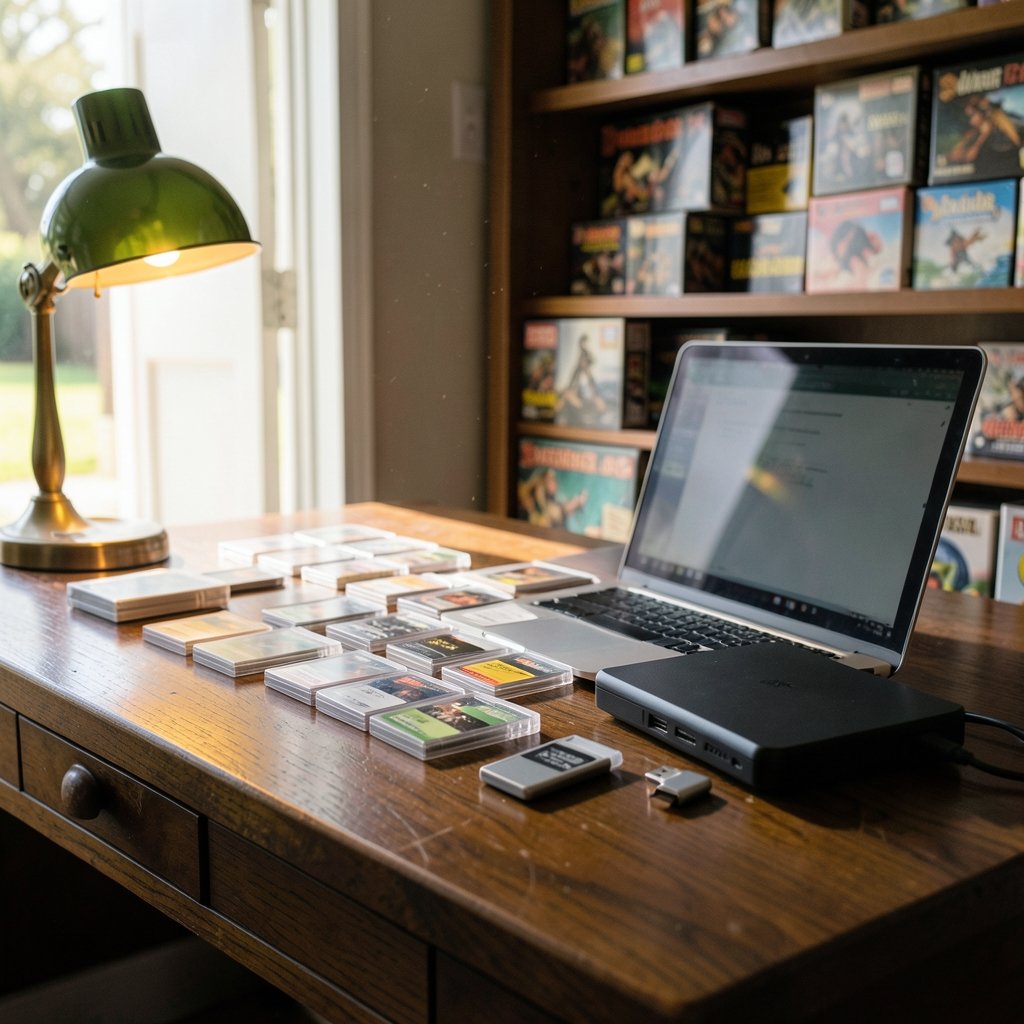
The setup phase is where the three diverge most sharply, and where most beginners form their permanent opinion.
| Step | WinUAE | FS-UAE | Amiga Forever |
|---|---|---|---|
| Install | Straightforward Windows installer | Cross-platform package | Commercial installer |
| ROMs required | Yes, user-supplied | Yes, user-supplied | Included, licensed |
| Initial config | Manual, dialog-heavy | Text config plus launcher | Guided player interface |
| Game detection | Manual per title | Launcher database can auto-detect | Preconfigured environments |
| Time to first game | Often an hour or more | Usually minutes | Usually minutes |
With WinUAE, you install the emulator, then realize you need Kickstart ROMs before anything boots. If you do not know what a Kickstart ROM is, the term refers to the firmware the Amiga needs to start up, and it is required by every emulator in this comparison. Once you have the files, you configure a virtual Amiga model, pick chipset options, set up a hard file or directory, and save a configuration. Done carefully, this takes an experienced user ten minutes and a newcomer considerably longer.
With FS-UAE, the launcher does much of that work. It can scan a folder of games, match them against an online database, and generate configurations automatically. That is a genuine workflow advantage for people with large collections and no patience for per-game dialogs.
With Amiga Forever, the ROM and OS question disappears entirely because the package is legally preconfigured. You install, launch the player, and pick an environment. For anyone who wants to show a child a classic game without a licensing lecture, this is the shortest path.
Configuration philosophy: dialogs, text files, and guided players
The second fault line is how each tool stores and exposes settings.
WinUAE is dialog-based and file-based. Settings live in configuration files and a dense GUI with per-model presets, cycle-exact CPU options, and detailed chipset and RTG settings. You manage multiple configurations manually, saving and loading them as separate files. This is wonderful for tinkerers and mildly exhausting for everyone else. The upside is control: if a game needs a specific chipset revision or a particular CPU speed, WinUAE will let you express that.
FS-UAE is text-config-based plus launcher. You can edit plain text configuration files, which is a pleasure for anyone who likes versioning their setups or syncing them across machines. The launcher sits on top for people who do not want to touch text. This dual nature is FS-UAE’s quiet strength: it meets you where you are.
Amiga Forever is guided-player-based. The interface is designed around launching environments and media rather than exposing every hardware switch. You trade granular control for a smoother path.
A practical tip that applies across all three: keep one known-good base configuration and duplicate it per game or per use case. People who edit a single config endlessly end up with a setup that boots nothing and a vague memory of which checkbox broke it. Separate files, separate experiments.
ROMs, licensing, and the legal workflow difference
This is the difference that shapes everything else, and it is worth stating plainly. WinUAE and FS-UAE are emulators only. They do not include Amiga system files. Amiga Forever includes licensed Kickstart and Workbench files as part of the package.
That single fact changes the workflow in three ways. First, it removes a research step: no hunting for ROM files, no verifying checksums, no wondering whether a downloaded file is legitimate. Second, it changes the support experience: when something fails to boot in Amiga Forever, the missing-ROM explanation is off the table. Third, it changes the moral and legal footing: users who want a clean, licensed setup get one in a single purchase. (Keyboard foam mod sound differences actually changes)
For WinUAE and FS-UAE users, the practical advice is to source ROMs legitimately, keep them in a dedicated folder, and document where each file came from. A small text note in that folder saves future confusion. The background on what Kickstart actually does, and why the Amiga cannot boot without it, is worth reading once so the requirement stops feeling arbitrary.
Performance and accuracy in practice
Here the story is simpler than the internet often suggests. WinUAE is the most configurable of the three, and its cycle-exact options give it the widest accuracy envelope. FS-UAE inherits much of that core, so its accuracy is close, with the launcher adding convenience at the edges. Amiga Forever bundles emulation components that also descend from this lineage.
In day-to-day use, the practical differences show up in specific situations:
- Demanding demos and timing-sensitive software tend to favor WinUAE’s granular CPU and chipset controls.
- Large game collections favor FS-UAE’s launcher and database matching.
- Quick, low-friction sessions favor Amiga Forever’s preconfigured environments.
For most games, all three run well. The choice is less about frames and more about how much configuration you are willing to do to reach peak compatibility. If you enjoy tuning, the extra dials are a feature. If you do not, they are friction.
Cross-platform reality: Windows, macOS, and Linux
WinUAE is Windows-only. That is not a small caveat; it is a workflow constraint. Mac and Linux users who want WinUAE’s core generally reach for FS-UAE or a compatibility layer.
FS-UAE’s cross-platform support is its headline feature. It runs natively on Windows, macOS, and Linux, and its text-config approach travels well between them. If you split time between a desktop and a laptop on different operating systems, FS-UAE is the option that keeps your configuration portable.
Amiga Forever is primarily a Windows product, with the company offering related players for other platforms over the years. Anyone planning a mixed-OS household should verify current platform support before buying, because this is exactly the kind of detail that changes between versions.
A related habit worth adopting: keep your emulator data, ROMs, and game files in a synced folder so a new machine is a short setup rather than a rebuild. The same logic that makes cloud storage choices matter for documents applies here, and comparing Dropbox alternatives by use case is a reasonable starting point if you want your Amiga library available everywhere.
Maintenance and the 2027 question
Here is where honesty is required. The Amiga emulation scene moves slowly, and the three projects do not move at the same speed. WinUAE has a long history of ongoing development. FS-UAE’s development has been intermittent in recent years, and its release cadence is the single biggest uncertainty for anyone standardizing on it. Amiga Forever’s contents vary by edition and version.
For 2027 planning, the sensible approach is to check each project’s official documentation and release notes before committing, rather than trusting any article (including this one) about current version numbers. What will not change is the structural difference: WinUAE will remain the configurable reference, FS-UAE will remain the cross-platform convenience layer, and Amiga Forever will remain the licensed, preconfigured package.
If you are building a long-term setup, favor portability. Plain configuration files, documented ROM sources, and a consistent folder structure survive version changes far better than a heavily customized GUI state.
Common mistakes and what actually works
A few patterns show up again and again among people setting up Amiga emulation for the first time.
- Starting with the hardest goal. Beginners often try to run a demanding demo first, conclude the emulator is broken, and quit. Start with a simple game and a known-good configuration.
- Editing one config forever. Duplicate configurations per use case instead of mutating a single file.
- Ignoring the ROM requirement. If nothing boots, check for Kickstart files before changing chipset settings.
- Over-tuning accuracy settings. Cycle-exact options help specific software; enabling everything everywhere adds complexity without benefit.
- Skipping documentation. The official docs for each project explain the launcher, config files, and bundled contents better than any forum thread.
What actually works is unglamorous: pick the tool that matches your platform and patience level, set up one working environment, then expand. People who treat emulator setup like a project with a stable base spend far less time debugging and more time playing.
The same principle applies to the tools around your emulator. A clean writing and note workflow helps when you are documenting configurations, and a practical Claude writing workflow is a decent model for how to keep setup notes useful rather than scattered.
Conclusion
The WinUAE vs FS-UAE vs Amiga Forever decision is not really about which emulator is “best.” It is about which workflow matches your habits. WinUAE rewards people who want maximum control and use Windows. FS-UAE rewards people who move between operating systems and want a launcher to do the boring parts. Amiga Forever rewards people who want a licensed, preconfigured package and would rather not think about ROM files at all.
In 2027, the smart move is to verify current release status and platform support, then choose based on workflow rather than feature checklists. Set up one working environment, document it, and keep your configurations portable. Do that, and all three tools become what they should be: a doorway to the software you actually want to run.
FAQ
Is WinUAE better than FS-UAE?
Neither is universally better. WinUAE offers the most granular configuration and is the reference emulator, but it is Windows-only. FS-UAE uses a similar core with a cross-platform launcher and automatic game configuration, which suits Mac and Linux users and large collections. Choose based on your platform and how much manual tuning you want.
Does FS-UAE include Kickstart ROMs?
No. FS-UAE, like WinUAE, ships without Amiga system ROMs, so you must supply your own Kickstart files. Amiga Forever is the option that includes licensed ROMs and OS files as part of its package.
Why does WinUAE need Kickstart ROMs?
Kickstart is the Amiga’s firmware. The emulated machine cannot start without it, just as real Amiga hardware could not. Emulators are legally distributed without these files, so users provide them separately unless they buy a package that licenses them.
Is Amiga Forever worth it compared with free emulators?
It depends on what you value. Amiga Forever costs money but removes the ROM sourcing step, includes licensed system files, and offers a guided player interface. Free options give you more control and cost nothing, but require you to handle ROMs and configuration yourself.
Can I use WinUAE on a Mac?
Not natively. WinUAE is Windows-only. Mac users typically choose FS-UAE, which runs natively on macOS, or run Windows software through a compatibility layer. Check current platform support before committing to a workflow.
Which emulator is easiest for beginners?
Amiga Forever is generally the easiest first experience because ROMs and OS files are included and the interface is guided. FS-UAE with its launcher is the easiest of the free options for people with existing game collections. WinUAE is the most demanding to set up but the most rewarding to tune.



