
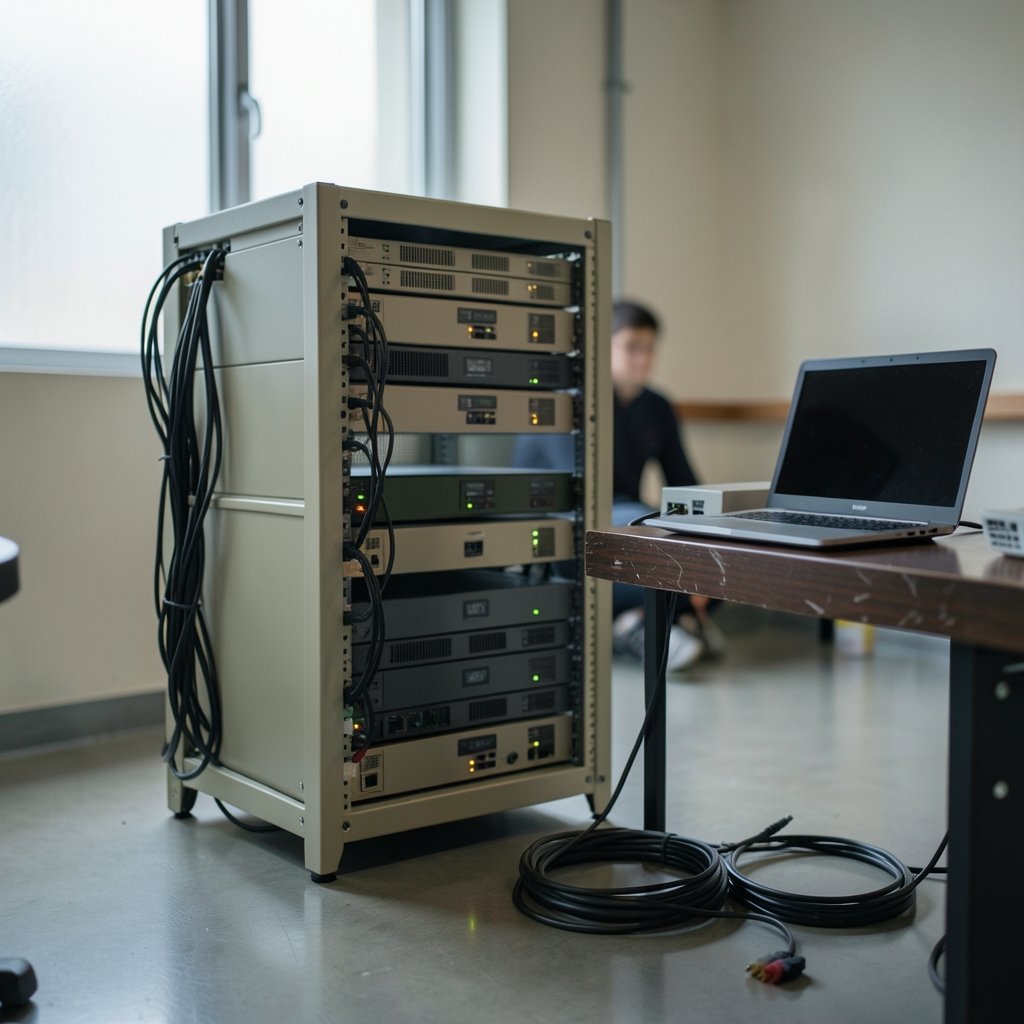
What actually happens when a player places a block on a server rented from one of these three hosts? The answer has less to do with Minecraft and more to do with containers, daemons, and how a company slices up a physical machine. That is the layer most buyers never see, and it is the layer that decides whether a busy evening feels smooth or sticky.
Apex Hosting, Shockbyte, and Nodecraft all sell managed game servers. None of them writes the game. What separates them is architecture: how servers are isolated, which control panel sits on top, how backups run, and where the physical machines live. This piece walks through those decisions so a 2027 purchase is based on how the platform is built rather than on a landing page headline.
Why the architecture conversation matters more than the price tag
Game server hosting is a reseller-shaped business. Providers rent or own hardware, run virtualization and container tooling, and put a billing layer and a control panel in front of it. Two hosts can advertise identical RAM and player slots and still deliver very different experiences, because the hidden variables are CPU allocation, disk type, node density, and network path.
The broader cloud world has already learned this lesson. Teams that understand how control planes and worker nodes interact make better infrastructure bets, and the same thinking applies here at small scale. A useful primer on that division of responsibility is this explanation of Kubernetes architecture: control plane and worker nodes fit, which maps closely onto how a game panel talks to the machines actually running worlds.
The Pterodactyl pattern and why so many hosts look alike underneath

A large share of the budget and mid-tier game hosting market runs on Pterodactyl, an open-source control panel. Its design is worth knowing because it explains the behavior you observe as a customer.
Pterodactyl splits into two parts. The panel is a web application that handles logins, file management, console access, and billing hooks. The Wings daemon runs on each physical node and does the real work: starting, stopping, and supervising game server processes. In most deployments, each customer server runs inside its own Docker container with CPU and memory limits attached.
That container model is the quiet hero of the whole industry. Containers give each server a bounded slice of the machine, so one runaway modpack cannot eat every core on the node. The trade-off is real too: containers add a thin layer of overhead, and they can restrict what a customer is allowed to do with custom Java flags or unusual startup scripts.
For readers who want the mechanics rather than the marketing, the Docker documentation on what a container is and how isolation works explains the resource-limit model that underlies per-server RAM and CPU caps.
Where the three hosts diverge
All three providers have historically leaned on custom or heavily adapted panels rather than a plain vanilla Pterodactyl install, and each has changed its stack over time. Specifics shift, so treat any claim about panel internals as a point-in-time observation and check current documentation before buying.
| Decision area | What to look for | Why it changes your experience |
|---|---|---|
| Panel software | Custom panel, Pterodactyl, or a fork | Affects file access, scheduling, and mod installers |
| Isolation model | Container per server vs VM per server | Bounds noisy neighbors but limits low-level tuning |
| CPU priority | Shared cores vs guaranteed allocation | Decides tick stability at peak hours |
| Storage | NVMe SSD vs SATA SSD vs network storage | World saves and chunk loading feel it first |
| Backups | Frequency, retention, off-node copies | The difference between a bad night and a lost world |
| DDoS protection | Always-on vs on request | Determines uptime during targeted attacks |
Apex Hosting: ease of use as an architecture decision
Apex Hosting has built its reputation around a friendly control panel and one-click installation of popular modpacks, including integrations with major mod repositories. The choice is architectural as well as promotional. Deep modpack integration means the platform has to pre-stage files, manage Java versions per pack, and handle configuration templates automatically.
The practical upside for a first-time owner is enormous. The practical caution is that convenience layers can hide resource reality. A one-click modpack that ships with two hundred mods will strain a small plan no matter how smooth the installer felt.
This is where the single-thread bottleneck of Minecraft becomes the deciding factor. The main game tick runs largely on one thread, so per-core clock speed usually matters more than total core count for vanilla and lightly modded servers. The performance guidance in the PaperMC documentation is the clearest public explanation of how view distance, entity counts, and tick timing interact, and it applies regardless of which host you pick.
Shockbyte: density, budget, and the noisy-neighbor question
Shockbyte has historically competed on price and scale, packing many customer servers onto shared nodes. High density is not inherently bad; it is how budget hosting exists at all. But density raises the stakes on two things: CPU scheduling and memory oversubscription.
When a node is full, the container limits do their job, but they cannot create headroom that is not there. A server with a guaranteed memory allocation can still stutter if the physical cores are saturated by neighbors. Buyers should ask a simple question before committing: is RAM guaranteed or burstable, and what happens when the node is busy?
The same density logic shows up across modern hosting economics. Anyone weighing how much infrastructure a subscription really buys will recognize the pattern described in this breakdown of serverless computing architecture and event-driven functions, where shared capacity keeps costs low and predictability becomes the thing you pay extra for.
Practical tips that actually help on dense nodes
- Set simulation-distance and view-distance conservatively; they are the largest lever most owners have.
- Pre-generate the world so players do not force chunk generation during peak hours.
- Cap entity counts with a plugin rather than hoping the hardware absorbs them.
- Schedule backups for low-traffic windows, not midday.
- Test the plan with real players before renewing, not with a solo login.
Nodecraft: custom experience, shared foundations
Nodecraft has long emphasized its own panel and launcher experience, along with player-slot marketing. The architectural point worth internalizing is that “unlimited slots” is a billing and policy term, not a hardware guarantee. Real capacity is bounded by CPU, RAM, and the game’s own settings.
The settings that actually limit a server are documented plainly in the Minecraft server.properties reference, including max-players, view-distance, and simulation-distance. A host can remove a slot cap from its pricing page; it cannot remove the physics of a single-threaded tick loop. (What is a reverse proxy server?)
Custom panels are a genuine differentiator when they are good. They can simplify mod management, expose better scheduling, and reduce support tickets. The risk is lock-in: migrating away from a proprietary panel can mean manually moving worlds and configs rather than exporting a standard container image.
The infrastructure question nobody asks until it hurts
Two architecture axes deserve more attention than they usually get: backup topology and network resilience.
A backup that lives on the same node as the server is not really a backup; it is a copy that disappears with the host. Off-node, versioned backups with clear retention windows are the standard to demand. The same principle governs serious infrastructure planning, and the reasoning in this guide to cloud disaster recovery architecture design applies neatly to a Minecraft world that represents hundreds of hours of play.
On the network side, always-on DDoS mitigation matters more for game servers than for almost any other workload, because attackers target them for fun. Ask whether filtering is automatic or triggered by request, and where the scrubbing happens relative to the node.
How to compare the three without getting lost
A structured approach beats reading feature tables. Start with the workload, then match the architecture.
| Your situation | Priority | Sensible lean |
|---|---|---|
| First server, friends only | Panel simplicity, mod installers | Apex Hosting style ease of use |
| Tight budget, small world | Price per GB, guaranteed RAM | Shockbyte style density, verified |
| Heavy modpack, 20+ players | Single-core speed, NVMe, RAM headroom | Whichever host guarantees cores |
| Community with uptime needs | Backups off-node, DDoS, support SLA | Compare documentation, not ads |
| Custom plugins and scripts | Container flexibility, file access | Check panel permissions first |
The most common mistake buyers make is comparing RAM alone. Two 8 GB plans can behave completely differently depending on core allocation and disk type. The second most common mistake is trusting a slot count. The third is skipping the migration plan; export your world and configs before you need to.
There is also a hiring and tooling dimension that rarely gets mentioned. Teams that run community servers often end up maintaining a small web presence alongside the game, and the cost trade-offs in this comparison of Angular vs React in 2026 for team fit, hiring, and hosting costs mirror the hosting decision: the cheapest option is rarely the cheapest to operate.
What to verify before you pay in 2027
Because panels, pricing, and integrations change quickly, verification is part of the buying process. Read the provider’s documentation rather than the pricing page, and confirm four things: the isolation model, whether RAM and CPU are guaranteed, backup location and retention, and DDoS coverage. Then check the commercial rules; the Minecraft end user license agreement sets the boundaries for running servers commercially, and hosts enforce it.
Treat every claim in this article as a point-in-time observation. The architecture patterns are stable; the product details are not.
Conclusion
Apex Hosting, Shockbyte, and Nodecraft are three answers to the same engineering question: how do you safely pack many game worlds onto shared machines and still keep each one playable? Apex leans on polish and modpack integration, Shockbyte on density and price, Nodecraft on a custom experience. None of those choices is wrong. What matters is that you match the underlying architecture to your actual workload, verify the guarantees in writing, and keep your own copy of the world. Do that, and the host becomes a detail rather than a risk.
Frequently asked questions
Do all three hosts use the same control panel?
No. Each has used custom or adapted panels at different points, and several budget hosts build on Pterodactyl or a fork of it. Because stacks change, check current documentation rather than relying on older reviews.
Is “unlimited player slots” a real hardware feature?
No. It is a billing and policy term. Actual capacity is limited by CPU, RAM, view distance, plugins, and the game’s single-threaded tick loop. A host can remove a slot cap from a price list but not from the hardware.
Why does single-core speed matter more than core count?
Minecraft’s main game tick runs largely on one thread. Extra cores help with world generation and some plugins, but tick stability at peak hours usually tracks per-core performance and memory headroom.
Are containers worse than virtual machines for game servers?
Not worse, just different. Containers are lighter and cheaper to run, which is why budget hosting works. Virtual machines offer more isolation and flexibility but cost more per server.
What should I check about backups before buying?
Confirm three things: that backups are stored off the node running your server, how often they run, and how long they are retained. A backup on the same machine is not protection against hardware failure.
How do I test a host before committing long term?
Start with the shortest billing cycle available, invite real players during your usual peak hours, and watch tick timing and memory use. A solo login on an empty world tells you almost nothing about performance.



