
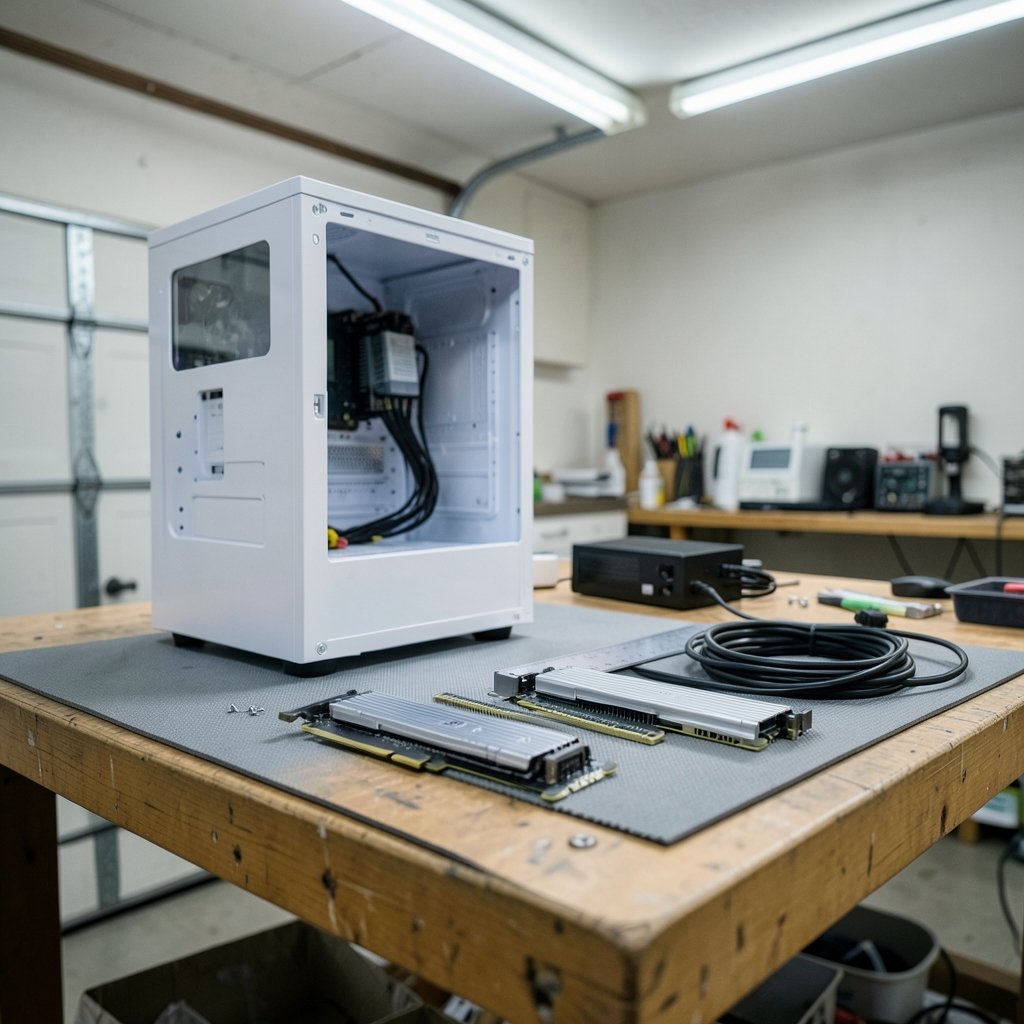
What good is a graphics card that costs more than a used car if it won’t fit in your case, won’t boot on your motherboard, or trips your power supply the moment a game loads a big texture? That is the exact trap waiting for people who buy a GeForce RTX 5090 without doing homework first. The card is real, it is fast, and it is also dramatically hungrier and often physically larger than the RTX 4090 it replaces. This guide walks through every compatibility checkpoint that actually matters before money changes hands in 2027, from power delivery and slot clearance to firmware quirks nobody mentions in launch videos.
Why the 5090 Is a Bigger Upgrade Than the Name Suggests
On paper, moving from a 4090 to a 5090 looks like a simple generational hop. In practice, the two cards sit in different weight classes for system planning. The RTX 4090 launched in October 2022 with a total graphics power (TGP) rating of 450 watts. The RTX 5090 arrived in January 2025 rated at 575 watts. That is a 125-watt jump at the card level alone, and transient spikes can push far beyond the steady figure for fractions of a second.
That single number reshapes the whole checklist. A power supply that ran a 4090 comfortably for years may be running near its ceiling with a 5090. A case that swallowed a partner-model 4090 may not close its side panel over a 5090 board. And a motherboard that never needed a firmware update for the 4090 may need one now. Treat the upgrade as a partial system rebuild, not a swap.
Check One: Power Supply Headroom and the 16-Pin Connector
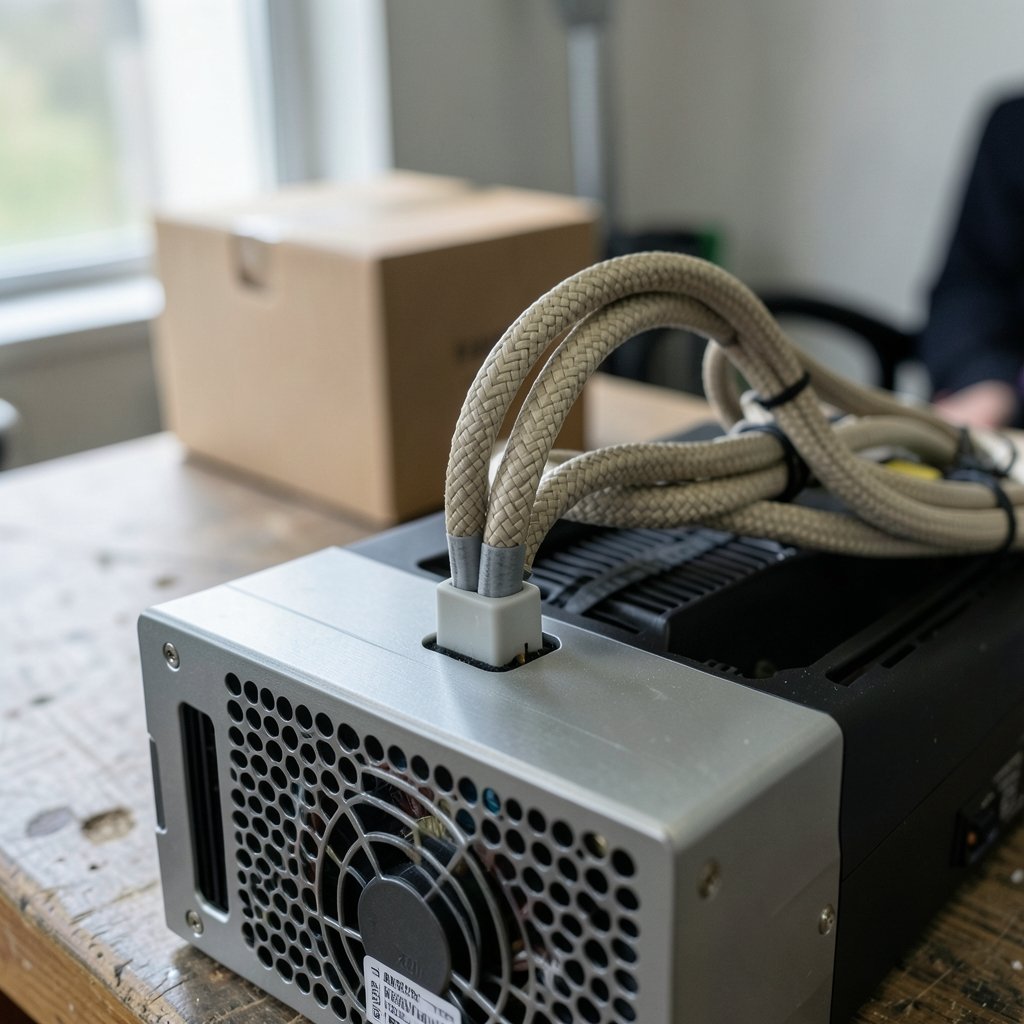
This is where most failed builds begin. Nvidia’s own guidance for the RTX 5090 points to roughly a 1000 W power supply, versus around 850 W for the 4090. Those figures are minimums with margin baked in, not guarantees. Add a power-hungry CPU, several drives, RGB lighting, and a dozen fans, and the real number climbs.
A practical rule that works in the field: take your measured system draw under full load, add the difference between the two cards, then keep at least 20 percent headroom on top. If your current build pulls 600 watts with a 4090, a 5090 build lands near 725 watts before spikes. An 850 W unit will sweat. A 1000 W unit from a reputable brand with strong transient response will not.
The connector deserves its own paragraph. Both cards use the 16-pin 12VHPWR-class connector, and the revised 12V-2×6 standard introduced in 2024 tightened the contact design to address melting and poor-seating problems reported on early 12VHPWR hardware. Older 12VHPWR cables generally still work, but the revised connector is the safer choice. Practical tips that prevent trouble:
- Plug the connector in until it clicks and sits flush, with no visible gap.
- Avoid sharp bends within the first 35 mm of the plug; route the cable with a gentle curve.
- Use the cable that came with your power supply, or a native 12V-2×6 cable, rather than a third-party adapter chain.
- Never daisy-chain multiple adapters to reach the card.
If you are unsure whether your current machine is even worth upgrading versus replacing, it helps to run a structured check of your platform first, much like the process in this guide on how to check if your PC supports Windows 11 before you upgrade, because firmware and OS readiness often decide the outcome more than raw specs.
Check Two: Physical Clearance in the Case
The Founders Edition RTX 5090 is a two-slot card around 304 mm long. Many partner cards are not. Expect three- and four-slot designs, lengths beyond 330 mm, and coolers that overhang the motherboard edge. The RTX 4090 had the same problem in its day, which is why “it fit my 4090” proves nothing.
Measure three things before ordering:
| Measurement | What to check | Common mistake |
|---|---|---|
| Length | Case internal clearance from bracket to front fan or drive cage | Measuring the box, not the interior |
| Slot thickness | Free expansion slots below the x16 slot | Forgetting a sound card or capture card |
| Cable bend radius | Space between card edge and side panel | Side panel pressing on the 16-pin plug |
The cable bend radius item is the one people skip. A side panel that bows slightly against the power connector is a fire risk, not a cosmetic issue. If the gap is tight, a 90-degree native cable or a wider case solves it.
Check Three: PCIe Slot and Motherboard Firmware
Both cards run on a PCIe 5.0 x16 interface, and the 4090 is backward compatible with PCIe 4.0. Running a 5090 in a PCIe 4.0 x16 slot costs very little in real games, typically low single-digit percentages. The trap is a slot that is physically x16 but wired electrically as x8, which some boards do when certain M.2 drives are populated. Check the motherboard manual’s lane-sharing table.
Firmware matters too. No chipset lockout is expected, but Resizable BAR support and a current UEFI build are worth confirming. Some older boards need a BIOS update before a 50-series card is fully recognized or performs as expected. Check the motherboard vendor’s support page for your exact board revision, and update the BIOS before the card arrives, not after.
Check Four: Drivers, Operating System, and Display Output
Nvidia’s 50-series drivers require a 64-bit Windows 10 or Windows 11 install, or a current Linux distribution. Older operating systems may not be supported at all. Confirm your OS is on a supported build before purchase; a clean driver install with a removal tool is the standard first step after the card goes in.
Displays are the quiet bottleneck. The 5090’s bandwidth advantage only pays off with matching output standards: DisplayPort 2.1 or HDMI 2.1 capable monitors and certified cables. A high-refresh 4K panel connected over an old cable may negotiate a lower refresh rate or drop features entirely. Check the monitor’s spec sheet and the cable’s rating; do not rely on the port shape alone.
RTX 5090 vs 4090: Side-by-Side Planning Numbers
| Factor | RTX 4090 | RTX 5090 | What it means for you |
|---|---|---|---|
| Launch | October 2022 | January 2025 | 5090 is a mature platform by 2027 |
| TGP | 450 W | 575 W | Bigger PSU, better airflow |
| Suggested PSU | ~850 W | ~1000 W | Minimum, not a target |
| Connector | 16-pin 12VHPWR class | 16-pin 12V-2×6 class | Revised connector preferred |
| Interface | PCIe 4.0 capable, x16 | PCIe 5.0 x16 | 4.0 slot works with small loss |
| Founders Edition size | Two-slot class | Two-slot, ~304 mm | Partner cards vary wildly |
The table tells a clear story: the 5090 is not a drop-in replacement. It is a card that asks more of the whole system.
Common Mistakes People Make
The most expensive error is buying the card first and asking questions later. A close second is trusting a wattage calculator that ignores transient spikes. Third is assuming a premium 850 W unit from 2021 will handle a 5090 because it handled a 4090; capacitor aging is real, and older units lose headroom over years of heat cycles.
Another frequent miss: not checking the monitor. Someone upgrades to a 5090 for 4K 240 Hz gaming, then discovers their cable is rated for far less bandwidth. And a quieter one: forgetting that a four-slot card can block the only free PCIe slot needed for a capture card or Wi-Fi adapter.
If you are also weighing platform changes around the same time, it pays to read up on how vendor roadmaps shift, such as whether the Nvidia RTX 60 series does skip 2027 launch 2026 rumors hold water, since waiting one cycle can change the whole upgrade math. (GeForce RTX 50 series)
A Practical Pre-Purchase Checklist
Work through these in order. Each one can stop the purchase before it becomes a return.
- Record your current full-system power draw under load.
- Confirm your PSU wattage, age, and native 12V-2×6 or 12VHPWR support.
- Measure case length, slot thickness, and side-panel clearance.
- Read the motherboard manual for lane sharing and Resizable BAR.
- Update the BIOS and confirm the OS build is supported.
- Verify monitor resolution, refresh rate, and cable certification.
- Check the exact partner card’s dimensions on its spec sheet, not the GPU name.
Skipping step seven is how people end up with a card that fits the Founders Edition measurements but not the triple-fan model they actually ordered.
When Upgrading Is Not Worth It
Sometimes the honest answer is no. If your power supply is below 850 W, your case is compact, and your monitor tops out at 1440p 144 Hz, a 5090 spends most of its capability doing nothing. The 4090 remains a strong card in 2027, and the money may be better spent on a display or a platform refresh. Compatibility checking must answer whether the card works and whether the whole system makes sense together.
For readers comparing software upgrades with similar tradeoffs, the same discipline applies to tools, as covered in this look at Notion alternatives and their limitations to check before switching. The pattern is universal: verify the constraints before committing.
Conclusion
The RTX 5090 is a genuine step up from the 4090, but the upgrade is a system decision disguised as a component purchase. Power delivery, connector revision, physical clearance, PCIe lane wiring, firmware, and display bandwidth all have to line up. Do the checks in order, measure the actual card you plan to buy, and keep real headroom on the power supply rather than skating the minimum. Get those right and the upgrade feels effortless. Skip them and you will learn why the 16-pin connector has its own cautionary literature.
FAQ
Does an RTX 5090 fit in a motherboard that ran an RTX 4090?
Usually yes. Both use a PCIe x16 slot, and no chipset lockout is expected. The real constraints are physical clearance and firmware, so update the BIOS and confirm the slot is electrically x16 before installing.
Is a 1000 W power supply really required for an RTX 5090?
Nvidia’s guidance points to roughly 1000 W, but that is a minimum with margin. A system with a high-end CPU and many drives may need more, and transient spikes mean headroom matters more than the label on the box.
Can I reuse my old 12VHPWR cable with a 5090?
Older 12VHPWR cables generally work, but the revised 12V-2×6 connector introduced in 2024 is preferred because it improves contact safety. Use a native cable from your power supply and seat it fully.
Will a PCIe 4.0 motherboard slow down an RTX 5090?
Only slightly. A PCIe 4.0 x16 slot costs low single-digit performance in most games. The bigger risk is a slot wired as x8 because of M.2 lane sharing, which you can check in the motherboard manual.
Do I need a new monitor to benefit from a 5090?
Not strictly, but the card’s bandwidth advantage shows up mainly with DisplayPort 2.1 or HDMI 2.1 displays at high resolution and refresh. Check that your cable is certified for the resolution and refresh rate you want.
What is the biggest mistake when upgrading from a 4090 to a 5090?
Buying the card before measuring. Case clearance, power supply age, and cable bend radius cause more failed installs than any driver issue. Measure the exact partner model you plan to buy, then order.



