

What actually changes about your desk, your cables, and your nightly routine when you pick one flagship headset over another? Most comparisons stop at sound quality and price. That misses the part you live with every day: the workflow. A headset is a small piece of infrastructure. It decides how many cables snake across your desk, how fast you can jump from a console to a PC call, and whether you ever have to stop playing to charge a battery. This comparison looks at three premium lines (the Astro A50 X, the SteelSeries Arctis Nova Pro family, and the Audeze Maxwell line) through that lens, with an honest note about what is confirmed and what is not as of 2027.
One caveat up front, because it matters for trust. The A50 X and the original Audeze Maxwell are documented 2023 and 2024 products. The names “Nova Pro Omni” and “Maxwell 2” are not confirmed in widely available product documentation. They may be newer revisions, regional names, or rumored models. Treat every spec below as something to verify against the manufacturer’s current support pages before you buy. The workflow logic, however, holds up regardless of the exact model number.
Why workflow beats spec sheets
Two headsets can have nearly identical drivers and still feel completely different to own. The difference is in three physical facts: how audio gets from your devices into the headset, how you switch between those devices, and how the headset gets power. Everything else (EQ curves, mic quality, clamping force) is tuning. Those three facts are architecture.
A useful analogy: choosing a headset is less like buying speakers and more like choosing how your desk is wired. Some people want a single dock that everything flows through. Some want two USB cables and a button. Some want one dongle and a Bluetooth pairing. Each choice creates a different daily rhythm, and each one breaks in a different way when something changes.
If you have ever compared tool workflows (the way a dock-based setup versus a dongle-based setup changes your habits), the same thinking applies to One com vs hostinger workflow differences. Architecture first, features second.
The Astro A50 X: the dock-in-the-middle approach
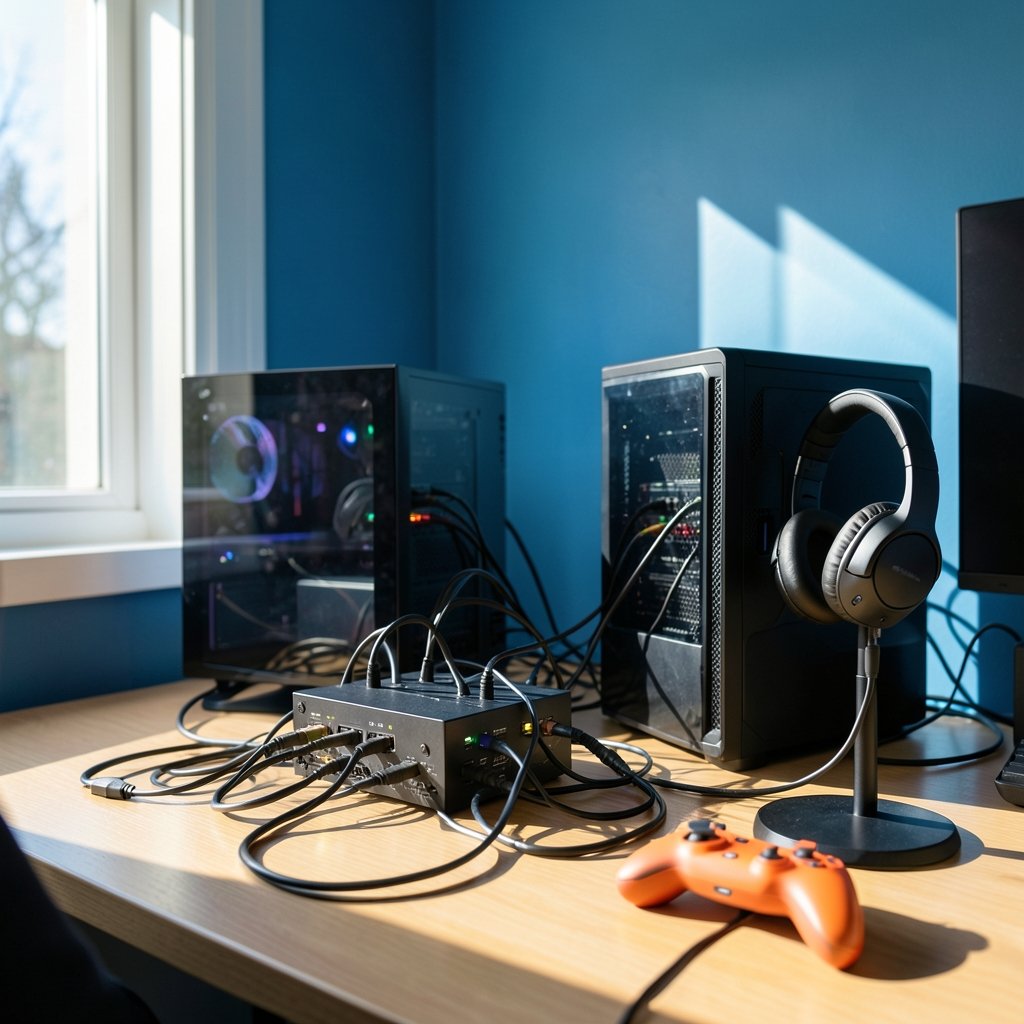
The A50 X, announced in January 2024, made its name on one bold idea: an HDMI 2.1 passthrough base station. Your console and PC feed into the dock, the dock feeds your display, and a single button swaps audio and video between sources. Bluetooth runs alongside for phone calls or Discord on a second device.
What this workflow feels like
- One button changes everything. Console to PC is a press, not a cable swap.
- Video passes through the dock, so the dock becomes a permanent fixture between your devices and your screen.
- Simultaneous Bluetooth means game audio and a phone call can mix.
- The battery is internal and rechargeable, so you charge while you play over USB.
Where it trips people up
The HDMI passthrough is the whole point, and it is also the fragile part. If your display or console chain does anything unusual (an AV receiver in the middle, a capture card, an older TV), the passthrough can introduce quirks you would never hit with a plain USB connection. The practical tip: set the dock up first with the simplest possible chain, confirm video and audio both pass, and only then add intermediate devices. People who build the full chain at once spend an evening debugging instead of playing.
The second common mistake is assuming the dock is optional. It is not. The A50 X’s workflow is the dock. Buy it expecting a permanent desk resident, not a travel headset.
The SteelSeries Arctis Nova Pro family: dual inputs and hot-swap batteries
The Nova Pro line predates 2024, and its wireless version is defined by two workflow choices. First, a base station with dual USB inputs, so a PC and a console can both stay connected with a button to switch. Second, a dual-battery swap system: one battery runs while the other charges in the base, so you never stop to plug in.
What this workflow feels like
- Two devices stay wired in permanently. Switching is a button press, not a re-plug.
- Battery anxiety disappears. You swap a cell in seconds and keep going.
- Bluetooth mixes in alongside the 2.4 GHz connection for a second device.
- No video passthrough, so your display chain stays untouched.
Where it trips people up
The dual-battery system is brilliant and easy to misuse. The classic mistake is leaving the spare battery out of the base station, then discovering at midnight that both cells are flat. The habit that works: the moment you swap, the depleted cell goes straight into the charger. Treat the base station as the battery’s home, not a drawer.
The second trap is cable topology. Dual USB inputs mean two cables running to the base, and people often route them badly, then blame the headset for dropouts that are really a loose connector behind the desk. Label the cables. It sounds trivial until you are troubleshooting at 1 a.m.
If you are weighing how much a switching model changes daily habits, the reasoning in Kiro vs cursor workflow differences maps neatly: the tool that removes a repeated manual step wins over the one with better specs on paper.
The Audeze Maxwell line: dongle plus Bluetooth, software-first
The original Maxwell launched in 2023 with a different philosophy. A USB-C dongle handles the low-latency link, Bluetooth runs simultaneously, and a desktop app (Audeze HQ) handles EQ and firmware. The design is heavy and planar-magnetic, aimed at both console and PC players who care about audio quality.
What this workflow feels like
- One dongle, one pairing. Setup is fast and travels well.
- Simultaneous Bluetooth lets you mix game audio with a call or music.
- The companion app is where tuning and updates live, so the headset improves over time if you actually open it.
- The battery is internal and rechargeable, charged over USB while you use it.
Where it trips people up
Dongle workflows fail in one specific way: USB port selection. A dongle in a hub, a monitor’s USB passthrough, or a front-panel port can behave differently from a direct rear port. If audio stutters, move the dongle before you blame the headset. The second mistake is never opening the companion app. Firmware updates and EQ profiles are where a chunk of the value sits, and plenty of owners never touch them.
Side-by-side: the workflow differences
| Workflow factor | A50 X | Nova Pro (wireless family) | Maxwell line |
|---|---|---|---|
| Input switching | HDMI 2.1 passthrough dock, one button | Dual USB base station, button switch | USB-C dongle plus Bluetooth |
| Video passthrough | Yes, through the dock | No | No |
| Battery model | Internal, charge while playing | Hot-swap dual batteries | Internal, charge while playing |
| Simultaneous Bluetooth | Yes | Yes | Yes |
| Companion software | Logitech G Hub | SteelSeries GG/Engine | Audeze HQ |
| Desk footprint | Largest (dock between devices and display) | Medium (base station, two cables) | Smallest (dongle) |
| Best fit | One desk, console plus PC, permanent setup | Long sessions, zero charging downtime | Portability plus audio quality focus |
The table makes the trade-off visible. The A50 X buys convenience with desk space and a more complex video chain. The Nova Pro buys uptime with two cables and a battery ritual. The Maxwell buys simplicity and portability with a dongle and an app you have to remember to open.
Platform certification: the quiet dealbreaker
Console compatibility differs by SKU and by connection method. Xbox in particular has historically required specific licensing or dongles, while PlayStation compatibility varies by model. This is the single most common purchase mistake in this category: buying the wrong SKU for your console and discovering it after the box is open. Check the exact SKU against the manufacturer’s compatibility list before checkout, not after. No workflow advantage survives a headset that will not talk to your console.
Software and firmware: the workflow you forget about
All three lines depend on a companion app for EQ, sidetone, and firmware. App support windows and OS compatibility drift over time. The practical habit: check the current release notes for your operating system before buying, and set a reminder to open the app once a quarter. Firmware updates have changed connection behavior on all three lines over their lifetimes, sometimes for the better, occasionally introducing a bug that a later update fixes. If something that used to work stops working, check for an update before you rewire your desk.
This is the same lesson that shows up across software tooling: the workflow layer you ignore becomes the workflow layer that breaks. The comparison in Cline vs cursor workflow differences makes the point well, and so does Rabbitmq vs kafka workflow differences for anyone who likes the plumbing analogy.
What actually works in practice
Across all three architectures, a few habits separate people who love their setup from people who fight it.
- Build the simplest chain first. Add one device at a time and test after each addition.
- Label every cable at both ends. You will thank yourself the first time something drops out.
- Pick one USB port and stay there. Consistency beats optimization.
- Open the companion app on day one and set your EQ and sidetone before you forget.
- Verify the SKU against your console’s compatibility list before purchase.
- Decide your battery ritual in advance: swap-and-charge, or charge-while-playing. Then follow it every time.
None of these are glamorous. All of them prevent the specific failures that make people return otherwise excellent headsets.
Which workflow fits you in 2027
Choose the A50 X if your console and PC share one desk, you want a single button to rule the switch, and you are willing to let a dock live between your devices and your display. Choose the Nova Pro family if you play long sessions and hate charging downtime, and you are happy with two cables and a battery swap habit. Choose the Maxwell line if you want the smallest footprint, move between setups, and will actually use the companion app for tuning.
The honest answer for 2027 is that the model names may shift under you. “Nova Pro Omni” and “Maxwell 2” are not confirmed in public documentation, so verify existence, specs, and firmware status before you commit. The workflow logic, though, is stable: dock-in-the-middle, dual-input base station, or dongle-plus-Bluetooth. Pick the architecture that matches your desk and your habits, and the model number becomes a detail rather than a gamble.
Conclusion
The A50 X, the Nova Pro family, and the Maxwell line are not really competing on sound. They are competing on how you live with them. One routes your video through a dock and gives you a single switching button. One keeps two devices wired in and never makes you wait for a charge. One hands you a dongle and an app and gets out of the way. In 2027, the smart buyer checks three things before anything else: how audio gets in, how devices switch, and how the battery works. Get those right, verify the SKU and the current model name, and the rest is tuning.
FAQ
Is the SteelSeries Nova Pro Omni a confirmed product?
No. The Nova Pro line is well documented, but the “Omni” name is not confirmed in widely available product documentation. It may be a newer revision, a regional name, or a rumored model. Verify it against the manufacturer’s current support pages before buying.
Does the A50 X really pass video through its dock?
Yes. The A50 X’s base station uses HDMI 2.1 passthrough, so console and PC video route through the dock to your display, and one button switches audio and video together. Build the chain one device at a time to avoid troubleshooting headaches.
Which headset never needs charging downtime?
The Nova Pro wireless family uses a dual-battery swap system: one battery runs while the other charges in the base station. Swapping takes seconds. The catch is discipline. Put the depleted cell straight into the charger every time, or you will eventually run both flat.
Can I mix game audio with a phone call on all three?
Yes, as of the documented behavior for these lines. All three support simultaneous Bluetooth alongside the main game connection, so you can hear a call or music while playing. Firmware updates can change mixing behavior, so confirm on the current model.
Why does my dongle-based headset stutter?
Usually the USB port, not the headset. Dongles plugged into hubs, monitor passthrough ports, or front-panel ports can behave differently from a direct rear port. Move the dongle to a direct port before assuming the hardware is faulty.
Do I need the companion app?
Practically, yes. EQ, sidetone, and firmware updates live in Logitech G Hub, SteelSeries GG/Engine, or Audeze HQ depending on the model. Skipping the app means skipping a chunk of the value. Open it on day one and check release notes periodically.


