
What actually changes about your day when you swap one Hall effect keyboard for another? Not the marketing claims, not the switch color chart, but the real, hour-by-hour difference in how you type, game, and configure your board. That question matters more than ever in 2027, because magnetic switch keyboards have moved from niche curiosity to mainstream default, and the three names that come up most in enthusiast threads are the Wooting 80HE, Hator boards, and the Epomaker HE60.
The honest answer is that the switch technology is no longer the differentiator. All three rely on Hall effect sensors, which measure magnetic field changes rather than physical metal contact. What separates them is layout, firmware philosophy, and how much configuration work you sign up for. This article walks through those workflow differences in plain terms, flags what is confirmed versus what still needs verification, and helps readers pick a board that fits how they actually work.
The Shared Foundation: Why Hall Effect Changes Everything
Before comparing the three, consider what they share. Hall effect switches use a magnet in the stem and a sensor on the PCB. When a key moves, the magnetic field shifts, and the board reads that change as an analog value. That one design choice enables the features people care about.
Adjustable actuation lets a user set how far a key must travel before it registers, often anywhere from a fraction of a millimeter to several millimeters, per key. Rapid trigger resets a key the instant it moves back up past a threshold, rather than waiting for a fixed reset point. Both features became widely popular around 2023 and 2024 and are now standard expectations on magnetic boards.
The practical consequence is that these keyboards are software-defined. Two boards with identical switches can feel completely different depending on firmware and configuration tools. That is why the workflow conversation has to start with software, not hardware.
Wooting 80HE: The Configuration-First Workflow
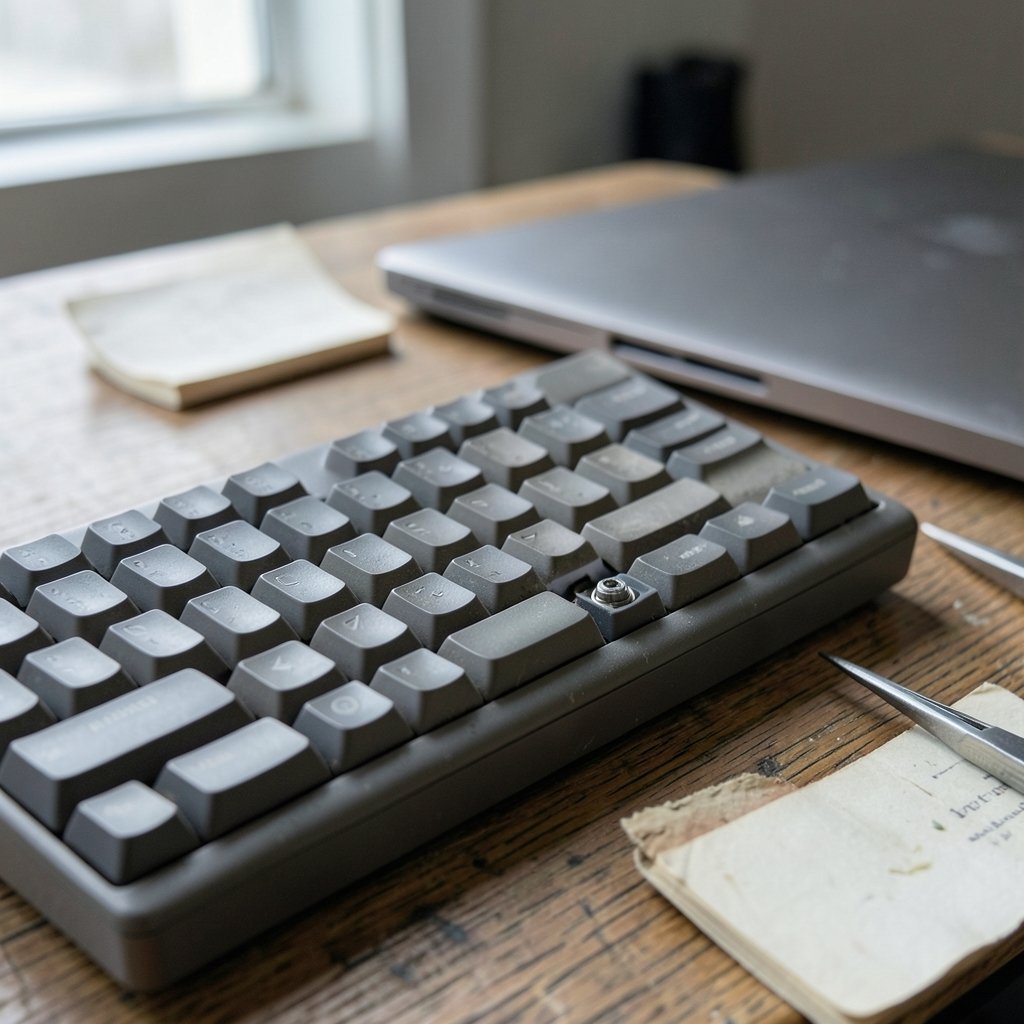
The Wooting 80HE arrived in 2024 as a 75% layout analog keyboard built around Lekker magnetic switches, rapid trigger, and adjustable actuation. It is the board that most clearly treats configuration as a first-class product feature rather than an afterthought.
What the 75% Layout Does to Your Day
A 75% layout keeps the function row and arrow keys while trimming the numpad and most of the navigation cluster. For most users, that means arrow keys and function keys stay within reach without a modifier chord. If someone spends their day in spreadsheets, code editors, or document tools, that matters. Reaching for arrows without holding a key is a small friction that compounds across thousands of presses.
The Firmware Workflow
The 80HE’s real workflow signature is its depth of customization. Per-key actuation curves, rapid trigger sensitivity, and analog input mapping all live in software that expects the user to spend time tuning. That is a genuine strength for gamers and power users, and a genuine cost for anyone who wants to plug in and forget it.
A word of caution: the “80HE Plus” naming that circulates in some discussions is not confirmed. Readers should verify the exact variant and its specifications directly with the vendor before buying, because model suffixes in this space change quickly and resellers are not always accurate.
Hator: The Brand-Level Question
Hator is a Ukrainian peripherals brand that makes keyboards, mice, and headsets. Here the comparison gets tricky, because “Hator” is a brand, not a confirmed model. There is no reliable public information tying a specific Hator keyboard to this Hall effect comparison, and readers should treat any direct three-way spec sheet as unverified until the exact model number is confirmed.
What to Check Before Committing
If a Hator board is on the shortlist, the workflow questions to ask are concrete:
- Confirm the exact model number and whether it uses magnetic switches at all.
- Check whether the firmware supports per-key actuation and rapid trigger, or only fixed settings.
- Verify whether configuration software runs on the operating system in use, including whether a web-based configurator exists.
- Confirm the layout: full-size, TKL, 75%, or 60%, since that affects daily navigation more than any switch spec.
- Look for independent reviews that test latency and firmware stability, rather than relying on unboxing impressions.
The broader lesson applies to any brand: a familiar name is not a specification. Workflow fit comes from verified layout and firmware details.
Epomaker HE60: The Compact Compromise
Epomaker is known for budget-friendly enthusiast keyboards, and the “HE” prefix typically signals Hall effect switches. An “HE60” model, however, is not something that can be confirmed from reliable public information. The 60% form factor it implies is real and well understood, so the workflow analysis can still be useful.
Living With a 60% Layout
A 60% board removes the function row, arrow keys, and numpad entirely. Everything lives behind layers and modifier chords. For gamers with a small desk footprint or users who keep hands on home row, that is a feature. For anyone who edits text, navigates spreadsheets, or uses function keys regularly, it is a daily tax paid in extra keystrokes.
The trade-off is not about quality. It is about how much of your workflow depends on dedicated keys. A 60% board rewards users who invest in layer configuration and punishes users who do not.
Budget Boards and Firmware Reality
Budget magnetic boards often ship with capable hardware and thinner software. The questions that decide the experience are whether rapid trigger is adjustable per key, whether settings persist on the board itself, and whether the configurator works without installing a heavy desktop app. Those details separate a board that feels tuned from one that feels like a demo.
Side-by-Side: Workflow Comparison
| Workflow Factor | Wooting 80HE | Hator (model unconfirmed) | Epomaker HE60 (model unconfirmed) |
|---|---|---|---|
| Layout | 75%, arrows and function row retained | Varies by model; verify | 60% implied, layers required |
| Switch type | Hall effect (Lekker), confirmed | Verify magnetic switches | Hall effect implied by naming |
| Adjustable actuation | Yes, per key | Verify | Verify |
| Rapid trigger | Yes | Verify | Verify |
| Configuration depth | High, tuning expected | Unknown | Likely moderate |
| Best fit | Gamers and power users who tune | Buyers who verify specs first | Compact-desk users comfortable with layers |
The table makes the central point clear: only one column is well documented. The other two require verification before any purchase decision.
The Workflow Differences That Actually Matter
Strip away the spec sheets and three factors decide whether a keyboard fits a person’s day. The first is layout friction. Every key that moves behind a layer adds a small cognitive cost, and that cost shows up most in writing, coding, and data entry. The second is configuration burden. Deep customization is a gift to tinkerers and a chore to everyone else. The third is firmware reliability, meaning whether settings persist, whether the board behaves consistently across operating systems, and whether updates break existing profiles.
These same patterns show up far beyond keyboards. Teams comparing tools often find that the underlying technology converges while the workflow around it diverges, which is exactly what readers see in breakdowns of One.com vs Hostinger workflow differences and in Airtable vs Notion workflow differences. The lesson transfers cleanly: pick the workflow, then pick the product.
Practical Tips and Common Mistakes
Tip one: match the layout to the task before the switch. A 75% board is the safer default for mixed work and play. A 60% board is a deliberate commitment to layers.
Tip two: test rapid trigger in the apps you actually use. Rapid trigger shines in games and can feel odd in fast typing if sensitivity is set too aggressively. Start conservative and adjust.
Tip three: confirm the model number in writing. The most common mistake in this comparison is buying based on a brand name or a forum shorthand. Model suffixes matter, and “Plus” variants are not always what they seem.
Tip four: check whether settings live on the board. Onboard profiles mean the keyboard behaves the same on every machine, which matters for anyone who switches between work and personal computers.
Tip five: do not over-tune. A board tuned for two hours and then abandoned is worse than a board set up once with sensible defaults. Pick a handful of keys that need custom actuation and leave the rest alone.
Where the Software Comparison Goes Next
Keyboard firmware is converging on the same ideas that shape developer tooling, where configuration and workflow portability decide adoption. Readers interested in that parallel will recognize the pattern in comparisons like Kiro vs Cursor workflow differences and Cline vs Cursor workflow differences. In both cases, the winning product is the one whose defaults match the user’s habits, not the one with the longest feature list.
Conclusion
The Wooting 80HE, Hator boards, and the Epomaker HE60 are not really competing on switch technology, because Hall effect sensors have become the shared baseline. They compete on layout, firmware depth, and how much tuning the owner is willing to do. The 80HE is the documented, configuration-heavy option with a practical 75% layout. Hator is a brand whose specific model needs confirmation before any workflow claim can be made. The HE60, if it exists as described, implies a compact 60% experience that rewards layer-savvy users and frustrates everyone else. The winning move in 2027 is simple: verify the model, match the layout to the daily task, and only then worry about actuation curves.
FAQ
Is the Wooting 80HE Plus a real product?
The 80HE itself was announced in 2024 as a 75% analog keyboard with Lekker switches, rapid trigger, and adjustable actuation. A “Plus” variant is not confirmed and should be verified with the vendor before purchase.
Does Hator make a Hall effect keyboard comparable to these boards?
Hator is a Ukrainian peripherals brand, but no specific model can be reliably tied to this Hall effect comparison. Buyers should confirm the exact model number and switch type directly.
What is the Epomaker HE60?
Epomaker is a keyboard brand known for budget enthusiast boards, and “HE” typically signals Hall effect switches. An HE60 model is not confirmed from reliable public information, so its specifications should be verified.
What is rapid trigger and why does it matter?
Rapid trigger resets a key the moment it moves back up past a threshold instead of waiting for a fixed reset point. It matters most in gaming, where fast repeated presses help, and less in ordinary typing.
Is a 60% layout bad for productivity?
Not inherently, but it moves arrow keys and the function row behind layers. Users who navigate spreadsheets or use function keys heavily often prefer a 75% layout for that reason.
Do all three boards support per-key adjustable actuation?
Only the Wooting 80HE confirms this clearly. For Hator and Epomaker, per-key actuation support depends on the specific model and firmware, so it must be verified before buying.
Final check before purchase: confirm the return window. Firmware feel and layer habits only reveal themselves after a week of real use, and a board that looks right on paper can still miss your workflow. Buy from a seller with a clear return policy, keep the packaging, and treat the first week as a test rather than a commitment.
That closes the comparison. The documented option, the unverified brand, and the compact compromise each demand a different kind of due diligence, and only verified specifications turn a promising keyboard into a working one.