
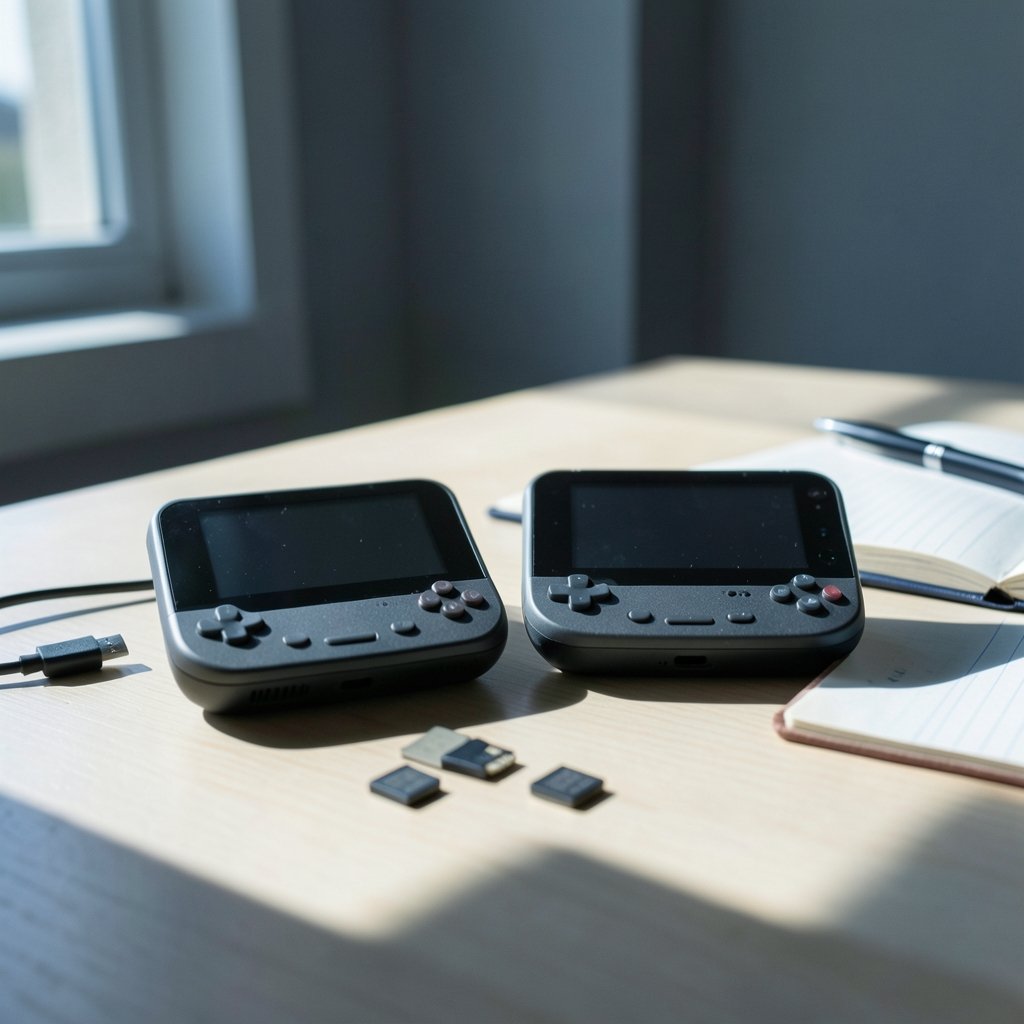
What changes between two Android handhelds after you stop reading the spec sheet and sit down to play? The Ayaneo Pocket Micro 2 vs Retroid Pocket Mini V2 comparison begins with that question, and the answer matters more in use than it first seems. Both devices are pocketable Android machines built for emulation, retro libraries, and the occasional native mobile game. Neither runs a bespoke operating system. Both boot Android, both use third-party frontends, and both require the owner to spend time on setup before play feels easy.
So the interesting differences are not in the hardware headline numbers. They live in the workflow: how you organize a library, how you map controls, how you handle screen geometry, how often you tinker, and how much friction you accept in exchange for portability. This article walks through those differences in plain terms, flags what is genuinely unknown about 2027 successors, and gives you a framework you can apply whether or not either “V2” ever ships. (Kiro vs cursor workflow differences understand 2027)
The Honest Starting Point: What Is Confirmed and What Is Not
A responsible comparison has to begin with a caveat. As of the most reliable information available, the Ayaneo Pocket Micro is a small horizontal Android handheld with a roughly 3.5-inch, 960×640 display, announced around mid-2024. The Retroid Pocket Mini is a small Android handheld with a roughly 3.7-inch 4:3 AMOLED panel, released around late 2024. Those two devices are real and documented.
The successors in this article’s title are a different matter. There is no reliable confirmation that a “Pocket Micro 2” or a “Retroid Pocket Mini V2” has been announced. Treat both names as unverified until the manufacturers’ own channels say otherwise. That does not make the comparison useless. It makes it a comparison of design philosophies and workflow patterns, which is arguably more durable than a spec sheet anyway.
What can be said with confidence is that both product lines run Android, so the workflow differences come down to launcher and frontend setup, per-emulator configuration, controller mapping, aspect-ratio handling, and update cadence. Those are the levers that decide whether a handheld feels like a toy or a tool.
Why Screen Geometry Quietly Sets Your Whole Workflow
Most buyers underestimate one point: the shape of the screen affects how games look and how much configuration you will do. A 4:3 panel, the Retroid Pocket Mini class, fits 4:3 consoles such as the SNES, PlayStation 1, and Nintendo 64 with minimal letterboxing. You launch a game, it fills the display, and you move on. A panel closer to 3:2, the Pocket Micro class, suits Game Boy Advance and PSP content better, because those systems were designed around wider aspect ratios.
That single geometric fact cascades through everything else. On a 4:3 device, your default per-emulator settings can stay close to stock for a large chunk of the library. On a wider panel, you will spend more time deciding, per system, whether to stretch, crop, or accept black bars. Multiply that decision across a dozen emulators and it becomes a real workflow cost.
A practical tip: decide your policy once and write it down. Something like “4:3 systems get integer scaling with bars, GBA and PSP get full width” saves you from re-litigating the same choice every time you add a game. People who skip this step end up with an inconsistent library and a nagging sense that something looks off, without knowing why.
Frontend Philosophy: Library-First vs Tinker-First
Both devices push you toward an Android frontend, and the two common choices are Daijishō and ES-DE. The workflow difference between them is not really about features. It is about temperament.
Daijishō is Android-native, scraper-friendly, and quick to set up. It wants you to point it at folders, pull metadata, and start playing. ES-DE is closer to a desktop-style experience, with a more structured folder convention and a heavier emphasis on themes and per-system presentation. It rewards patience and punishes improvisation.
The broader lesson is that frontend choice is a workflow decision, not a cosmetic one. Pick the one that matches how much structure you want. If you enjoy curation, ES-DE’s conventions will feel satisfying. If you want to be playing within an hour of unboxing, Daijishō removes friction. This is the same pattern you see in other tool comparisons, where the real question is how much process a person wants to own; the workflow differences between Airtable and Notion are a good parallel, because both tools can do similar work but demand very different habits.
Controller Mapping and the Handheld That Fits Your Hands
Both devices are horizontal handhelds with built-in controls, so mapping is mostly about emulator-level configuration rather than hardware. Still, there are workflow consequences.
On a compact device, shoulder buttons and analog sticks tend to sit closer together, which changes how you assign functions. Fighting games want a clean six-button layout. PlayStation-era RPGs want comfortable triggers for camera control. N64 titles want analog precision and a sensible answer for the C-buttons. The device you choose shapes which of these feels natural out of the box and which requires remapping.
A common mistake is remapping globally instead of per emulator. Android’s input layer will happily let you set one scheme and then fight you when a different emulator interprets it differently. The fix is boring but effective: configure one emulator at a time, test with a real game for ten minutes, and only then move on. Bulk configuration feels efficient and almost always creates cleanup work later.
Setup Workflow Compared Side by Side
The table below summarizes how the two design approaches tend to play out in daily use. It describes patterns, not confirmed successor specs.
| Workflow area | Pocket Micro class (3.5-inch, 960×640) | Pocket Mini class (3.7-inch 4:3 AMOLED) |
|---|---|---|
| Screen fit for 4:3 consoles | Requires more letterboxing decisions | Near-native fit, minimal adjustment |
| Screen fit for GBA and PSP | Strong fit, less cropping | Wider content needs bars or scaling choices |
| Frontend setup time | Similar; Android is Android | Similar; Android is Android |
| Per-emulator tuning load | Higher for 4:3 systems | Higher for widescreen systems |
| Readability of UI text | Smaller, more scrolling | Slightly more comfortable |
| Portability priority | Pocket-first | Still pocketable, slightly larger footprint |
| Update cadence | Manufacturer-dependent | Manufacturer-dependent |
The takeaway is not that one column wins. It is that the tuning load lands on different systems depending on the panel. If your library is mostly SNES and PS1, the 4:3 device asks less of you. If it is mostly GBA and PSP, the wider panel does.
Update Cadence and the Maintenance Mindset
Handheld maintenance is an underrated part of the workflow. Android devices receive manufacturer updates at different rhythms, and emulator developers ship changes constantly. Ayaneo’s historical pattern has been frequent new SKUs across many form factors, while Retroid’s pattern has been iterative refreshes with spec bumps. Neither pattern is a confirmed roadmap, but both tell you something about how you should plan.
The practical advice is to separate what you control from what you do not. You cannot control firmware timing. You can control whether your setup survives an update. Keep a written record of your frontend configuration, your per-emulator settings, and your controller mappings. When an update lands, you will know exactly what to re-check instead of rebuilding from memory.
This is the same discipline that pays off in software work generally. Teams that document their environment recover from changes quickly; teams that rely on muscle memory do not. If you have ever compared tools where one rewards explicit configuration and the other rewards convention, the workflow differences between Cline and Cursor illustrate the same trade-off in a completely different domain.
What 2027 Realistically Changes
Any claim about 2027 hardware is speculative, and it is worth saying so plainly. What is reasonable to expect is continuity of pattern rather than a clean break.
First, Android will remain the platform. Neither company shows signs of abandoning it, and the emulation ecosystem is built around it. Second, screen geometry will keep driving workflow. Successors may shift panel sizes slightly, but the 4:3-versus-wider split is a design choice that persists because it maps to real content categories. Third, the frontend layer will keep maturing, which means setup gets easier over time but the underlying decisions do not disappear.
What could genuinely change is performance headroom. Better chips mean more systems become comfortable, which expands the library and therefore expands the configuration surface. That is a subtle trap: a more capable device can produce more setup work, not less, because you will attempt more demanding systems.
If you are planning a purchase around a 2027 successor, the sane approach is to wait for an official announcement rather than build expectations on a name. In the meantime, the workflow skills transfer completely. Learning a frontend, learning per-emulator scaling, and learning to document your setup will serve you on any Android handheld, from any manufacturer, in any year.
Practical Tips That Actually Hold Up
A few habits separate people who enjoy these devices from people who resell them after a month.
Start with one system. Pick the console you care about most, get it running well, and live with it for a week before adding another. Bulk-importing a thousand ROMs on day one is the fastest route to decision fatigue.
Use integer scaling where the emulator supports it. Non-integer scaling produces uneven pixels that look subtly wrong and are hard to diagnose. If the panel does not divide evenly, accept modest bars.
Test with real gameplay, not menus. A configuration that looks correct in a settings screen can feel wrong the moment input timing matters.
Keep a plain text file with your settings. It takes ten minutes and saves hours.
Finally, be honest about your tolerance for tinkering. Some people genuinely enjoy the setup as a hobby. Others want to press play. Neither is wrong, but the device and frontend that suit one temperament will frustrate the other. The same honesty applies when weighing development environments, as the workflow differences between Kiro and Cursor make clear: capability matters less than fit.
Conclusion
The Ayaneo Pocket Micro 2 vs Retroid Pocket Mini V2 comparison is best understood as a comparison of design instincts rather than confirmed products. Neither successor is verified, and any 2027 forecast should be read as pattern-based reasoning, not fact. What is solid is the underlying framework: screen geometry shapes your tuning load, frontend choice reflects your temperament, controller mapping rewards patience over speed, and maintenance discipline determines whether your setup survives the next update.
If you take one thing away, make it this. The device matters less than the workflow you build around it. A well-organized library on a modest handheld beats a chaotic one on a flagship every time. Choose the panel that fits the systems you actually play, pick the frontend that matches how much structure you want, document what you configure, and stop optimizing once it works. That advice will still be true long after any specific model number stops being relevant.
FAQ
Are the Pocket Micro 2 and Pocket Mini V2 confirmed products?
No. There is no reliable confirmation that either successor has been announced. The current Ayaneo Pocket Micro and Retroid Pocket Mini are documented devices, but the “2” and “V2” names should be treated as unverified until the manufacturers confirm them officially.
What is the biggest workflow difference between the two device classes?
Screen geometry. A 4:3 panel fits SNES, PS1, and N64 content with minimal letterboxing, so those systems need less adjustment. A wider panel suits GBA and PSP better but pushes more scaling decisions onto 4:3 content. The tuning load lands on different parts of your library.
Which frontend should a beginner choose?
Daijishō is generally the gentler starting point because it is Android-native and quick to set up. ES-DE rewards users who want structured folder conventions and deeper presentation control. The right answer depends on whether you want to be playing quickly or curating carefully.
Do both devices run the same operating system?
Yes, both product lines run Android. That means the differences are not about the OS itself but about launcher and frontend setup, per-emulator configuration, controller mapping, aspect-ratio handling, and update cadence.
How long does setup realistically take?
Most people can get one system running well in under an hour. A full multi-system library with consistent scaling, scraped metadata, and tested mappings is a weekend project. Spreading it out over several sessions produces better results than a single marathon.
Is it worth waiting for a 2027 successor?
Only if you are comfortable with uncertainty. No official roadmap confirms either device. The workflow skills, however, transfer to any Android handheld, so learning frontends and scaling now is not wasted effort regardless of what ships later.



