
Quick Answer: Which AI voice generators are best for beginners?
The best AI voice generators for beginners are the ones that let you paste text, pick a voice, and hear a usable result in minutes without a steep learning curve. In practice, that means starting with a tool that offers a free tier, a large library of ready-made voices, and clear commercial-use terms before you ever touch voice cloning.
Some beginners will outgrow a simple browser tool quickly and want more control over pacing, emotion, and pronunciation, while others only need a clean narration voice for videos or accessibility. Those two paths lead to different platforms, so it helps to know your goal first.
Before committing, compare free-tier limits, voice quality on your own script, language and accent coverage, export formats, watermark rules, and the licensing terms for commercial use.
Why beginner voice tools are not all the same
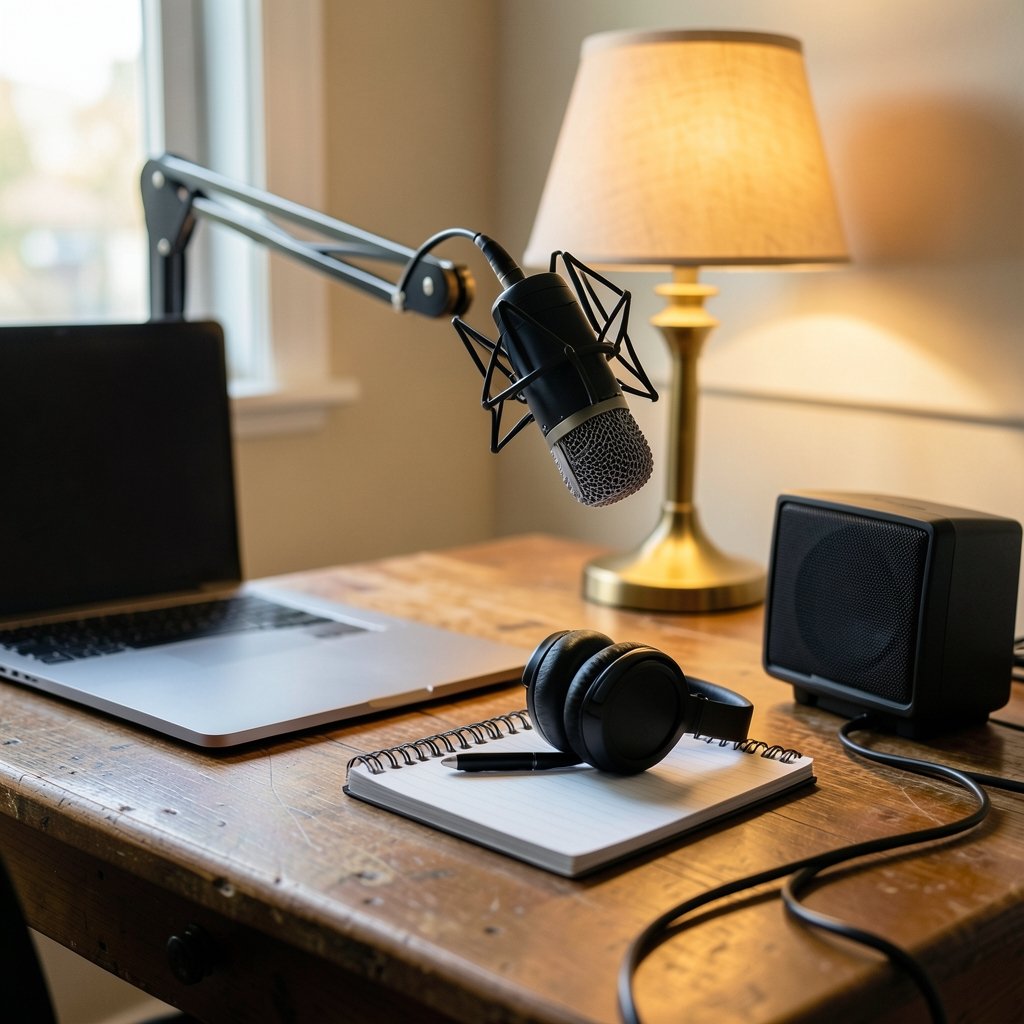
Picture this. Someone opens a voice generator for the first time, types a paragraph, hits play, and hears something that sounds like a GPS unit reading a bedtime story. That flat, robotic delivery is the classic beginner trap, and it usually comes from picking the wrong tool or the wrong settings, not from the technology itself.
Modern text-to-speech (TTS) has come a long way. The shift from older, choppy synthesis to neural TTS happened around 2016 and 2017, when research models like WaveNet and Tacotron 2 showed that neural networks could produce far more natural speech than the older methods. That timeline matters for beginners because it explains why some tools sound dramatically better than others: they are built on newer models.
The second big distinction is stock voices versus voice cloning. Most beginner-friendly platforms ship with a library of pre-made voices you can use instantly. Cloning, by contrast, builds a custom voice from a short audio sample, and it raises real questions about consent and impersonation. For a first project, stock voices are almost always the smarter starting point.
The beginner-friendly features that actually matter
It is easy to get dazzled by feature lists. What separates a good starter tool from a frustrating one usually comes down to a handful of practical things. Here is how to weigh them.
| Feature | Why it matters for beginners | What to watch for |
|---|---|---|
| Free tier | Lets you test quality before paying | Watermarks, character caps, locked exports |
| Voice library size | More options for tone and accent | Quality varies; test several voices |
| Language coverage | Needed for multilingual projects | Accent realism; language count alone is insufficient |
| Export formats | Must fit your editing software | MP3 and WAV are the safe defaults |
| Commercial rights | Determines if you can publish | License terms differ by plan |
| Pronunciation control | Fixes names and technical terms | Custom dictionaries or phonetic spelling |
| Speed and pacing | Keeps narration natural | Per-word or per-sentence timing controls |
A quick reality check on that table: these are practical heuristics, not an official standard. There is no single authority that certifies a voice tool as “beginner-friendly.” The criteria above come from how people actually use these products day to day.
One underrated factor is how the tool handles pronunciation. Beginners often blame the voice for sounding off when the real problem is a mispronounced brand name or acronym. Tools that let you spell a word phonetically or build a small custom dictionary save hours of frustration.
How to test a voice generator before you commit
A structured test is the fastest way to separate good tools from bad ones. Do not rely only on the demo clips on the marketing page, because those are cherry-picked. Run your own script through the tool.
- Paste in two or three paragraphs of your real content, not generic sample text.
- Generate the same script with at least three different voices.
- Include a sentence with a name, a number, and an acronym to test pronunciation.
- Listen on both headphones and a phone speaker, since phone speakers expose harshness.
- Check the exported file for watermarks or quality loss.
- Confirm the license terms before you publish anything.
This process takes maybe 20 minutes, and it will tell you more than any review. If you want a broader sense of which platforms reliably pass this test, a roundup of the best AI voice generators that actually sound human is a useful starting point before you run your own comparison.
A common mistake is judging a voice by a single sentence. Some voices sound great for short clips but fall apart over a five-minute narration because they lack variation in pacing and emphasis. Always test on a longer passage.
Stock voices or voice cloning: what beginners should choose
For most first projects, stock voices win. They are instant, they carry no consent complications, and the licensing is usually simpler. Cloning makes sense later, once you know the tool fits your workflow and you have a legitimate reason, such as maintaining a consistent narrator across a series.
Cloning does deserve a caution flag. The technology can be misused to impersonate real people, and regulators are paying attention. In the European Union, the AI Act (Regulation (EU) 2024/1689, in force since August 2024) sets transparency obligations for synthetic audio, with phased application dates stretching into 2027. In the United States, rules are a patchwork of state laws and consumer-protection enforcement rather than one federal statute. If you plan to publish synthetic voice publicly, especially anything that could be mistaken for a real person, check the disclosure rules that apply where you live.
The practical takeaway for beginners is simple: use stock voices for learning, and treat cloning as an advanced step with its own legal homework.
Matching the tool to your actual project
Different projects need different things, and a beginner who picks a tool built for the wrong job will fight it constantly. Here is how the common use cases break down.
| Project type | Priority | Beginner-friendly approach |
|---|---|---|
| YouTube narration | Natural pacing, long-form stability | Test a single voice on a 5-minute script |
| Social media shorts | Speed and punchy delivery | Use short sentences and test energy levels |
| E-learning modules | Clear diction, pronunciation control | Build a custom dictionary early |
| Accessibility and screen reading | Reliability and clarity | Prioritize consistent, neutral voices |
| Multilingual content | Accent and language realism | Test native speakers on the output |
| Audiobook drafts | Emotional range, chapter consistency | Lock one voice and reuse settings |
If your project overlaps with video, it helps to understand the wider pipeline. Voice is one layer, and pairing it with visuals changes what you need from the audio. Beginners exploring that combination can look at guides on AI video generators from images to see how narration fits into a larger workflow.
For anyone weighing specific platforms head to head, a detailed breakdown of ElevenLabs vs Murf vs PlayHT covers how the major options differ on voice quality, pricing structure, and control, which is far more useful than a generic “top 10” list.
The mistakes beginners make most often
After the first few projects, patterns emerge. These are the missteps that come up again and again, and each one is easy to avoid once you know about it.
Chasing the biggest voice library. A thousand voices sounds impressive, but most projects need two or three. A smaller, higher-quality selection beats a sprawling one.
Ignoring the license until launch day. Some free tiers prohibit commercial use or require attribution. Discovering that after you have built a channel around a voice is painful.
Overlooking punctuation. Voice generators read punctuation as delivery cues. A comma is a pause, a period is a stop, and a run-on sentence produces a breathless rush. Editing your script for rhythm improves output more than switching voices.
Skipping the loudness check. Raw exports can vary in volume, which is jarring when stitched into a video. A quick normalization pass fixes it.
Assuming real-time and high-fidelity are the same. Low-latency voices built for conversational agents often use smaller, faster models, and they may sound less rich than batch-generated narration. If you are producing a polished video, use the high-quality mode even if it takes longer.
What about accessibility and ethical use?
Voice generation is not only a content-production tool. Text-to-speech underpins screen readers and assistive technology that many people rely on daily. The Web Content Accessibility Guidelines (WCAG) 2.2, published in October 2023, address audio content requirements, though they do not mandate any specific TTS product. For anyone building accessible material, voice quality is a genuine usability issue, not a cosmetic one.
Ethics matter too. Synthetic audio can mislead, and provenance tools are still catching up. The C2PA specifications, which define content credentials for verifying where media came from, are more mature for images than for audio. That gap means disclosure is largely on the creator. A simple rule: if a listener could reasonably think a real person said something they did not, label it clearly.
Free tiers, paid plans, and when to upgrade
Beginners should almost always start free. Every major platform offers some form of trial, and it is enough to learn the interface and test quality. The upgrade decision comes down to three questions.
First, does the free tier watermark or limit your exports in a way that blocks your project? Second, do you need commercial rights? Third, will you generate enough audio that the per-character cost matters?
A useful habit is to track how many characters you actually use in a typical project. Beginners routinely overestimate. A five-minute narration is roughly 700 to 800 words, which is a few thousand characters, not the tens of thousands people imagine. Once you know your real volume, pricing tiers become much easier to compare.
There is also a quality ceiling to watch. Free tiers sometimes restrict access to the newest voices or the highest-fidelity modes. If the free version sounds noticeably worse than the demos, that is usually why.
Conclusion
The best AI voice generator for a beginner is not the one with the longest feature list. It is the one that lets you test real scripts quickly, sounds natural on your actual content, and has licensing terms you understand before you publish. Start with stock voices, run a structured test on your own writing, and only move to cloning or premium plans once you know what your projects need.
The technology has matured enormously since the neural TTS breakthroughs of 2016 and 2017, and the gap between tools now comes down to control, licensing, and fit rather than raw capability. Pick a tool that matches your project, respect the disclosure rules around synthetic audio, and upgrade only when your workflow demands it. That approach will save beginners both money and frustration.
Frequently Asked Questions
Do I need to pay to try an AI voice generator?
No. Most platforms offer a free tier or trial that is enough to test voice quality and learn the interface. The catch is that free tiers often apply watermarks, character limits, or restricted access to the newest voices, so check the export rules before you build a project around one.
How long should my test script be?
Aim for two or three paragraphs, roughly 150 to 250 words. That is long enough to reveal pacing problems and pronunciation errors that a single sentence hides, but short enough to compare several voices quickly. Include a name, a number, and an acronym to stress-test the tool.
Is voice cloning safe for beginners to use?
It is legal in many places with consent, but it carries real risks. Cloning someone’s voice without permission can violate impersonation laws and platform policies, and disclosure rules for synthetic audio are tightening in several jurisdictions. Beginners are usually better off with stock voices until they have a specific, legitimate need.
Why does my generated audio sound robotic?
Usually it is the script, not the voice. Long unbroken sentences, missing punctuation, and unusual terms all degrade output. Break sentences up, add commas where you want pauses, and use phonetic spelling or a custom dictionary for tricky words. Switching to a higher-fidelity mode also helps.
Can I use AI voices in monetized videos?
Often yes, but it depends entirely on the license attached to your plan. Some free tiers prohibit commercial use or require attribution, while paid plans typically grant broader rights. Read the terms before publishing, and keep a record of which plan covered which project.
How many voices do I actually need?
Fewer than you think. Most projects need one consistent narrator voice, maybe two for variety. A large library is nice for experimentation, but voice quality and consistency across episodes matter far more than the total count.