
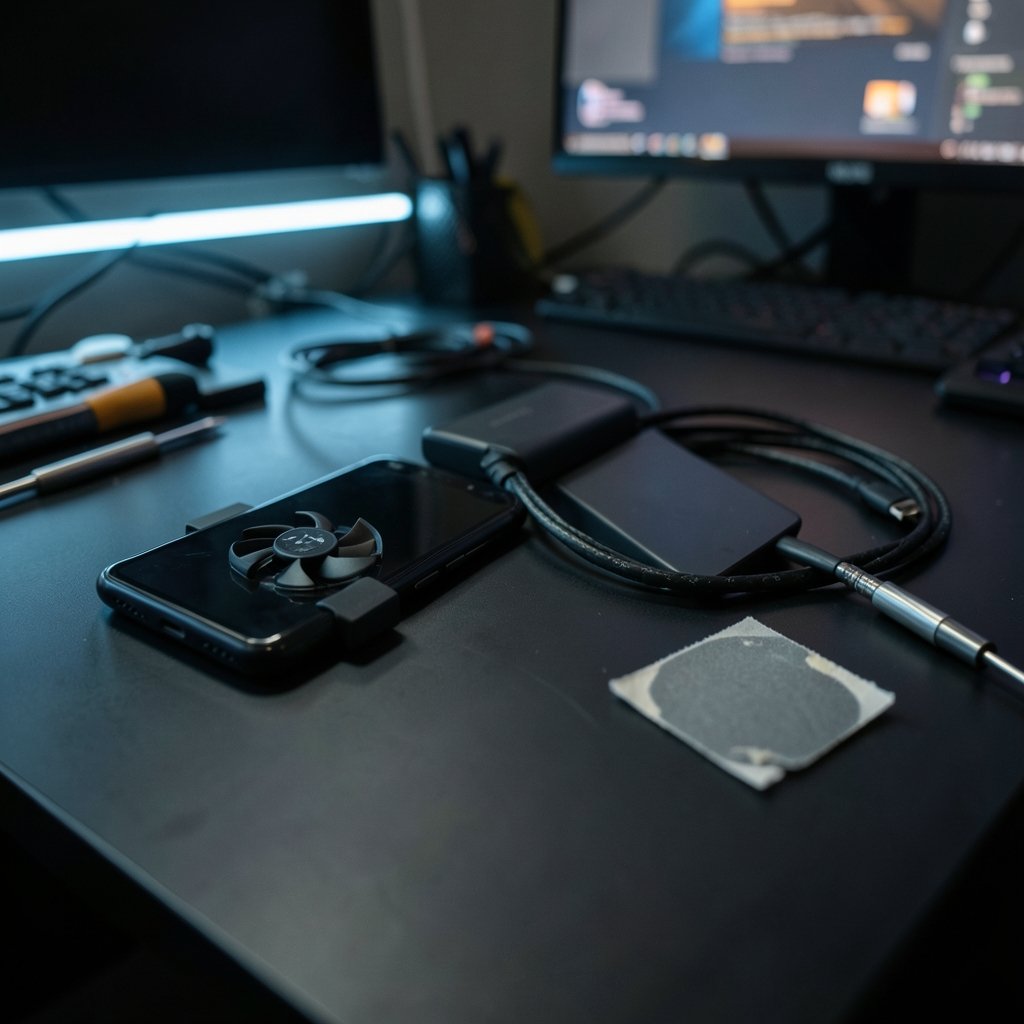
Quick Answer: Which budget gaming phones are worth buying?
The budget gaming phones worth buying are the ones built around a mid-range chipset rather than a flashy “gaming” label. In practice, that means models using a Qualcomm Snapdragon 7-series or MediaTek Dimensity 7000/8000-series processor, paired with decent cooling and a battery of at least 5,000 mAh.
Entry-level chipsets such as the Snapdragon 4-series or Dimensity 6000-series look fine on paper but stumble in demanding titles at medium settings. A slightly older mid-range phone often beats a brand-new entry model, and a well-cooled 90 Hz device usually feels smoother than a throttling 120 Hz one.
Before buying, compare the exact chipset, sustained frame rates over 20 to 30 minutes, cooling design, battery capacity and charging wattage, software update policy, and the regional SKU, since the same name can hide different hardware in different markets.
Why the Chipset Decides Everything
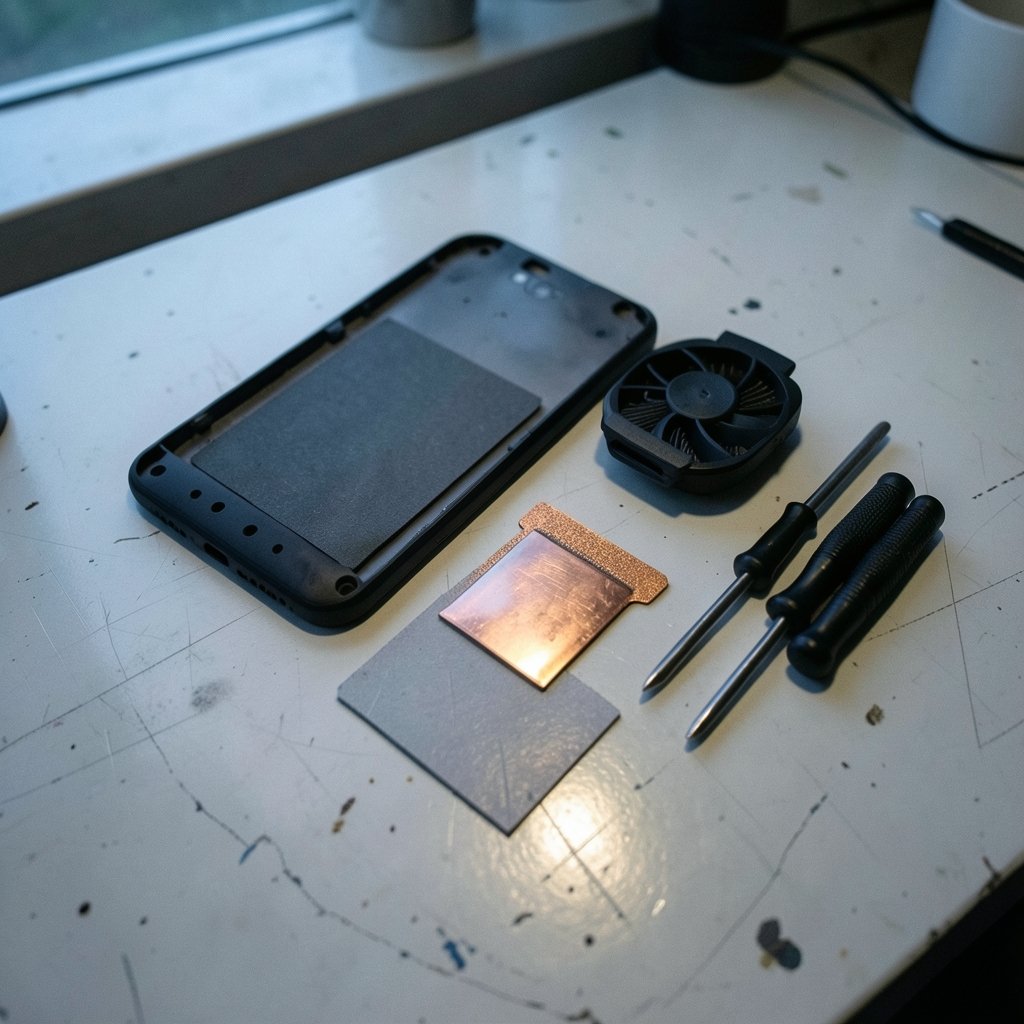
Walk into any phone shop and the word “gaming” is plastered across boxes with RGB strips and shoulder triggers. Here is the uncomfortable truth: most of that branding is cosmetic. The processor and the cooling system underneath determine whether a game runs at a steady 60 frames per second or stutters every time an explosion fills the screen.
Qualcomm splits its Snapdragon lineup into tiers, from the entry 4-series up to the flagship 8-series, and that tier naming is the single most useful shortcut a budget buyer has. A 7-series chip generally handles demanding titles at medium settings. A 4-series chip does not, no matter how many glowing logos the manufacturer prints on the back panel.
MediaTek’s Dimensity line follows a similar logic. The 7000 and 8000 series sit in the playable-performance zone, while the 6000 series targets basic everyday use. If a listing does not name the chipset clearly, that silence is usually a warning sign.
One more thing worth knowing: the same model name can ship with different silicon in different regions. Samsung has split Exynos and Snapdragon variants for years, and other brands do the same quietly. Always check the exact SKU for your market before handing over money. An independent spec database is the fastest way to compare regional variants side by side.
Sustained Performance Beats Big Benchmark Numbers
A phone that scores brilliantly in a 60-second benchmark and then throttles after eight minutes of play is not a gaming phone. It is a phone with good marketing.
Budget devices often skimp on cooling. Small vapor chambers, or none at all, mean heat builds up fast and the chip downclocks to protect itself. The result is a game that starts smooth and ends in a slideshow. Reviews that measure frame-rate stability over 20 to 30 minutes tell you far more than a headline benchmark score ever will.
When reading reviews, look for three things: the frame rate at the ten-minute mark, the frame rate at the thirty-minute mark, and whether the reviewer mentions the phone getting uncomfortably hot. If a review only quotes a peak number, treat it as incomplete.
For practical context, this is the same lesson that applies to other budget tech categories. Anyone weighing a cheap gaming laptop under a tight budget learns quickly that thermal design matters more than a spec sheet, and the same rule holds for phones that fit in a pocket. (Foldable phones worth buying practical buyers guide)
The Refresh Rate Trap
A 120 Hz display sounds fantastic. On a budget gaming phone, it is frequently a trap.
Refresh rate only helps if the chipset can actually push frames that fast. In this price tier, 90 Hz is often the realistic ceiling in demanding games, and many titles will run at 60 fps regardless of what the panel supports. A 120 Hz screen paired with a processor that manages 45 fps in the latest shooter gives you nothing except a smoother menu animation.
That does not make high refresh panels worthless. They genuinely improve scrolling, and lighter games like puzzle titles or card battlers will hit the higher rate easily. Just do not let a refresh rate number distract you from the chipset. If you have to choose between a 120 Hz panel on a weak chip and a 90 Hz panel on a strong one, take the strong chip every time.
The same principle shows up in monitor shopping, where buyers are constantly warned not to pair a high refresh panel with hardware that cannot drive it. The logic transfers directly to phones.
Battery, Charging, and the Trade-Off Nobody Mentions
Most budget gaming phones ship with cells between 5,000 and 6,000 mAh, which is genuinely generous. Gaming drains battery fast, so a bigger cell is one of the few specs where more really is more. (Gaming monitor worth buying beginners everyday use)
Charging speed is where things get messy. Fast charging in the 33 to 67 watt range is common, but it varies by region and by specific model variant. A phone advertised at 67 W in one country may ship with a 33 W charger in another. Check the charger included in the box for your market, not the global press release.
There is also a real trade-off between charging speed and long-term battery health. Very fast charging generates heat, and heat is the enemy of lithium cells. For a budget phone you plan to keep for three or four years, a slightly slower charger used overnight is often the smarter habit. USB Power Delivery is the standard behind most fast-charging claims, and understanding it helps you judge whether a bundled charger is actually doing anything special.
Practical tip from years of watching people wreck phone batteries: charge between 20 and 80 percent when you can, avoid gaming while plugged in, and never leave the phone on a hot car dashboard. These habits add more usable life than any software “battery saver” toggle.
Software Support Is the Quiet Dealbreaker
Here is the factor almost nobody checks in the shop and almost everybody regrets ignoring two years later.
Budget models frequently receive shorter update windows than flagships. Samsung publicly committed to four years of OS updates and five years of security patches back in 2022, and Google’s Pixel line has published multi-year security timelines of its own. Those pledges are the benchmark. When you compare a budget phone against them, you can see immediately which brands are serious about keeping your device secure.
Why does this matter for gaming? Two reasons. First, game developers drop support for old Android versions over time, and a phone stuck on an outdated OS will eventually stop receiving new titles. Second, security patches matter on any device you use for payments and accounts. A cheap phone that stops getting patches after two years is not cheap anymore; it is a liability.
Before buying, find the manufacturer’s published update policy for that exact model. If you cannot find one, assume the worst and price accordingly.
Reading the Marketing Without Getting Fooled
Budget gaming phones come loaded with features designed to sound impressive. A quick reality check on the common ones:
| Marketing feature | What it actually does | How much it matters |
|---|---|---|
| RGB lighting | Looks cool in the dark | Zero performance impact |
| Shoulder triggers | Extra buttons for shooters | Nice, but software-mappable buttons work nearly as well |
| “Gaming mode” software | Tweaks CPU scheduling and blocks notifications | Mildly useful, mostly convenience |
| 120 Hz display | Smoother scrolling and menus | Limited if the chip cannot keep up |
| Vapor chamber cooling | Spreads heat away from the chip | Genuinely important |
| 6,000 mAh battery | Longer play sessions | Genuinely important |
The pattern is clear. Anything touching cooling, battery, or the chipset itself is real. Anything touching aesthetics is decoration. Spend your money on the top half of that table.
This mirrors what buyers discover in other budget tech categories. People hunting for a gaming monitor on a beginner’s budget quickly learn that panel quality and response time beat a wall of marketing badges, and the foldable phone market teaches the same lesson about paying for substance over novelty.
How to Compare Before You Buy
A repeatable process beats impulse buying. Here is a sequence that works:
- Identify the exact chipset in the model you are considering, including the regional variant.
- Look up that chipset’s tier (Snapdragon 7-series, Dimensity 8000-series, and so on) to confirm it sits in the playable-performance band.
- Find a review that measures sustained frame rates over at least 20 minutes rather than a single peak benchmark.
- Check the battery capacity and the charger wattage bundled in your region.
- Look up the manufacturer’s published software update commitment for that specific model.
- Compare prices across at least three retailers, and note the date, because budget pricing shifts with promotions constantly.
That last point deserves emphasis. Budget-tier prices move around with sales, regional taxes, and carrier deals. Any price you see quoted in an article, including this one, should be treated as a snapshot rather than a fixed truth. Check the current figure yourself on the day you buy.
If you are also shopping for audio gear to go with the phone, the same discipline applies: a practical buying guide for budget Bluetooth headphones will tell you to prioritize battery life and codec support over brand badges, which is exactly the philosophy that works here too.
Common Mistakes That Cost Real Money
The first mistake is buying a brand-new entry-level phone instead of a slightly older mid-range one. A two-year-old device with a 7-series chip will usually outgame a fresh model with a 4-series chip, and it often costs less.
The second is trusting the box. “Gaming phone” is a marketing term with no standard definition. Nothing stops a manufacturer from applying it to a device that struggles with a three-year-old title.
The third is ignoring the region. Importing a phone to save money can leave you with a variant that lacks support for your local network bands, ships with a weaker charger, or falls outside the local warranty. The savings evaporate fast when something goes wrong.
The fourth is skipping the cooling question entirely. Ask directly: does this model have a vapor chamber or heat pipe, and do reviews mention thermal throttling? If the answers are vague, keep looking.
The fifth, and most common, is buying on launch-day excitement. Waiting a few weeks for sustained-performance reviews to appear costs nothing and saves a lot of regret.
Conclusion
The budget gaming phones worth buying are not the ones with the loudest branding. They are the ones built on a mid-range chipset, backed by real cooling, fed by a 5,000 mAh or larger battery, and supported with a published update policy that stretches beyond a couple of years. Everything else, from RGB strips to shoulder buttons, is seasoning rather than substance.
The practical formula is simple: check the chipset tier first, confirm sustained performance in a long-run review second, verify the regional SKU and bundled charger third, and read the software support pledge before you commit. Do that, and a phone at this price point can genuinely deliver hundreds of hours of enjoyable gaming. Skip it, and you will be the person in the group chat complaining that the newest game runs at 22 frames per second on a phone that was advertised as built for exactly that.
Buy the silicon, not the sticker.
Frequently Asked Questions
Is a used flagship a better buy than a new budget gaming phone?
Often, yes. An older flagship chip typically outperforms a current entry-level chip, and the build quality tends to be better. The catch is battery wear and a shorter remaining software support window, so check the battery health and the update timeline before committing.
How much RAM do I actually need for mobile gaming?
Eight gigabytes is the comfortable minimum for demanding titles in this tier, and twelve gives useful headroom for multitasking. Six gigabytes will run lighter games fine but may struggle with memory-hungry titles and aggressive background app management.
Do phone cooling accessories actually help?
Clip-on fans and cooling cases can reduce surface temperature and delay throttling, sometimes meaningfully. They cannot fix a chipset that is fundamentally too weak, so treat them as a supplement to good built-in cooling rather than a replacement for it.
Does a higher refresh rate screen make games run faster?
No. Refresh rate describes how often the screen updates, not how many frames the processor can produce. A 120 Hz panel on a chip that manages 45 fps in a demanding game will simply display those 45 frames smoothly, which is not the same as running faster.
Should I worry about storage speed on a budget gaming phone?
Somewhat. Slower storage affects game load times and can cause stutter in titles that stream assets during play. Look for UFS storage rather than older eMMC, since the difference shows up in real use even when benchmark numbers look similar.
How often should I replace a budget gaming phone?
Realistically, every three to four years. That matches the typical software support window in this tier and the point at which battery capacity has usually degraded noticeably. Buying with that lifespan in mind makes the update policy question far more important than it first appears.



