

What if the tool everyone recommends for AI audio editing is actually the wrong one for your job? That happens more often than most guides admit. Someone needs to strip a refrigerator hum out of an interview, gets pointed toward a text-based editor, and spends an afternoon fighting features that have nothing to do with the problem. The label “AI audio editing” covers at least five different jobs, and the alternatives worth considering change depending on which job is yours.
This guide sorts the category by what each tool actually does well, where it falls short, and the mistakes people make when they switch. No rankings, no hype. Just a practical map.
First, separate the five jobs hiding under one label
AI audio editing is an umbrella term, and that is the root of most bad tool choices. The work splits into distinct categories:
- Restoration and repair. Removing noise, hum, clicks, and room echo from a recording.
- Source separation. Pulling vocals, drums, and instruments apart into separate stems.
- Text-based editing. Editing a transcript so the audio follows automatically.
- Leveling and loudness. Normalizing volume and hitting a broadcast or podcast target.
- Voice synthesis and cloning. Generating or replacing speech entirely.
A tool that excels at one of these may be mediocre or useless at another. Before comparing anything, write down which job you actually have. That single step saves more time than any feature chart.
One more warning: “AI” labeling is inconsistent across vendors. Some features marketed as AI are conventional signal processing with a new name on the box. That does not make them bad. A well-tuned de-hummer from 2015 can beat a flashy “AI” button. But it does mean you should judge tools by output quality on your own audio, not by the marketing language.
Restoration: the specialist still beats the generalist
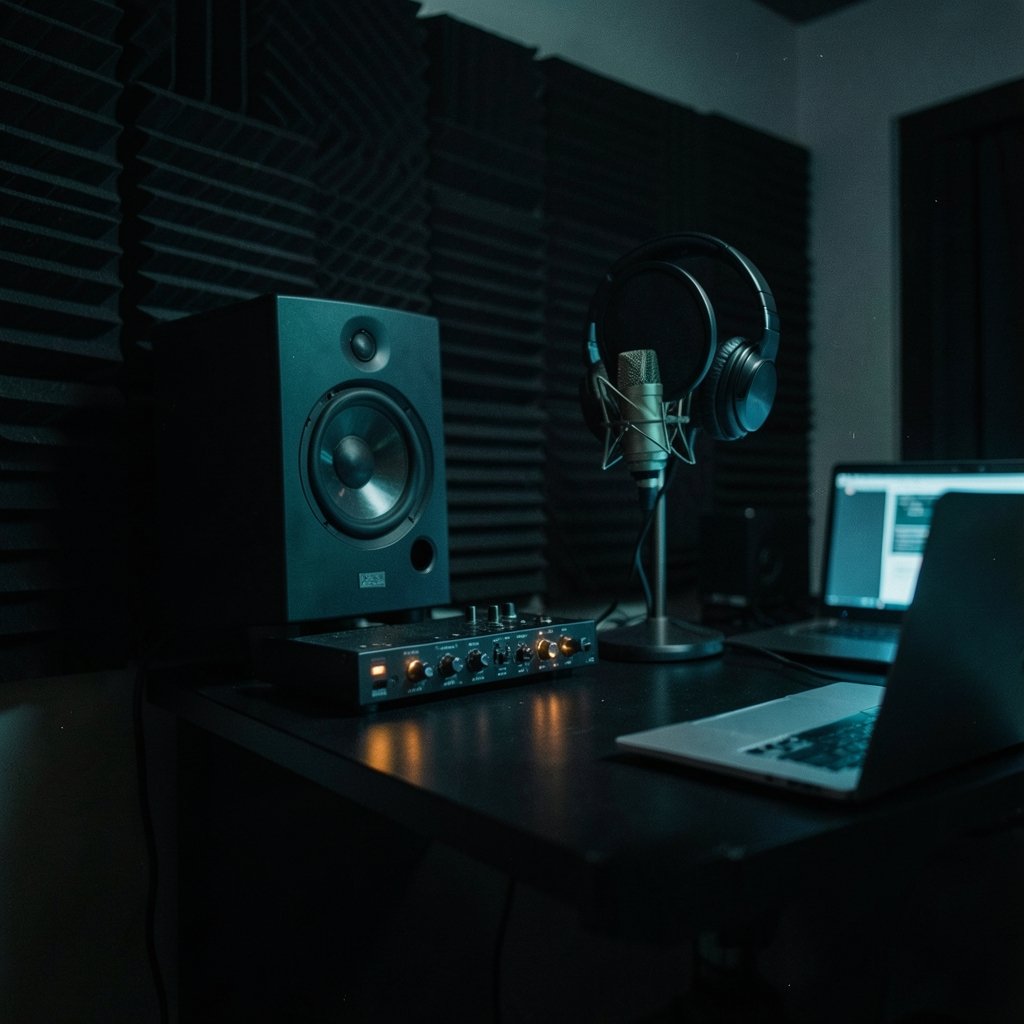
For audio repair, the long-standing reference point is iZotope RX, known for spectral repair, de-noise, de-hum, and dialogue isolation. Its AI-branded features, such as Dialogue Isolate and Repair Assistant, actually predate the current wave of AI editing tools. The company was acquired by Native Instruments, with the deal announced in 2021 and completed over the following year, so anyone evaluating RX today should confirm the current version and licensing situation rather than relying on older reviews.
The practical lesson from RX is about workflow. Spectral repair lets you see a noise and paint it out. That is slower than a one-click enhancer, but it handles problems that one-click tools smear over. If your recordings have intermittent clicks, chair squeaks, or a single passing truck, a spectral editor is the right alternative to a general-purpose AI editor, not the other way around.
Common mistake: buying a full restoration suite for audio that only needs loudness leveling. People overspend on repair tools constantly because the feature lists look impressive.
Enhancement-only tools: narrow, fast, and often free
At the opposite end sits Adobe Podcast Enhance, formerly known as Project Shasta. It is a browser-based speech-enhancement tool that became popular around 2022 and 2023 for cleaning up voice recordings with minimal effort. It is a genuinely narrow alternative: enhancement only, not full editing. Availability and usage limits have shifted over time, so check the current terms before building a workflow around it.
Enhancement tools like this work best when the source is decent and the problem is consistent: a bit of room tone, a laptop fan, mild background noise. They struggle when the audio needs decisions, like cutting a rambling answer down to a clean 30 seconds.
If your real bottleneck is cutting and arranging rather than cleaning, the comparison shifts toward workflow tools. The same logic applies across software categories: the tool that fits your process wins over the one with the longest feature list, a pattern that shows up in everything from ClickUp alternatives when your work changes after switching tools to design software. Audio is no different.
Text-based editing: edit the words, not the waveform
Descript popularized text-based audio and video editing, where you edit the transcript and the audio follows. The company was founded in 2017, and the text-based model remains its main differentiator against traditional waveform editors. Filler-word removal and Studio Sound sit on top of that foundation.
The appeal is obvious for interview shows and solo commentary. Deleting a sentence in a transcript is faster than hunting for the matching waveform region. The catch is precision. Text-based editing is clumsy for music beds, timing-sensitive comedy, and anything where a half-second pause carries meaning.
What actually works in practice: use a text-based editor for the rough cut of spoken content, then finish in a waveform editor for music, fades, and loudness. Treating one tool as the whole pipeline is where people get frustrated.
Behind every text-based editor is a speech recognition model. Accuracy claims depend on which engine the vendor uses, and that is often undisclosed. Whisper, an open speech recognition model released by OpenAI in September 2022, is widely used as a building block, which is one reason transcript quality across tools has converged in recent years.
Automated leveling: the unglamorous alternative that saves hours
Auphonic has been running since around 2011 and does automated leveling, normalization, and loudness compliance. It is the quiet alternative for podcast post-production: upload, let it normalize, download. It supports EBU R128 loudness normalization, the European Broadcasting Union standard that defines how loudness is measured and targeted.
Loudness standards matter more than most hobbyists realize. EBU R128 and ITU-R BS.1770 define the measurement algorithms behind loudness normalization. Common guidance puts podcasts around −16 LUFS and EBU R128 broadcast at −23 LUFS, though platform targets vary and change, so verify current recommendations for your destination.
A dedicated leveling service is often a better alternative than a full AI editor for one simple reason: it does one job predictably. If your show sounds fine but the volume jumps between episodes, you do not need a new editing suite. You need normalization.
The same “match the tool to the job” principle runs through the Trello alternatives beginners compare when choosing a board tool. Pick for the task in front of you, not the demo.
Source separation: a different category entirely
Sometimes “AI audio editing” means pulling a recording apart. Source separation isolates vocals and instruments into separate tracks, and it has its own open tools. Demucs, an open-source music source-separation model from Meta Research released around 2019 and updated since, is the best-known example.
This matters for podcasters and video creators more than they expect. Separating a voice from a music bed lets you rebalance a mix or rescue a recording where the music was too loud. It is also the technology behind many “remove background noise” features, even when the vendor does not describe it that way.
Caution: separation artifacts are real. Aggressive stem extraction can leave a watery, metallic texture on voices. Always compare the processed file against the original on headphones before committing.
Free and open-source options deserve a real look
Audacity remains the long-standing free, open-source editor. It has added some machine-learning-assisted features through plugins and OpenVINO in recent years, but it is still a general-purpose editor rather than an AI-first tool. The exact AI feature set as of 2026 is worth checking before you plan around it.
Where Audacity wins is control and cost. It runs offline, handles long files, and does not meter your uploads. Where it loses is polish: the interface feels dated, and AI features arrive through plugins rather than a cohesive workflow.
| Tool type | Best for | Weak spot |
|---|---|---|
| Restoration suite (e.g., RX) | Clicks, hum, spectral repair | Cost, learning curve |
| Enhancement only (e.g., Adobe Podcast Enhance) | Quick voice cleanup | No cutting or arranging |
| Text-based editor (e.g., Descript) | Interview rough cuts | Music and timing precision |
| Leveling service (e.g., Auphonic) | Loudness compliance | No creative editing |
| Source separation (e.g., Demucs) | Stems, music beds | Artifacts on aggressive settings |
| Open-source editor (e.g., Audacity) | Offline control, zero cost | Dated interface, plugin-dependent AI |
How to choose without wasting a month
A short, boring process beats endless trial subscriptions.
- Record five minutes of your worst real audio. Not a clean test file. The messy one.
- List the specific defects. Hum, echo, level jumps, filler words, background music.
- Match each defect to a tool category from the table above.
- Run the same file through two candidates and listen on headphones, not laptop speakers.
- Check the export. Some tools sound great in preview and degrade on export at certain settings.
- Confirm pricing and limits before committing, since free tiers for enhancement and text-based tools change often.
Mistakes people make repeatedly: judging tools on a clean studio sample instead of their own problem file, stacking three noise reducers in a row until the voice sounds underwater, and ignoring loudness until a platform rejects or penalizes the upload.
There is a parallel in design software, where the Canva alternatives by use case approach beats generic rankings because it starts from the task. Audio rewards the same discipline.
Where AI editing still falls short
Honesty helps here. AI restoration can remove a fridge hum, but it cannot recover a clipped, distorted recording. Text-based editing can cut filler words, but it cannot fix a bad interview. Loudness tools can hit a target, but they cannot make a dull mix exciting.
The tools also invite over-processing. Because the buttons are easy, people press them too hard. A light touch on noise reduction usually sounds better than maximum settings, and a voice that has been through three AI passes often sounds worse than one that went through none.
Finally, keep your originals. Always export a clean, unprocessed copy before editing. When a chain of AI processing goes wrong, the untouched file is the only way back.
Conclusion
The best alternative to a popular AI audio editing tool is rarely another all-in-one editor. It is usually a narrower tool aimed at the exact problem in front of you: a restoration suite for clicks and hum, an enhancement tool for quick voice cleanup, a text-based editor for interview rough cuts, a leveling service for loudness, or an open-source editor for offline control.
Start with the job, not the label. Test on your own worst recording, listen on headphones, and keep the original safe. Do that, and the sprawling AI audio category shrinks into a short list of tools that actually earn their place in your workflow.
Frequently asked questions
What is the best free alternative for cleaning up voice recordings?
Browser-based enhancement tools are the usual starting point because they handle consistent background noise with almost no learning curve. For more control at zero cost, an open-source editor like Audacity lets you apply noise reduction manually and keep everything offline. The trade-off is time: manual cleanup takes longer than a one-click enhancer but handles tricky problems better.
Is text-based editing better than waveform editing?
It depends on the content. Text-based editing is faster for spoken interviews and solo commentary because you edit words instead of hunting for waveforms. Waveform editing remains better for music, precise timing, fades, and anything where a pause or a breath carries meaning. Many creators use both: text-based for the rough cut, waveform for the finish.
Do I need a paid restoration suite for podcast audio?
Usually not. A restoration suite earns its cost when you deal with intermittent clicks, hum, or difficult room problems regularly. If your recordings are clean and your only issue is inconsistent volume, an automated leveling service that supports EBU R128 normalization will solve it for far less money and effort.
What loudness should a podcast target?
Common guidance points to roughly −16 LUFS for podcasts and −23 LUFS for EBU R128 broadcast. Platform recommendations vary and change over time, so check the current guidance for wherever you publish. The important habit is consistency: pick a target and hit it every episode so listeners are not reaching for the volume dial.
Can AI tools remove background music from a recording?
Source separation models can isolate vocals from instruments, and that technology sits behind many noise-removal features. Results vary with how complex the mix is. Aggressive separation can leave a metallic or watery texture on voices, so compare the processed file against the original on headphones before you commit to it.
Why do different AI audio tools sound so different on the same file?
Because they use different processing approaches and different speech models, and some “AI” features are conventional signal processing with new branding. The only reliable test is running your own problem recording through each candidate and listening critically. Clean demo samples tell you almost nothing about how a tool handles real-world audio.



