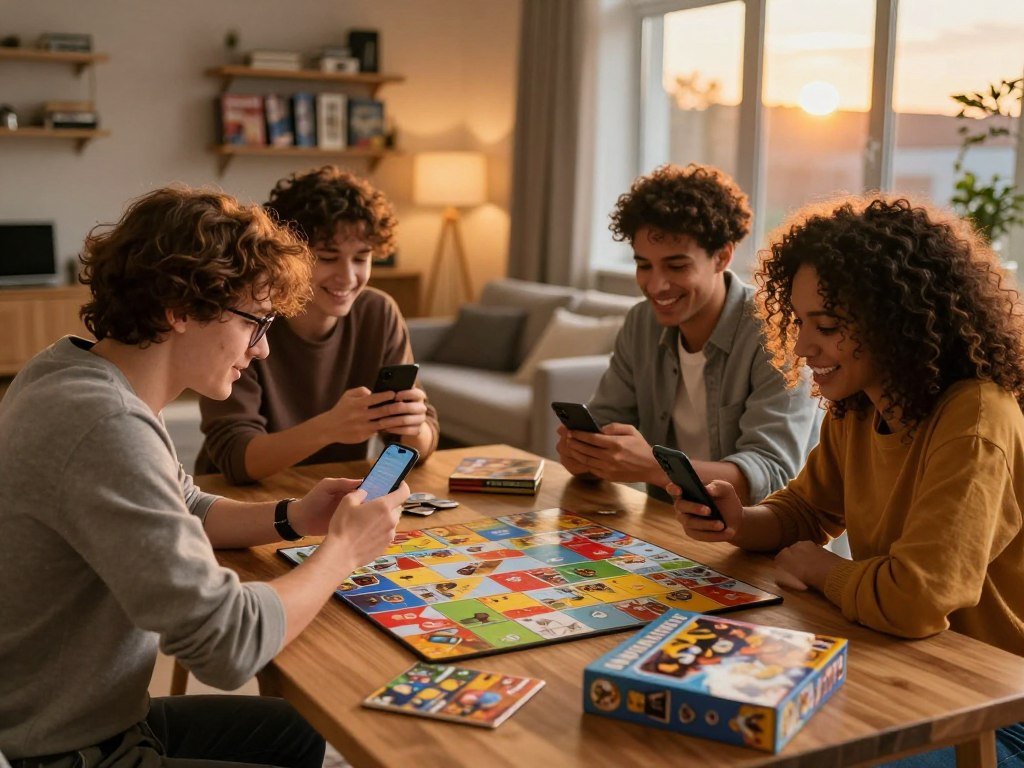
A good game night starts with a game everyone can join, not just the one person already holding a controller. The best fit depends on your group size, devices, mood, and how much time everyone has. Cross-play means online multiplayer that lets people on different platforms play together.
Some groups want a quick phone match; others want couch co-op, a lively party game, or an activity with no equipment. This list gives you options for friends in one room and people joining from home. A few simple checks can prevent a game night from getting stuck on setup, access, or a mismatch in mood.
Key Takeaways
- Choose by headcount, location, and the devices people can use.
- Use quick mobile games when friends have only a little time.
- Check local and online modes before planning couch co-op.
- Try a no-prop game when you want to start right away.
- Agree on the mood, cost, and expected time before committing.
- Send the group two options and a clear start time.
A quick check of group size and devices will narrow the options before anyone downloads or sets up a game.
How do you choose a game everyone can join?
Before comparing genres, count who is actually joining and decide whether everyone will be in the same room. Headcount is a fast first filter, while the room setup and appetite for talking help you find a comfortable format.
Choose a game that fits both the number of players and the way they will meet. A large group may suit shared rounds, while a small group can focus on one screen or one online match.
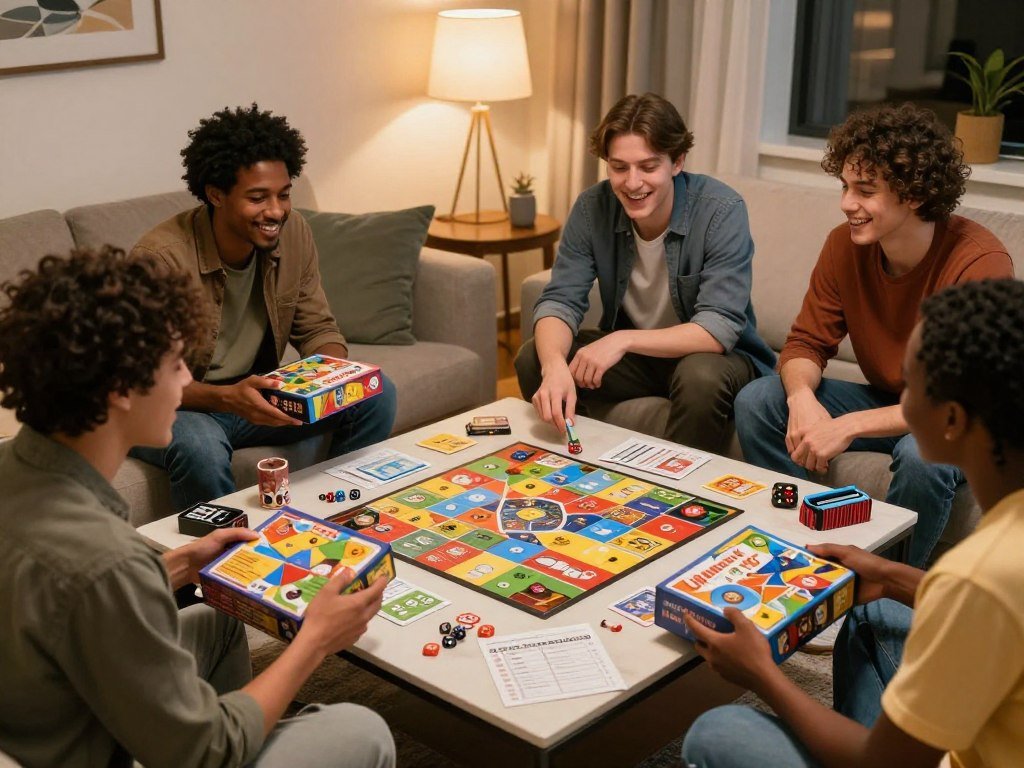
| Game | Group size | Setup or equipment | Basic format |
|---|---|---|---|
| Music bingo | 6-100+ people | 5 minutes | Mark song titles as clips play |
| Name that tune | 4-30 players | No setup | Guess from the opening 5 seconds |
| Fishbowl | 6-20 people | 5 minutes with paper, pens, and a bowl | Use one shared set of names |
| Two truths and a lie | 4-20 people | No equipment | Identify the false statement |
| Personalized pub quiz | 8-40 people | Teams of 3 to 6 | 4 to 6 rounds of 10 questions |
A headcount gives you a quick way to remove formats that will not fit. Then consider whether guests will be standing, sitting at tables, or joining online. A game that asks everyone to speak may not suit a group that prefers quiet play.
Choose a format that still works if one person arrives late or has to leave early.
That flexibility matters when friends have different schedules. A round-based game lets people join between turns, while a long match can leave late arrivals waiting. Price matters too: check whether the group already has access before picking a paid game.
If your group is meeting in person, decide whether you want one shared screen or an activity away from screens. For remote play, pick multiplayer that gives each person a clear way to join. The right choice should suit the room, not just the person who suggested it.
Best games to play with friends on mobile
For friends who already have their phones in hand, these six picks cover team action, social deduction, exploration, and cards. The best games to play with friends on mobile depend on whether players want to team up, trick one another, or explore.
Multiplayer games on Android can suit very different group moods. A phone game does not have to be a shooter, and a quick match can work when people have only a small window to play.
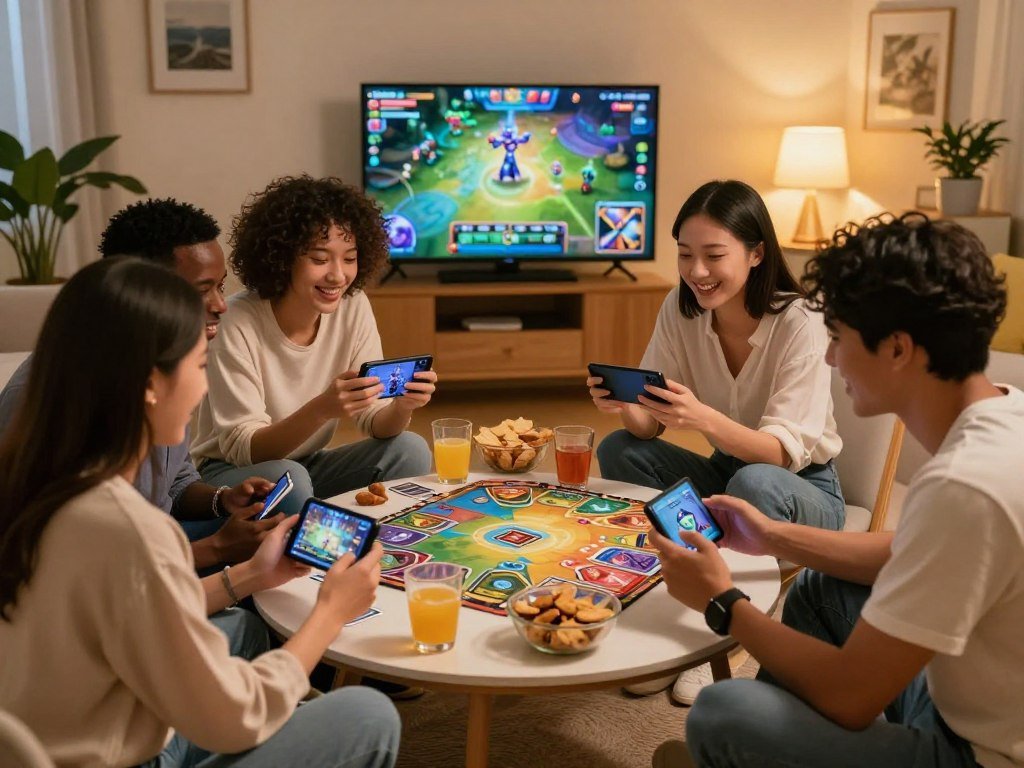
- Brawl Stars: Quick team matches suit friends who want action without a long round. Matches last about 3 minutes.
- Among Us: Social deduction gives a group a reason to question clues and discuss what happened.
- Pokémon UNITE: This 5v5 MOBA lets coordinated friends play together as a team.
- Call of Duty Mobile: Choose from Team Deathmatch, Battle Royale, Search and Destroy, and DMZ: Recon, added in December 2025.
- Genshin Impact: Drop-in co-op adds shared exploration to an open-world RPG.
- Marvel Snap: Live one-on-one card battles and Friendly Battles let you challenge a friend.
These options suit different levels of focus. A team battle asks players to act together, while social deduction centers on how people read one another. Open-world co-op gives friends room to explore, and a card battle keeps the contest between two players.
For multiplayer games to play with friends on mobile, pick a style the group already enjoys rather than asking everyone to learn a new kind of play. The best multiplayer games on Android can be quick, strategic, social, or story-focused. A game with several modes helps only if your friends want to try them.
Before choosing, think about whether you want a shared team goal or a head-to-head match. Some friends enjoy planning every move; others would rather play casually while chatting. A good first pick gives everyone a reason to join without making the evening feel like practice.
Pick the mode your group will want to return to, not simply the one with the most options.
Which online games make teamwork fun?
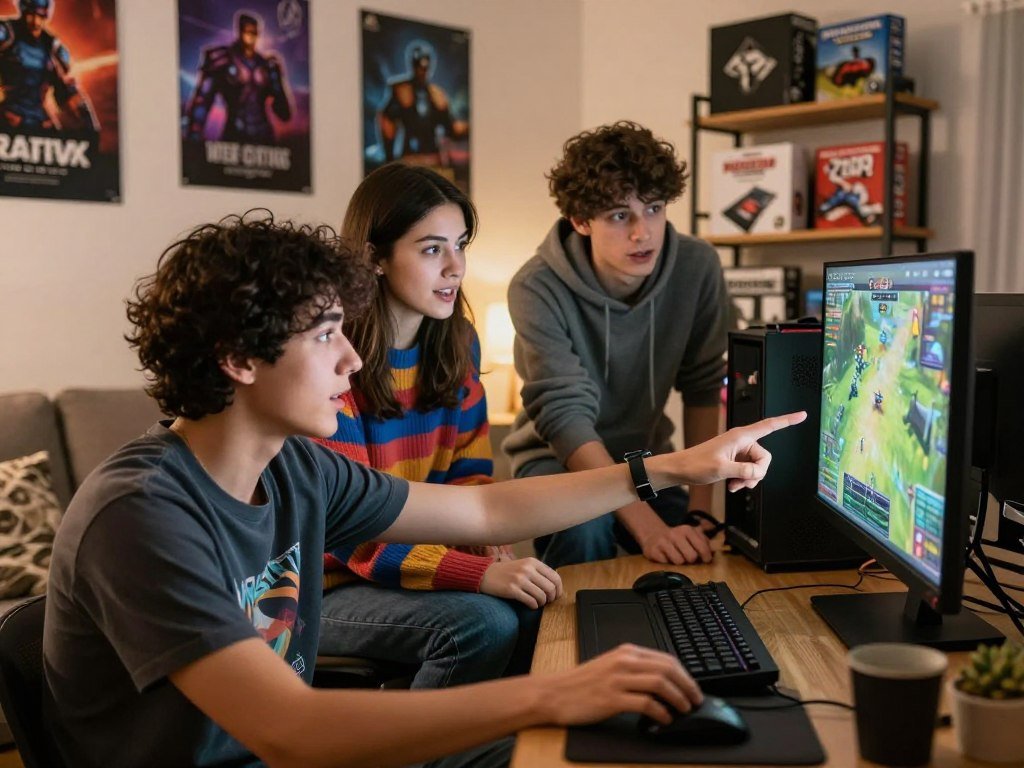
A PC group that wants to play online can choose between a chaotic challenge, a shared voyage, and a slower strategy match. The best co-op games depend on whether friends want to work together or compete.
Online co-op is not the same as playing on one shared screen. The five picks below offer distinct group sizes and styles, from goofy climbing to card play.
| Game | Group capacity | Main activity | Teamwork or competition style |
|---|---|---|---|
| Mount Your Friends | 4 players | Climb a tower built from friends’ characters | Ridiculous challenge |
| Golf With Your Friends | Up to 12 online, up to 4 local | Play mini golf | Relaxed competition |
| Sea of Thieves | 4 players | Sail, hunt treasure, and run a ship | Cooperative adventure |
| Northgard | Up to 8 players | Build and lead a settlement | Strategy, with several victory routes |
| Hearthstone | 2 in traditional modes, up to 8 in Battlegrounds | Play card battles | Card-focused competition |
Pick by mood before you choose by genre. These PC multiplayer game formats offer different ways to spend an evening, even when everyone uses a computer.
- For a ridiculous challenge, try Mount Your Friends and its awkward climbing controls.
- For relaxed competition, Golf With Your Friends turns a golf course into a group contest.
- For a cooperative adventure, Sea of Thieves puts friends aboard one pirate ship.
- For strategy, Northgard lets players aim for fame, wealth, knowledge, or military conquest.
- For cards, Hearthstone has head-to-head modes and a larger Battlegrounds group format.
The best co-op games on Steam depend on whether friends would rather collaborate or compete. Sea of Thieves gives a crew shared work to do, while Golf With Your Friends centers on trying to beat the other players. Northgard also asks players to plan around a chosen route to victory.
Mount Your Friends works best when the group can laugh at awkward moves, while Hearthstone suits friends who like card choices and tactical turns. Think about how much coordination the group wants before setting a time. A shared objective can feel rewarding, but some friends would rather face one another.
Ask the group whether they would rather cooperate toward one objective or try to beat one another.
What works for couch co-op and split-screen?
If everyone is in the same room, check the console’s local-player support before choosing the game. Couch co-op means shared-screen local play, but not every game offers it on every device.
Platform and mode can change the number of local players. Check the exact version before you plan around a shared screen.

| Game | Local play | Online play |
|---|---|---|
| Minecraft | Split-screen for up to 4 on PlayStation, Xbox, and Nintendo Switch; no built-in PC split-screen | Online play available |
| Terraria | Up to 4 on PlayStation and Xbox; up to 2 on Nintendo Switch; no PC split-screen | Online play available |
| Human: Fall Flat | 2-player local split-screen | Online co-op for up to 8 |
Minecraft offers a shared world, while Terraria supports local play on consoles with different player limits. Human: Fall Flat pairs silly movement with physics puzzles. Players grab, climb, move objects, and swing on ropes to get through each level.
It Takes Two is a story-driven option for two players, with online or couch co-op and cross-generation play. It does not support cross-play, so friends need compatible systems for online sessions. The game focuses on two characters who must work together through changing challenges.
Some Nintendo Switch multiplayer games support local, wireless, or online play in different ways. The shared-screen label does not guarantee support on every device. Confirm the platform and mode before you organize a couch night.
For more console ideas, the Xbox 360 co-op picks include games with local play, though editions and systems can differ. A group may need extra controllers or a specific game version to match its plan. Count the seats and controllers before people arrive.
Confirm how many controllers you need before inviting the group over.
Which games need no equipment?
A circle of friends can start Sam Yuk Gu with nothing but a shared count and attention to the next turn. Name that tune, Two truths and a lie, and Sam Yuk Gu are no-prop games that need no equipment.
Sam Yuk Gu is the Korean 3-6-9 counting game. Players count clockwise around a circle and clap instead of saying any number that contains 3, 6, or 9.
Each person takes one turn and says the next number aloud, unless it includes a forbidden digit. A number with two of those digits gets two claps. Multiples of three that do not contain 3, 6, or 9 are spoken normally, so 12 is said aloud.
A player makes a mistake by saying a forbidden number, missing or mistiming a clap, clapping on a normal number, or losing count. The group can make the game easier or harder by choosing what happens after someone slips.
- Restart at 1, with the player who made the mistake starting the new count.
- Continue from the number that was fumbled, keeping the current count alive.
- Keep turns moving clockwise, with one number assigned to each person.
Use only one restart rule at a time. Restarting at 1 and continuing from the fumbled number are alternative house rules, not two steps in the same round. Agree on one choice before you begin.
Name that tune works with a host who calls out song clues or plays a short clip. Two truths and a lie takes turns sharing statements, with the rest of the group guessing the false one. Both formats let friends start talking without setting up a screen or collecting supplies.
Agree on whether a mistake restarts the count or keeps it moving before the first round begins.
What are good games for a large party?
For a gathering that is already divided into tables, music bingo or a team quiz gives everyone a shared focus. Music bingo takes 5 minutes to set up, while a personalized pub quiz gives each team questions to discuss.
The host should prepare the prompts and make sure guests have a way to take part. For music bingo, choose song clips and prepare cards that list song titles.
Play a clip, then give guests time to mark its title on their cards. Familiar songs can make the room lively, while a mix of eras can give different guests a fair chance. Keep the clips short enough for people to recognize the tune without turning each round into a long wait.
A personalized pub quiz can use 4 to 6 rounds of 10 questions, with teams of 3 to 6. Write questions connected to the people in the room, such as shared trips, hobbies, or funny group memories. Personal details help the quiz feel made for the gathering, not copied from a general trivia list.
Team choice matters. A quiz can leave quieter guests out if teams form only around close friend circles. Mix teams deliberately so new guests and less talkative people have a reason to join each discussion.
Before the gathering, decide who will play clips, hand out cards, or read questions. Keep a simple score sheet where teams can see it, and explain the round format before starting. A clear host role means the activity does not depend on one guest figuring out every step.
Give teams time to talk before you ask for answers. A question that invites a shared memory can bring people into the conversation, while a fast timer may favor the loudest voice. Keep the pace brisk, but let every table finish its turn.
Prepare an extra card or question set so one late arrival does not stall the room.
How does Fishbowl work for a group?
Fishbowl works because each team tries to remember and communicate the same set of names in three different ways. It needs paper, pens, and a bowl, and the same names stay in play throughout every round.
Do not replace the slips between rounds. The shared pool gives later clues meaning because players have already heard the names.
Give each player paper and a pen, then ask everyone to write names on slips. The names can be people, characters, or other familiar choices the group will recognize. Fold each slip and place it in one bowl.
Divide the group into teams. Teams take turns drawing a slip and trying to get their teammates to guess its name. Keep each turn within an agreed time limit so every team gets a chance to play.
In the first round, describe each name without saying the name itself. Return each slip to the bowl after the turn. The next team draws from that same set, so everyone hears clues about the same names.
In the second round, players may use only two-word clues for each name. The team must rely on what it heard earlier, rather than a long description. Return the slips to the bowl again when a turn ends.
The third round is charades: act each name out without speaking. Teams now draw from names they have heard described and hinted at. Familiarity makes the final round quick, but the acting can still lead to funny guesses.
Keep turns fair by switching teams after each turn and returning slips after guesses. A common mistake is making a fresh set of names at the start of each round. That removes the memory link and changes the shared pool of clues.
Keep the used names in the bowl between rounds so the game builds on what everyone has already heard.
Which quick icebreakers get people moving?
If guests are arriving in waves, choose a short activity that lets people join as they arrive. Five indoor games that work as warm-ups are Air Names, Sticky Beak, Crosstown Connections, Categories Twist, and Sam Yuk Gu.
Keep the activity easy to explain and easy to leave. These options give guests a way to meet or move without committing to a full game.
- Air Names: Write your name in the air with a finger, then try using an elbow, foot, or nose.
- Sticky Beak: Put a 6-8-inch loop of masking tape on each participant’s nose. Players try to take other loops by touching them, without grabbing or pushing anyone.
- Crosstown Connections: Pair up, make a physical greeting, share a personal detail, then find new partners and repeat.
- Categories Twist: Small teams list traits they share. Cross out any trait on another team’s list, then aim for unique traits shared by their own team.
Air Names is a simple indoor game when guests are still getting comfortable. The change from a finger to an elbow or foot adds a small physical challenge without needing supplies. Guests can follow along at their own pace.
Sticky Beak works best when the group treats the tape as the target, not the person wearing it. Keep enough room between players to avoid bumps, and let anyone sit out without explanation. A host can show the gentle touch rule before the first round.
Crosstown Connections helps guests learn a small detail about each new partner. Categories Twist gives people a team task, with the added challenge of finding traits that another team has not named. Both work well for a brief break between larger activities.
Sam Yuk Gu offers a seated alternative for people who would rather focus on counting than moving around. A host can start with a slow pace and let new arrivals join when a round ends. That keeps the activity welcoming instead of turning it into a test.
Offer a no-contact alternative, such as Air Names, for anyone who would rather not play Sticky Beak.
How can a mixed-skill group enjoy the same game?
A mixed-skill group is more likely to have fun when every player can contribute without matching the most experienced person’s pace. Cooperative games can be more forgiving than direct competition, but each player still needs a task that feels manageable.
Check newcomer roles, shared responsibility, and the group’s ability to pause or change pace. Those three checks show whether a game welcomes different levels of experience.
First, ask whether a new player can help without knowing every system. A clear task or a chance to learn alongside friends can make a complicated game easier to enter. If the newest person has little to do, the group may feel more like an audience than a team.
Second, check whether experienced players can share responsibility. They can explain a choice, take on a tricky role, or let a newer player make a key decision. The goal is to help, not to play every part for someone else.
Third, think about whether the group can pause or change pace. A game that allows time for discussion may suit friends who want to learn together. A fast combat game can be exciting, but it may leave less room to stop and explain.
Stardew Valley is a comparison for a relaxed shared-world feel, while Baldur’s Gate 3 puts more focus on story and decisions. ELDEN RING: NIGHTREIGN centers on combat, so the group should be comfortable with a stronger action focus. These are examples of different play styles, not additional picks in the 25-game list.
Split Fiction is built around two-player co-op, which gives each person a direct partner role. Consider whether a two-person format fits the group before choosing it. A smaller team can make it easier to share tasks, but it may not include everyone in a larger gathering.
Talk about what each person wants to try, then narrow the options to games with clear ways to take part. The newest player may notice obstacles the regular players overlook. Let the newest player choose one of the final two options if both meet the group’s basic needs.
What helps friends coordinate online?
Online play works best when friends agree on how they will communicate before the first match begins. Online games to play with friends can be cooperative or competitive, so the group should settle on its preferred style before joining.
Make the first session short, clear, and easy to enter. Friends do not need constant conversation to enjoy playing together.
Pick a communication style
Voice chat lets players speak in real time, which can help a team plan or respond to a surprise. Text chat gives friends a quieter way to share details and can suit people who do not want a microphone.
Some groups can play together without constant conversation. A shared goal, familiar controls, or turn-based play may leave room for quiet moments. Agree on what feels comfortable instead of treating voice chat as a requirement.
Make the first session easy to join
Choose one short, low-pressure session with a clear start time. That gives friends a chance to try the game without promising a full evening or a long commitment.
Among Us is a social-deduction example from the list, while online co-op games can give players shared objectives rather than direct competition. Decide whether the group wants to work together or challenge one another before anyone joins. The choice affects how people approach the session.
Send a backup plan for anyone who cannot connect, such as joining the next round or switching to a familiar activity. Keep the first meeting simple enough that a late login does not derail the whole group. A clear message also helps friends know what to expect.
Share the game name, planned start time, and communication option in one message.
How do you check cross-play and local multiplayer?
Before anyone buys or downloads a title, check the exact platform combination and multiplayer mode. Cross-play support can differ from local split-screen, even when friends own the same game.
Owning the same game does not by itself confirm cross-play. Check the mode and player limit for the session you plan to use.
- Compare the exact platforms each person will use.
- Check whether the game supports cross-play between those platforms.
- Distinguish local split-screen from online multiplayer.
- Confirm the player limit for the mode the group intends to use.
Among Us supports online play across PC, console, and mobile, with cross-play for 4-15 players. That example shows how a game can connect people using different devices. Do not assume another title supports the same mix.
Human: Fall Flat has two-player local split-screen and online co-op for up to eight players. Those are separate modes with different group limits. A friend on the couch and a friend joining online may not fit into the same setup.
Mode names can also hide different rules. One game may offer local play on a console but not on a computer. Another may let players join online while limiting a shared screen to fewer people.
For Nintendo players, this Switch multiplayer overview explains why mode limits matter. Console features also vary across systems, so a console comparison can help you understand how game access and system features differ.
Have every player confirm their platform and intended mode before setting a date.
Which games fit into a short session?
A short match gives a busy group a clean stopping point instead of an open-ended commitment. Brawl Stars and Marvel Snap both offer matches or battles lasting about 3 minutes.
The one best choice depends on whether the group wants teams, a one-on-one contest, or a shared guessing activity. Each format gives you a clear way to stop after a round.
| Pick | Session shape | Best for |
|---|---|---|
| Brawl Stars | Matches last about 3 minutes | Quick team action |
| Marvel Snap | Battles last about 3 minutes | A one-on-one card contest |
| Name that tune | Listen to a short clip and guess | A shared guessing activity |
Brawl Stars suits friends who want to compete as a team, while Marvel Snap keeps the contest between two players. Name that tune gives a group a shared answer to guess, without asking everyone to manage a game screen.
A short round can fit between plans or give friends a low-pressure way to start. It also makes it easier to stop at an agreed point instead of stretching a quick visit into a long session. Choose the format that matches the group’s mood that night.
Some groups may want one match, while others enjoy a run of quick rounds. Decide in advance whether the activity is a brief break or the main event. A clear endpoint helps everyone plan the rest of the evening.
Decide how many rounds you are willing to play before starting the first one.
How can quieter friends join in?
A quieter friend can still take part when the group makes room for short comments, text, and listening. Among Us suits groups of 5 or more friends using voice chat, but no one needs to speak constantly.
Set a simple turn-taking norm and let players use text chat when useful. That gives everyone a way to contribute without rushing to fill every pause.
A host can invite each person to share one thought during a discussion, then let the group move on. Short turns make it easier for people who need a moment to think. Listening also counts as taking part.
Text can help someone share a clue or opinion without speaking in front of the whole group. It can also give a player time to choose their words. Use it as an option, not a sign that someone is less involved.
Social deduction can be uncomfortable when players feel pressured to accuse or defend themselves. The group should choose another format if that dynamic is not fun. A friendly game night should not turn a playful disagreement into a personal challenge.
Notice how the group reacts during the first round. If someone is being talked over, invite them to speak without putting them on the spot. A quick pause can reset the pace and give each person room to respond.
Ask each player whether voice or text feels more comfortable before the session starts.
What should you check before paying or downloading?
Check what each player must own or access before the group commits to a paid game. Price and access can depend on the platform, any subscription, and whether each person needs an extra form of access.
Agree on both the cost and the expected time commitment before anyone buys. That avoids a last-minute surprise after friends have already picked a title.
Check access and platform costs
Look at the game’s price for the platform each person plans to use. Check whether that platform needs a subscription or other access for online play. The costs can differ by device, so one friend’s setup may not match another’s.
It Takes Two has a Friend’s Pass option that lets a player invite a friend for free. The pass is a useful option for this two-player game, but each person should understand what access they need before starting.
Agree on the commitment
Some games suit a one-night activity, while a story campaign may ask the group to return for more play. Talk about whether everyone wants a single session or a longer commitment before buying.
Friends may have different budgets and different amounts of free time. Give everyone a chance to say what works for them without pressure. A game loses its appeal if someone feels pushed into a cost or schedule they did not choose.
If friends want to compare systems as well as game access, this family console guide covers features that vary by device. Check the actual terms for each player’s platform rather than assuming one setup covers the whole group.
Get agreement on the cost and expected time commitment before anyone makes a purchase.
How do you settle on one pick for tonight?
Give the group three choices rather than reopening the entire list. The one best pick for tonight is the game everyone can access and wants to play now, not necessarily a long-term favorite.
Choose by location, mood, and the actual headcount. These checks narrow a large list into a decision friends can make together.
First, decide whether the group is together in one room or joining remotely. That removes options that do not fit how people will meet. Next, choose a mood: relaxed, competitive, cooperative, or silly.
Then match the choice to the number of people who can really join. Music bingo can suit a broad party, while Sea of Thieves gives a small crew a shared adventure. Human: Fall Flat offers a different feel, with silly physics challenges and co-op play.
These examples show why mood matters as much as a game’s name. A party activity can give a room one shared focus, while an online voyage asks players to work as a crew. A goofy co-op puzzle offers its own kind of shared challenge.
Give friends two or three options that already fit the room and mood. Ask them to choose from that short list, rather than adding new titles each time someone replies. This keeps the decision from turning into another long planning session.
Tonight’s best pick is the one everyone can access and wants to play now.
That choice may not become the group’s regular game, and it does not need to. A one-night pick can simply fit the people who are free and the time they have. The group can make a different choice on another night.
Set a start time and name one backup pick in case the first choice does not work for everyone.
Conclusion
The easiest way to choose is to match the game to the people who are actually available tonight. Shared access and a comfortable play style matter more than choosing a title just because it is popular.
A quick message can turn a vague plan into a real game night. Offer two options that fit the group, then give everyone a clear time to join.
Keep the plan simple enough that friends can answer between other things. If the first pick does not work, use the backup instead of starting the whole search again.
Send two options and a start time, then let the group pick one.
FAQ
What are some good games that you can play with your friends?
Good choices include Brawl Stars for mobile play, Sea of Thieves for a cooperative voyage, Human: Fall Flat for couch co-op, and Sam Yuk Gu for a no-prop group activity. These picks offer different ways to play, so you can match the mood to your group. Check how many people can join and whether they want online or in-room play.
What is the 3 6 9 game?
Sam Yuk Gu is a counting game where players clap instead of saying numbers that contain 3, 6, or 9. Players take turns counting around a circle, and a number with two of those digits gets two claps. Say 12 aloud because it contains none of the three forbidden digits. Agree on what happens after a mistake before play starts.
What are the best co-op games on Steam?
Human: Fall Flat and It Takes Two are strong co-op choices, while Sea of Thieves offers online teamwork and Mount Your Friends adds a goofy challenge. Northgard gives friends a slower strategy option. Shared-screen play means people use one display together, while online co-op connects players on separate devices. Check each game’s mode and player limit for your setup.
What are some fun party games?
Music bingo takes five minutes to set up, while Fishbowl needs paper, pens, and a bowl. Name that tune can start without setup, and Two truths and a lie needs no equipment. Those formats suit different group sizes, from a small circle to a large gathering. Pick one that matches the room and gives guests a comfortable way to join.
What are 10 fun games?
Ten fun picks are Brawl Stars, Among Us, Pokémon UNITE, Call of Duty Mobile, Genshin Impact, Marvel Snap, Sea of Thieves, Northgard, Human: Fall Flat, and It Takes Two. This mix includes mobile matches, online teamwork, and couch co-op. Some suit a quick contest, while others need more focus or a shared story. Choose by mood and available players.
What are 20 indoor games?
Try Brawl Stars, Among Us, Pokémon UNITE, Call of Duty Mobile, Genshin Impact, Marvel Snap, Mount Your Friends, Golf With Your Friends, Sea of Thieves, Northgard, Hearthstone, Minecraft, Terraria, Human: Fall Flat, It Takes Two, Music bingo, Name that tune, Fishbowl, Two truths and a lie, and Sam Yuk Gu. These choices include digital and in-room activities. Check local mode support before planning shared-screen play.
What are 5 indoor games?
Five indoor games are Air Names, Sticky Beak, Crosstown Connections, Categories Twist, and Sam Yuk Gu. Air Names uses body movements, while Sticky Beak uses small loops of masking tape. Crosstown Connections pairs guests for greetings and personal details, and Categories Twist gives teams a shared task. Sam Yuk Gu is a counting game that needs no equipment.



