What if you could fix a noisy podcast recording, strip out filler words, and balance a muddy voice track without paying for a full studio suite? That is exactly what the best low-cost AI audio editing tools promise. The catch is that “low-cost” and “AI” get thrown around loosely, and plenty of budget tools quietly charge for the features that actually matter. This guide walks through what works, what it really costs, and how to avoid the traps.
What Counts as a Low-Cost AI Audio Editing Tool?
Before comparing tools, it helps to separate two things vendors blur together. Classic DSP (digital signal processing) uses math rules to reduce hiss or cut frequencies. Machine learning tools learn from huge audio datasets to isolate voices, remove echo, or transcribe speech. Both can be cheap, but only the second group is genuinely “AI.”
A second distinction matters just as much: free versus free tier. Open-source software like Audacity is free forever because its code is public. Freemium tools like Adobe Podcast or Descript are free only up to a limit, then charge. Knowing which bucket a tool falls into prevents the surprise invoice that hits so many creators.
The practical budget test is simple. Ask three questions: Does the free version export at full quality? Are the AI features included or gated? And what happens to your audio once it is uploaded? That last one is not paranoia. Uploading voice recordings to cloud tools can trigger data-protection obligations under the GDPR, which has applied since May 2018, especially when voiceprints are processed.
The Standout Low-Cost AI Audio Editing Tools
Audacity: The Free Foundation
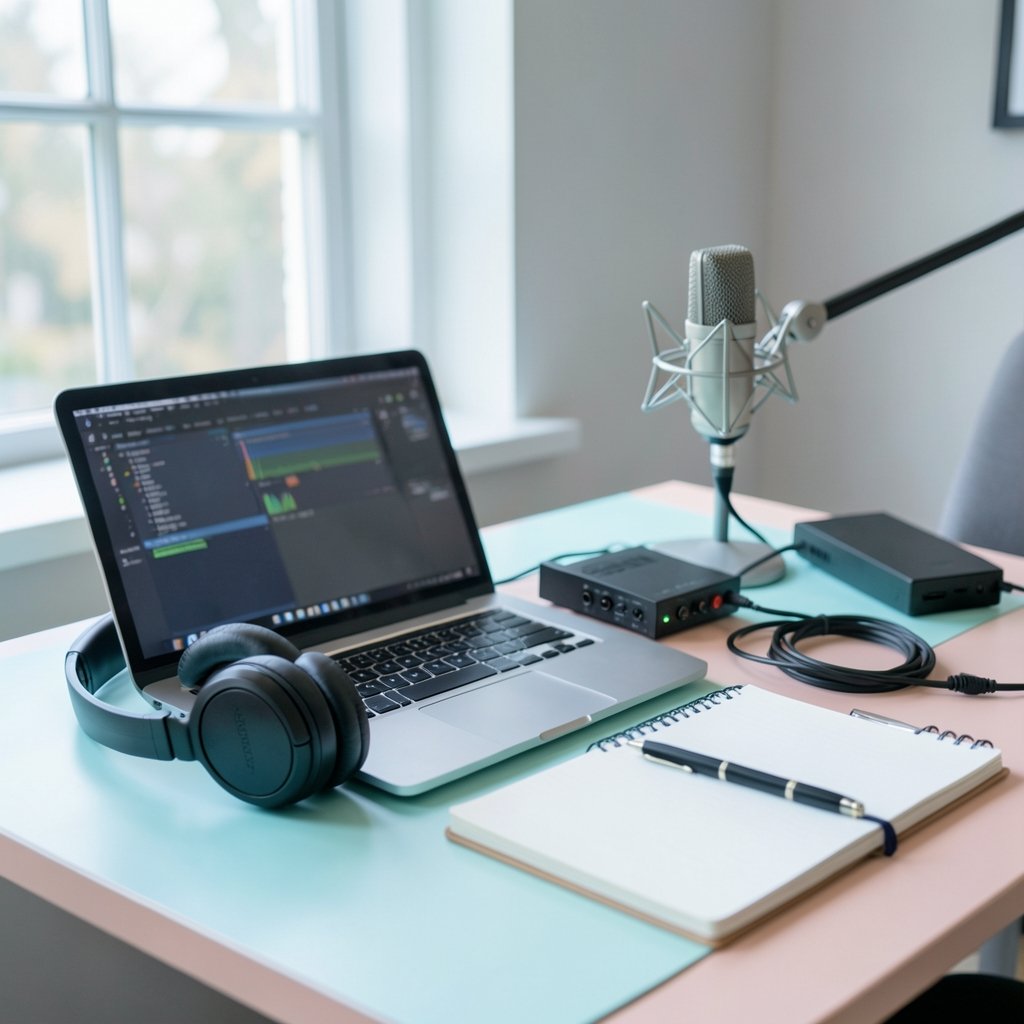
Audacity has been open source under the GPL since 2000, and it remains the default recommendation for anyone on a zero budget. Its built-in Noise Reduction and Vocal Reduction tools are signal processing rather than AI, so do not expect magic from the core app. The real power comes from plugins. Community AI plugins can add speech enhancement and source separation on top of the free editor.
Where it shines: total cost of zero, offline processing, and no upload risk. Where it struggles: the interface feels dated, and plugin setup confuses beginners. The common mistake is cranking Noise Reduction too high, which leaves voices sounding underwater. Apply it in small amounts and listen after each pass.
Adobe Podcast Enhance: Browser-Based Cleanup
Adobe’s Enhance tool (originally Project Shasta) offers browser-based AI speech enhancement that removes background noise and pushes recordings toward a “studio sound” feel. It became popular during its 2022–2023 public beta because it handled rough phone audio impressively well.
The warning here is real: Adobe has changed its free-tier limits repeatedly. Treat any specific minute allowance as time-stamped and confirm current terms before you build a workflow around it. For quick one-off rescues of a noisy interview, it is hard to beat. For a weekly podcast, verify the limits first.
Descript: Editing Audio Like a Document
Descript’s clever trick is letting you edit audio by editing its transcript. Delete a sentence in the text, and the matching audio disappears. Its AI features, including Studio Sound and filler-word removal, are genuinely useful for spoken-word content. The free tier has historically included limited transcription and editing minutes, with AI features gated by paid plans.
Best for: interview shows, solo podcasts, and anyone who hates scrubbing waveforms. Watch out for: the moment you exceed the free minutes, costs climb fast. If you are weighing that trade-off, this breakdown of what AI tools pricing actually looks like across 50 top tools is a useful reality check before committing.
Whisper and Demucs: The Open-Source AI Route
This is the option most people overlook. OpenAI released Whisper in September 2022 under the MIT license, and it delivers strong speech-to-text that you can run locally at no license cost. Meta open-sourced Demucs in 2019, also MIT-licensed, for separating vocals from music.
Running these locally means no uploads, no subscription, and no minute caps. The trade-off is technical setup and the need for decent hardware. For creators comfortable with a bit of configuration, this is the cheapest genuine AI available. The original Whisper research reported strong multilingual accuracy measured by word error rate, a benchmark worth understanding if transcription quality matters to your workflow.
REAPER: A Cheap DAW That Plays Well With AI
REAPER is not AI-native, but its discounted personal license (historically around $60) and generous evaluation model make it one of the cheapest full digital audio workstations available. It supports AI plugins through standard formats, so you can bolt on speech enhancement or separation tools as needed.
The catch: REAPER rewards people who like customization. If you want a guided experience, it will feel like overkill. If you want a professional-grade engine for a fraction of flagship DAW prices, it is excellent value.
iZotope RX: The Expensive Yardstick
It is worth naming the industry reference for audio repair, iZotope RX, precisely because it is not low-cost. Its Dialogue Isolate and Music Rebalance features are machine-learning based and superb. But for a budget article, RX serves as the comparison point: it shows what premium AI repair can do and helps you judge whether a cheap tool gets close enough.
How the Main Options Compare
| Tool | Cost Model | AI Type | Best For | Main Limitation |
|---|---|---|---|---|
| Audacity | Free, open source | Plugin-based | Zero-budget editing | Dated interface |
| Adobe Podcast Enhance | Free tier, limits change | Speech enhancement | Quick noise cleanup | Shifting free limits |
| Descript | Freemium | Transcription, studio sound | Spoken-word editing | Minutes run out fast |
| Whisper + Demucs | Free, open source | Speech-to-text, separation | Privacy-focused users | Technical setup |
| REAPER | Low one-time license | Via plugins | Serious hobbyists | Steep learning curve |
| iZotope RX | Premium | ML repair | Professional restoration | High price |
Where the Hidden Costs Creep In
The sticker price is rarely the real price. Free tiers expire, export quality gets throttled, and “included AI” turns out to mean “included for the first month.” The pattern is so common that it is worth reading up on why free AI tools in 2027 cost you more than you think before you commit your workflow to one.
Three traps catch most people:
- Export paywalls. Some editors let you record and clean audio free, then charge to download it without a watermark or at full resolution.
- Minute meters. Transcription-based tools bill by the minute, and long interviews burn through allowances quickly.
- Feature gating. The AI cleanup you saw in a demo often sits on a paid tier, while the free plan offers only basic trimming.
A practical habit: before starting a project in any freemium tool, run a two-minute test file through the entire workflow, including export. If the export is blocked, you have your answer before investing hours.
Practical Tips That Actually Improve Results
Record clean first. No AI can fully rescue audio recorded in a echoey room next to a fan. A quiet space and a decent microphone reduce how much processing you need. This single habit saves more money than any tool comparison.
Process in stages. Apply noise reduction lightly, then enhance speech, then balance levels. Stacking heavy AI passes creates artifacts that sound worse than the original noise.
Keep an untouched master. Always save the raw file. AI processing is destructive in most editors, and you will want to redo a pass when a better tool arrives.
Check privacy terms for sensitive audio. Interviews with clients, medical content, or anything confidential should stay local. Offline tools like Audacity, Whisper, and Demucs avoid the upload question entirely.
Match the tool to the job. A one-off noisy clip needs Adobe Enhance. A weekly show needs Descript or REAPER. A privacy-sensitive archive needs local open-source models. Buying one tool to do everything usually means paying for features you never touch.
How to Choose Without Overspending
Start with what you already have. If your editing is simple trimming and light cleanup, Audacity plus a free plugin covers it at zero cost. If transcription is central, test a freemium tool’s free tier on a real episode before subscribing. If you handle confidential audio or hate subscriptions, invest a weekend learning Whisper and Demucs.
Then set a hard monthly ceiling. Creators who track spending usually find that one paid tool plus free open-source utilities beats three overlapping subscriptions. That discipline applies well beyond audio, as the same logic in this guide to cloud cost management tools that genuinely reduce your bill shows: overlap, not price, is the real budget killer.
One more practical note. The audio AI space moves fast. A free tier that looks generous today may shrink next quarter, and a paid feature may become standard. Build your workflow so the core steps work in a free tool, and treat paid AI as an accelerator rather than a dependency.
Conclusion
The best low-cost AI audio editing tools are not the ones with the longest feature list. They are the ones that fit your actual workflow without trapping you in meters, paywalls, or uploads you did not agree to. Audacity remains the unbeatable free foundation. Adobe Podcast Enhance is a brilliant rescue tool for rough clips, as long as you watch its shifting limits. Descript earns its keep for spoken-word editing, while Whisper, Demucs, and REAPER reward anyone willing to learn a little setup in exchange for genuine savings.
Start with a free tool, test the full workflow including export, and only pay when a specific feature saves you measurable time. Do that, and studio-quality audio stops being a budget question.
Frequently Asked Questions
Are free AI audio editing tools actually good enough for a podcast?
Yes, for most independent shows. A free editor like Audacity combined with a speech-enhancement plugin handles noise reduction, leveling, and cleanup well. The gap to paid tools shows up mainly in speed and convenience, not in whether the result sounds professional.
Is Audacity an AI tool?
Not in its core form. Audacity’s built-in noise reduction and vocal isolation use classic signal processing, not machine learning. However, it supports AI plugins that add speech enhancement and source separation, so it can become an AI-assisted editor with the right add-ons.
What is the cheapest way to get AI transcription?
Running Whisper locally is the cheapest genuine option, since it is open source under the MIT license and free to use. The cost is technical setup and hardware rather than money. Freemium tools offer easier interfaces but meter your minutes and gate features behind paid plans.
Can AI audio tools really remove background noise completely?
No tool removes every sound without side effects. AI enhancement can dramatically reduce fans, hum, and room echo, but aggressive settings introduce artifacts that make voices sound thin or robotic. Light, staged processing usually beats one heavy pass.
Is it safe to upload recordings to cloud AI audio tools?
It depends on the content. Uploading audio can trigger data-protection obligations under the GDPR, which has applied since May 2018, particularly when voice data is processed. For confidential interviews or client work, offline tools like Audacity, Whisper, and Demucs avoid the upload question entirely.
Do I need a powerful computer to run open-source AI audio models?
A reasonably modern machine handles Whisper transcription and Demucs separation, though speed depends on your hardware. Running models locally is slower than cloud processing but costs nothing per minute and keeps your audio private. Older laptops may struggle with longer files.