
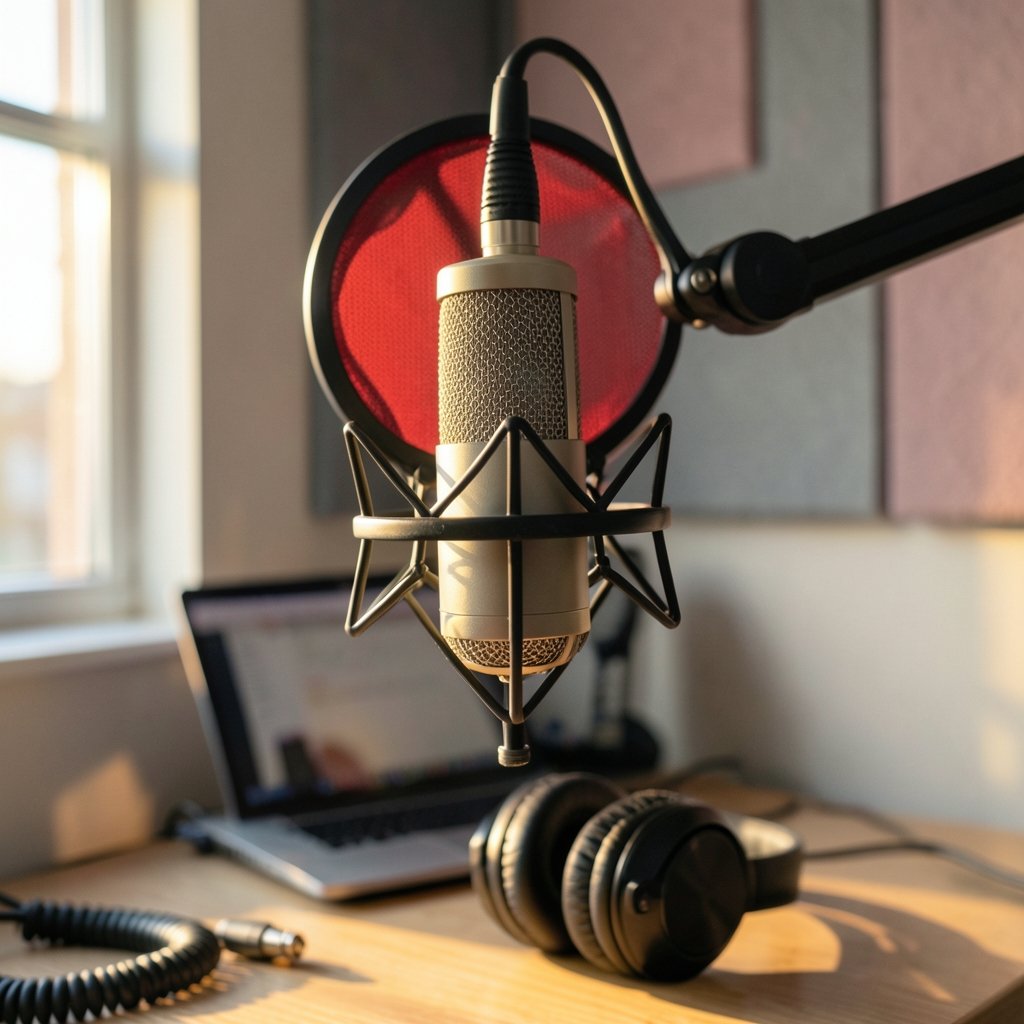
What separates a podcast that sounds professional from one that sounds like it was recorded in a bathroom? More often than not, it comes down to a handful of audio editing features, and AI has quietly rewritten the rules for most of them. The trouble is that every vendor now slaps an “AI” label on everything from noise reduction to loudness matching, which makes comparing tools genuinely confusing. Some features are true machine learning. Others are clever signal processing dressed up in fashionable language.
This guide cuts through that. It walks through the features worth comparing, explains why each one matters, and points out the mistakes people make when they shop on spec sheets alone.
Why the “AI” Label Deserves Scrutiny
Before comparing anything, it helps to define terms. AI audio editing broadly covers two families of tools. The first is machine learning: models trained on audio data to separate sources, remove reverb, or transcribe speech. The second is rule-based digital signal processing (DSP), which follows fixed algorithms rather than learned patterns. A noise gate is DSP. A model that reconstructs a voice from noisy input is machine learning.
Vendors rarely draw this line clearly, and it matters. DSP tools are predictable and fast. ML tools can achieve results DSP cannot, but they can also introduce artifacts, and their output changes as models get updated. When comparing products, ask which features run on learned models and which are traditional processing. The answer tells you a lot about consistency and hardware demands.
Spectral Editing: The Repair Feature That Sets Tools Apart
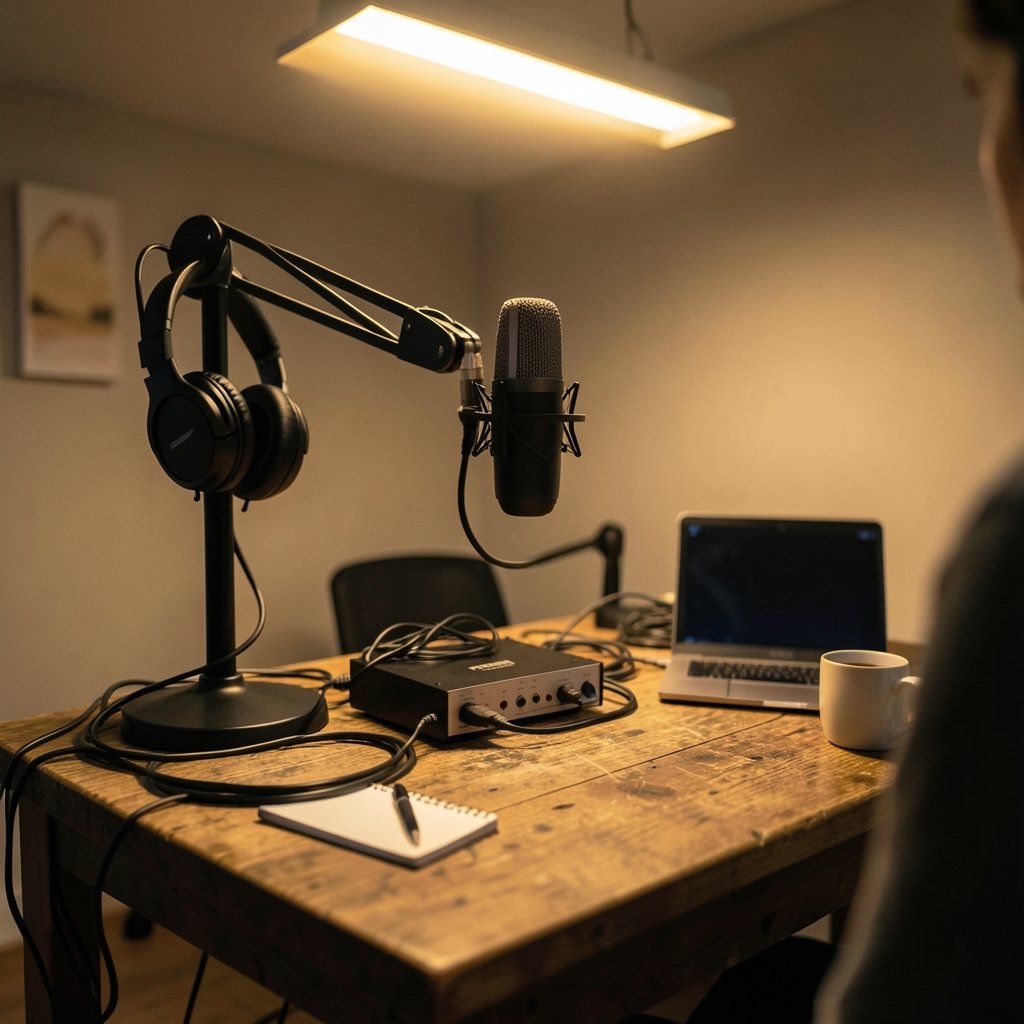
If a client coughs mid-sentence or a fridge hums through an entire interview, spectral editing is the fix. Tools like iZotope RX and Adobe Audition let editors view audio as a spectrogram, a visual map of frequency over time, then select a time-frequency region and attenuate or remove it. A single cough becomes a small rectangle you can paint out.
This is the clearest dividing line between repair-focused tools and general-purpose digital audio workstations. Many DAWs can cut and fade. Far fewer offer precise spectral selection. Spectral repair has been a core part of RX since the 2000s, and Audition’s spectral frequency display dates back to Adobe Audition 3 in 2007.
In practice, spectral editing rewards patience. The common mistake is over-selecting: grabbing a huge region and nuking it, which leaves audible holes and a watery, unnatural texture. Experienced editors select the smallest possible area and apply gentle attenuation rather than total removal. Compare tools on how fine the selection grid is, whether you can preview the repair before committing, and how the tool handles overlapping speech.
Source Separation and Stem Splitting
Source separation, sometimes called stem splitting, uses models to pull a mix apart into vocals, drums, bass, and other instruments. It went mainstream between 2019 and 2021. Deezer released the open-source Spleeter toolkit in 2019, Facebook Research published Demucs the same year, and commercial tools followed. iZotope RX added Music Rebalance in RX 8 in 2020, built on similar ideas.
Why does this matter for podcasters and video editors? Because it solves real problems. If a guest’s microphone picked up bleed from a co-host, separation can help isolate the voice. If music beds compete with dialogue, separation gives you room to maneuver. For anyone comparing editing suites, check whether separation is included, how many stems it produces, and whether it runs locally or in the cloud.
The practical warning: separation is not magic. Aggressive splitting introduces artifacts, especially on heavily compressed or low-bitrate audio. Always keep the original file and compare the processed version against it at realistic volume.
AI Speech Enhancement and Noise Suppression
Speech enhancement has become a checkbox feature on nearly every modern tool. Adobe Podcast Enhance, Auphonic, and Descript’s Studio Sound all use ML models to strip background noise and reverb from voice. The results can be startling, turning a laptop-mic recording into something broadcast-adjacent.
The catch is consistency. These models work best on clean, single-speaker speech. Feed them overlapping conversation, strong music, or heavy clipping, and they can produce odd, synthetic-sounding artifacts. A frequent beginner mistake is running enhancement at maximum strength on already-decent audio, which flattens the natural character of a voice. Compare tools on whether strength is adjustable, whether you can hear an A/B preview, and how they handle multiple speakers.
It is also worth checking where processing happens. Cloud-based enhancement adds upload time and raises questions about who retains your audio. Local processing demands a capable CPU or GPU. Neither is automatically better, but the trade-off should be an explicit part of your comparison.
Text-Based Editing: The Workflow Shifter
Descript popularized editing audio and video by editing a transcript, and Adobe Premiere Pro added a text-based editing workflow in 2023. Instead of scrubbing a waveform, you delete a sentence in the transcript and the audio follows.
This is one of the biggest usability differences between tools, and it is worth testing carefully. Compare on transcription accuracy across accents and languages, on how smoothly edits map back to the waveform, and on whether transcripts export as SRT or VTT subtitle files. A tool with flawless text editing but poor transcription accuracy is frustrating in daily use.
The common mistake here is trusting the transcript blindly. Filler words, crosstalk, and technical jargon are where transcription models stumble. Always spot-check the transcript against the audio before making bulk deletions.
Loudness Normalization and True-Peak Limiting
Loudness is where amateur and professional audio diverge most visibly. Podcast platforms and broadcasters specify targets through standards: ITU-R BS.1770 defines how loudness is measured, and EBU R 128 sets normalization guidance, including −23 LUFS for broadcast. BS.1770 has been revised several times, and R 128 was first published in 2011 and updated since.
When comparing tools, check three things. Does the tool measure loudness using a recognized standard? Does it offer true-peak limiting to prevent distortion when audio is encoded? Can you set a target and batch-process multiple files? A tool that normalizes to an arbitrary “loud” setting is not the same as one that follows BS.1770.
A practical tip: normalize once, at the end of your chain, and check the result on multiple playback systems, including phone speakers and earbuds. Over-compressing to hit a loud target is a classic error that leaves audio fatiguing to listen to.
Real-Time Versus Offline Processing
Some AI features run in real time, others process files offline. Real-time processing suits live streaming and recording, but it demands low latency and stable hardware. Offline processing allows heavier models and better results, at the cost of waiting.
Compare tools on which features are real-time capable, whether processing is local or cloud-based, and what happens when your internet connection drops mid-session. A cloud-only tool with no offline fallback is a liability for anyone editing on the move.
Format, Plugin, and Multichannel Support
Spec sheets matter here. Check AAX, AU, and VST3 plugin support if you work inside a host application. Check sample-rate and bit-depth limits, and whether multichannel or surround work is supported. iZotope RX has historically run as a standalone application plus plugins, while Audition is standalone with some plugin hosting.
If you are building a broader content workflow, it helps to compare adjacent tool categories the same way. The same discipline that applies to comparing AI writing tools before you subscribe works for audio: list your actual needs, test against real files, and ignore features you will never touch. Creators juggling multiple formats may also find value in how AI presentation tools compare before you subscribe, since audio quality often feeds video and slide content.
Transcription, Translation, and Export Options
Transcription accuracy varies widely by language, accent, and audio quality. Compare supported languages, whether transcripts are editable, and which export formats are available. For podcasters, SRT and VTT exports enable captions and searchable show notes. For video teams, the ability to export a clean transcript saves hours.
Test with your own worst-case audio, not the vendor’s polished demo. A quick recording with background noise and a strong accent reveals more than any feature list.
Generative Audio: TTS and Voice Cloning
Text-to-speech and voice cloning are increasingly bundled into editing suites. Capabilities and terms change frequently, so treat any comparison as a snapshot with a date attached. Check licensing terms carefully, especially around consent for cloned voices and commercial use of generated audio. This is a category where reading the fine print is not optional.
Licensing, Privacy, and Data Handling
This is the criterion most feature tables omit. Some cloud tools retain uploaded audio or use it to improve models. Others offer enterprise privacy options. Before committing, read the terms of service and check whether you can delete stored files. For anyone handling client recordings or private interviews, this can outweigh every other feature on the list.
A Practical Comparison Framework
Rather than chasing the longest feature list, score tools against your real workflow. A simple weighted table helps.
| Criterion | Why It Matters | What to Test |
|---|---|---|
| Spectral editing | Fixes coughs, hums, clicks | Precision of selection, preview |
| Source separation | Isolates voices and music | Artifacts on compressed audio |
| Speech enhancement | Cleans noisy recordings | Adjustable strength, A/B preview |
| Text-based editing | Speeds up long edits | Transcription accuracy, SRT export |
| Loudness tools | Meets platform targets | BS.1770 measurement, true-peak limiting |
| Processing location | Latency, privacy, cost | Local vs. cloud, offline fallback |
| Plugin and format support | Fits your existing setup | AAX, AU, VST3, sample rates |
| Licensing and privacy | Protects you and clients | Data retention, deletion options |
The same structured approach pays off across other software categories. Teams comparing collaboration platforms, for instance, can apply identical logic when they compare Trello alternatives for beginners and choose one board tool. And content teams weighing research or outreach software benefit from comparing AI lead generation tools before subscribing, because the evaluation habit transfers directly.
Common Mistakes When Comparing Audio Tools
Three errors show up again and again. First, testing with clean demo audio instead of messy real recordings. Second, buying for one headline feature and discovering the daily workflow is clunky. Third, ignoring export and loudness standards until the first episode ships and sounds quiet next to competitors.
A fourth deserves mention: assuming newer AI features are always better. Sometimes a simple high-pass filter and a gentle compressor outperform an aggressive ML chain. The best editors combine both, using AI for repair and traditional processing for tone.
Conclusion
Comparing AI audio editing tools comes down to matching features to real problems. Spectral editing handles precise repair. Source separation rescues compromised recordings. Speech enhancement cleans noisy voice tracks. Text-based editing reshapes workflow. Loudness tools, built on recognized standards, ensure your audio sits comfortably alongside everything else in a listener’s queue. Add processing location, plugin support, and privacy terms to the list, and you have a comparison framework that survives marketing noise.
Test with your own audio, keep your originals, and apply processing gently. The tools have gotten remarkably good, but the judgment about how much to use them still belongs to the editor.
Frequently Asked Questions
What is the difference between AI audio editing and traditional audio editing?
Traditional editing relies on fixed signal processing like equalizers, compressors, and noise gates. AI editing uses machine learning models trained on audio data to separate sources, remove reverb, or transcribe speech. Many modern tools combine both approaches, and the best results usually come from using each where it performs best.
Do I need spectral editing if I only record clean studio audio?
Not always. If your recordings are quiet, well-treated rooms with good microphones, spectral editing may rarely be needed. It becomes essential once you record in unpredictable spaces, handle client audio, or deal with coughs, hums, and clicks that ordinary editing cannot remove cleanly.
How accurate is text-based editing for podcasts?
Accuracy depends heavily on language, accent, and recording quality. Clean single-speaker audio transcribes well; crosstalk and technical jargon cause errors. Always proofread the transcript before making bulk deletions, and check whether the tool exports SRT or VTT files for captions.
What loudness target should a podcast aim for?
Many podcasters target around −16 LUFS for stereo and −19 LUFS for mono, while broadcast standards such as EBU R 128 specify −23 LUFS. The key comparison point is whether your tool measures loudness using a recognized standard and offers true-peak limiting to prevent distortion after encoding.
Is cloud-based AI processing safe for confidential recordings?
It depends on the vendor’s terms. Some cloud tools retain uploaded audio or use it to improve models, while others offer enterprise privacy options and deletion controls. Read the terms of service before uploading client or confidential material, and check whether local processing is available as an alternative.
Can AI source separation fully isolate a voice from background music?
Not perfectly. Separation models produce impressive results but introduce artifacts, especially on heavily compressed or low-bitrate audio. Treat separation as a strong assist rather than a perfect fix, keep the original file, and compare the processed version against the source at realistic listening volume.



