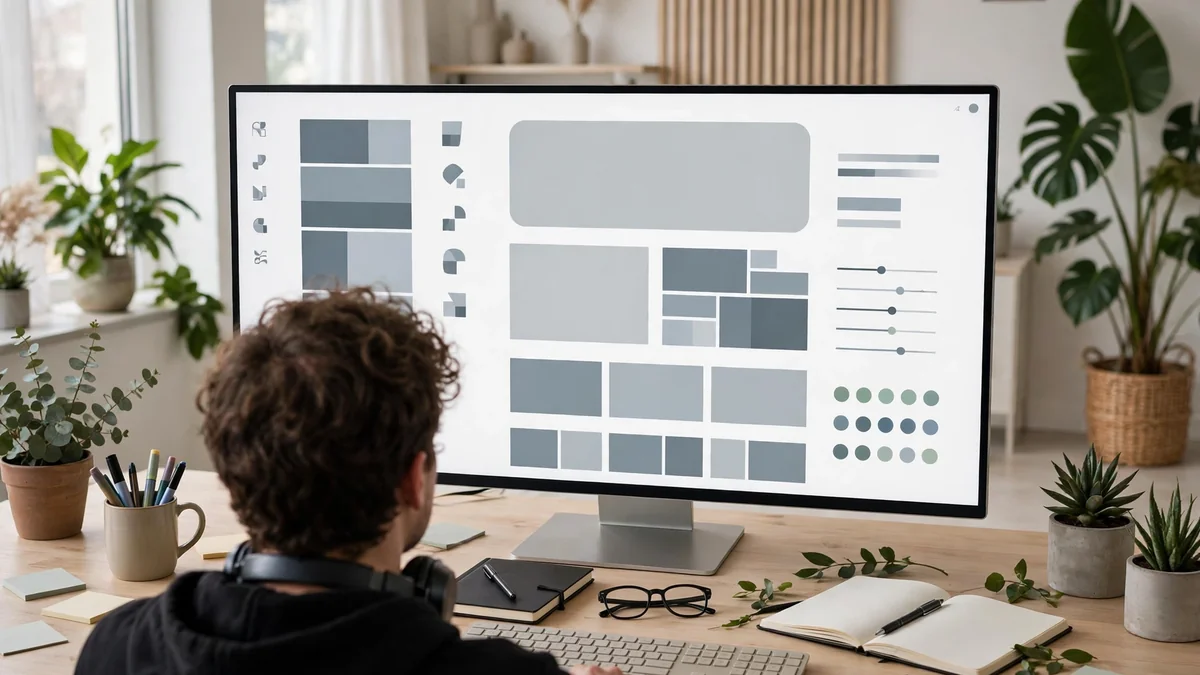
What if the most expensive design decision a small business makes is picking the wrong mockup tool? Not the wrong logo, not the wrong color palette, but the wrong software sitting between a rough idea and a working product. It happens more often than most owners admit. A team signs up for a polished design platform, spends three weeks learning it, and then realizes nobody needed pixel-perfect screens for a landing page test. Or the opposite: a founder sketches a quick wireframe, hands it to a developer, and watches the build go sideways because the sketch left too much to the imagination.
The best mockup tool for a small business is the one that matches the fidelity of the decision being made. Early ideas need speed and cheapness. Final handoffs need precision and collaboration. Getting that match right saves real money, and getting it wrong burns weeks.
Why mockup tool choice matters more for small teams
A five-person company feels every wasted hour. Large design departments can absorb a learning curve because someone on the team already knows the tool. Small businesses rarely have that luxury. The person making mockups is often the founder, a marketer wearing three hats, or a freelancer billing by the hour.
That changes the math. A tool that costs more per seat but takes a day to learn can beat a free tool that eats two weeks. A tool with weak export options can add hours to every developer handoff. A tool that gets discontinued can strand years of work. The Adobe XD shutdown is the cautionary tale: Adobe announced in 2023 that it would stop developing XD, and teams that had built workflows around it had to migrate. That is a strong argument for choosing tools with clear momentum and active community support, rather than the most polished interface.
There is also a fidelity question that trips up beginners. Low-fidelity mockups (sketches, gray boxes, placeholder text) are cheap and fast, and they keep reviewers focused on structure instead of arguing about button colors. High-fidelity mockups (real fonts, real spacing, real interactions) suit developer handoff and stakeholder sign-off. Most small businesses need both, just at different moments.
The best mockup tools for small businesses, compared

Here is a practical comparison of the tools that come up most often. Pricing and plan limits shift constantly, so treat the cost column as a starting point and confirm current terms before committing.
| Tool | Best for | Fidelity | Learning curve | Typical cost model |
|---|---|---|---|---|
| Balsamiq Wireframes | Fast early ideation | Low | Very low | Paid, desktop and browser |
| Figma | Team collaboration and handoff | High | Moderate | Free tier plus paid seats |
| Penpot | Budget and data control | High | Moderate | Open source, self-hostable |
| Canva | Marketing visuals and simple mockups | Low to medium | Very low | Free tier plus paid plans |
| Sketch | Mac-based product design | High | Moderate | Paid license plus cloud service |
| Marvel | Quick clickable prototypes | Medium | Low | Subscription |
Balsamiq Wireframes: the speed champion for early ideas
Balsamiq has built its reputation on a deliberately sketch-like look. That is not a limitation; it is the point. When a mockup looks unfinished, reviewers comment on flow and structure instead of nitpicking alignment. For a small business testing three homepage layouts in an afternoon, that focus is worth real money.
The tool runs as a desktop app and in the browser, and the interface is simple enough that a non-designer can produce something usable within an hour. The trade-off is obvious: you would not hand a Balsamiq wireframe to a developer as a final spec. Use it to decide what to build, then move to a higher-fidelity tool to decide how it looks.
Figma: the collaboration standard, with a catch
Figma is browser-based, collaborative in real time, and widely adopted enough that hiring designers who already know it is easy. For a small team spread across locations, the ability to comment directly on a design and see changes live is genuinely hard to replace.
The catch is plan structure. Figma’s free Starter plan has historically been limited to a small number of files and editors, with paid seats required beyond that. Those limits change, so check the current terms before you build a workflow around the free tier. Figma also acquired the diagramming tool Diagram in 2024, a sign of how design platforms are consolidating into broader workspace products.
Penpot: open source and self-hostable
Penpot is an open-source design and prototyping tool, and its standout feature for small businesses is that it can be self-hosted. That matters for companies with data-residency requirements, regulated industries, or tight budgets where per-seat pricing adds up fast. The project has been active since around 2021.
Self-hosting is not free in the total-cost sense. Someone has to run the server, apply updates, and handle backups. But if you already have technical staff, Penpot removes the recurring seat cost entirely. It pairs well with the kind of budget thinking covered in guides on Azure virtual machine costs for small projects and businesses and Amazon EC2 costs for small projects and businesses, since hosting a design tool is just another small cloud workload.
Canva: not a prototyping tool, but often the right answer
Canva is a drag-and-drop editor aimed at non-designers, with a huge template library. It is not a dedicated UI/UX prototyping tool, and pretending otherwise leads to frustration when you need component libraries or developer handoff. But for mockups of social posts, pitch decks, product packaging, or a quick landing page concept, it is fast and approachable.
Many small businesses run Canva for marketing visuals and a separate tool for product design. If your “mockups” are mostly client-facing visuals rather than software interfaces, Canva may cover most of what you need. Teams building slide-heavy deliverables should also look at the best AI presentation tools for small businesses that save real time.
Sketch: solid, but Mac-only
Sketch is a mature product design tool with a devoted following. The big constraint is that it is macOS-only, and it has historically used a paid license model with a separate cloud service for collaboration. If your whole team works on Macs and prefers a native app over a browser tab, Sketch is a reasonable choice. If anyone on the team uses Windows, the collaboration story gets awkward fast.
Marvel: clickable prototypes without the complexity
Marvel sits in the middle ground. It is built for turning screens into clickable prototypes so stakeholders can feel the flow. The learning curve is gentle, which suits small businesses that need to test a concept with real users quickly. InVision, a similar player, announced in late 2023 that it would shut down its design collaboration product by the end of 2024, which is a reminder to check the long-term health of any prototyping vendor before you commit.
How to choose without overthinking it
The fastest way to pick is to answer one question: what decision are you trying to make? If the answer is “which layout do we build,” go low-fidelity and fast. If it is “is this ready for a developer,” go high-fidelity and collaborative. A simple decision path works for most small teams:
- Sketch the idea on paper or in Balsamiq to settle structure and flow.
- Move to Figma or Penpot once the structure is agreed and visual detail matters.
- Use Canva for any marketing collateral that surrounds the product.
- Test clickable flows in Marvel if stakeholders need to feel the experience.
- Export clean specs and assets before handoff, and keep a single source of truth.
Common mistakes that cost small businesses time
The first mistake is chasing high fidelity too early. Teams spend days perfecting a screen before anyone has confirmed the flow makes sense. Wireframes exist precisely to prevent that waste.
The second is ignoring the free-tier ceiling. A plan that works for two people breaks at five, and migrating mid-project is painful. Map your team size against plan limits before you start.
The third is treating mockups as a one-person job. Designs that never get reviewed by the person who will build them tend to produce expensive surprises. Invite the developer into the file early, even if they only comment.
The fourth is forgetting about the surrounding stack. A mockup tool that exports clean assets feeds smoothly into your website build. If you are choosing a site platform at the same time, the best AI website builders for small businesses can shape what export formats and handoff files you actually need.
The fifth is ignoring automation. Design handoff, asset resizing, and ticket creation can all be automated, and the best AI automation tools for small businesses cover the workflow layer around your design files. Teams that also maintain code alongside design work often benefit from pairing a mockup tool with one of the best AI coding assistants for small businesses in 2026, since faster implementation makes accurate mockups even more valuable.
What actually works in practice
The pattern that holds up across small teams is a two-tool setup: one cheap, fast tool for thinking, and one precise tool for building. Balsamiq plus Figma is the most common pairing. Penpot plus Canva covers teams that want to avoid subscriptions entirely and are comfortable with self-hosting.
A few practical habits make either setup work better. Name files with dates and version numbers so nobody reviews an outdated screen. Keep a short style guide in the same file so mockups stay consistent. Export assets at the sizes your site actually uses rather than resizing later. And set a rule for when a mockup is “done enough” to hand off, because without that rule, polishing never ends.
One more thing worth saying plainly: no tool fixes an unclear brief. A beautifully mocked-up screen built on a vague requirement still produces rework. Spend ten minutes writing down what the screen must accomplish before opening any software. That single habit saves more time than any feature comparison.
Conclusion
The best mockup tools for small businesses are not the most powerful ones. They are the ones that match the size of the decision in front of you and the skills of the people doing the work. Balsamiq earns its place for fast, cheap thinking. Figma and Penpot carry the load for collaborative, high-fidelity design. Canva handles the marketing visuals that surround the product, and Marvel fills the clickable-prototype gap. Sketch remains a solid Mac-only option for teams already invested in that ecosystem.
Start with the decision, not the tool. Sketch the structure, agree on the flow, then invest in fidelity only where it changes what gets built. Do that, and your mockup stack becomes one of the cheapest forms of risk reduction your business has.
Frequently asked questions
What is the best free mockup tool for a small business?
It depends on what you are mocking up. Penpot is the strongest free option for interface design because it is open source and can be self-hosted, removing seat costs entirely. Canva’s free tier works well for marketing visuals, and Balsamiq offers a limited trial if you want to test low-fidelity wireframing before paying.
Do I need a high-fidelity mockup tool if I am not a designer?
Not at first. Low-fidelity wireframes settle structure and flow without requiring design skill, and they are faster to produce. Move to a high-fidelity tool like Figma or Penpot only when visual detail affects a real decision, such as developer handoff or stakeholder sign-off.
Is Figma worth paying for as a small team?
For teams that collaborate on interface design and hand work to developers, usually yes. The real-time collaboration and shared component libraries are hard to replicate. Just check the current free-tier limits first, because the number of files and editors allowed on the free plan has historically been small.
What happened to Adobe XD, and should I still use it?
Adobe announced in 2023 that it would stop developing XD and later removed it from Creative Cloud. Building a new workflow on a discontinued product is risky, so most small businesses are better off choosing Figma, Penpot, or Sketch instead.
Can I use Canva for UI mockups?
You can, but it is not built for it. Canva is a drag-and-drop editor aimed at non-designers and shines for marketing visuals, social posts, and presentations. It lacks the component libraries and developer handoff features that interface prototyping needs, so most teams pair it with a dedicated design tool.
How do I hand off mockups to a developer without losing detail?
Keep one source of truth, export assets at the exact sizes the build uses, and invite the developer into the design file early so they can comment before the design is locked. A short written spec alongside the mockup prevents the gaps that cause rework.