
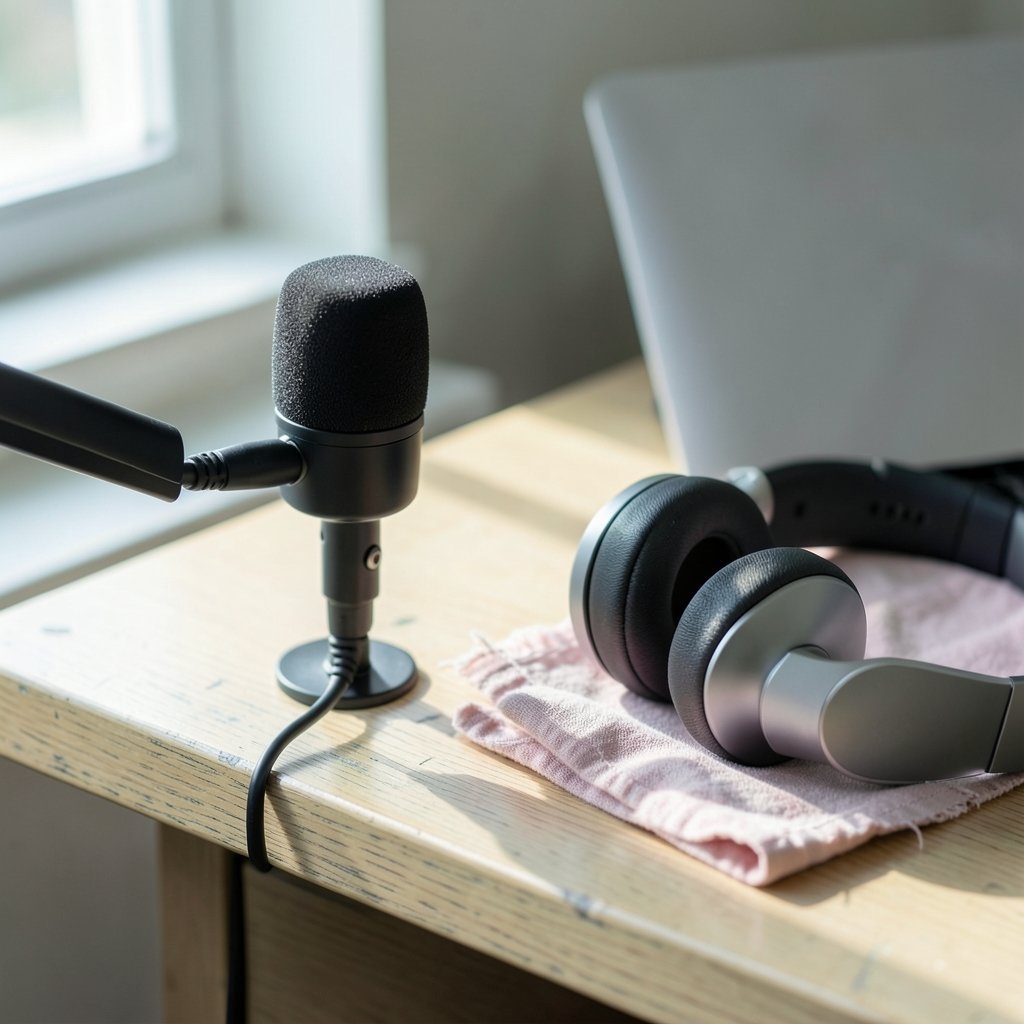
Quick Answer: Which AI podcast editing tools have a free plan?
Several well-known AI podcast editors still let you start without paying. Descript, Adobe Podcast, Riverside, Podcastle, Auphonic, and CapCut have all offered some form of no-cost access, usually capped by transcription minutes, export quality, or watermarks. Most of these are perpetual free tiers rather than trials, but the limits move around a lot.
The catch is that “free” rarely means “unlimited.” Some tools give you generous AI cleanup but lock transcripts behind a paywall, while others hand out plenty of minutes but stamp your audio or shrink the file. A few only offer a time-limited trial dressed up as a free plan.
Before you commit, compare the monthly minute caps, export resolution and watermark rules, whether AI features are included or gated, storage limits, commercial-use rights, and how the vendor defines “free” versus “trial.”
Why free plans are trickier than they look
Here’s the thing nobody tells you when you download your first editor: the free tier is a marketing decision, not a charity. Vendors design it to hook you, and the caps are chosen to make you bump your head right around the time you finish your third episode.
The pattern is consistent. Most AI podcast tools define the free plan by usage caps rather than by hiding whole features. You get the transcription, the noise removal, the auto-leveling, but only up to a ceiling. Cross it and you’re staring at an upgrade prompt mid-edit. That’s the moment to decide whether the tool has actually earned your money.
There’s also a naming trap worth flagging. Plenty of product pages say “free” when they mean a time-limited trial. A trial expires in seven or fourteen days whether you’ve published anything or not. A free tier keeps working forever, just with limits. Those are very different deals, and the marketing copy often blurs them on purpose.
The main tools with a free entry point
Descript
Descript built its reputation on text-based editing: you edit the transcript, and the audio follows. It has historically offered a free tier with a limited pool of transcription and editing minutes per month, plus restricted exports. Paid tiers include more minutes and full-quality output.
What actually works in practice: Descript is brilliant for interview shows and solo commentary where you’re cutting filler words and rearranging sentences. What trips people up is the minute math. A one-hour recording can chew through your free allowance faster than expected once you factor in re-transcription after edits. If you’re publishing weekly, the free tier runs dry fast.
Adobe Podcast
Adobe Podcast started life as a web-based speech enhancement tool, and that Enhance Speech feature is genuinely impressive on rough recordings. It has offered free web access with basic recording and editing, with paid tiers added for higher limits.
The practical tip here: use it as a rescue tool, not a full studio. If you recorded in a echoey room or on a mediocre USB mic, running the audio through enhancement can save an episode. Just don’t expect the free web version to handle a full multi-track production workflow.
Riverside
Riverside focuses on remote recording with local capture, which means cleaner source audio than a standard video call. It has offered a free plan with recording time caps and lower-resolution exports, and AI features like transcription tend to sit behind paid tiers.
The mistake people make: assuming the free plan includes the AI transcription they saw in the demo. Check the feature matrix line by line. Recording quality is where Riverside earns its keep; the AI extras are often the upsell.
Podcastle
Podcastle has advertised a free tier with limited transcription minutes and access to AI voice and editing features, all subject to usage caps. It’s a decent all-in-one for solo creators who want recording, editing, and voice tools in one browser tab.
Be careful with AI voice generation on free plans. Cloning and synthetic voice features often carry extra restrictions or credit systems, and the terms can shift. Read the current limits before you build a workflow around them.
Auphonic
Auphonic is the quiet workhorse. It handles audio post-processing and loudness leveling, and it has offered a limited free allowance measured in hours per month. It’s algorithmic rather than a chat-style AI editor, but the output is broadcast-ready and the free hours go a long way for a monthly show.
If you already edit elsewhere and just want consistent loudness across episodes, this is the least glamorous and most reliable free option on the list. Pair it with a proper editing pass and your levels will finally stop jumping between episodes.
CapCut
CapCut has offered a free tier that includes auto-captions and some AI audio features, though availability and terms vary by region. It’s video-first, so it suits podcasters who publish to video platforms and want captions burned in without a second subscription.
The caveat: regional differences are real, and features that appear free in one market may be gated in another. Verify what you actually see in your account rather than what a tutorial from another country shows.
How the free tiers compare at a glance
| Tool | Free tier type | Typical cap | Best for |
|---|---|---|---|
| Descript | Perpetual free tier | Transcription/editing minutes, restricted exports | Text-based editing of interviews |
| Adobe Podcast | Free web access plus paid tiers | Feature and usage limits | Rescuing rough audio |
| Riverside | Free plan | Recording time, lower-resolution exports | Remote interviews |
| Podcastle | Free tier | Transcription minutes, AI credits | All-in-one solo production |
| Auphonic | Free allowance | Hours per month | Loudness leveling |
| CapCut | Free tier | Feature and regional limits | Video captions |
Treat that table as a starting map, not a contract. Free-tier terms change frequently and without notice, so confirm the current numbers on each vendor’s own documentation before you plan a season around them.
What to check before you commit to a free plan
Start with the minute cap and do honest math. Multiply your average episode length by your publishing cadence, then add a buffer for re-transcription and retakes. A tool that gives you three hours a month sounds generous until you realize a single 90-minute interview plus edits eats most of it.
Next, check export rules. Some free plans watermark audio, cap resolution, or block lossless formats. If your show goes to a platform that rejects watermarked files or low bitrates, a “free” plan that can’t produce a publishable file is worthless.
Then look at commercial-use rights. If you run ads or produce for a client, confirm the free tier permits commercial output. Some terms restrict free-plan content to personal use, which is a problem you don’t want to discover after publishing.
Finally, check storage and retention. Free plans often delete projects after a period of inactivity. Losing your source files is the kind of mistake you only make once, so keep local backups regardless of what the cloud promises.
If your workflow spans several tools, it helps to map them against the rest of your stack. Creators who also run a content operation often compare scheduling options in guides like this roundup of AI content calendar tools for planning 30 days in 30 minutes, because a podcast episode is only one piece of the publishing puzzle. (8 best ai podcast editing tools 2027 cleaner audio faster)
Practical tips that save real time
Record clean and the AI has less to fix. A quiet room and a decent dynamic mic beat any enhancement algorithm. Free-tier cleanup tools work best as polish, not repair.
Edit the transcript, not the waveform, when the tool supports it. Cutting “um” and dead air from text is dramatically faster than scrubbing timelines, and it’s the single biggest reason people stick with text-based editors.
Batch your exports. Some free plans meter exports or limit concurrent jobs, so rendering three episodes in one sitting can be smoother than exporting one at a time and hitting a queue.
Keep a spreadsheet of your monthly usage. Free caps reset on billing cycles that rarely match your publishing schedule, and a simple log stops the surprise lockout mid-season. For teams juggling multiple projects, the same discipline applies to task tracking, and comparisons like this breakdown of Asana vs Trello vs Monday for team workflows can help you pick a home for that log.
Common mistakes people make with free plans
The biggest one is assuming the demo equals the free tier. Demos showcase paid features. Always open the pricing page, find the free column, and read the footnotes.
The second is ignoring the trial clock. If a plan is a fourteen-day trial, you need to finish a real episode inside that window to judge it fairly. Otherwise you’re evaluating a tool you never actually used under pressure.
The third is stacking too many free tools. Six half-used accounts create six sets of limits and zero muscle memory. Pick one editor and one cleanup tool, learn them deeply, and only add a third when a specific gap appears.
The fourth is forgetting about file ownership. Confirm you can download your audio in a standard format at full quality. If the free tier only exports compressed files, your archive degrades with every re-export.
When upgrading actually makes sense
Upgrade when the cap, not the feature list, is what’s blocking you. That’s the honest signal. If you’re consistently hitting the minute ceiling and scrambling, the paid tier is cheaper than the hours you’re losing.
Don’t upgrade for a feature you’ll use once. AI voice cloning and auto-show-notes sound exciting and often gather dust. Wait until a specific recurring task is painful, then pay for exactly that.
And if you produce audio for clients, price the subscription into your rate from day one. Free tiers are for learning the workflow, not for delivering paid work under a watermark.
Conclusion
The honest answer to which AI podcast editing tools have a free plan is that most of the big names still do, but each one draws the line in a different place. Descript and Podcastle cap your minutes, Riverside caps your recording time and export quality, Adobe Podcast and CapCut gate features and vary by region, and Auphonic meters your processing hours. None of them are handing out a full studio for nothing.
The smart move is to pick one editor that matches how you actually work, run a real episode through its free tier, and watch where you hit the wall. That wall tells you more than any feature comparison ever will. Start free, stay skeptical of the word “free,” and upgrade only when the limits, not the marketing, make the decision for you.
FAQ
Is a free plan the same as a free trial?
No, and the difference matters. A free plan keeps working indefinitely with usage caps, while a free trial expires after a set number of days regardless of how much you’ve produced. Vendor pages often use the word “free” loosely, so check whether the offer has an end date before you build a workflow around it.
Can I publish a professional podcast using only free tools?
It’s possible for a low-volume show, but the constraints add up. Watermarks, export quality caps, and minute limits can all interfere with publishing. Many creators run a free editor alongside a separate free loudness tool to cover the gaps, then upgrade once the show earns revenue.
Do free plans usually include AI transcription?
It varies widely. Some tools include transcription but cap the minutes, while others gate transcription entirely behind paid tiers. Always check the feature matrix row by row rather than trusting a demo video, because demos typically showcase the paid experience.
What happens to my files if I stop paying or hit a limit?
Policies differ, but free plans commonly restrict exports, reduce quality, or delete inactive projects after a period. Download your source audio in a standard format and keep a local backup. Treat any cloud project as temporary storage, not your archive.
How often do free-tier terms change?
Frequently, and usually without much notice. Minute caps, watermark rules, and feature access can shift between billing cycles. Re-check the vendor’s own documentation before planning a new season, and keep a simple usage log so a quiet change doesn’t catch you mid-production.
Should I use several free tools at once?
Only if each one solves a distinct problem. One editor plus one audio cleanup tool is a sensible pairing. Beyond that, you’re managing multiple sets of limits and losing the fluency that makes editing fast. Add a tool when a specific gap appears, not because it’s free.



