

Quick Answer: Which AI podcast editing tools have a free plan?
Several well-known AI podcast editors offer a free plan, including Descript, Adobe Podcast, Riverside, Podcastle, Auphonic, and CapCut. Each one gives you a limited slice of the paid product rather than the whole thing, so the free version is usually a taste test, not a full studio.
The differences matter more than the label. Some free plans are permanent tiers with monthly usage caps, while others are short trials that quietly expire. A few tools also limit exports, add watermarks, or lock AI features behind a paywall.
Before you commit, compare transcription minutes, export quality, watermark rules, storage, AI feature access, and whether the plan renews monthly or ends after a set number of days.
Free Plans Are Everywhere, But Read the Fine Print
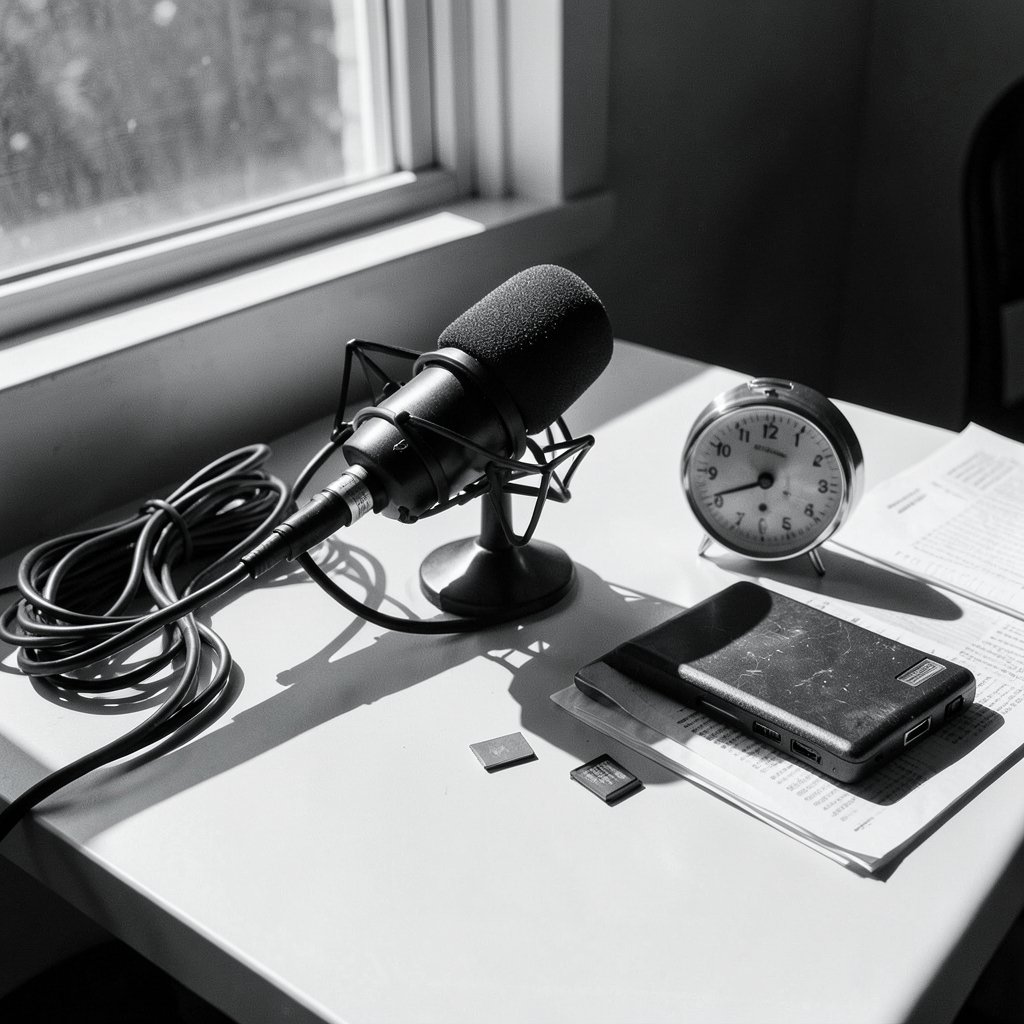
Ever downloaded a “free” editing app, spent an hour on an episode, then hit a wall at export? It happens constantly in podcast software. The word free gets stretched in this category, and the stretch marks show up right when you are ready to publish.
The pattern across the market is consistent. Most AI podcast editing vendors define their free plans by usage caps rather than by cutting features entirely. You get transcription minutes, export resolution limits, storage ceilings, or watermark rules instead of a stripped-down editor. That is good news for testing, and mildly annoying news for anyone planning a weekly show on zero budget.
There is also a definition trap. Vendor pages often call something “free” when it is really a time-limited trial. A perpetual free tier and a 14-day trial look identical on a pricing page until day fifteen arrives. Always check whether the plan renews monthly or simply ends.
One more thing worth knowing: the free tiers described here reflect the general shape of these products, and vendors change terms often and without much warning. Treat any specific minute count as a starting point to verify on the vendor’s own page, not a permanent promise.
The Main Contenders and What Their Free Tiers Actually Give You
Here is the honest rundown of the tools most often named when people ask about free AI podcast editing.
Descript
Descript made text-based podcast editing mainstream. You edit audio by deleting words in a transcript, and the audio follows. Its free tier has historically included a limited pool of transcription minutes per month plus capped exports; paid tiers offer more.
What works in practice: the transcript-first workflow is genuinely faster for interview shows with lots of filler words and false starts. What trips people up: hitting the transcription cap mid-project, then discovering that the free export carries restrictions. If you record long episodes, do the math on minutes before you start.
Adobe Podcast
Adobe Podcast grew out of an experimental speech-enhancement tool, and that Enhance Speech feature remains the star. It cleans up room echo and background noise in a way that sounds almost unfair. The web tool has been free to use with limits, and Adobe later added paid tiers for heavier use.
What works: running a rough phone recording through enhancement before editing. What trips people up: expecting a full multitrack editor. It is a focused tool, not a replacement for a digital audio workstation.
Riverside
Riverside focuses on remote recording with local capture, which means each guest’s audio is recorded on their own device instead of streamed. Its free plan has typically capped recording time and offered lower-resolution exports, with AI transcription and similar features gated to paid plans.
What works: the recording quality for remote interviews. What trips people up: assuming the AI features come with the free recording tier. They usually do not.
Podcastle
Podcastle bundles recording, editing, AI voice tools, and transcription into one browser-based package, and it has advertised a free tier with limited transcription minutes and usage caps.
What works: having everything in one tab, which suits solo hosts who do not want five subscriptions. What trips people up: the caps arrive faster than expected once you add music beds and retakes.
Auphonic
Auphonic is the quiet workhorse. It handles automatic leveling, loudness normalization, and noise reduction with a limited free allowance of processing hours per month. It is algorithmic processing rather than language-model editing, but for podcast post-production that distinction barely matters.
What works: making two hosts with mismatched microphones sound like they share a room. What trips people up: expecting it to cut ums and ahs. It balances and cleans; it does not edit content.
CapCut
CapCut has offered a free tier with auto-captions and some AI audio features, though availability and terms vary by region. It is video-first, which makes it a strange fit for audio-only shows but a natural fit for podcasters who clip episodes for social media.
What works: turning a highlight into a captioned vertical clip in minutes. What trips people up: assuming audio-editing depth that is not there.
| Tool | Free plan shape | Best for | Main catch |
|---|---|---|---|
| Descript | Monthly transcription minutes, capped exports | Transcript-based editing | Caps hit mid-project |
| Adobe Podcast | Free web tools with usage limits | Speech cleanup | Not a full editor |
| Riverside | Recording time cap, lower-res exports | Remote interviews | AI features often paid |
| Podcastle | Limited transcription minutes | All-in-one browser workflow | Caps arrive fast |
| Auphonic | Limited processing hours | Leveling and noise reduction | No content editing |
| CapCut | Free tier with regional variation | Social video clips | Shallow audio tools |
How to Test a Free Plan Without Wasting a Weekend
The smartest approach is to treat the free tier as a timed experiment, not a home. Pick one real episode, run it through two tools, and judge on output rather than interface.
A practical sequence that works:
- Record a short test episode, around ten minutes, using your normal setup.
- Run it through one transcript-based editor and one cleanup tool.
- Export at the highest quality the free tier allows and listen on headphones, not laptop speakers.
- Check the export for watermarks, voice tags, or volume dips.
- Time yourself. If tool A saves twenty minutes and tool B saves five, that gap is the real value.
Common mistakes show up again and again. People test with a clean studio recording instead of their actual noisy room, so the noise reduction never gets stress-tested. They also forget to check export formats, then discover the free tier only offers compressed audio. And plenty of hosts sign up for three free plans at once, burn through all the caps in a week, and end up with nothing to show.
If your bottleneck is not editing but planning, the same cap-checking logic applies to scheduling. A roundup of the best AI content calendar tools for planning 30 days in 30 minutes follows a similar free-versus-paid pattern, and the questions to ask are nearly identical.
Where Free Plans Genuinely Hold Up
Free tiers are more than marketing theater. For some workflows, they are enough indefinitely.
Short-form shows under fifteen minutes rarely touch transcription caps. A weekly five-minute briefing can run on a free plan for months. Cleanup-only workflows are another sweet spot: if you record well and only need leveling and noise reduction, a limited monthly processing allowance often covers a full episode. Clip production is a third. Pulling three social clips per episode from a free video editor is entirely realistic.
The pattern is simple. Free plans hold up when your usage is small and predictable, and they break when your usage spikes. A monthly interview show with two guests and a ninety-minute runtime will blow through most caps in a single session.
Where Free Plans Quietly Cost You
The hidden costs are rarely about money. They are about time and friction.
Watermarked or low-bitrate exports are the classic trap. So is the feature cliff, where the AI tool you signed up for turns out to sit one tier above free. Riverside-style gating of transcription is common across the category. Another quiet cost is storage: free tiers often cap hosted files, which matters once you have fifty episodes.
There is also a workflow cost. Free plans rarely include team seats, so a co-host or editor cannot log in alongside you. For a two-person show, that alone can push you to paid.
If you are weighing broader tool decisions for your production stack, the same “what does the free tier actually include” question applies to collaboration software. A comparison of Asana, Trello, and Monday for team workflows shows how free plans differ in seat limits and automation caps, which is the same audit you should run on podcast editors.
A Sensible Stack for a Zero-Budget Start
You do not need one tool to do everything. A combination often beats a single paid subscription.
Record with a free remote recorder or your phone. Run the raw file through a free enhancement or leveling tool. Edit content in a free transcript editor if your episodes are short enough to stay under the cap. Cut social clips in a free video editor. That stack costs nothing and covers the full pipeline for a small show.
The moment it stops working is predictable: when your episode length or publishing frequency grows past the caps. At that point, pick the one tool that saves you the most time and pay for that one only. Most hosts find the transcript editor or the cleanup tool earns its keep first.
For anyone producing audio at volume, it also helps to see how dedicated editing tools compare feature by feature. A deeper look at AI podcast editing tools focused on cleaner audio and faster turnaround covers the paid tiers that free plans eventually push you toward.
Conclusion
Free plans for AI podcast editing tools are real, useful, and almost always narrower than the marketing suggests. Descript, Adobe Podcast, Riverside, Podcastle, Auphonic, and CapCut all offer something you can use without paying, but each one draws its limits somewhere different: minutes, exports, resolution, storage, or AI feature access.
The winning move is to test with your actual recordings, watch the export step closely, and time how much work each tool removes. Free tiers reward short shows, clean recordings, and simple pipelines. They punish long episodes, heavy AI reliance, and anyone who assumes “free” means “unlimited.” Start small, measure honestly, and pay only for the tool that clearly buys back your time.
Frequently Asked Questions
Are free plans for AI podcast editors really unlimited?
No. Almost every free tier in this category is capped by usage, whether that means transcription minutes, processing hours, export resolution, or storage. Unlimited free podcast editing is essentially nonexistent because transcription and AI processing cost the vendor real money per minute.
Is a free trial the same as a free plan?
They are different things and vendors often blur them. A free plan is a permanent tier with monthly caps that keeps working indefinitely. A free trial is time-limited and usually converts to a paid subscription or locks you out after a set number of days. Check the renewal terms before you upload a project you care about.
Can I produce a full podcast episode using only free tools?
Often yes, if the episode is short and your recordings are reasonably clean. A free recorder, a free cleanup or leveling tool, and a free transcript editor with a modest minute allowance can cover a fifteen to thirty minute episode. Longer interviews with multiple guests tend to exceed free caps quickly.
Which free tool is best for cleaning up bad audio?
Tools built around speech enhancement and automatic leveling are the strongest fit, because they target noise, echo, and uneven volume rather than content. Transcript-based editors are better at cutting filler words and false starts. Many hosts use one of each, since the two jobs are genuinely different.
Do free plans add watermarks or limit export quality?
Some do. Watermarking and reduced export bitrate are two of the most common ways free tiers differentiate themselves from paid ones. Always export a test file at the free tier’s maximum settings and listen before you commit an entire episode to that workflow.
When should I upgrade from a free plan to a paid one?
Upgrade when a specific cap costs you more time than the subscription costs money. If you are routinely hitting transcription limits mid-episode, exporting at reduced quality, or unable to add a co-host to the project, those are clear signals. Upgrading for features you will not use is the mistake to avoid.



