
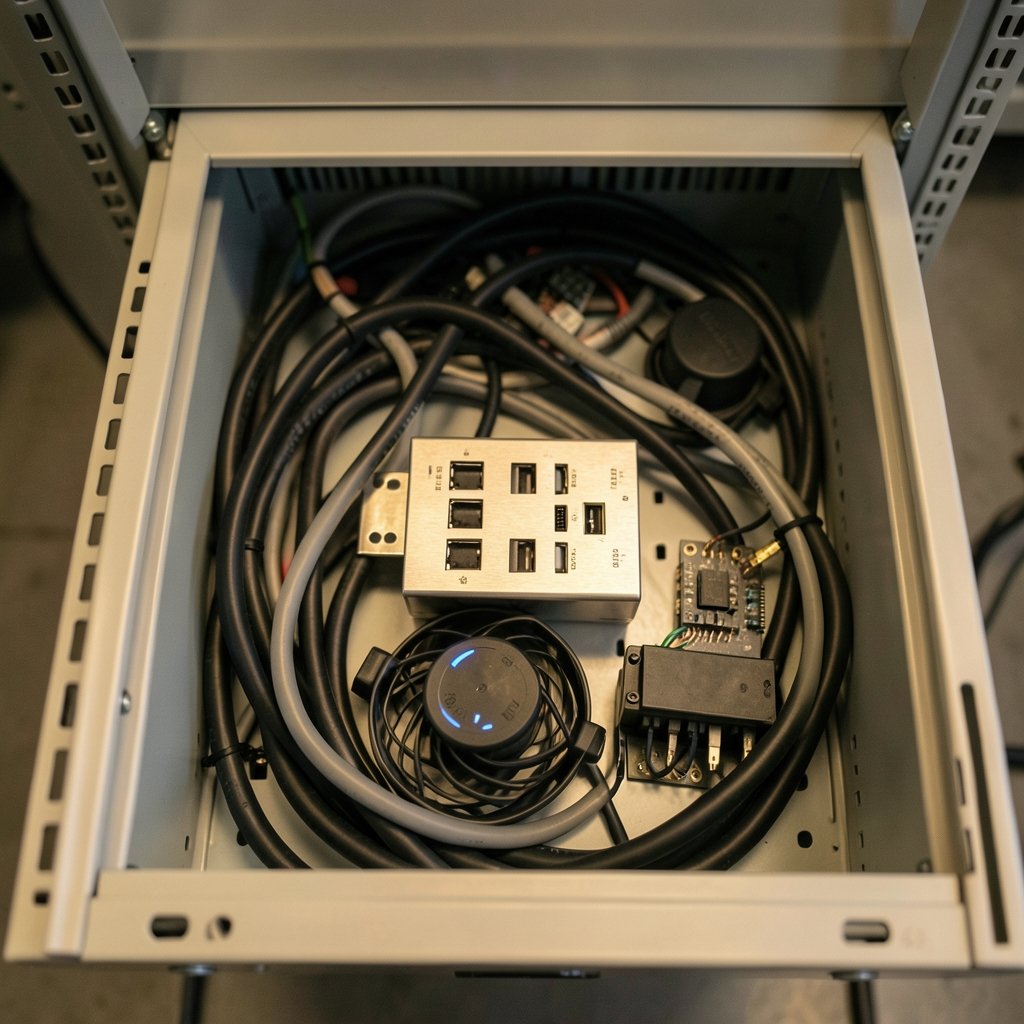
What if the flakiest part of your automated test rig isn’t the software, the sensors, or the code, but the $30 USB hub quietly sitting in the middle of everything? That question is exactly why engineers keep searching for the best programmable USB hub for 2027. A standard hub splits one port into many. A programmable hub lets software switch each port’s power and data on or off, measure what’s flowing through it, and recover a wedged device without anyone walking over to unplug a cable.
That difference sounds small until you’re running thousands of test cycles a day. Then it becomes the difference between a lab that scales and a lab that babysits cables.
What Makes a USB Hub Programmable?
A programmable hub puts a microcontroller between the host computer and the downstream ports. Instead of a dumb splitter, you get a managed device with an API. According to documentation from Acroname, a well-known maker of these hubs, its models can independently enable and disable VBus power, all data, high-speed data at 480 Mbps, and Super Speed data at 5 Gbps. That granularity matters: you can kill power to a frozen phone while leaving its neighbor running.
The control layer is the real product. Acroname’s BrainStem platform offers cross-platform APIs for Python, C/C++, and LabVIEW, plus an embedded scripting language that can run automation logic on the hub itself rather than depending on a host PC staying connected. That local execution is a big deal for long unattended runs.
Other vendors approach it differently. A compact four-port unit from MixedSignalLab advertises independent power and data-line control plus built-in voltage and current measurement, with a simple command like setting channel power on or off. The pattern is consistent: software control, per-port switching, and telemetry.
The Main Contenders Worth Knowing
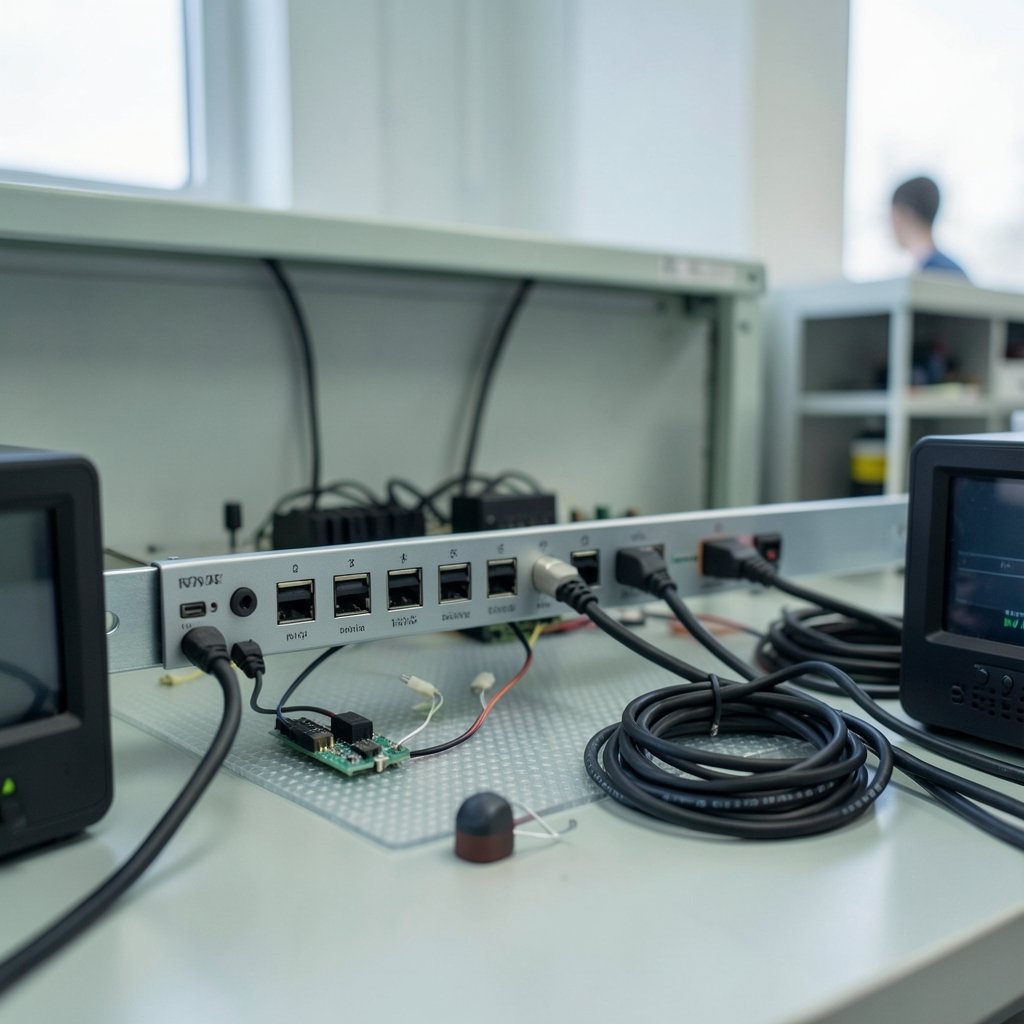
The market splits into a few clear tiers. Here’s how the leading options compare on the specs that matter for lab and factory work.
| Model | Data rate | Ports | Standout feature | Best for |
|---|---|---|---|---|
| Acroname USBHub3c | 10 Gbps (USB 3.2 Gen 2) | USB-C focused | USB-C power delivery, PD capture and emulation, AnyPort allocation | High-end validation labs |
| Acroname USBHub3+ | 5 Gbps (USB 3.2 Gen 1) | 9 (8 downstream USB-A) | Per-port power control and monitoring, dual-host selection, DIN rail | Device farms and regression testing |
| Acroname USBHub2x4 | USB 2.0 | 4 | Compact, industrial grade, two-host switching | Budget and embedded setups |
| SmartUSBHub Pro 4CH | USB 2.0 high-speed | 4 | Per-channel power and data switching with V/A measurement | Small benches and firmware flashing |
| AOK-TP911-FR | USB 3.0 | 9 USB 3.0 plus 1 USB 2.0 | Gigabit Ethernet, DIN-rail mount, ESD and surge protection | Factory floors and industrial racks |
A few names recur across these products for good reason. USB-A still dominates test racks because most device-under-test fixtures and relay boards use it. DIN rail mounting shows up on the serious hardware because test benches live in cabinets, not on desks. ESD protection appears everywhere because a lab without it eventually loses a hub to a static zap.
The USBHub3+ listing shows a nine-port design with eight downstream USB-A ports individually switched through script or API, a dedicated control port, and dual-host selection. That dual-host feature is quietly powerful: two computers can share the same peripherals, and the hub routes them to whichever host is active.
Matching the Hub to Your Actual Workload
Buying the most expensive hub is the classic first mistake. The right choice depends on what you’re testing.
High-speed validation and USB-C work
If you’re validating USB-C devices, power delivery behavior, or 10 Gbps links, only the top tier fits. The USBHub3c supports USB 3.2 Gen 2 at 10 Gbps and can capture and emulate power delivery messages, which lets a script simulate hot-plug events, cable flips, and PD faults automatically. For teams building compliance-style test sequences, that capability replaces a rack of manual rigging.
Device farms and regression testing
Device farms juggle dozens of phones or embedded boards. Here, port count and reliability beat raw speed. A nine-port hub with per-port power cycling lets a script reboot a single frozen device without disturbing the other eight. The ability to measure voltage and current per port also catches failing devices early, before they corrupt a whole test run.
Small benches and firmware flashing
A four-port unit with independent channel control covers most solo developer needs. You can flash firmware, force a re-enumeration, and recover a bricked board from a script. MixedSignalLab’s compact model fits this niche, and its measurement stream helps confirm a board is actually drawing power before you blame the firmware.
Harsh industrial environments
Factory floors add vibration, electrical noise, and temperature swings. The AOK-TP911-FR targets this with per-port power switching, real-time voltage and current monitoring, gigabit Ethernet for remote control, DIN-rail or wall mounting, and ESD and surge protection. Password protection and OEM options round out the industrial checklist.
The Features That Separate Good From Frustrating
Spec sheets hide the details that decide whether a hub survives year two. Watch for these.
Per-port data control, beyond power. Many cheap “smart” hubs only cut power. Cutting the data lines too lets you force a clean re-enumeration, which is often what a stuck device actually needs.
Real measurement. Voltage and current readings per port turn a hub into a diagnostic tool. A port drawing zero current tells you the cable failed; a port drawing too much tells you the device is shorting.
Host switching. Two upstream ports with automatic or software-controlled switching let one set of peripherals serve multiple computers. Conference rooms use this to route audio bars and cameras to whichever laptop plugs in.
Mounting and protection. DIN rail, ESD protection, and overcurrent safeguards aren’t glamorous, but they’re what keep a hub alive in a rack.
A real API. Python support matters because most test scripts live there. LabVIEW support matters in older industrial shops. If the vendor only offers a GUI, automation stalls.
Common Mistakes That Waste Money and Weeks
First-hand experience in test environments surfaces the same errors repeatedly.
- Buying on port count alone. Ten ports with no switching are ten ports you’ll still unplug by hand.
- Skipping the control port. Some hubs share the control channel with a downstream port, which complicates setups where the host must also be the device under test. The EEVblog community build illustrates this tension: its hub routes the microcontroller either to a dedicated control connector or to port seven, and the choice changes the whole topology.
- Ignoring power budget. A hub that switches ports but can’t deliver enough current per port will brown out power-hungry devices mid-test.
- Forgetting the software layer. Teams budget for hardware and then discover the API is undocumented or Windows-only.
- No ESD plan. One dry winter day and a rack of hubs starts behaving strangely.
The fix is boring but effective: list every test step that currently requires a human hand, then confirm the candidate hub can do each one through its API. If a feature isn’t in the documentation, assume it doesn’t exist.
Open Source and DIY Options
Not every team wants a commercial box. The open source route has real momentum. Adafruit highlighted a programmable USB hub on Crowd Supply that is fully open source, stackable, and built for getting hardware into an automated test loop. Community feedback on that project mentioned status LEDs on the front as a genuinely useful addition, since you can see a misbehaving port without staring at a monitor.
DIY builds exist too. The EEVblog forum project uses a Microchip USB2517 hub controller with seven downstream ports, six routed to front-panel USB-A connectors, plus a microcontroller that switches port states through solid-state switches. The appeal is transparency: you know exactly what the firmware does. The tradeoff is time, certification, and support burden.
There’s also a middle path. Microchip’s USB MultiSwitch hub combines a hi-speed hub and switching logic in one chip, letting peripherals be shared between two hosts with no extra analog switches. It’s the kind of part that shows up inside products rather than on a shelf, but it explains why host switching has become cheap and common.
What to Expect in 2027
The direction is clear even without a crystal ball. Expect more hubs to ship with measurement built in, because telemetry is what turns hardware into data. Expect tighter integration between hubs and test frameworks, with embedded scripting so logic runs locally instead of depending on a host PC. Expect USB-C power delivery emulation to move down the price ladder as more devices adopt USB-C.
If your roadmap includes new hardware launches, it’s worth checking how adjacent tooling is evolving. The same automation wave reshaping test gear is visible in the 10 best ai chatbots gpt 5 claude under hood 2027 rundown, where software control and API access decide which tools win. Labs planning 2027 budgets should also account for scheduling: a 2027 recruiting rankings board looks like moving target piece shows how fast plans shift, and test capacity planning follows the same rhythm. Even calendar logistics matter when a validation window lands in a busy month, so teams often consult an October 2027 calendar dates weekends holiday planning reference before locking lab time.
None of that changes the core buying logic. Match data rate to the device under test, match port count to the farm size, and demand a documented API before signing a purchase order.
Conclusion
The best programmable USB hub for 2027 isn’t a single model; it’s the one whose control layer matches your test steps. High-speed USB-C validation points to the USBHub3c. Device farms and regression suites get the most value from a nine-port USBHub3+ with per-port switching and dual-host selection. Tight benches do fine with a compact four-port unit, and factory racks need the rugged, DIN-mounted, ESD-protected class. Whatever you choose, verify three things: per-port data control, real measurement, and an API your team can actually script against. Get those right, and the hub stops being the flaky part of the rig and starts being the part nobody thinks about.
FAQ
What is a programmable USB hub?
It’s a USB hub with a built-in controller that lets software turn each port’s power and data on or off, switch between hosts, and often measure voltage and current. Instead of unplugging cables by hand, a script does it.
Do I need a programmable hub for a device farm?
Usually yes. Per-port power cycling lets a script reboot one frozen device without touching the others, and per-port current readings flag failing units early.
What’s the difference between USB 3.2 Gen 1 and Gen 2 here?
Gen 1 runs at 5 Gbps and covers most device-farm and regression work. Gen 2 doubles that to 10 Gbps and matters for high-bandwidth validation, such as USB-C cameras or fast storage testing.
Can a programmable hub share peripherals between two computers?
Yes, if it has dual-host or host-switching support. The hub routes connected peripherals to whichever upstream port is active, either automatically or under software control.
Is open source hardware a realistic option?
It can be. Open source programmable hubs exist, and community builds show the approach works. The tradeoff is your team’s time on firmware, enclosure, and support instead of a vendor’s.
What should I check before buying?
Confirm per-port data control in addition to power, documented voltage and current measurement, Python or LabVIEW API support, adequate per-port current, DIN-rail mounting if it goes in a rack, and ESD protection. If a feature isn’t documented, assume it isn’t there.



