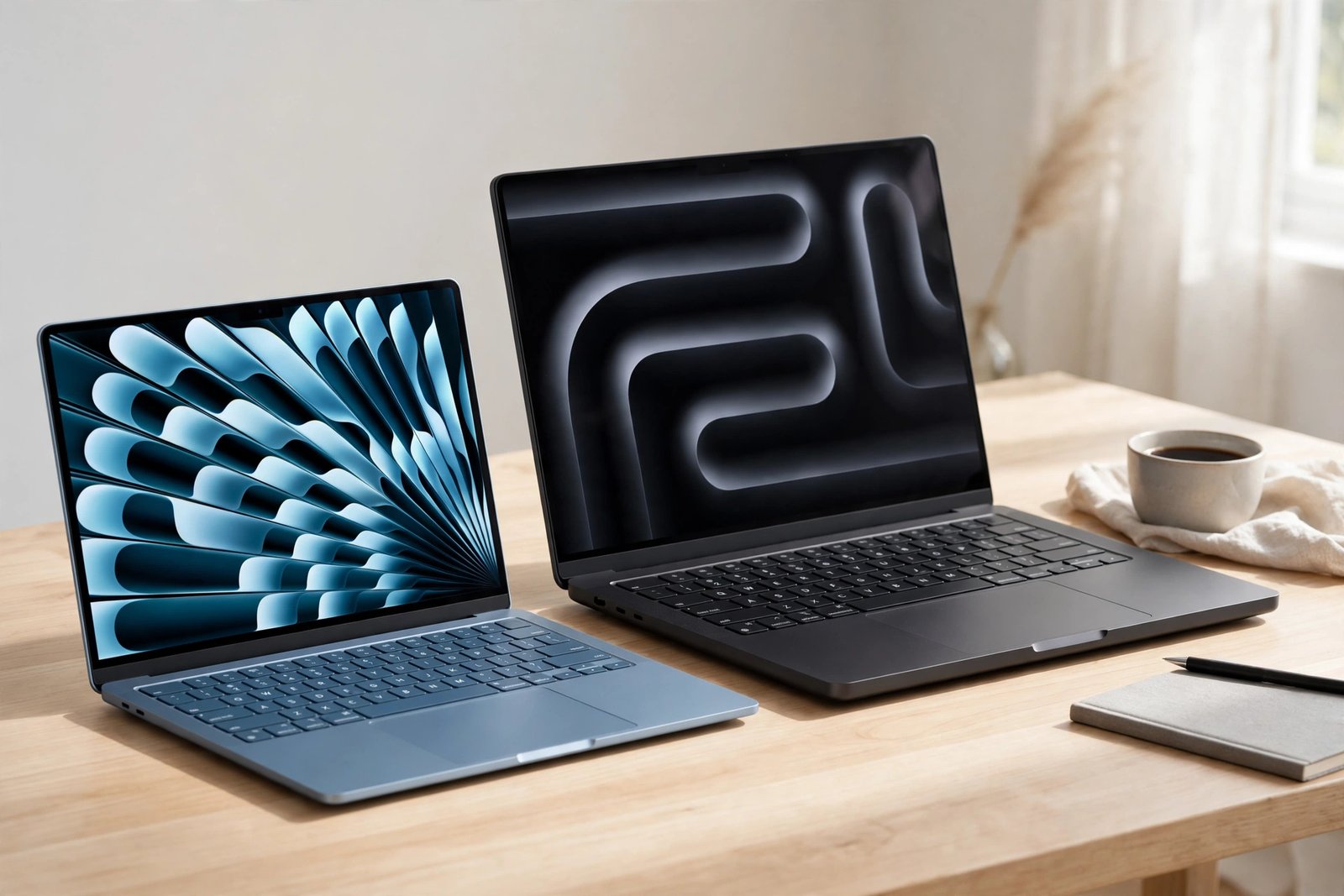
MacBook Air M4 vs MacBook Pro M4 is the question most Apple laptop buyers ask first, and the answer is simpler than the spec sheets suggest. Both use the same M4 chip generation and start with 16GB of memory. The real choice is about display, ports, sustained performance, battery life and weight.
Here is the short answer: buy the MacBook Air M4 unless you regularly edit video, need HDMI and an SD card slot, or want a brighter, smoother display. The Pro suits demanding creative work. The Air suits almost everyone else, and costs considerably less.
Key takeaways: Both use the Apple M4 chip with a 10-core CPU, so everyday speed is very close. The Air starts at $999, weighs 2.7 lb in 13-inch form, is fanless and is rated for up to 18 hours of video playback. The Pro starts at $1,599, adds a brighter XDR display with ProMotion up to 120Hz, a fan, three Thunderbolt ports, HDMI and an SDXC slot, and is rated for up to 24 hours of video playback. Choose the Air for portability and value, and the Pro for sustained creative work.
The same chip, a different job
The Air M4 and base Pro 14 share the same Apple M4 chip, with a 10-core CPU and a 10-core GPU in most configurations; the entry Air has an 8-core GPU. Both start with 16GB of memory. For writing, browsing, email and light photo editing, day-to-day speed is very close.
The Pro pulls ahead when a task runs hard for a long time. Video exports generate heat. The Air has no fan, so it must slow the chip to stay cool. The Pro has a fan, so it holds higher performance for longer.
Best for everyday speed: MacBook Air M4 — the same M4 chip, in a lighter and cheaper machine.
Design and portability
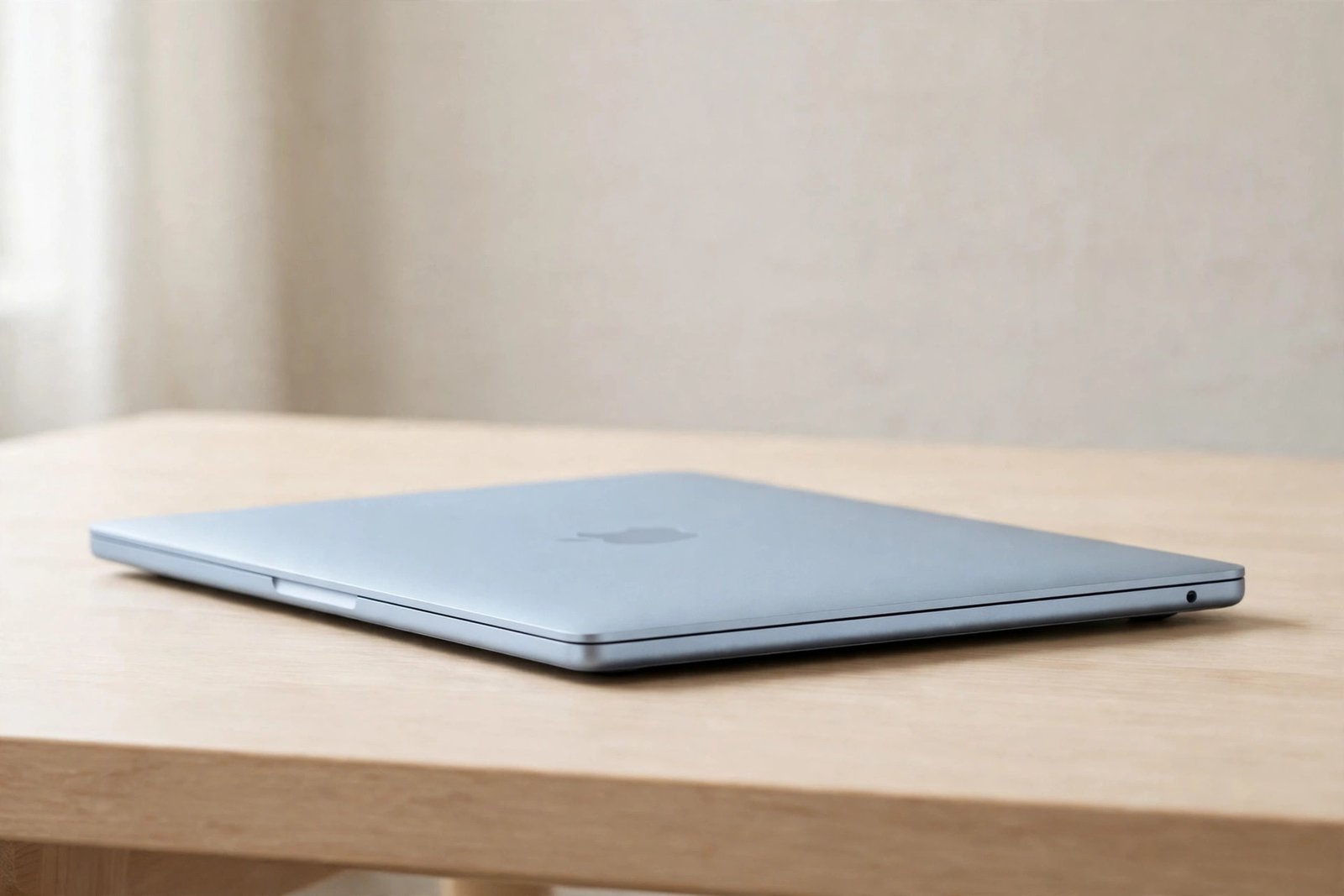
The Air M4 is built for carrying. The 13-inch model weighs 1.24 kg (2.7 lb) and measures 1.13 cm thick. The 15-inch model weighs 1.51 kg (3.3 lb). Both are fanless, so they are silent in a library or a meeting.
The Pro 14 is heavier and thicker, at about 1.55 kg (3.4 lb) and 1.55 cm thick. The Air also uses a compact 30W or 35W adapter, while the base Pro uses a 70W adapter.
Best for travel and daily carrying: MacBook Air M4 13-inch — the lightest full-size MacBook in this generation.
Display: the Pro’s clearest advantage
The Air has a 13.6-inch or 15.3-inch Liquid Retina display, with 500 nits of brightness, P3 wide colour and a 60Hz refresh rate. It is sharp and pleasant for long reading sessions.
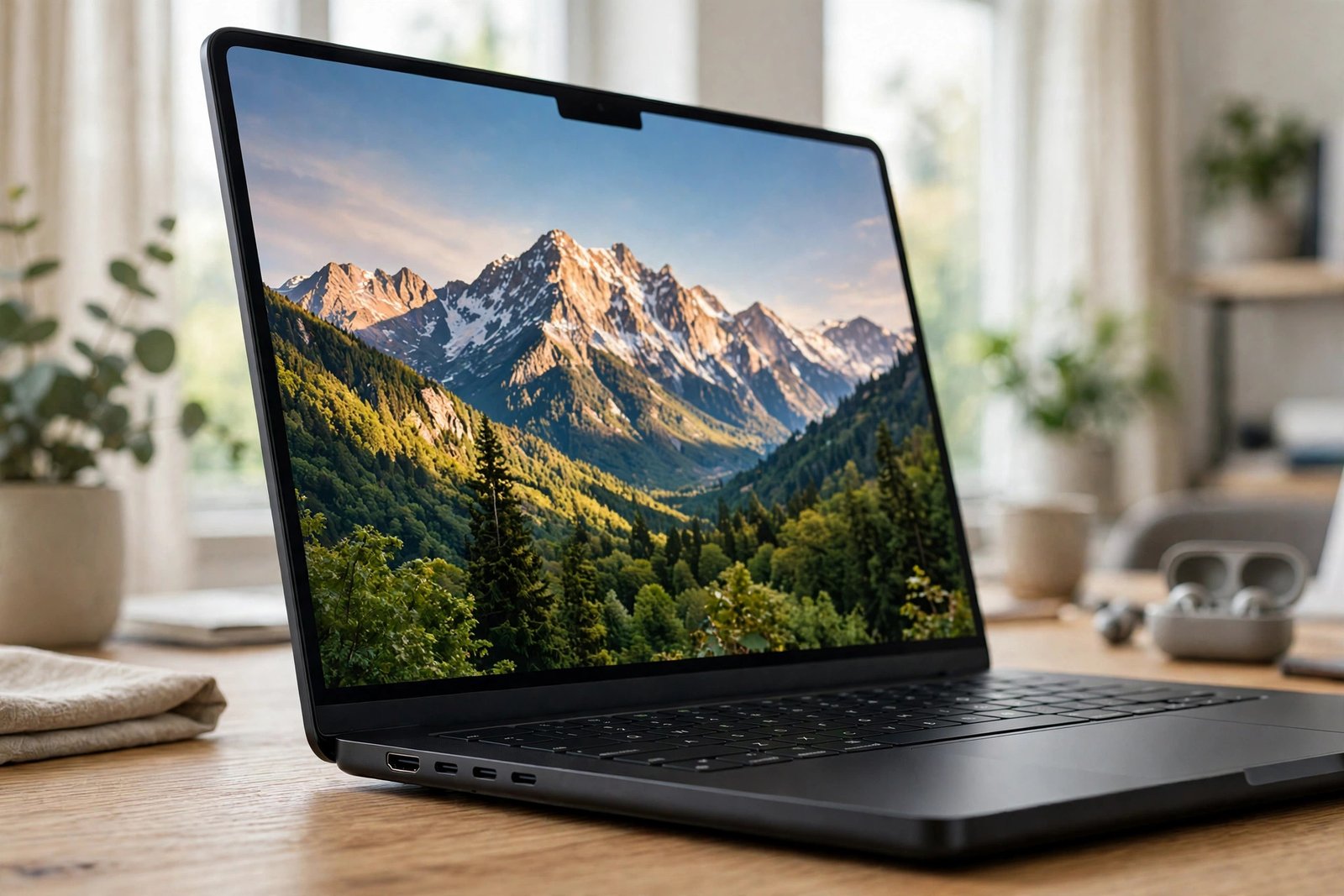
The Pro 14 has a 14.2-inch Liquid Retina XDR display, with 3,024 by 1,964 resolution, 1,000 nits sustained, 1,600 nits peak HDR brightness and ProMotion up to 120Hz. It is brighter outdoors, smoother when you scroll and better for HDR video and colour work.
Best for display quality: MacBook Pro M4 — brighter, smoother and better for HDR and colour-critical work.
Performance under pressure
The Air relies on passive cooling, with no fan to move heat away from the chip. The M4 is efficient, so the Air handles most work without slowing down, though a long 4K export will eventually push it to reduce speed.
The Pro has active cooling, with fans that keep the chip closer to its peak for longer. It also offers M4 Pro and M4 Max configurations, with more cores and up to 128GB of memory on the highest models. If you are unsure whether you need M4 Pro or M4 Max, you probably do not.
Best for sustained heavy work: MacBook Pro M4 — active cooling and M4 Pro and M4 Max options keep performance steady.
Battery life and ports
Apple rates the Air M4 for up to 18 hours of video playback and 15 hours of web browsing, from a 53.8Wh battery (13-inch) or 66.5Wh (15-inch). The base Pro 14 is rated for up to 24 hours of video and 16 hours of web, from a 72.4Wh battery. In mixed use, expect a full working day from either, with the Pro lasting longer.
The Air has two Thunderbolt 4 ports, MagSafe 3 and a 3.5mm jack. The Pro has three Thunderbolt 4 ports, plus HDMI, an SDXC slot, MagSafe 3 and a 3.5mm jack. Higher Pro models use Thunderbolt 5. Both support Wi-Fi 6E, Bluetooth 5.3 and external displays, with exact display support varying by chip.
Best for battery life: MacBook Pro M4 — up to 24 hours of rated video playback, against 18 hours on the Air.
Best for ports: MacBook Pro M4 — three Thunderbolt ports, HDMI and an SDXC slot built in.
Price and value
The Air M4 launched in the US at $999 for the 13-inch model with 16GB of memory and 256GB of storage, and $1,199 for the 15-inch model. The Pro 14 with the base M4 chip launched at $1,599, with 16GB and 512GB. That is a $600 gap.
The gap narrows if you upgrade the Air. Add 512GB of storage and its price moves close to the base Pro. Price the configuration you actually need. Prices vary by country, retailer and time, so check current pricing before you buy. Buy the storage you need now, because neither machine lets you upgrade memory or storage later.
Best for value: MacBook Air M4 13-inch — the lowest price for the same M4 generation, with 16GB as standard.
Head-to-head comparison
Table 1: MacBook Air M4 vs MacBook Pro M4 — key specifications side by side.
| Feature | MacBook Air M4 | MacBook Pro 14 (base M4) |
|---|---|---|
| Chip | M4, 10-core CPU, 8- or 10-core GPU | M4, 10-core CPU, 10-core GPU |
| Display | 13.6- or 15.3-inch Liquid Retina, 500 nits, 60Hz | 14.2-inch XDR, 1,000 nits, 1,600 nits HDR peak, 120Hz |
| Memory | 16GB standard, up to 32GB | 16GB standard, up to 128GB (M4 Max) |
| Storage | 256GB to 2TB | 512GB to 8TB |
| Battery (rated) | Up to 18 hours video, 15 hours web | Up to 24 hours video, 16 hours web |
| Weight | 1.24 kg (13-inch), 1.51 kg (15-inch) | About 1.55 kg (14-inch) |
| Ports | 2x Thunderbolt 4, MagSafe 3, 3.5mm | 3x Thunderbolt 4, HDMI, SDXC, MagSafe 3, 3.5mm |
| Cooling | Fanless (passive) | Active fan cooling |
| Launch price (US) | From $999 (13-inch), $1,199 (15-inch) | From $1,599 (14-inch, base M4) |
Who should buy which?
Students, writers and office workers should buy the Air. It is lighter, quieter, cheaper and fast enough for most work. Video editors, photographers and designers who run heavy software for hours should buy the Pro. Ask three questions: do you edit video weekly, do you need HDMI and an SD slot without a hub, and do you work long days away from a charger? If two answers are yes, buy the Pro. If not, buy the Air. If your current laptop is slow, read how to speed up a slow MacBook first. If charging is the issue, see how to fix a MacBook that is not charging. For video work, our guide on how to choose a laptop for video editing covers display, storage and ports.
Best for most buyers: MacBook Air M4 — lighter, quieter and cheaper, with the same M4 chip for everyday work.
Best for creative professionals: MacBook Pro M4 — a superior display, active cooling and more ports.
Decision checklist: answer before you buy
- List your three heaviest weekly tasks. If none runs over 30 minutes at full load, the Air is enough.
- Count the ports you use daily. If you need HDMI and an SD slot without a hub, choose the Pro.
- If you work in bright rooms or edit HDR video, the Pro display is worth it.
- Price the storage you need. Compare an upgraded Air with the base Pro.
- If you carry a laptop daily, the Air saves about 0.3 kg and a smaller charger.
- Check current prices and the return policy before you buy.
Frequently asked questions
Is the MacBook Air M4 as fast as the MacBook Pro M4?
For short, everyday tasks, yes. Both use the M4 chip with a 10-core CPU. The Pro pulls ahead on long, heavy tasks, because its fan sustains performance for longer.
Is the MacBook Pro M4 worth $600 more than the Air?
Yes, if you need its display, ports, battery or sustained performance. If not, the Air is better value.
Which MacBook M4 is best for students?
The 13-inch MacBook Air M4 suits most students. It is light, silent and fast enough for essays, research and coding.
Can the MacBook Air M4 handle video editing?
Yes, for 1080p and light 4K work in short projects. For regular 4K work and long exports, the Pro is better.
How long does the battery last on the Air vs the Pro?
Apple rates the Air for up to 18 hours of video playback and 15 hours of web browsing. The base Pro is rated for up to 24 hours of video and 16 hours of web.
Should I buy the 13-inch or 15-inch MacBook Air M4?
Choose the 13-inch model for portability, and the 15-inch model for a larger screen. Both share the same chip and rated battery life.
Verdict: buy the Air, unless your work says Pro
MacBook Air M4 vs MacBook Pro M4 is not a contest between a good laptop and a bad one. Both are excellent. The Air is the smarter buy for most people, delivering the M4 chip, 16GB of memory and all-day battery life in the lightest, quietest and cheapest package Apple offers. The Pro earns its premium for people who edit, render or present for a living. Decide by your working week, not the spec sheet. If your heaviest tasks are writing, browsing and calls, order the Air. If your work pushes a laptop hard for hours, order the Pro.