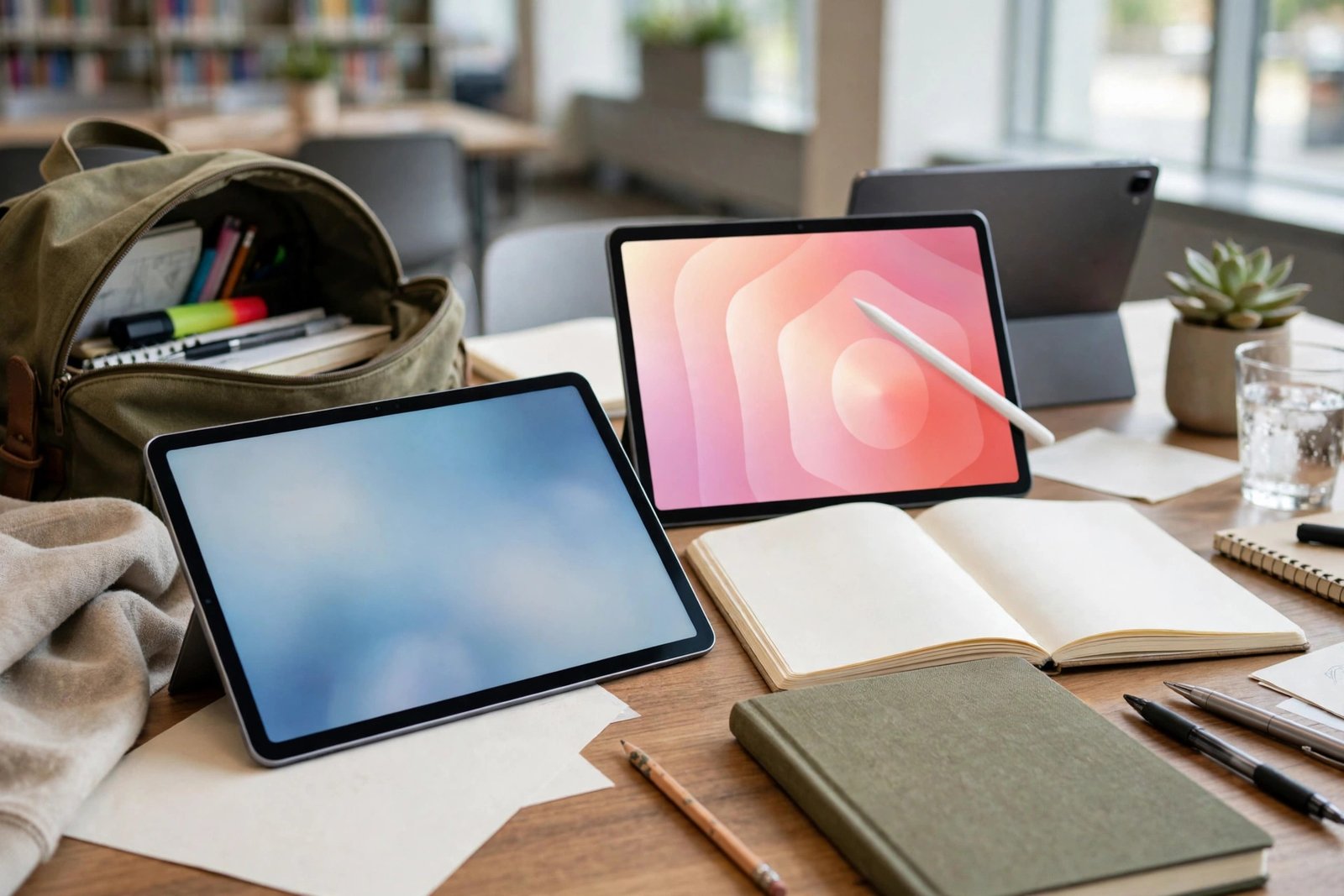
The best tablets for students in 2027 handle notes, reading, essays and video calls without fuss, and still have charge left after a long day on campus. For most students that means an iPad or a Samsung Galaxy Tab with a stylus, while a Surface Pro suits anyone who needs full Windows software, and a Fire tablet covers the basics on a tight budget. The right choice depends less on power than on how you take notes, your course software, and how much weight you will carry.
A tablet earns its place in a student’s bag by doing three jobs well: replacing paper notebooks with searchable handwritten notes, carrying a term’s worth of textbooks and PDFs without the weight, and working as a second screen for reading and research. No single tablet does all three perfectly, so this guide looks at what each pick is good at, and where it falls short.
Key takeaways
- Start with an iPad or a Galaxy Tab: the note-taking apps and stylus support are strongest.
- Buy the stylus support, not just the tablet: check whether the pen is included or an extra cost.
- Match the tablet to your course software first; full Windows or a specific app can rule out an otherwise good pick.
- A keyboard case turns a tablet into an essay machine, but adds weight and cost.
- Budget tablets suit reading and media, not main note-taking.
How to choose a student tablet
Start with your course. If your department runs Windows-only software, or you need desktop Office apps, a Surface Pro or a laptop is safer. If your work is mostly reading, writing, note-taking and web research, an iPad or Android tablet will cover it, and most university apps run in a browser or on mobile.
Next, think about how you take notes. Handwriting with a stylus suits many students and works best with a good pen and a low-latency screen. If you type instead, the keyboard case matters more than the stylus. If you annotate PDFs and slides, check the tablet has a good PDF app with annotation built in.
Storage is the quiet trap: lecture recordings, textbooks and downloaded videos fill a small tablet fast, so treat larger or expandable storage as a real feature, not a luxury. Battery life matters too: a tablet needing a charge by mid-afternoon is a liability on lecture-heavy days. Finally, check the weight — it must be light enough that you actually take it.
iPad Air
Best for: most students: notes, essays and media without compromise.
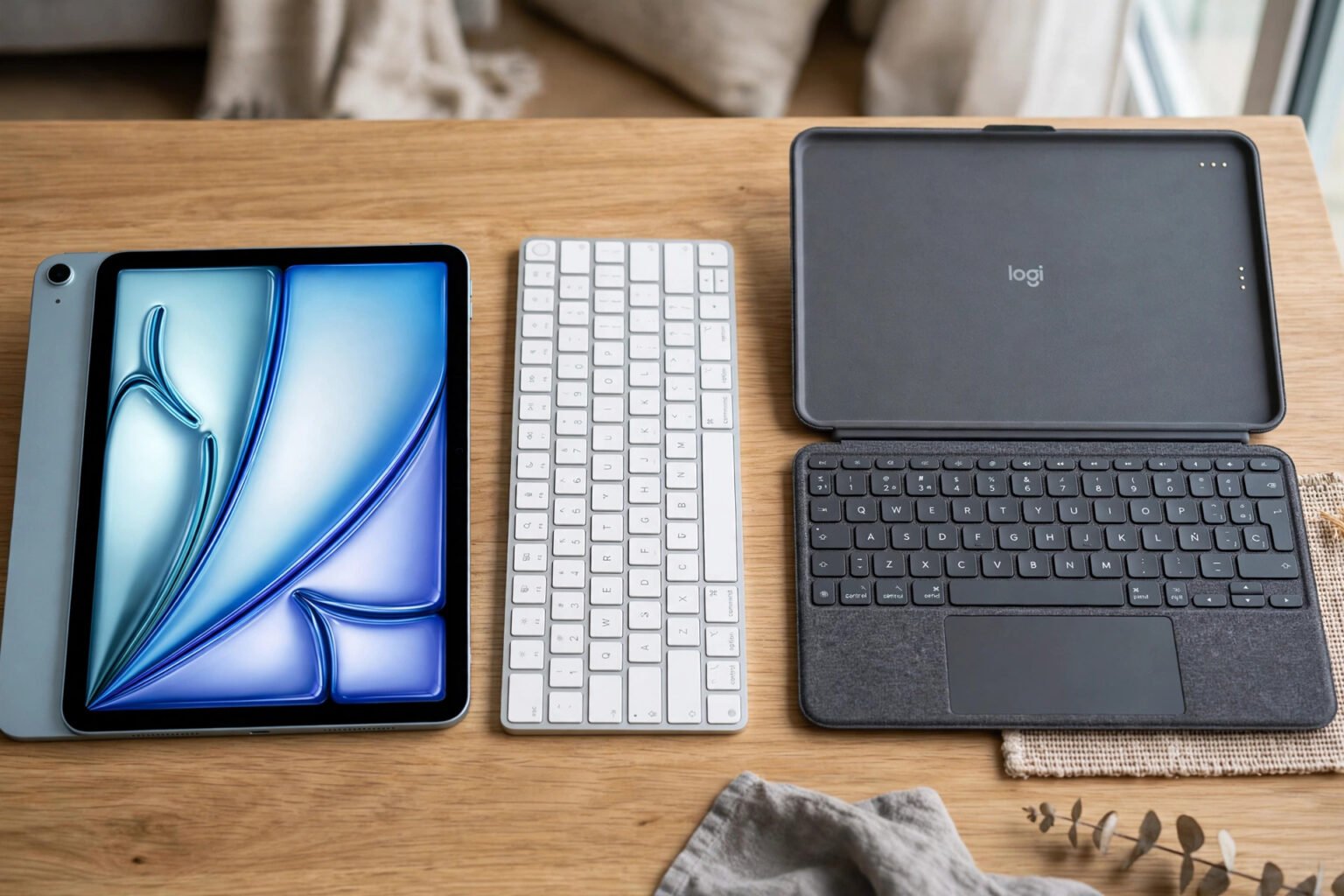
The iPad Air is the default recommendation for a reason. It runs the full iPad app library, including the best note-taking apps, and supports the Apple Pencil Pro and Magic Keyboard, which turn it into a capable writing machine. Its bright screen suits long reading sessions, and it comes in two sizes: larger for PDF readers, smaller for portability.
The trade-off is cost: the Air sits above the entry-level iPad, and the Pencil and keyboard are sold separately, so a complete setup costs more than the headline figure. If your budget only stretches to the tablet, the entry-level iPad below is better.
iPad (11th generation)
Best for: students who want the iPad experience on the smallest budget.
The entry-level iPad is the cheapest way into Apple’s tablet world, and for most student work it is more than enough. It handles note-taking, reading, video calls and essays, runs the same apps as the Air, and supports the Apple Pencil (USB-C), so handwritten notes and PDF annotation work well. A keyboard case turns it into a light essay machine.
Compared with the Air you give up the nicer screen, the advanced Pencil and Magic Keyboard, and a current design. None of that matters much for reading and writing.
Samsung Galaxy Tab S10 FE
Best for: Android users who want a stylus included in the box.
The Galaxy Tab S10 FE is Samsung’s mid-range student tablet, and its strongest card is that the S Pen comes included — no extra purchase, ready to write with. Samsung’s note-taking app is good, and the tablet supports DeX, a desktop-style mode that eases multitasking and essay writing.
It is not as powerful as Samsung’s flagships, and the screen, while bright and pleasant, is not the best in the line-up. For notes, reading, streaming and everyday study, that hardly matters.
Samsung Galaxy Tab S9 FE
Best for: students who want a Galaxy Tab with a stylus at the lowest price.
The Galaxy Tab S9 FE is the previous generation of Samsung’s fan-edition tablet and remains a sensible student buy. Like its successor it includes the S Pen and runs the same note-taking software. For reading, annotating PDFs and handwritten notes, it does the job just as well as the newer model.
The compromise is age: fewer years of updates than the S10 FE, and a slower processor, which shows in heavy multitasking rather than everyday study. If the price gap is small, take the newer model; if the older one is meaningfully cheaper, it is a smart saving, better spent on a keyboard case. Our guide to using AI to study without cheating works just as well on either tablet.

Lenovo Tab P12
Best for: students who read a lot of PDFs and want a big screen cheap.
The Lenovo Tab P12 stands out for one reason: its large display. At well over 12 inches it shows a full textbook page or lecture slide without constant zooming, which makes it genuinely pleasant for reading and split-screen work. It supports a stylus and keyboard, handles notes and essays, and is usually priced below the big-screen options from Apple and Samsung.
The trade-off is software: Lenovo’s experience is solid but does not match Samsung’s note-taking apps or Apple’s app library, and long-term support is shorter. It is also heavier, which matters if it lives in your bag all day.
Microsoft Surface Pro
Best for: students who need full Windows software and a tablet in one device.
The Surface Pro is the only pick here that is a full Windows computer. It runs desktop Office, specialist course software and a proper file system, and its keyboard cover and Surface Pen turn it into a laptop with a touchscreen. For engineering, design, data or any Windows-only course, it can replace a laptop entirely.
That versatility comes with compromises. It is heavier and more expensive than the other tablets here once the keyboard and pen are added, and its battery life is shorter than an iPad or Galaxy Tab under the same workload. It is also a laptop first and a tablet second, less comfortable to hold for pure reading than a slim iPad. Buy it when your course demands Windows; otherwise, a cheaper tablet plus a laptop is usually better.

Amazon Fire HD 10
Best for: reading, streaming and light study on the tightest budget.
The Fire HD 10 is the cheapest tablet here by a clear margin, and honest about what it is: good for reading ebooks and PDFs, watching lectures, browsing the web and running Amazon’s store apps.
Its limits are real: Amazon’s app store does not carry every app, so some university and note-taking apps may be missing, and there is no proper stylus support for handwritten notes. It is a reading and media device, not a main study device, and students expecting a note-taking tablet will be disappointed. As a second device, or a first tablet on a strict budget, it is a fair buy. If you read a lot of research on it, our guide to summarising long PDFs with AI can speed up the reading list.
The best student tablets at a glance
| Tablet | Best for | Stylus | Watch out for |
|---|---|---|---|
| iPad Air | Most students, all-round | Apple Pencil Pro, sold separately | Pencil and keyboard add to the cost |
| iPad (11th generation) | Best value iPad | Apple Pencil USB-C, sold separately | No Magic Keyboard support |
| Galaxy Tab S10 FE | Android users, pen included | S Pen included in the box | A step below Samsung’s flagships |
| Galaxy Tab S9 FE | Cheapest Galaxy Tab with a pen | S Pen included | Fewer years of updates |
| Lenovo Tab P12 | Big-screen reading on a budget | Stylus supported, check the bundle | Heavier, and a thinner app selection |
| Surface Pro | Students who need full Windows | Surface Pen, sold separately | Heavy and pricey once accessorised |
| Fire HD 10 | Reading and media on a budget | No stylus support | Limited app store |
Caption: Start from your course software and note-taking style. The stylus column matters: a pen sold separately adds a lot to the real cost.
A quick decision framework
If you are torn between two picks, run through these questions.
- [ ] Does my course need Windows-only software? If yes, shortlist the Surface Pro.
- [ ] Do I take notes by hand? If yes, shortlist tablets with a good included or supported stylus.
- [ ] Do I mostly read PDFs? If yes, favour a larger screen, such as the Tab P12.
- [ ] Is my budget tight? If yes, start with the iPad or the Galaxy Tab S9 FE, and add accessories later.
Frequently asked questions
What is the best tablet for students?
For most students, the iPad Air is the safest all-round choice, thanks to its app library and stylus and keyboard support. If the budget is tighter, the entry-level iPad or the Galaxy Tab S10 FE are strong alternatives, though the answer still depends on your course software and note-taking style.
Do I need a stylus?
Not necessarily, but it helps a lot for handwritten notes or annotating PDFs and slides. If you type all your notes, a good keyboard case matters more than a pen, and you can save money by skipping the stylus.
Can a tablet replace a laptop?
For reading, notes, writing and research, often yes, especially with a keyboard case. It cannot replace a laptop if your course needs desktop-only software, heavy multitasking, or lots of file management. Many students use both: laptop for serious work, tablet for notes and reading.
Is the Fire HD 10 good enough?
It is good enough for reading, streaming lectures and browsing, but not as a main note-taking device: it lacks stylus support, and some apps are missing from Amazon’s store.
Should I buy a keyboard case?
Yes, if you plan to write essays on it. Typing a long essay on a touchscreen is slow and tiring, and a keyboard case turns the tablet from a reading device into a writing one. Buy the case made for your exact model, and check it fits your bag without making the setup too heavy.
The bottom line
The best tablet for students in 2027 fits your course, your note-taking style and your bag, not the one with the longest spec sheet. For most students that is an iPad or a Galaxy Tab with a stylus; for Windows-dependent courses, a Surface Pro; for the tightest budgets, a Fire tablet for reading and lectures. Whichever you choose, budget for the accessories: a stylus if you handwrite, a keyboard for essays, and a case that survives a term in a bag.
Next step: list the three apps your course depends on, check they run well on your shortlisted tablet, and buy the stylus or keyboard with the tablet, so it arrives as a complete study setup. And if your desk needs attention too, our guide to cleaning a mechanical keyboard will help you keep the rest of your workspace in good shape.