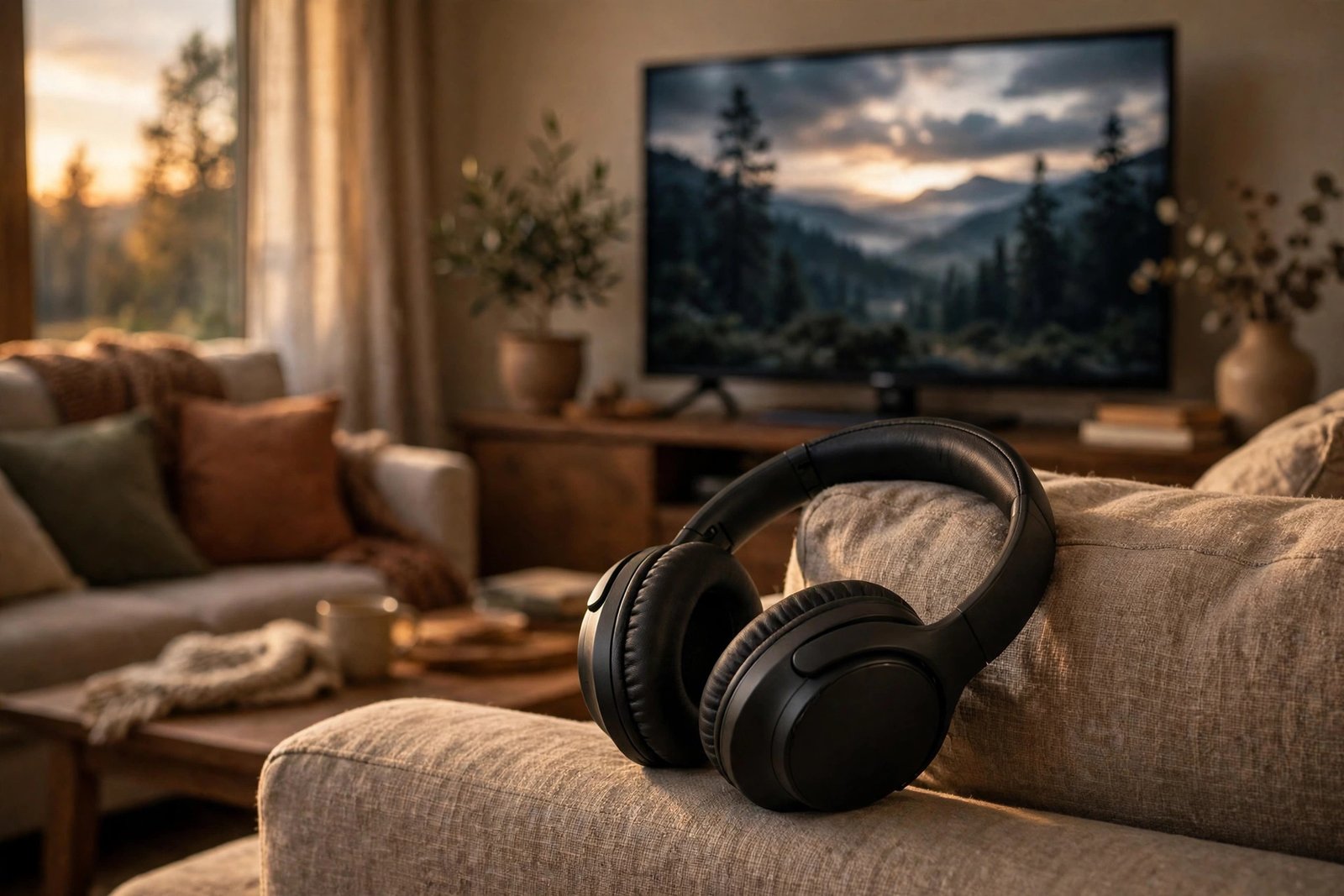
The best wireless headphones for TV watching let you hear every line of dialogue clearly without turning the volume up for the whole house. The best wireless headphones for TV watching are not necessarily the best headphones overall, because television brings one problem music rarely does: lip-sync delay.
In short, good Bluetooth headphones work well if your television supports a low-latency connection; if it does not, a dedicated headset with its own base station is safer. The Sony WH-1000XM5 is our leading all-round pick for televisions with Bluetooth, and the Sennheiser RS 175 is our leading pick for a set built for the television alone.
Key takeaways
- Lip-sync delay matters more than sound quality: even a small delay ruins dialogue.
- Bluetooth works well on televisions with low-latency support, such as aptX Low Latency.
- Dedicated television headphones with a base station avoid Bluetooth delay altogether.
- Check your television’s outputs first: Bluetooth, optical, 3.5mm or HDMI ARC.
- Comfort and battery life matter more for television, because a film lasts far longer than a train ride.
- Two listeners need a dual-link set.
Why television is a different job for headphones
Music forgives a short delay. Television does not. When sound arrives even a fraction of a second after the picture, lips and voices fall out of step, and your brain notices it constantly. Standard Bluetooth can introduce a delay of around 150 to 250 milliseconds, enough to distract from dialogue-heavy programmes.
Sessions are also longer: a film runs for two hours and an evening of streaming can run for four, so weight, clamping force and cushion depth matter more than on a commute. Readers who already own a strong travel pair can compare notes in our guide to the best noise cancelling headphones for travel.
The third difference is the source. Some televisions have built-in Bluetooth with low-latency codecs, some have Bluetooth without them, and some have no Bluetooth at all. Before choosing, check your television’s settings or the audio outputs on the back of the set. Optical, 3.5mm and RCA outputs all work with a base-station headset.
What to look for in television headphones
Latency first
Low latency is the most important specification for television headphones. Look for aptX Low Latency support, or a dedicated radio-frequency (RF) link, which is designed for television and keeps delay very low. Standard Bluetooth without a low-latency codec is a gamble.
Connection and compatibility
A dedicated television headset connects through a base station that plugs into the television’s optical or 3.5mm output, so it works with almost any television, including older sets with no Bluetooth at all. Bluetooth headphones depend on what the television supports. A Bluetooth transmitter that plugs into the television’s optical or headphone output can bridge the gap.
Comfort and battery life
Look for a light frame and deep ear cushions. Over-ear designs usually win for long sessions. For battery life, aim for at least 20 hours so you are not charging every other evening. A set that charges on a dock is especially convenient.
Dialogue clarity
Look for clear mid-range sound and a speech mode that lifts voices. Headphones also let each viewer set their own volume; keep it moderate during long sessions.
The best wireless headphones for watching TV
Sony WH-1000XM5 — the best all-round Bluetooth headphones for TV
Best for: viewers whose television has Bluetooth and who want one pair for television, music and travel.
The WH-1000XM5 is Sony’s flagship noise cancelling headphone and the strongest all-round choice when your set supports a good Bluetooth connection. It pairs over Bluetooth 5.2, supports LDAC, and offers up to around 30 hours of battery life. The sound is warm and detailed. Multipoint pairing keeps it connected to your television and your phone at the same time.
The limitation is latency, which depends on your television. On sets with a fast connection it is fine, but on older televisions without low-latency support you may notice lip-sync delay. In that case, add a low-latency transmitter or choose a dedicated television set. Check current price, as it varies by retailer and by season.
Sennheiser RS 175 — the best dedicated TV headphones
Best for: viewers who want a television-only headset with no lip-sync delay and a simple charging dock.
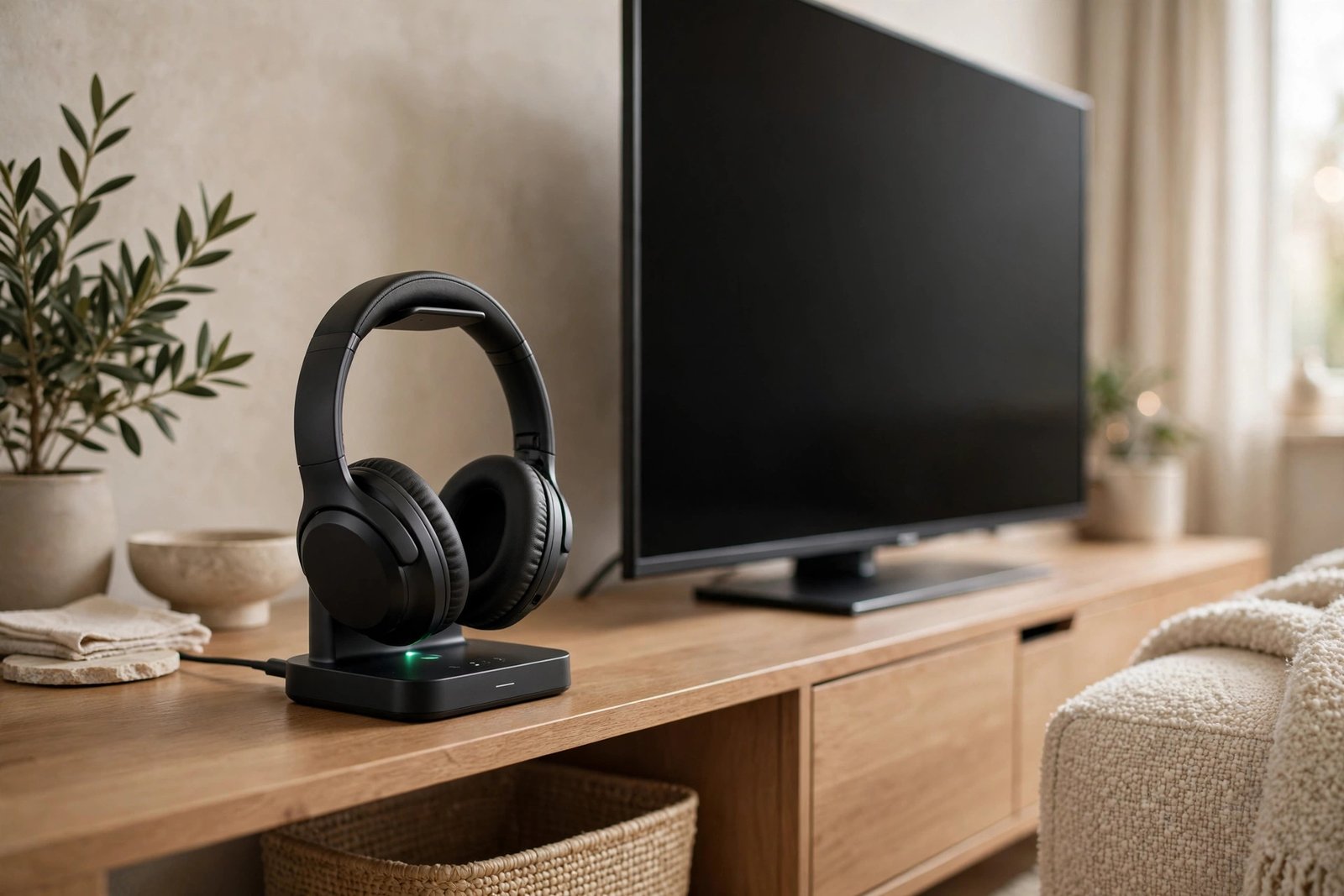
The RS 175 is built for one job. It uses a dedicated radio-frequency link between the headphones and a base station, so there is no Bluetooth delay, and the base station connects through optical or analogue outputs. That makes it compatible with almost any television, including sets with no Bluetooth at all. Sennheiser quotes a range of up to 100 metres.
A speech mode lifts dialogue, and bass boost adds weight for films. Battery life is up to around 18 hours, and they recharge on the base station. It is a television-only headset, with no connection to your phone for music or calls.
Avantree HT5009 — the best TV headphones for two viewers
Best for: couples or households where two people want to watch together on headphones.
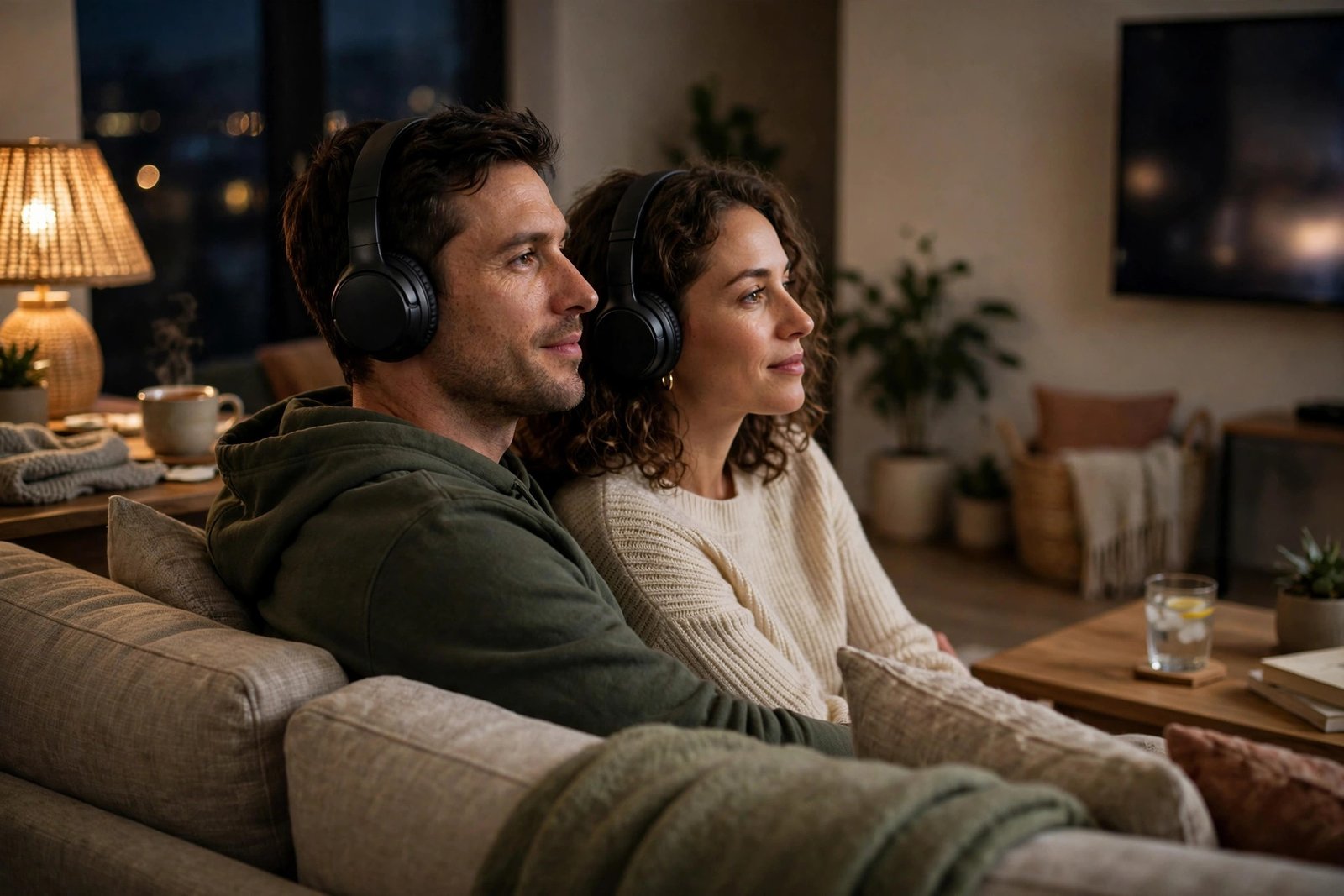
The HT5009 is a package built around a low-latency Bluetooth transmitter and a pair of comfortable over-ear headphones, with support for a second pair so two people can listen at once. The transmitter connects through optical, 3.5mm or RCA outputs and supports aptX Low Latency, with pass-through so the television speakers can keep playing.
Battery life is up to around 40 hours. The dual-link feature is the real reason to buy this set: most televisions connect to only one Bluetooth device at a time, so watching together on ordinary Bluetooth headphones is usually impossible. Its sound is solid rather than spectacular, but for shared television viewing that is the right trade-off.
Bose QuietComfort Ultra Headphones — the best TV headphones for comfort
Best for: viewers who want the most comfortable long-session fit and the strongest noise cancelling.
Bose has long led on comfort, and the QuietComfort Ultra Headphones continue that run. They are light, with soft, deep ear cushions and a gentle clamping force. Battery life is up to around 24 hours, and the noise cancelling is excellent.
They connect over Bluetooth, so the same latency caveat applies as with the Sony: they are at their best on a television with a fast Bluetooth connection, or paired with a low-latency transmitter. If you plan to use the same pair for commuting as well as television, our best headphones for commuting guide compares the leading options for that mixed use.
Apple AirPods Max — the best TV headphones for Apple TV viewers
Best for: Apple TV 4K owners who want spatial audio and a seamless connection.
The AirPods Max are the natural choice if your television setup runs through an Apple TV 4K. They support spatial audio with head tracking and deliver a wide, cinematic soundstage. The sound is detailed and well balanced, with clear dialogue.
Battery life is up to around 20 hours, and they charge over USB-C on current models. They are expensive and heavy, and their best features only appear inside Apple’s system. If you use an Apple TV, they are hard to beat for films. If you do not, the Sony or Bose options give you more for less.
Best wireless headphones for TV: comparison table
| Headphones | Best for | Connection | Battery | Standout feature |
|---|---|---|---|---|
| Sony WH-1000XM5 | All-round Bluetooth use | Bluetooth 5.2, LDAC, multipoint | Up to ~30 hours | Best sound and noise cancelling |
| Sennheiser RS 175 | Dedicated TV use | RF link via base station | Up to ~18 hours | No Bluetooth delay, speech mode |
| Avantree HT5009 | Two viewers at once | aptX Low Latency transmitter | Up to ~40 hours | Dual-link for two headphones |
| Bose QuietComfort Ultra | Comfort and quiet | Bluetooth, multipoint | Up to ~24 hours | Best comfort |
| Apple AirPods Max | Apple TV 4K owners | Bluetooth, spatial audio | Up to ~20 hours | Cinematic spatial audio |
Table: leading TV headphones compared on connection, battery and standout feature.
Decide by connection: fast Bluetooth suits the Sony or Bose, while slow or absent Bluetooth suits the Sennheiser or Avantree.
A practical checklist before you buy
- Check your television’s outputs first: look for Bluetooth, optical, 3.5mm or RCA, and let that decide between Bluetooth headphones and a base-station set.
- Test for lip-sync delay: watch a dialogue-heavy scene early and return the headphones if voices and lips do not match.
- Count the viewers: one listener can use any set, but two listeners need a dual-link package or a base station with a second headset.
- Try the fit for a full film: wear the headphones for at least an hour, and check comfort if you wear glasses.
- Aim for 20 hours of battery life or more, and prefer a dock or USB-C charging.
- Keep a wired fallback: a 3.5mm cable saves the evening if the battery dies mid-film.
If you only need television sound occasionally, our guide to the best wireless earbuds under $75 may cover you for far less.
Frequently asked questions
Can I use any Bluetooth headphones with my TV?
You can use any Bluetooth headphones with a television that has Bluetooth, but the result depends on latency. Standard Bluetooth can delay sound enough to make lips and voices fall out of step. Look for low-latency Bluetooth, add a transmitter, or choose a dedicated RF headset.
How do I stop lip-sync delay on TV headphones?
Use a low-latency connection: aptX Low Latency, a dedicated RF link, or a brand’s own fast wireless link. Many televisions also have an audio delay setting that can compensate for a small delay.
Do I need a transmitter for TV headphones?
You need one if your television has no Bluetooth, or if its Bluetooth is too slow for dialogue. A transmitter plugs into the television’s optical or 3.5mm output. Dedicated headsets such as the Sennheiser RS 175 include a base station, so no separate transmitter is needed.
Can two people use wireless headphones on one TV?
Yes, but not usually through the television’s own Bluetooth, which typically connects to one device at a time. You need a dual-link transmitter package such as the Avantree HT5009, or a base station that supports a second headset.
Are TV headphones good for people with hearing loss?
They can help, because each listener controls their own volume and the sound goes directly to the ears. They are not a substitute for hearing aids, and anyone with significant hearing loss should speak to an audiologist.
Do wireless TV headphones work with a soundbar?
It depends on the setup. If the headphones connect through the television’s optical or headphone output, the soundbar may go quiet, or you may need to switch the audio output in the television’s settings. A transmitter with pass-through, such as the one in the Avantree HT5009, lets the soundbar keep playing.
The bottom line
The best wireless headphones for TV watching are the ones that match your television’s connections and your household’s viewing habits. If your television has fast Bluetooth, the Sony WH-1000XM5 is the strongest all-round pick, with the Bose QuietComfort Ultra close behind for comfort. If your television has slow Bluetooth or none at all, the Sennheiser RS 175 is the simplest choice, and the Avantree HT5009 covers two viewers. Apple TV owners should look at the AirPods Max.
Check your television’s outputs and Bluetooth support, then choose from the table above. Once you have heard dialogue clearly at a volume that suits you, with lips and voices in step, you will wonder why you put up with thin television speakers for so long.