The best indoor security cameras without subscription record to a memory card or a local hub, so you pay once for the camera and nothing each month to keep your recordings. That is the question most buyers are really asking: can a camera watch a room, save the footage and send useful alerts without a cloud plan? Yes, provided you choose a model built around local storage rather than one that treats it as an afterthought.
Some cameras record everything locally for free; others keep no recordings unless you pay. This guide picks the cameras that genuinely work at zero monthly cost.
Key takeaways
- A microSD card or a local hub is the heart of a subscription-free indoor camera; without one, most cameras keep no recordings.
- Tapo C225 is the best all-rounder for most homes, with 2K video, 360-degree pan and tilt, and a physical privacy shutter.
- Pan-and-tilt cameras cover a whole room from one spot, while fixed cameras suit a single doorway, cot or pet bed.
- Person, pet and sound detection that runs on the device stays free; cloud detection and long cloud history usually do not.
- Ring and Nest indoor cameras are poor picks here, because they have no useful local recording and need a paid plan to save clips.
- Budget for a good microSD card, sold separately, and check its maximum supported size before you buy.
How to choose an indoor camera without a subscription
Start with storage, because it decides what “no subscription” actually buys you. Most subscription-free cameras record to a microSD card in the camera itself. Check the maximum card size, commonly 128GB or 512GB, and whether the camera records continuously or only on motion.
Next, decide how much of the room the camera needs to see. A fixed camera suits a hallway, a front door viewed from inside, a baby’s cot or a pet’s usual spot. A pan-and-tilt camera suits a living room or open-plan space, because it can sweep across the room and follow a person or pet.
Privacy controls deserve as much attention as picture quality indoors. Look for a physical privacy shutter, a lens that turns away, or a button that switches the camera and microphone off in a way you can see. Detection is the next split: the best subscription-free cameras run person, pet and sound detection on the device itself, so alerts keep working with no monthly fee. Our guide to the best smart home security cameras covers the wider system if you are building a whole-home setup.
The best indoor cameras without a subscription
Tapo C225 — the best indoor camera for most homes
Best for: most homes that want one camera to cover a whole room with no monthly fee.
The Tapo C225 is our top pick because it gets the three things that matter most right at once. It pans a full 360 degrees and tilts to cover a whole room, records 2K video to a microSD card of up to 512GB with no subscription, and hides its lens behind a physical privacy shutter at the press of a button. Person, pet and vehicle detection runs on the device, so useful alerts keep working without Tapo Care, the optional cloud plan. Check current price before buying.
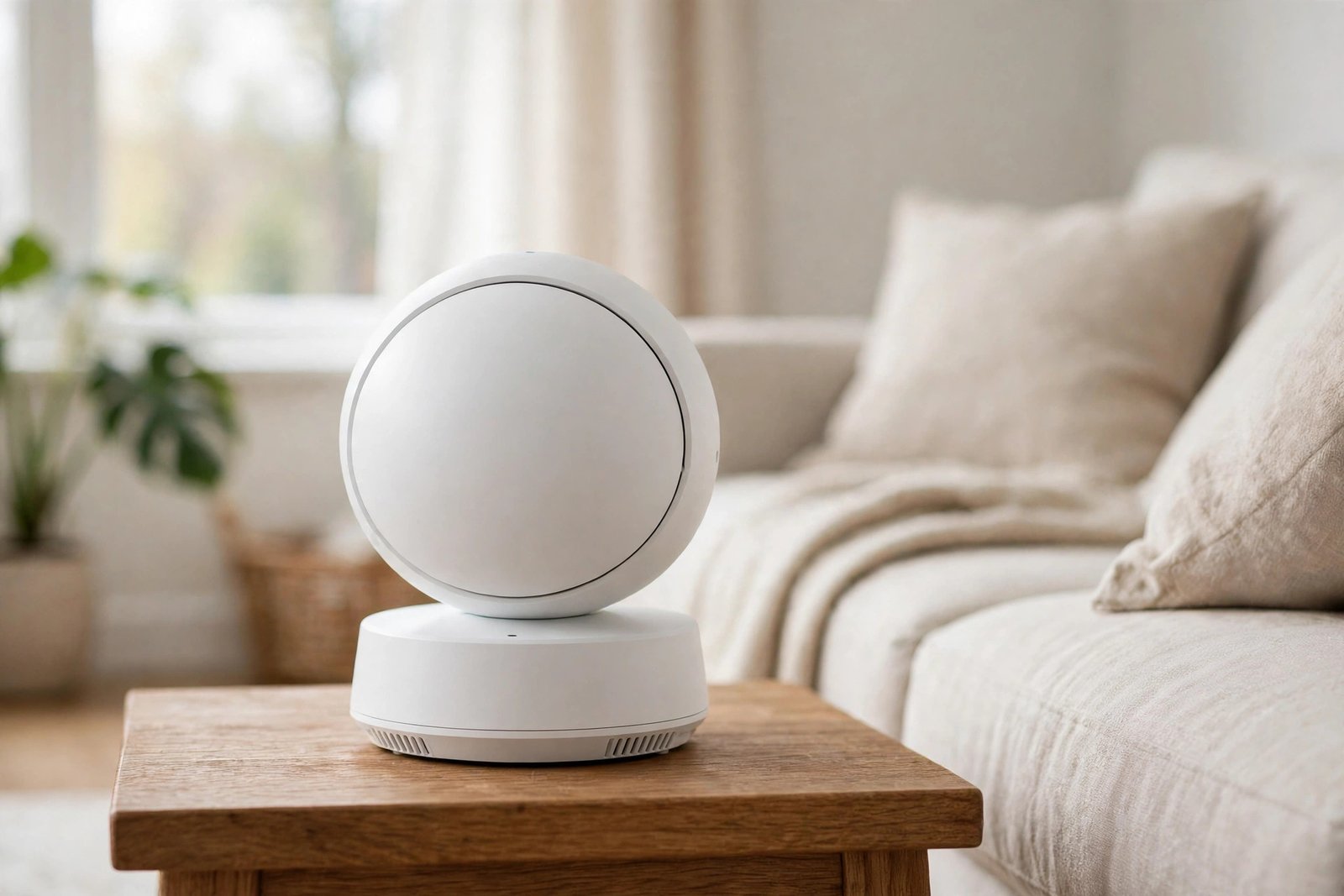
eufy Indoor Cam S350 — the best 4K indoor camera
Best for: anyone who wants the sharpest indoor picture and dual-lens zoom without a monthly fee.
The eufy Indoor Cam S350 is the premium pick, and the picture is the reason. It pairs a 4K wide-angle lens with a 2K telephoto lens, so you can see a whole room and then zoom in on detail without the image falling apart. It pans 360 degrees, tilts, tracks people and pets, and records to a microSD card of up to 128GB or to eufy’s HomeBase hub for a larger local archive. No cloud plan is needed for recording, detection or playback. Check current price before buying.
Wyze Cam Pan v4 — the best affordable pan-and-tilt camera
Best for: a large room on a small budget, where movement and tracking matter more than a premium finish.
The Wyze Cam Pan v4 brings 4K video, 360-degree pan and 180-degree tilt, a spotlight and colour night vision to a price that undercuts most rivals. It records locally to a microSD card of up to 512GB, including continuous recording, and its on-device tracking can follow people and pets around a room without a paid plan. The compromise is the free cloud tier: without a card, Wyze keeps only a thin slice of cloud history, and smarter detections such as package detection sit behind the optional Cam Plus plan. Check current price before buying.
Reolink E1 Pro — the best pan-and-tilt camera for flexible storage
Best for: anyone who wants local recording with the option of a recorder or network storage later.
The Reolink E1 Pro records 5MP video, pans and tilts to cover a room, and offers the widest storage choice here: a microSD card of up to 512GB, a compatible Reolink recorder, a Home Hub or network storage. Person, pet and crying detection run on the device, and two-way audio and automatic tracking are included without a subscription. Dual-band Wi-Fi and a wired Ethernet option make it a solid pick for rooms where Wi-Fi is patchy. What it gives back is flexibility: if you later add outdoor Reolink cameras, the same recorder or hub can hold their footage too. Check current price before buying, and budget for a card, which is sold separately.
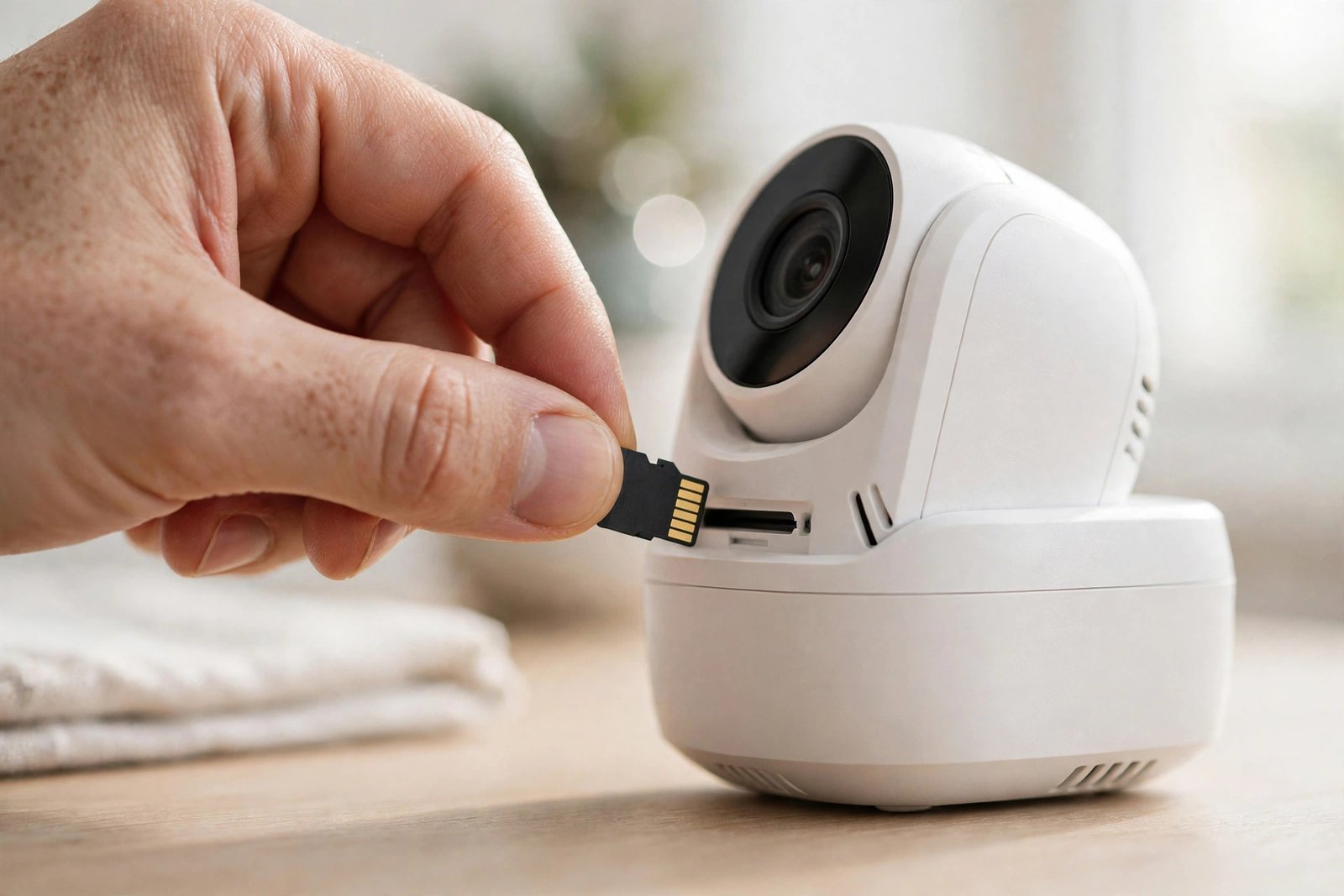
TP-Link Tapo C120 — the best budget indoor camera
Best for: a single room, doorway or pet spot where a small fixed camera is enough.
The TP-Link Tapo C120 is the cheapest camera here that still does the job properly. It records 2K video to a microSD card of up to 512GB with no subscription, offers colour night vision, and runs person, pet and vehicle detection on the device for free. There is no pan or tilt, so it watches one view, but that view is sharp, and the camera is small enough to sit on a shelf without drawing attention. For a hallway, a nursery viewed from one angle or a pet’s bed, it covers the essentials for less than a month of some cloud plans. Check current price before buying.
Blink Mini 2 — the best compact indoor camera
Best for: a small space, a shelf or a desk where a tiny camera that blends in matters most.
The Blink Mini 2 is the smallest camera here, and its size is its selling point. It records 2K video, has a built-in spotlight for colour night vision, and can store footage locally on a USB drive connected to a Blink Sync Module 2, with no subscription needed for that local storage. It works with Alexa, so you can view it on an Echo Show or ask Alexa to show a room. Local storage needs the Sync Module, bought separately if you do not own one, and the camera has no privacy shutter. Readers weighing a doorbell as well can compare options in our guide to the best video doorbells for flats, which covers the same subscription questions at the front door. Check current price before buying.
Best indoor cameras without a subscription: comparison table
| Camera | Video | Pan and tilt | Local storage | Privacy control | Smart home |
|---|---|---|---|---|---|
| Tapo C225 | 2K | 360-degree pan and tilt | microSD up to 512GB | Physical shutter | Alexa, Google Home |
| eufy Indoor Cam S350 | 4K plus 2K telephoto | 360-degree pan, 75-degree tilt | microSD up to 128GB or HomeBase | App privacy mode | Alexa, Google Home, HomeKit |
| Wyze Cam Pan v4 | 4K | 360-degree pan, 180-degree tilt | microSD up to 512GB | Lens points down | Alexa, Google Home |
| Reolink E1 Pro | 5MP | Pan and tilt with tracking | microSD up to 512GB, recorder or NAS | App privacy mode | Alexa, Google Home |
| Tapo C120 | 2K | Fixed | microSD up to 512GB | App privacy mode | Alexa, Google Home |
| Blink Mini 2 | 2K | Fixed | USB drive via Sync Module 2 | None | Alexa |
Table: the best indoor cameras without a subscription compared on video, movement, local storage, privacy and smart home support.
A large living room favours pan and tilt; a hallway favours a small fixed camera.
A checklist before you buy
- Count the rooms, not the cameras: one pan-and-tilt camera can cover a living room, while a hallway or nursery may need only a fixed camera.
- Budget for the card: buy a good-quality microSD card rated for continuous recording, and check the camera’s maximum supported size first.
- Test the Wi-Fi where the camera will sit: a camera in a far corner needs a steady signal, or recordings and alerts will lag.
- Check what is free on the device: person, pet and sound detection should run without a plan; if they do not, the camera is not truly subscription-free.
- Agree the privacy rules first: tell everyone in the household where cameras sit, when they record and how the shutter or privacy mode works.
- Think about the rest of the home: a camera that works with your voice assistant and smart lights is easier to live with than one that lives in its own app. Our guide to the best smart light bulbs shows how lighting and cameras can work together, such as lights switching on when a camera detects movement at night.
Frequently asked questions
Do indoor security cameras work without a subscription?
Yes, provided they support local storage. Cameras in this guide record to a microSD card, a hub or a recorder with no monthly fee, and their on-device detection keeps working. Cameras without local storage, such as most Ring and Nest indoor models, keep little or no recording without a paid cloud plan.
What is the best indoor camera with no monthly fee?
For most homes, the Tapo C225 is the best choice, with 2K video, full pan and tilt, free on-device detection and a physical privacy shutter. If you want the sharpest picture, the eufy Indoor Cam S350 adds 4K and a telephoto lens. If budget matters most, the Tapo C120 covers a single room well.
How much local storage do I need?
A microSD card of 128GB holds days to weeks of motion-triggered clips, depending on resolution and activity, while a 512GB card holds considerably more. Continuous recording fills a card faster, so choose 256GB or 512GB if you record around the clock. Use a card rated for continuous recording.
Can someone watch my indoor camera without me knowing?
A reputable camera shows a status light when it is streaming or recording, and its app should list active sessions and let you sign out other devices. Use a strong, unique password, switch on two-factor authentication where it is offered, and keep the camera’s software updated. A physical privacy shutter adds visible reassurance when you are home.
The bottom line
The best indoor security camera without a subscription is the one that records locally, detects people rather than curtains, and lets you switch it off in a way you can see. For most homes that is the Tapo C225, with the eufy Indoor Cam S350 for sharper detail, the Wyze Cam Pan v4 for affordable tracking, and the Tapo C120 for a single room on a budget. That is the whole system: one camera, one card, no monthly fee.