The best smart home devices for elderly parents are the ones they will actually use without thinking about them. That sounds obvious, but it is the test most gadgets fail. A device that needs an app, a password and a three-step routine will sit unused, however clever it is. The right devices work by voice, by a single button or entirely on their own, and they quietly make daily life safer and easier. In short: a voice speaker, video doorbell, smart lock, smart lights and a fall-detection watch.
Key takeaways
- Choose devices that work by voice, by one button or automatically — anything needing an app will go unused.
- A smart speaker or display is the best first device: it controls everything else and gives hands-free help.
- Video doorbells and smart locks remove two of the biggest daily worries: strangers at the door and lost keys.
- Smart lights and motion sensors prevent the night-time falls that cause the most serious injuries at home.
- Set devices up together with your parent, use their words for voice commands, and keep a simple written guide by the speaker.
How to choose smart home devices for an elderly parent
Start with your parent, not with a product list. Watch how they already live: do they struggle to get up to answer the door, forget to switch lights off, or worry about who is knocking? The devices that help are the ones that match a real problem they recognise. A gadget that solves a problem they do not have will feel like interference, and it will be switched off.
Simplicity beats features every time. Look for devices with large buttons, clear voice control and no subscription needed for the basic function, and a setup you can manage remotely or during a visit.
Talk about it before you buy anything. Many older people welcome help but dislike feeling monitored, and a camera or sensor installed without a conversation can damage trust quickly. Explain what each device does, what it does not do, and who can see what. Let your parent choose where it goes and what it is called.
The best smart home devices for elderly parents
Amazon Echo Show — the best smart speaker and display for elderly parents
Best for: hands-free help, video calls with family and voice control of the whole home.
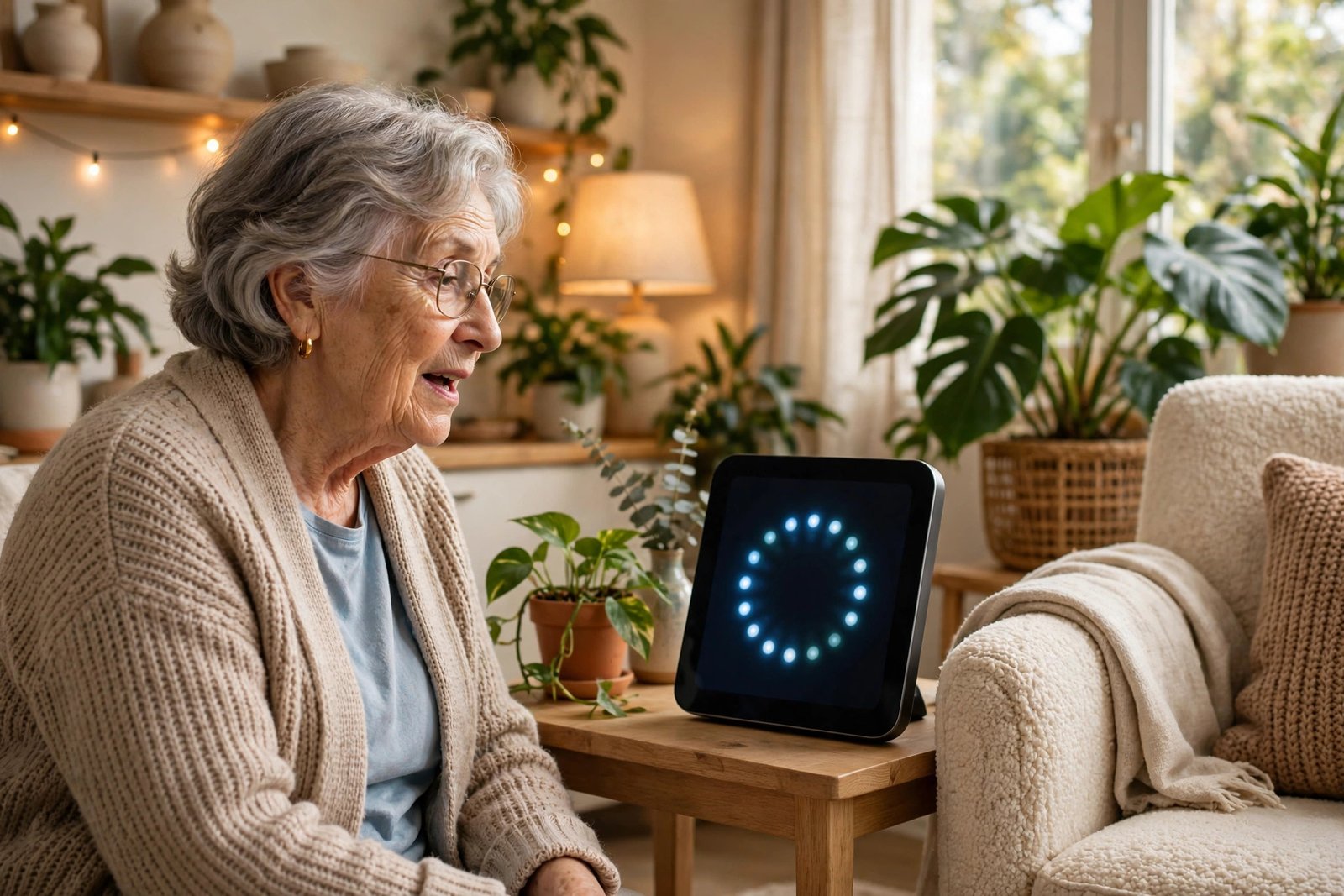
A smart display such as the Amazon Echo Show is the single most useful device on this list, because it becomes the control point for everything else. Your parent can ask for the weather, set medication reminders, play the radio, make hands-free calls and switch lights on and off, all by speaking. The screen adds video calls with family, which matter more than any gadget feature.
Google Nest Hub — the best smart display for Android households
Best for: families already using Android phones and Google services.
The Google Nest Hub offers the same hands-free help in a slightly gentler package, with a clean screen, good sound and Google Assistant’s strong handling of questions, calendars and reminders. If your parent already uses an Android phone or a Gmail account, this is the natural choice, because their calendar, contacts and photos are already there.
Ring Video Doorbell — the best video doorbell for elderly parents
Best for: seeing and speaking to visitors without getting up or opening the door.
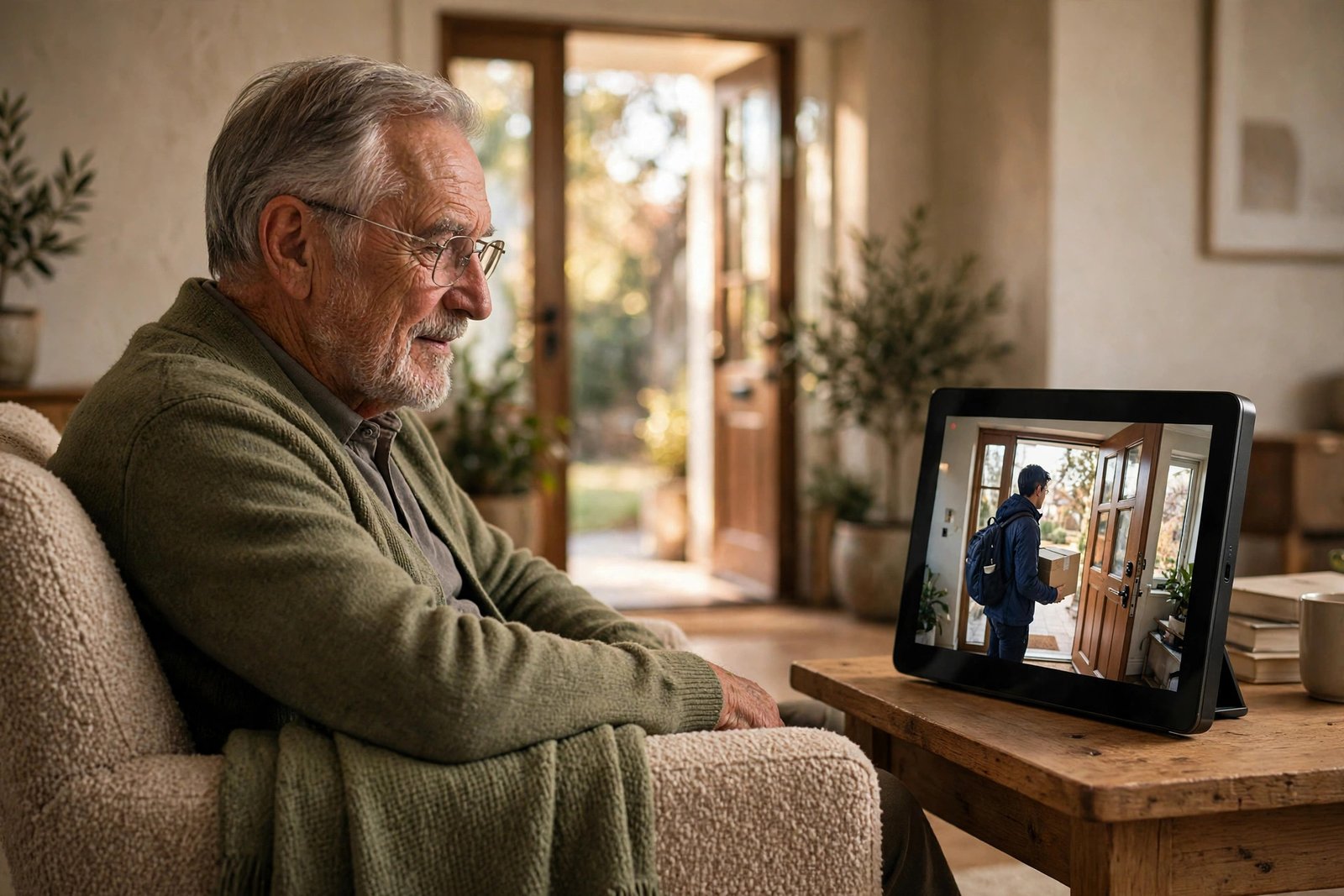
A video doorbell solves a specific and common worry: not knowing who is at the door. Your parent can see the visitor on their phone or smart display, speak to them through it, and decide whether to answer — all from their chair. That matters for safety, but it also matters for dignity: nobody likes opening the door to a stranger they cannot see clearly. Choose a battery-powered model if wiring is a problem, and agree who else receives the motion alerts. Prices and subscription plans vary, so check current prices first.
August or Yale Smart Lock — the best smart lock for elderly parents
Best for: ending lost-key worries and letting family in without a spare key under the mat.
A smart lock means your parent never has to fumble for keys with full hands or in the dark, and you never have to worry about a spare key hidden outside. Most models keep the existing deadbolt and add a motor inside, so the outside of the door looks unchanged and the original key still works as a backup. Your parent can unlock the door with a code, a phone or a voice command, and you can lock or unlock it remotely if they are ever locked out. Set a code your parent can remember and give trusted family members their own codes. For rented homes, check with the landlord first.
Philips Hue Smart Bulbs — the best smart lights for elderly parents
Best for: preventing night-time falls with lights that switch on automatically.
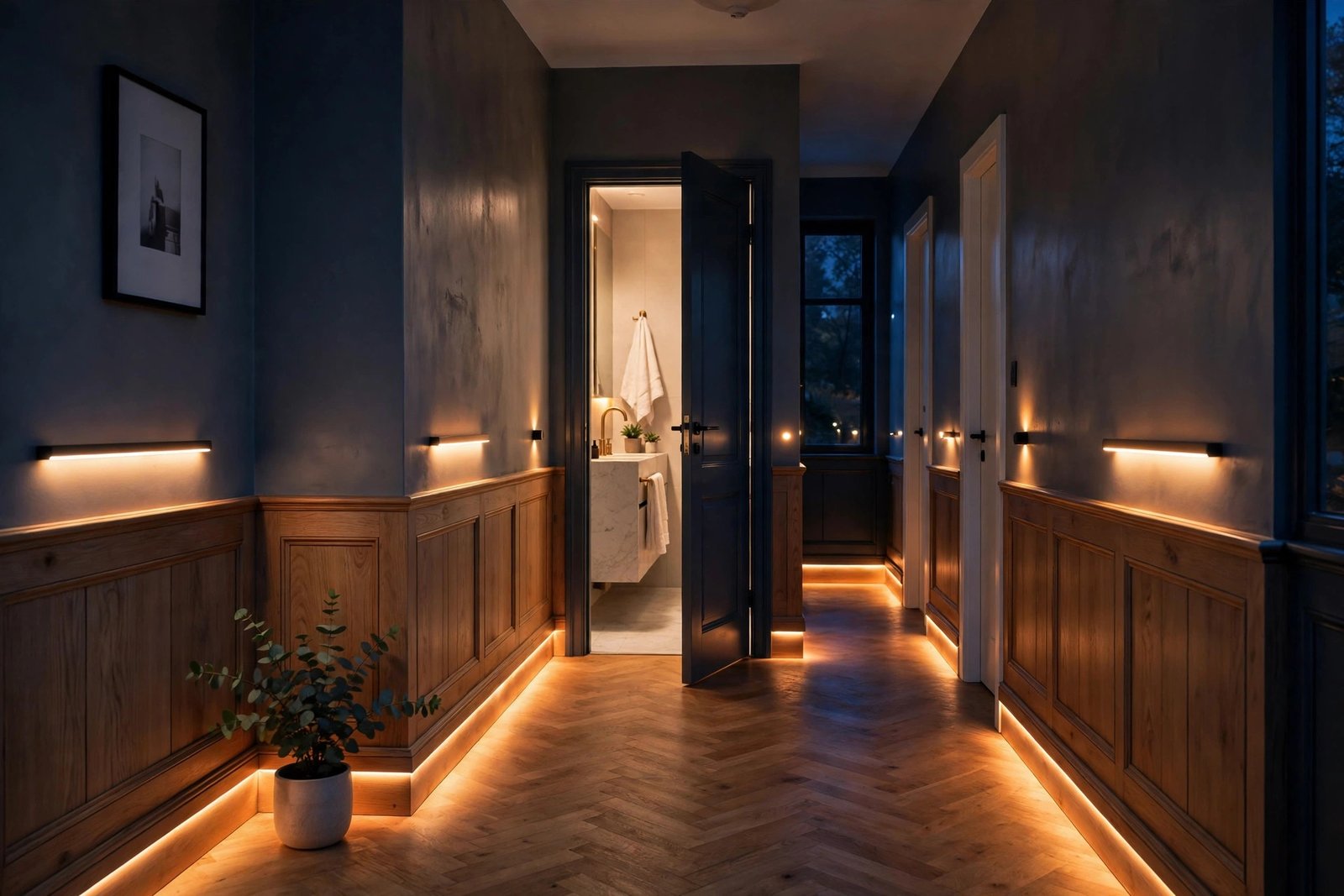
Falls at night are one of the most serious risks for older people living alone, and most of them happen on the way to the bathroom in the dark. Smart bulbs with a motion sensor solve this directly: the hallway and bathroom lights come on dimly when someone gets up, and switch off again on their own. Start with the bedroom, hallway and bathroom, and set the night-time brightness low and warm. Smart bulbs cost more than ordinary bulbs, so check current prices and start with the three rooms that matter most. Our guide to how to set up a smart home for beginners covers the same first steps in more detail, including how to choose one ecosystem for the whole home.
Apple Watch SE or a fall-detection smartwatch — the best wearable for elderly safety
Best for: fall detection and calling for help when a phone is out of reach.
A smartwatch with fall detection is the only device on this list that can help after an accident rather than before one. If the wearer falls hard and does not respond, the watch can call emergency services and alert a chosen contact automatically. That only works if the watch is worn and charged, so choose a model your parent will actually keep on: comfortable, with a long battery life and a screen they can read. The Apple Watch SE suits iPhone users; for Android, look at Samsung’s Galaxy Watch range. Readers choosing a phone to go with it can compare options in our guide to the best phones for seniors.
Best smart home devices for elderly parents compared
| Device | Best for | How it helps daily | Setup effort | Key consideration |
|---|---|---|---|---|
| Amazon Echo Show | Hands-free help and video calls | Voice control, reminders, family calls | Easy, one app | Needs Wi-Fi and an Amazon account |
| Google Nest Hub | Android households | Questions, calendar, reminders | Easy, one app | Matches Google services best |
| Ring Video Doorbell | Seeing visitors safely | See and speak to callers from a chair | Moderate, needs mounting | Check subscription for saved video |
| August / Yale Smart Lock | Ending lost-key worries | Keyless entry, remote help | Moderate, fits existing lock | Keep a physical key as backup |
| Philips Hue Smart Bulbs | Preventing night falls | Automatic dim lights at night | Easy, screw-in bulbs | Higher cost per bulb |
| Fall-detection smartwatch | Help after a fall | Automatic emergency call | Easy, needs daily charging | Only helps if worn every day |
Table: the leading smart home devices for elderly parents compared on daily benefit, setup effort and the point that matters most.
Use this table to prioritise, not to buy everything at once. Most families should start with the smart display and the lights, add the doorbell and lock once those settle, and treat the wearable as a separate conversation — it only helps if your parent is willing to wear it.
A decision framework: what to buy first
- If they live alone: start with the smart display, night lights and the fall-detection watch. Company, safe movement and help after a fall cover the biggest risks.
- If they worry about visitors: start with the video doorbell and the smart lock. Seeing callers and ending key worries removes daily stress.
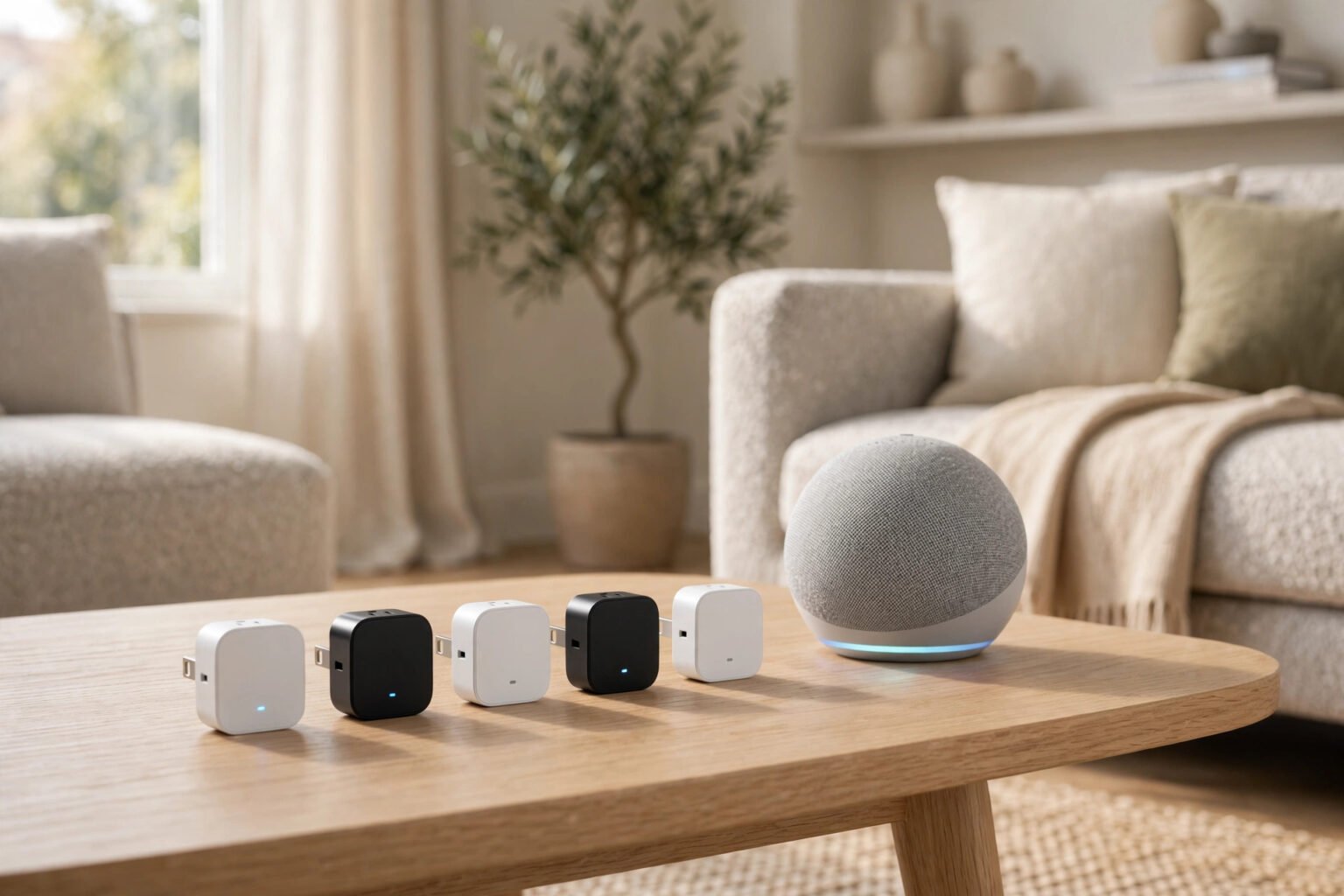
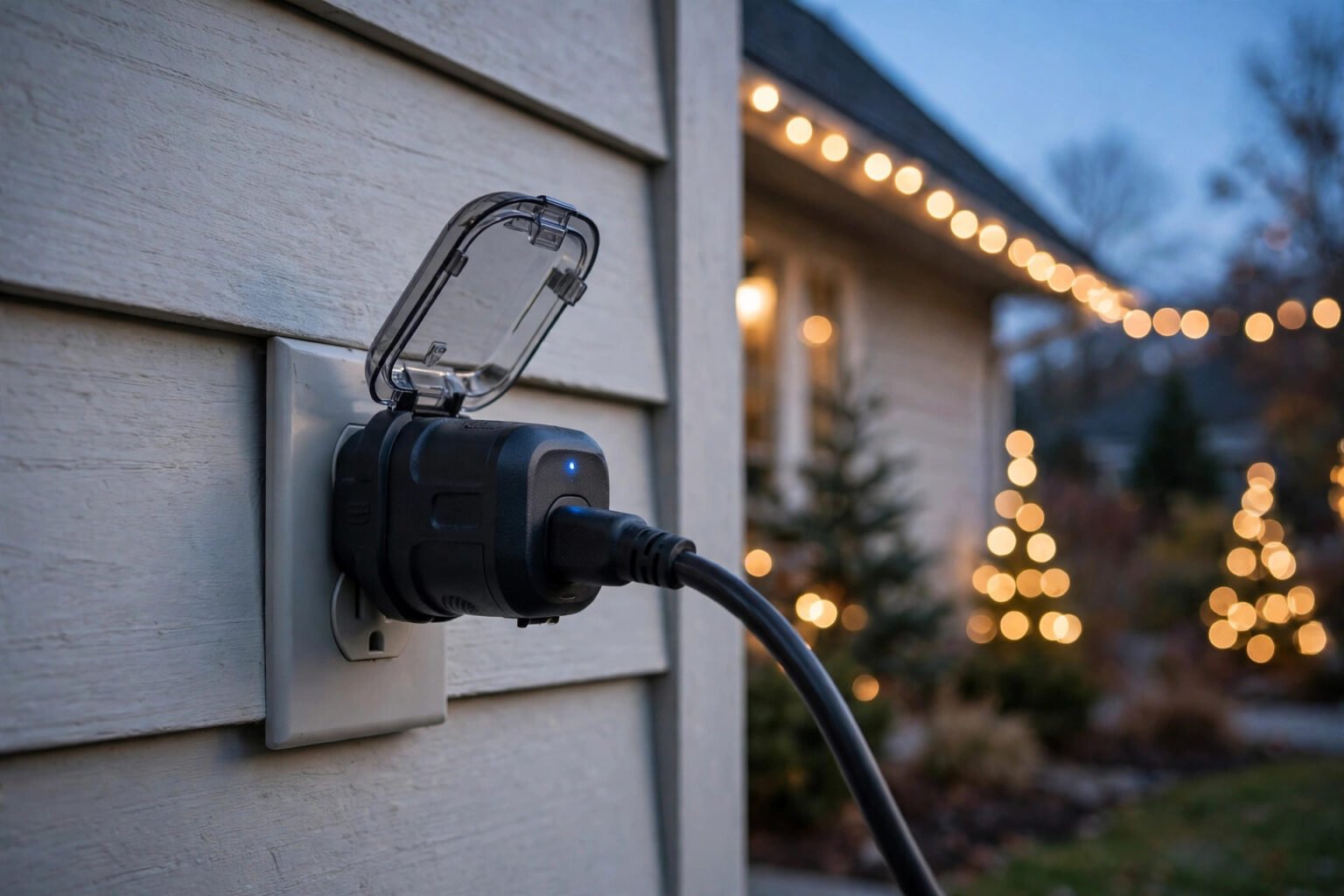
- If they forget things: start with the smart display and smart plugs. Spoken reminders, timed lights and a plug that switches the iron off on its own do more than any checklist.
- If they struggle with mobility: start with voice control for lights, heating and the front door, so the essentials work from one chair.
- If the budget is tight: buy the smart display first and add one device a month.
Talk through this framework with your parent and let them rank their own worries. The order that matches their concerns is the order that will actually get used. For a broader view of wearables that suit older users, our guide to the best fitness trackers for seniors compares simpler devices that track steps, sleep and heart rate without a complicated screen.
Frequently asked questions
What is the best smart home device for an elderly parent living alone?
A smart display is the best first device, because it combines voice help, reminders, video calls and control of everything else in one place. Add motion-triggered night lights next, since they prevent the falls that cause the most serious injuries at home.
Do smart home devices for elderly parents need a subscription?
Some do and some do not. Smart speakers, lights and locks generally work without a monthly fee, while video doorbells often charge for saved recordings and cloud history. Check what is included free before you buy.
Can I manage my parent’s smart home devices from my own phone?
Yes, in most cases. Amazon, Google, Apple and Ring all let you share access or manage a household from your own account, though the exact steps vary by brand. Set this up during your first visit, and agree with your parent what you can see and change.
Are smart locks safe for elderly parents?
A good smart lock is at least as safe as an ordinary lock when it is set up properly, and it removes the risk of a spare key hidden outside. Keep the physical key as a backup, use a code your parent can remember, and replace batteries promptly.
Will my elderly parent find voice assistants easy to use?
Most do, once the setup matches how they speak. Use their words for device names and commands, keep the list of commands short, and practise the three they will use most together. A smart display helps because it shows what it heard, so mistakes are easy to spot.
What if my parent does not want smart devices in their home?
Do not install them anyway. Start with the one device that solves their biggest worry, explain exactly what it does and does not record, and let them try it for a month with the option to remove it.
The bottom line
The best smart home devices for elderly parents are the quiet ones: a speaker that answers in plain language, lights that come on before a stumble, a doorbell that shows who is knocking and a watch that can call for help. None of them needs your parent to learn technology. All of them need you to choose carefully, set them up together and check back a week later.
Smart devices support independence, but they do not replace human care or emergency services. They cannot check on someone who is unwell, notice a change in mood or behaviour, or respond to every emergency. Keep visiting, keep calling, and make sure your parent knows to call emergency services directly whenever they feel unsafe or unwell.